
LibreTube is an alternative frontend for YouTube that focuses on privacy and works without a YouTube account or Google Services on the device. Team LibreTube publishes it under the GPL-3.0-or-later licence, it costs nothing and it shows no ads. Version 32.1 is 8.8 MB and needs Android 8.0 or newer.
A YouTube client that skips the Google account
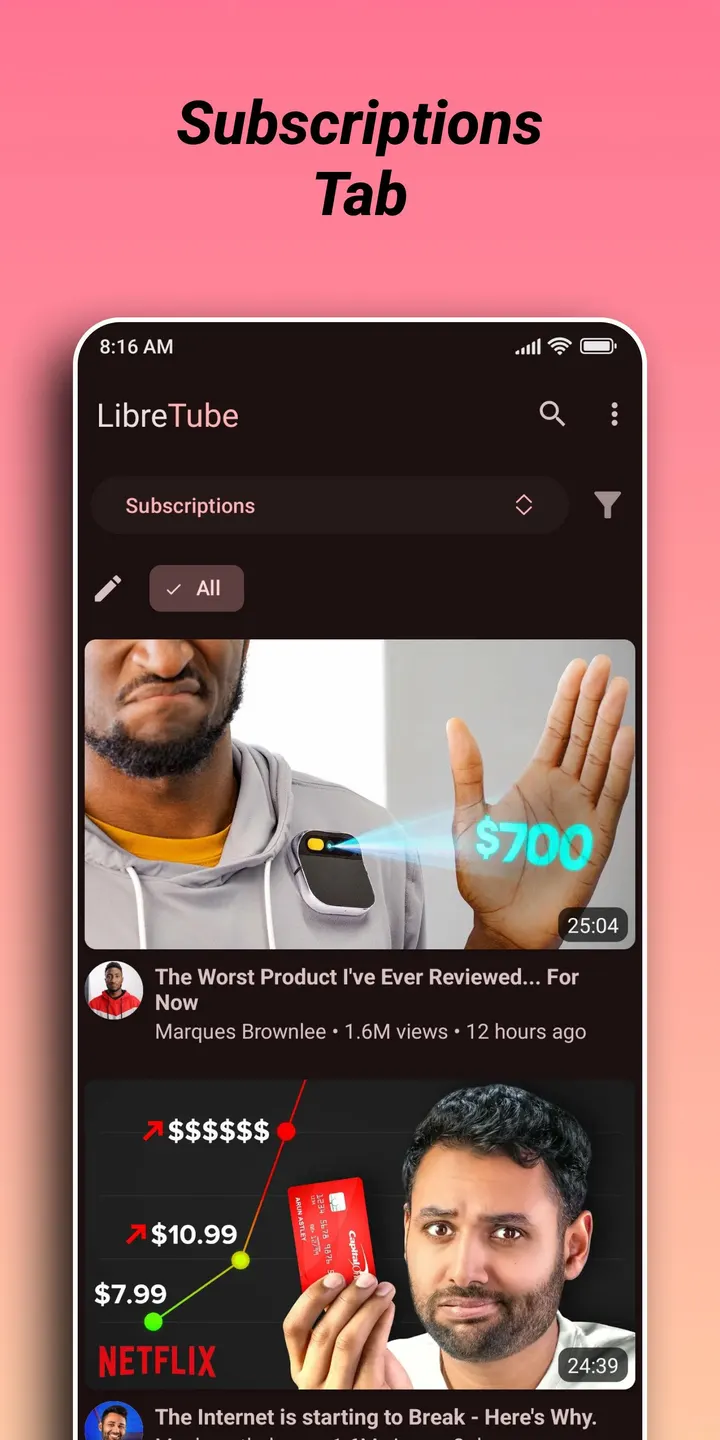
The defining point is that LibreTube replaces the official YouTube app rather than wrapping it. You can still subscribe to channels and build private playlists, so the basic habits carry over. The app does not require a sign-in or Google Services, which matters on devices that lack them.
The app is listed under video and audio downloaders, video players and ad-free video players. Its tags include open-source, multimedia and no-ads.
What a session looks like with Piped and SponsorBlock
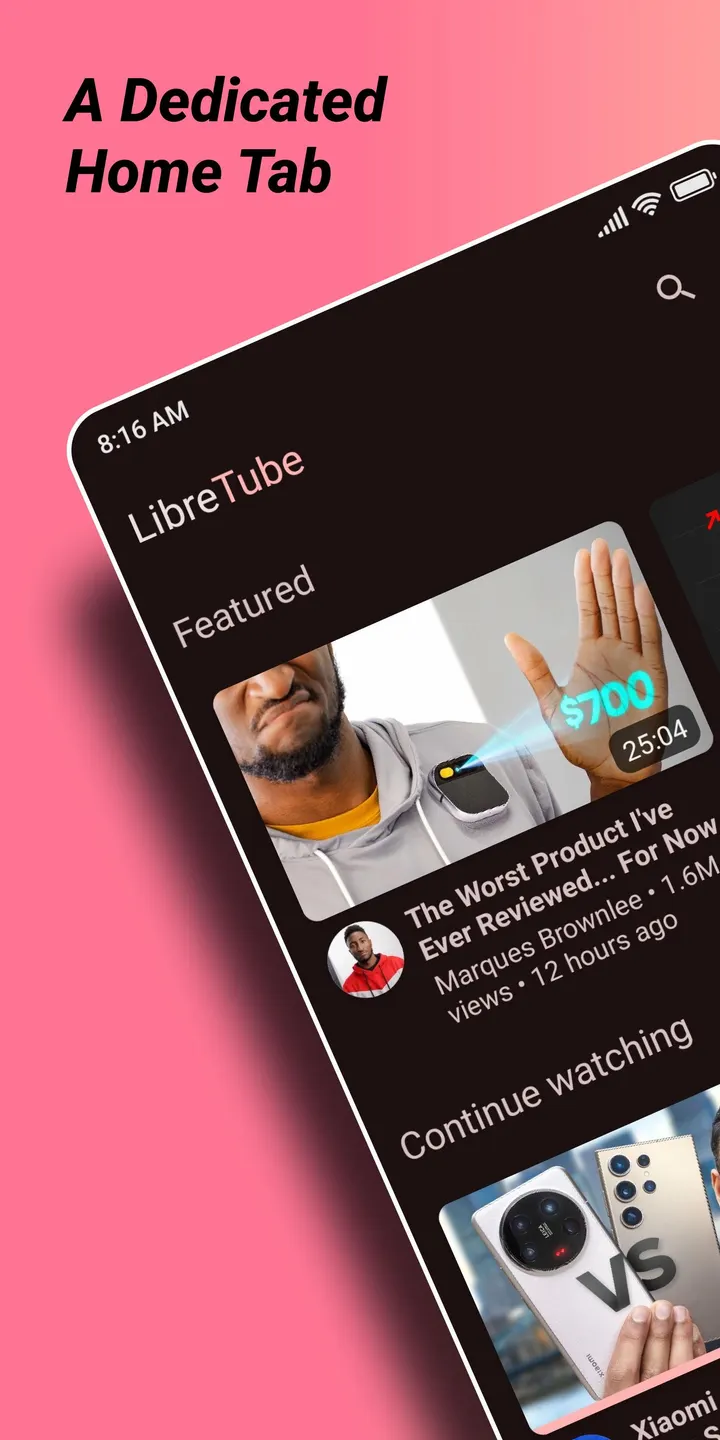
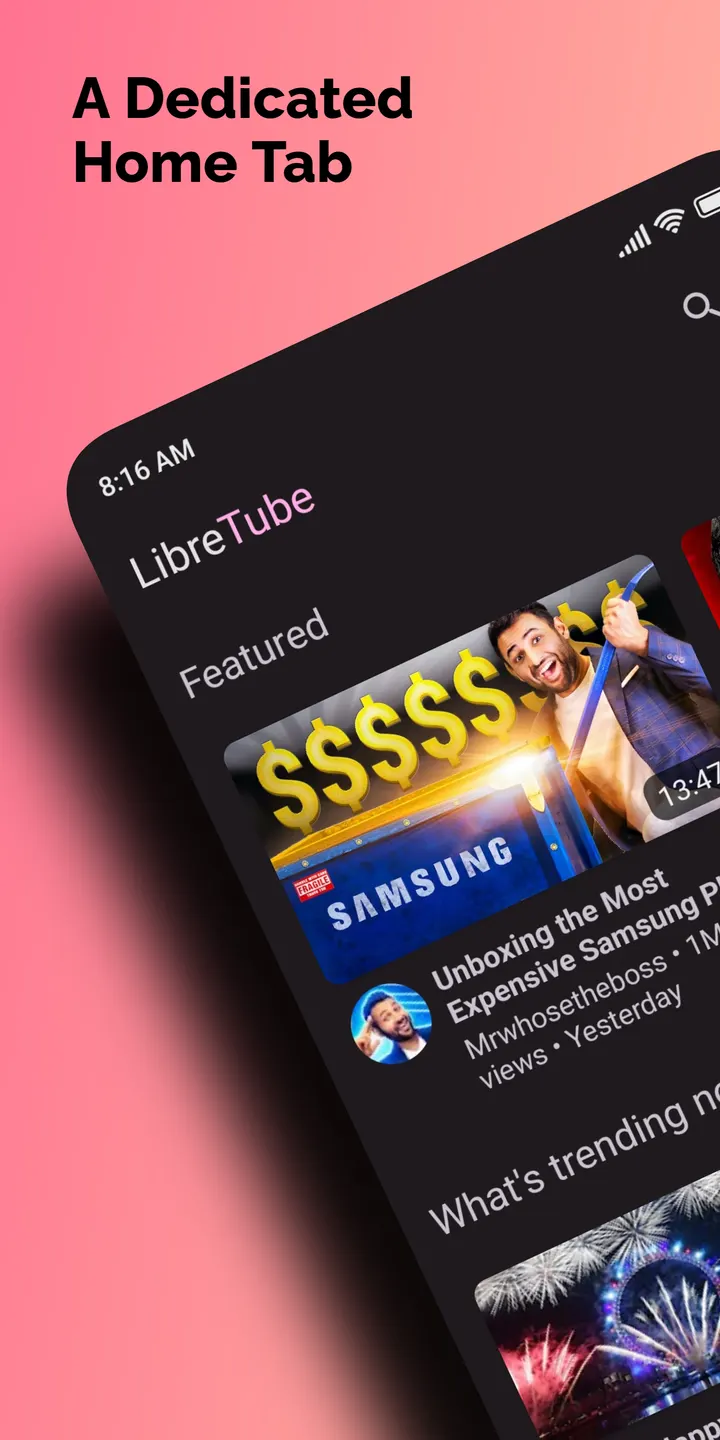
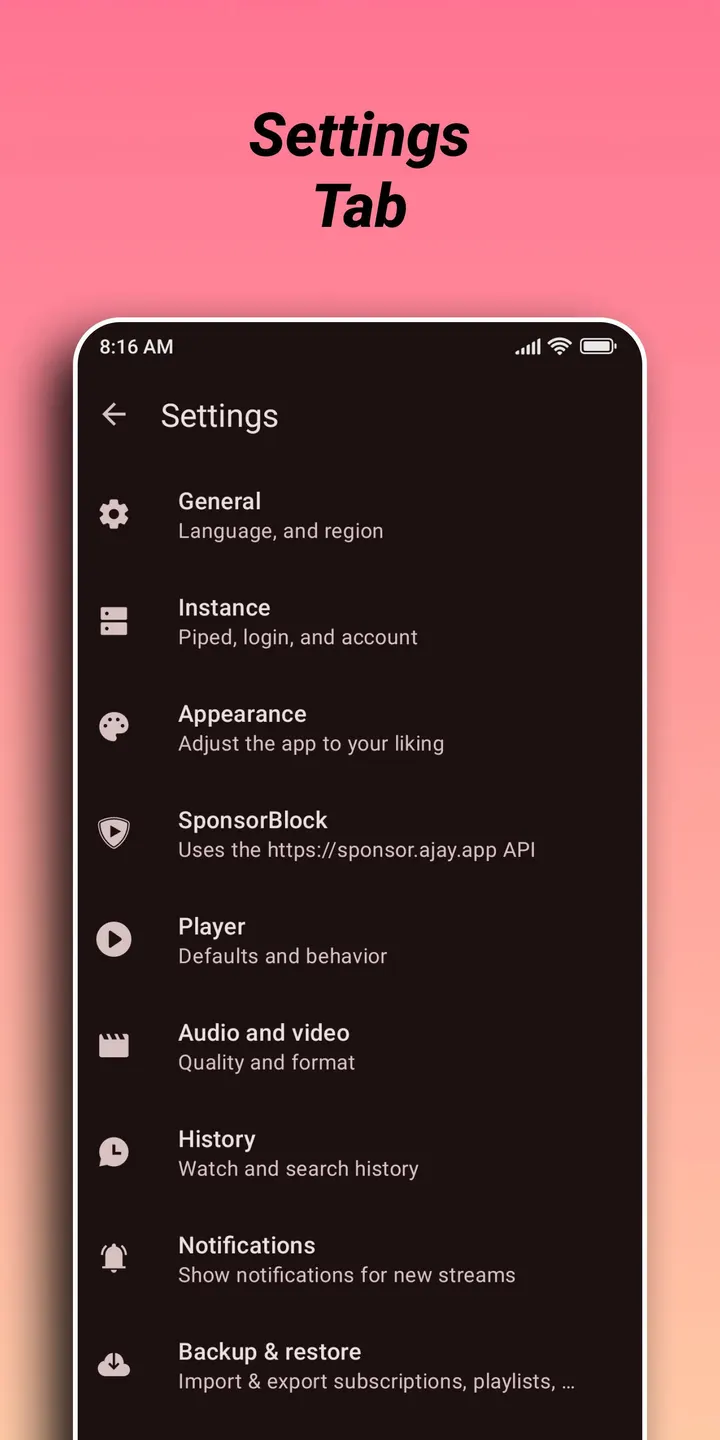
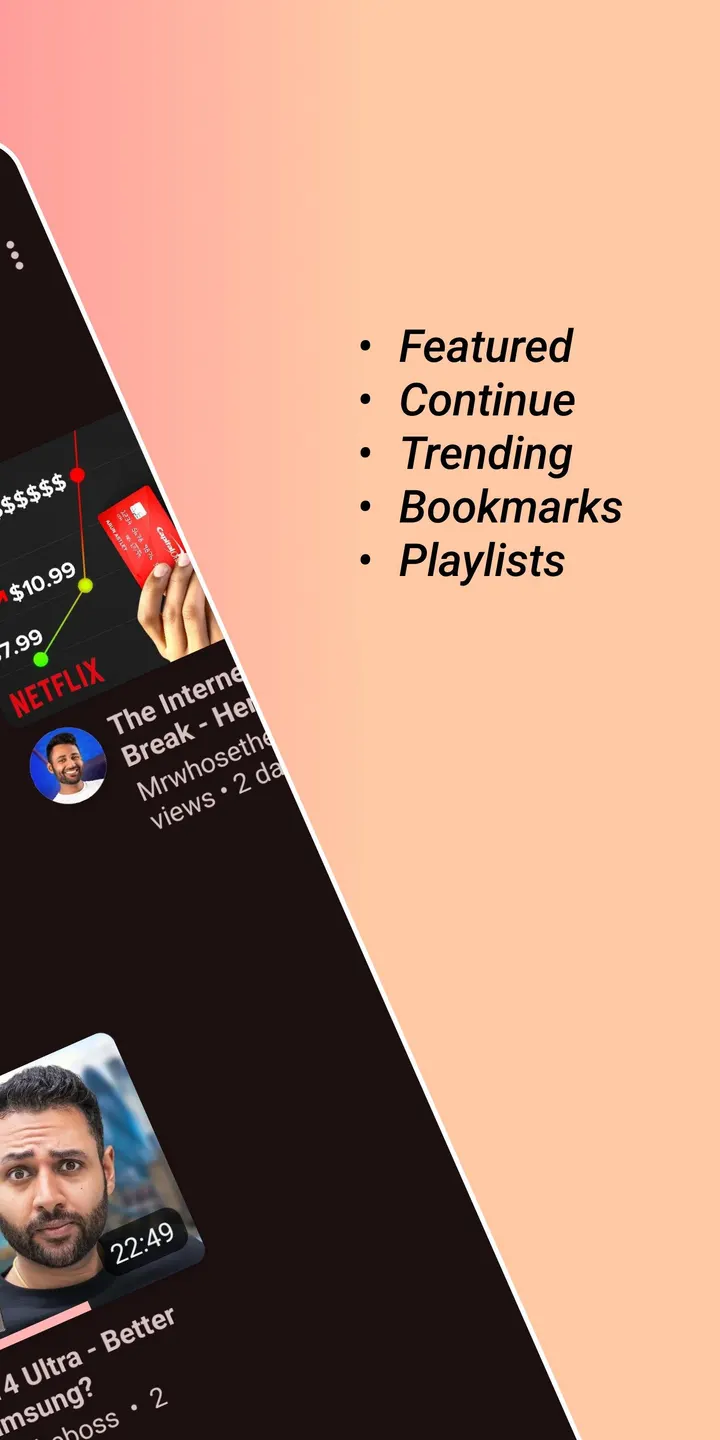
You open the app, browse or search, and play videos from channels you follow. LibreTube adds several features over YouTube: SponsorBlock, DeArrow, Subscription Groups and playlist bookmarks.
LibreTube can optionally use Piped to load data and play videos, which the developer links to better privacy. Piped also syncs subscriptions and playlists between devices.
LibreTube next to NewPipe, SkyTube and Seal
NewPipe, Seal, YTDLnis, Litube, PlayTube and SkyTube are listed as alternatives.
LibreTube itself is open source, free and without ads, and it first released on March 19, 2022.
LibreTube pros and cons
Pros
- No ads and no price
- Works without a YouTube account or Google Services
- Includes SponsorBlock, DeArrow and Subscription Groups
- Optional Piped support syncs subscriptions and playlists across devices
- Open source under GPL-3.0-or-later with a public source repository
Cons
- Requires Android 8.0 or newer
- Version 32.1 has no published changelog
- Piped features are optional and depend on that separate service
Is LibreTube safe?
The APK we provide for LibreTube 32.1 is the unmodified file. Its SHA-256 is 792b1e37e7bd6a26d8da1c826a68677465c333633cb2198224cc96c84257d615, so you can compare it with your download. The source code is public at github.com/libre-tube/LibreTube under GPL-3.0-or-later, published by Team LibreTube. The app shows no ads.
How to install LibreTube
- Download the APK with the button on this page and wait for it to finish.
- Compare the file with the SHA-256 checksum shown here if you want to confirm it arrived intact.
- Open the file on your phone and allow installs from this source when Android asks.
- Finish the install, then open LibreTube from your app drawer.