
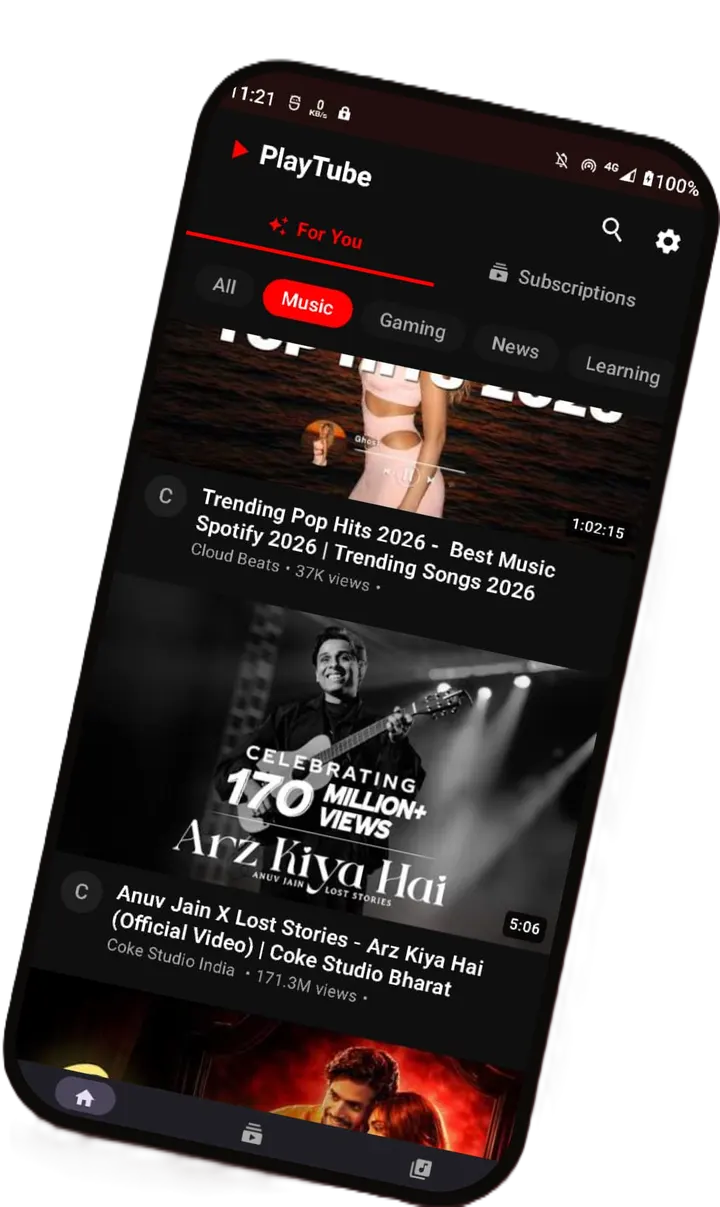
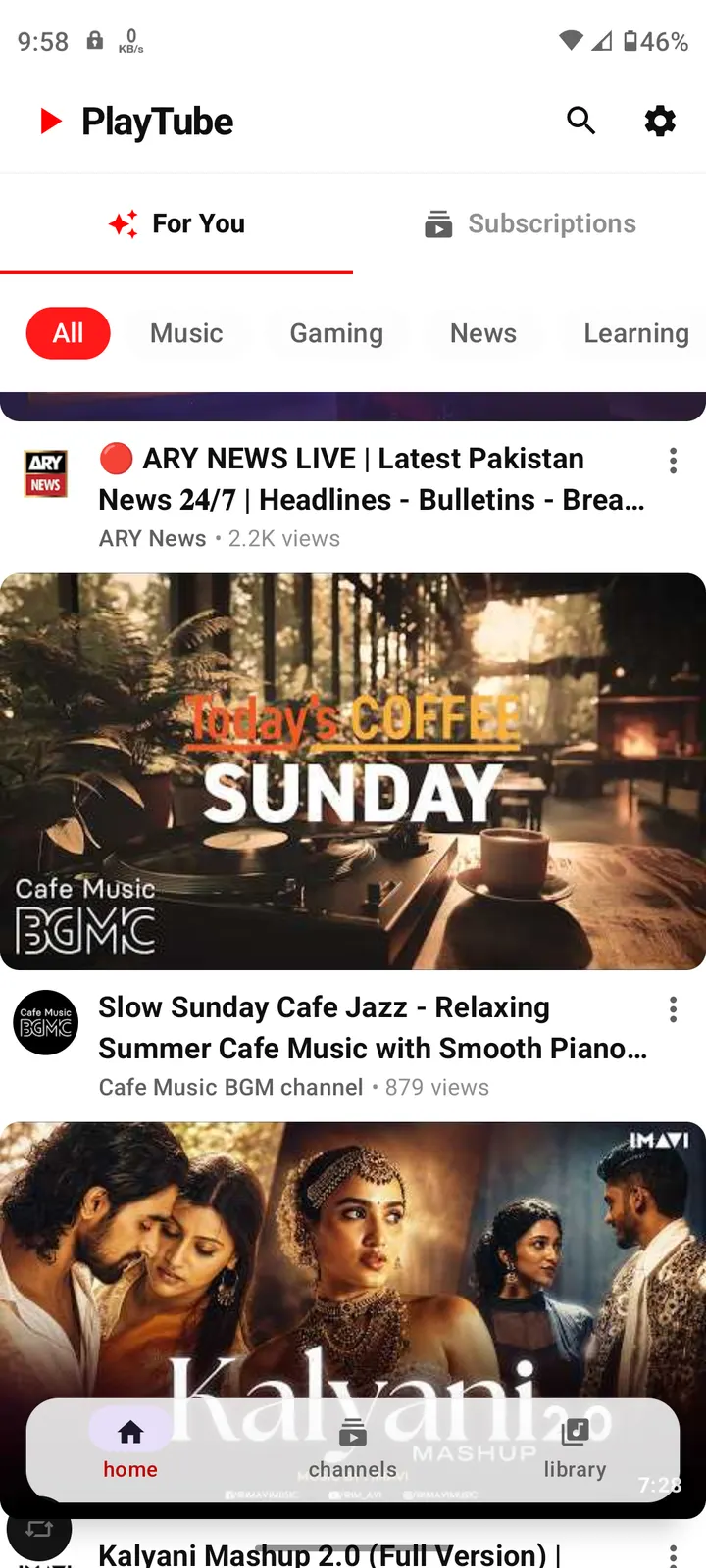
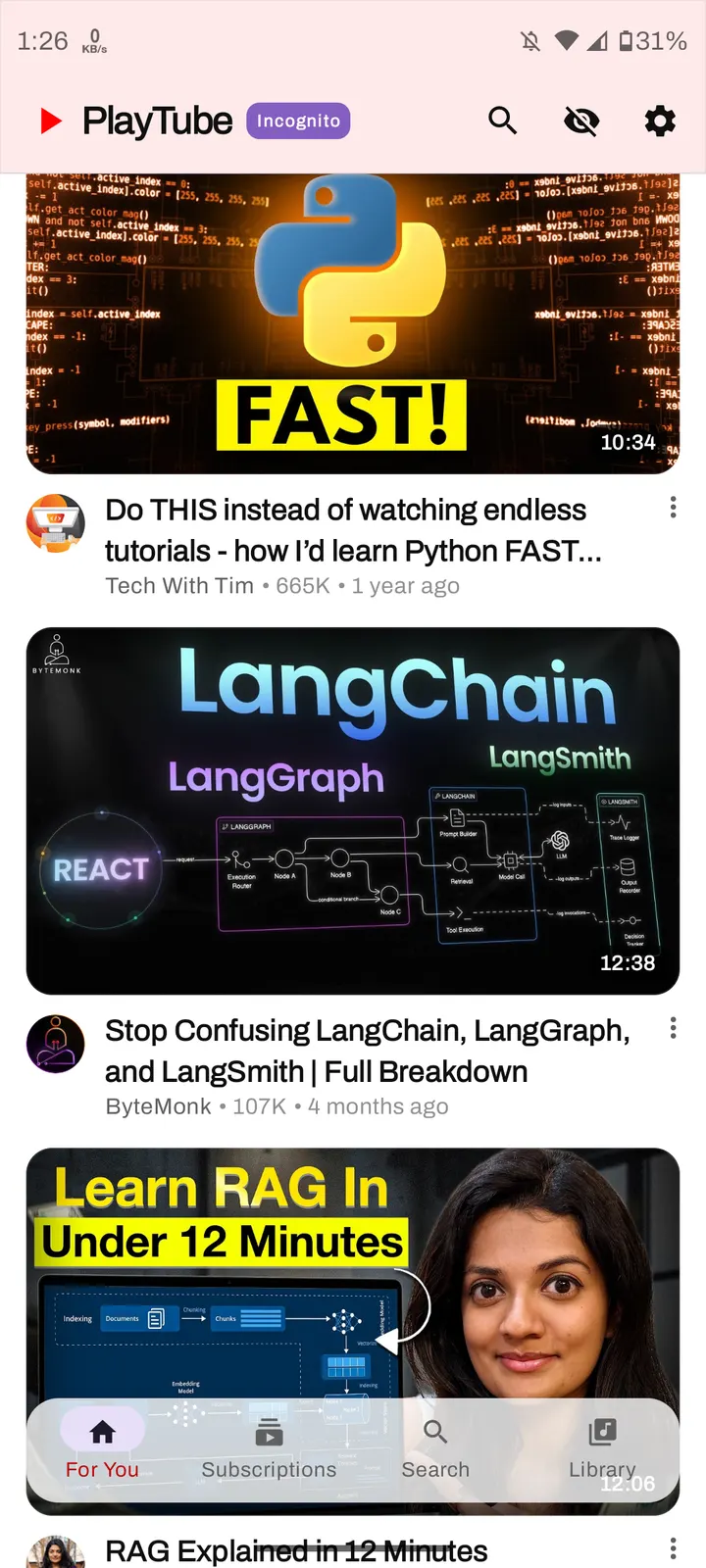
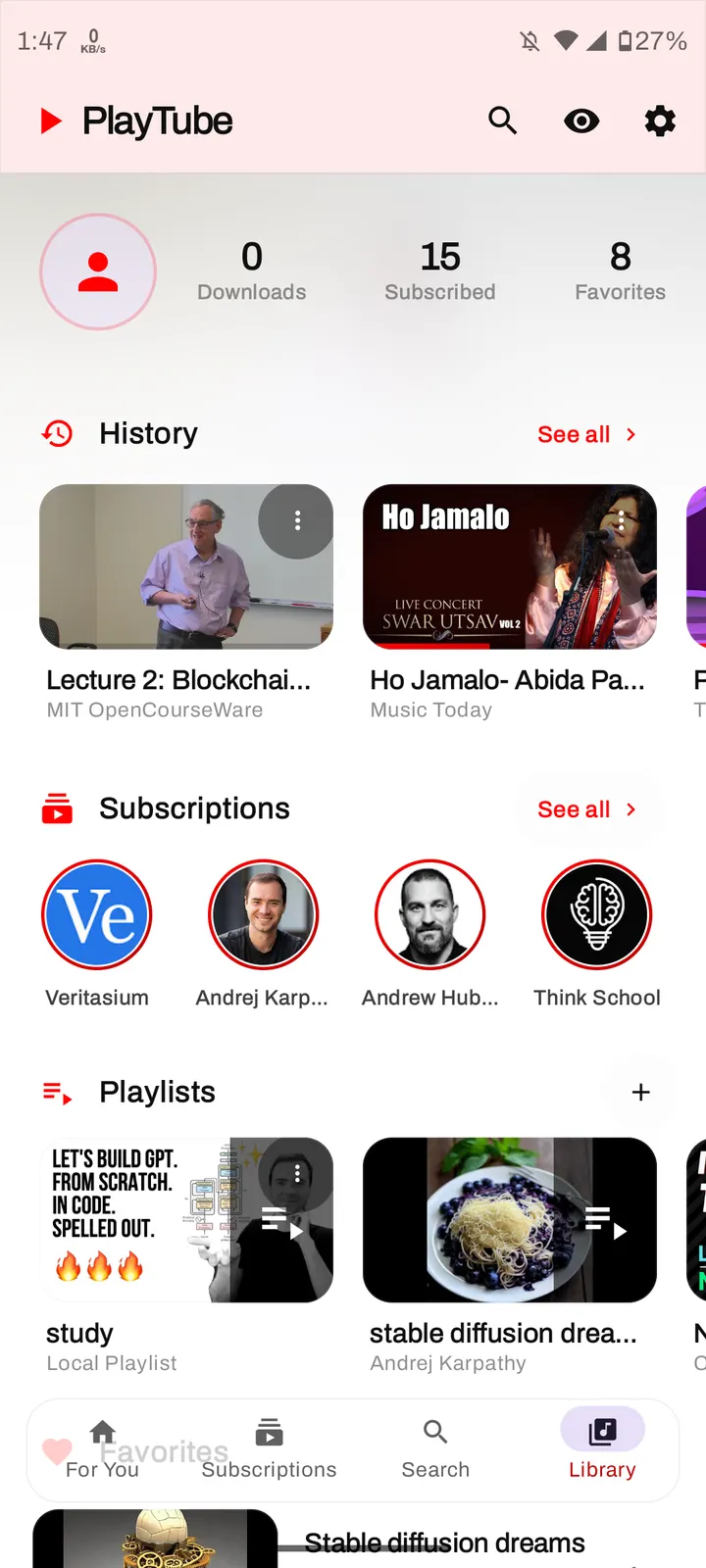
PlayTube suits Android users who want a lightweight YouTube client without ads and without paying for it. The app comes from the developer arslandaim and sits in our video and audio downloaders category. We host the unmodified APK for version 1.4.3, along with its SHA-256 checksum.
No price, no ads, GPL licence
PlayTube is free and shows no ads. There is no paid upgrade, so the free build is the whole app.
Its source code is public on GitHub under GPL-3.0-or-later, which is why it appears in our ad-free video players group.
Background play, PiP and gesture controls
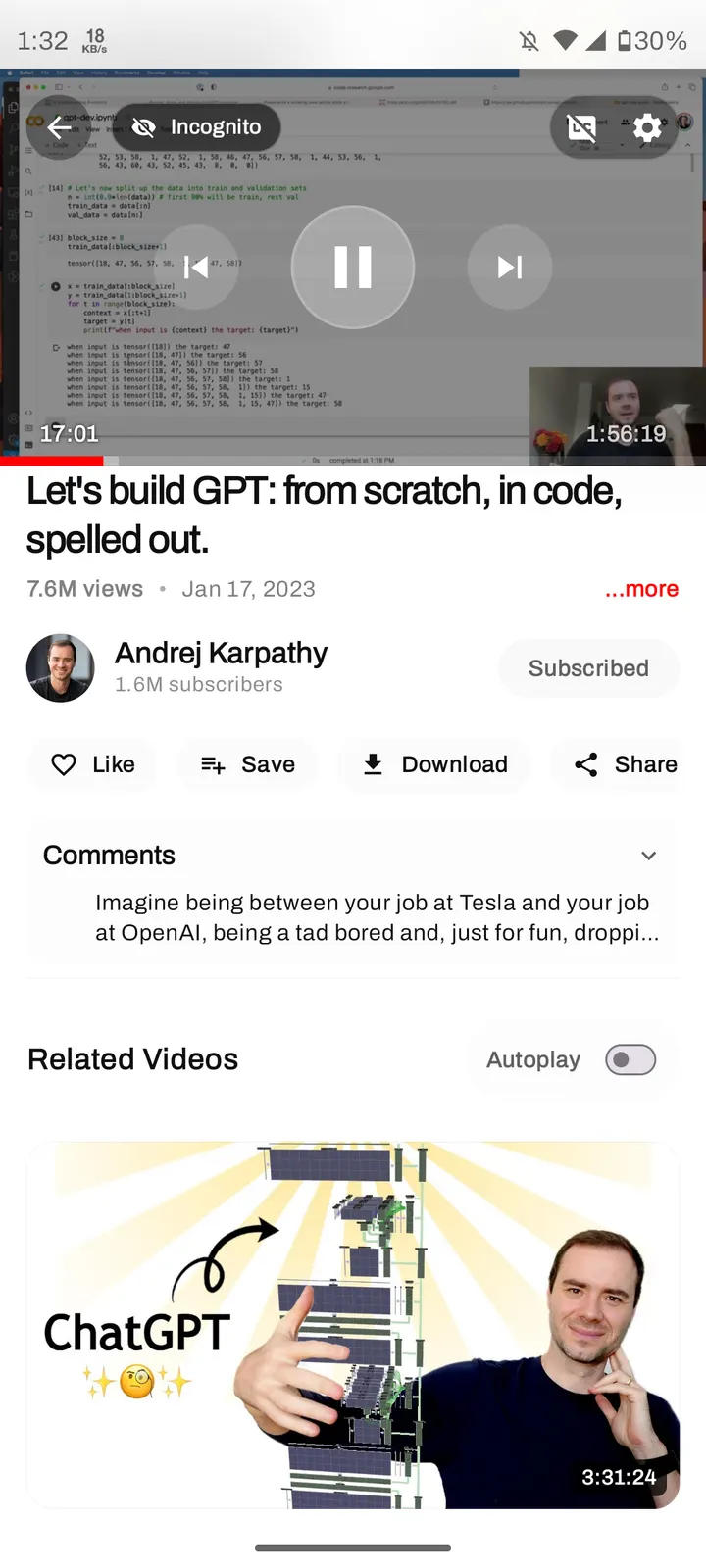
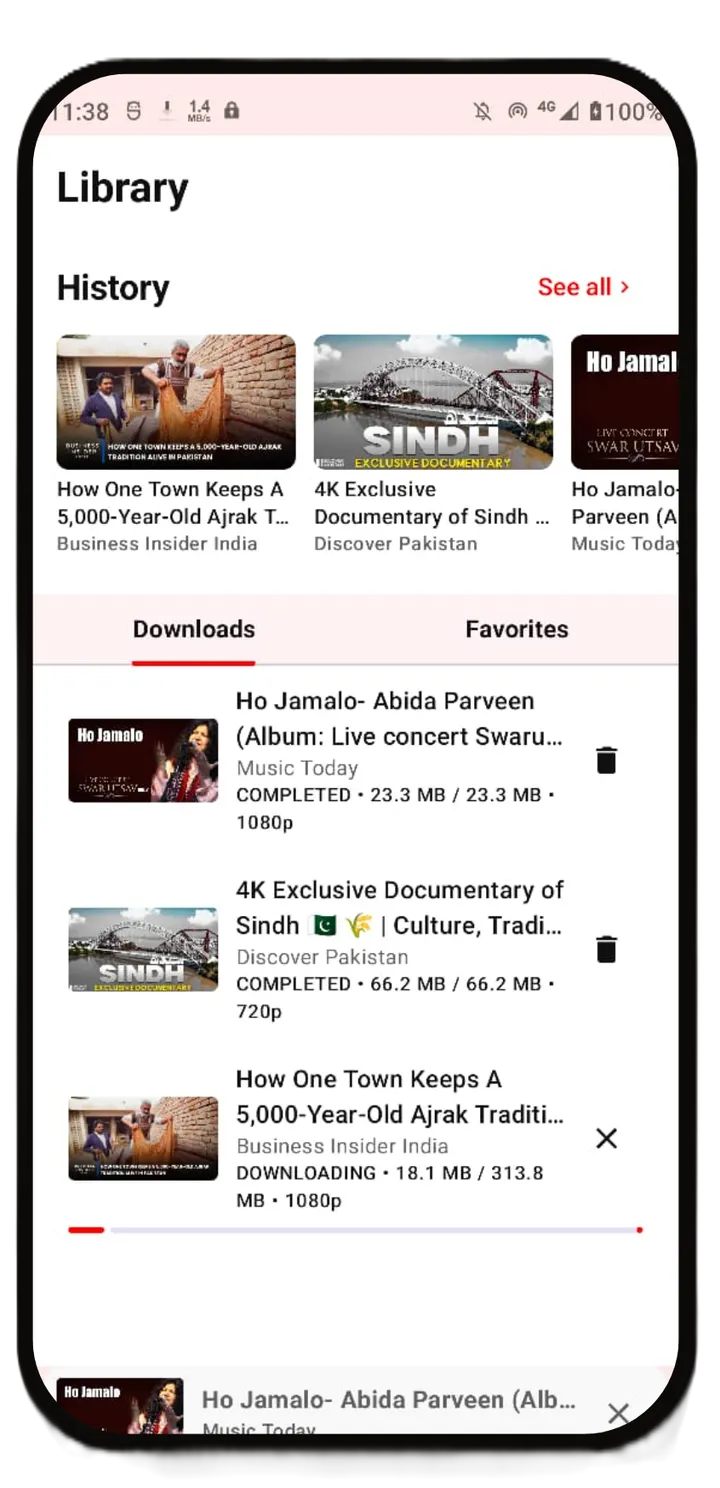
Playback is the core of the app. Background play keeps audio running when the screen is off, and Picture-in-Picture lets a video float over other apps. Video downloads are built in, which explains the downloader category.
On the player, swipe gestures change volume and brightness and also seek. Pushing up or down toggles fullscreen. The interface uses a design the developer calls Fluid Glass.
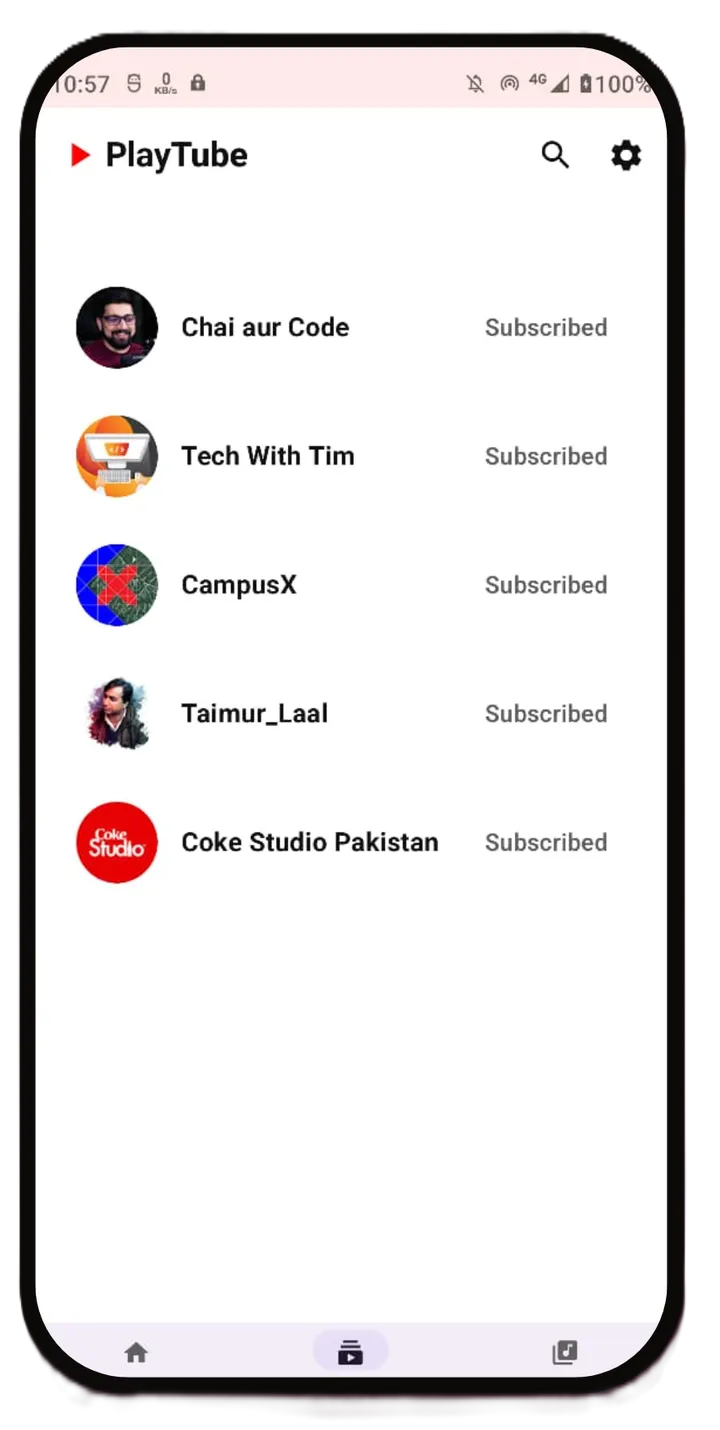
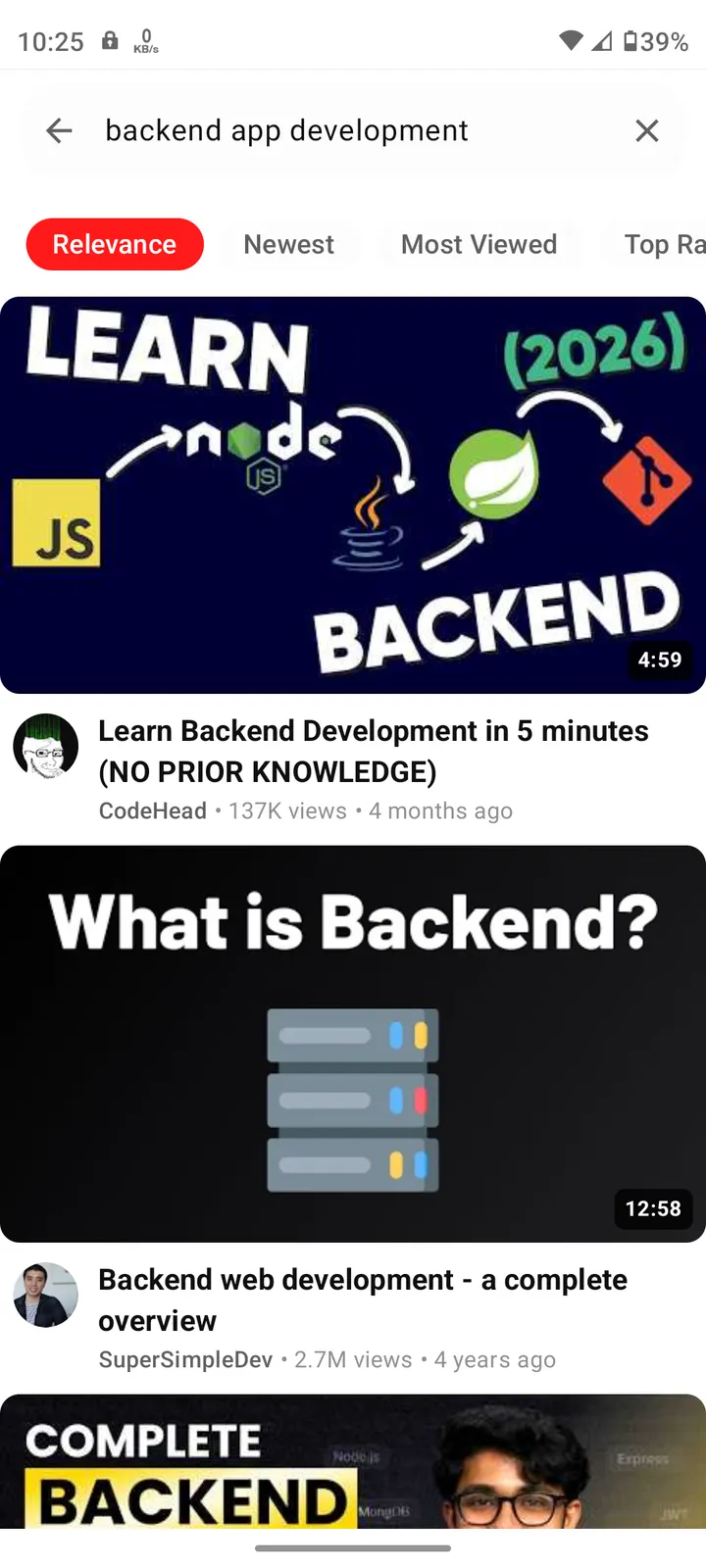
The store text also lists comments and subtitles, and subscription management handles your channel list.
Version 1.4.3 and how recently it moved
PlayTube was first released on July 5, 2026, and version 1.4.3 was updated on September 25, 2026.
The package weighs 7.6 MB and needs Android 7.0 or newer. Its package ID is com.arslandaim.playtube.
PlayTube pros and cons
Pros
- Free, with no ads
- Open-source under GPL-3.0-or-later with code on GitHub
- Background play and Picture-in-Picture support
- Built-in video downloads
- Small 7.6 MB package that runs on Android 7.0
Cons
- Little is documented about what changed in version 1.4.3
- No Google Play rating or install count to compare
- Released in July 2026, so its track record is short
Is PlayTube safe?
The PlayTube 1.4.3 APK is kept unmodified, and its SHA-256 checksum is cdad756e1e927301f0698f176419571c45179b60727de893332a5e6cb000f2c1, so you can compare it against your download. The code is open under GPL-3.0-or-later, so anyone can read it. The developer is arslandaim.
How to install PlayTube
- Download the APK with the button on this page and wait for it to finish.
- Compare the file with the SHA-256 checksum shown here if you want to confirm it arrived intact.
- Open the file on your phone and allow installs from this source when Android asks.
- Finish the install, then open PlayTube from your app drawer.