

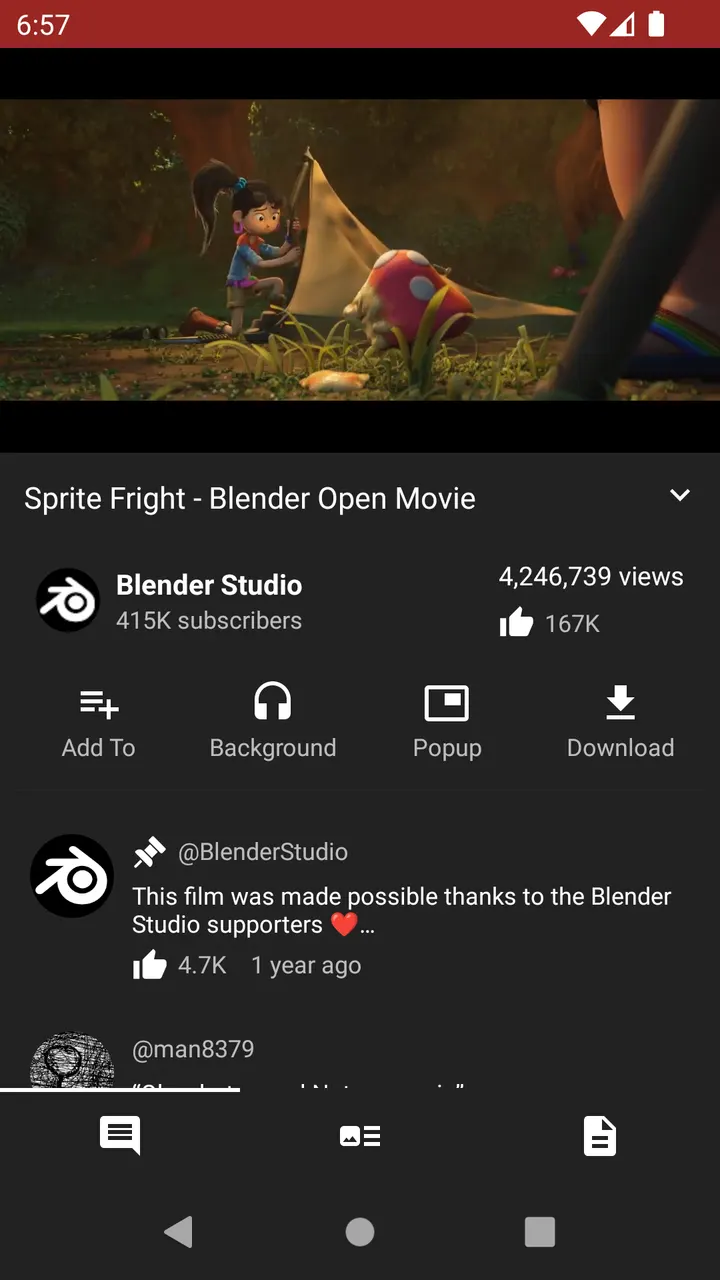
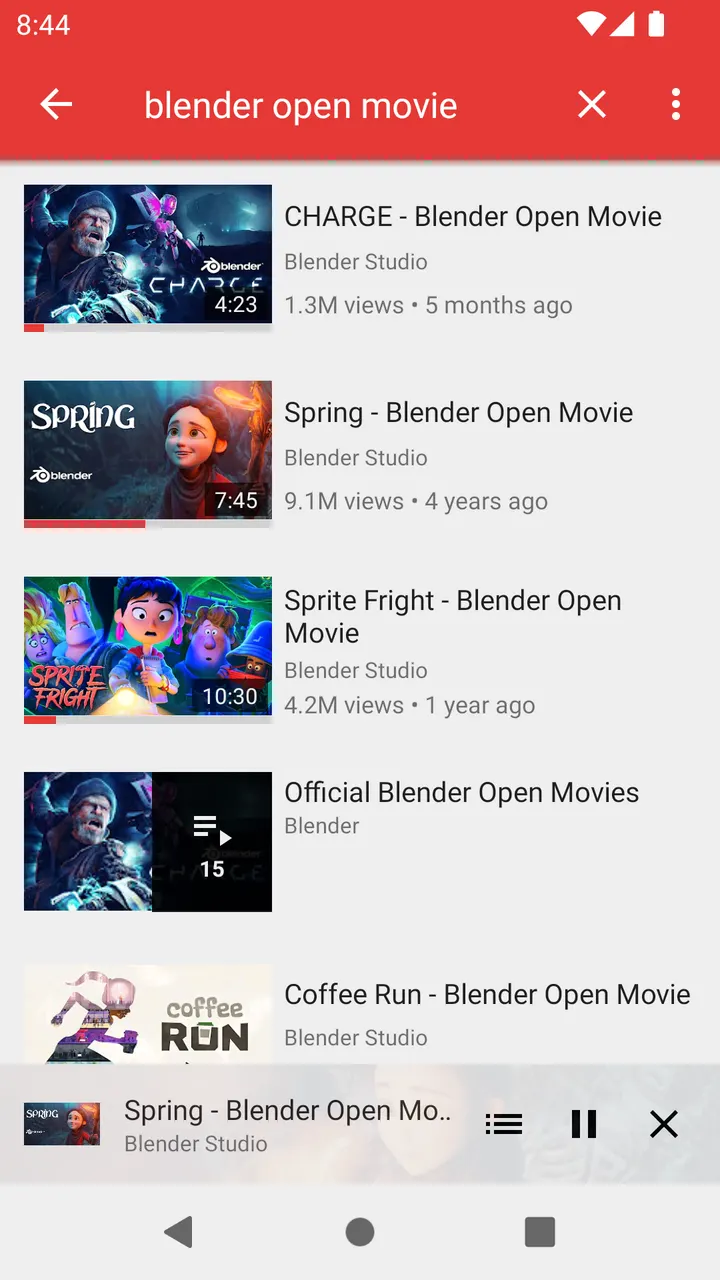
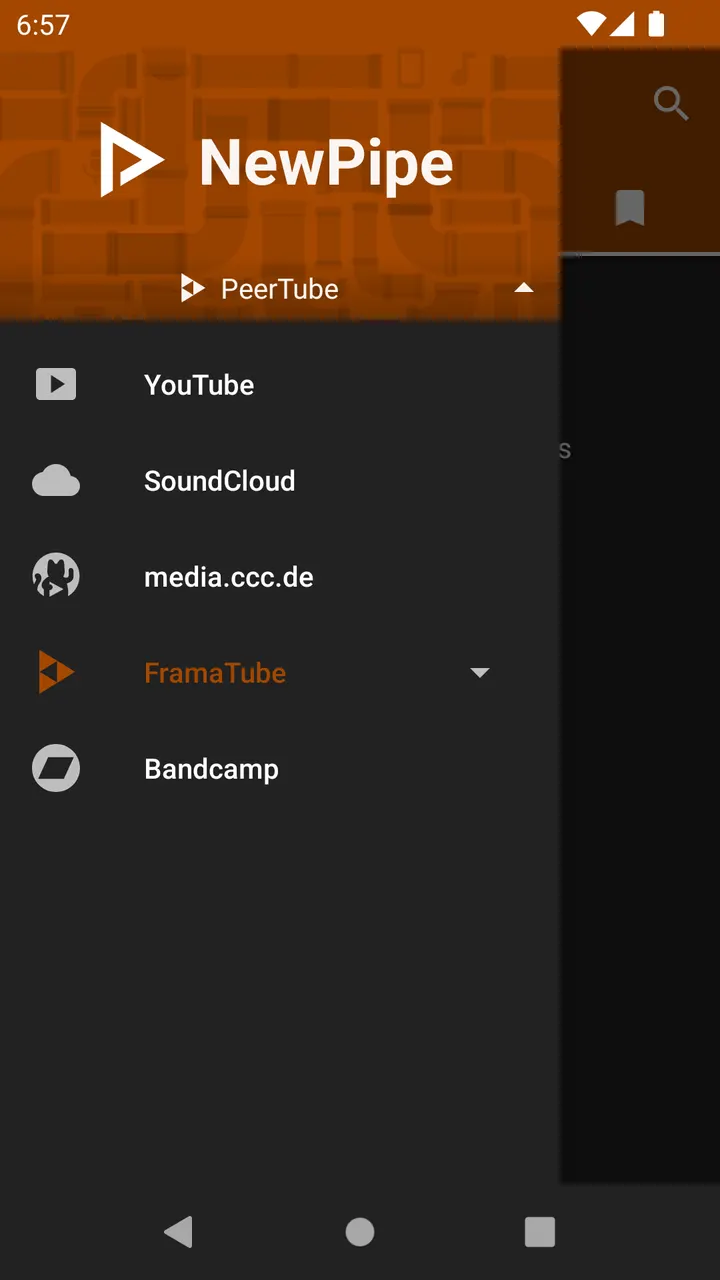
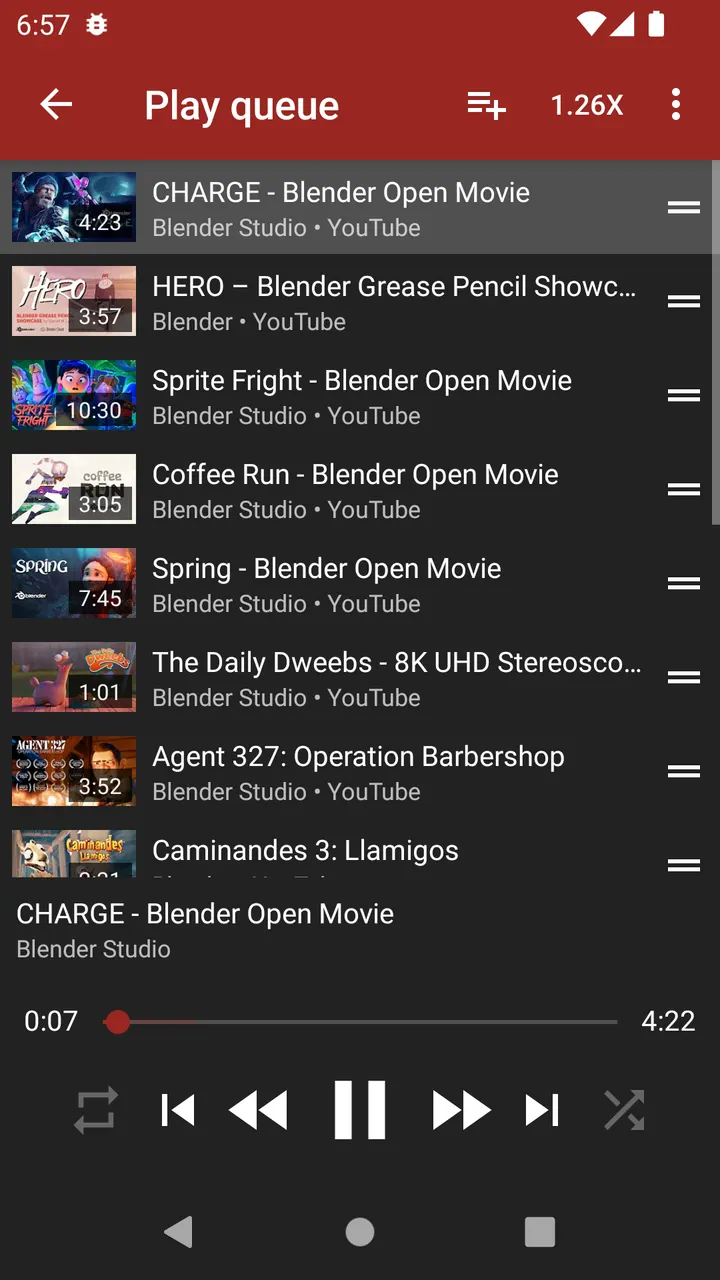
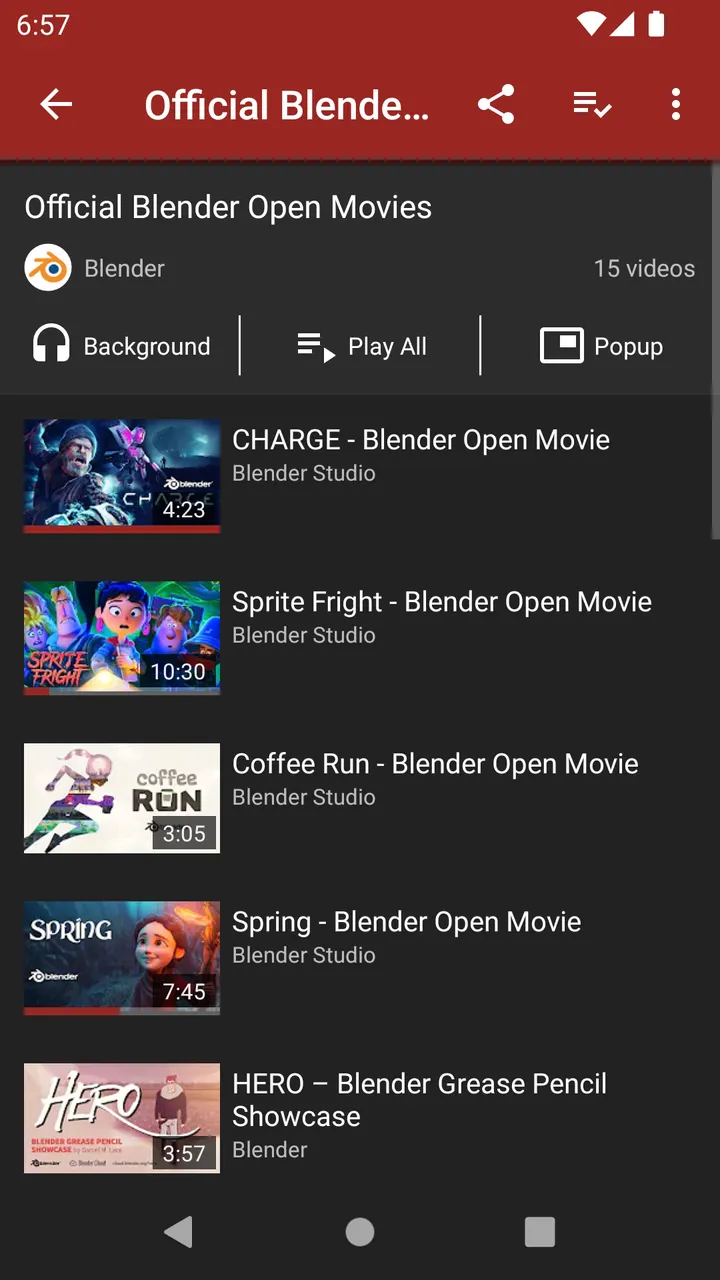
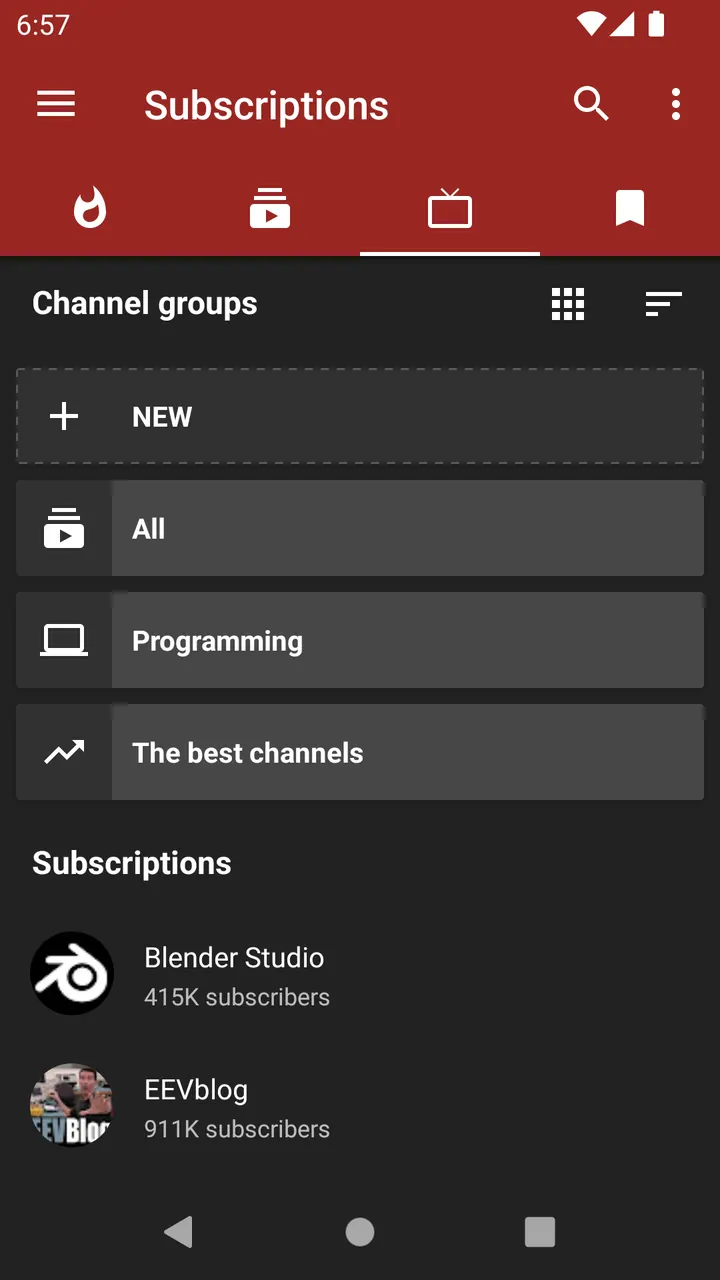
LibreTube also replaces the official YouTube client, but NewPipe works differently: the app itself reads the YouTube website on your device. Team NewPipe has published it since September 9, 2015. Version 0.29.1 was updated on August 21, 2026, and we host the unmodified APK.
Parsing the website instead of using the YouTube API
NewPipe avoids Google framework libraries and never calls the YouTube API. Instead it reads the YouTube website to pick up the details it needs, so it works on phones without Google Services.
No YouTube account is required either. The code is released under GPL-3.0-or-later and the source is on GitHub.
What a session looks like at 11 MB
The install is small, at 11 MB, and it asks for Android 6.0 or newer. It is a lightweight YouTube frontend. The app has no ads and is free.
The catalog files it under video and audio downloaders and video players.
NewPipe next to LibreTube, Seal and YTDLnis
The alternatives are LibreTube, Seal, YTDLnis, Litube, PlayTube and SkyTube. NewPipe is also tagged open-source and online-media-player, which places it closest to the other YouTube clients on that list.
NewPipe pros and cons
Pros
- No ads and no price
- Runs without Google Services
- No YouTube account needed
- Open source under GPL-3.0-or-later
- Small 11 MB download
Cons
- Requires Android 6.0 or newer
- Version 0.29.1 has no published changelog
- Relies on parsing the website, per its own description
Is NewPipe safe?
The APK here is the unmodified build, stored with its SHA-256 checksum: 18447bfb1e06d113edc88df93f471827280de06f6f3d4dc42f56f28b9c1bab79. Team NewPipe publishes the code on GitHub under GPL-3.0-or-later, so anyone can read it. The package ID is org.schabi.newpipe, and the app shows no ads.
How to install NewPipe
- Download the APK with the button on this page and wait for it to finish.
- Compare the file with the SHA-256 checksum shown here if you want to confirm it arrived intact.
- Open the file on your phone and allow installs from this source when Android asks.
- Finish the install, then open NewPipe from your app drawer.