
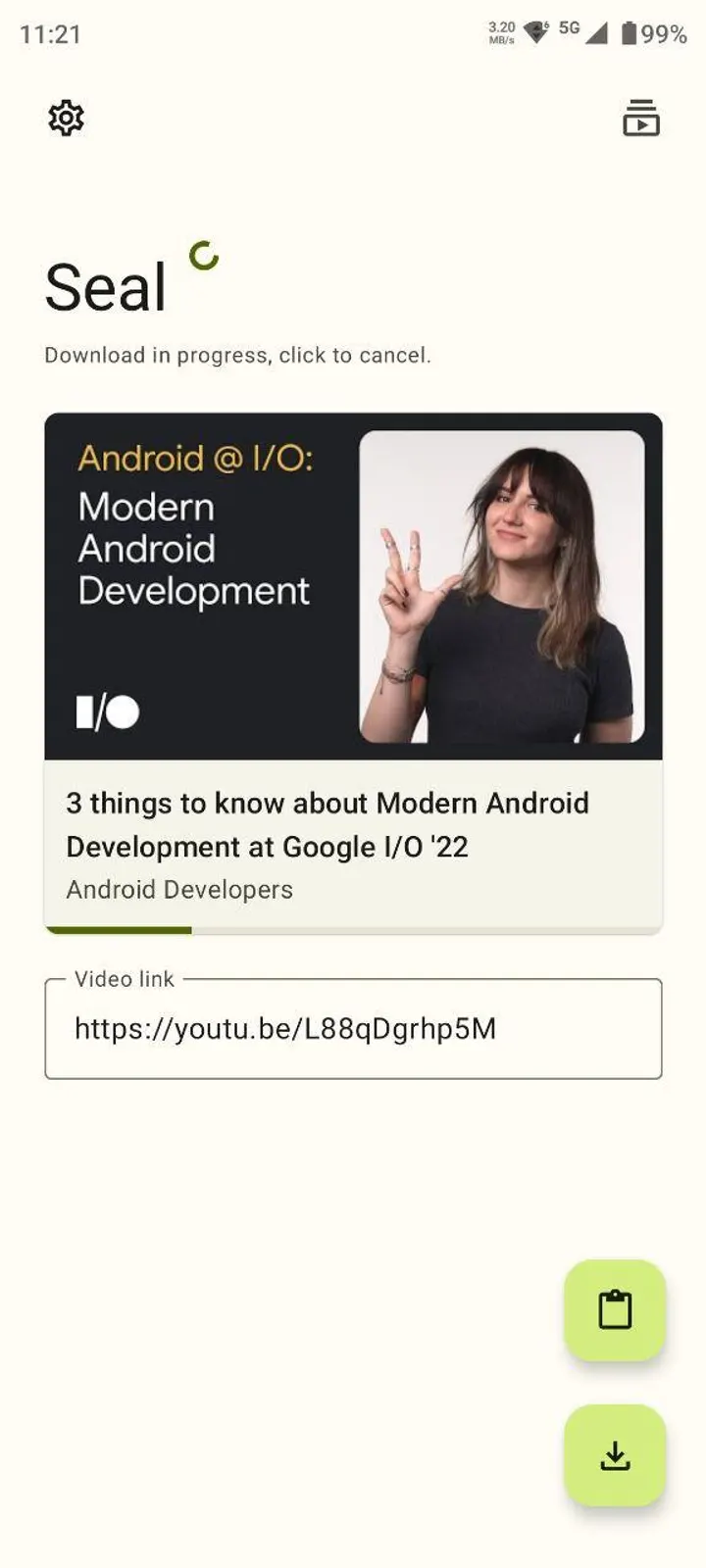
Seal is an open-source Android app from developer junkfood that downloads video and audio from the platforms yt-dlp supports. It is free, carries no ads, and uses a Material You design. We host the unmodified APK, version 1.13.1 (F-Droid build), at 41.1 MB.
A yt-dlp front end with Material You styling
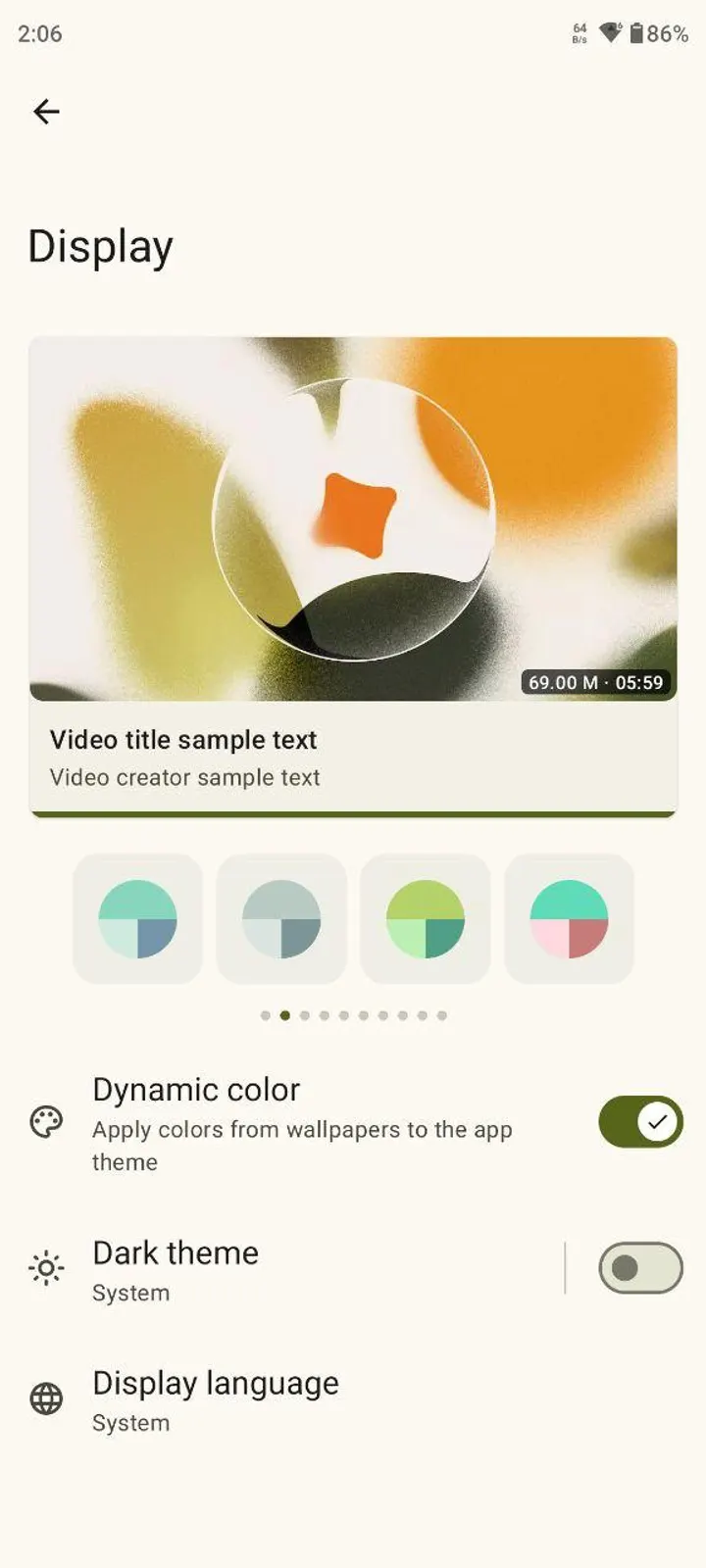
The defining fact is the engine underneath. Seal wraps yt-dlp, so its list of supported sites follows that tool rather than a fixed list inside the app. The interface uses Material Design 3 with a dynamic color theme.
The app first appeared on July 26, 2022, and the GPL-3.0-only source is on GitHub. It requires Android 5.0 or newer.
What a download session looks like
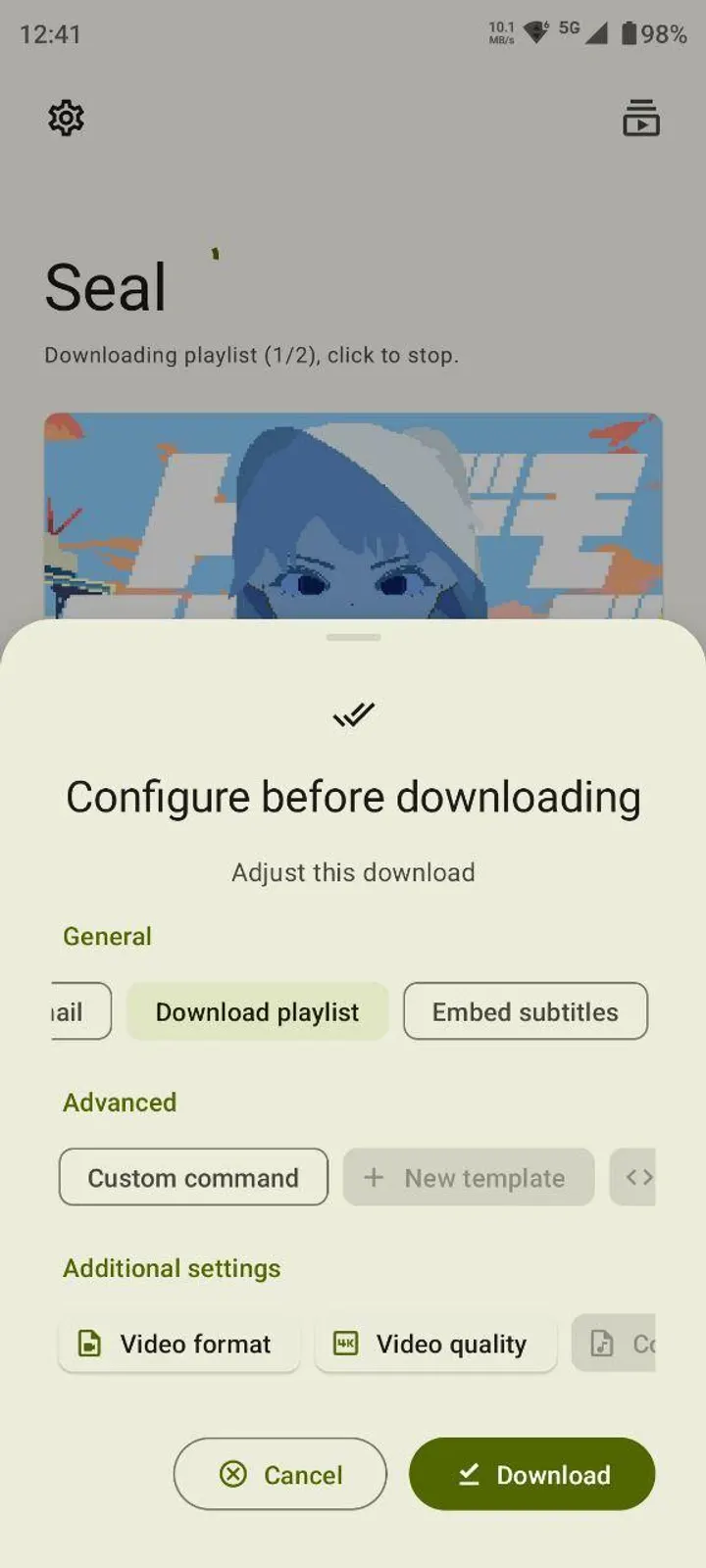
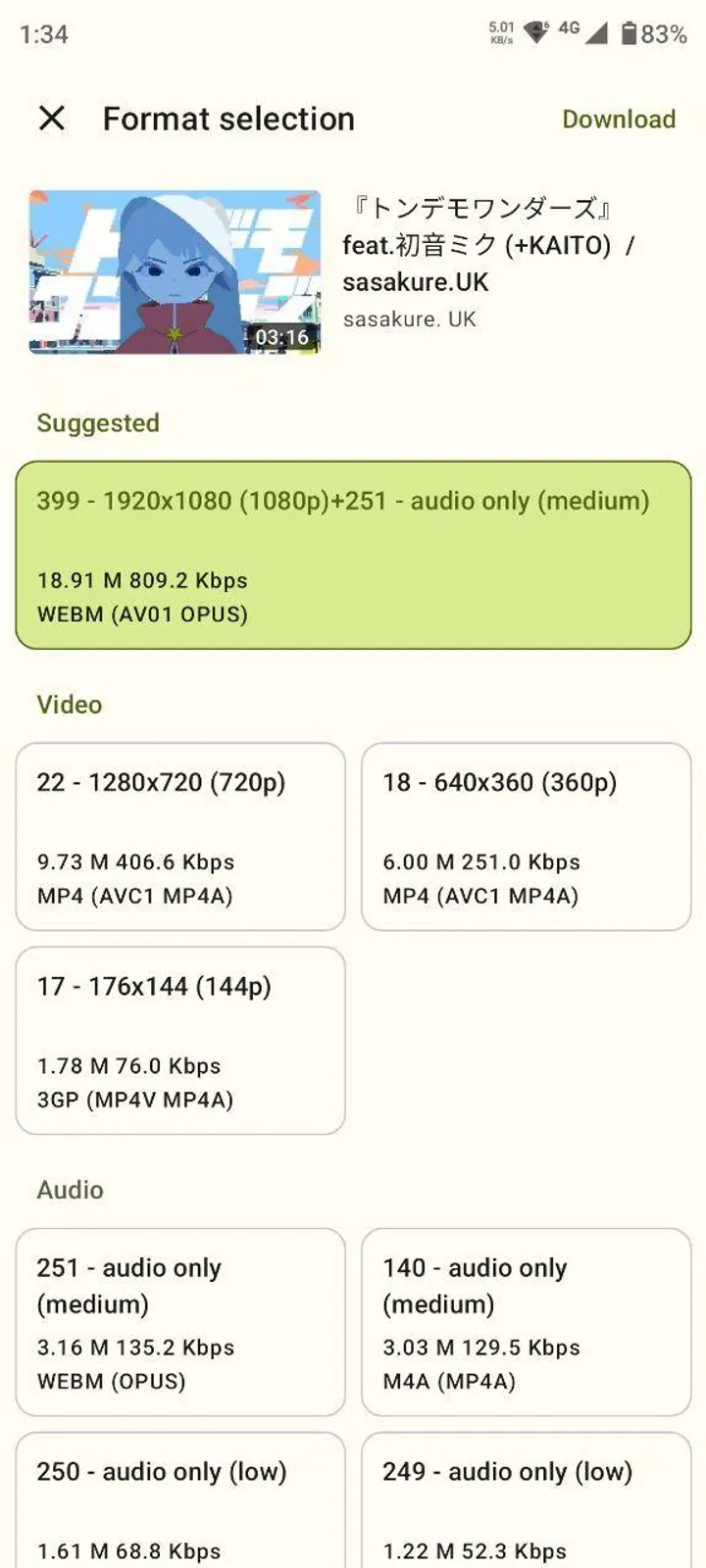
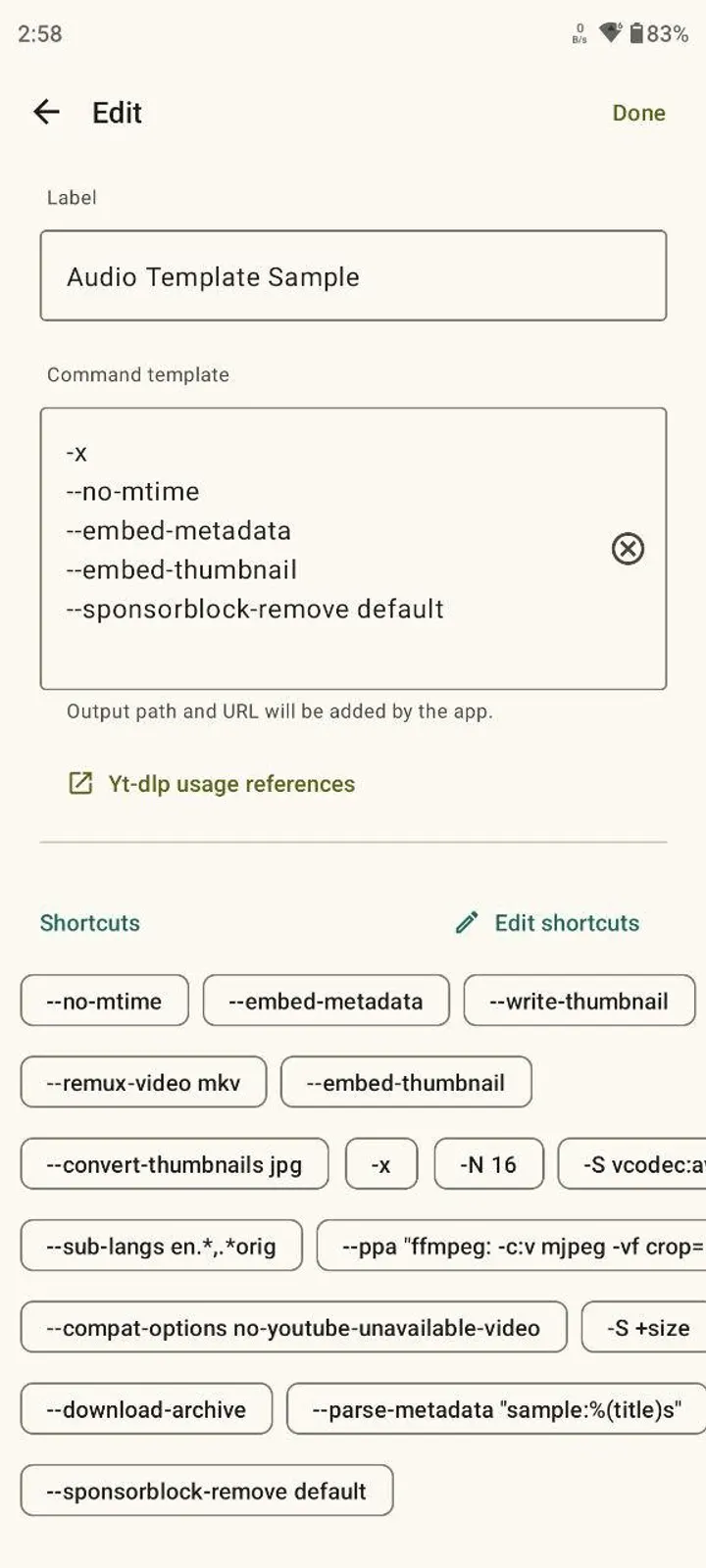
You paste a link and choose video or audio. For audio, Seal can embed metadata and the video thumbnail into the extracted file. For video, it can embed subtitles.
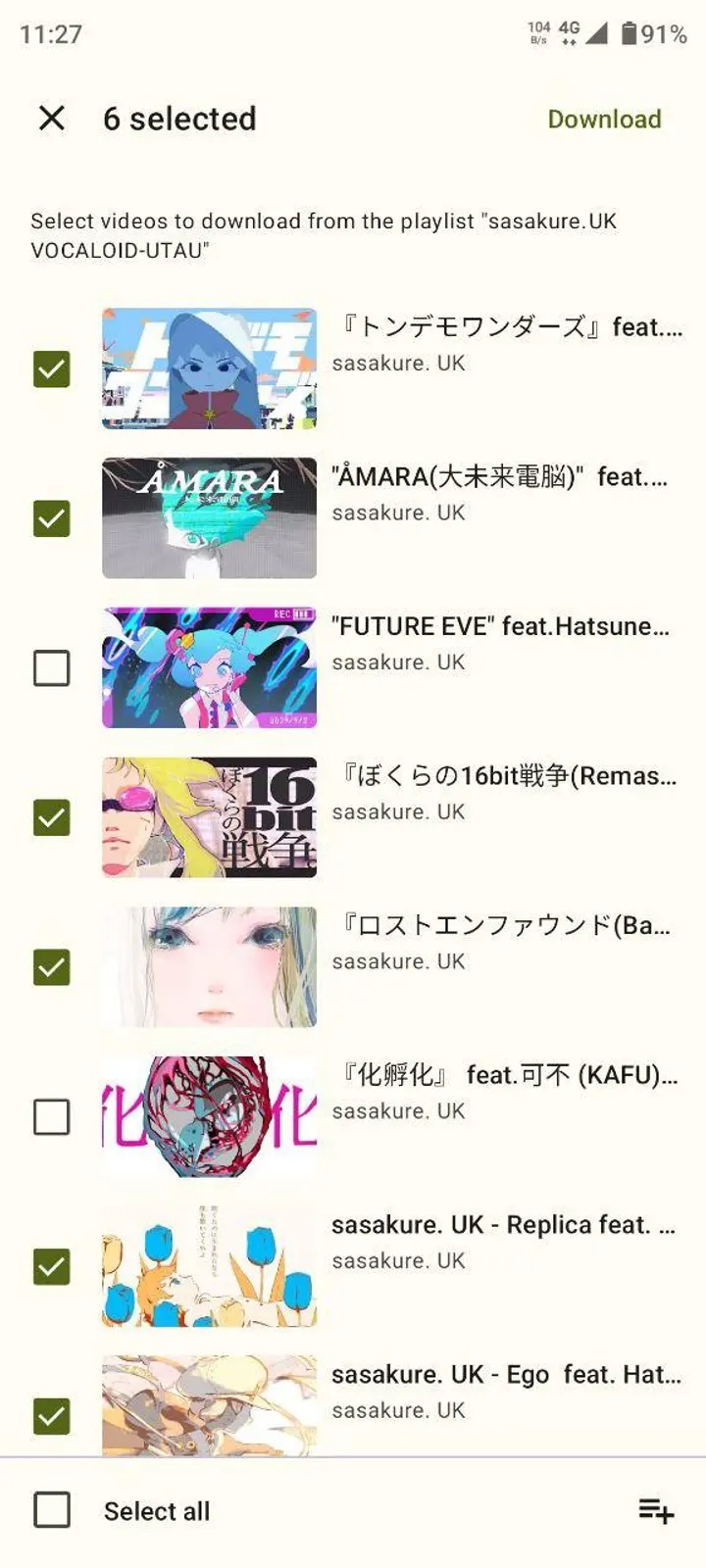
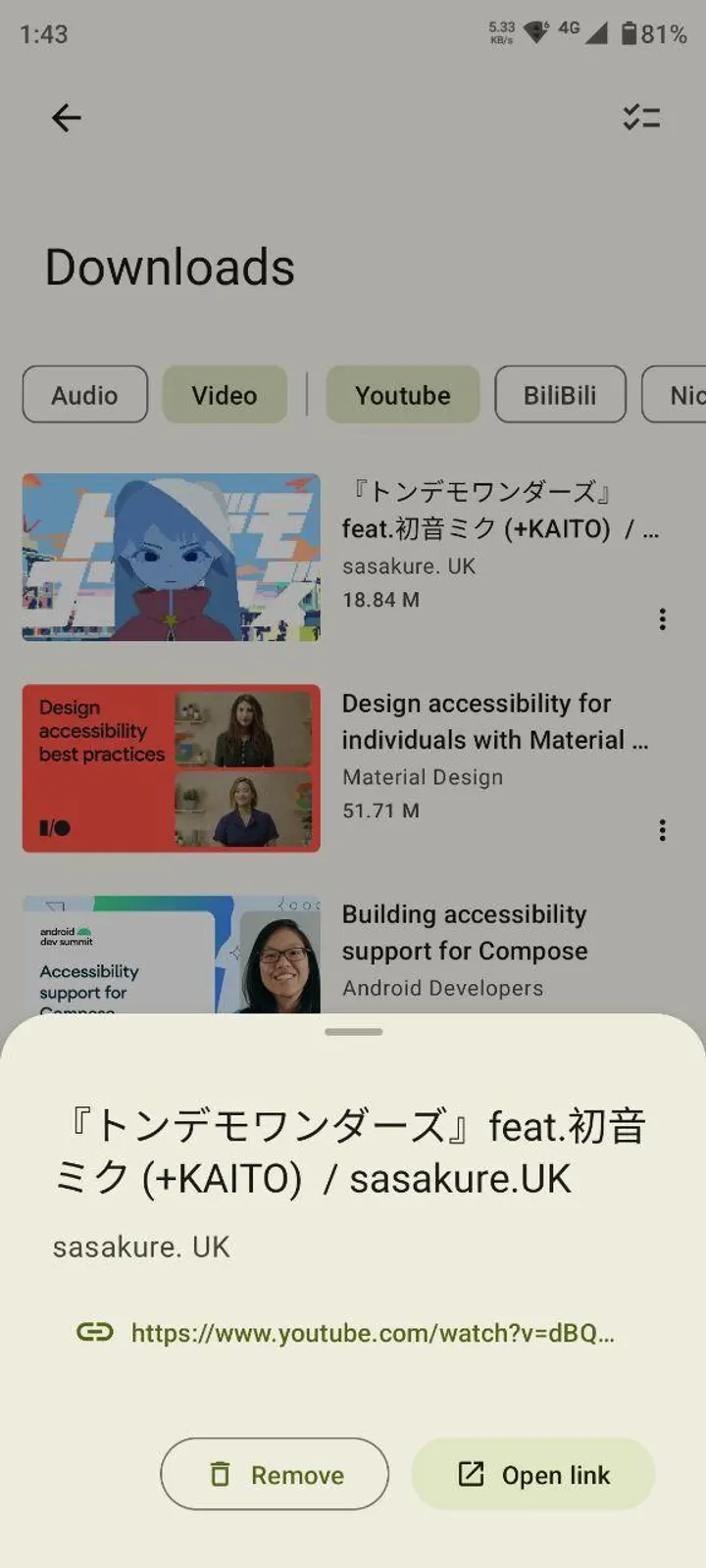
Playlists download with one click, and the embedded aria2c can act as the external downloader. Finished and queued items are managed inside the app.
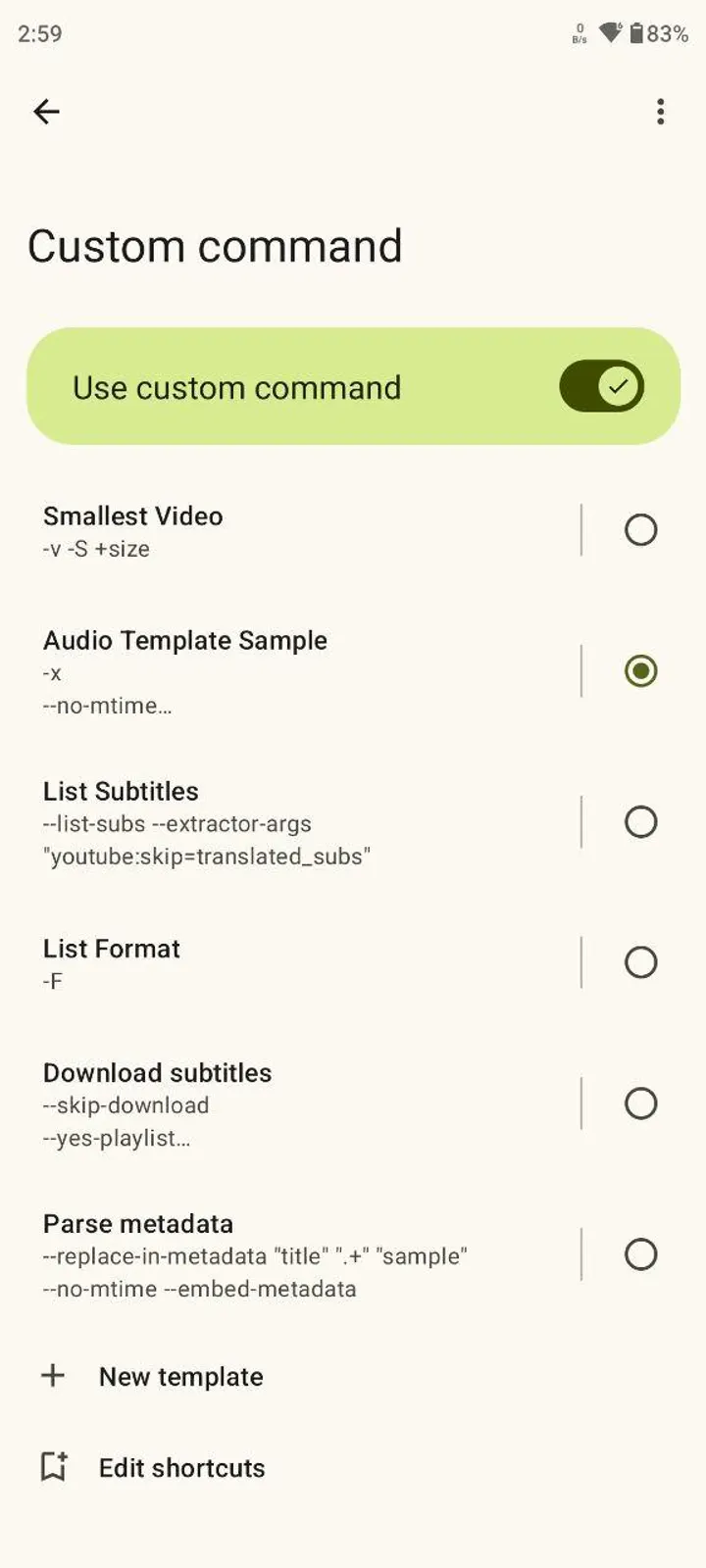
People who want more control can run custom yt-dlp commands and save them as templates.
Seal against LibreTube, NewPipe and YTDLnis
The alternatives include LibreTube, NewPipe, YTDLnis, Litube, PlayTube and SkyTube. Several of these are viewing clients for video sites. Seal is built around downloading, with command templates and playlist handling at its core.
YTDLnis is also in the same category, so the choice between the two comes down to interface preference.
What's new in 1.13.1-(F-Droid)
Version 1.13.1 (F-Droid build) was updated January 6, 2026.
Seal pros and cons
Pros
- No ads and free to use
- Open source under GPL-3.0-only
- Embeds metadata, thumbnails and subtitles
- One-click playlist downloads with aria2c support
- Custom yt-dlp command templates
Cons
- Site support depends on yt-dlp, not the app itself
- The build is labeled F-Droid, which may matter for update channels
- Update notes are not published for this version
Is Seal safe?
The APK here is the unmodified build of Seal 1.13.1 (F-Droid), and its SHA-256 checksum is 7070a3d4f079046912b4b8dde4edc8d1ef6eade3c9c98b02bfcaba3669c11d98. Compare it with the file you downloaded before installing. Seal is released under GPL-3.0-only, its source code is public on GitHub, and it shows no ads. Since it fetches media through yt-dlp, follow the terms of each site you download from.
How to install Seal
- Download the APK with the button on this page and wait for it to finish.
- Compare the file with the SHA-256 checksum shown here if you want to confirm it arrived intact.
- Open the file on your phone and allow installs from this source when Android asks.
- Finish the install, then open Seal from your app drawer.


