
Magisk Module Manager, also called MMRL, is a free module manager for rooted Android devices that works with Magisk, KernelSU and APatch. Google Play lists over 500 thousand installs and a 4.2 rating from 982 ratings. We host the unmodified APK, version v34296-release, at 7.2 MB.
Der_Googler and the MMRL project
Der_Googler develops Magisk Module Manager and maintains a project site at mmrl.dev. The code is public on GitHub in the DerGoogler/MMRL repository under the MIT licence, and the package ID is com.dergoogler.mmrl.
It first came out on June 28, 2024, and the latest update we have recorded is from March 10, 2026. The full name, Magisk Module Repo Loader, sums up what it does: it loads module repositories.
Repositories, bulk installs and local zips
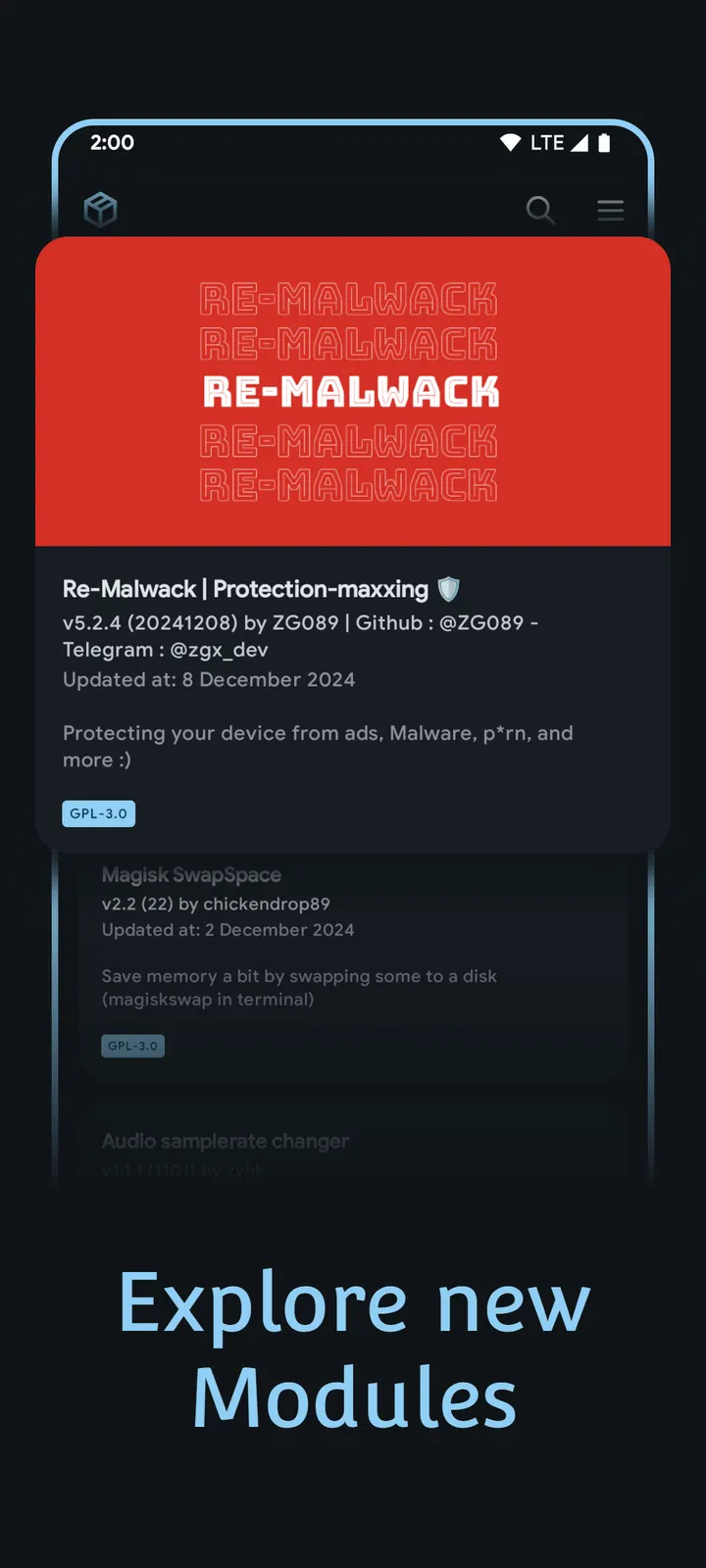
MMRL loads modules from several repositories at once. Official sources come pre-loaded, and you can add custom repos of your own. The store description names the Magisk Module Alt Repo and the KernelSU Repository among them.
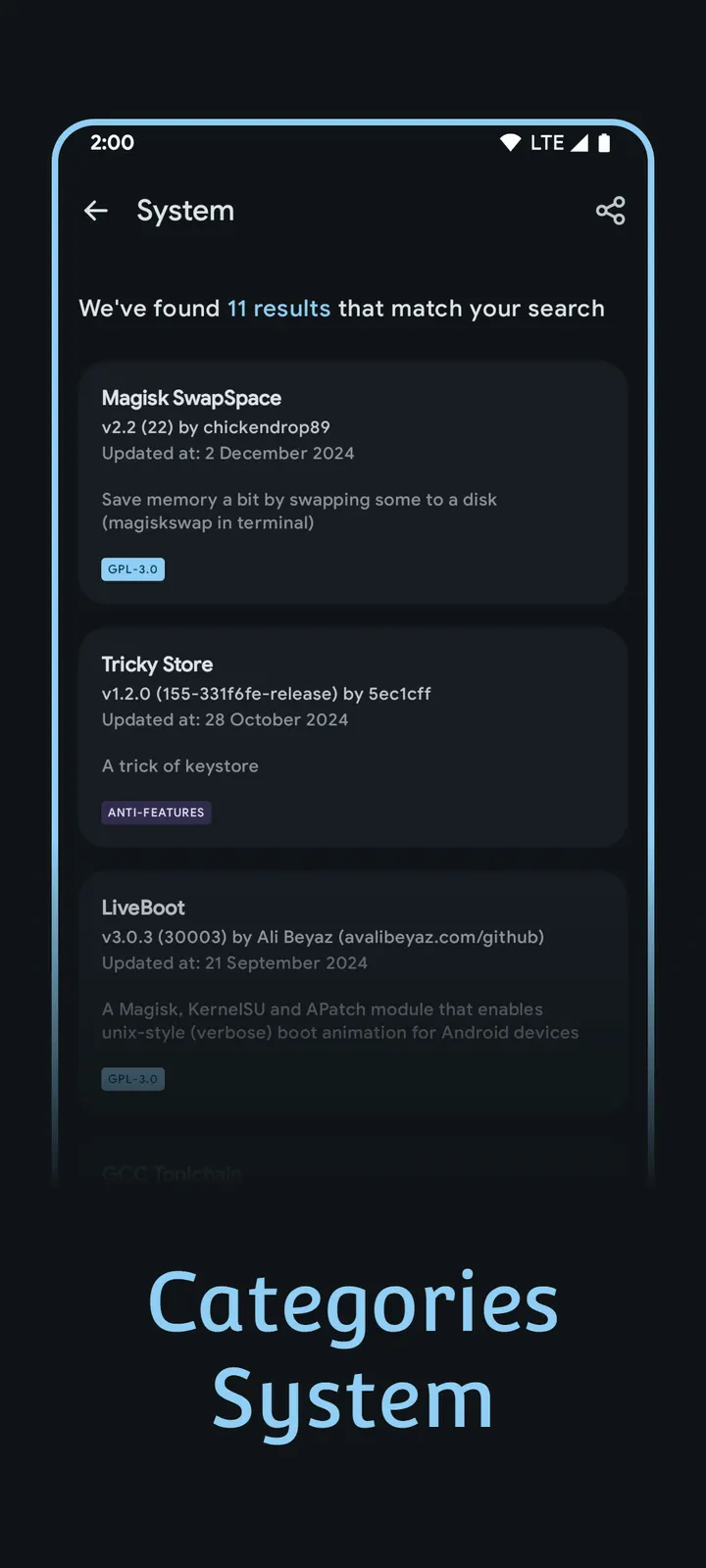
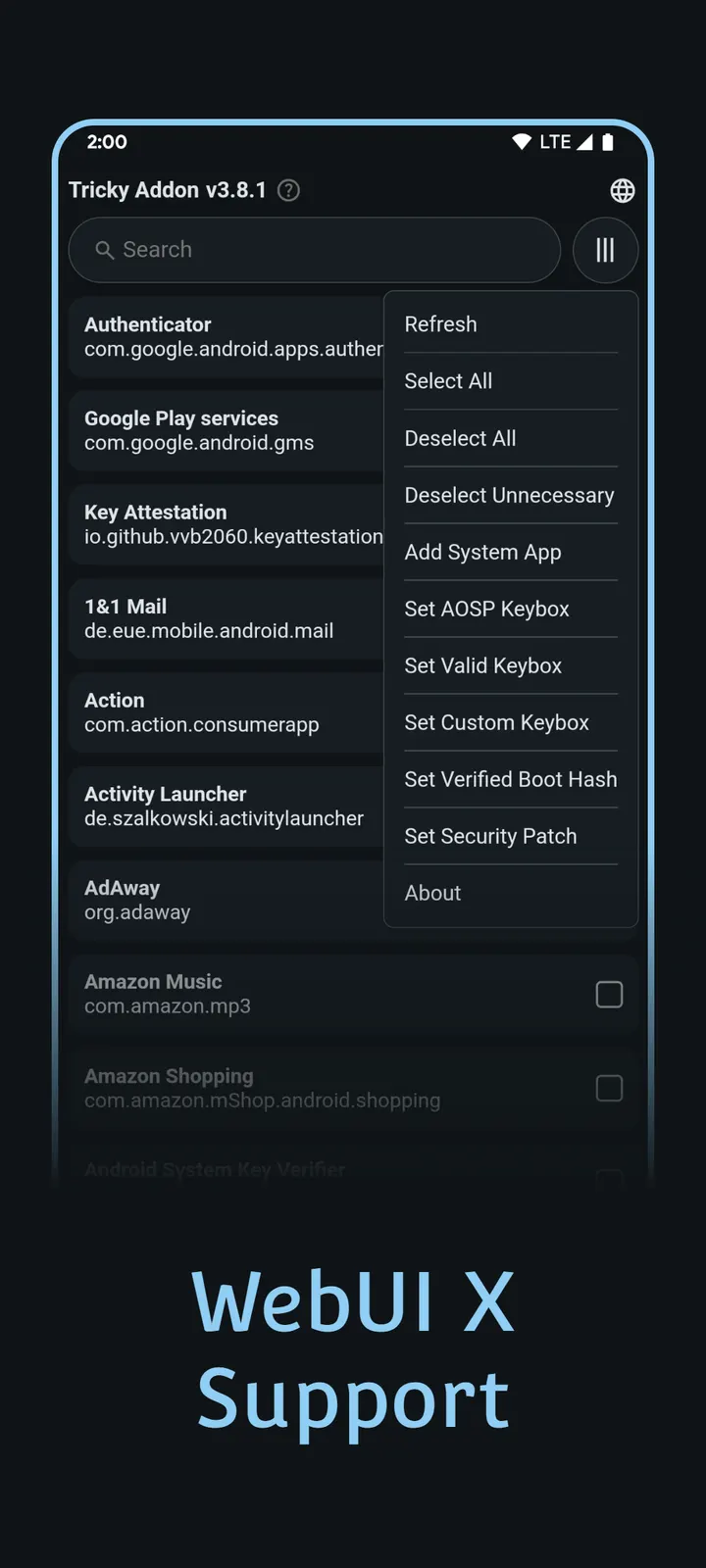
You can browse by category, search and filter. Several modules can be selected and installed in one pass. Zips already on the device go through the local installer, and a direct download option saves module zips for manual flashing.
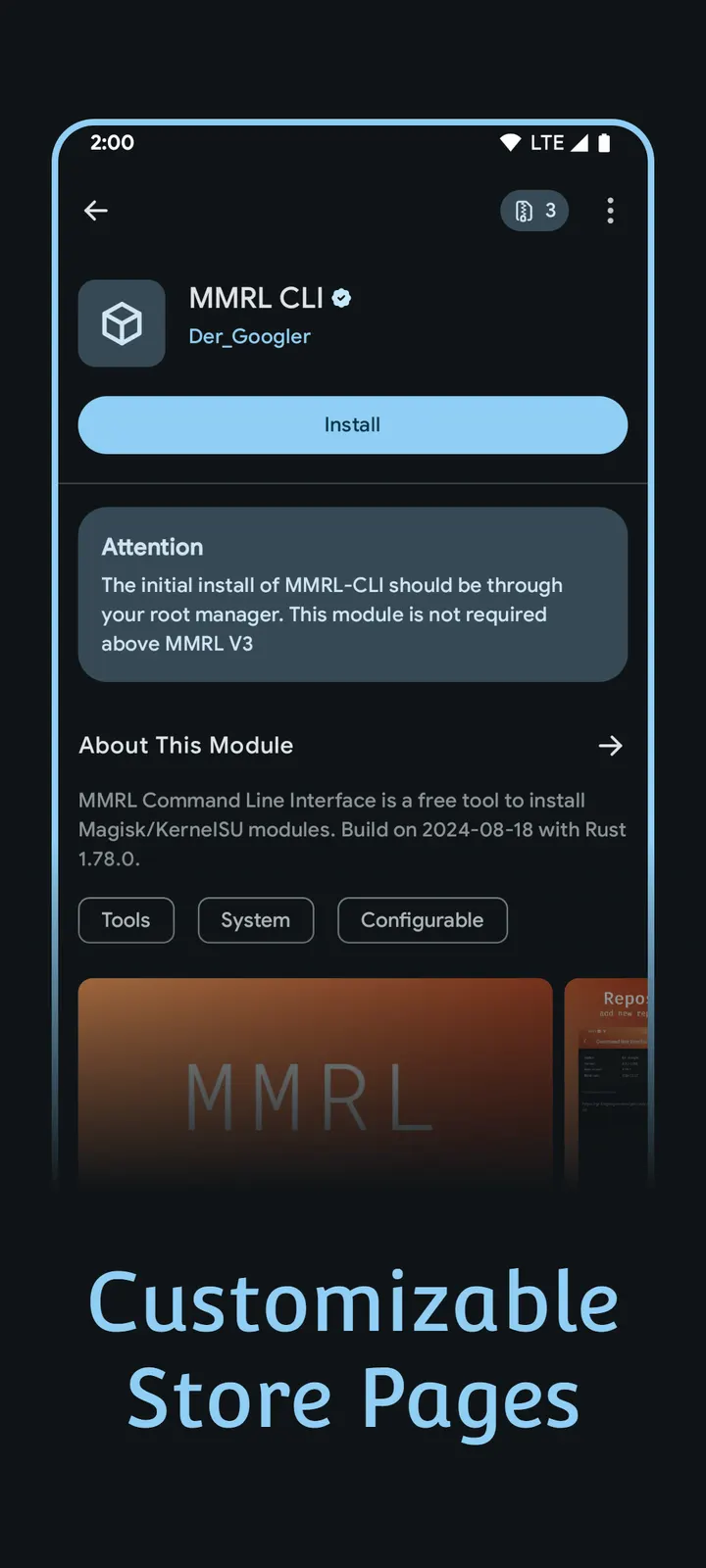
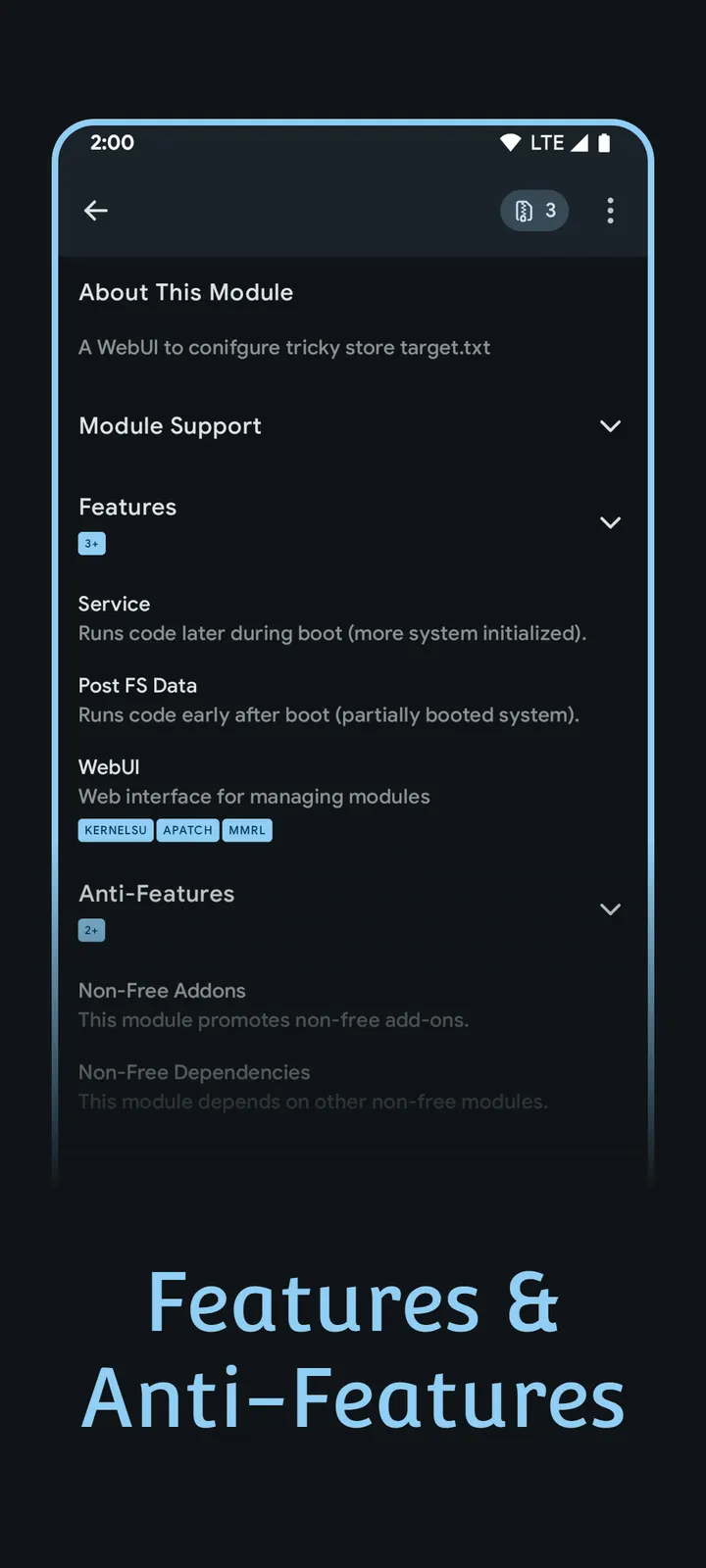
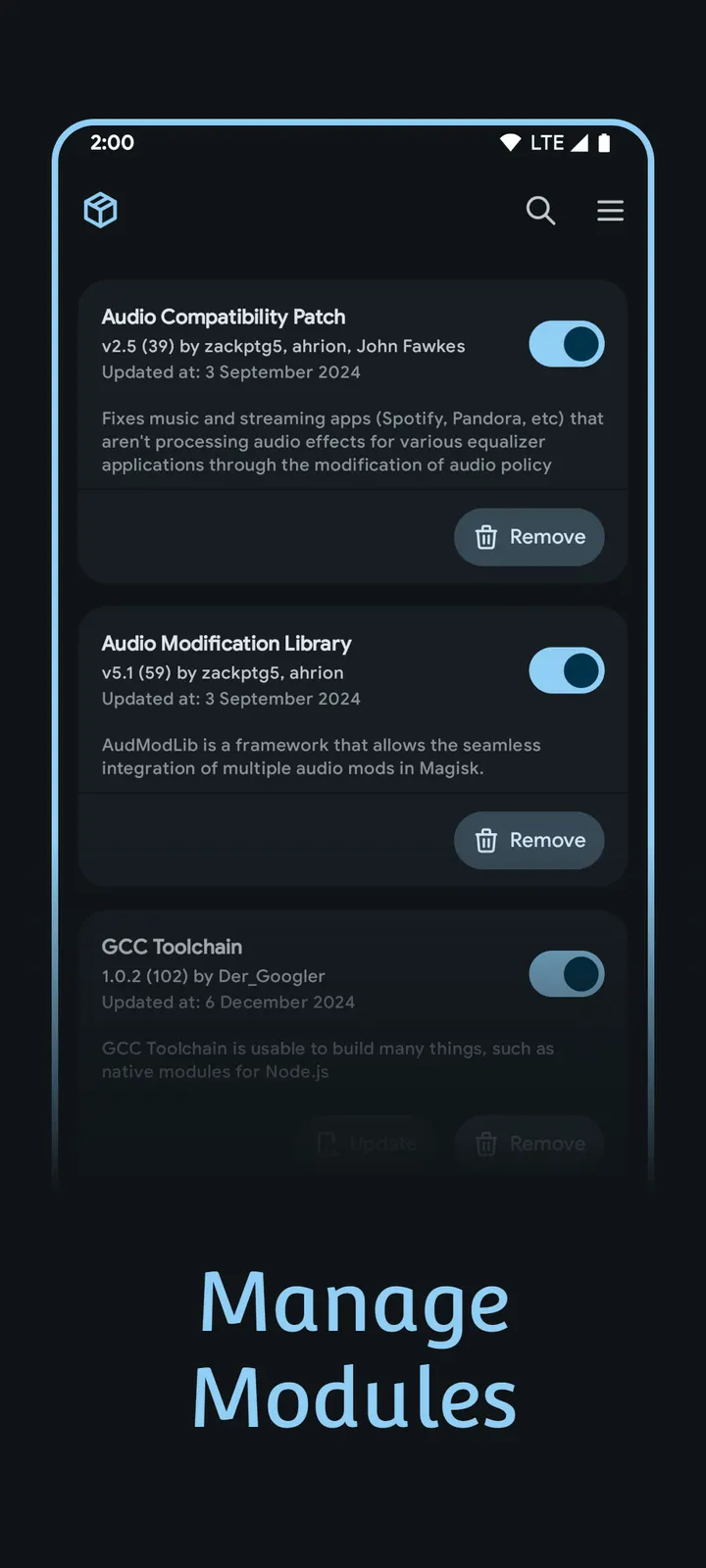
Installed modules can be enabled, disabled or removed from inside the app. Before installing, you can read module details, check dependencies and open changelogs.
Root requirement and Android 8.0 floor
Android 8.0 or newer is required, and the phone must already be rooted with Magisk, KernelSU or APatch. MMRL only manages modules and gives no root access of its own.
The screens are built with Jetpack Compose and Material Design 3. The content rating is Everyone.
Magisk Module Manager pros and cons
Pros
- Supports Magisk, KernelSU and APatch in one app
- Custom repositories can be added next to the pre-loaded official ones
- Bulk install and a local installer for zips already on the device
- Free, with no ads and no in-app purchases
- Open source under the MIT licence
Cons
- Does nothing useful without a device rooted through Magisk, KernelSU or APatch
- Provides no root access of its own
- Version v34296-release is the current build
Is Magisk Module Manager safe?
This is the original, unmodified APK. Its SHA-256 checksum is 75f42b0e872df53e70c375fde7f351d6a26141de13b0ad66ffaf66b541382a8b, so you can compare it with your download. The code is public on GitHub under the MIT licence, and the app shows no ads. Modules come from third-party repositories that we have not checked, so read each module's details and changelog in the app before flashing it.
How to install Magisk Module Manager
- Download the APK with the button on this page and wait for it to finish.
- Compare the file with the SHA-256 checksum shown here if you want to confirm it arrived intact.
- Open the file on your phone and allow installs from this source when Android asks.
- Finish the install, then open Magisk Module Manager from your app drawer.


