

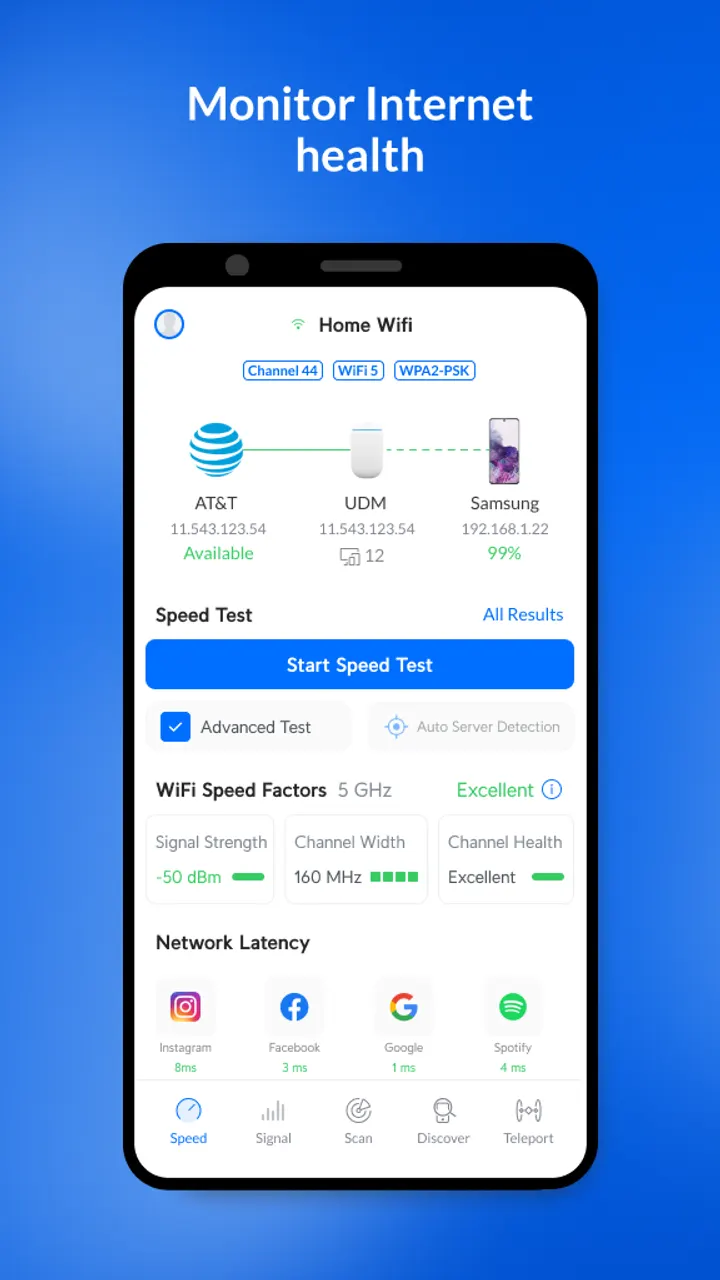
Network Scanner, one of the alternatives in this catalog, focuses on finding devices. WiFiman covers that too, then adds a WiFi analyzer, Bluetooth LE detection and speed tests in one free app from Ubiquiti Inc. It needs Android 8.0 or later.
First steps after install: scan, then test speed
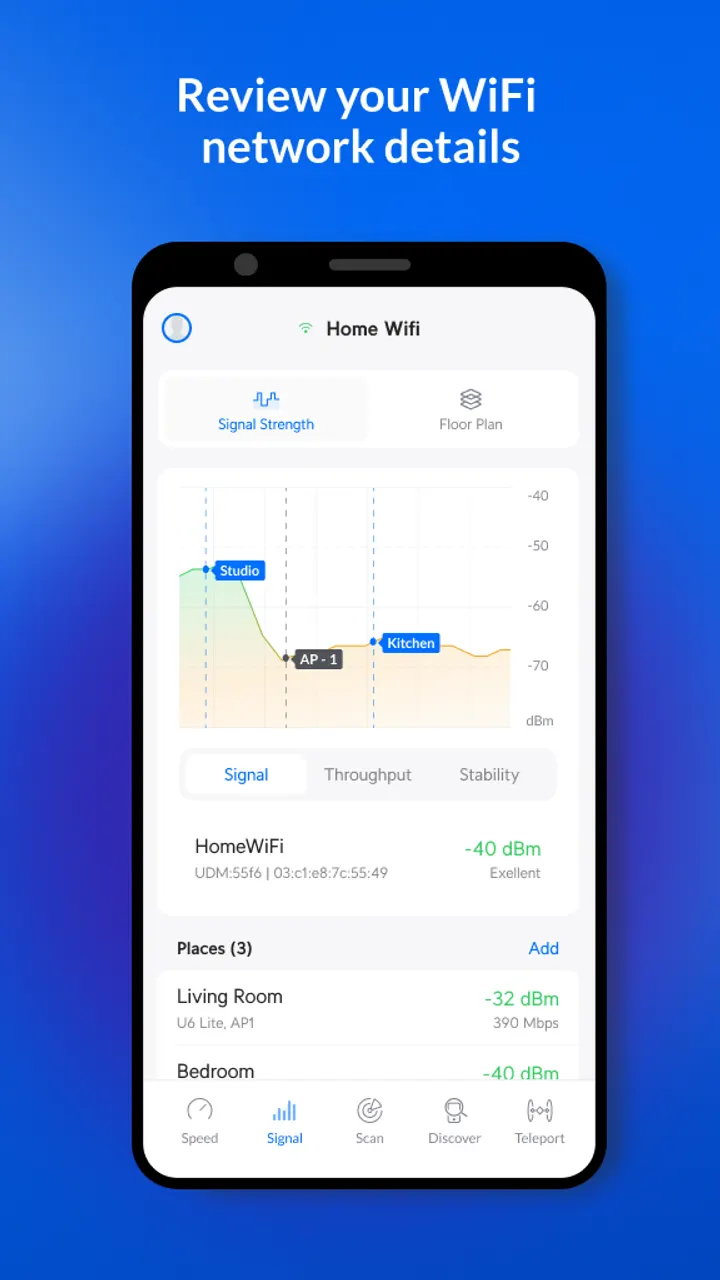
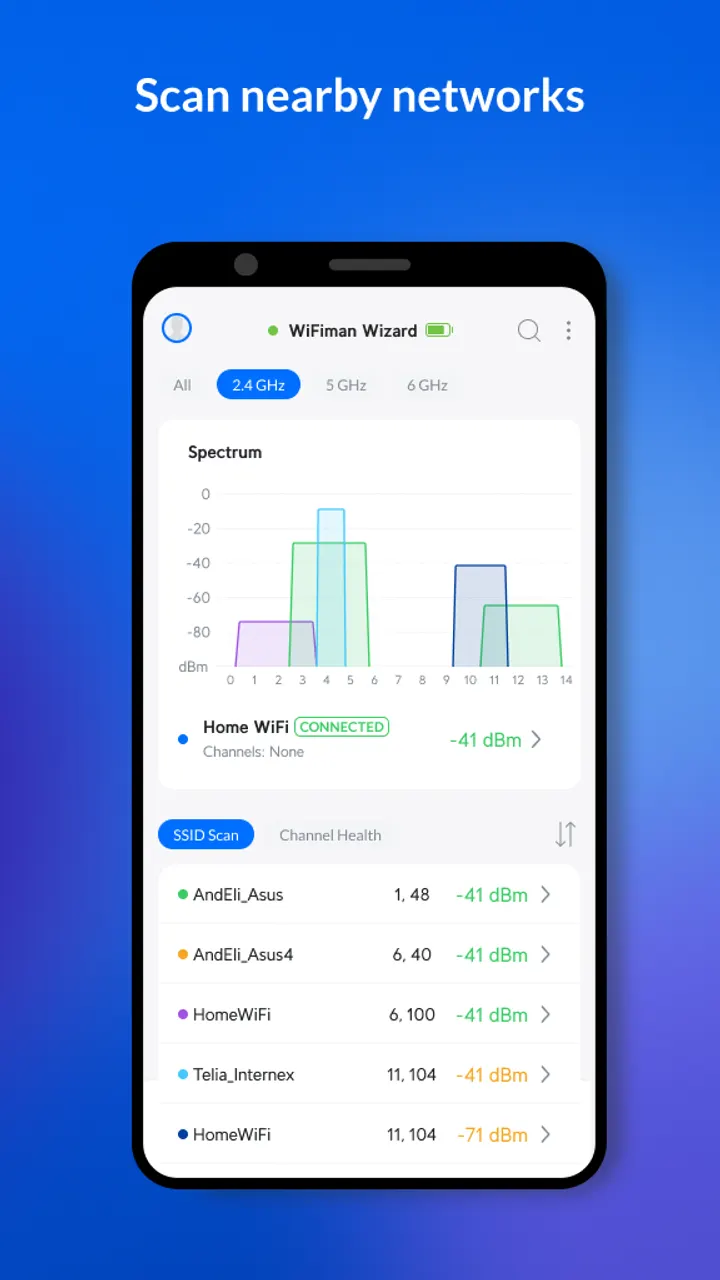
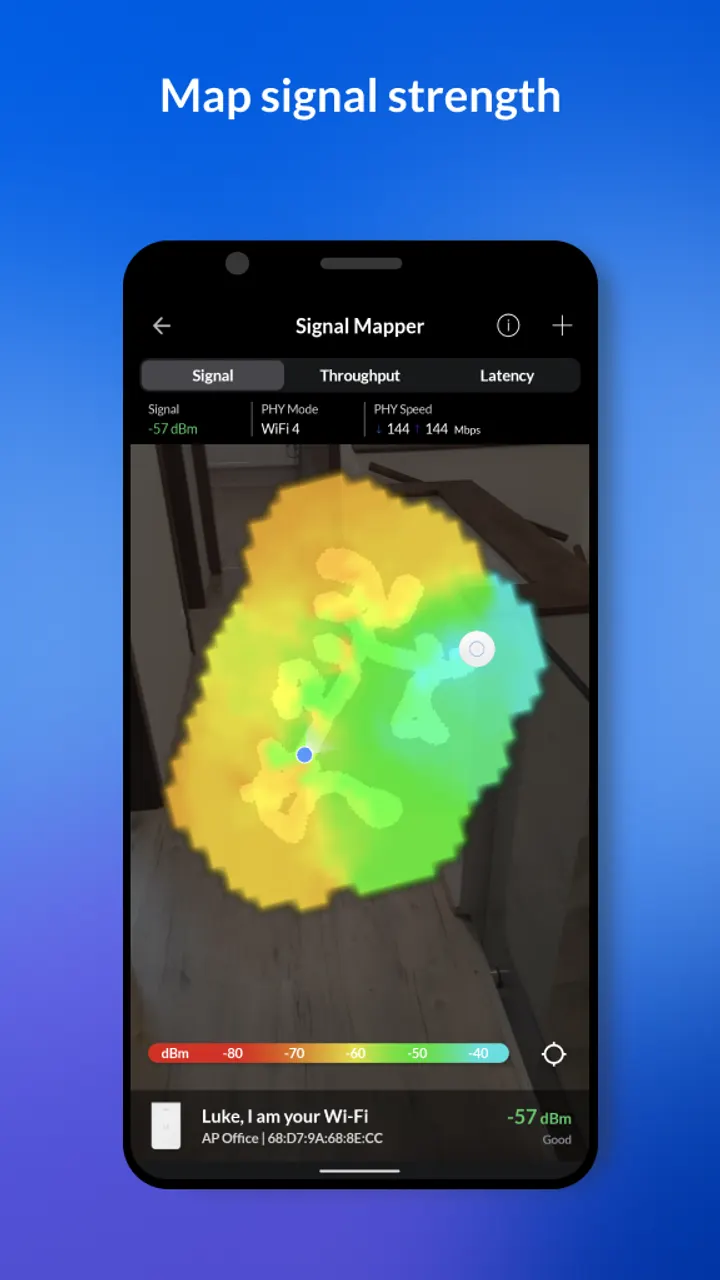
Start with the WiFi scanner, which detects nearby WiFi networks and Bluetooth LE devices. For the network you are on, the app shows the IP address, netmask, gateway, DNS server, SSID, BSSID, signal strength, wireless channel, ping latency and packet loss.
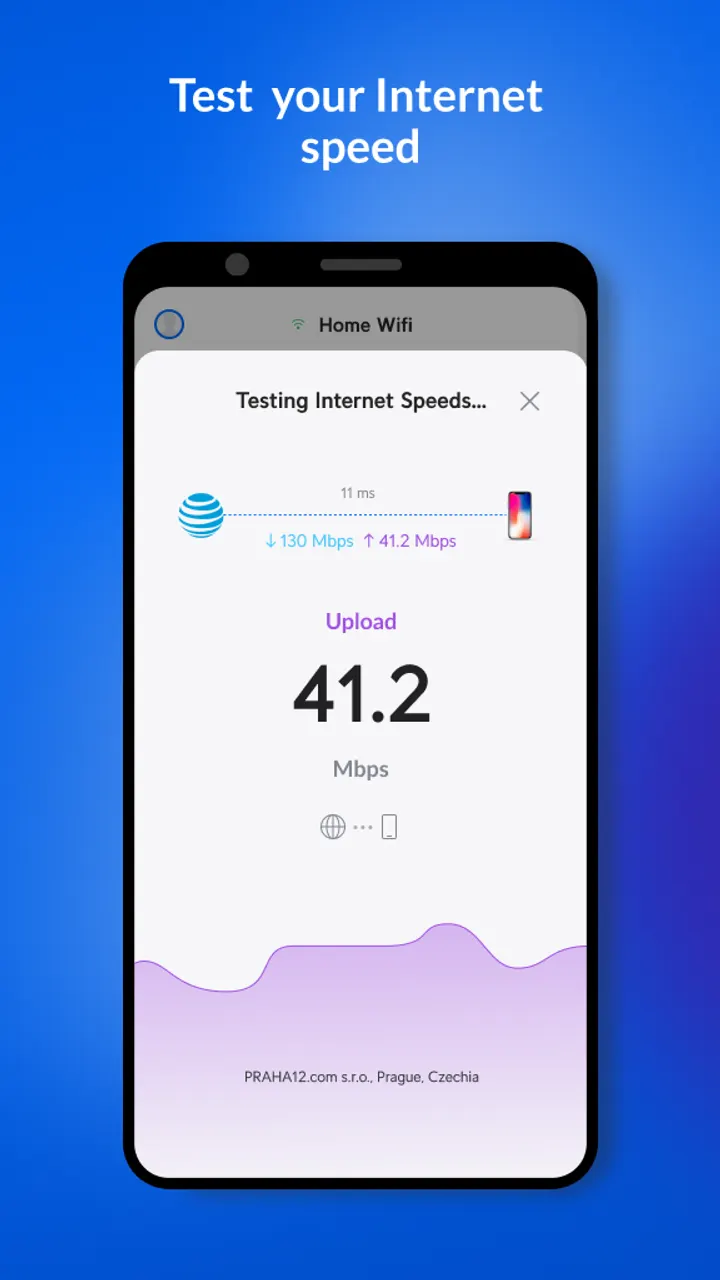
Next, run a download and upload speed test. Results can be stored, compared over time and shared with others, which helps when you move a router or change a channel and want a before and after.
Where WiFiman is strongest: Ubiquiti gear and subnet scans
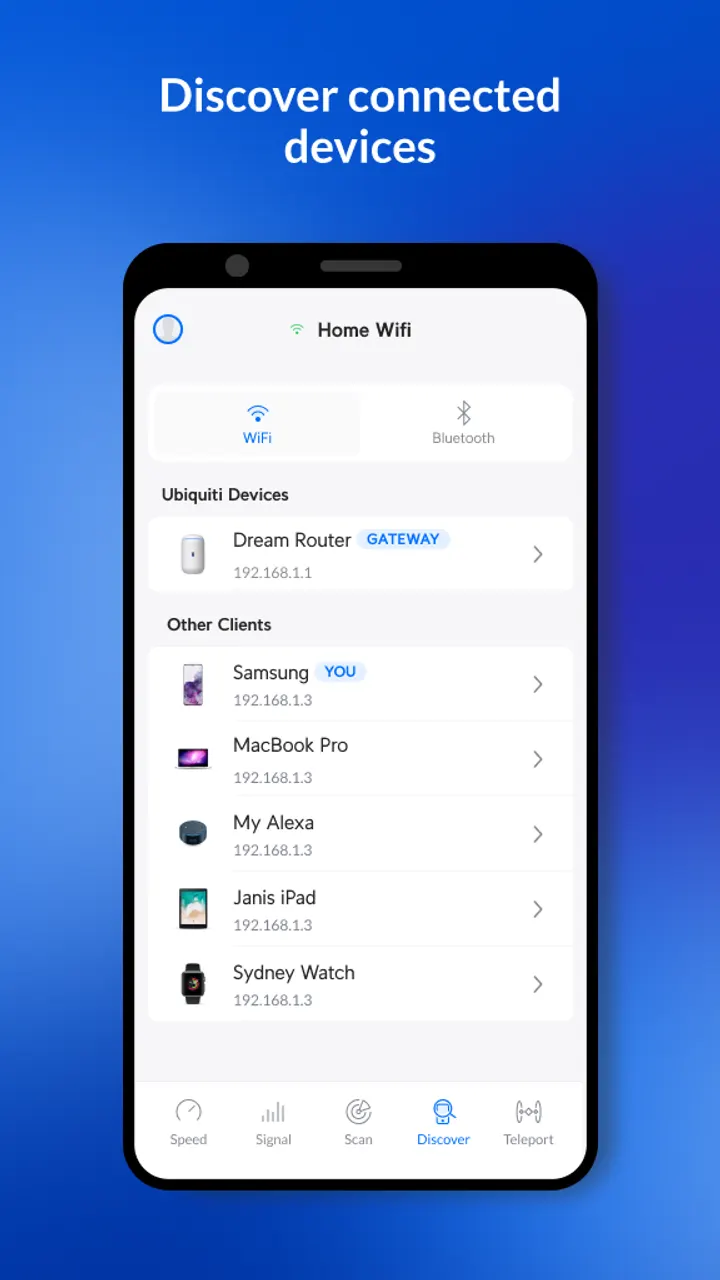
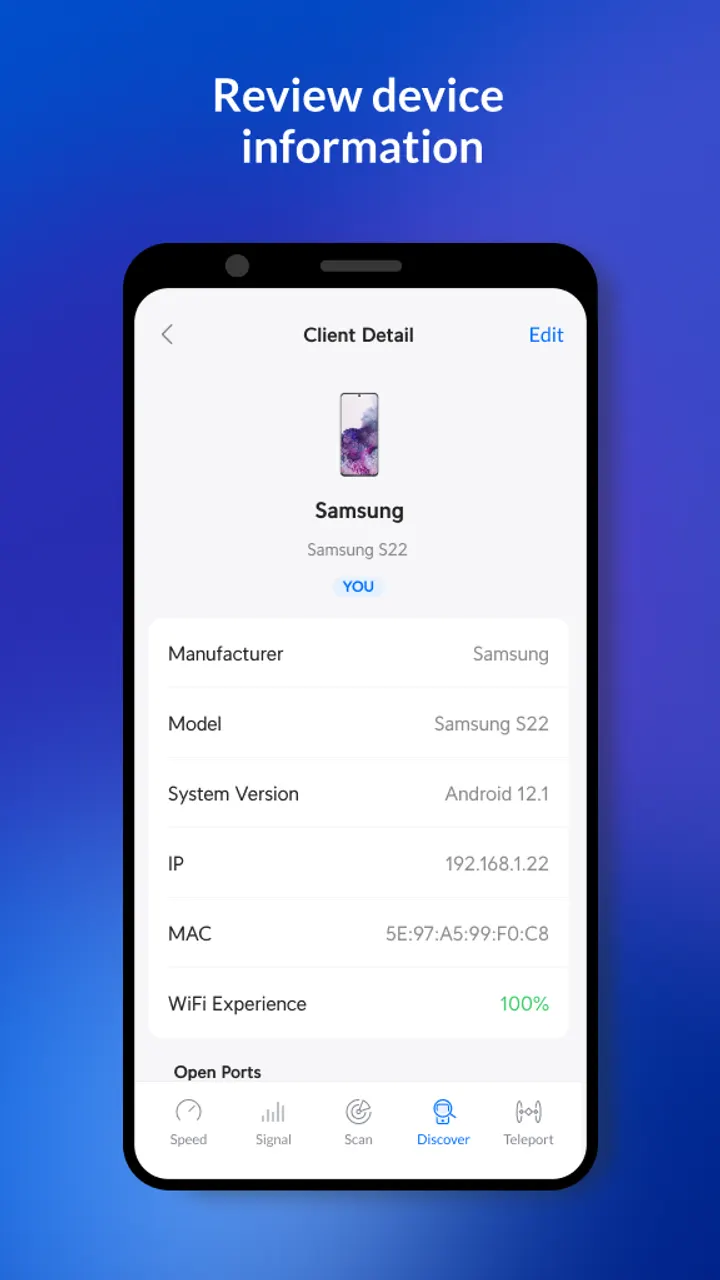
The subnet scanner pulls extra detail on devices through Bonjour, SNMP, NetBIOS and Ubiquiti discovery protocols. For Ubiquiti hardware the detail goes further, covering UniFi, AmpliFi, AirMAX, EdgeMAX, EdgeRouter, EdgeSwitch, UISP, AirCube and AirFiber.
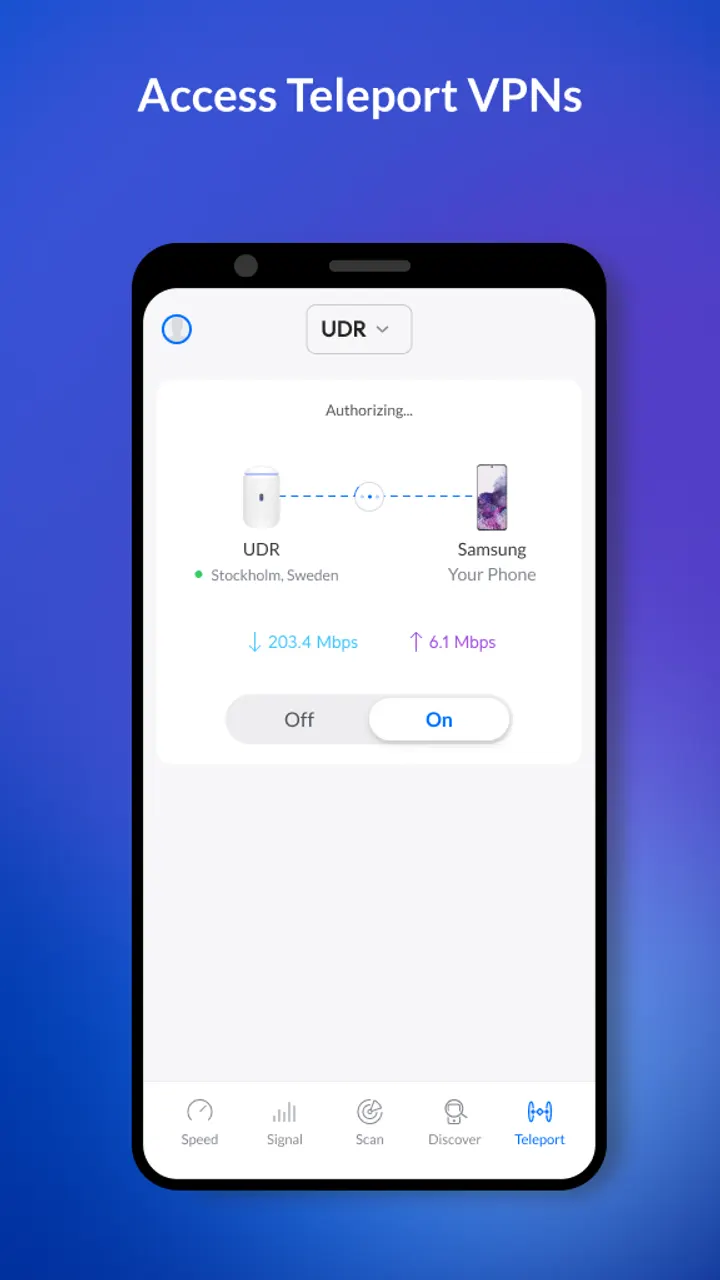
Owners of UniFi equipment get two more tools. Teleport is a free, zero-configuration VPN for reaching a UniFi network remotely, and a speed test can run between a UniFi Dream Machine or UDM Pro and a phone. The analyzer supports WiFi 6, and the app can move access points to nearby data channels to improve signal and reduce traffic.
When PCAPdroid or Rethink fits better
WiFiman is built around WiFi and device discovery, not traffic inspection or filtering. PCAPdroid and Rethink are the alternatives to check if your goal is different from scanning and speed testing.
What's new in 2.14.0
The current version is 2.14.0, last updated on October 15, 2026.
WiFiman pros and cons
Pros
- Free with no ads and no in-app purchases, according to Google Play data
- Speed tests with stored results that can be compared and shared
- Subnet scanning through Bonjour, SNMP, NetBIOS and Ubiquiti protocols
- Teleport VPN for remote access to a UniFi network
- Includes a port scanner and WiFi 6 analyzer
Cons
- Several features, such as Teleport and Dream Machine speed tests, only apply to UniFi owners
- Version 2.14.0 is the current release, but its changes are not documented in the app's update notes
- Requires Android 8.0 or later
Is WiFiman safe?
WiFiman comes from Ubiquiti Inc., the maker of the UniFi gear it is built to manage (website ui.com). It is rated Everyone, carries no ads and sells nothing inside the app. Since it scans subnets and Bluetooth LE devices, review the permissions it asks for on its Play listing.
How to install WiFiman
- Press the Google Play button on this page.
- Check the listing in the Play Store and press Install.
- Open WiFiman when the install finishes. Updates arrive through Google Play.


