

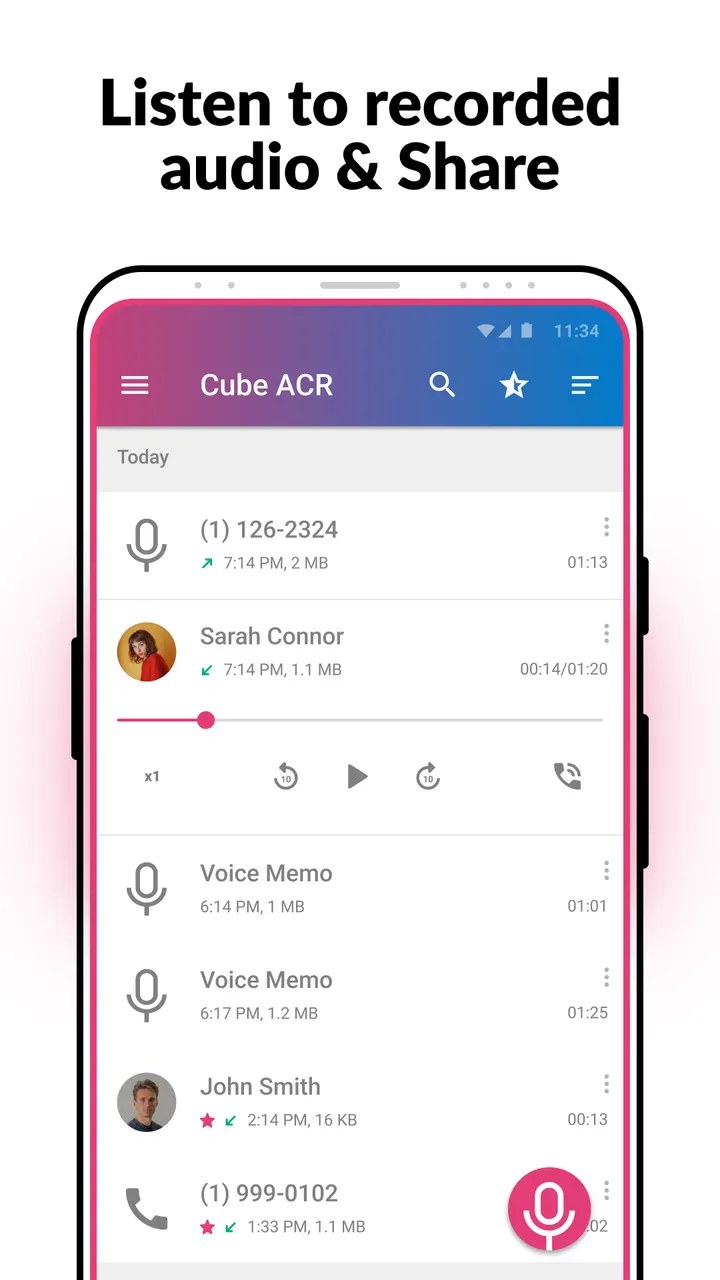
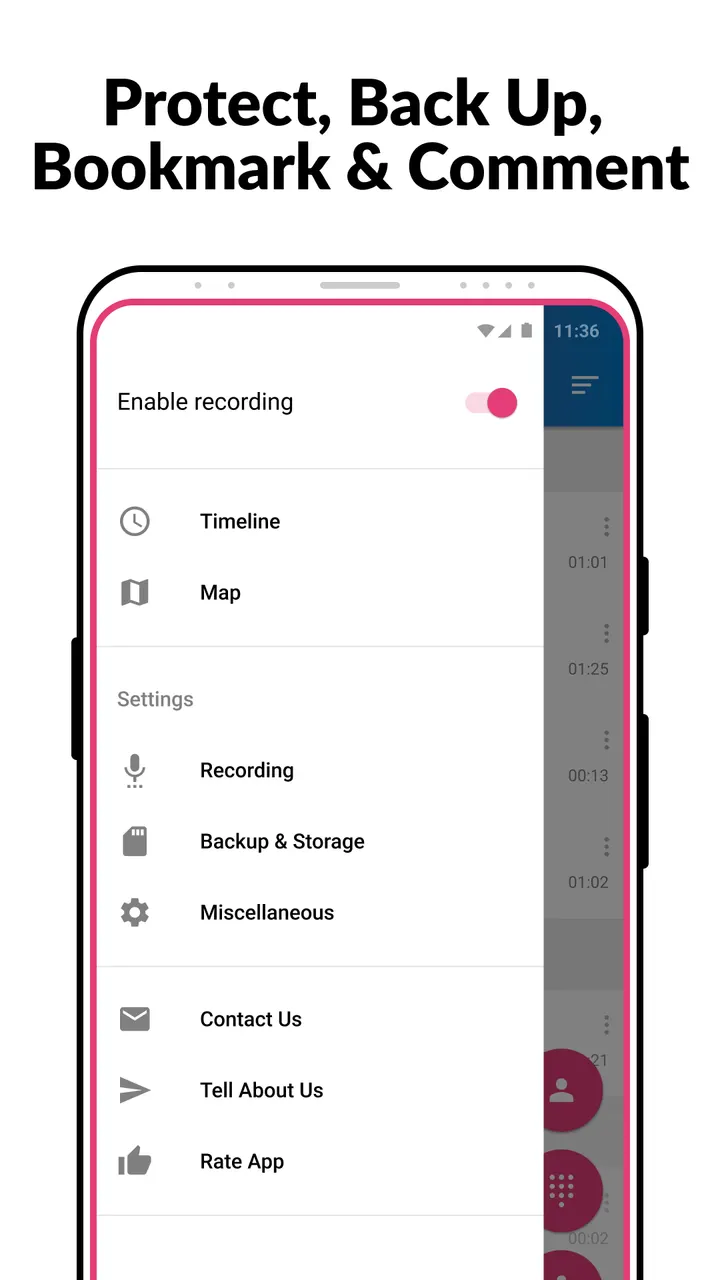
You finish a long call with a landlord or a support agent and want the exact wording later. Call Recorder, also called Cube ACR, saves incoming and outgoing calls automatically so you can replay them, and it can also capture VoIP chats from apps such as WhatsApp or Viber. This page sums up what is known about it.
Cube Apps Ltd and a project dating to 2016
The app comes from Cube Apps Ltd, which runs a site at cubeacr.app. The package ID is com.catalinagroup.callrecorder, and the first release dates to December 12, 2016.
Google Play shows over 50 million installs and a 4.1 rating from about 914.1 thousand ratings. The latest version is 2.4.289, updated on November 3, 2026.
Automatic calls, VoIP apps and voice memos
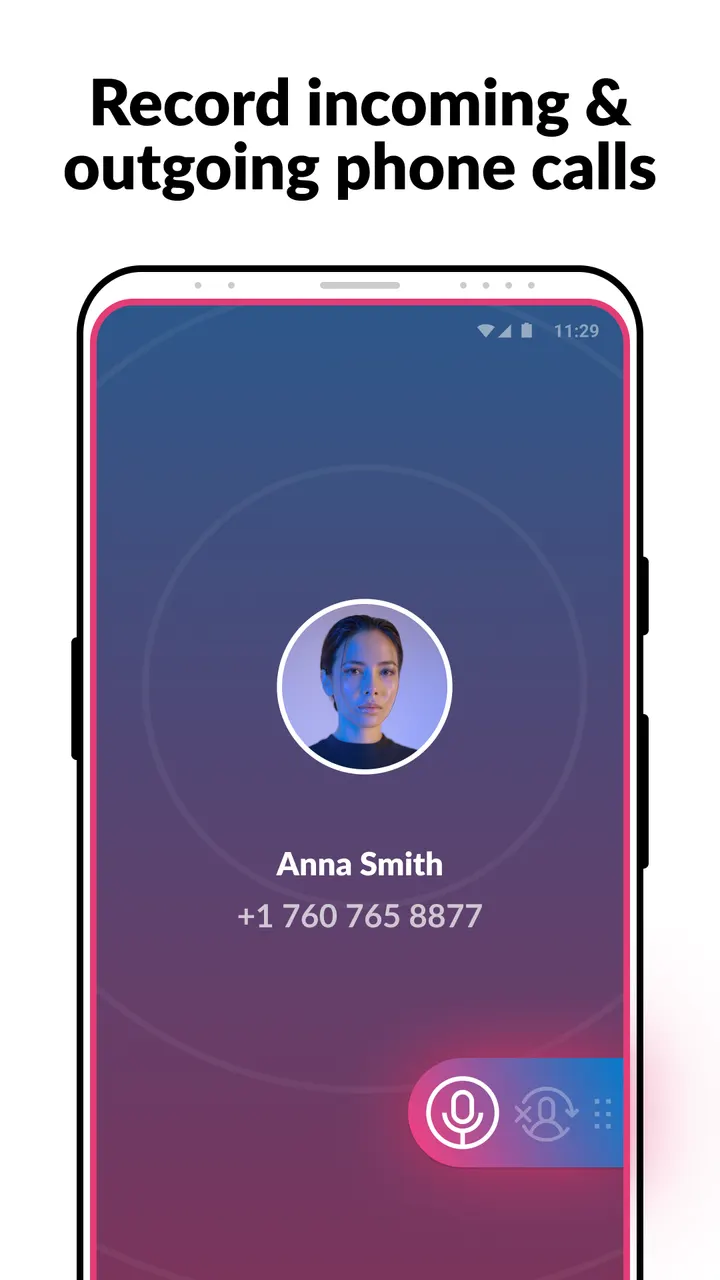
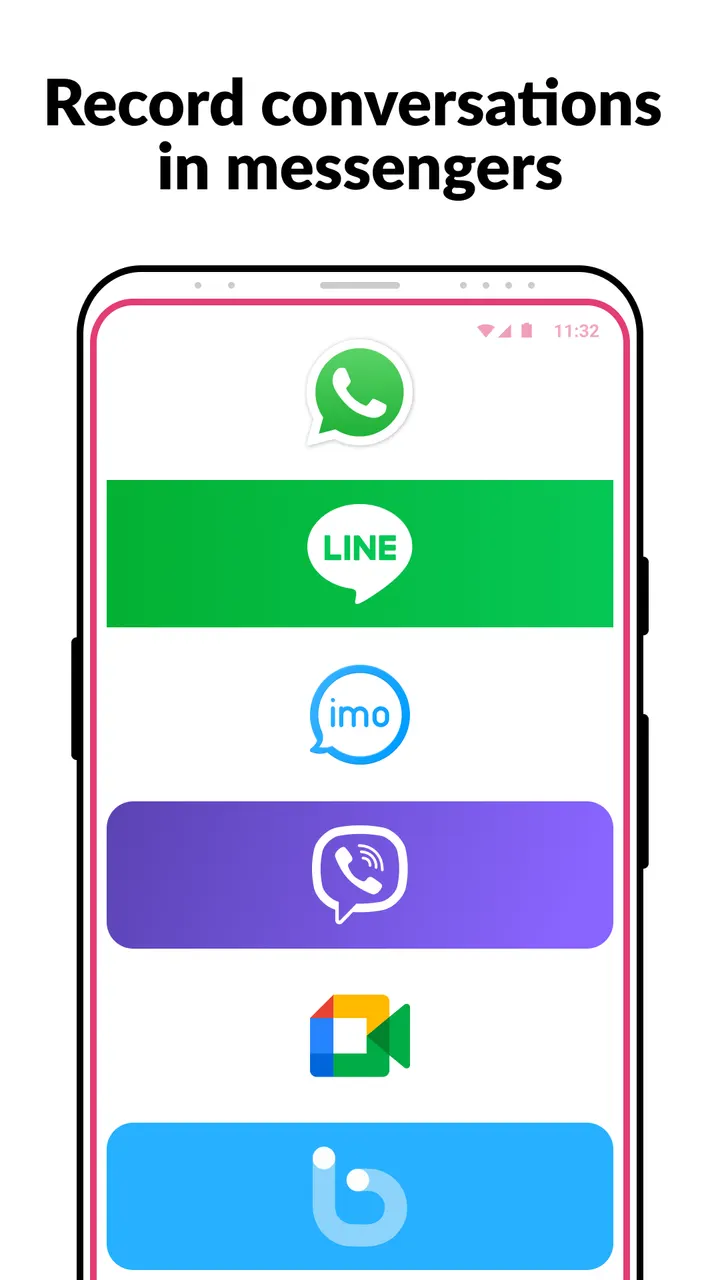
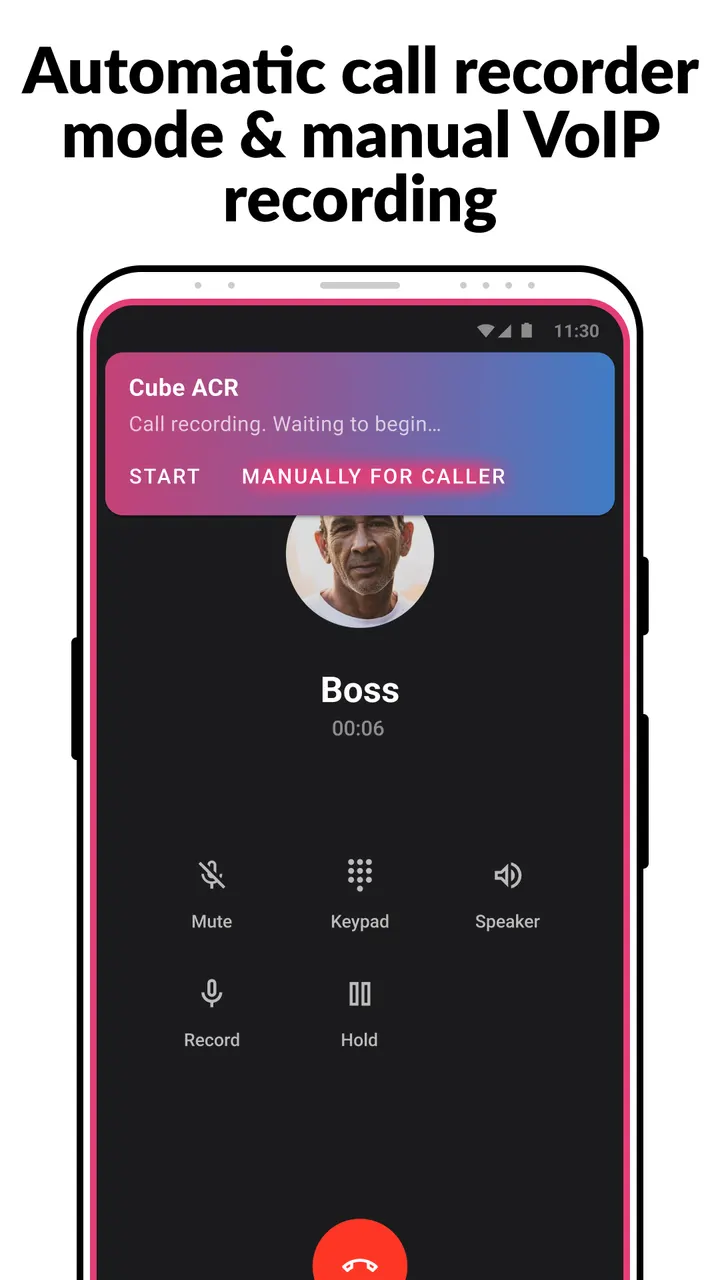
The app records incoming and outgoing phone calls automatically. It also covers VoIP conversations in services such as WhatsApp, Google Meet, Viber and Line. You can switch between automatic recording and manual VoIP recording.
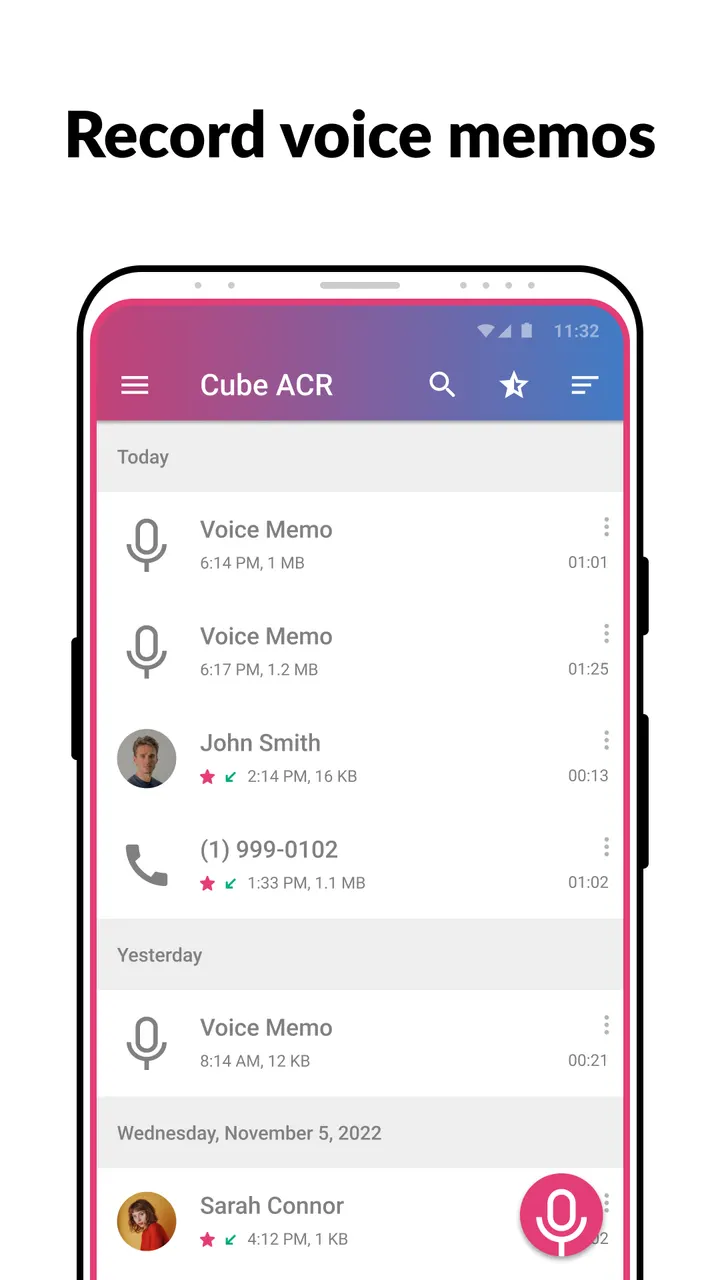
Recordings play back inside the app, and you can star favorites for quicker access. Voice memos and cloud saving are included too. If you hear only yourself on playback, change the recording source in Settings or use auto-on speaker mode.
Android 6.0, Accessibility access and call legality
The app needs Android 6.0 or newer and carries an Everyone content rating. It uses Accessibility services. The app is free to install, with ads and in-app purchases.
The developer warns that call recording laws differ by country and state. It advises telling the other person about the recording and asking permission.
Call Recorder pros and cons
Pros
- Records both regular calls and VoIP calls from apps such as WhatsApp and Viber
- Automatic and manual recording modes
- Free to install, with over 50 million installs on Google Play
- Built-in playback with starred favorites
- Runs on Android 6.0 and newer
Cons
- Contains ads
- Includes in-app purchases
- Requires Accessibility services
- Some devices may record only your own voice until the recording source is changed
Is Call Recorder safe?
Cube Apps Ltd publishes the app, and you install it from Google Play. The developer also runs a website at cubeacr.app. It is free but shows ads and offers in-app purchases. Recording laws differ depending on where you and the other person are, so check the rules that apply to you before you record a call.
How to install Call Recorder
- Press the Google Play button on this page.
- Check the listing in the Play Store and press Install.
- Open Call Recorder when the install finishes. Updates arrive through Google Play.


