

Where Vita Mahjong and Tile Club lean toward casual play, Mahjong Master treats each board as a logic puzzle to be solved in the right order. It comes from Mindful Daily Puzzles, is free, and runs on Android 7.1 or newer. Google Play lists over 10 million installs and a 4.9 rating from about 435.4 thousand ratings.
First steps after you install Mahjong Master
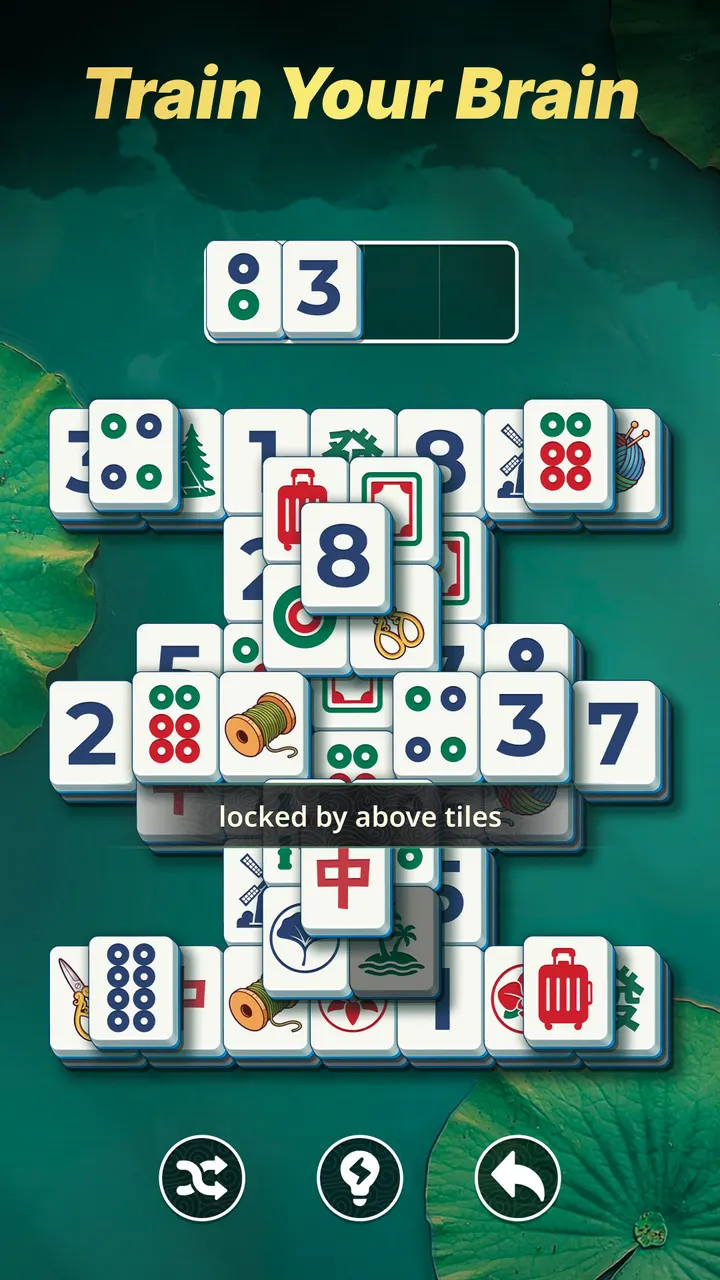
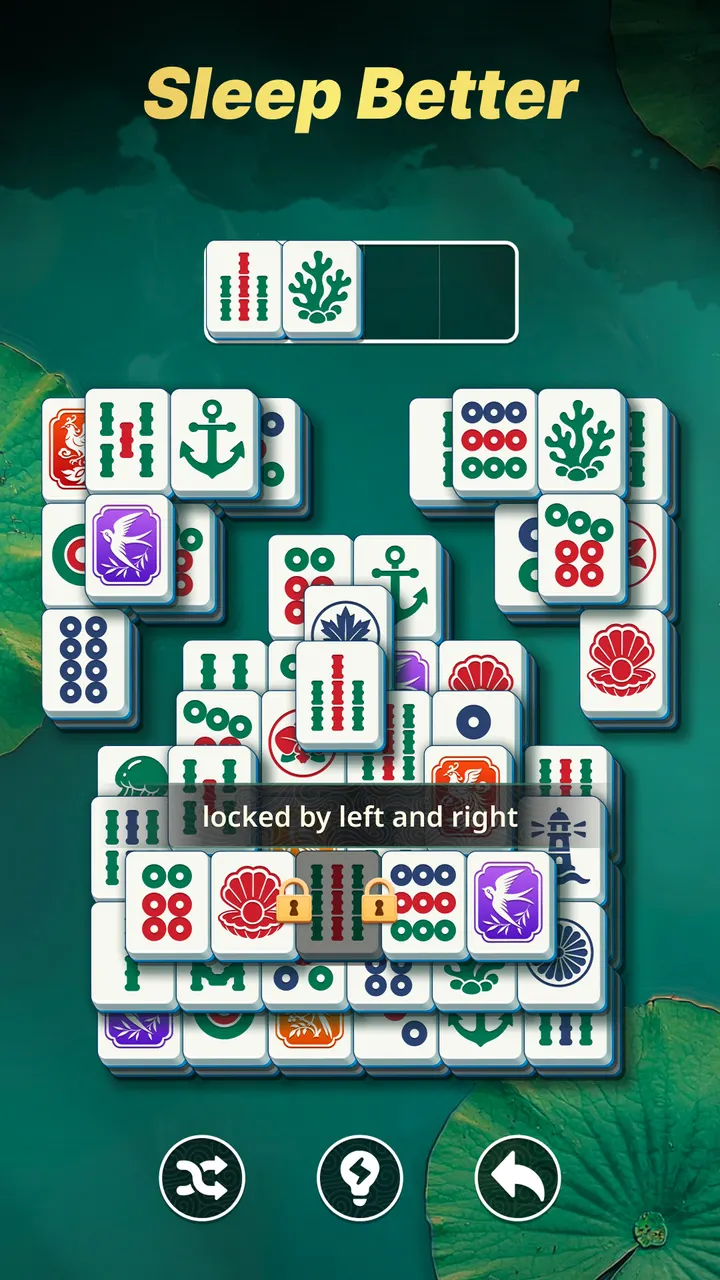
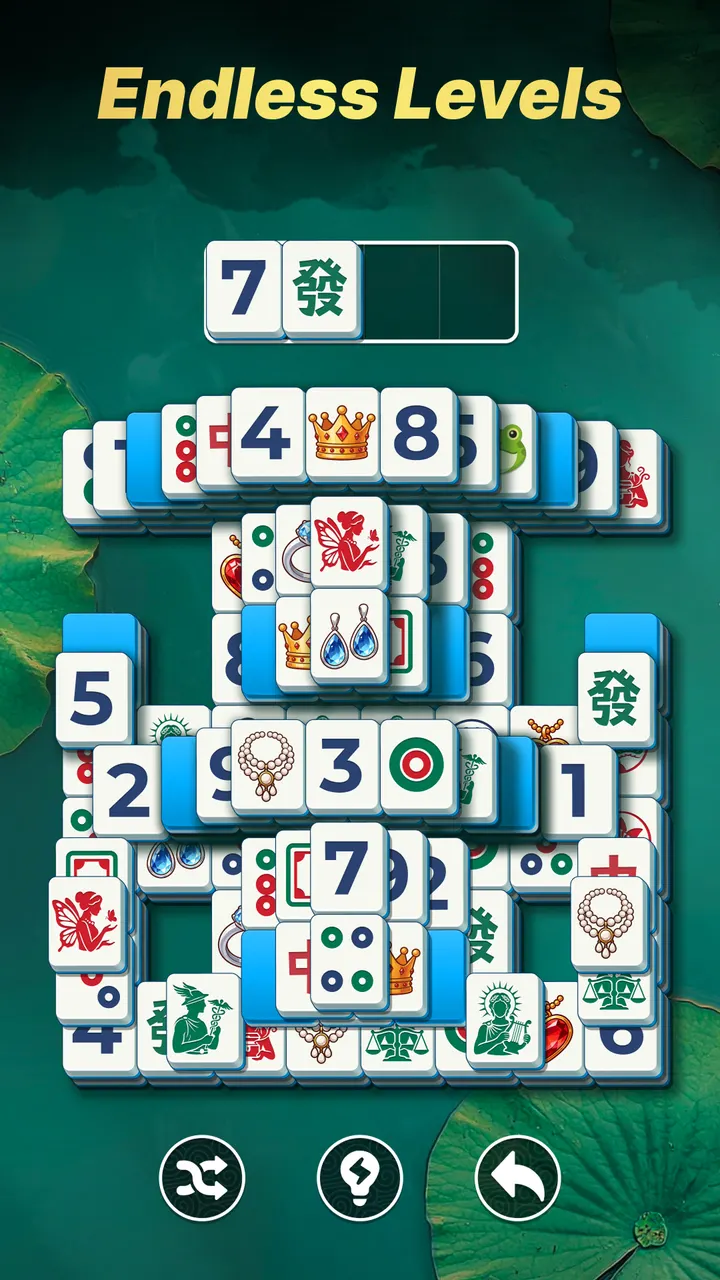
Start with the early boards. Difficulty begins easy so you can learn the core rule: you remove pairs of matching tiles that are free, meaning not blocked on the sides or on top.
Try a few levels before touching the Hint and Undo buttons. Hint points out a hidden pair, and Undo reverses a bad move. Use them to see why a layer jammed, then plan the next board more carefully. The game works without Wi-Fi, so you can play anywhere.
Extra large tiles and a steady difficulty curve
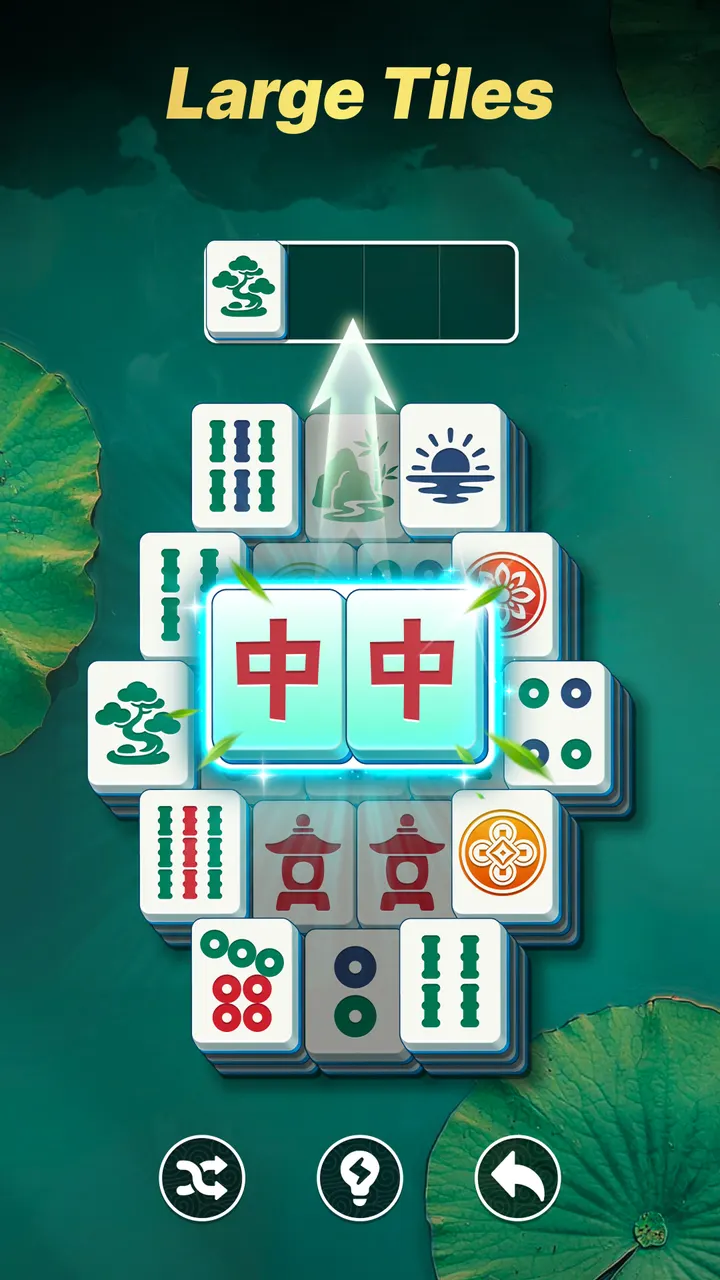
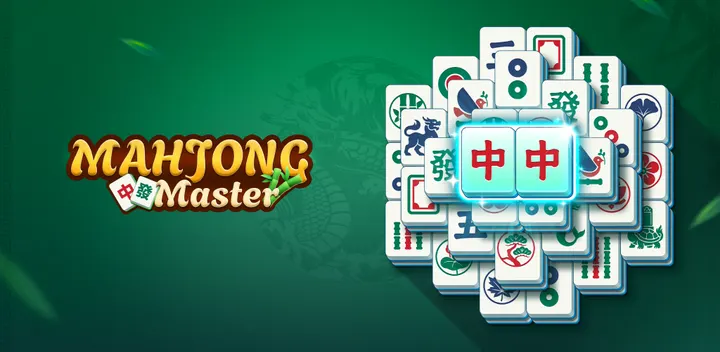
The tiles are extra large and carry high-contrast symbols, which makes similar-looking pieces easier to tell apart. The screen stays clean, with traditional mahjong tiles and little else.
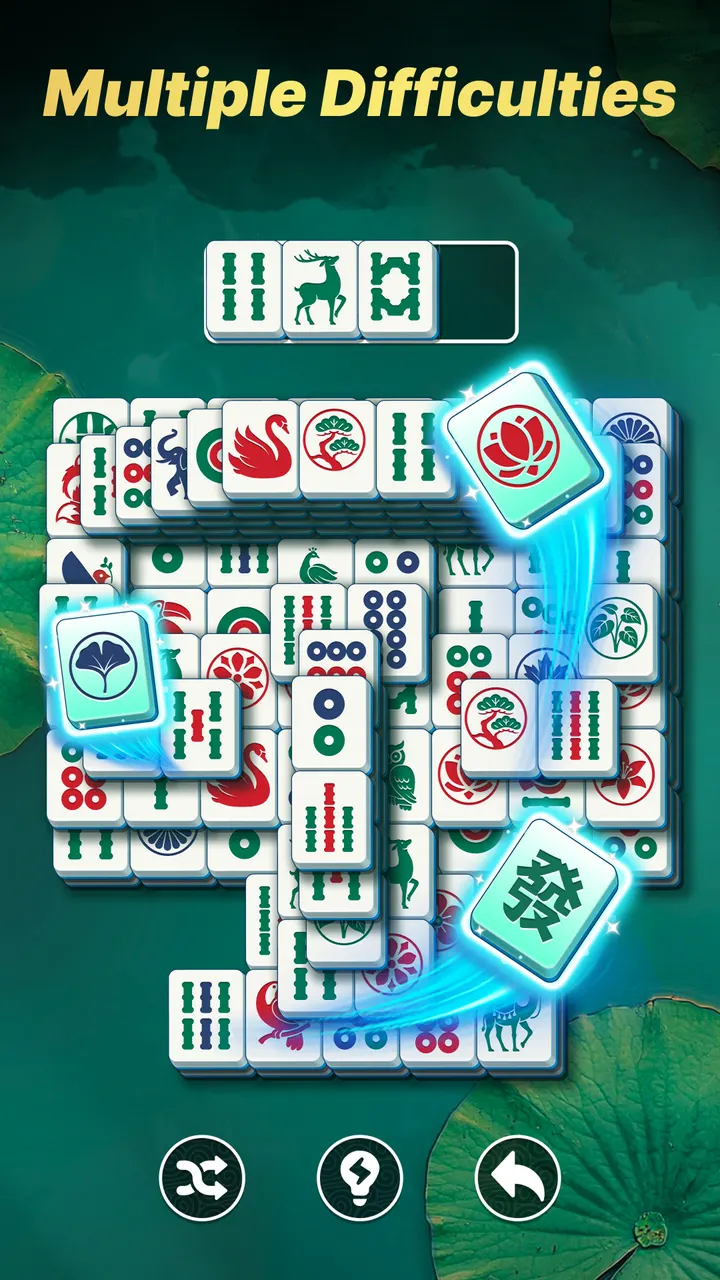
Layouts grow from simple setups into multi-layered structures. Each one rewards clearing tiles in a sensible order, since a careless match can leave you with a dead end. The store text frames the game as brain training that suits older players and anyone who wants a daily mental workout.
Version 1.35.0 was updated on November 4, 2026, after the game first appeared on January 21, 2026.
When Ball Sort Puzzle or Magic Sort! fits better
If you want color sorting rather than tile pairing, Ball Sort Puzzle and Magic Sort! play differently. Mahjong Blast and Tile Park stay closer to the tile-matching style but may feel less strict about logic.
Mahjong Master also shows ads, so players who dislike interruptions between levels may want to compare alternatives first.
Mahjong Master pros and cons
Pros
- Free with no in-app purchases
- Works offline, no Wi-Fi needed
- Extra large, high-contrast tiles are easy to read
- Hint and Undo tools help you learn from mistakes
- Difficulty rises from easy boards to multi-layered structures
Cons
- Contains ads
- Needs Android 7.1 or newer
- Focuses on strict logic rather than relaxed play, which may feel demanding
Is Mahjong Master safe?
Mahjong Master is distributed through Google Play under the package name com.mahjong.master.solitaire.match.puzzle, published by Mindful Daily Puzzles. It carries an Everyone content rating and has no in-app purchases. Ads are present, so expect them during play.
How to install Mahjong Master
- Press the Google Play button on this page.
- Check the listing in the Play Store and press Install.
- Open Mahjong Master when the install finishes. Updates arrive through Google Play.


