
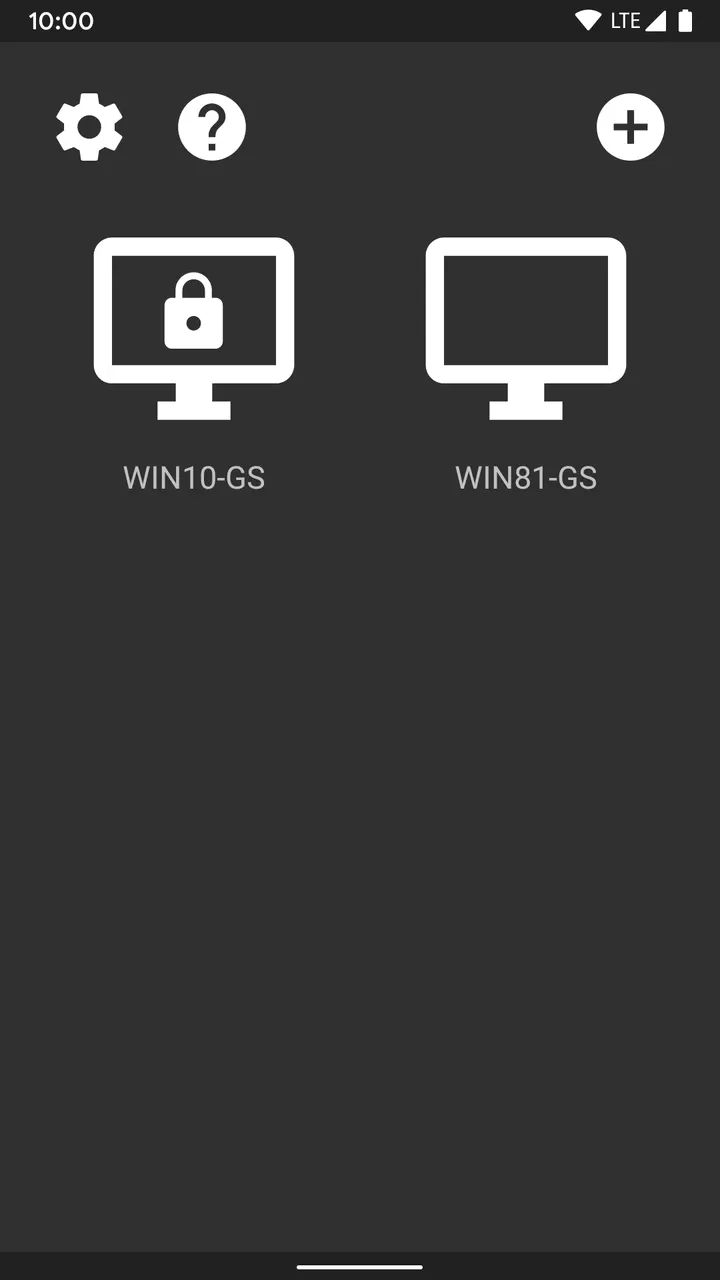
Moonlight Game Streaming is a free, open-source Android app by Cameron Gutman that streams games from your PC to your phone or tablet. Version 12.1 needs Android 4.1 or later and weighs 6.4 MB. We host the unmodified APK, verified with a SHA-256 checksum.
Playing a PC library on a phone screen
The app solves a narrow problem: your games live on a Windows PC, but you want to play them from another room or away from home. Moonlight sends video to the Android device and returns your input to the PC. The host can be a PC running GeForce Experience or one running Sunshine.
The developer says it streams games from any store, and it can also show a full desktop or individual programs.
4K, HDR and controller support in the feature list
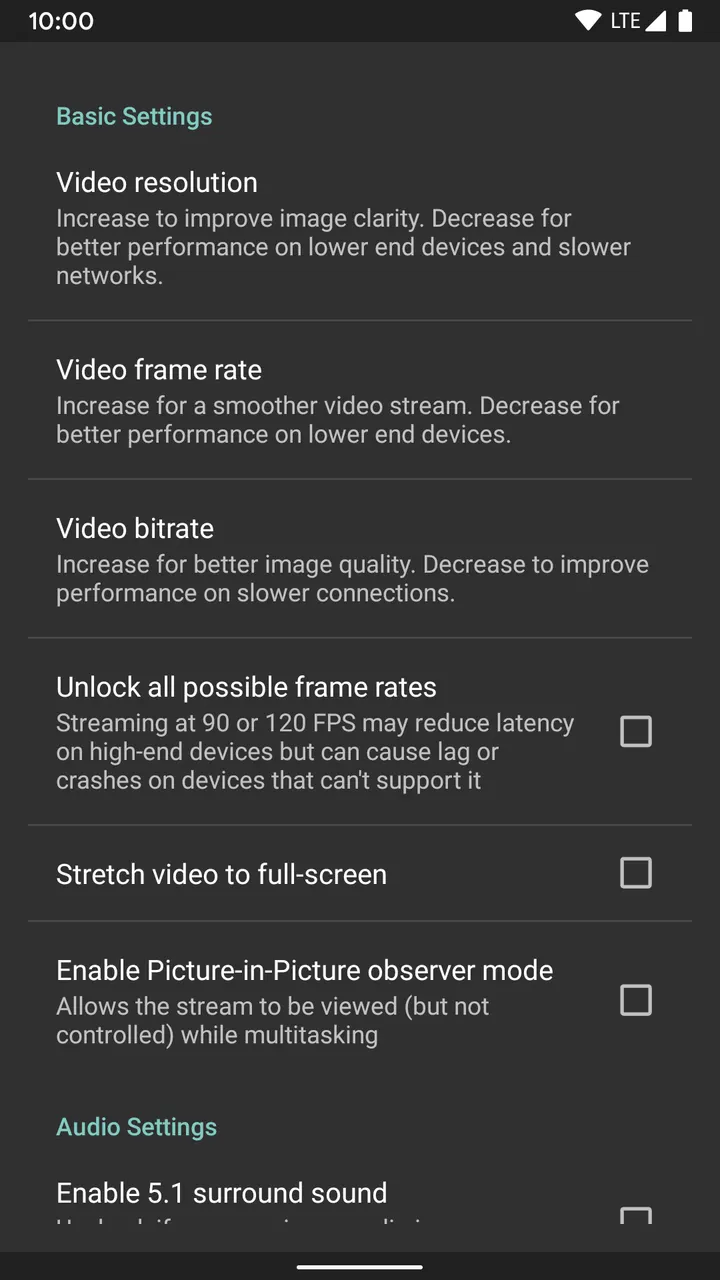
The developer says it streams up to 4K at 120 FPS with HDR and 7.1 surround sound. HDR needs an HDR10-capable device, a GPU that can encode HEVC Main 10 and an HDR10-enabled game. Codec support covers H.264, HEVC and AV1, though AV1 needs Sunshine and a supported host GPU.
Input is broad. Keyboard and mouse work best on Android 8.0 or later, and stylus and S-Pen input is supported. PS3, PS4, PS5, Xbox 360, Xbox One, Xbox Series and Android gamepads work, plus local co-op with up to 16 controllers (4 with GFE).
Network and host setup to check first
Performance depends on your hardware and network. The developer recommends a mid to high-end wireless router, a 5 GHz connection to the Android device and Ethernet from the PC to the router.
Setup takes a few steps. With Sunshine, you install it on the PC, finish first-time setup in its web interface, then enter the PIN shown in Moonlight. GeForce Experience hosts need GameStream turned on in the SHIELD settings page. Streaming over the Internet or LTE is supported, and the full guide covers adding a PC manually.
Moonlight Game Streaming pros and cons
Pros
- Free with no ads, in-app purchases or Pro tier
- Source code is public under GPL-3.0-or-later
- Small 6.4 MB download
- Supports up to 4K 120 FPS HDR and 7.1 surround sound
- Works with many gamepads, keyboard, mouse and stylus
Cons
- Needs a separate PC host running GeForce Experience or Sunshine
- HDR and AV1 depend on specific GPU and device support
- Quality relies on a good router and a 5 GHz connection
- Updates are not accompanied by release notes
Is Moonlight Game Streaming safe?
The APK is stored unmodified, with its SHA-256 checksum (ace0b28b0d4f4c5b2a0e683be6ca21ebde8476851c40d489d0591322fc6c4a99) so you can compare it against your download. Moonlight is released under GPL-3.0-or-later and its code is public on GitHub, so anyone can read how it handles your input and stream. The package ID is com.limelight, and the app carries no ads.
How to install Moonlight Game Streaming
- Download the APK with the button on this page and wait for it to finish.
- Compare the file with the SHA-256 checksum shown here if you want to confirm it arrived intact.
- Open the file on your phone and allow installs from this source when Android asks.
- Finish the install, then open Moonlight Game Streaming from your app drawer.


