

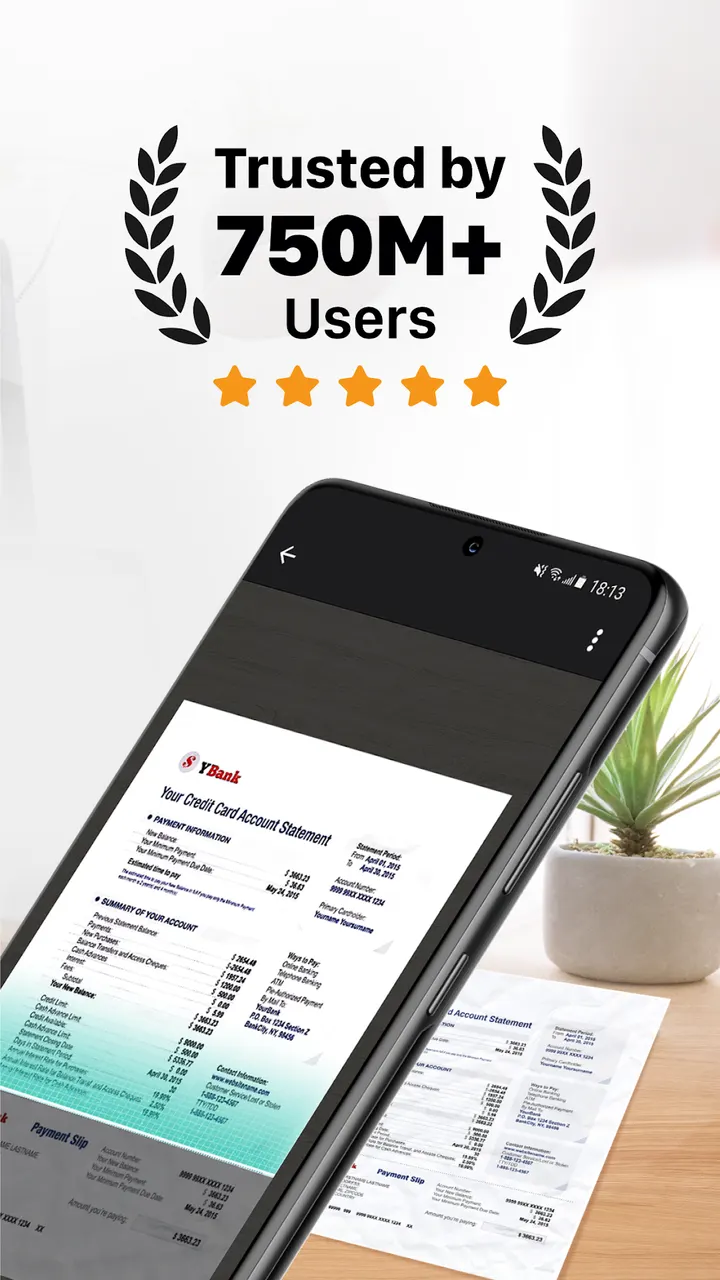
You have a receipt, a signed form and a whiteboard photo to send before the end of the day, and no scanner nearby. CamScanner- scanner from INTSIG PTE uses the phone camera to turn such paper into PDF or JPG files, and its text recognition can pull the words out of a scan. You can also generate your own e-signature and send a fax or email from the same screen. The app is free, with ads and in-app purchases.
First steps after installing CamScanner on Android
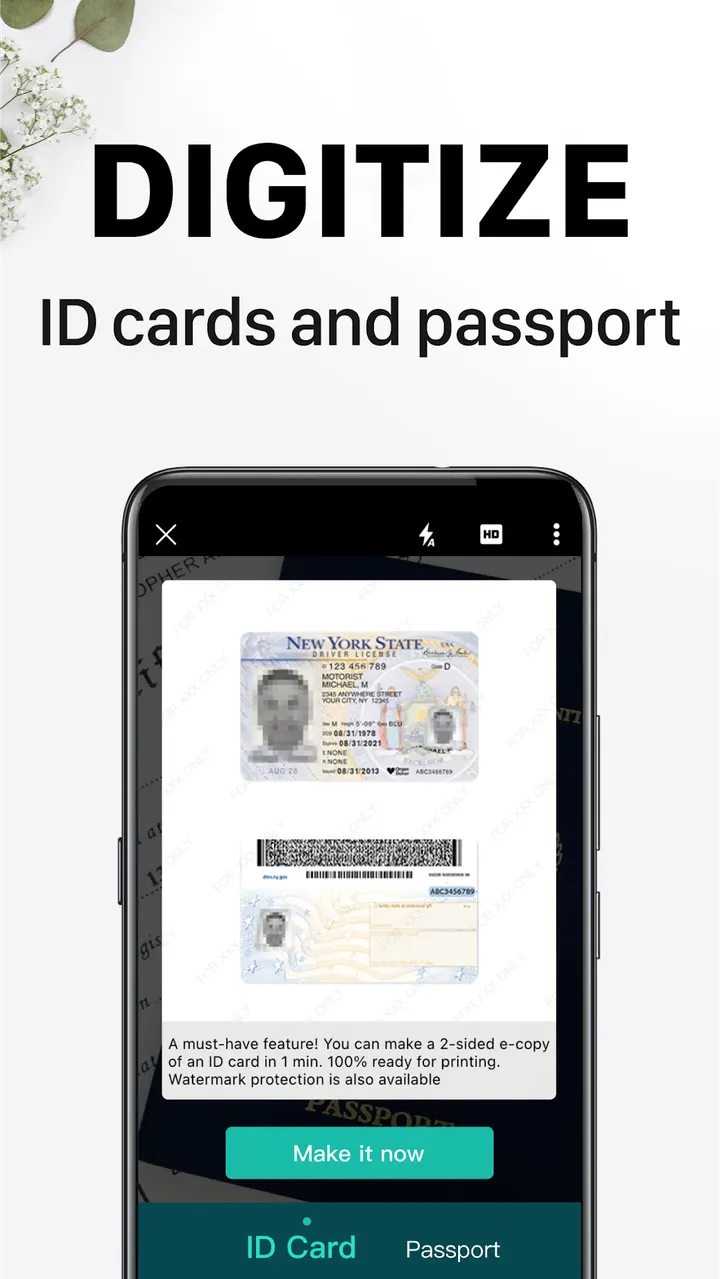
The app needs Android 5.0 or newer, and the current version is 7.27.5.2610140000. Its core job is to scan paper with the camera: receipts, notes, invoices, whiteboard discussions, business cards and certificates are the examples named in the store listing.
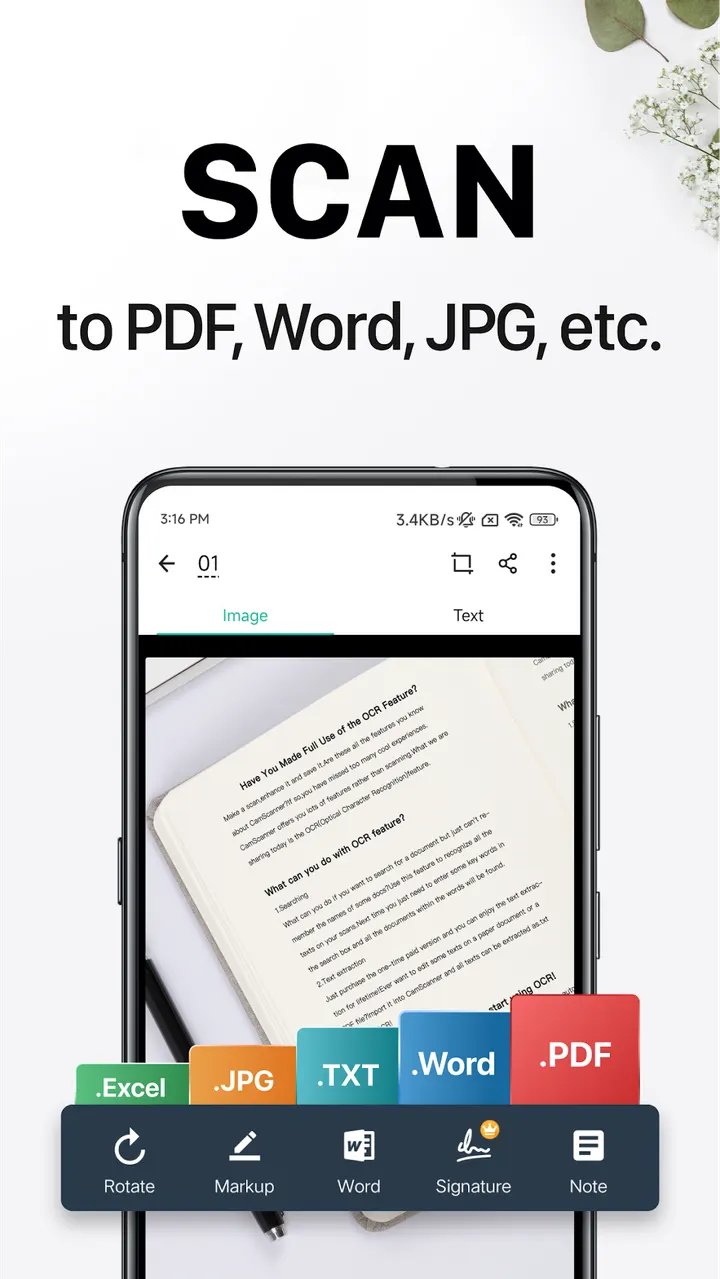
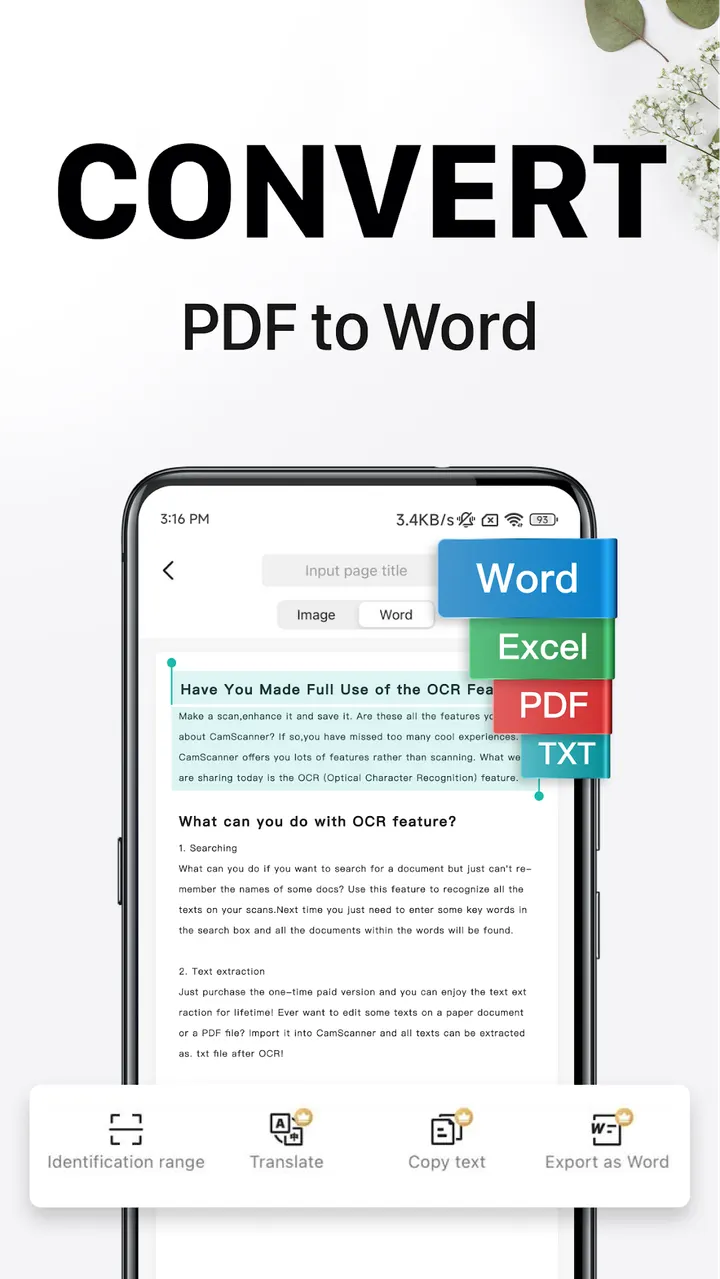
After a scan, smart cropping and auto enhancing adjust the image so text and graphics stay clear. You can then save the result as PDF, JPG, Word or TXT. Signing up is optional for scanning, but an account is needed to sync documents across a phone, tablet and the web version at camscanner.com.
OCR, e-signatures and remote fax in one app
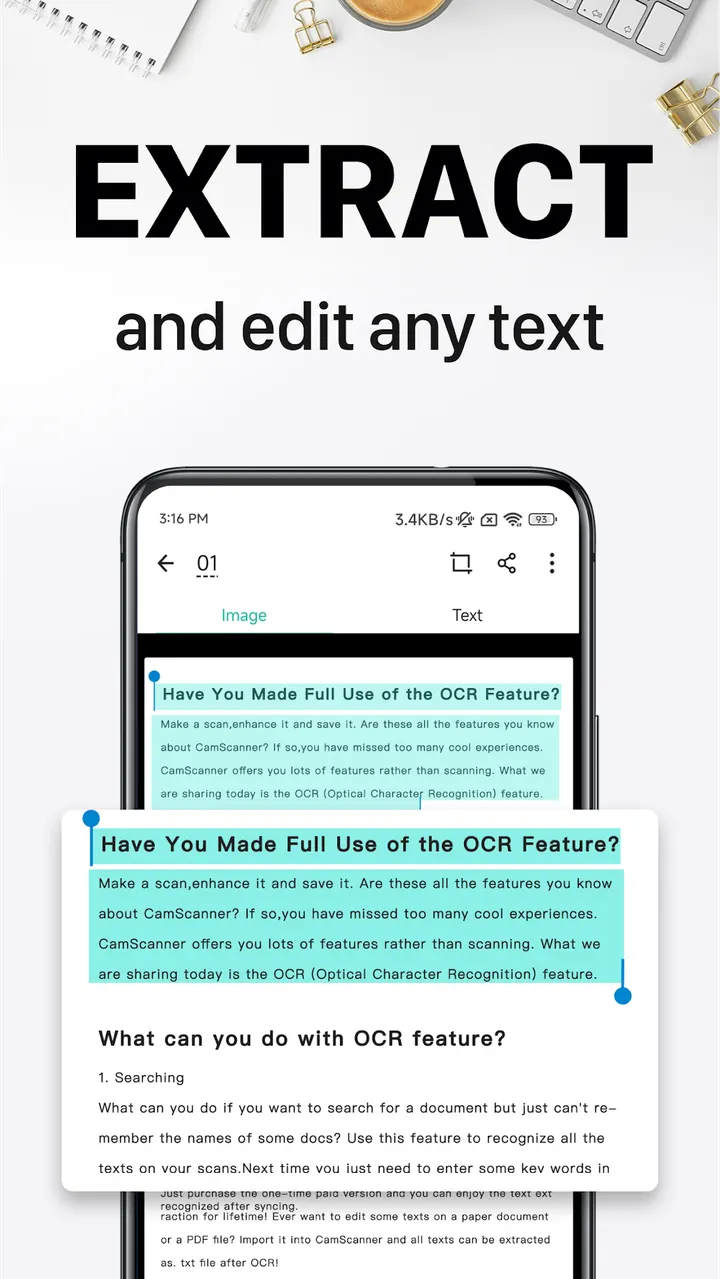
The OCR feature recognizes text in images or PDFs, so you can extract it for searching, editing or sharing. The same recognition lets you search images by their content, and you can also tag documents to find them later.
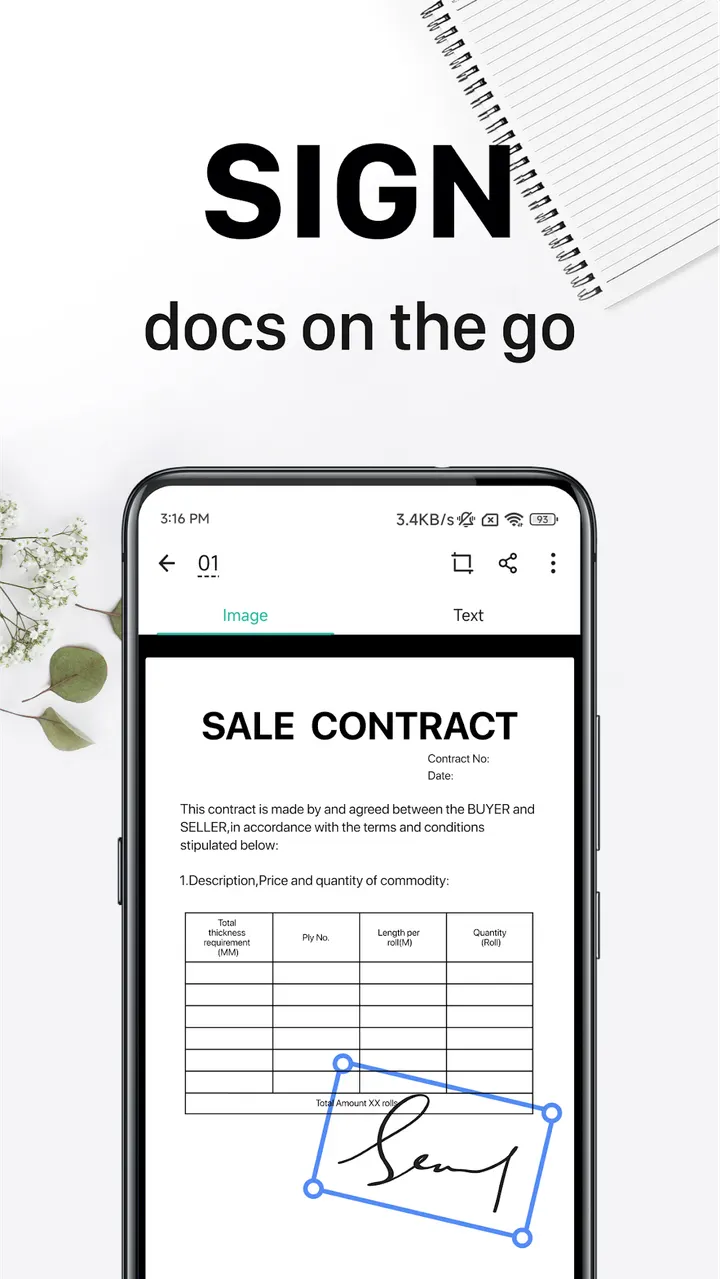
The app can generate your own e-signature, and it has editing tools for annotations and a custom watermark. Sharing works through PDF or JPEG files, including email attachments or download links. For paper output, it prints wirelessly to a nearby printer without extra drivers, and it can fax documents remotely to over 30 countries and regions.
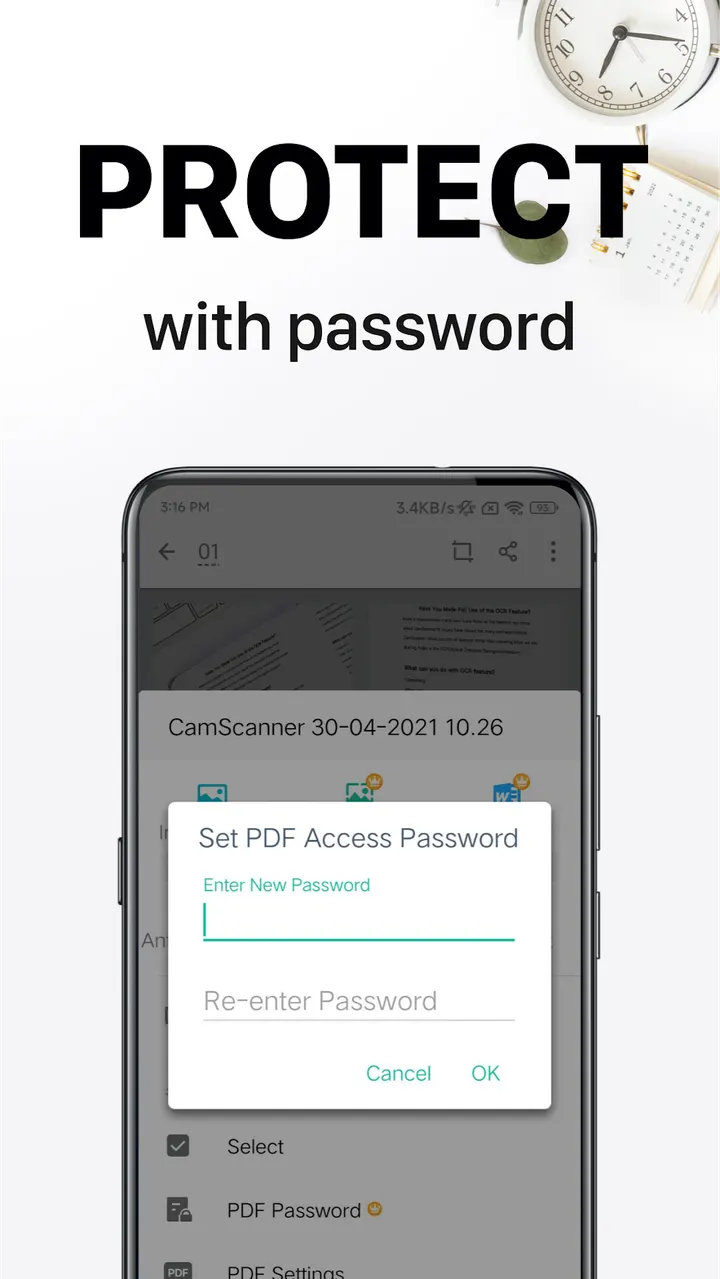
For confidential files, you can set a viewing password and a separate password on the download link.
Who should look at other apps instead
Full access sits behind an unlimited membership subscription, billed weekly, monthly, quarterly or annually. If you only need to photograph a page now and then, a general photo tool such as Google Photos, which appears among the listed alternatives, may be enough.
People who want to avoid ads should also think twice, since the app contains them. Those who prefer keeping documents off an online account may find the sync-first design less suitable.
CamScanner- scanner pros and cons
Pros
- Scans paper to PDF, JPG, Word or TXT with automatic cropping and enhancing
- OCR extracts text and lets you search images by content
- Includes e-signatures, annotations and custom watermarks
- Prints wirelessly and faxes remotely to over 30 countries and regions
- Password protection for documents and download links
Cons
- Contains ads
- In-app purchases and a subscription unlock all features
- Subscription prices are not shown in the available data
- Syncing across devices requires signing up
Is CamScanner- scanner safe?
CamScanner- scanner is distributed through Google Play only, and the publisher is INTSIG PTE. It is rated Everyone and is free to install, with ads and in-app purchases. The app offers passwords for documents and links, but no independent security review is available.
How to install CamScanner- scanner
- Press the Google Play button on this page.
- Check the listing in the Play Store and press Install.
- Open CamScanner- scanner when the install finishes. Updates arrive through Google Play.


