
You want to capture a game level with its sound, but most recorders ask for an account, show ads or upload data somewhere. Open Recorder, from developer NoneBaiano, takes a narrower route. It records the screen to MP4, can include internal audio, and does not request the internet permission at all. The APK is 2.6 MB, free, and licensed GPL-3.0-only.
Internal audio without a network connection
Recording system sound on Android has long meant extra tools or cloud-linked apps. Open Recorder handles it directly. The audio setting offers four choices: none, internal audio, microphone, or microphone and internal audio mixed together.
The app declares no internet permission, so it cannot connect to the network. Recordings are saved as MP4 files in Movies/Open Recorder and stay on the device. Backups are disabled, and other apps are not allowed to capture the app's own audio.
Codec, resolution and bitrate settings
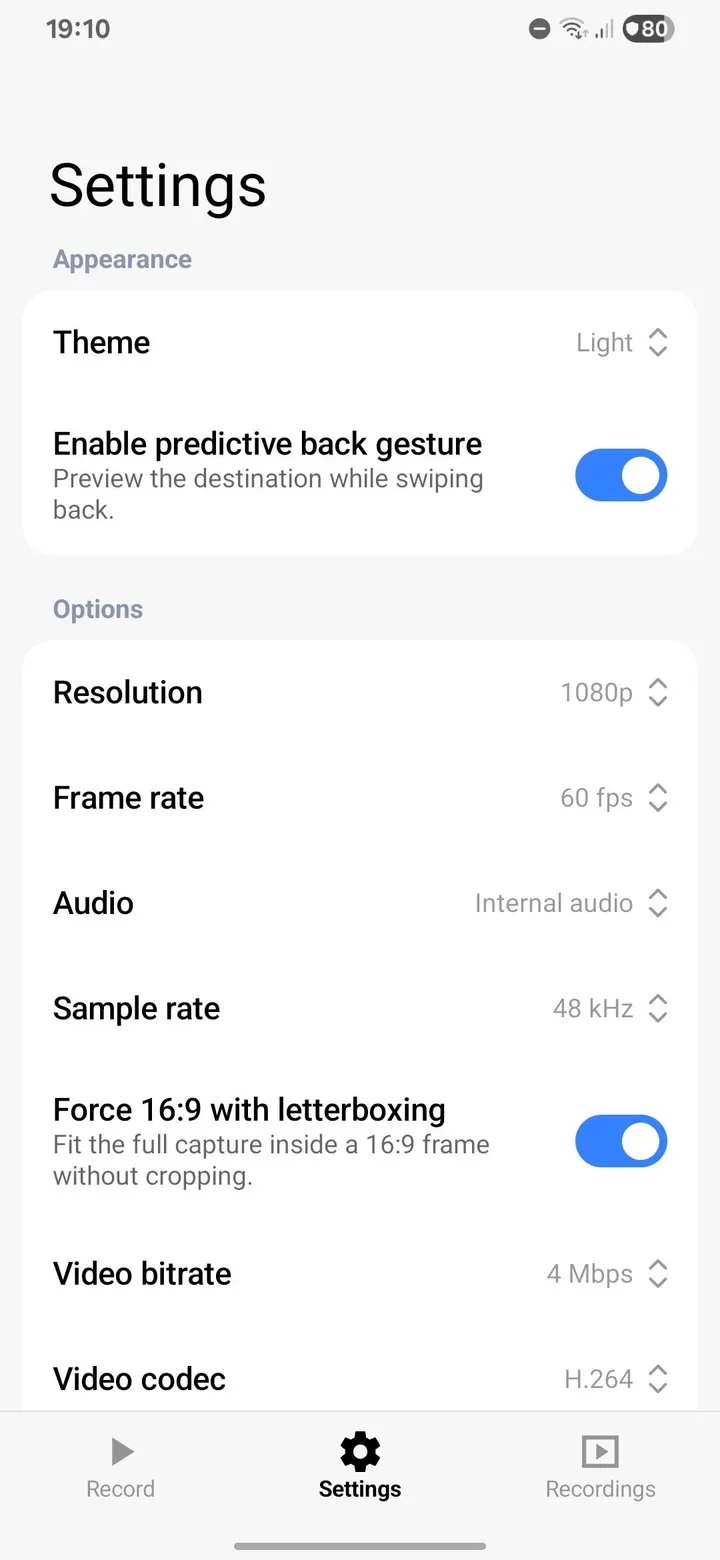
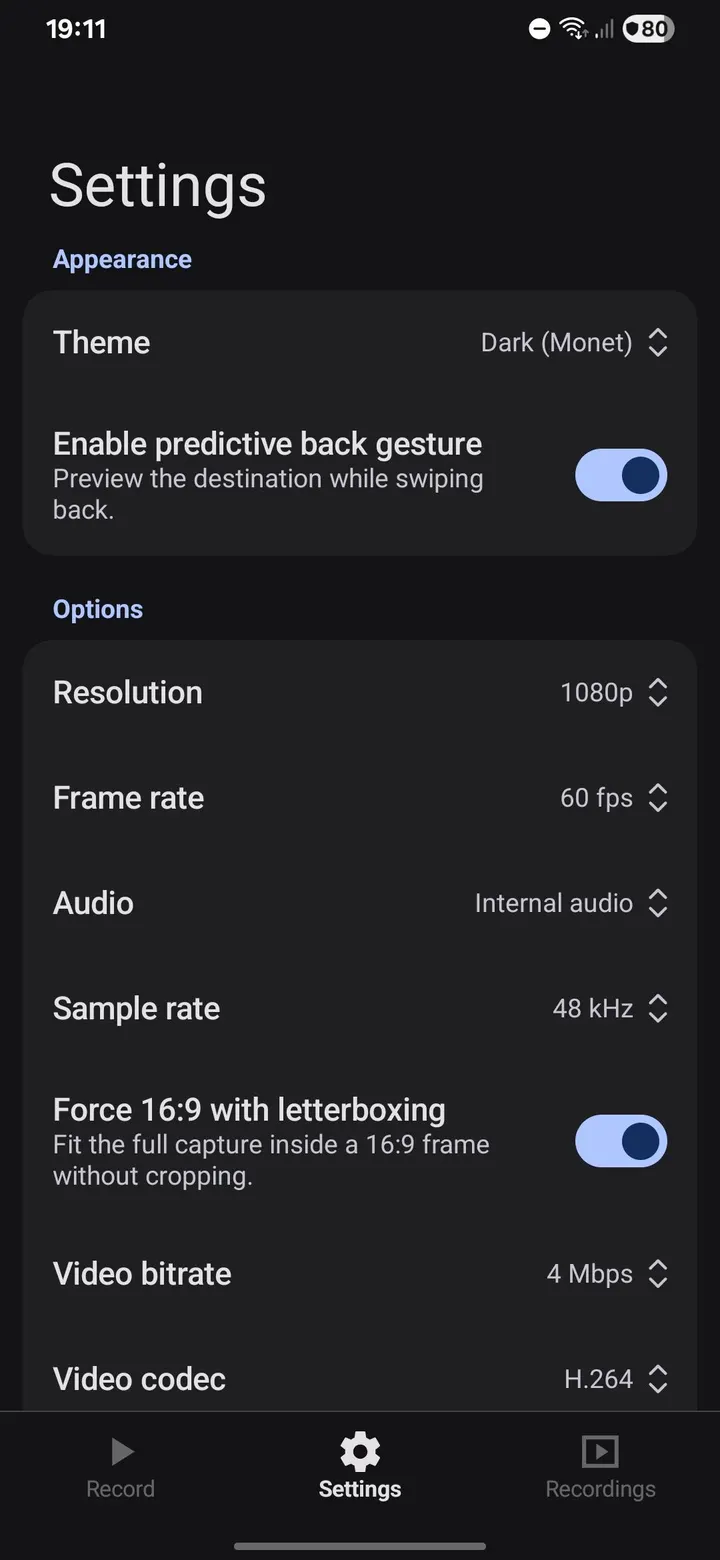
The recording options are detailed for such a small package. Video can be H.264 or H.265. Resolution is native, 1080p, 720p, or 480p, and frame rate is automatic, 120, 90, 60, or 30 fps.
Bitrate can be automatic or fixed at 4, 8, 16, or 24 Mbps, while audio sample rate is 44.1 kHz or 48 kHz. Orientation can be automatic, portrait, or landscape, and an optional 16:9 letterbox fits the full capture without cropping.
A countdown before recording can be off, 3, 5, or 10 seconds. A stop-on-lock-screen option ends the recording when the screen locks, and the file naming pattern is customizable.
Controls from the notification and Quick Settings
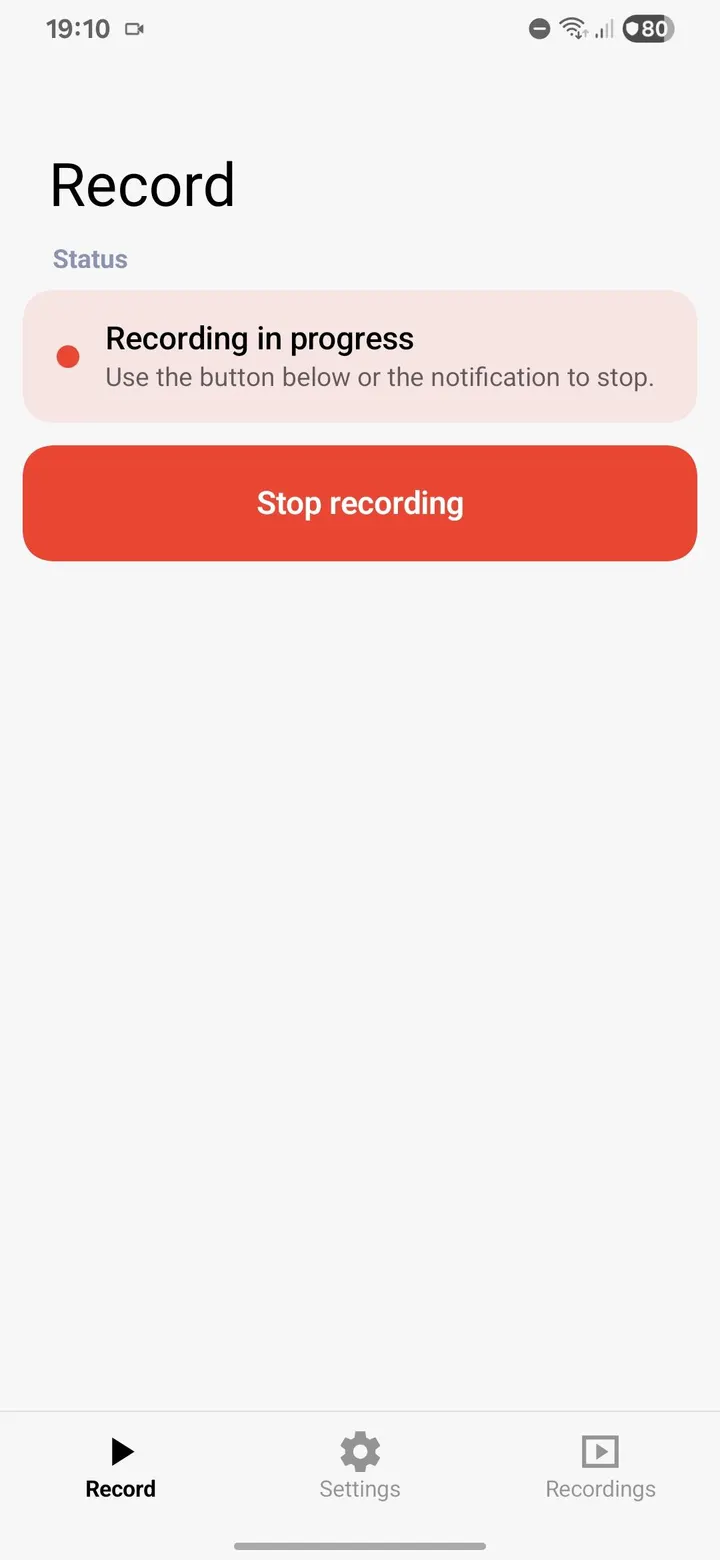
You can pause, resume, and stop from the notification, and a Quick Settings tile starts and stops recording. Recording continues if you close the app. After saving, the notification lets you watch, share, or delete the video.
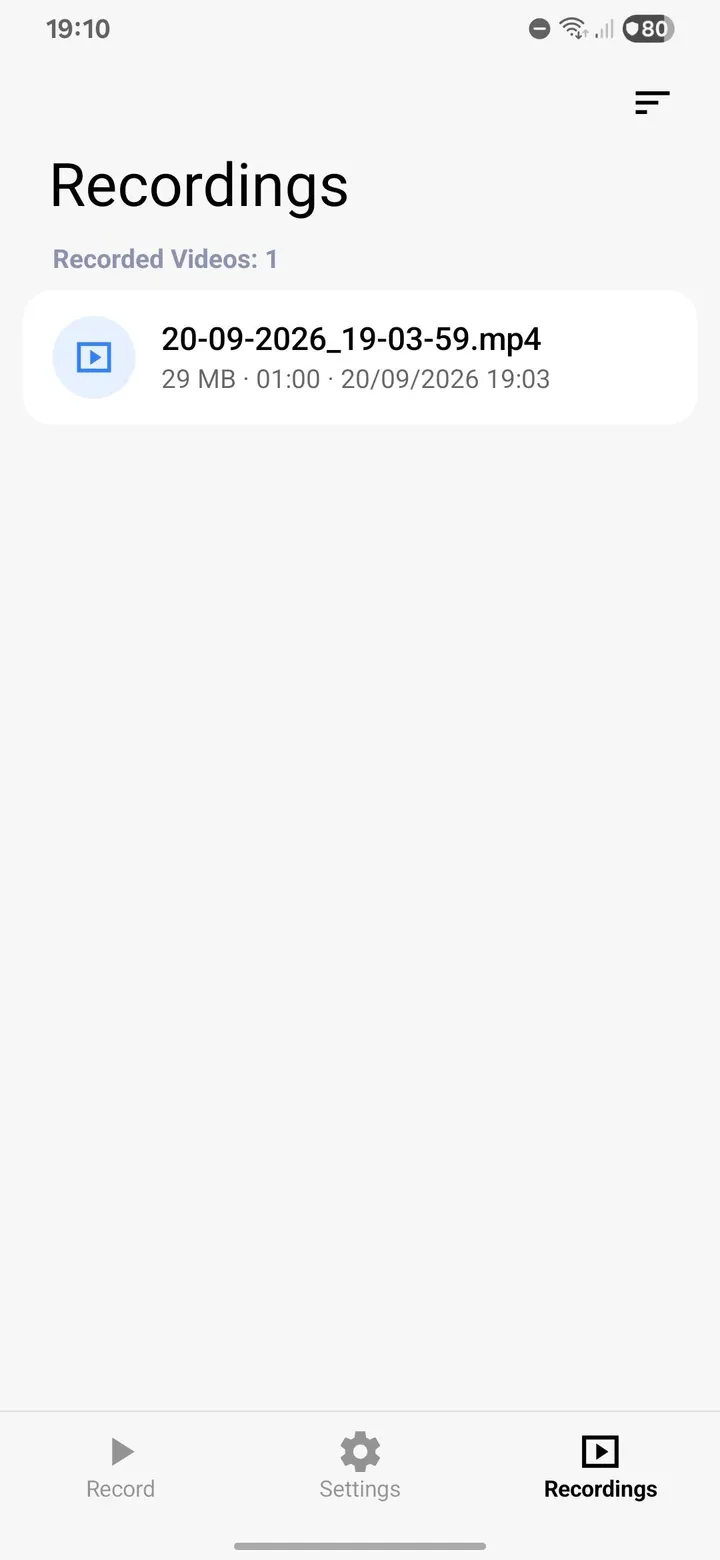
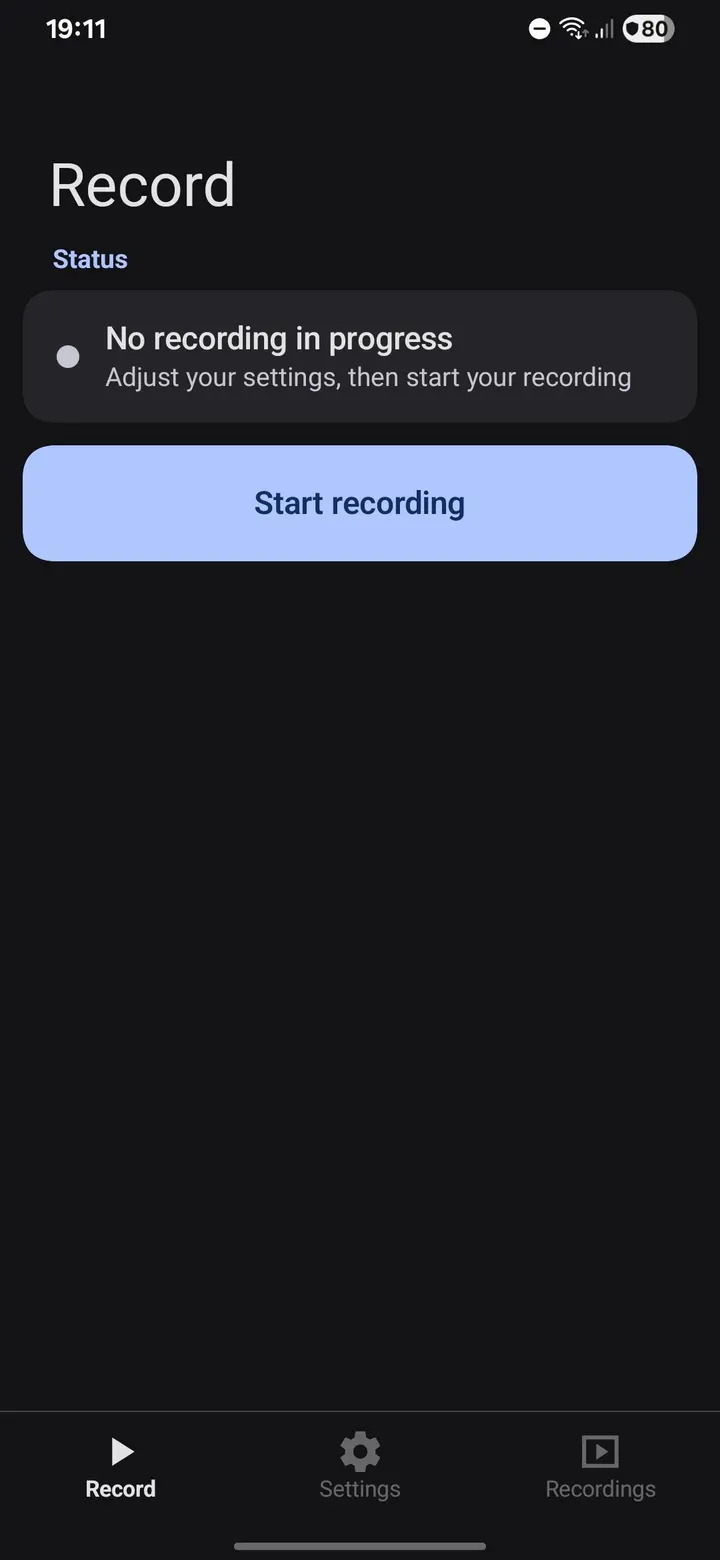
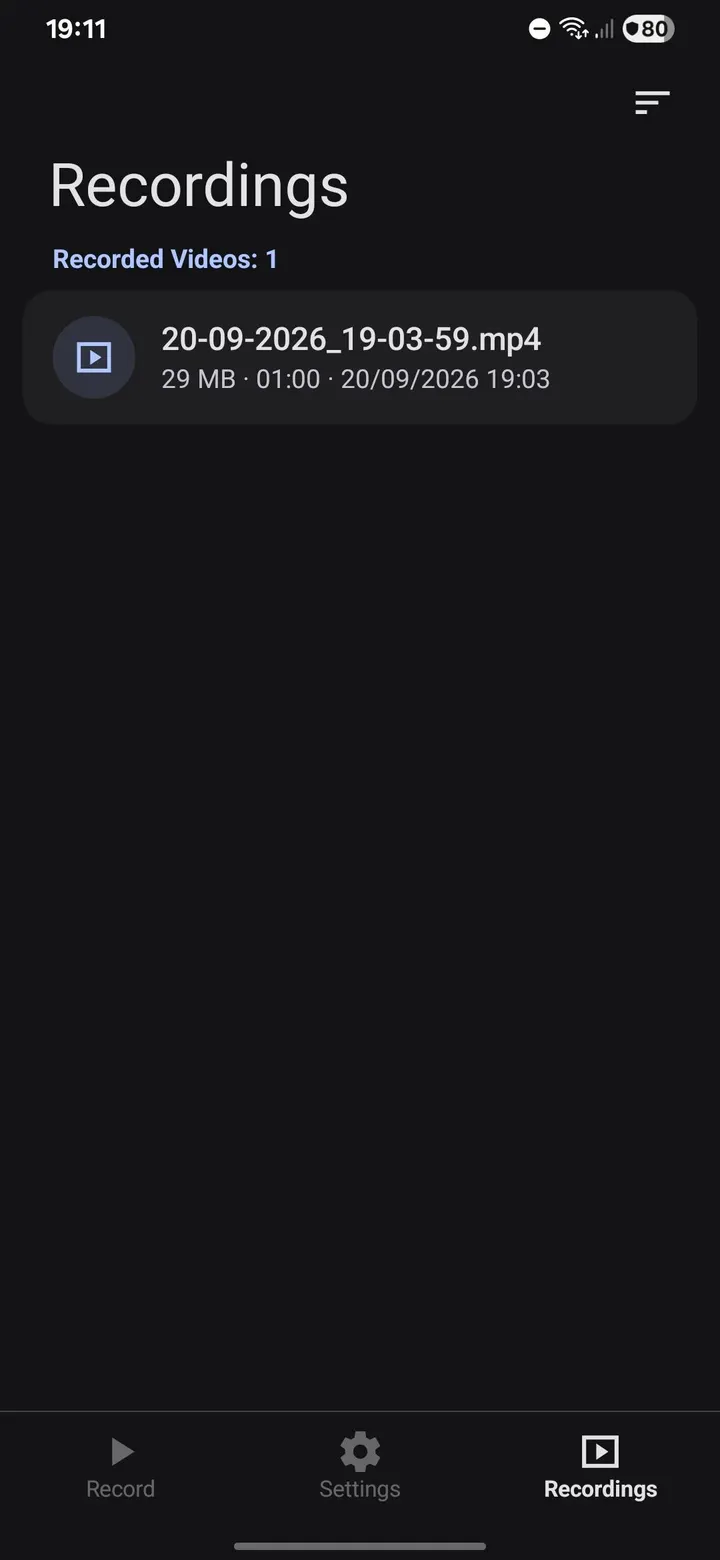
A Recordings tab lists the videos made by the app. It sorts by date, size, or duration and lets you select one, several, or all items for deletion. Themes are light, dark, or follow-system, with Dynamic color (Monet) variants.
Android limits to check before installing
The app requires Android 10 or later. The developer notes that some limits come from Android itself. Android asks for confirmation every time you start a recording.
Apps that block capture, such as DRM video, banking apps, or anything using FLAG_SECURE, can appear black or silent. Internal audio only includes apps that allow playback capture. If you need to record protected streaming, this will not change that.
What's new in 1.0.3
Open Recorder 1.0.3 was last updated on November 4, 2026.
Open Recorder pros and cons
Pros
- No ads, no analytics, no crash reporting, and no tracking
- No internet permission, so the app cannot connect to the network
- Internal audio, microphone, or both mixed in one recording
- Choice of H.264 or H.265, up to 120 fps and 24 Mbps
- Open source under GPL-3.0-only, with a source link on GitHub
Cons
- Requires Android 10 or later
- Protected apps can record as black or silent because of Android capture limits
- Internal audio skips apps that do not allow playback capture
- Android asks for confirmation at every recording start
Is Open Recorder safe?
Open Recorder 1.0.3 is stored here as the unmodified APK, and its SHA-256 checksum (ef6e6fbf...c6699e9) lets you confirm your download matches. The code is GPL-3.0-only and published on GitHub for anyone to read. The app never requests the internet permission, so it cannot send your recordings anywhere. Finished MP4 files stay in Movies/Open Recorder on the device.
How to install Open Recorder
- Download the APK with the button on this page and wait for it to finish.
- Compare the file with the SHA-256 checksum shown here if you want to confirm it arrived intact.
- Open the file on your phone and allow installs from this source when Android asks.
- Finish the install, then open Open Recorder from your app drawer.