
Screen Recorder from InShot Inc., called XRecorder in its own description, captures gameplay, video calls and tutorials with a tap on a floating ball. A built-in video editor handles trimming, music and speed. It is free, shows ads, offers in-app purchases, and needs Android 8.0 or later.
First steps after installing version 2.5.5.1
The current version is 2.5.5.1, updated on October 28, 2026, and the first release came out on May 9, 2019. The content rating is Everyone.
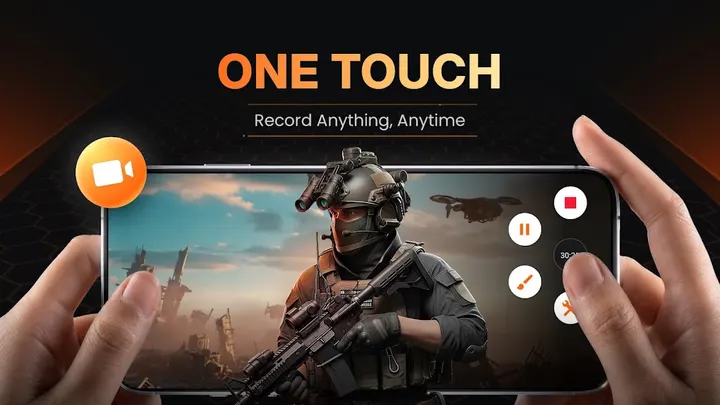
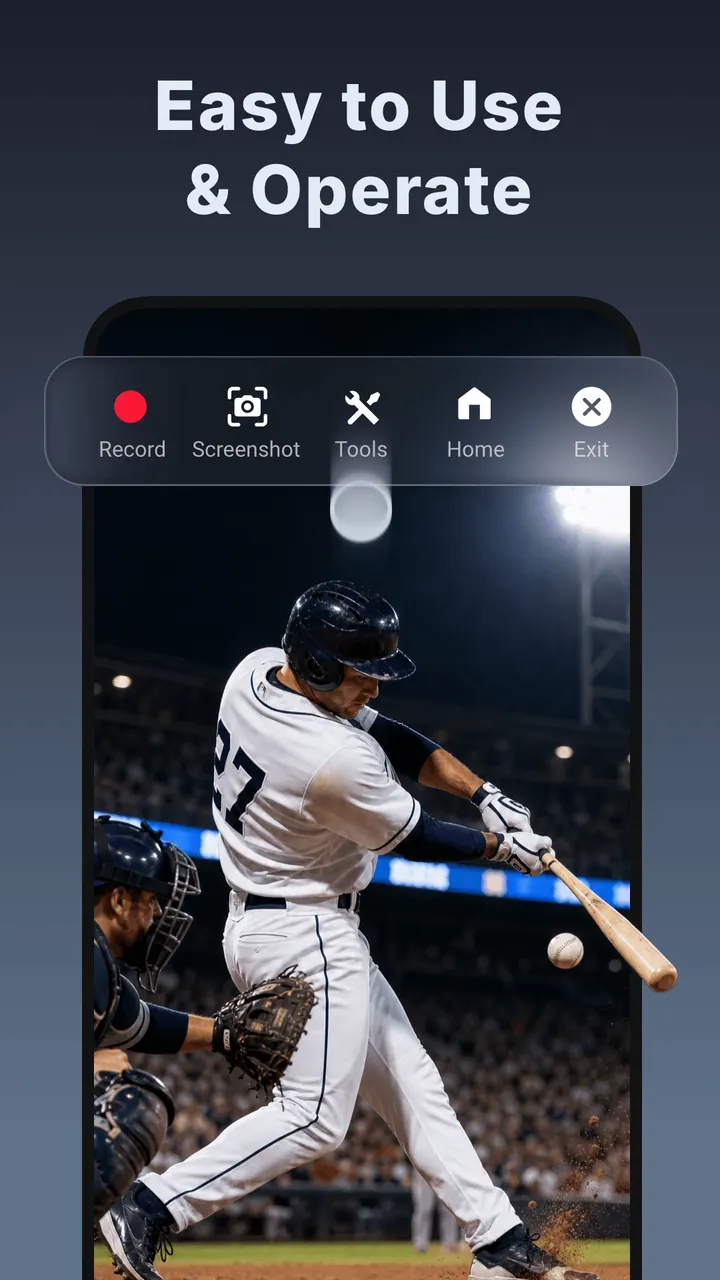
Recording starts with a tap on the floating ball, and there is no watermark, no root requirement and no recording time limit.
Internal audio without background noise works only on Android 10 or above. Other tools include Facecam, brush drawing on screen, and live streaming to YouTube or over RTMP.
Recording options and the built-in editor
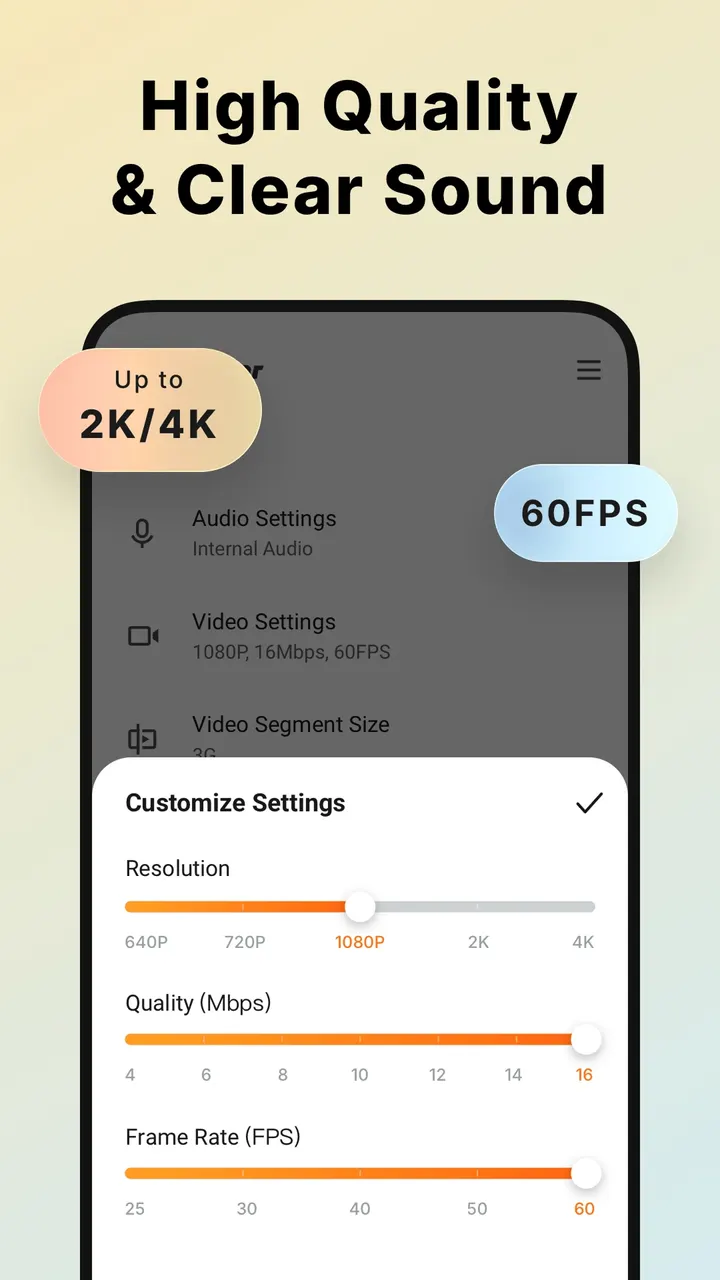
Recording is the core job. There is no watermark, no root requirement and no recording time limit, which matters for long game sessions. Top quality is 1080p at 12 Mbps and 60 FPS, and the app also supports recording at up to 120 FPS.
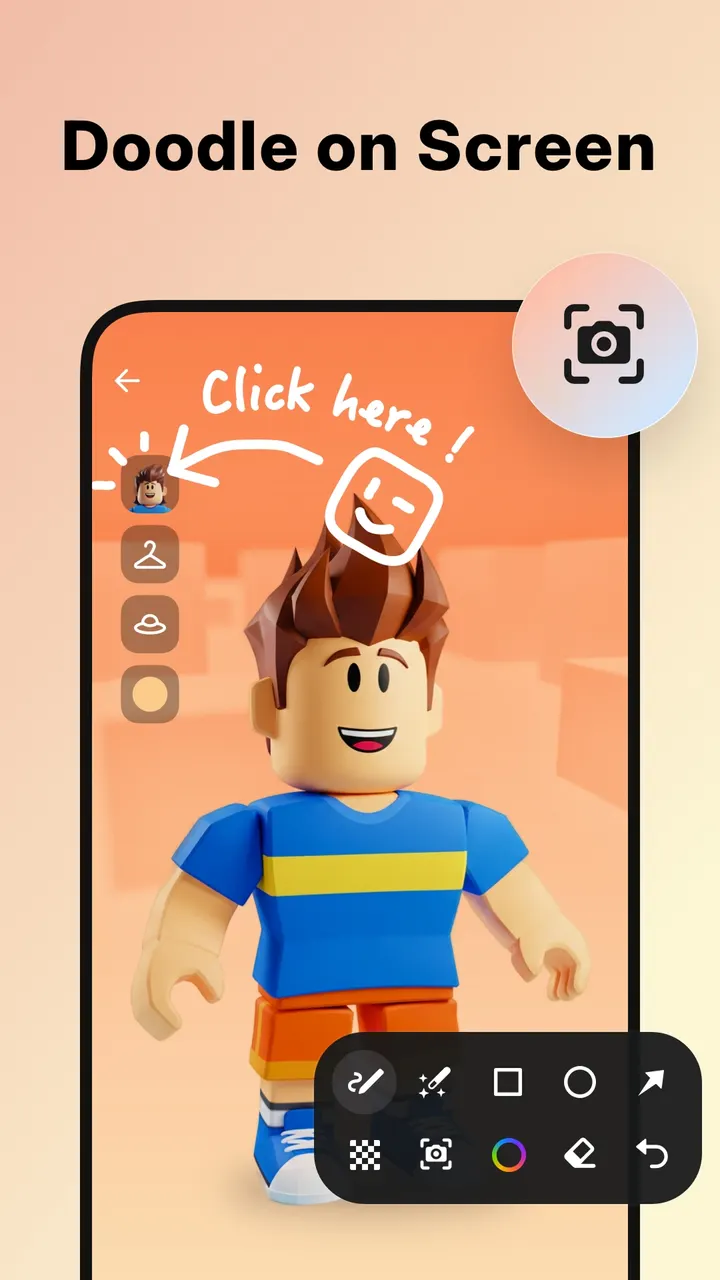
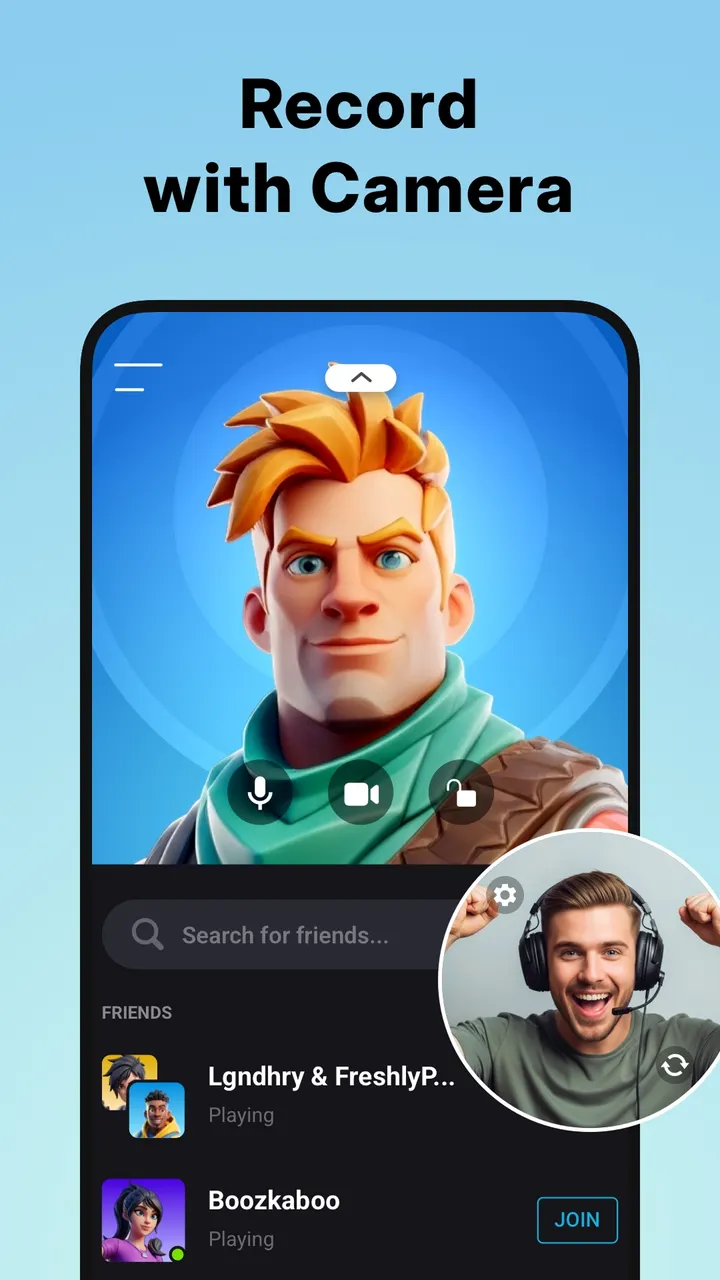
Beyond plain capture, there is a facecam overlay that can be dragged anywhere and resized, plus brush tools for drawing on the screen. Live streaming goes to YouTube and over RTMP. Screenshots are covered too.
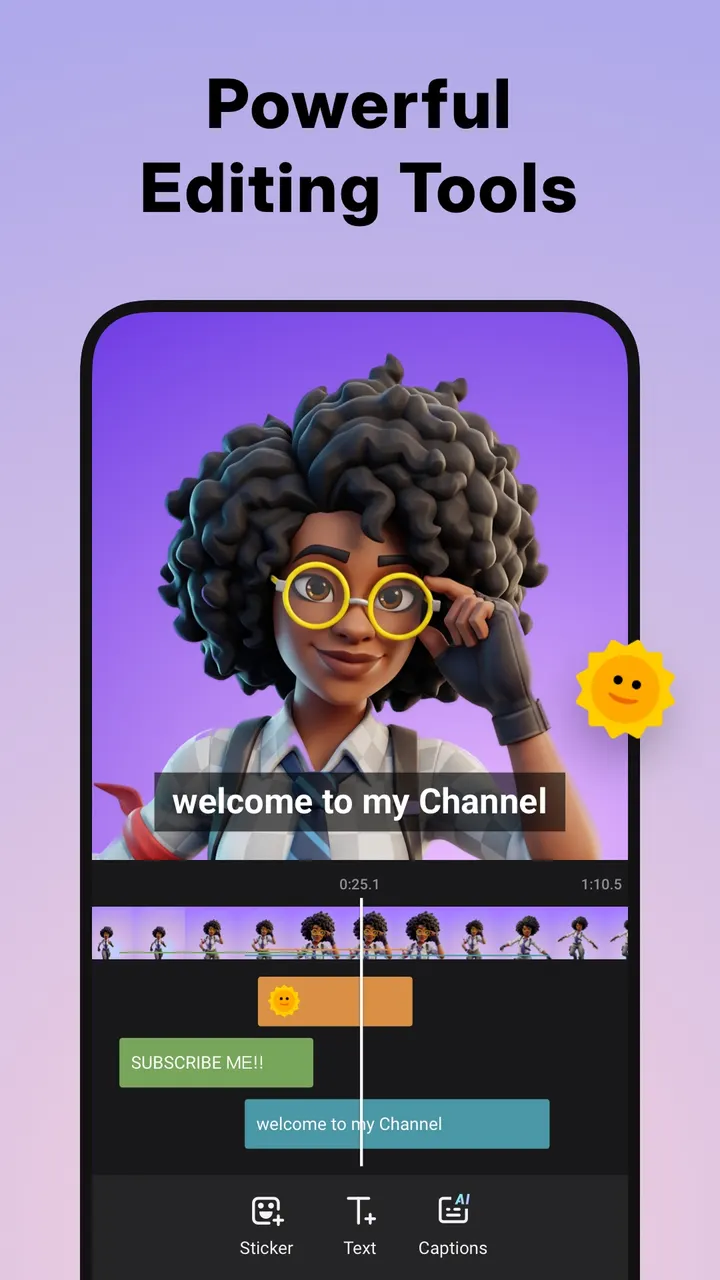
The editor handles trimming, cutting out a middle section, splitting, cropping and rotating. You can add music, stickers, text and filters such as Vintage and Lomo, change speed, adjust ratio and background, and save drafts. A trash bin recovers deleted photos and videos within 3 days.
When Open Recorder or Mobizen may fit better
Three alternatives are Open Recorder, Screen Recorder Video Recorder and Mobizen Screen Recorder. Choosing between them is your own judgment call.
One reason to look elsewhere is the money side: the app has ads and in-app purchases. Another is the Android 8.0 minimum, which rules out older phones.
If you only need a plain capture tool and never use the editor, streaming or facecam, a lighter app may fit better. Check each alternative's store page before switching.
Screen Recorder pros and cons
Pros
- No watermark, no root and no recording time limit
- Resolution from 240p to 1080p and frame rate from 15 to 60 FPS, with up to 120 FPS mentioned
- Facecam overlay and YouTube or RTMP live streaming
- Built-in editor with trim, cut, split, music, speed and filters
- Google Play shows a 4.7 rating from about 7.7 million ratings
Cons
- Contains ads
- Has in-app purchases, and it is unclear what they unlock
- Internal audio recording works only on Android 10 or above
- Requires Android 8.0 or later
Is Screen Recorder safe?
The app is published by InShot Inc., whose website is inshot.app. Install it from Google Play; it is free. Ads and in-app purchases are present. Nothing in the available facts goes beyond that, so no further claims about safety can be made.
How to install Screen Recorder
- Press the Google Play button on this page.
- Check the listing in the Play Store and press Install.
- Open Screen Recorder when the install finishes. Updates arrive through Google Play.