

Mobizen Screen Recorder is made for Android owners who want to capture gameplay, video or app walkthroughs without creating an account. MOBIZEN first released it on May 8, 2012, and it sits in our screen recorders category. Install it from Google Play.
Recording without a watermark or a floating button
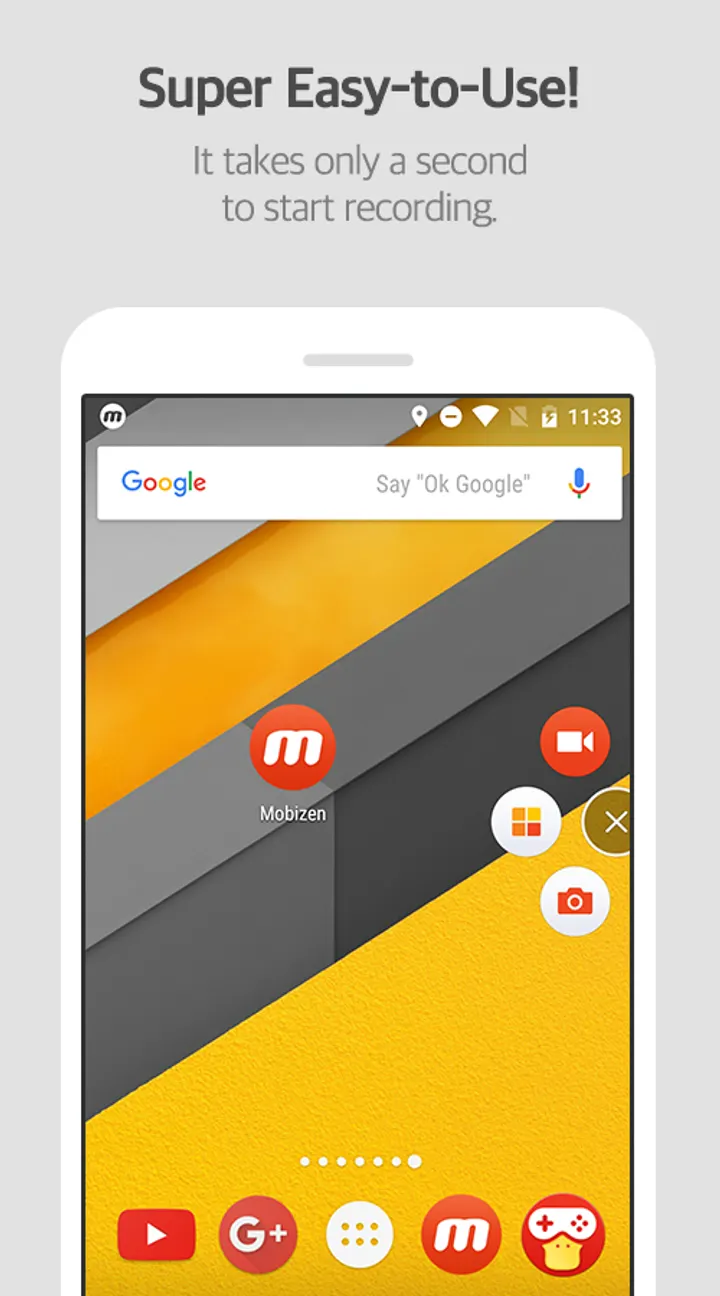
Screen recorders often leave a logo on the footage or a button in the frame. Mobizen addresses both with a Clean mode for recording without a watermark and a Hide Air Circle mode that removes the on-screen record button. The Air Circle comes in mini, time bar and transparent types.
The app also lets you create your own watermark if you want one.
Up to 1440p at 60fps, Facecam and Auto Tap
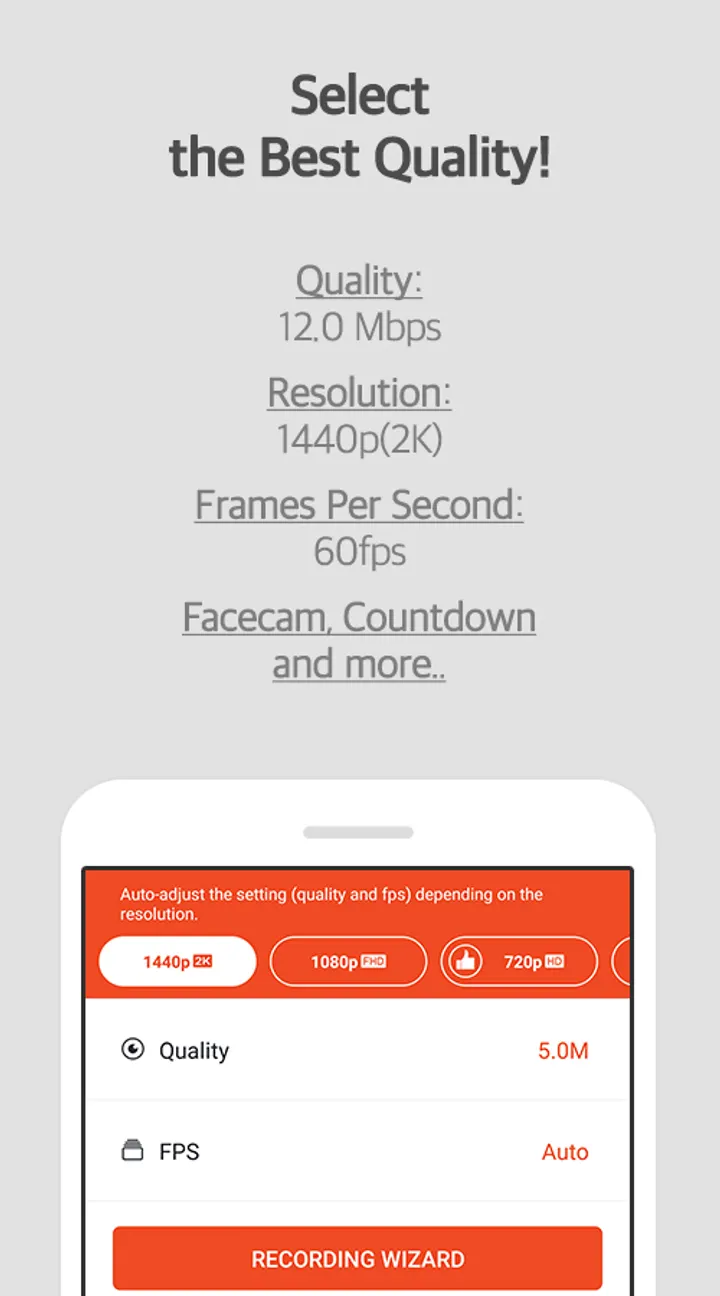
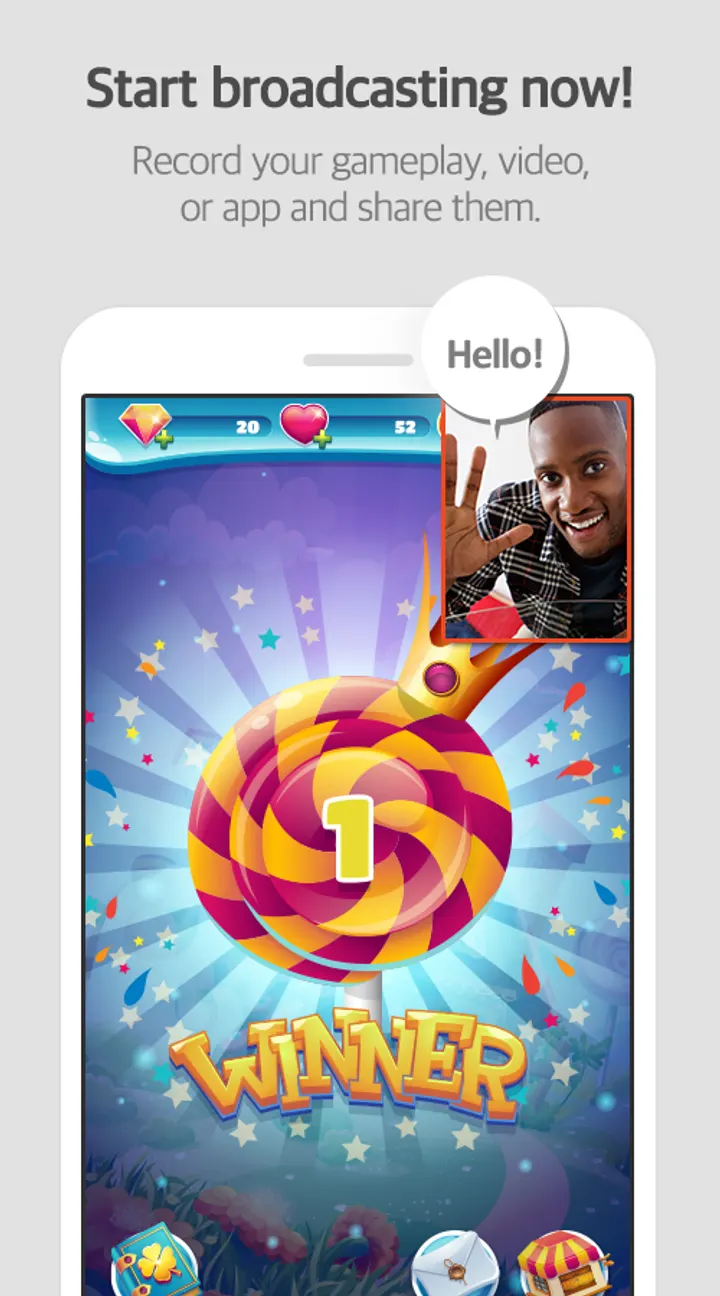
The listed maximum is 1440p resolution at 24.0Mbps and 60fps, with Full HD also supported. Facecam records your reactions alongside game sound and voice. Recordings can be saved to an SD card, which the description presents as a way to record for more than an hour.
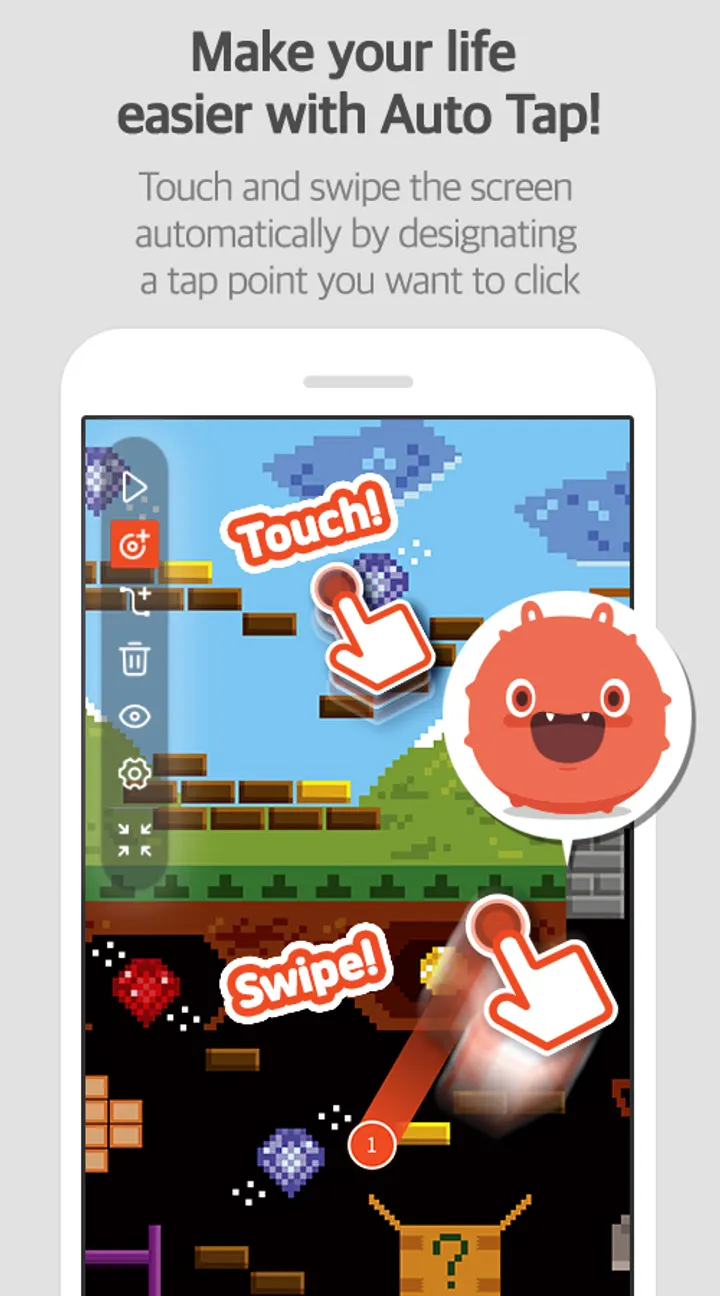
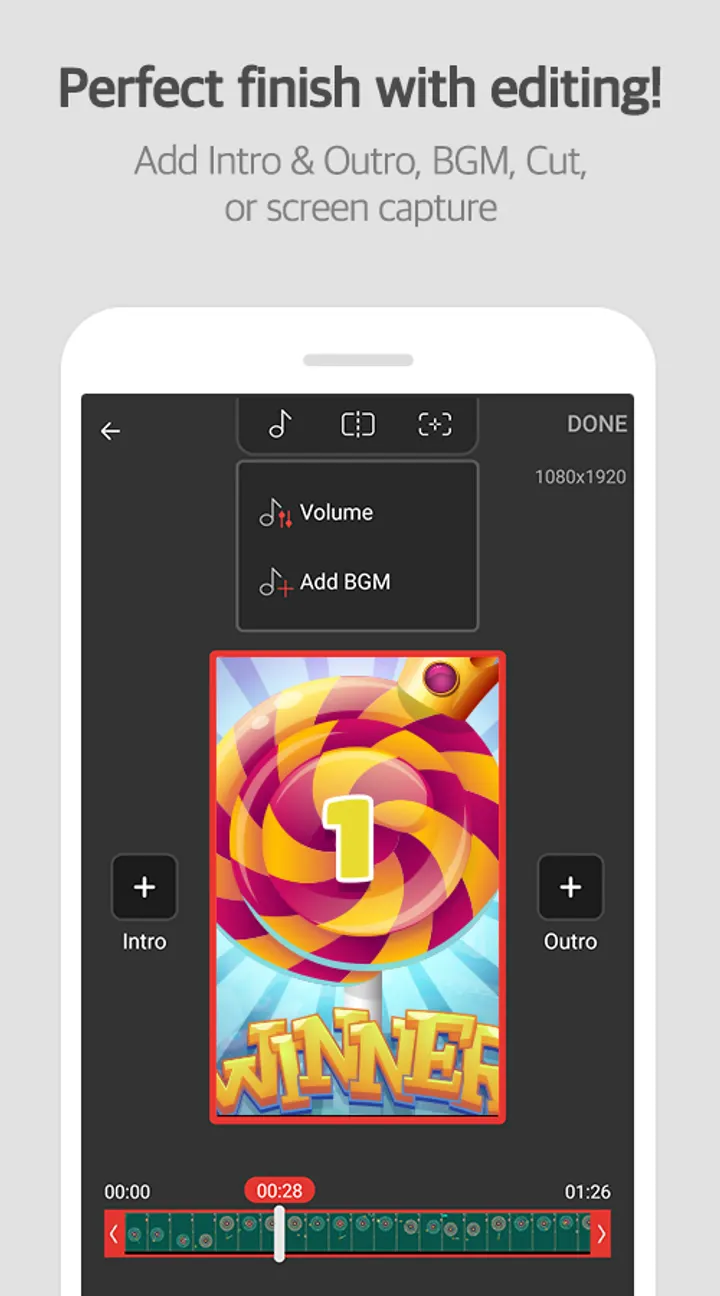
Editing tools, a drawing function and a GIF maker are built in. Auto Tap and Auto Swiping are the features unique to Mobizen, and they rely on the AccessibilityService API. The developer states it does not collect or transmit personal data through that API.
Permissions to check before installing
Storage access is required for saving and editing recordings. Camera, microphone, draw-over-other-apps and notification permissions are optional, and the developer says the app still works if you decline them. On Android 6.0 or higher, which is also the minimum version, you can set and revoke these rights.
The current version is 3.10.17.5, updated on July 1, 2026. Google Play lists ads and in-app purchases.
Mobizen Screen Recorder pros and cons
Pros
- Free recording, capture and editing, with no sign-up needed
- Records up to 1440p at 60fps
- Auto Tap and Auto Swiping for repeated gestures
- Clean mode and Hide Air Circle mode keep footage free of watermark and button
- SD card saving for long recordings
Cons
- Contains ads
- Offers in-app purchases
- Auto Tap depends on the AccessibilityService permission
- The latest version has no published changelog
Is Mobizen Screen Recorder safe?
The app is rated Everyone and comes from the developer MOBIZEN. It asks for camera access for Facecam, microphone access for sound, permission to draw over other apps for the Air Circle button, and notifications. The developer says you can still use it if you decline the optional permissions, and that recordings stay on your device instead of a server. The app also contains ads and in-app purchases. Read each permission request before you approve it, especially the AccessibilityService one.
How to install Mobizen Screen Recorder
- Press the Google Play button on this page.
- Check the listing in the Play Store and press Install.
- Open Mobizen Screen Recorder when the install finishes. Updates arrive through Google Play.