
OpenKeychain suits Android users who want to encrypt messages and files with OpenPGP keys and keep those keys stored on their own phone. Version 6.0.4 takes up 11.5 MB, costs nothing, and shows no ads. The APK is the unmodified file, with SHA-256 checksum f88374b9113aa9ddba865258bd989eb3ac2ca1577d92e59d6e84228e080674ce.
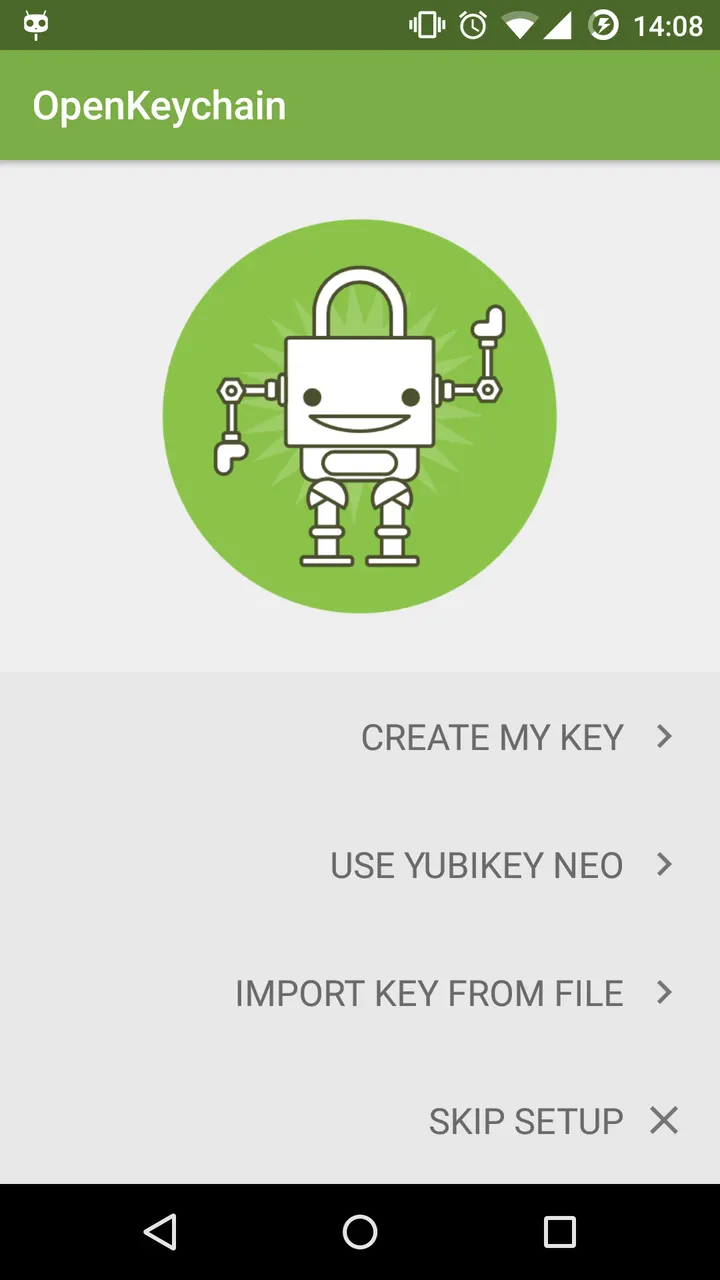
Setting up your first key and permissions
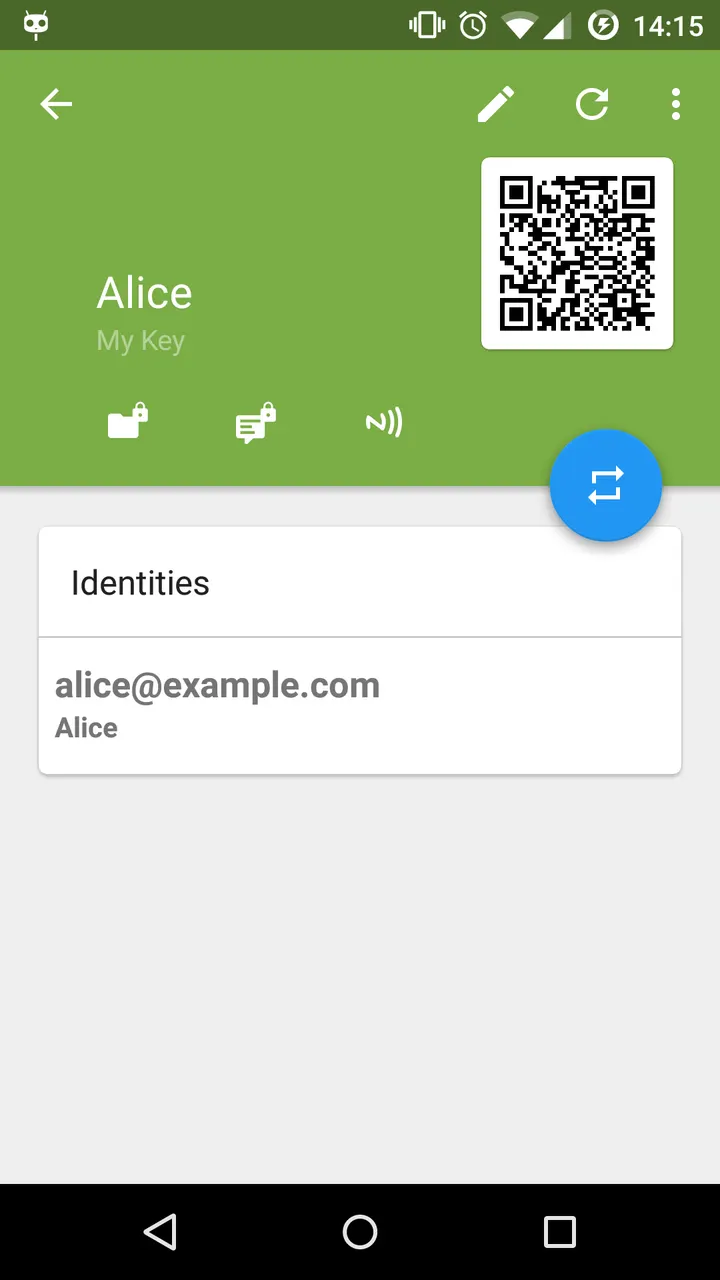
After install, the app stores and manages your keys and those of your contacts on the phone. Permissions are asked for when a feature needs them, which applies from Android 6 onward.
The camera permission is used to scan QR codes and add another person's key. Storage access covers importing or exporting keys from the SD card. Contacts access links keys to your contacts and works offline only, and the identity permission pre-fills your name and email address. The internet permission retrieves keys, and NFC supports YubiKeys.
Mail and chat integration, plus an audit
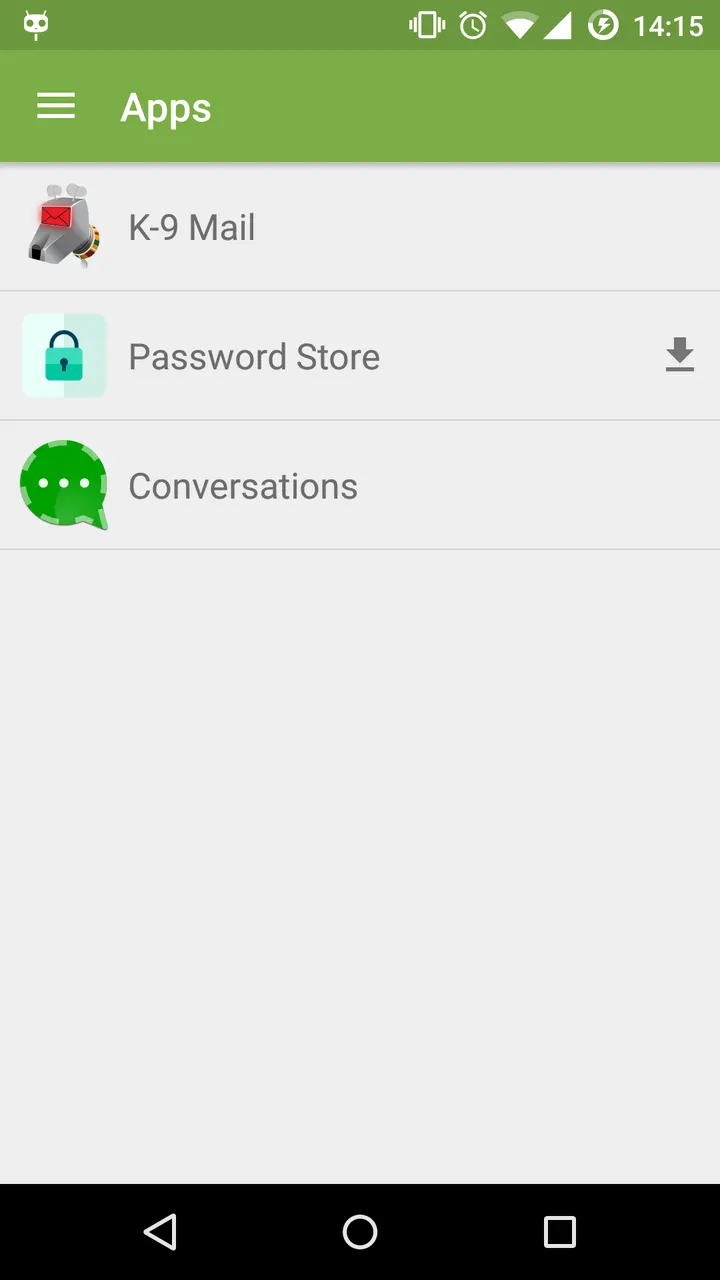
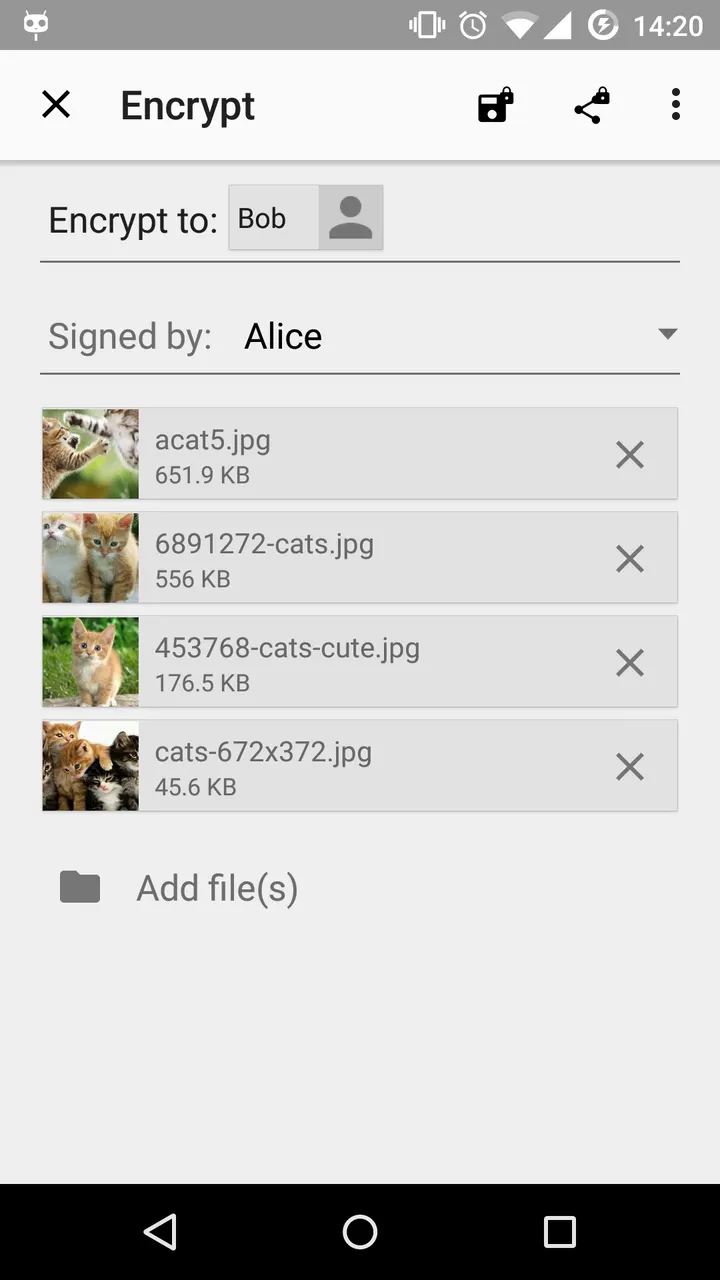
OpenKeychain is built to work next to your other apps rather than replace them. Conversations is one named integration, and more apps can connect to it. Its core job is encrypting and decrypting messages, and you can also sign them digitally so the recipient can confirm who sent them.
The source code is published on GitHub under GPL-3.0-or-later, so anyone can read through it.
When another app is the better choice
OpenKeychain handles keys and OpenPGP, not everyday messaging or photo storage. People who want a chat service with built-in encryption may prefer WhatsApp or Messenger. Those who need two-factor codes will find Aegis Authenticator closer to that task.
There is no Windows version. Other systems need separate OpenPGP software, and openpgp.org lists options.
OpenKeychain pros and cons
Pros
- Free, with no ads and no price
- Source code is public under GPL-3.0-or-later
- Works with K-9 Mail and Conversations
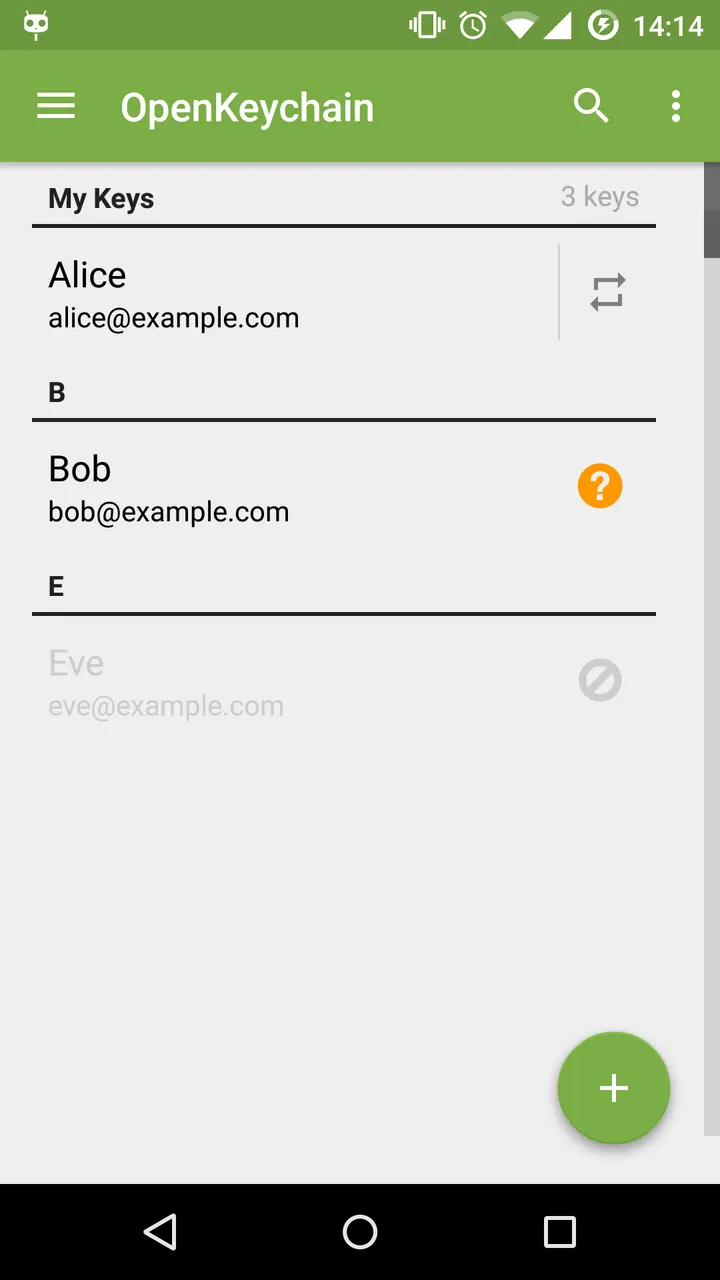
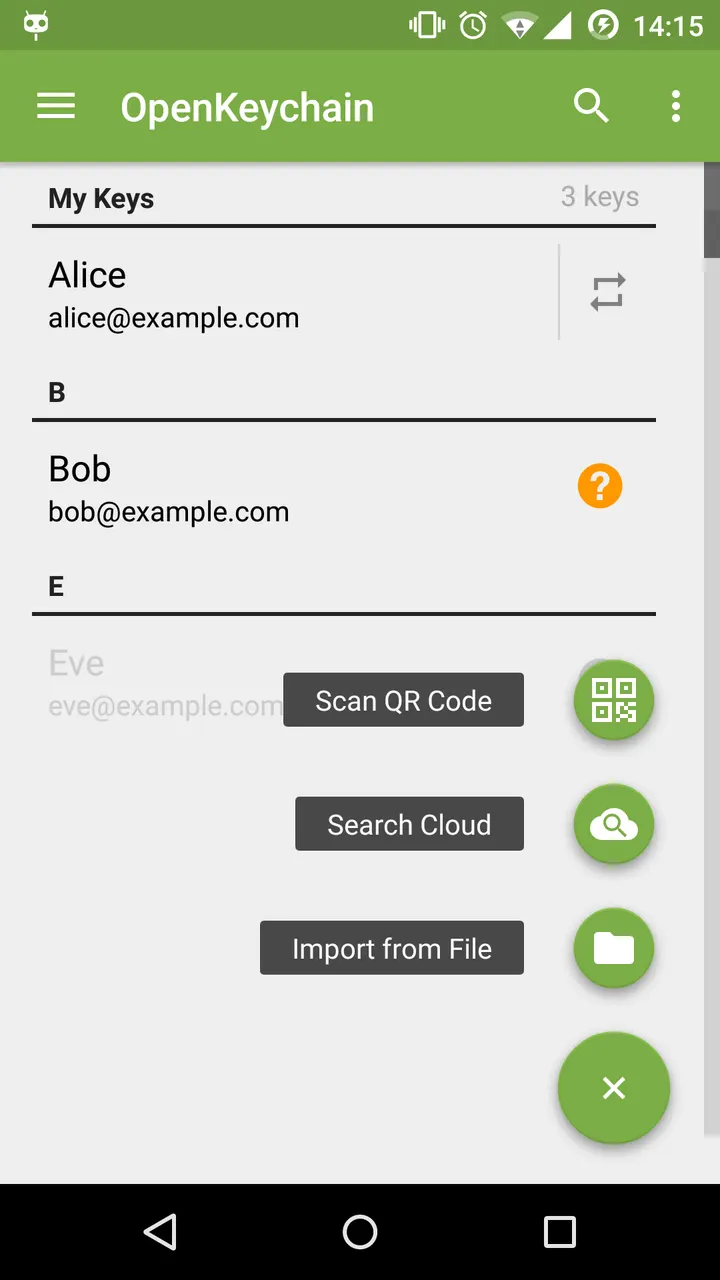
- Scans QR codes to add other people's keys
- Supports YubiKeys through NFC
Cons
- Needs OpenPGP knowledge to use well
- Last updated March 5, 2024
- Contact linking works offline only
- Donations are offered as in-app purchases
Is OpenKeychain safe?
The APK is served unmodified, so you can compare the SHA-256 checksum given above with the file you download. Dominik Schürmann develops the app and publishes its code under GPL-3.0-or-later, which anyone can inspect. The permissions requested, such as camera for scanning QR codes and file access for importing keys, fit the described features. No ads are shown.
How to install OpenKeychain
- Download the APK with the button on this page and wait for it to finish.
- Compare the file with the SHA-256 checksum shown here if you want to confirm it arrived intact.
- Open the file on your phone and allow installs from this source when Android asks.
- Finish the install, then open OpenKeychain from your app drawer.


