
You install a journal for private moments and the first question is where the data goes. With Tryst, the answer is nowhere: the app declares no INTERNET permission and keeps entries on the phone. This page covers version 0.6.3, a 25.7 MB free app for Android 12 and newer, hosted here as the unmodified APK.
Setting up the PIN and your own categories
Start with the 6-digit app PIN. It is separate from the phone's lock and gates the whole app, with optional biometric unlock. There is no password recovery. If you forget the PIN and never enabled biometrics, the data cannot be opened, because no server exists to reset it.
Next, build your categories. Tryst ships almost no predefined ones, so acts, kinks, positions, toys, occasions and finish locations are added on a management page for each. Anything you add counts fully in Insights and Achievements.
The APK here is the unmodified file. To check your download, compare its SHA-256 checksum with this one: c8f1d527d66e2e0d36ee329bf50ba42af8a39b8127a484f99f23cadff13c206d.
Encrypted storage, no network and a manual export
Privacy is handled at several layers. Entries sit in an encrypted SQLCipher database, and photos are encrypted in the app's private storage rather than the gallery. The app locks when it leaves the screen, and screenshots and the app-switcher preview are blocked. There are no analytics, ads or crash-reporting SDKs.
The app is also excluded from cloud auto-backup. The only way to move data is its own password-encrypted manual export, which is also the way to back up against a forgotten PIN.
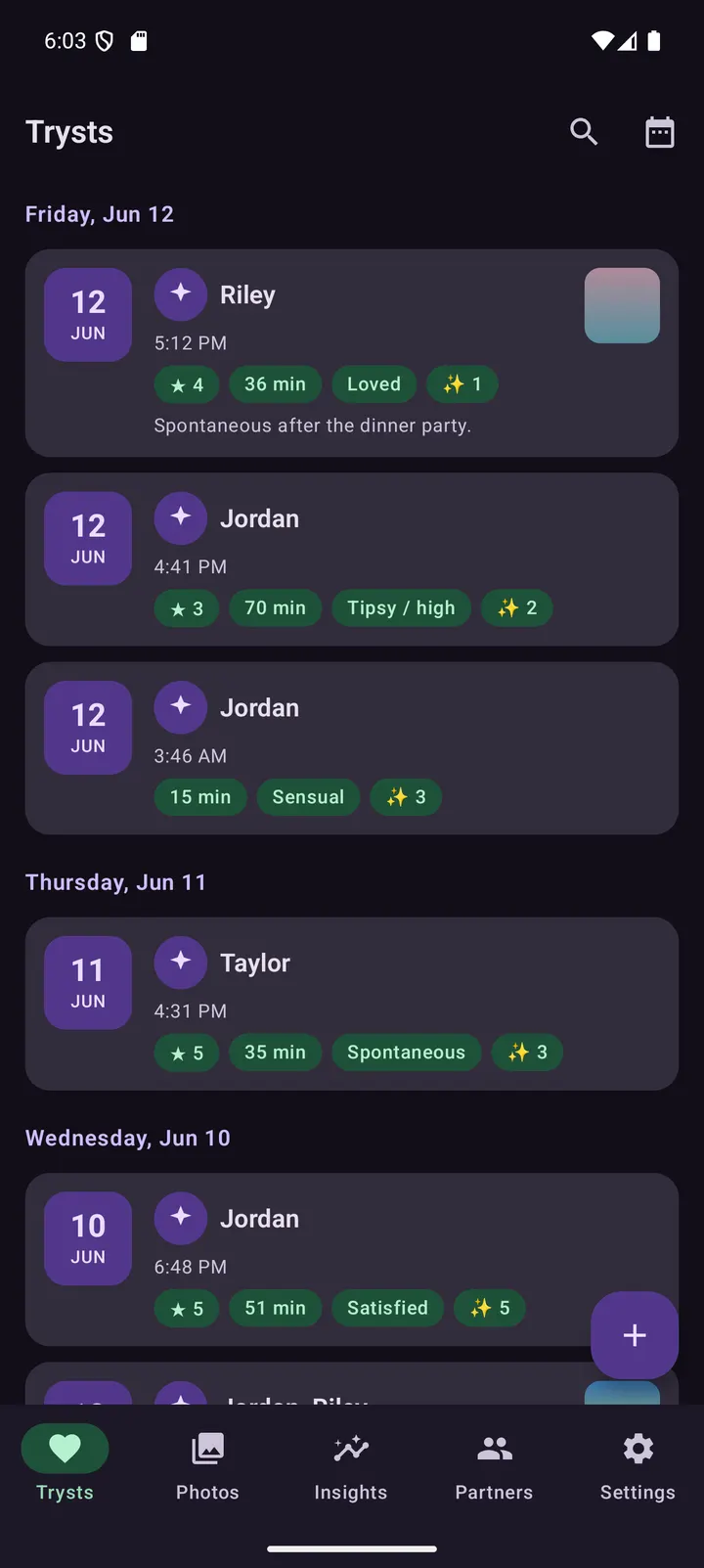
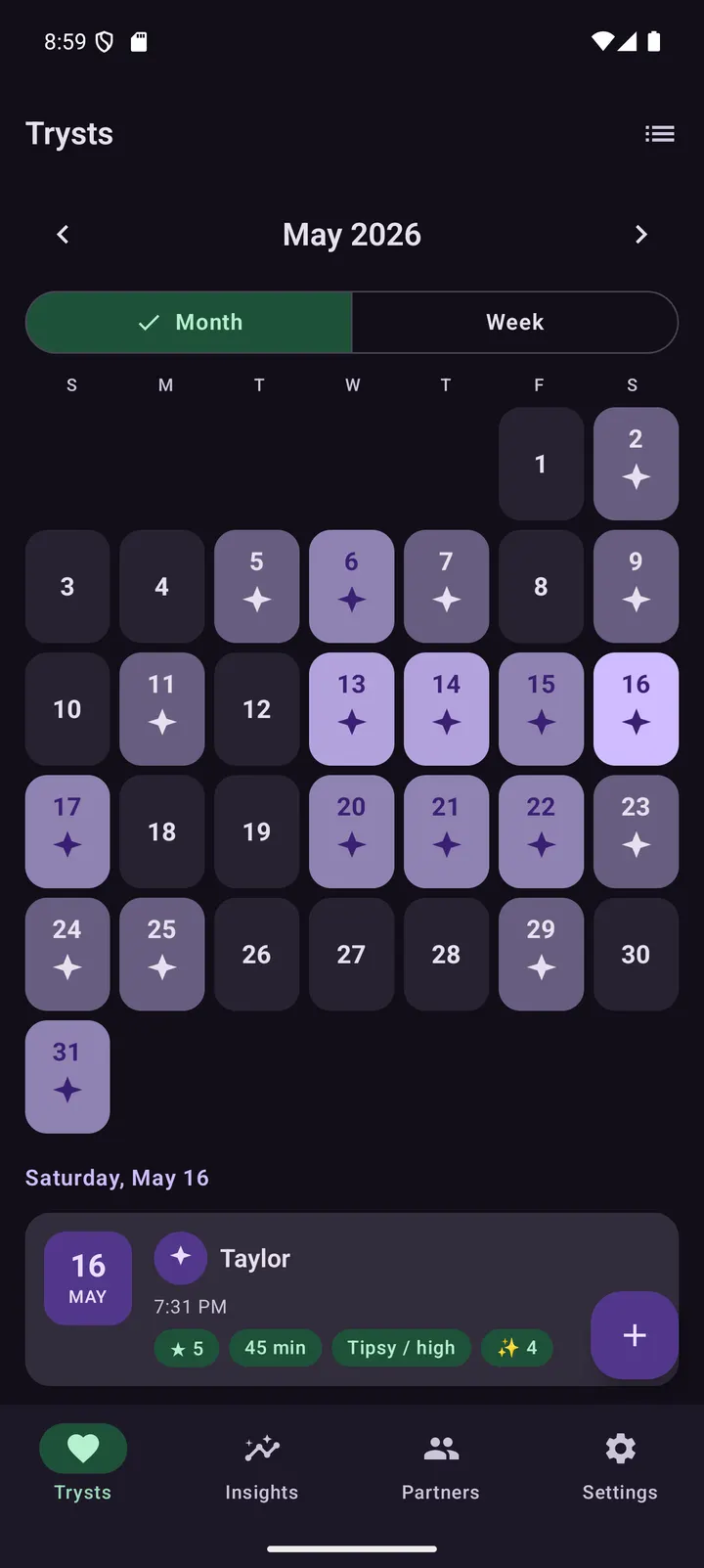
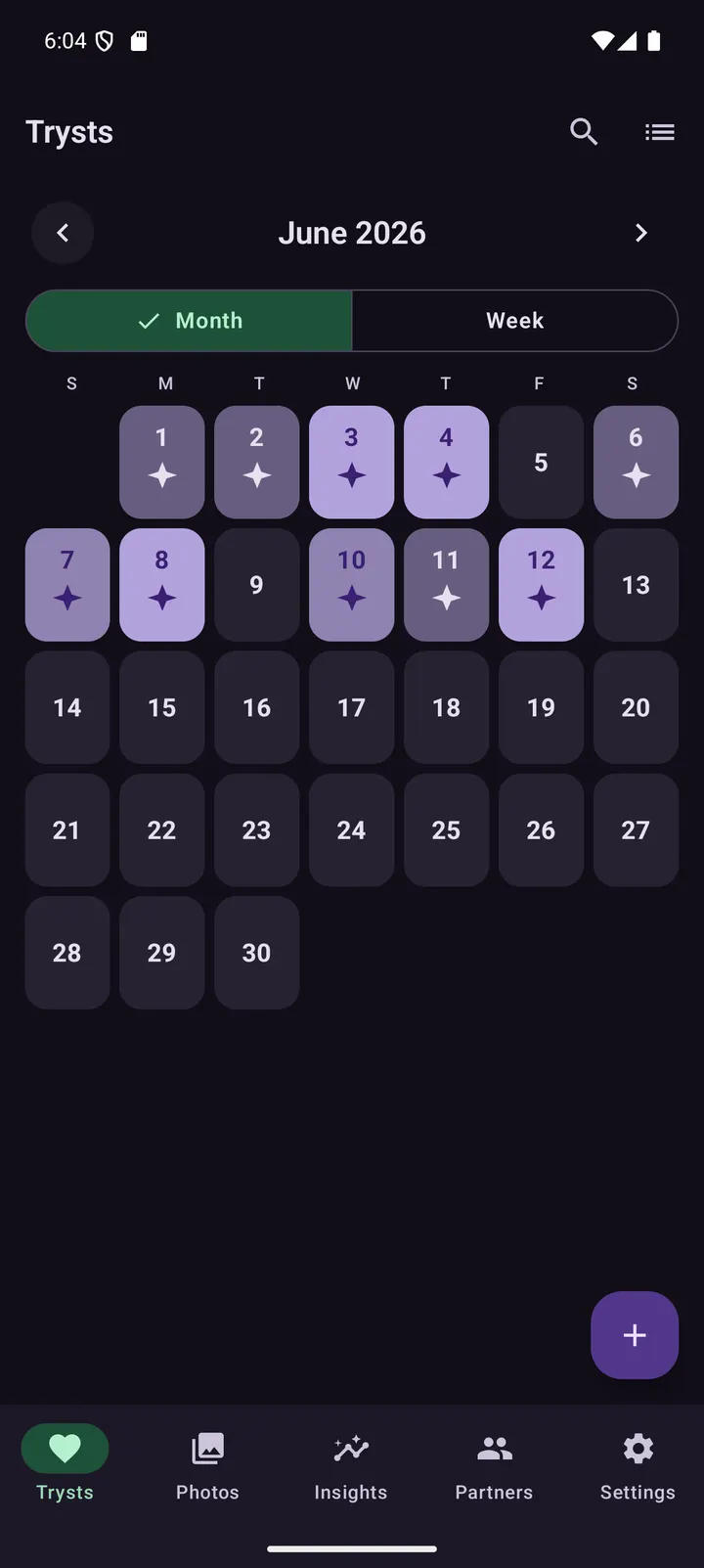
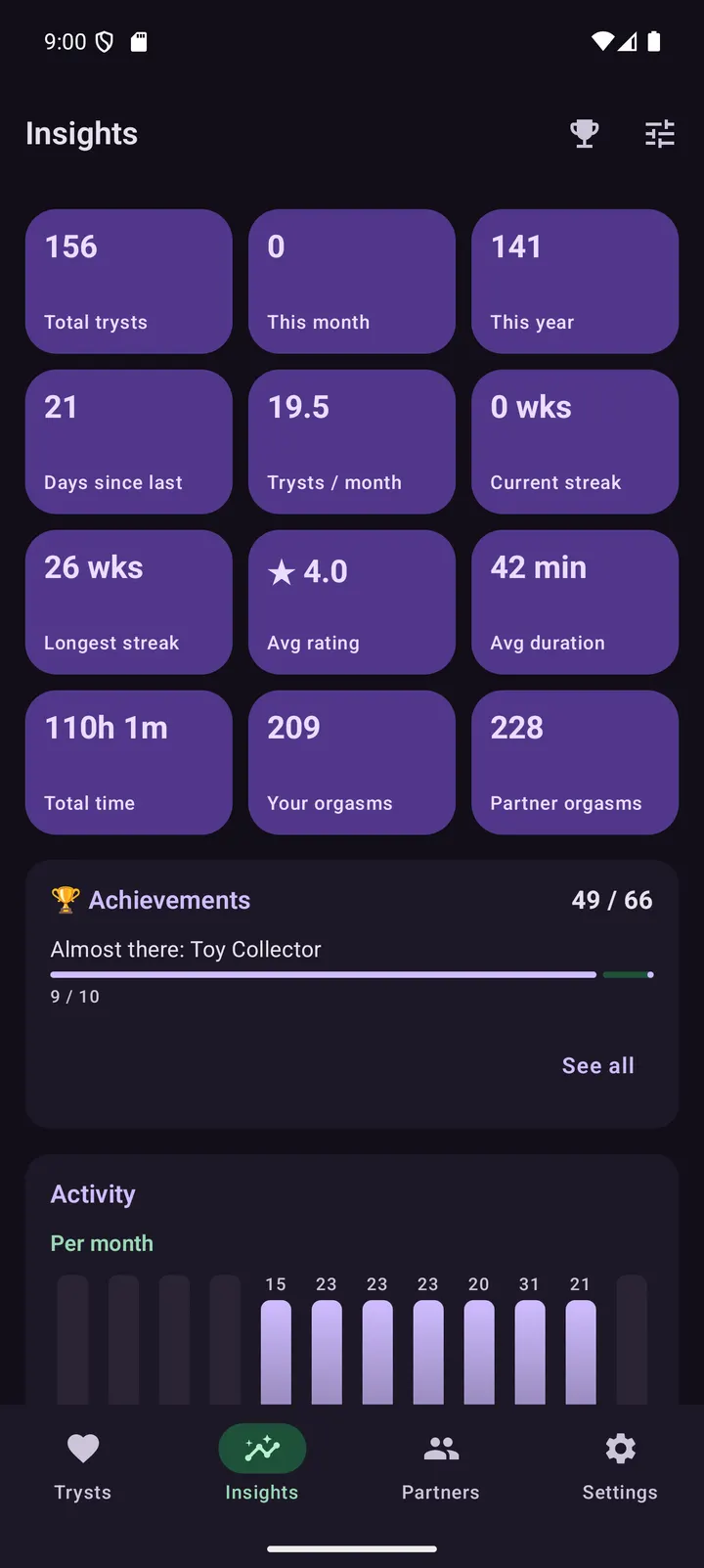
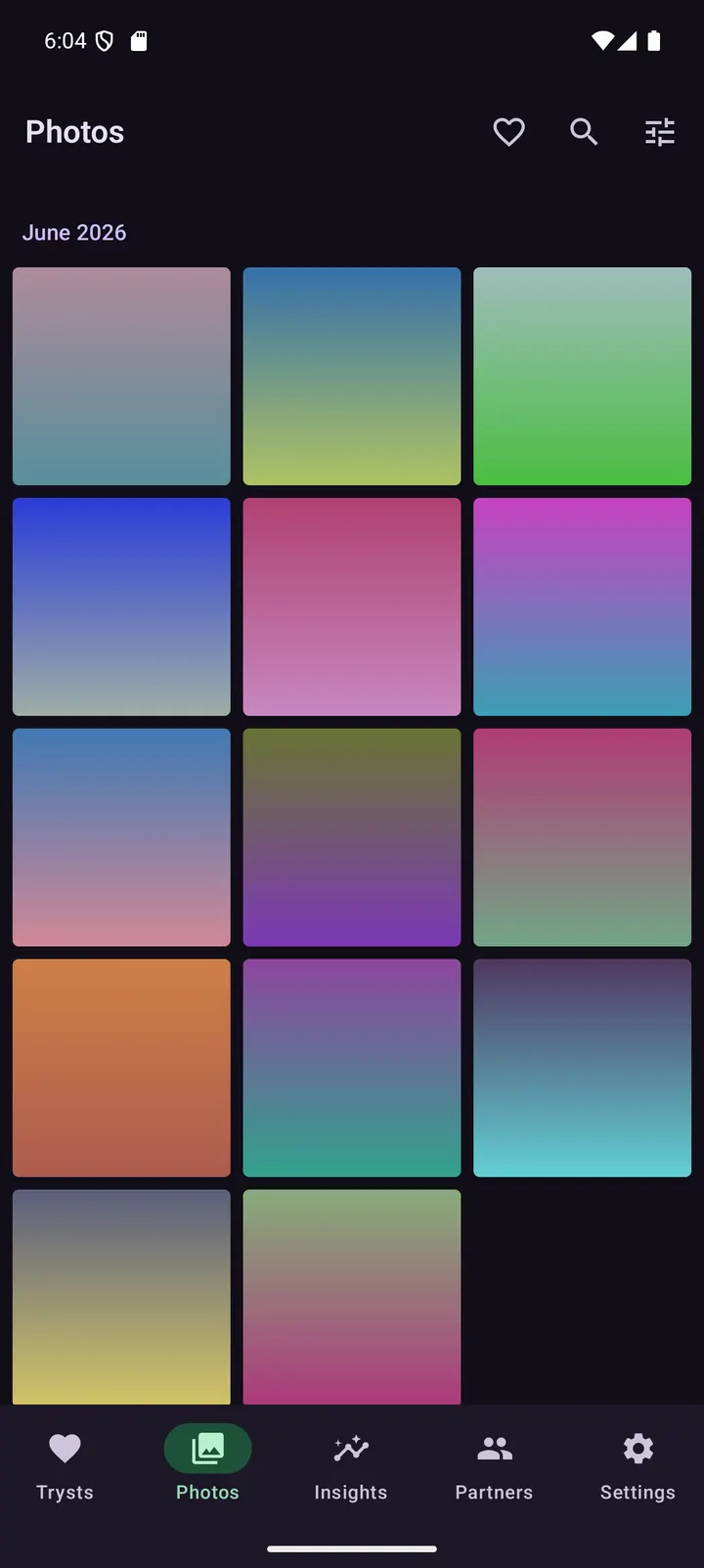
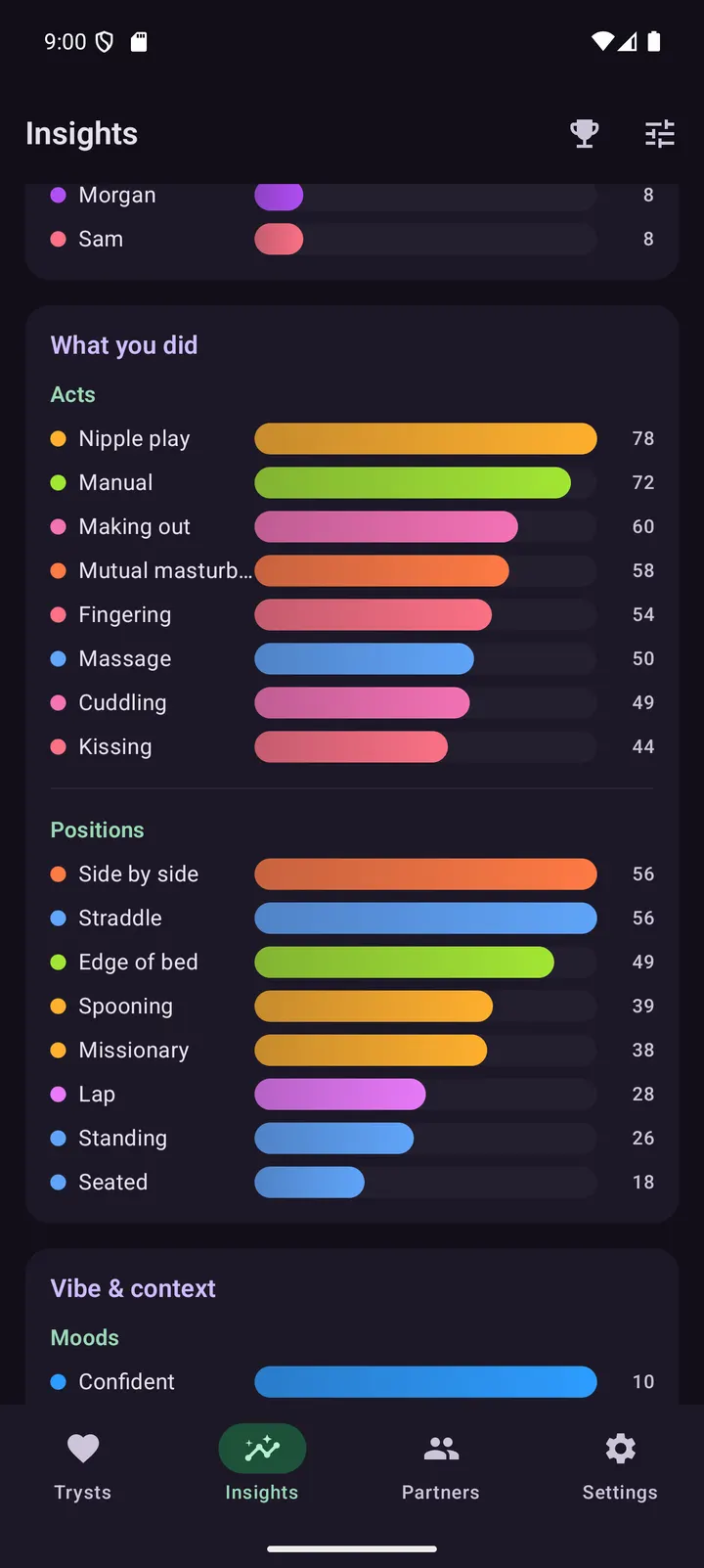
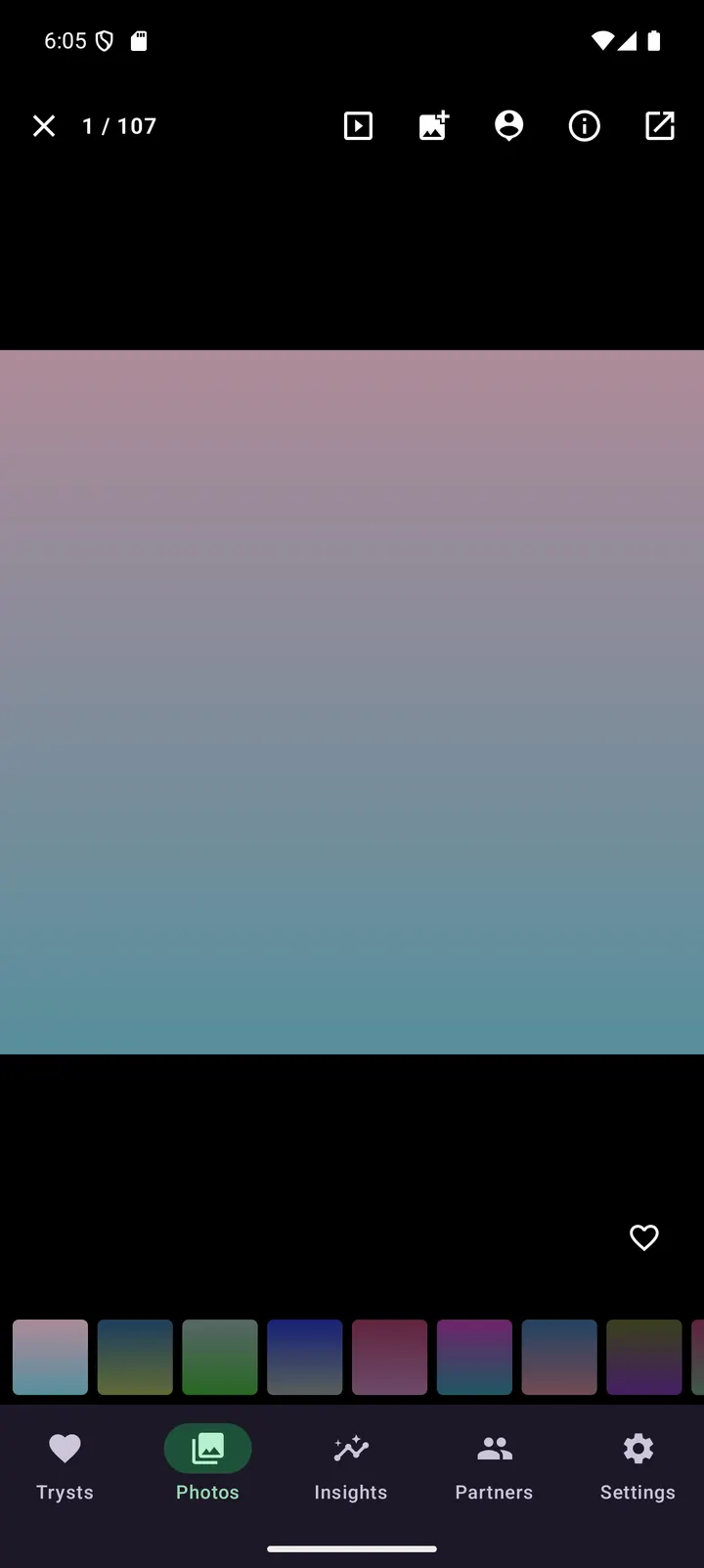
On the logging side, you can record an encounter in little or great detail: date, duration, partners, protection, mood, setting, a satisfaction rating, notes and photos. Partners can be named or anonymous, each with per-partner stats. Insights compute streaks and trends on-device with hand-drawn charts, limited to a year, a quarter or a custom range. The Photos tab adds layouts, filters, a slideshow and an optional blur-until-tapped gate.
When another app fits better
Tryst does one narrow job and has no sync, no account and no sharing. If you want your entries on several devices, it will not do that, and it offers no cloud option. Android 12 is also the minimum, so older phones are excluded.
For general photo storage, Google Photos is listed among the alternatives, and WhatsApp, Messenger, Facebook and X cover messaging and social use. None of these is a private journal. Aegis Authenticator is listed too, but it handles two-factor codes, not logs, so it only makes sense as a companion for account security.
What's new in 0.6.3
Version 0.6.3, updated November 4, 2026.
Tryst pros and cons
Pros
- No INTERNET permission, and no analytics, ads or crash-reporting SDKs
- Encrypted SQLCipher database, with photos kept in private storage
- Free, no ads, open source under GPL-3.0-only
- Search and filter by date, partner, place, mood, protection and duration
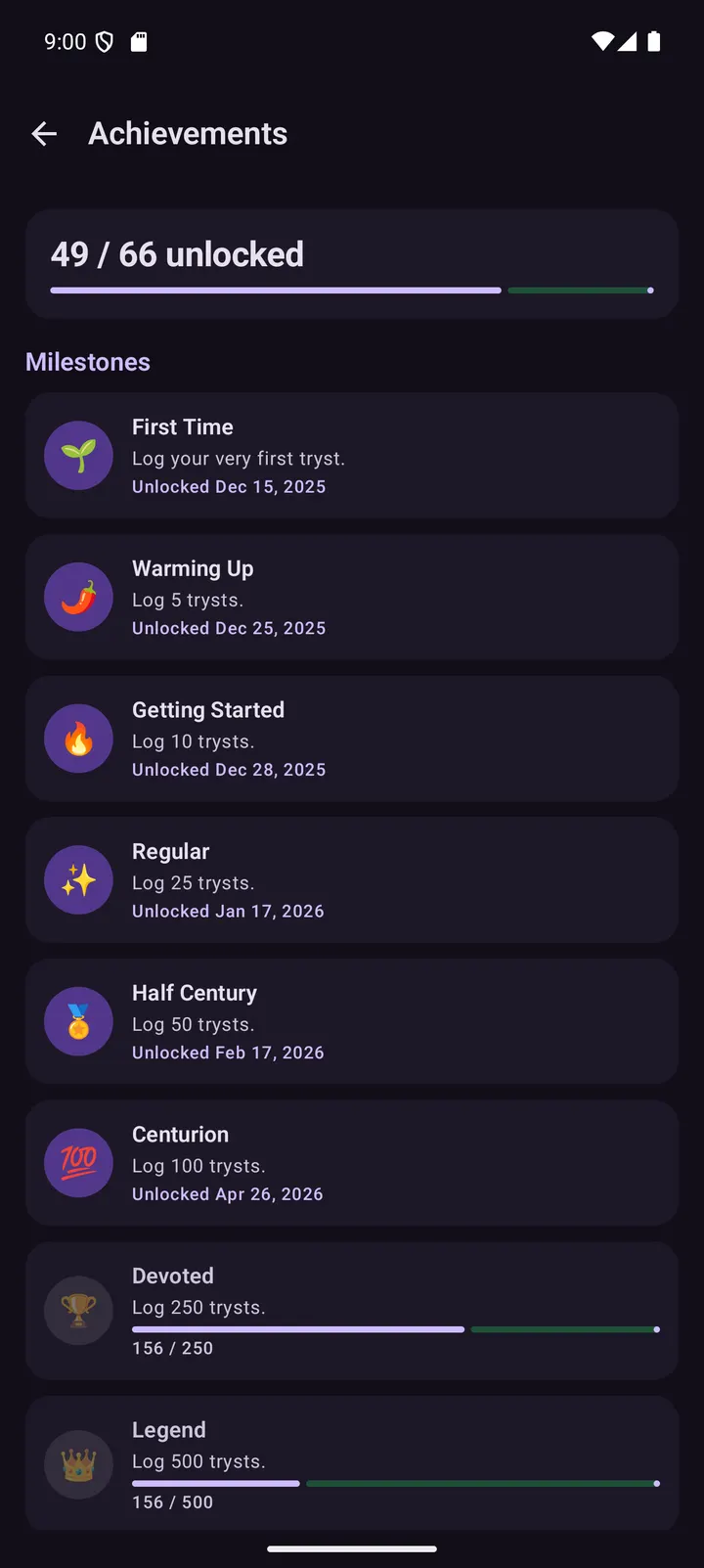
- Insights and Achievements computed on-device from your own log
Cons
- No password recovery: a forgotten PIN without biometrics means lost data
- No sync or cloud backup, only a manual password-encrypted export
- Requires Android 12 or newer
- Almost no predefined categories, so you must build your own
Is Tryst safe?
The app declares no INTERNET permission and includes no tracking SDKs, so entries cannot be sent anywhere. It is released under GPL-3.0-only with source on GitHub, which lets others inspect the code. The APK is served unmodified from TopDown APK, and you can verify it against the published SHA-256 checksum. No independent audit or store rating is part of what we know about it.
How to install Tryst
- Download the APK with the button on this page and wait for it to finish.
- Compare the file with the SHA-256 checksum shown here if you want to confirm it arrived intact.
- Open the file on your phone and allow installs from this source when Android asks.
- Finish the install, then open Tryst from your app drawer.


