
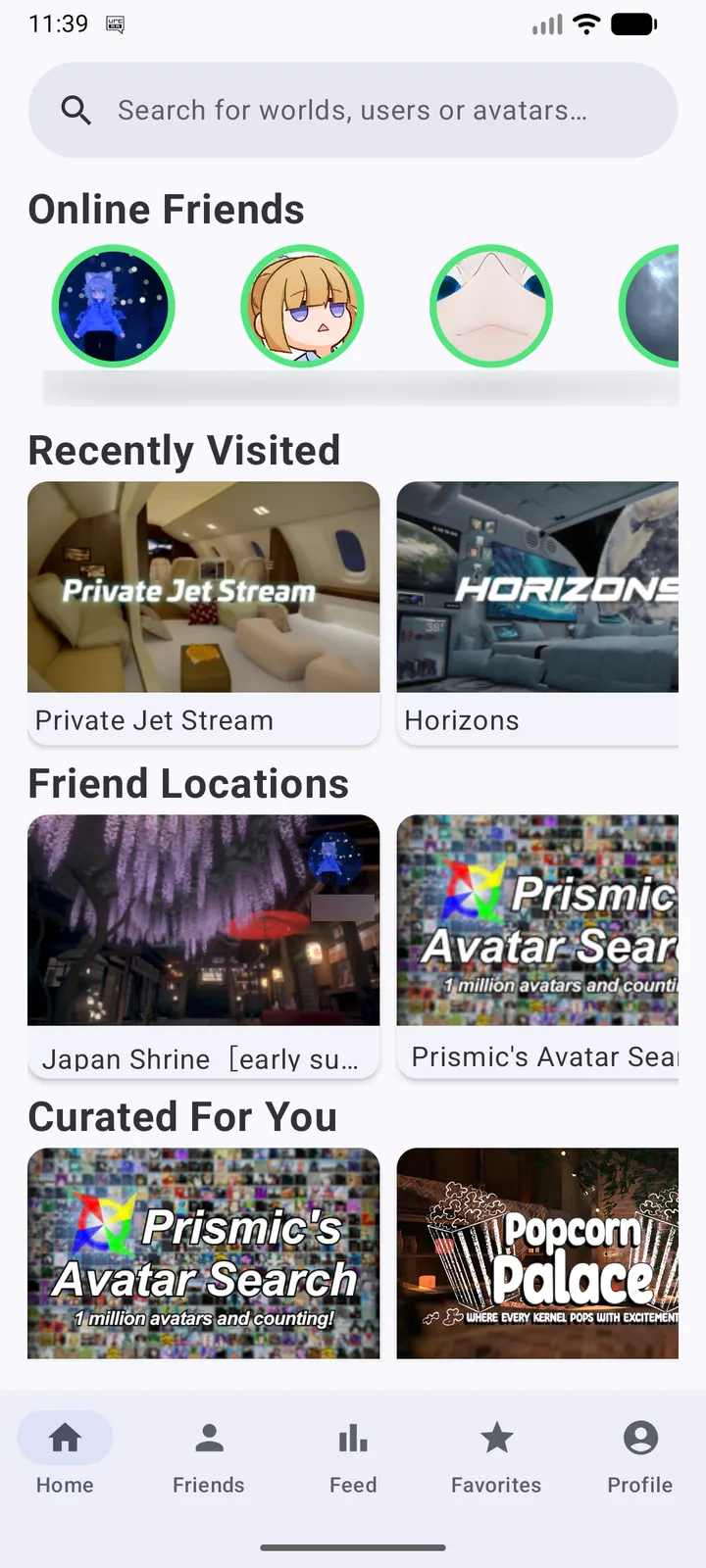
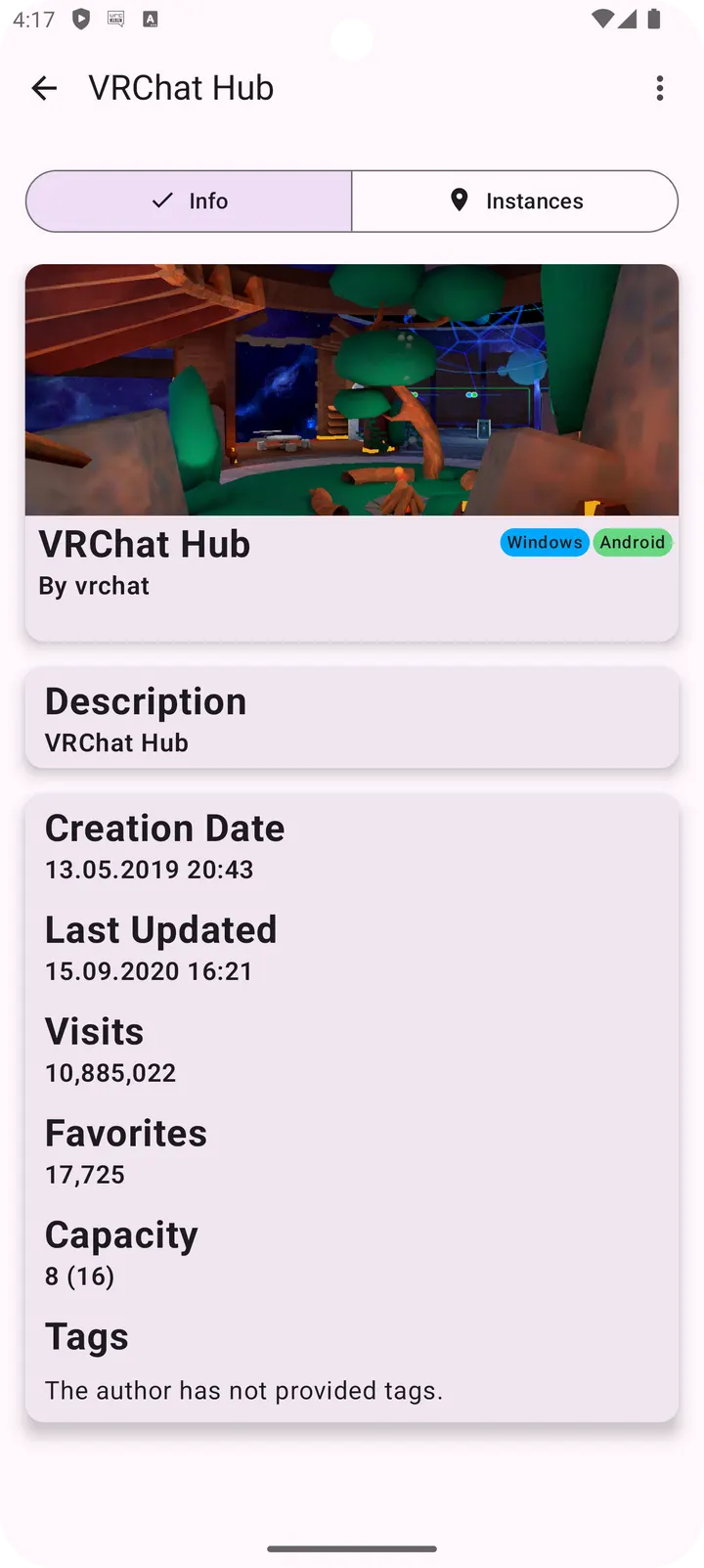
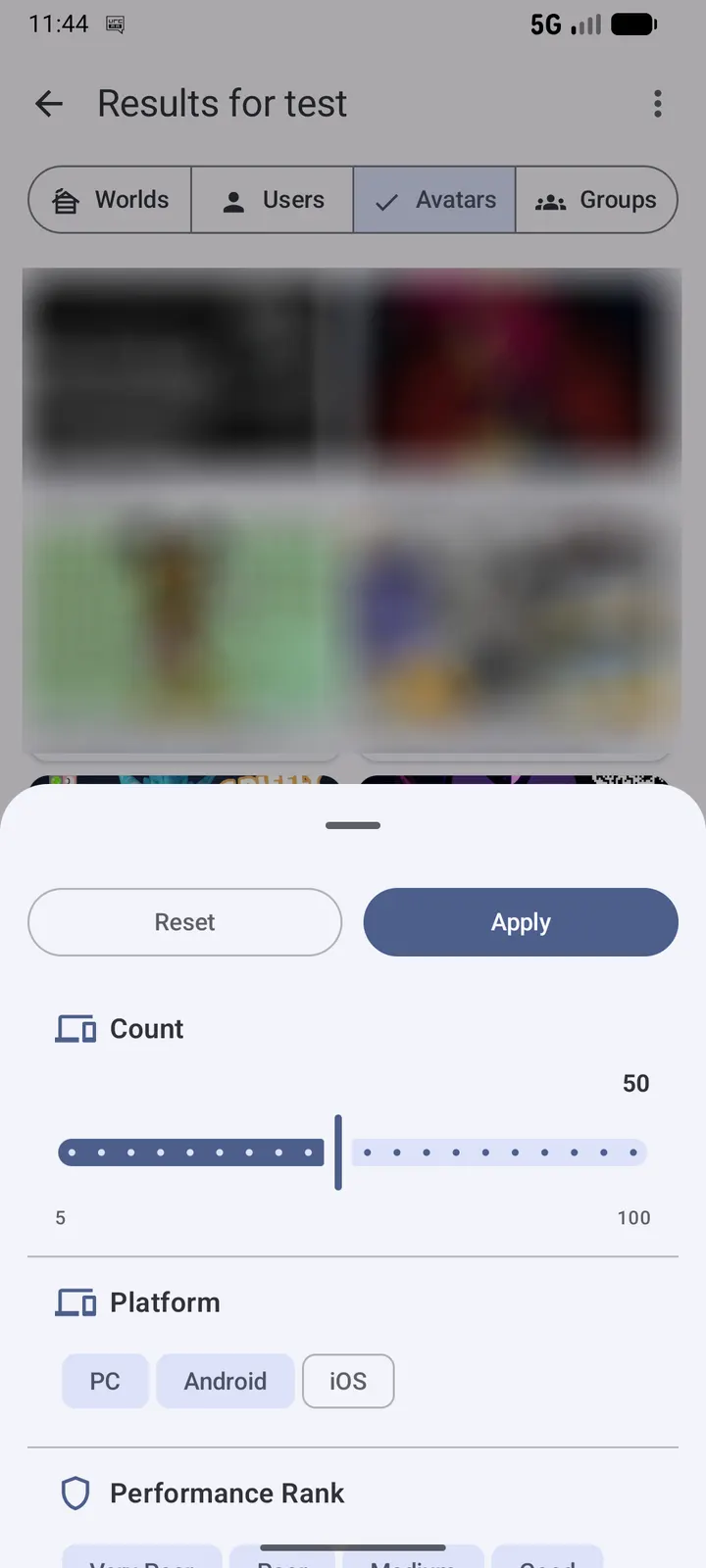
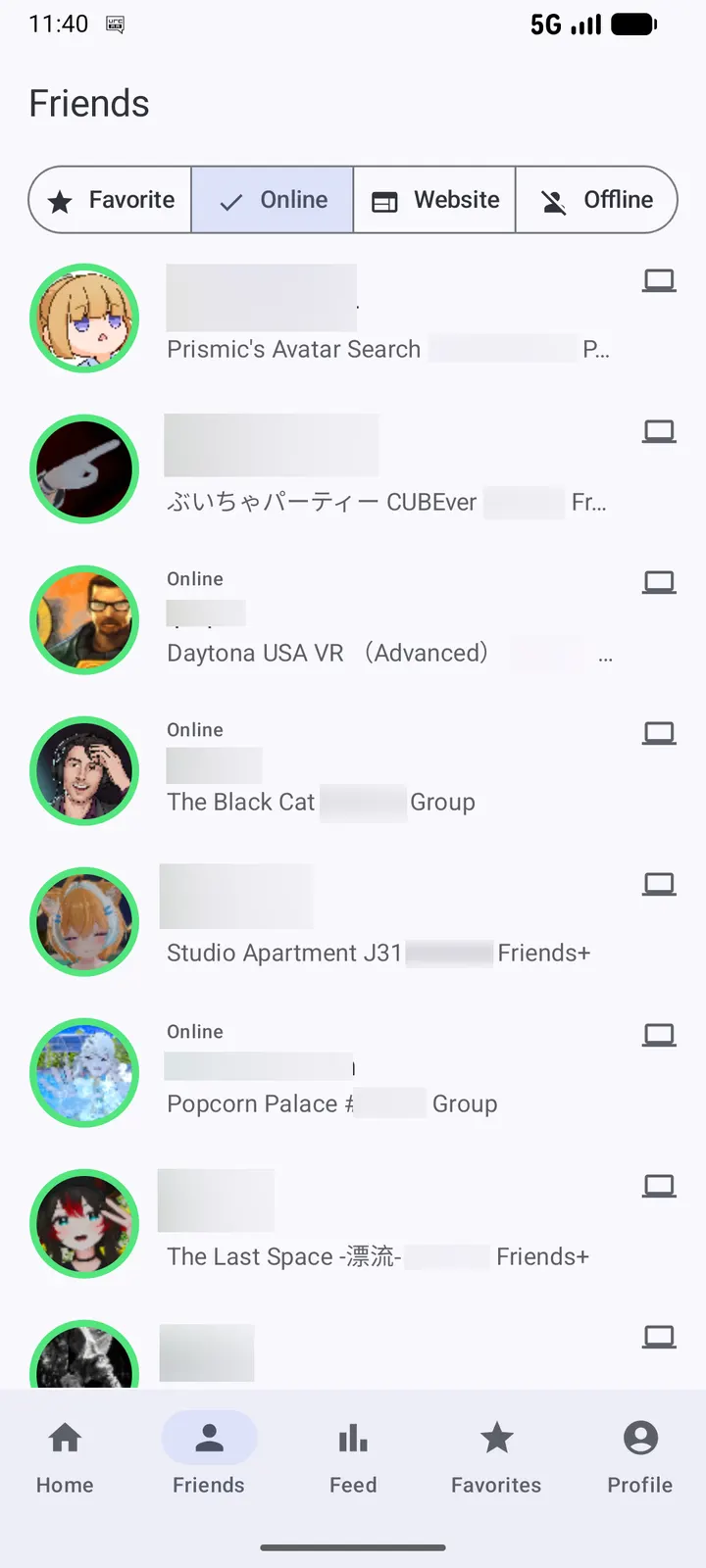
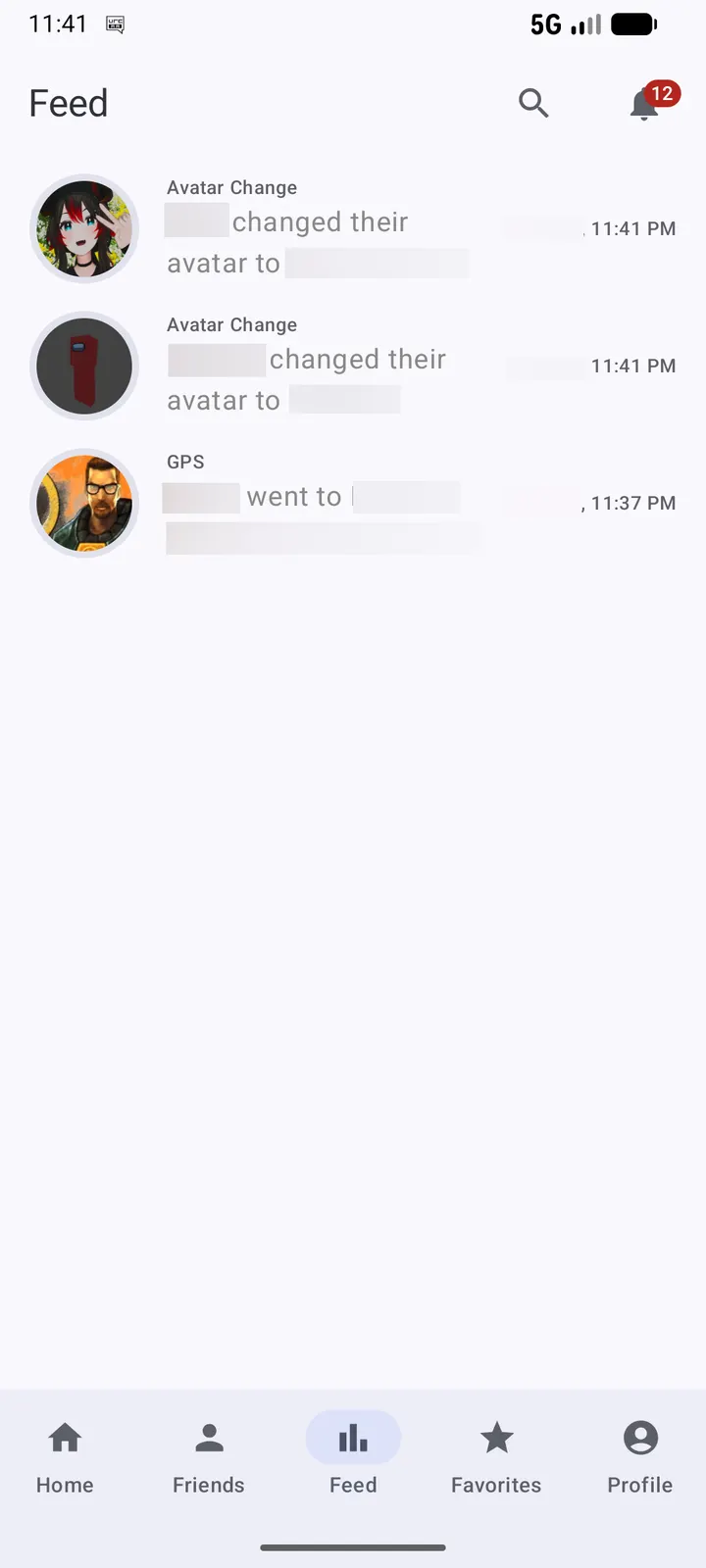
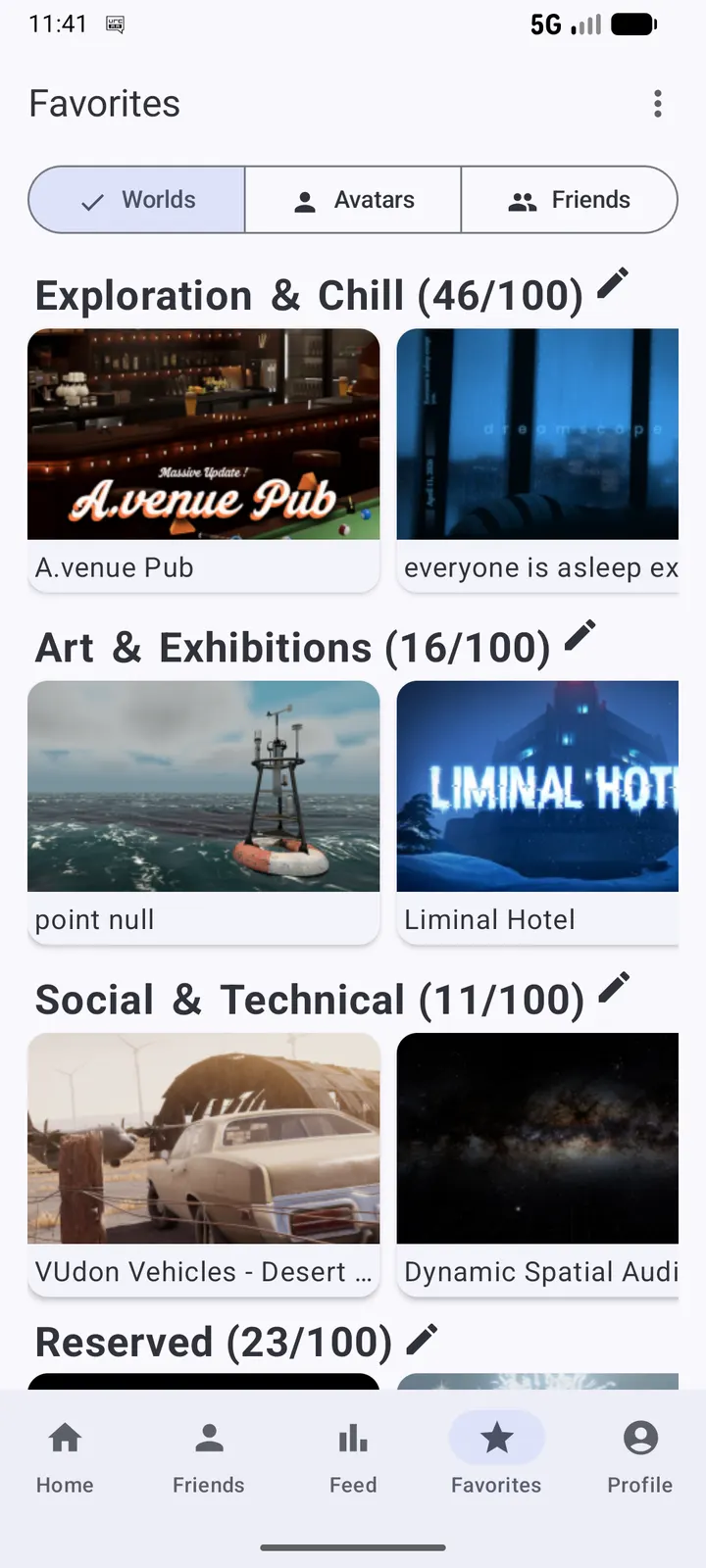
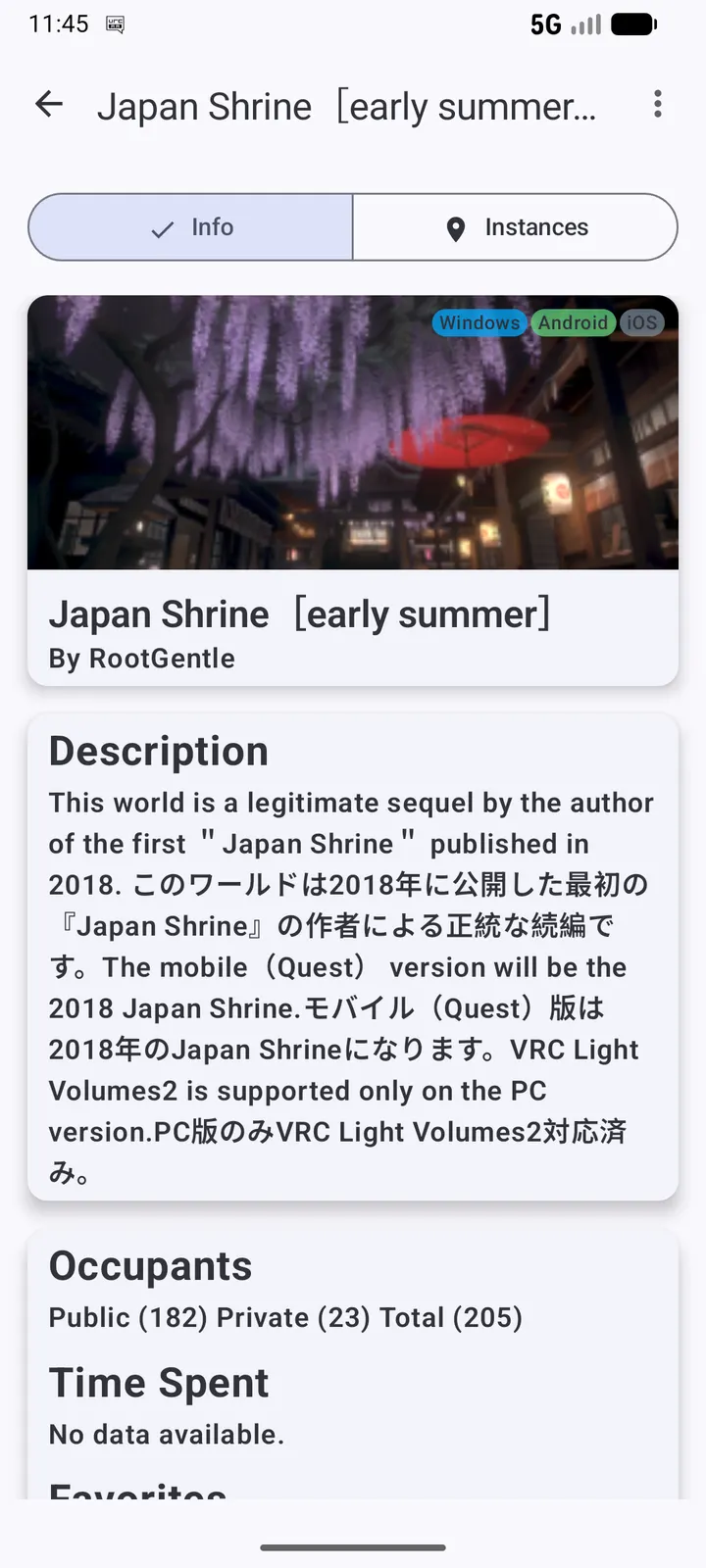
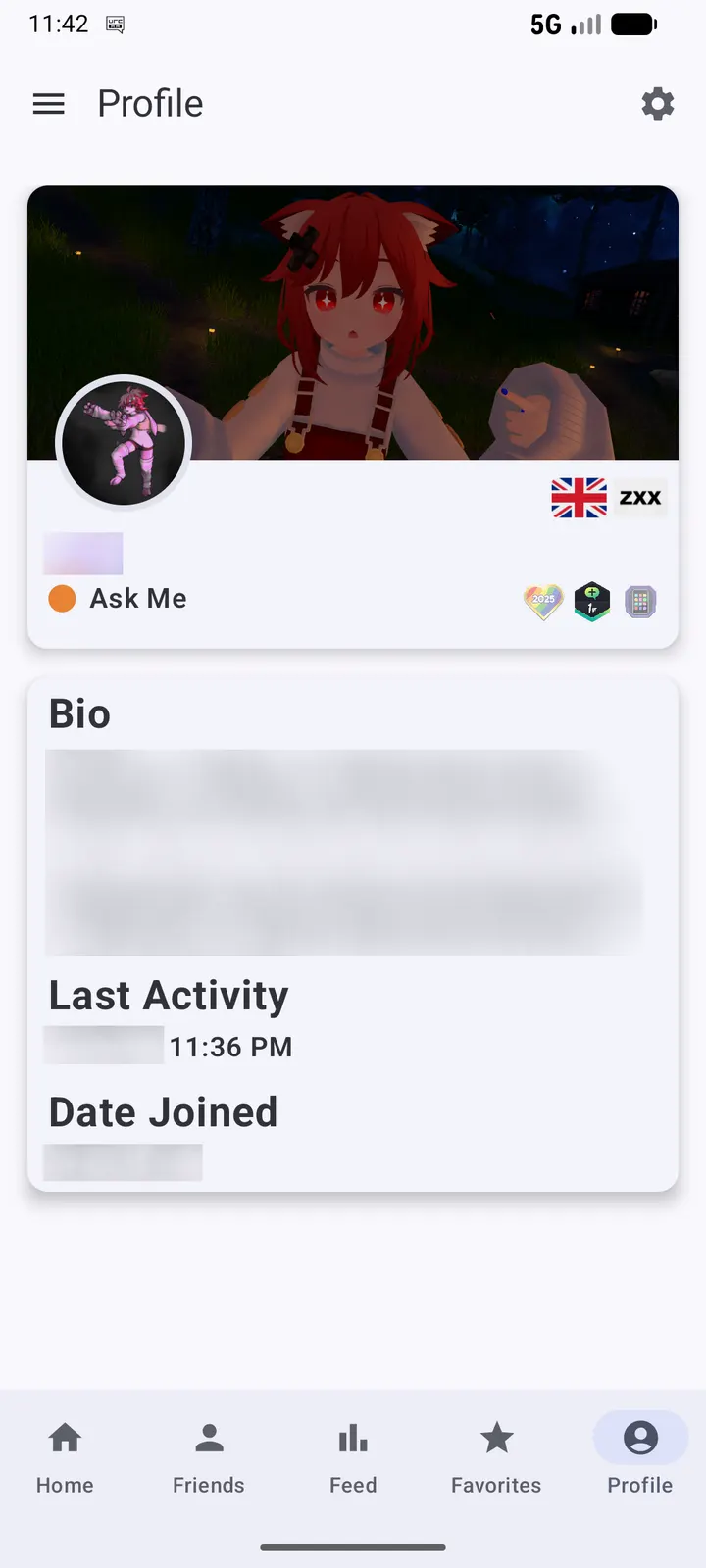
VRChat Android Assistant lets you manage your VRChat account from an Android phone without running the VRChat game client. The app is free, carries no ads, and the APK is 7.5 MB. Version 3.1.0 needs Android 8.1 or newer.
A companion that replaces the game client for social tasks
What sets this app apart is its purpose: friend management and account upkeep away from the game. According to the store description, you can adjust your profile, deal with friends, and follow upcoming events from the phone alone.
The developer is unknown, but the source code is public on GitHub under the Apache-2.0 licence. The package ID is cc.sovellus.vrcaa, and the first release dates to July 13, 2024.
What a typical session looks like
A session is short. You open the app, check which friends are around, update profile details, and look at events. Nothing in it needs the VRChat client running, so it suits a quick check on the move.
How it differs from WhatsApp, Messenger and the other listed alternatives
The alternatives named in the catalog include WhatsApp, Messenger, Facebook and X, which are general social and messaging apps. VRChat Android Assistant is narrower: it is built around one service and its friends list.
Compared with those apps, it is small at 7.5 MB and has no ads. Its open-source licence is also a point of difference.
What's new in 3.1.0
Version 3.1.0 was last updated on September 28, 2026.
VRChat Android Assistant pros and cons
Pros
- Free
- No ads
- Open source under Apache-2.0, with code on GitHub
- Small download at 7.5 MB
- Works without the VRChat game client
Cons
- Developer is listed as unknown
- Limited to friend and profile management
- Requires Android 8.1 or newer
- Focused on friend and profile management rather than broader features
Is VRChat Android Assistant safe?
The APK we store is unmodified, and its SHA-256 checksum is published so you can compare it with your download: 546d4c0aa4ef139bb15a3350f12fcafc1204d594e82df17af5bdcc92ab192454. The code is open under Apache-2.0, so anyone can read it on GitHub. With no named publisher, the public source is the best way to judge what the app does.
How to install VRChat Android Assistant
- Download the APK with the button on this page and wait for it to finish.
- Compare the file with the SHA-256 checksum shown here if you want to confirm it arrived intact.
- Open the file on your phone and allow installs from this source when Android asks.
- Finish the install, then open VRChat Android Assistant from your app drawer.


