

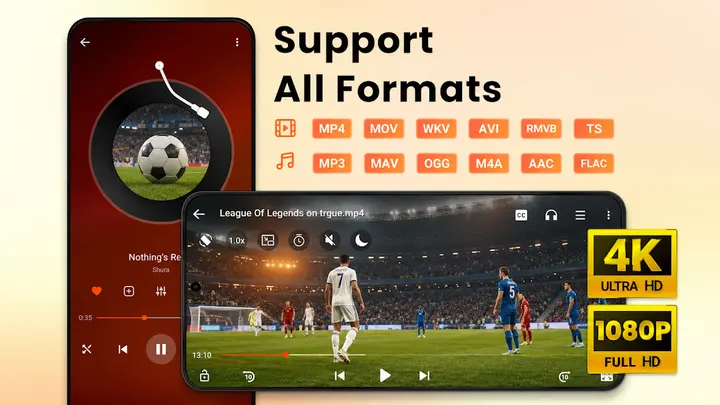
VLC for Android is the usual answer when someone wants a player that opens anything, and Video Player All Format HD goes after the same job with a lighter, simpler approach. Its developer, Video Player & Cast to TV, lists support for MKV, MP4, M4V, AVI, MOV, 3GP, FLV, WMV, RMVB and TS files, plus 4K and 1080p playback. A five-band equalizer with bass boost, a sleep timer and a night mode round out the listening side.
First steps after install: let it scan your folders
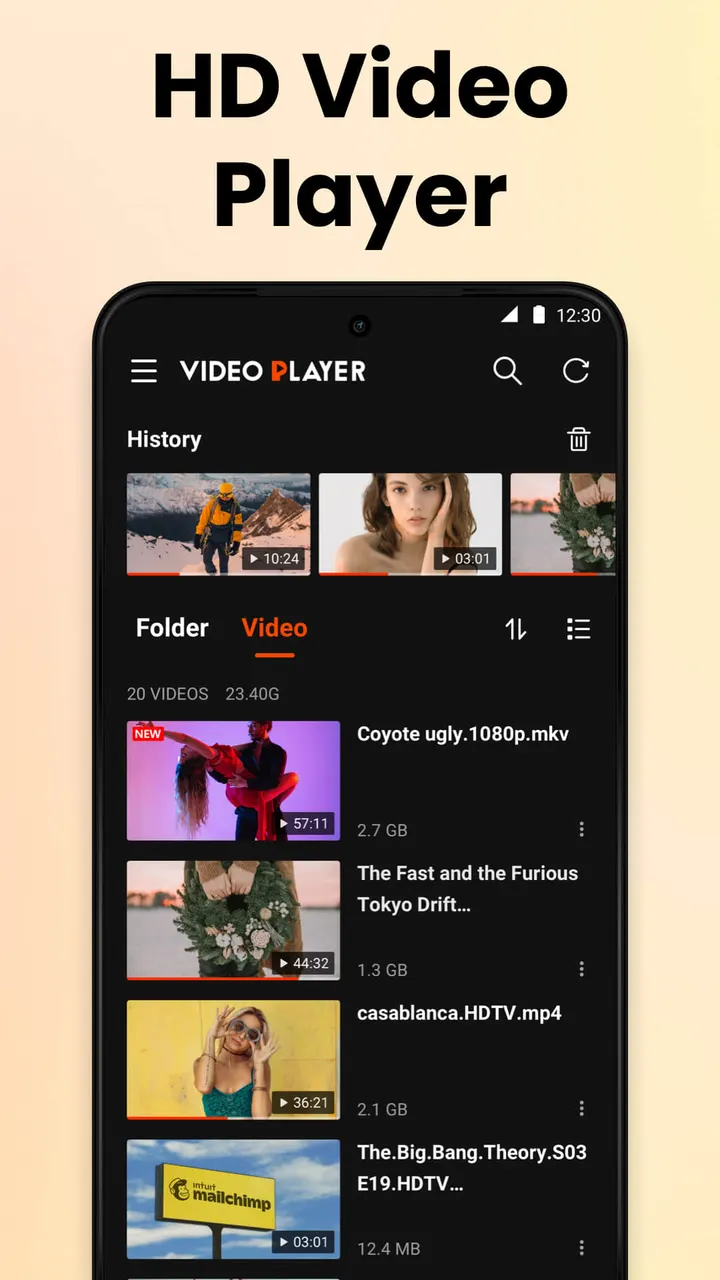
Video Player All Format HD scans the phone and SD card for video files and folders on its own, so you never have to browse to a directory first. From the file list you can delete or rename clips.
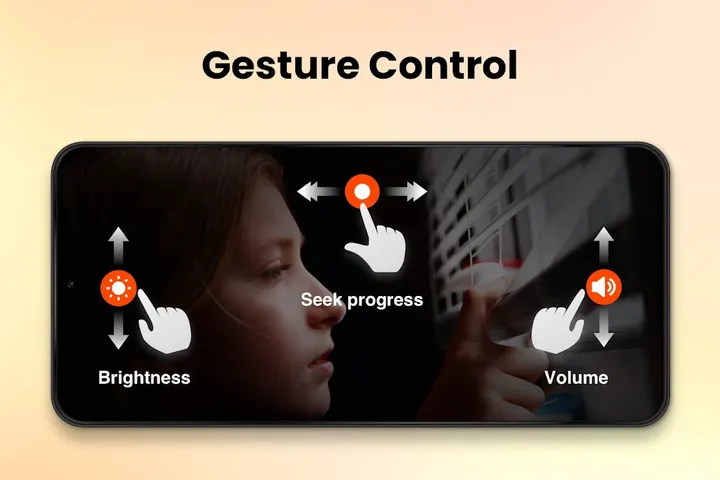
Playback options include popup play in a floating window, background play with the screen off, gesture controls such as 10 second skips, and speed settings from 0.25x to 8x. The current version is 3.0.1, updated on October 30, 2026, and it runs on Android 6.0 or newer.
Popup play, background audio and the 0.25x to 8x speed range
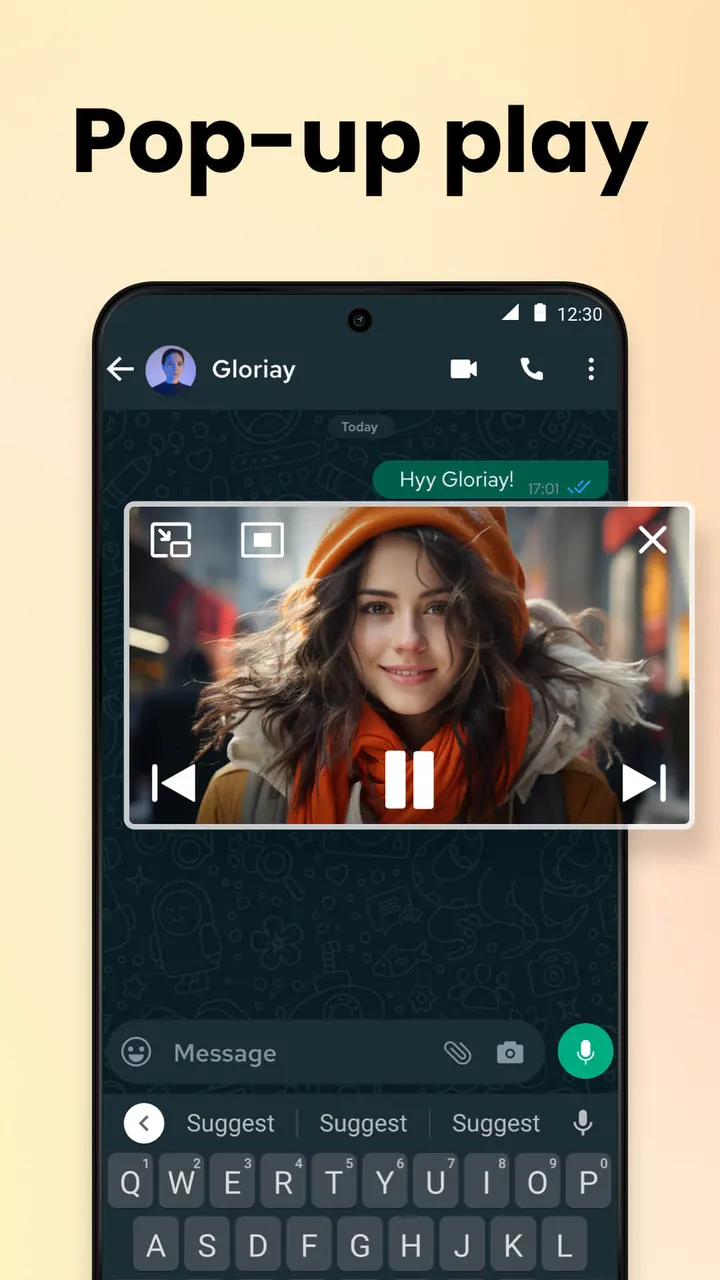
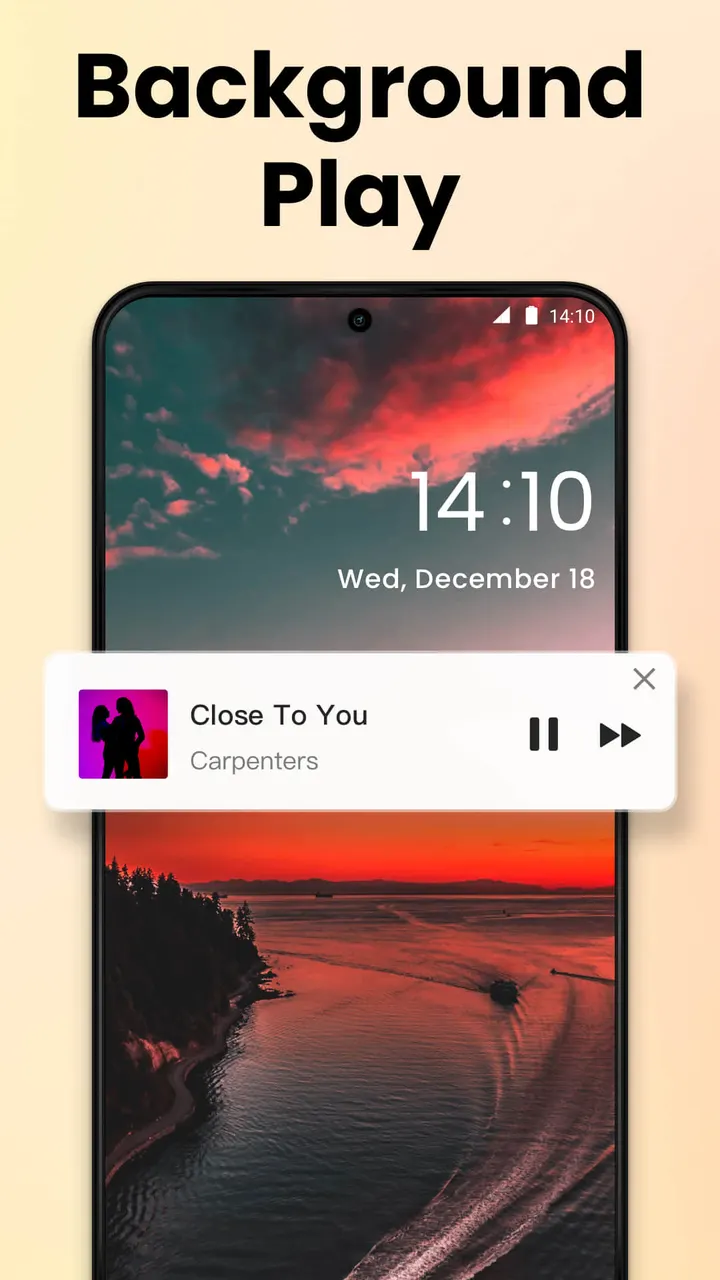
Popup play puts the video in a floating window in a corner of the screen, so you can keep watching while chatting in another app. Background play keeps the audio running with the screen off, which works for lectures or talks you only need to hear.
Playback speed runs from 0.25x to 8x. That covers slow motion for tutorials as well as fast skimming of long recordings. Gesture controls handle quick jumps such as 10 seconds forward or backward.
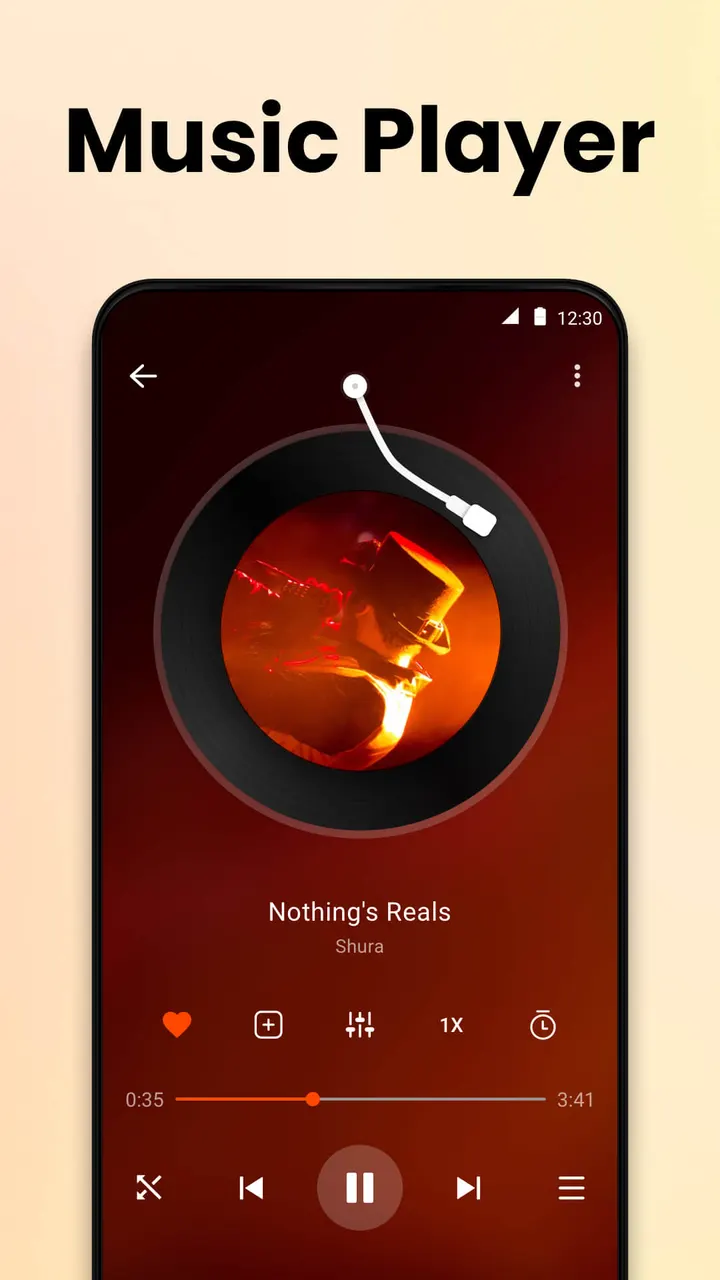
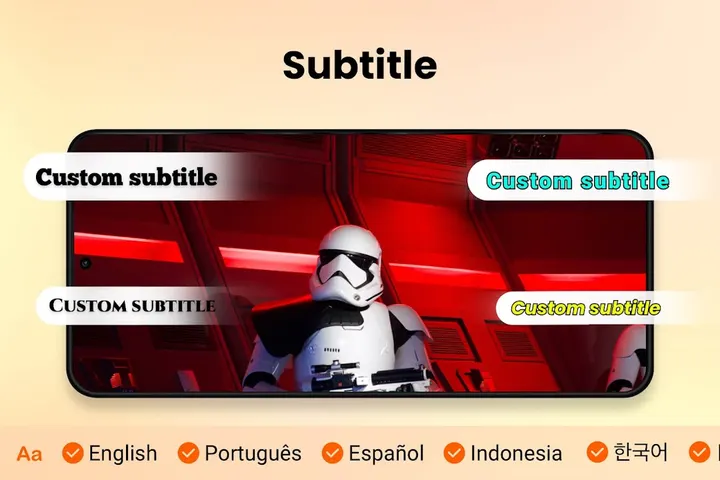
The app also includes a sleep timer, night mode, quick mute, a five-band equalizer with bass boost, audio track switching and subtitle download.
When VLC for Android or NOVA Video Player is the better pick
The app is free, but it carries ads and offers in-app purchases. Anyone who wants to avoid ads may prefer VLC for Android, NOVA Video Player or PipePipe.
Jellyfin takes a different approach, since it is built around a media server. Lark Player suits people who care more about music and MP3 playback than video.
Video Player All Format HD pros and cons
Pros
- Opens MKV, MP4, AVI, MOV, FLV, WMV and other formats, with 4K and 1080p support
- Popup play and background play with the screen off
- Speed control from 0.25x to 8x
- Finds videos on the phone and SD card automatically
- Small download, listed as under 10 MB in the store description
Cons
- Contains ads
- Includes in-app purchases
- Version 3.0.1 is the current release
- Some listed extras, such as the equalizer and subtitle download, have no performance data
Is Video Player All Format HD safe?
The publisher is Video Player & Cast to TV, with a website at meeraiapps.com, and the content rating is Everyone. Because the player reads video folders on the phone and SD card, look over the permissions it requests before you accept them. Ads and in-app purchases are part of the free version.
How to install Video Player All Format HD
- Press the Google Play button on this page.
- Check the listing in the Play Store and press Install.
- Open Video Player All Format HD when the install finishes. Updates arrive through Google Play.