Jellyfin for Android is for people who already run their own Jellyfin media server and want to watch from a phone or tablet. It is the official companion app from the Jellyfin project, version 2.7.3, and it does nothing useful without a server to connect to. The app is free, carries no ads, and the code is open under GPL-2.0-or-later.
Who needs a Jellyfin server first
The app is a client only. The developer states that a Jellyfin server must be set up and running before you can use it, and the server software is free from jellyfin.org. If you have no server and only want a local video player, the alternatives listed for this page, such as VLC for Android or NOVA Video Player, fit that job better.
The project describes the server as a free software media system for audio, video, photos and more in one place. The Android app is the mobile way into that collection.
Streaming, Chromecast and Live TV in practice
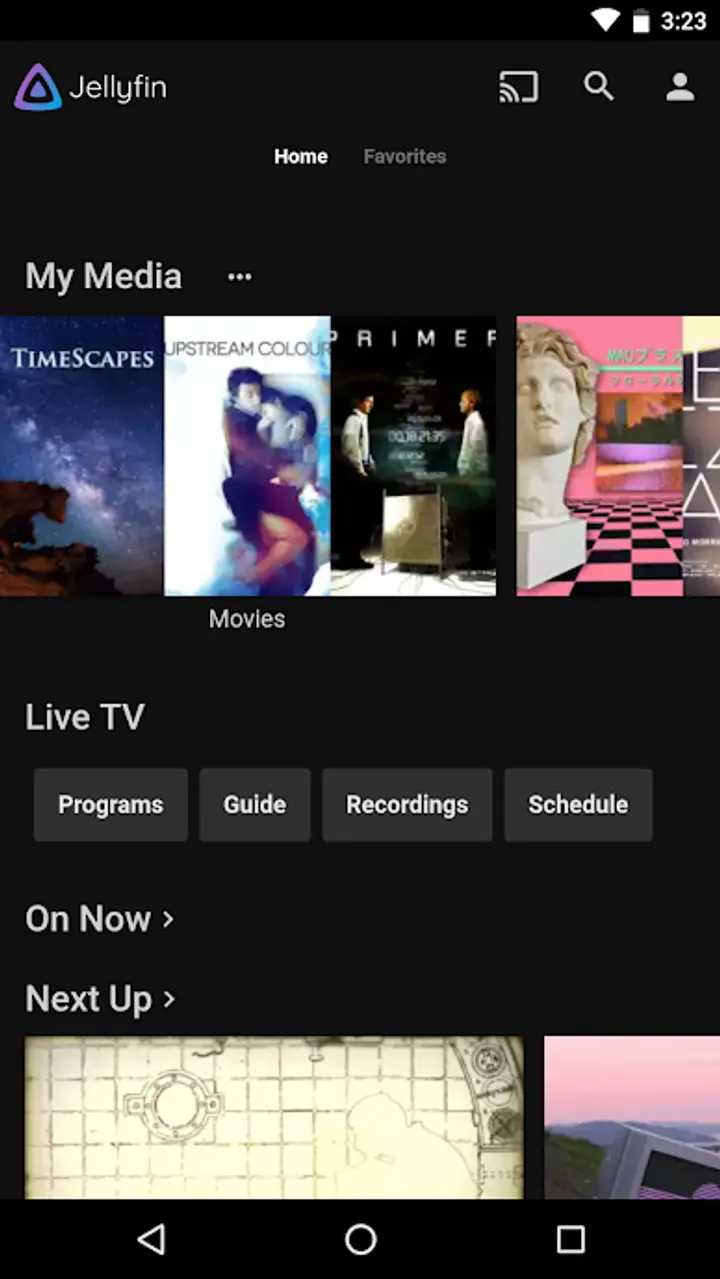
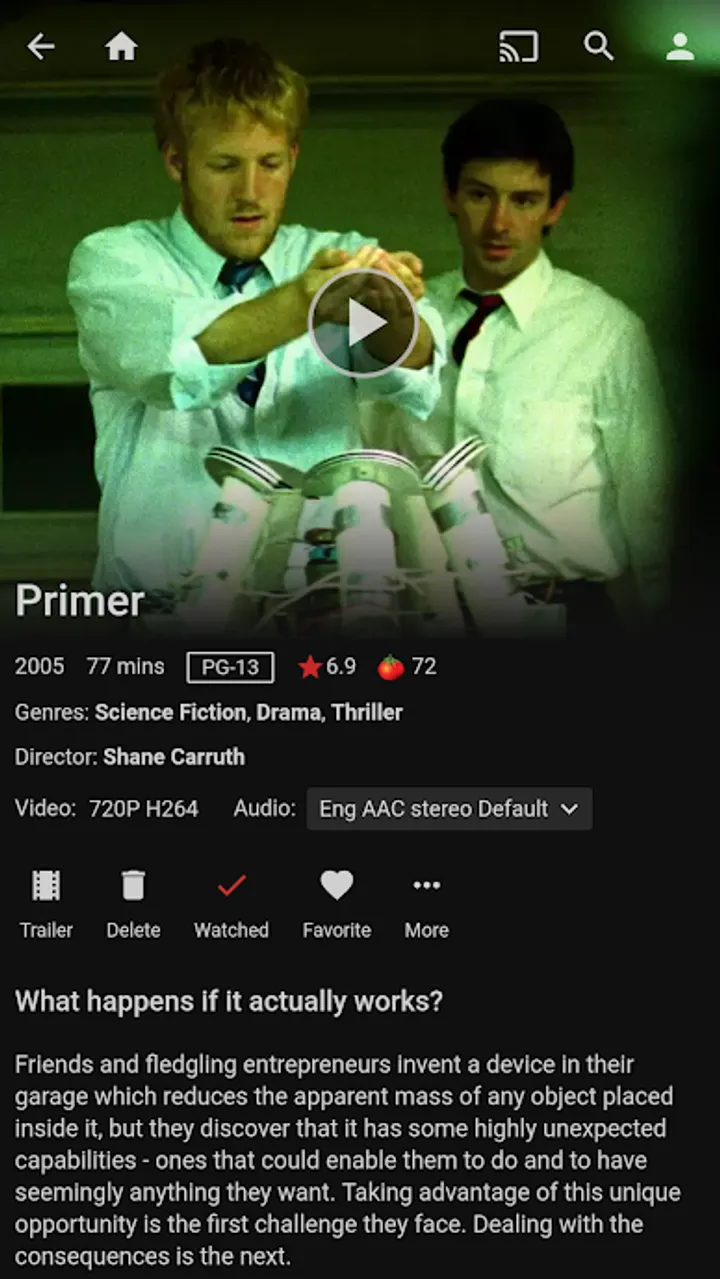
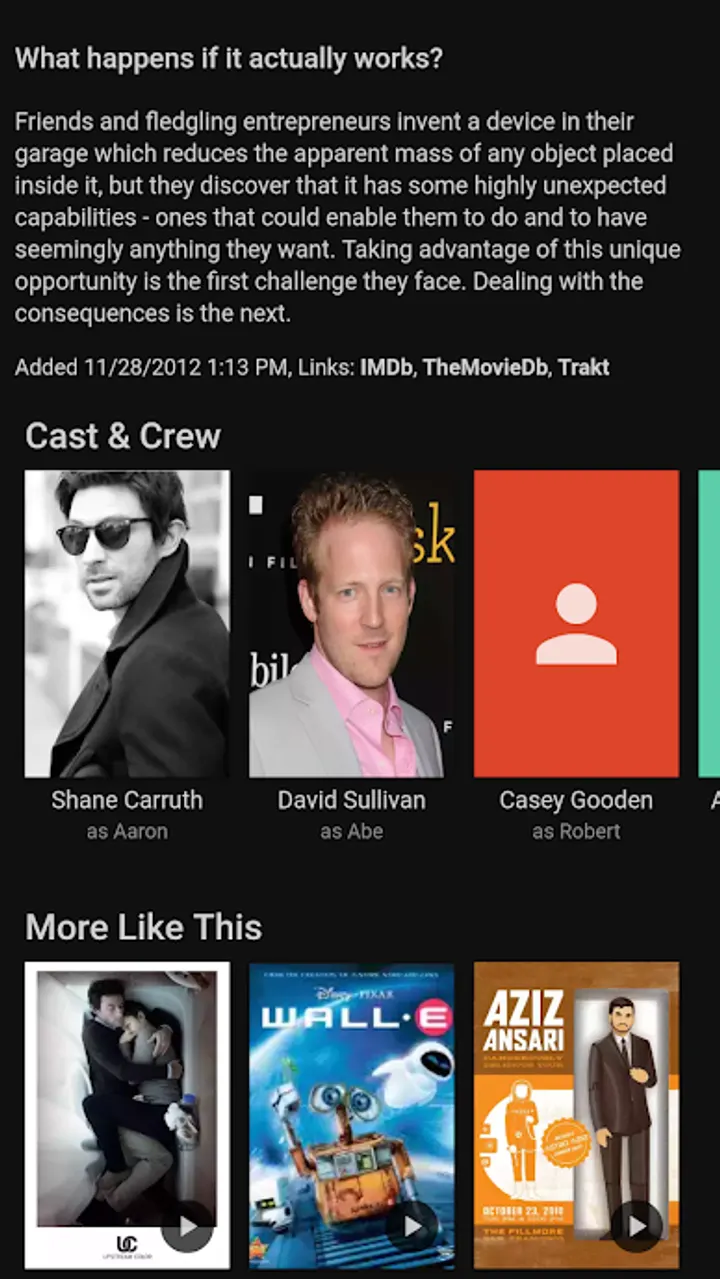
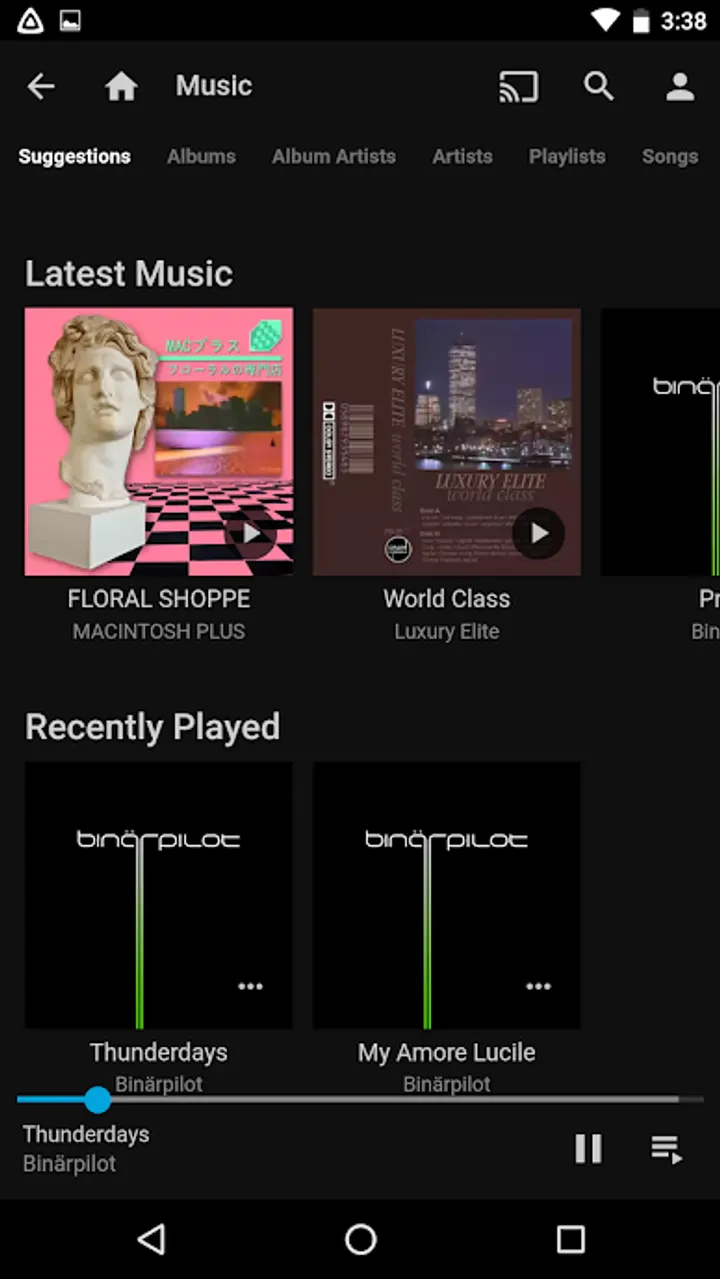
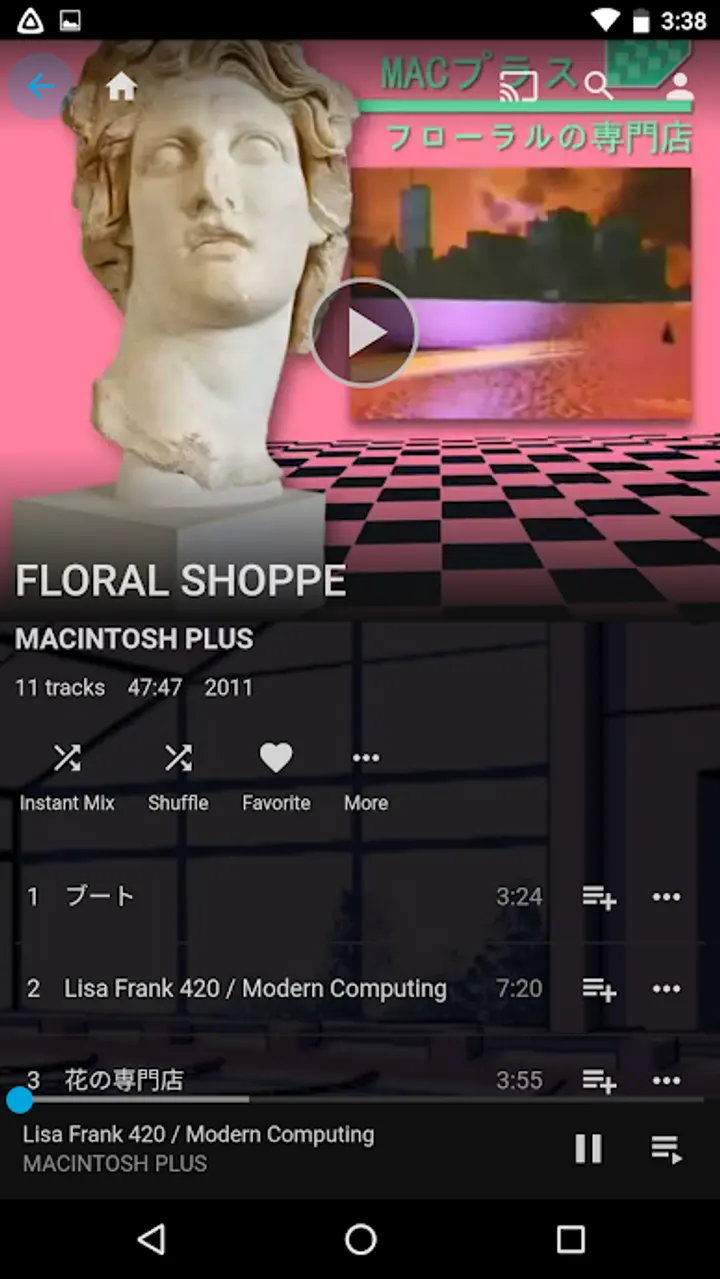
The core function is streaming your media from the server to your Android device. The developer describes the interface as easy to use.
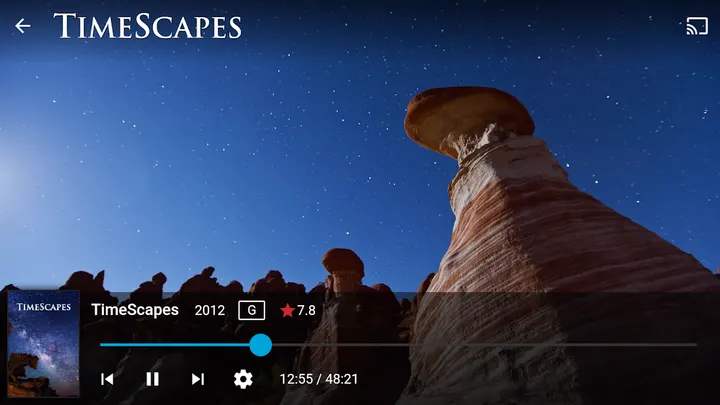
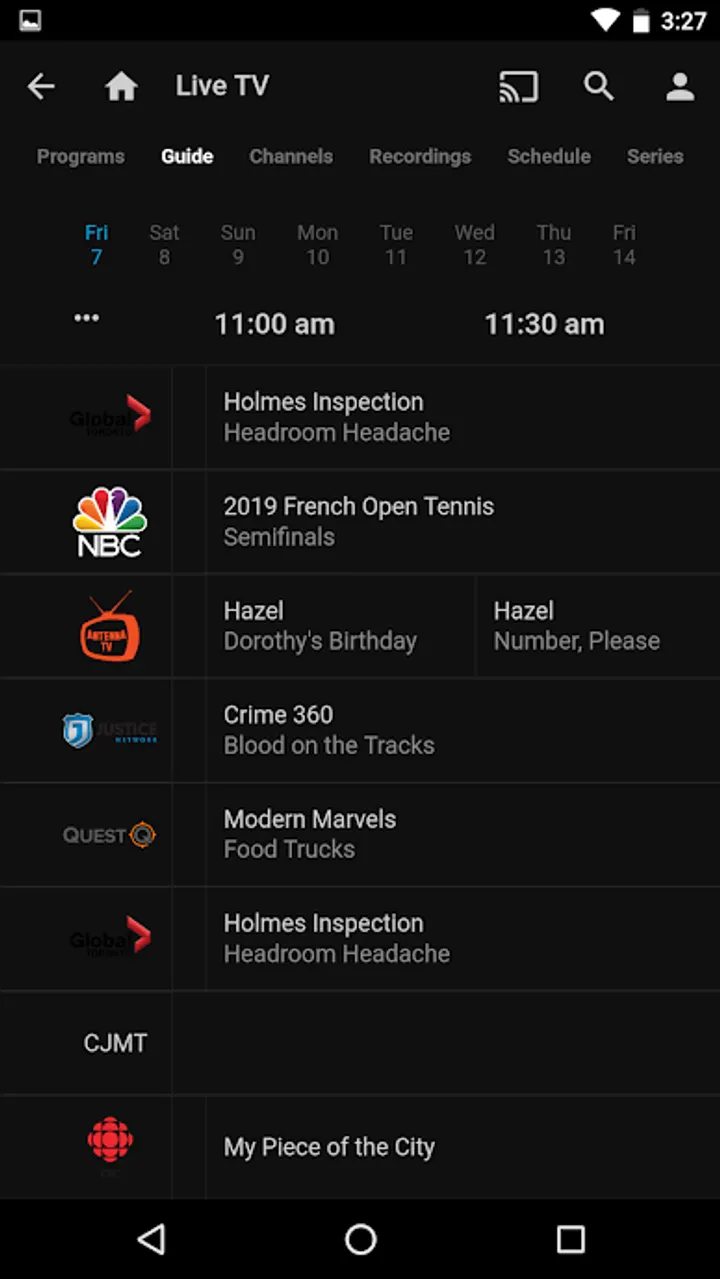
The app can also stream to a Chromecast device on your network. Live TV and recorded shows from your server are supported too, but additional hardware or services are required. That means the app alone will not give you TV channels.
Size, price and where the limits are
The package org.jellyfin.mobile is 8.5 MB and needs Android 5.0 or newer. It is free, shows no ads, and the developer says there are no fees and no tracking. It first appeared on March 1, 2021, and the current build was updated on September 16, 2026.
The limits are mostly about setup. You need your own server, and Live TV depends on extra hardware or services.
Jellyfin pros and cons
Pros
- Free with no ads
- Open source under GPL-2.0-or-later, with code on GitHub
- Small download at 8.5 MB
- Chromecast streaming to a device on your network
- Official companion app from the Jellyfin project
Cons
- Requires a running Jellyfin server before it does anything
- Live TV needs additional hardware or services
- Requires your own server
Is Jellyfin safe?
TopDown APK hosts the unmodified APK for Jellyfin, which is tier A, and the file is verified with the SHA-256 checksum f9f4b3ab46cc9434df811194c2d4351417f4db83a4c1a0facd0a662d69533f7f. The publisher is Jellyfin, and the source code is public under GPL-2.0-or-later at github.com/jellyfin/jellyfin-android. The app carries no ads. Compare the checksum after download if you want to confirm the file.
How to install Jellyfin
- Download the APK with the button on this page and wait for it to finish.
- Compare the file with the SHA-256 checksum shown here if you want to confirm it arrived intact.
- Open the file on your phone and allow installs from this source when Android asks.
- Finish the install, then open Jellyfin from your app drawer.