




PipePipe is a free, ad-free and open-source Android client for browsing YouTube, NicoNico and BiliBili, published by NullPointerException under GPL-3.0-or-later. Version 5.5.0 was updated on October 25, 2026, and the app first appeared on January 19, 2023. It presents itself as an enhanced take on NewPipe with extra tools on top.
Installing 5.5.0 and checking the file
The APK is 31.1 MB and needs Android 6.0 or newer. We host the unmodified file, so you can compare its SHA-256 checksum, dfac608d4802b461252550a0485f779a12fd198f18dce77afa90cd441568f06f, with the one you get after download.
The package ID is InfinityLoop1309.NewPipeEnhanced. Once it is installed, you can search and watch from the three supported services. The store description also mentions a login option for restricted or premium content.
SponsorBlock, bullet comments and keyword filters
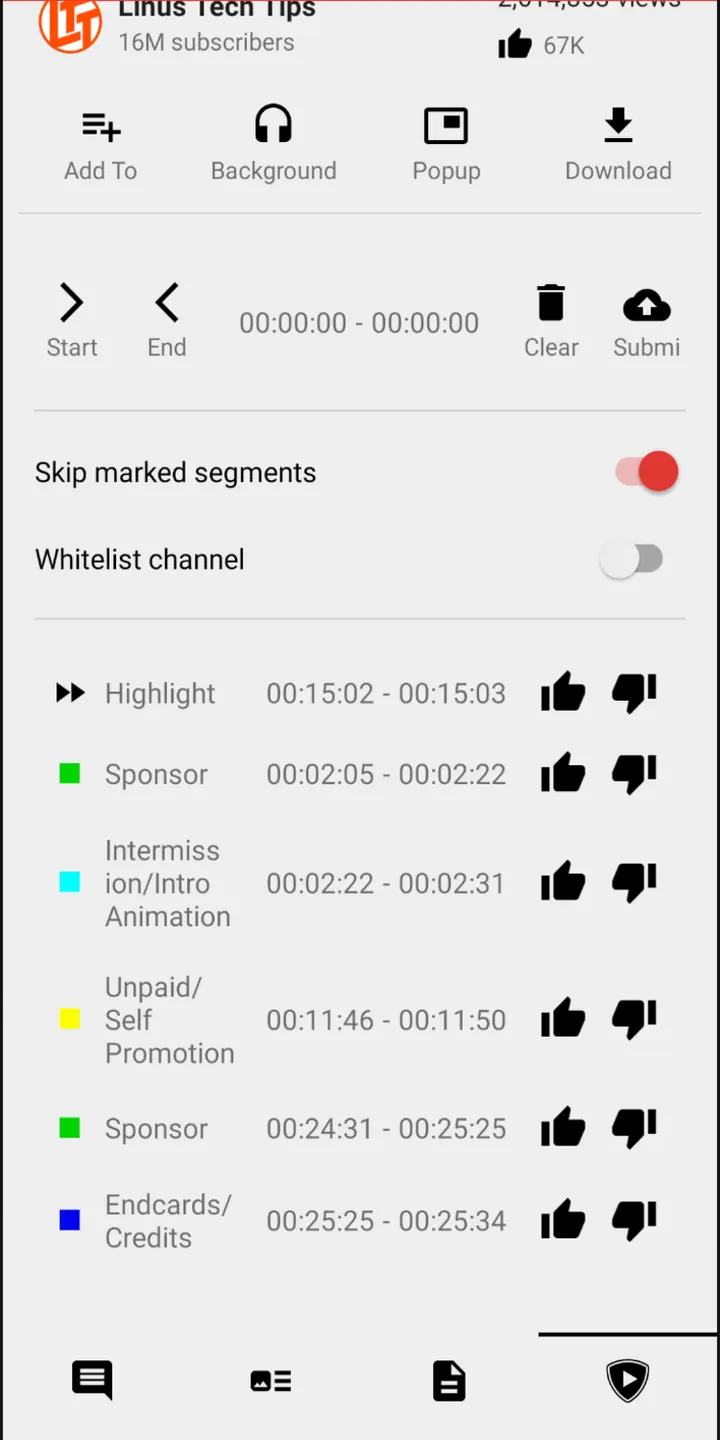
SponsorBlock works on YouTube and BiliBili. ReturnYouTubeDislike is included too, and bullet comments and live chats are supported for the services that use them.
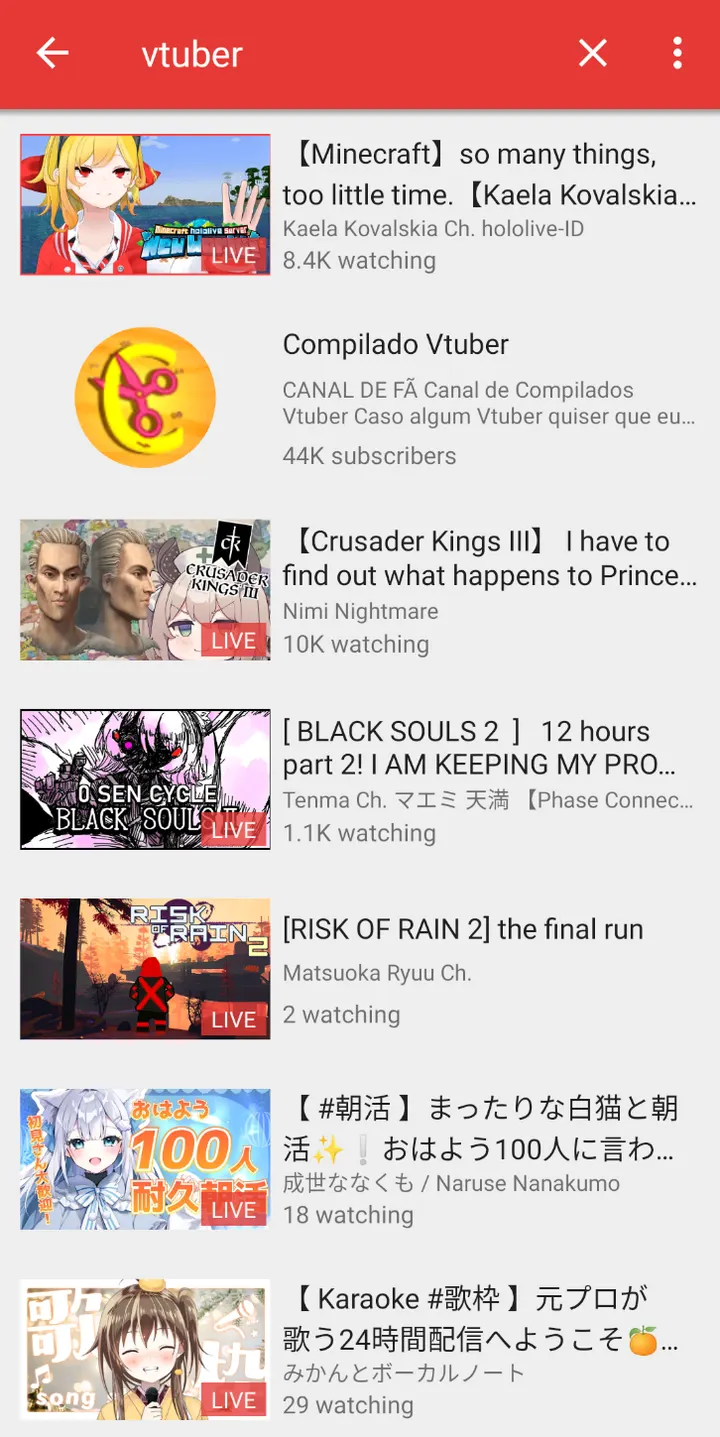
Search has filters, and local playlists can be searched and sorted. You can also hide unwanted results by keyword or channel, which helps if certain topics keep turning up in your feed.
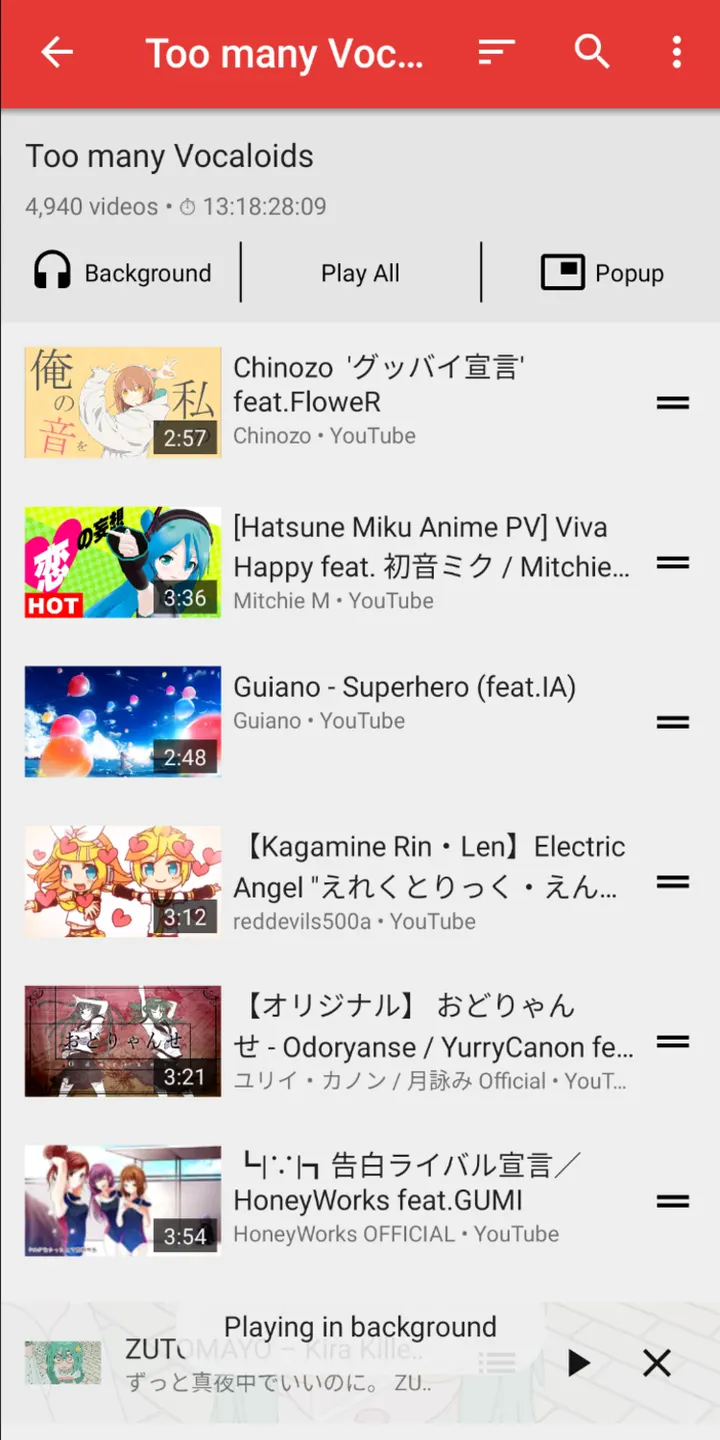
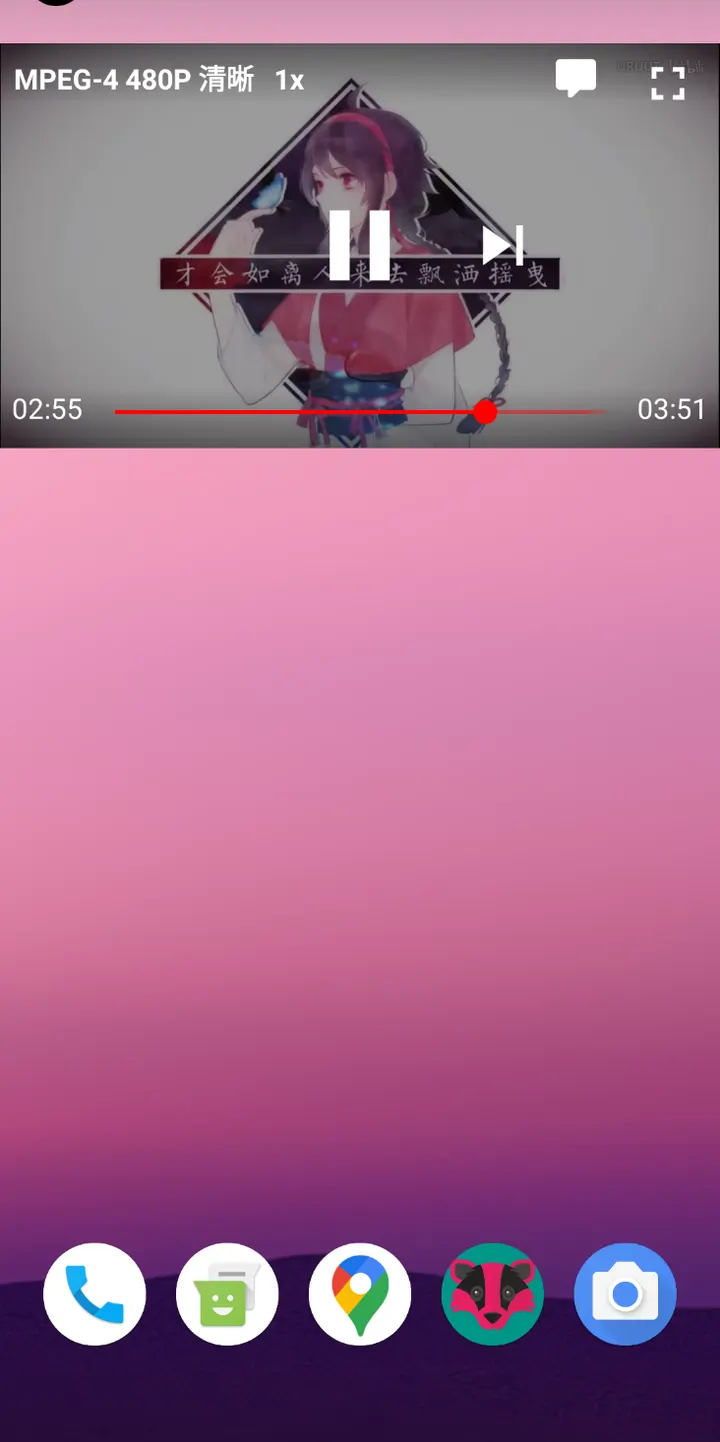
For listening, there is a music player mode with background playing. A sleep timer and fullscreen gestures are also included.
When VLC for Android or NOVA suits you better
PipePipe is built around streaming from three online services. It is not designed for local file playback or other media sources.
If your main need is playing files stored on your device, look at alternatives such as VLC for Android or NOVA Video Player. Anyone who wants a single app for YouTube, NicoNico and BiliBili without ads has a clearer reason to pick PipePipe.
PipePipe pros and cons
Pros
- No ads and no price; the app is free
- Open-source under GPL-3.0-or-later, with the full code public on GitHub
- Covers YouTube, NicoNico and BiliBili in one app
- SponsorBlock on YouTube and BiliBili, plus ReturnYouTubeDislike
- Music player mode with background playing and a sleep timer
Cons
- Needs Android 6.0 or newer
- Version 5.5.0 has no published changelog
- Focused on three online services; local file playback is not described
Is PipePipe safe?
The APK is kept unmodified, and its SHA-256 checksum is dfac608d4802b461252550a0485f779a12fd198f18dce77afa90cd441568f06f, so you can compare it with the file you downloaded. PipePipe is licensed GPL-3.0-or-later, which means anyone can read the code at https://github.com/InfinityLoop1308/PipePipe. The app is free and shows no ads.
How to install PipePipe
- Download the APK with the button on this page and wait for it to finish.
- Compare the file with the SHA-256 checksum shown here if you want to confirm it arrived intact.
- Open the file on your phone and allow installs from this source when Android asks.
- Finish the install, then open PipePipe from your app drawer.