
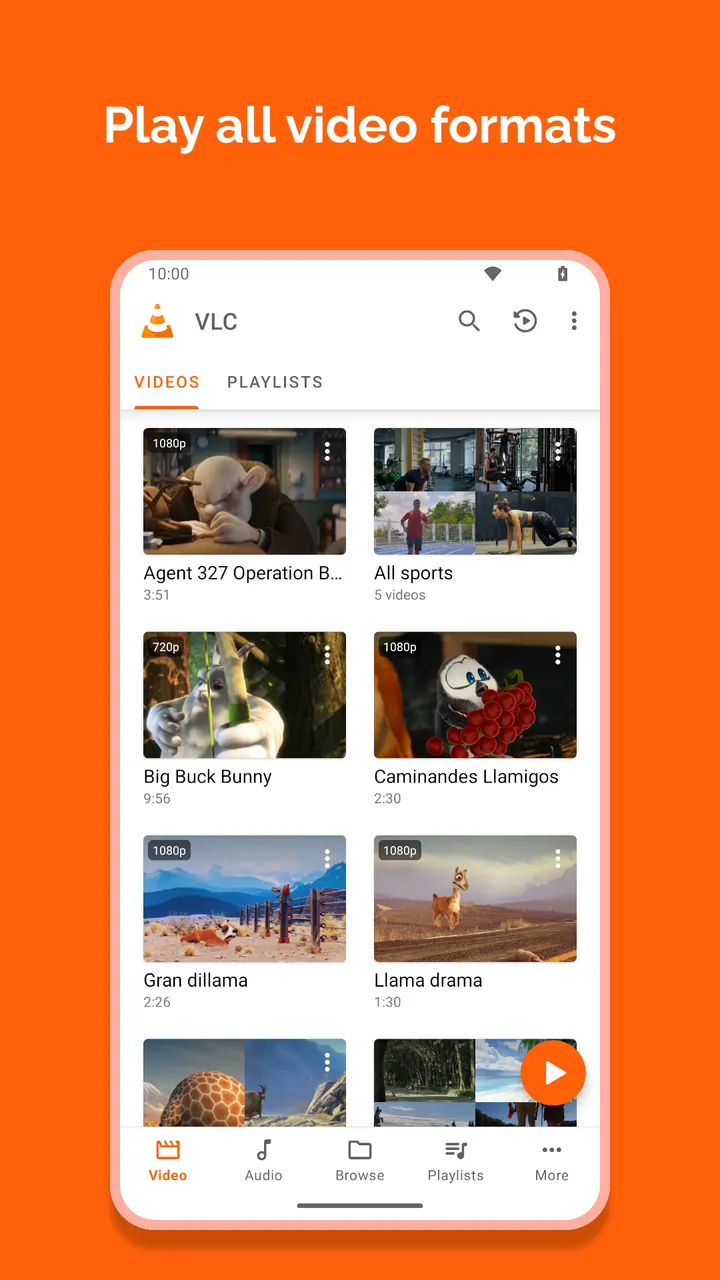
VLC for Android is Videolabs' port of the desktop VLC media player, built to handle video and music alike. Version 3.7.2 needs Android 4.1 or later and takes up 47.3 MB. It plays local files, network streams, network shares and DVD ISOs, with no ads and no in-app purchases. The page lists the checksum of the unmodified APK.
No ads, no purchases, GPL-3.0 source
VLC for Android costs nothing. It shows no ads and has no in-app purchases, so no paywall hides behind the free install.
The code is released under the GPL-3.0-only licence, and the source is public at code.videolan.org/videolan/vlc-android. The store text describes the app as the work of passionate volunteers and says it does not spy on its users. We cannot confirm that claim ourselves, but the open repository lets anyone inspect the code.
The content rating is Everyone. The developer website is videolan.org.
Formats, network streams and DVD ISOs
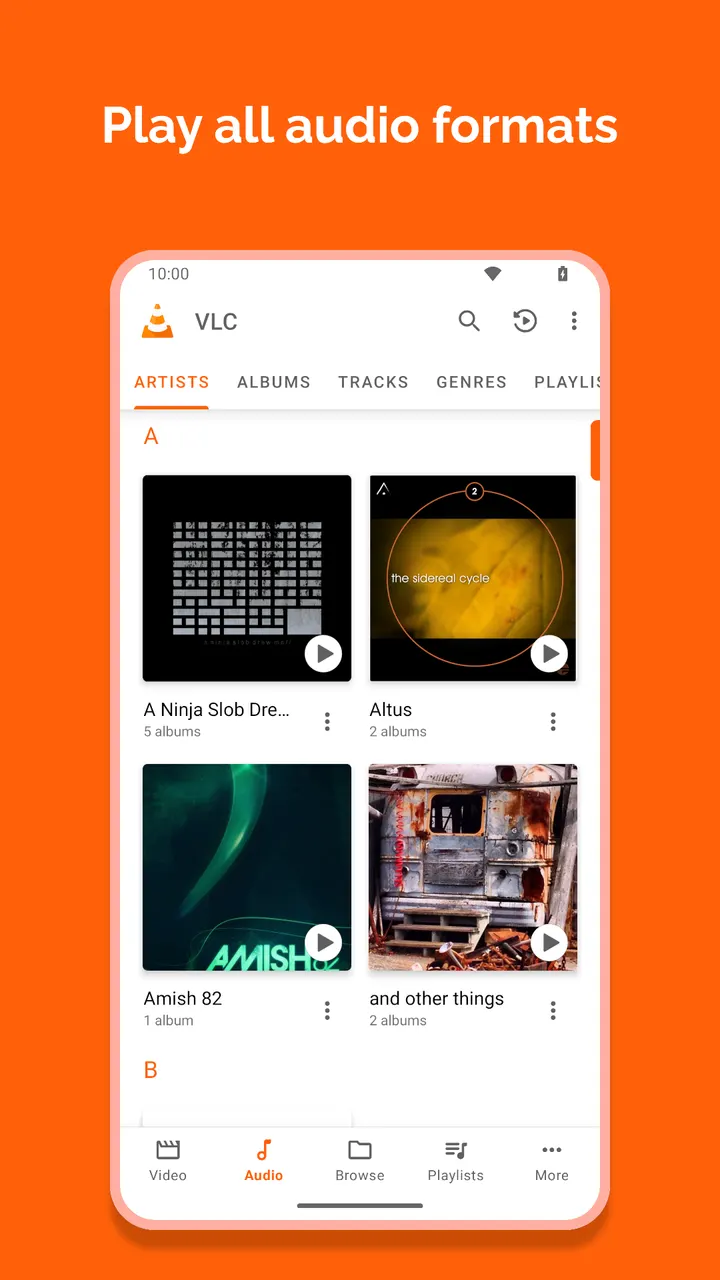
VLC for Android plays most local video and audio files, plus network streams, including adaptive streaming, network shares and drives, and DVD ISOs. Supported formats include MKV, MP4, AVI, MOV, Ogg, FLAC, TS, M2TS, Wv and AAC. All codecs ship inside the app, so no separate downloads are needed.
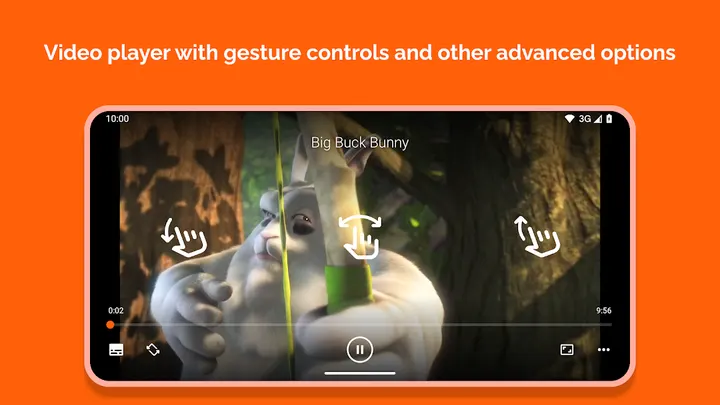
Subtitles, Teletext and Closed Captions are supported, as is multi-track audio and subtitle selection. During playback it handles auto-rotation and aspect-ratio changes. Gestures control volume, brightness and seeking.
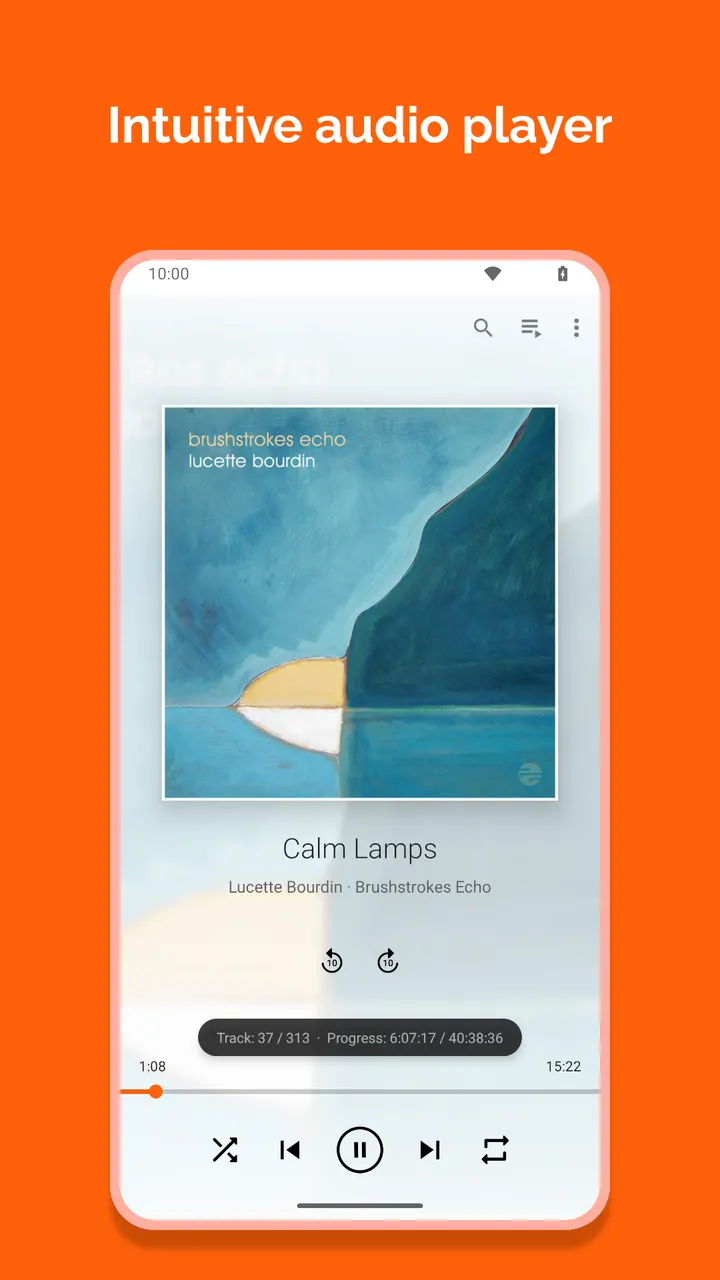
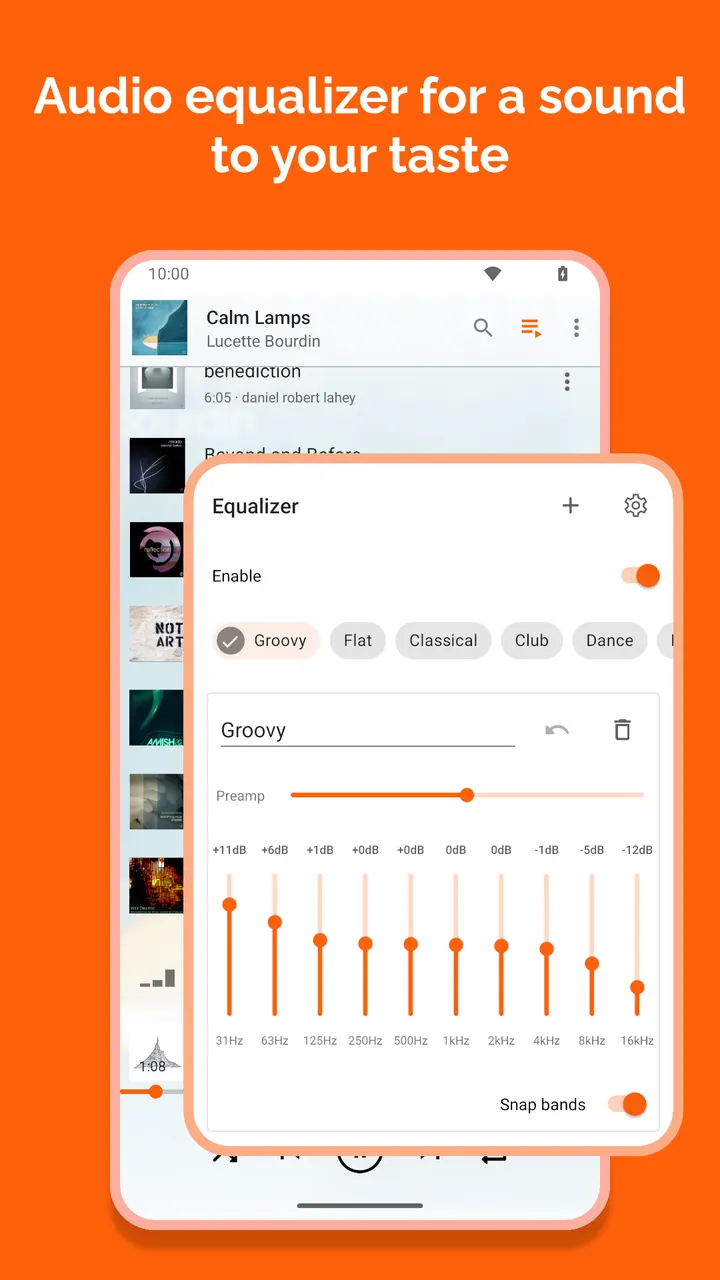
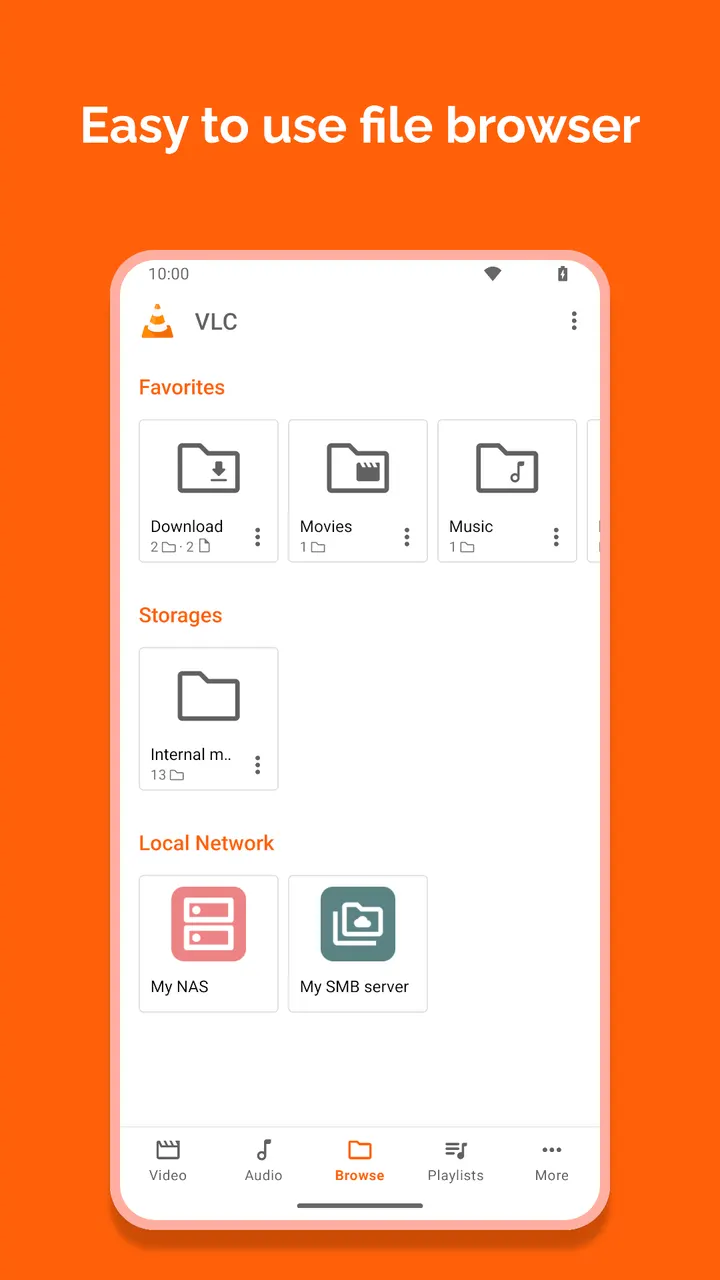
The audio side is a full player with its own database, an equalizer, filters and cover art. A widget controls playback, and audio headset controls work. A media library covers both audio and video, and folders can also be browsed directly.
Why it asks for USB, overlay and startup permissions
The permission list is long, but each entry comes with a reason. Media and storage access reads files, including those on SD cards. USB storage access is used to read media there, and write access allows file deletion and saving subtitles.
Full network access opens network and internet streams. Preventing sleep keeps the screen awake during video. Changing audio settings handles volume, and modifying system settings allows setting a ringtone.
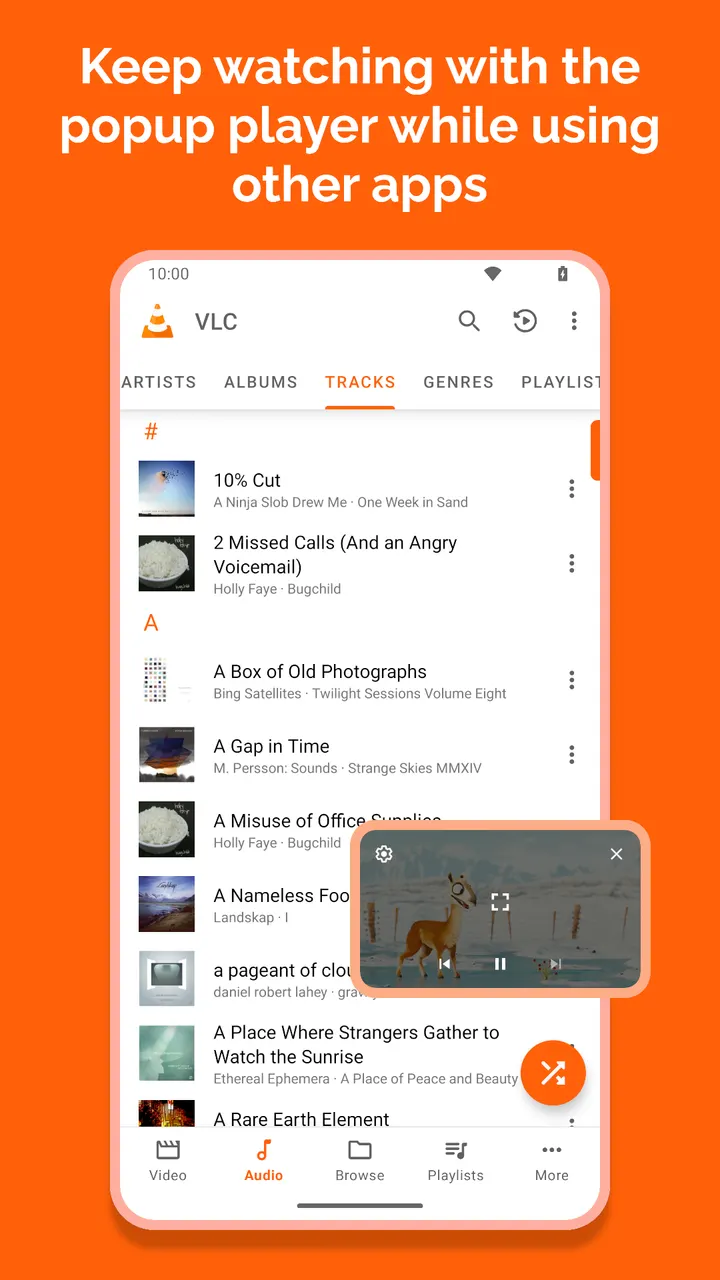
Drawing over other apps starts the picture-in-picture widget. Vibration control gives feedback on the controls. Two permissions apply only on Android TV: run at startup places recommendations on the launcher screen, and the microphone enables voice search.
Maintenance since the 2013 release
The app first appeared on March 22, 2013, and the current build, 3.7.2, was updated on October 16, 2026. That is a long span of upkeep for a single package, org.videolan.vlc.
Google Play shows a rating of 4 from about 2 million ratings.
VLC for Android pros and cons
Pros
- Free with no ads and no in-app purchases
- Open source under GPL-3.0-only, with public code at code.videolan.org
- Plays formats such as MKV, MP4, FLAC and M2TS, with codecs built in
- Handles network streams, network shares and DVD ISOs
- Rated 4 on Google Play across about 2 million ratings
Cons
- Long permission list, including draw over other apps and modify system settings
- Supports Android 4.1 and later, which is an old baseline for a current build
- Runs on Android 4.1 and later, so very old devices may run it less smoothly
Is VLC for Android safe?
To check your download, compare it with the SHA-256 checksum of the unmodified APK we store: e748c3e0bb9ec447f3e49f71d5c73e0b48c2c0309faa7fb79806d3afb5601b66. The source is public under the GPL-3.0-only licence, and the app carries no ads and no purchases. Read the permission list before installing: VLC asks for access to storage and USB media, full network access to open streams, and the ability to keep the phone awake during video playback.
How to install VLC for Android
- Download the APK with the button on this page and wait for it to finish.
- Compare the file with the SHA-256 checksum shown here if you want to confirm it arrived intact.
- Open the file on your phone and allow installs from this source when Android asks.
- Finish the install, then open VLC for Android from your app drawer.