

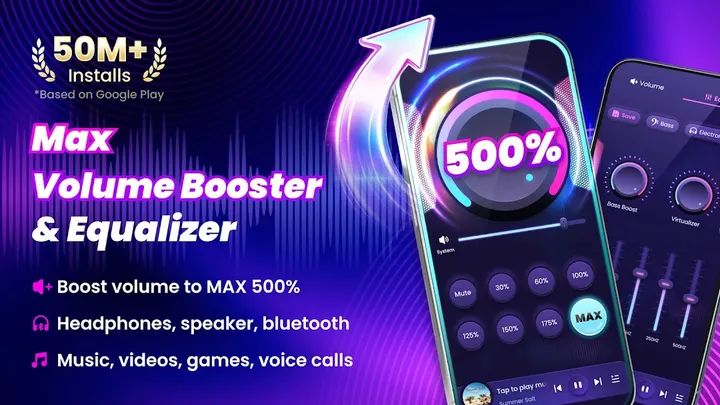

Equalizer314 and Music Volume EQ shape how audio sounds, while Volume Booster from 360 Tool concentrates on making it louder. That is a narrower job, and the app treats it as one. It claims to push volume up to 200%, well past the system maximum, for music, videos, games, audiobooks, alarms and ringtones. It costs nothing and needs Android 8.0 or later.
First steps after install: modes, widget and notification
The current version is 2.9.2.60, last updated on September 4, 2026. No root is required, so setup does not involve changing anything deep in the system. The app is rated Everyone on Google Play.
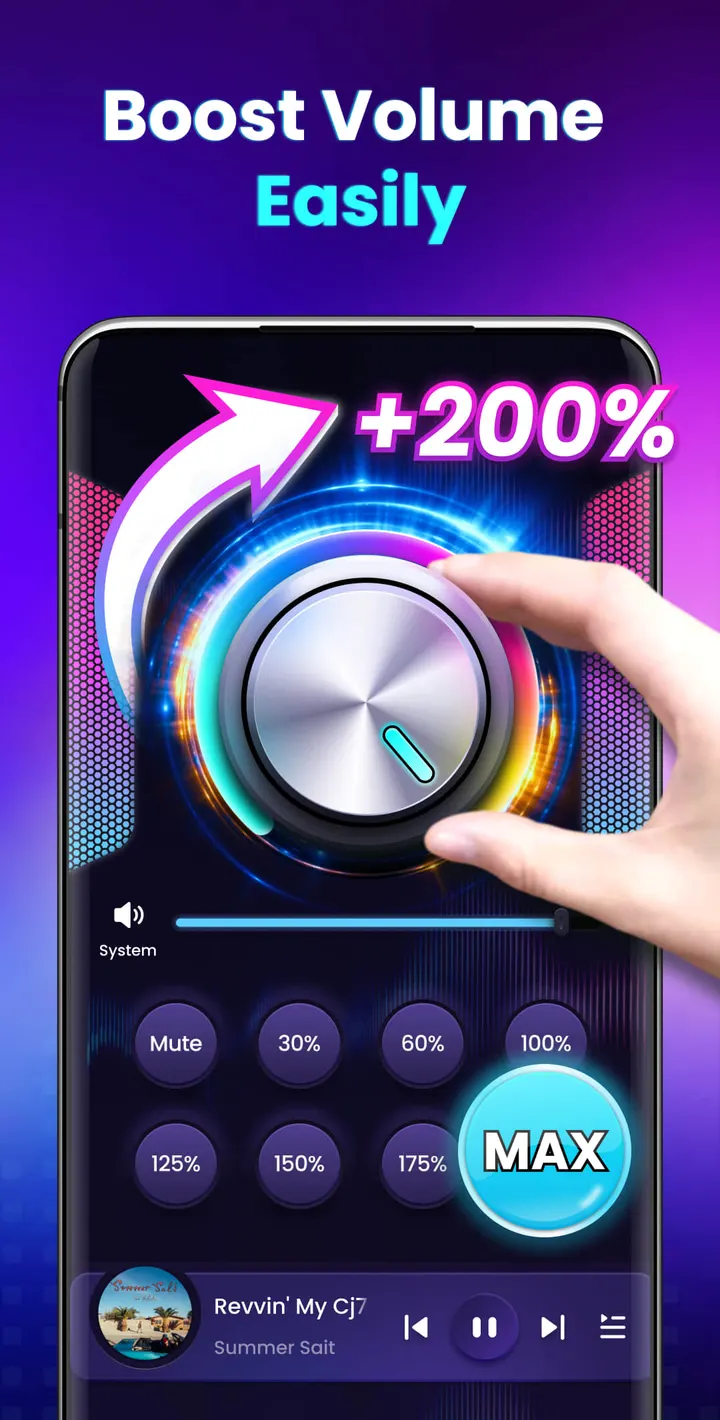
The first thing to look at is the set of 8 sound modes. Each one sets the volume to a specific level with a single tap, which saves fiddling with a slider every time you switch from music to a video.
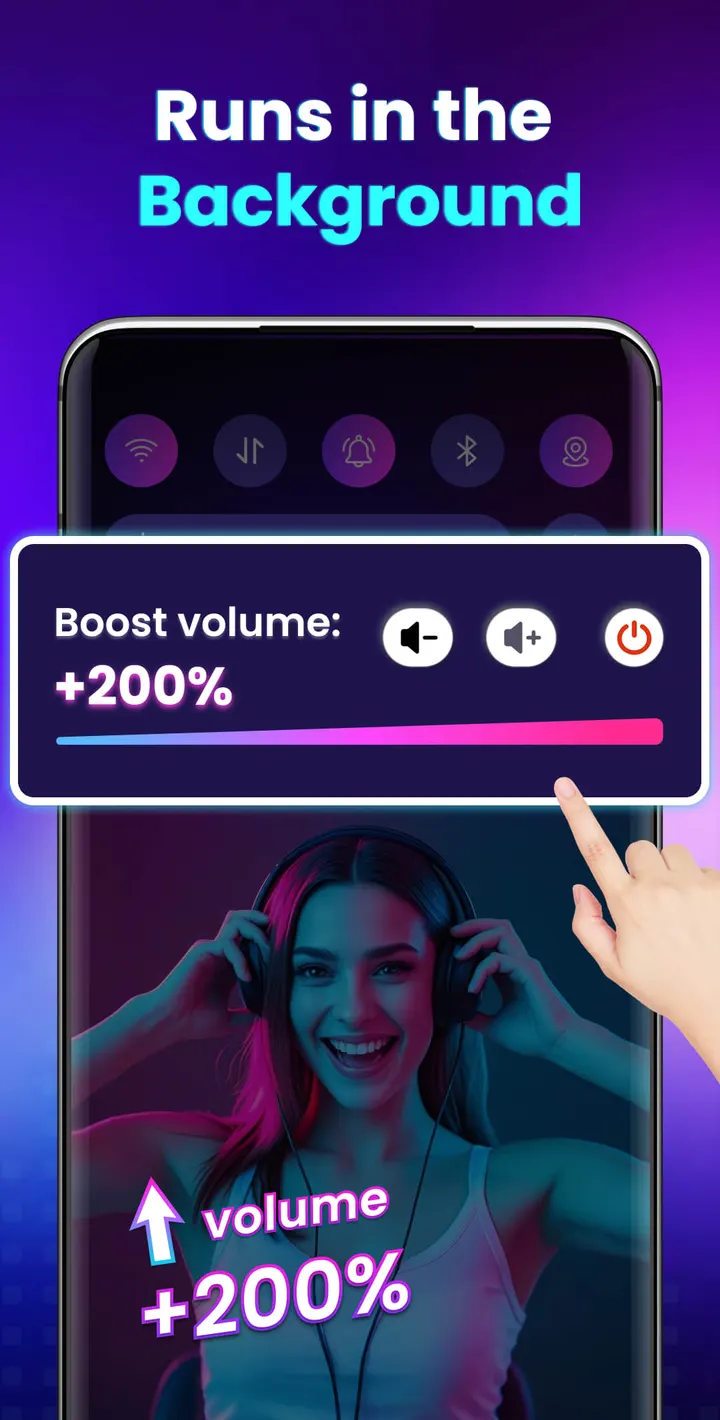
Next, add the home screen widget or use the notification bar controls. Both let you change the volume and switch the booster on or off without opening the app. The app also keeps running in the background and on the lock screen. The developer recommends raising volume gradually rather than jumping straight to the top.
What the 200% boost covers
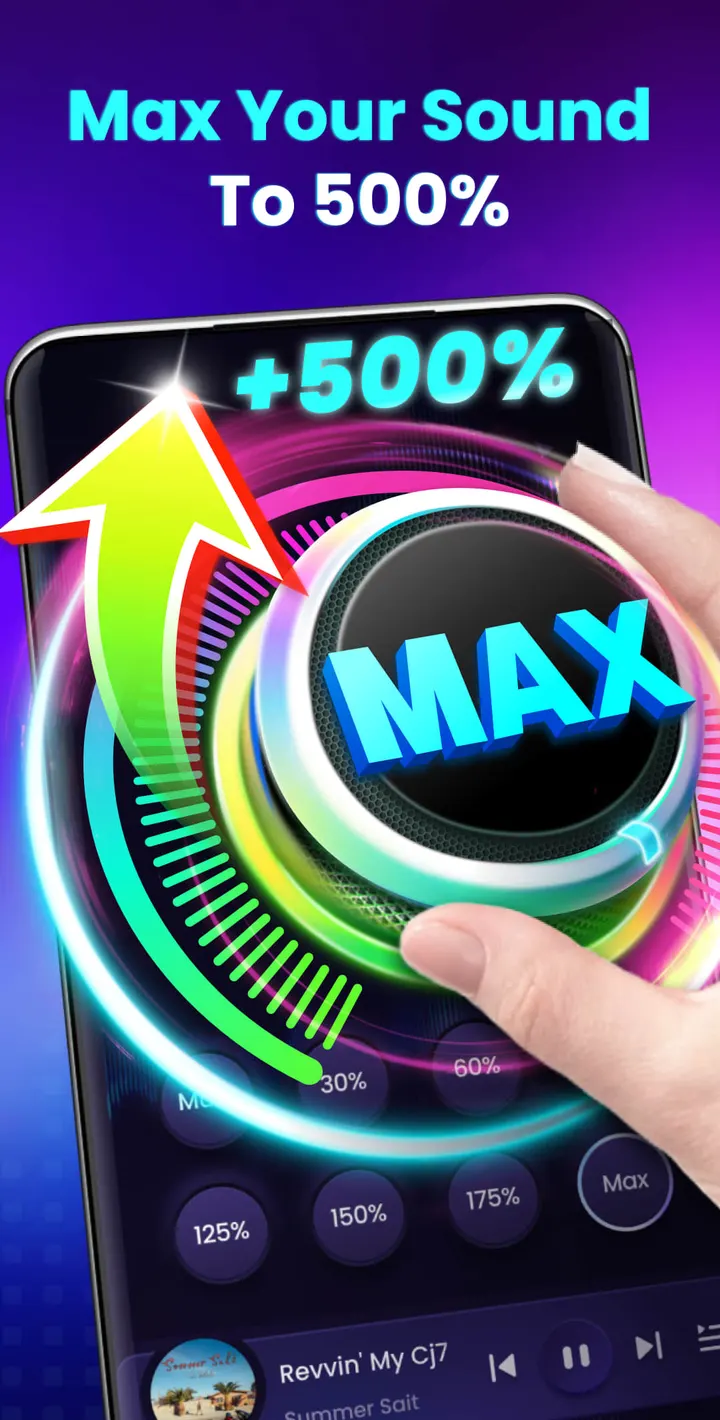
The headline claim is a volume increase up to 200%, well above the device's normal system maximum. That figure comes from the developer.
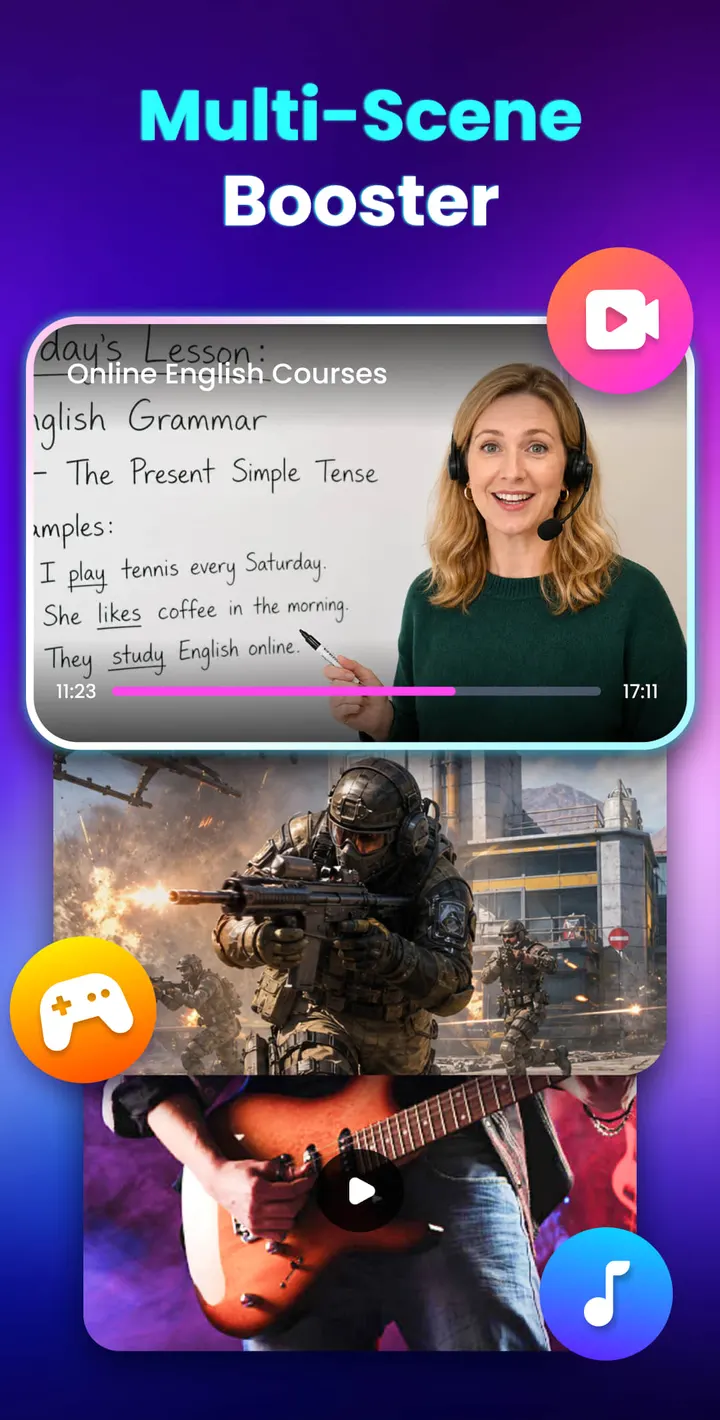
The boost applies to two areas. System volume covers alarms and ringtones. Media volume covers videos, music, games and audiobooks. The app also targets the external speaker, wired headphones and Bluetooth devices.
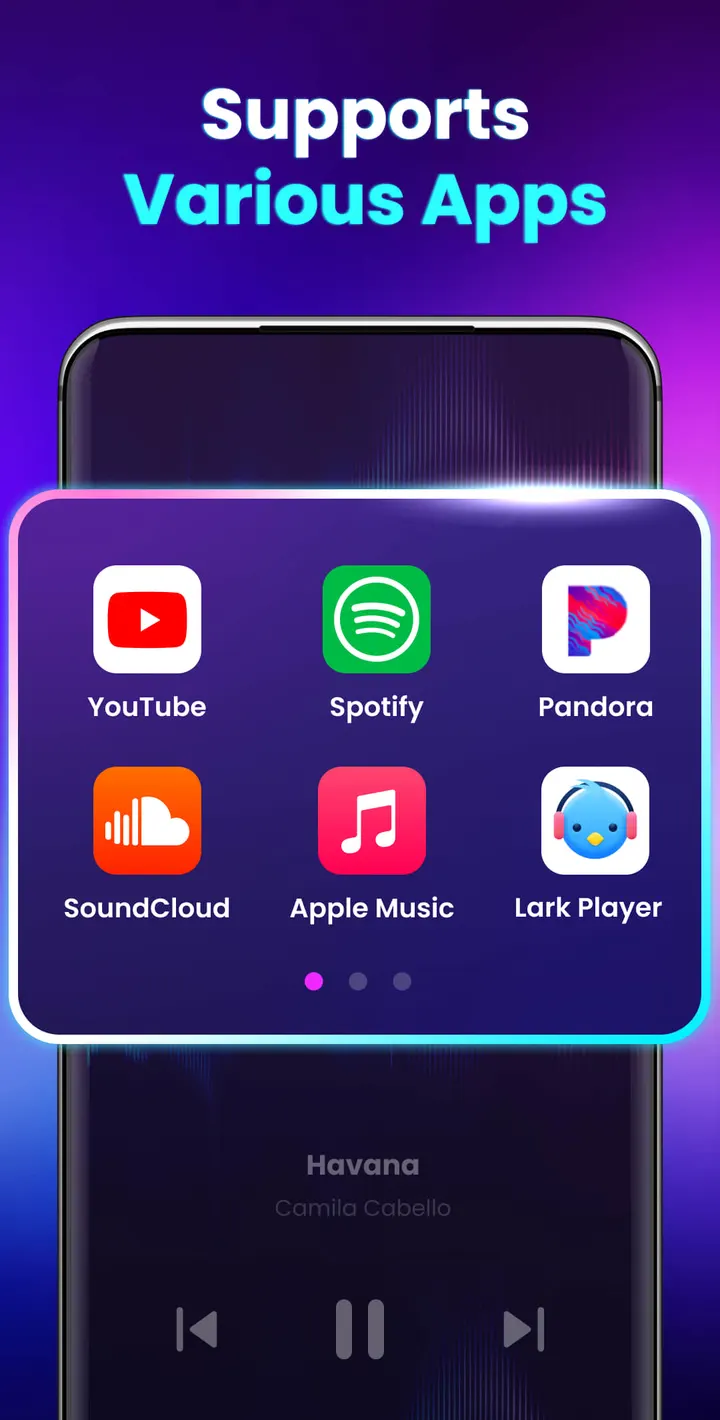
There is a built-in music player control as well. It shows the cover art, song title and artist, and lets you play, pause and skip to the next or previous track. The app also offers a stereo surround effect and a music spectrum that moves with the melody. The developer says the boost does not compromise sound quality.
When Equalizer314 or Music Volume EQ fits better
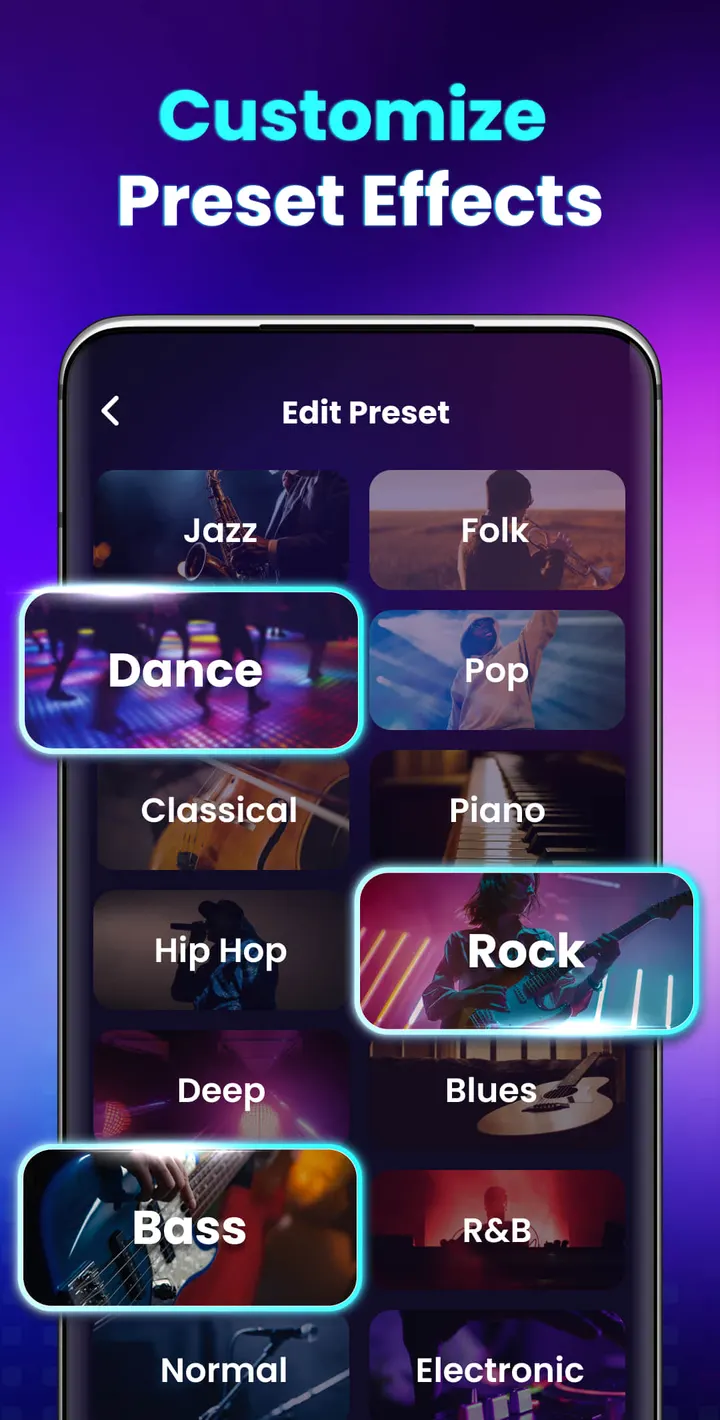
Volume Booster is a loudness tool. If you want to adjust bass, treble or frequency bands, an equalizer is the better category, and Equalizer314 and Music Volume EQ are the alternatives to consider. Check their store pages before choosing.
The app sits in the equalizer category, yet its own feature list focuses on volume levels and player controls. Anyone who wants fine tonal control should look elsewhere.
Also consider the costs. The app shows ads and includes in-app purchases. If that bothers you, compare the alternatives on those points first.
Volume Booster pros and cons
Pros
- Raises volume up to 200% according to the developer, covering media and system sounds
- 8 one-tap sound modes for setting specific levels
- Home screen widget and notification bar controls work without opening the app
- Built-in player controls show cover, title and artist, with play, pause and skip
- Free to install, with no root needed
Cons
- Contains ads
- Includes in-app purchases
- No equalizer-style tone controls are listed in the features
- Loud output can harm hearing and devices, as the developer's own disclaimer warns
Is Volume Booster safe?
The publisher is 360 Tool, with a website at 360tool.app. The app is rated Everyone, contains ads and offers in-app purchases. Pushing speakers or headphones past their usual maximum can be hard on both your hearing and the hardware, so raise the level gradually and stop if the sound starts to distort.
How to install Volume Booster
- Press the Google Play button on this page.
- Check the listing in the Play Store and press Install.
- Open Volume Booster when the install finishes. Updates arrive through Google Play.


