



Google Drive is the obvious rival to Microsoft OneDrive, and both handle cloud storage for files and photos. Microsoft Corporation first released OneDrive in 2012. Its Camera Upload feature backs up photos and videos automatically, and selected files can be opened offline.
5 GB free, 1 TB or 2 TB with Microsoft 365
The app costs nothing to install and shows no ads. It starts with 5 GB of free cloud storage for syncing photos and files across devices. In-app purchases are present, and they cover the paid plans.
Personal gives 1 TB of storage. Family gives 2 TB of shared storage for up to 6 people.
Paid plans also add premium sharing options. Subscriptions bought in the app renew automatically unless turned off in settings.
Camera Upload, photo locker and offline files
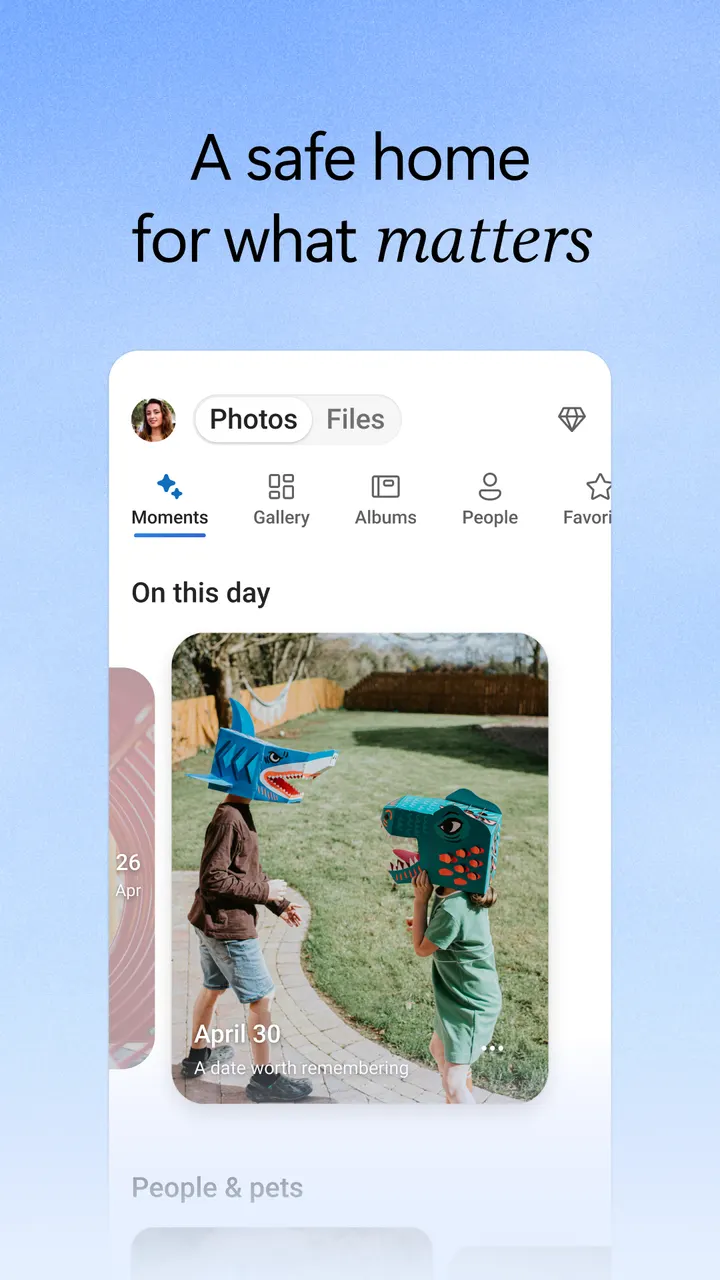
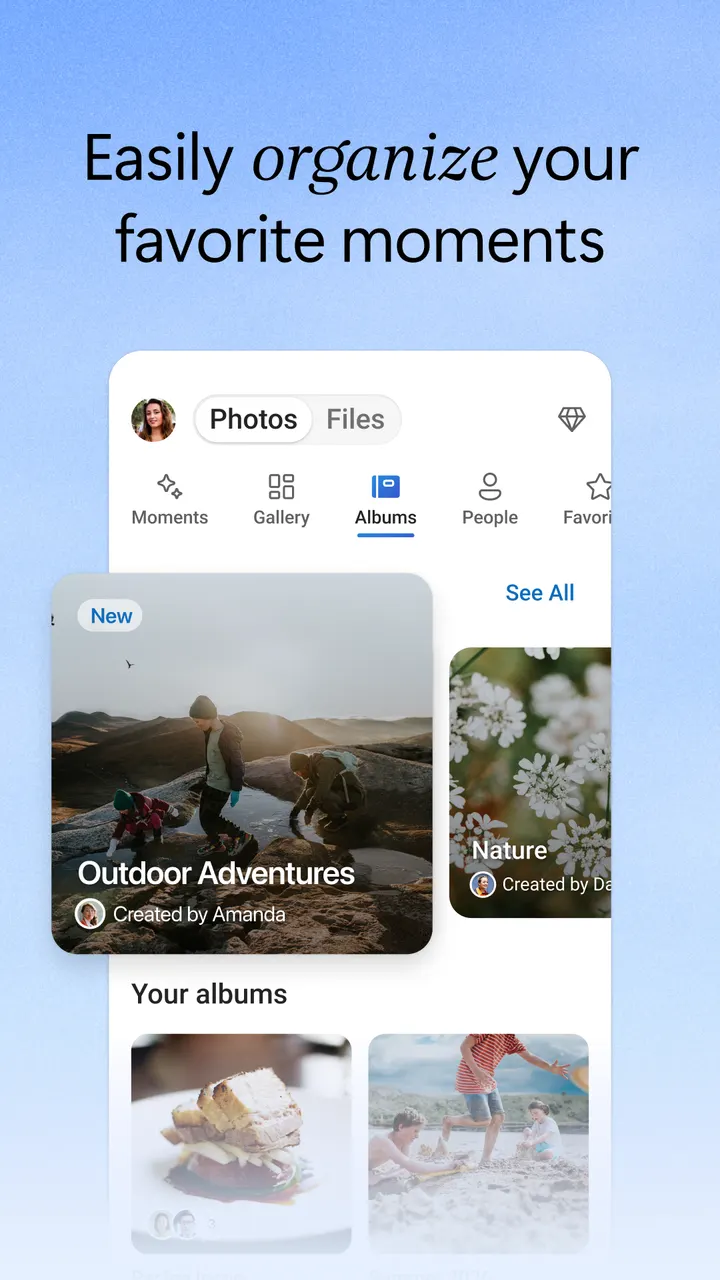
Camera Upload backs up photos and videos automatically. A photo locker tags pictures on its own, and you can search photos by what they show, such as beach or snow. Documents can be searched by name or content.
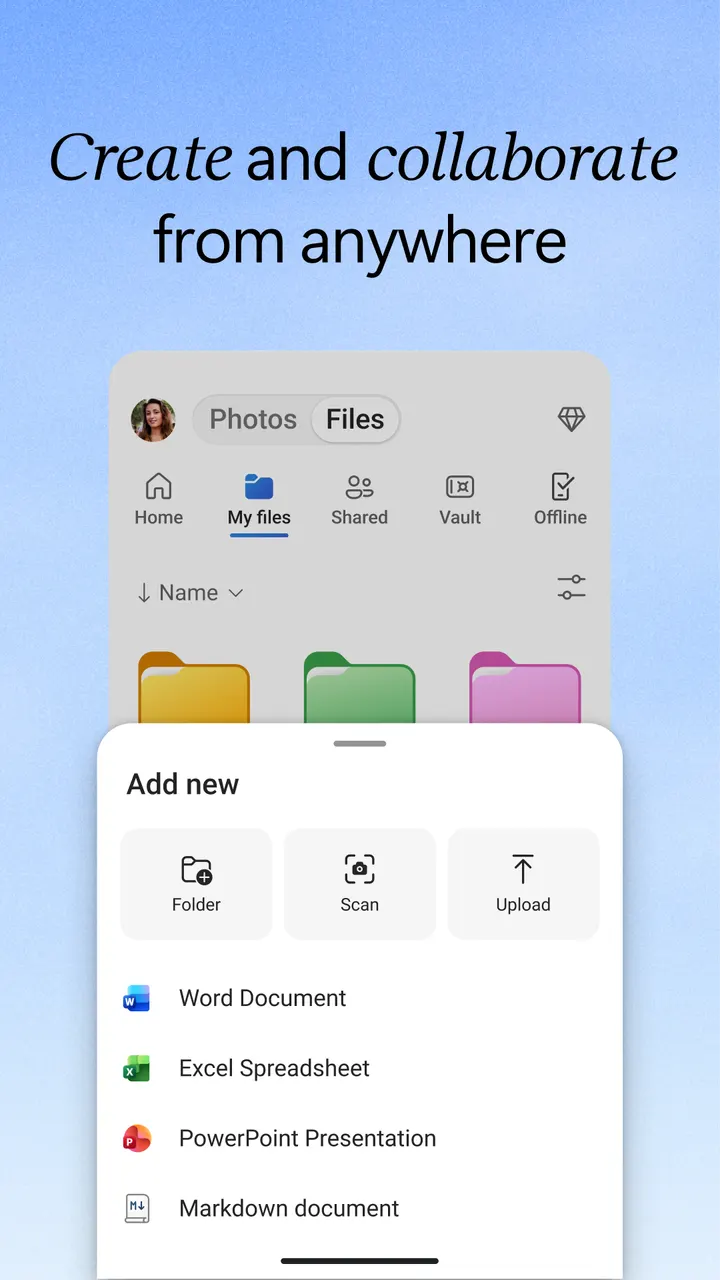
Selected files can be saved for offline access, so they open without a connection. The app also scans documents, lets you sign and mark them up, and sends them from the phone. Scanned documents can be kept in a secure folder.
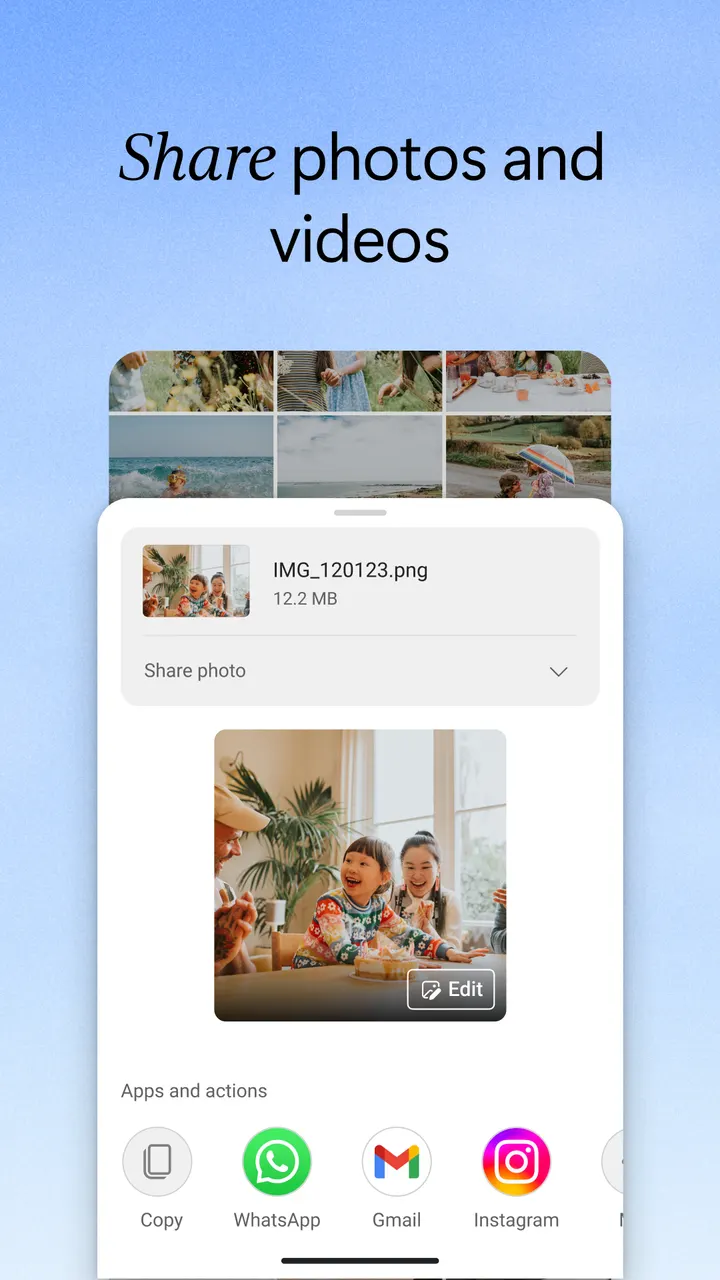
Sharing covers files, photos, videos and albums. You get notifications when a shared document is edited. Secure folder settings allow password-protected or expiring links, which are marked as needing a qualifying subscription.
Encryption, Personal Vault and Copilot features
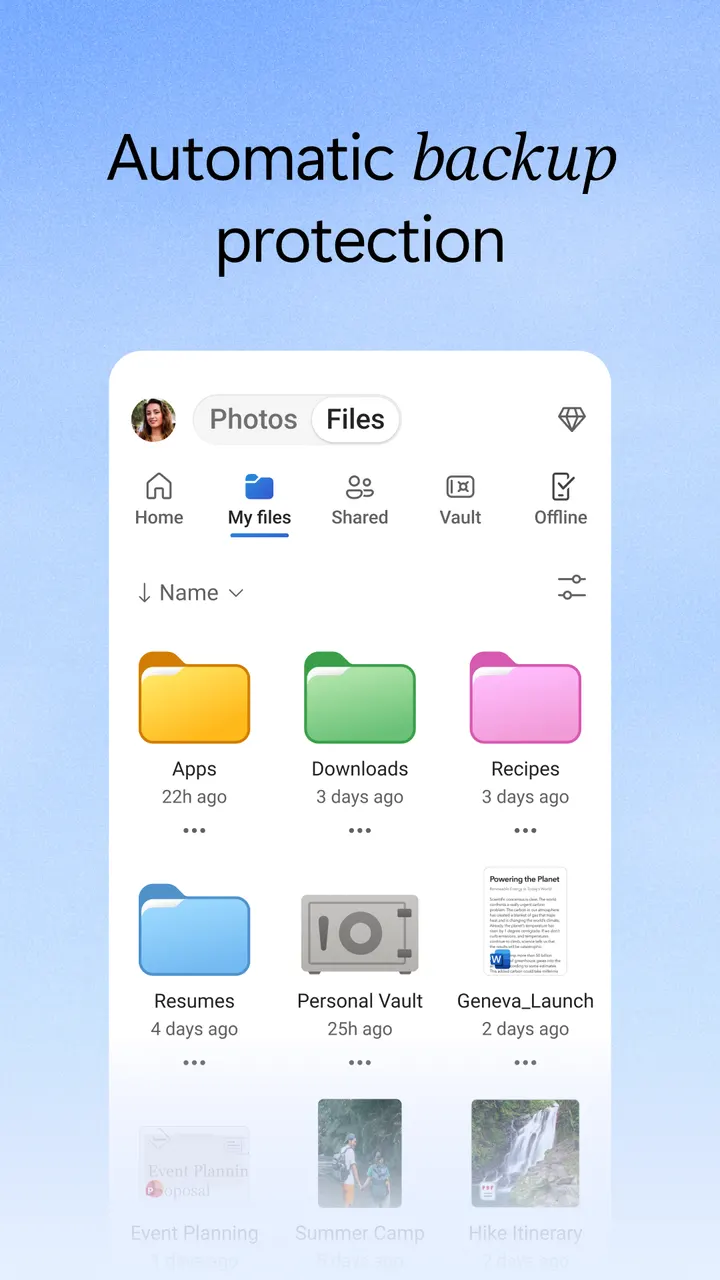
Files are encrypted at rest and in transit. Personal Vault adds identity-verified protection, and version history restores earlier versions of a file. Ransomware detection and recovery is a subscription feature.
Copilot assistance can summarize documents, pull out key details and suggest folder structures. It also gives recommendations for sharing and collaboration. This too requires a qualifying Microsoft 365 subscription.
Work or school sign-in needs a qualifying OneDrive, SharePoint Online or Microsoft 365 Business subscription.
What's new
The app was last updated on November 2, 2026.
Microsoft OneDrive pros and cons
Pros
- Free 5 GB tier with no ads
- Camera Upload backs up photos and videos automatically
- Selected files can be opened offline
- Edits Word, Excel, PowerPoint and OneNote files with Microsoft Office apps
- Built-in document scanning, signing and markup
Cons
- More storage requires a paid Microsoft 365 plan
- Ransomware detection, premium links and Copilot need a qualifying subscription
- In-app subscriptions renew automatically and cannot be canceled or refunded during the active period
Is Microsoft OneDrive safe?
OneDrive describes encrypted storage for photos and videos, plus a secure photo locker with automatic tagging. Sharing settings can use password-protected or expiring links. The content rating is Everyone, and the app shows no ads, though in-app purchases cover the larger storage plans. Check the developer's privacy policy before storing sensitive files.
How to install Microsoft OneDrive
- Press the Google Play button on this page.
- Check the listing in the Play Store and press Install.
- Open Microsoft OneDrive when the install finishes. Updates arrive through Google Play.


