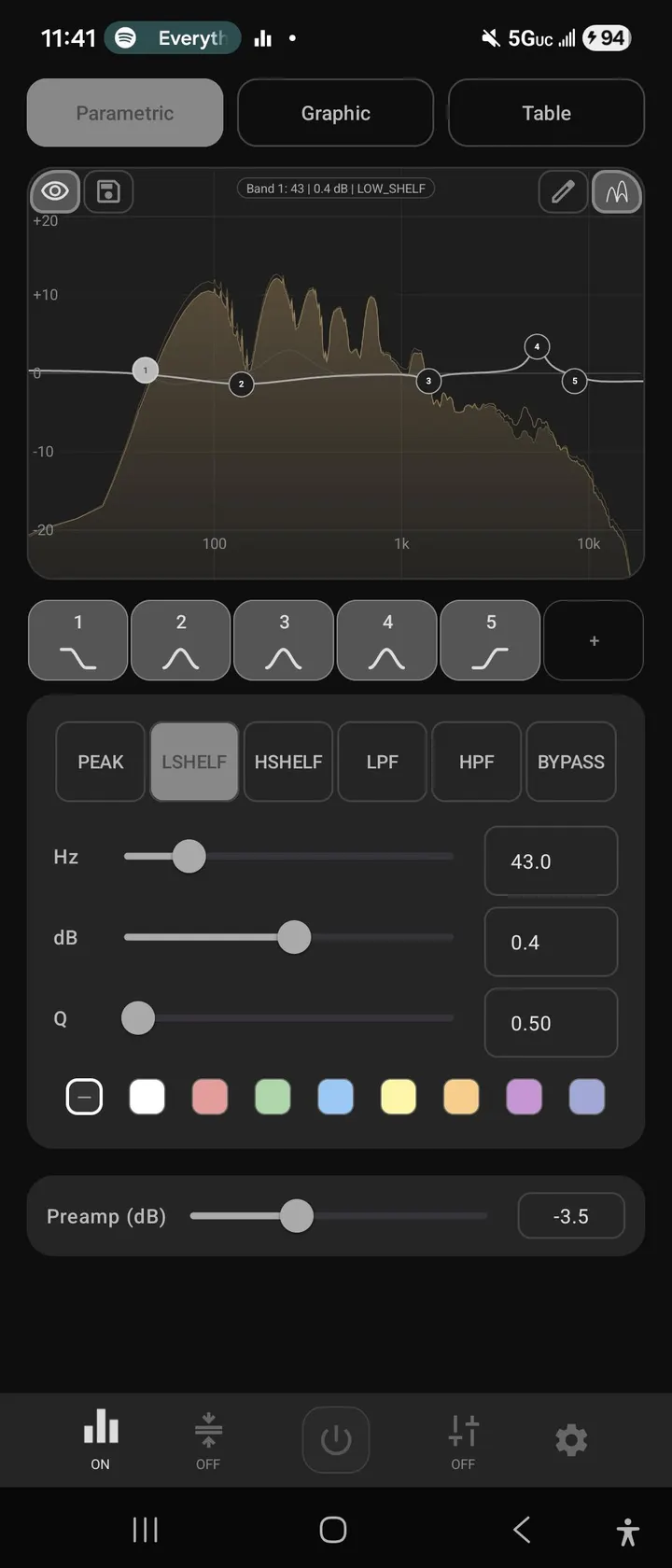
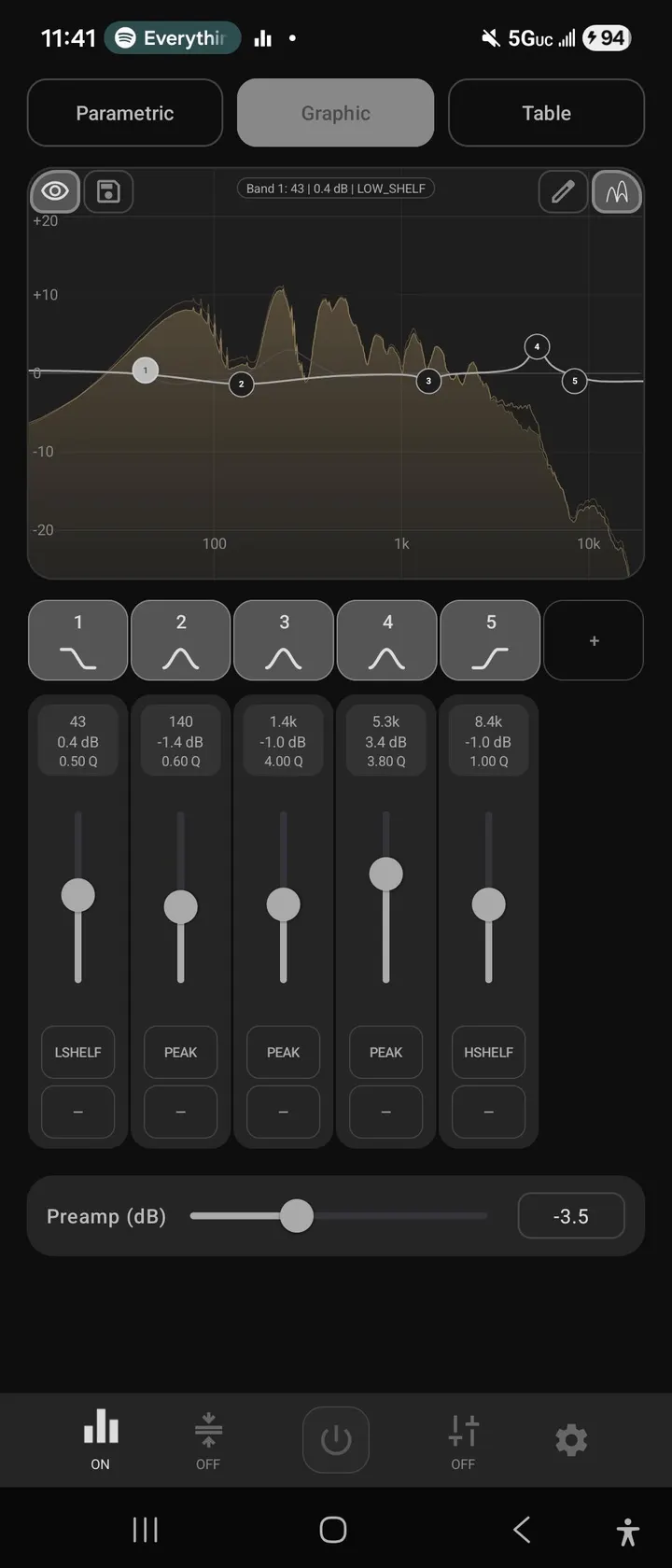
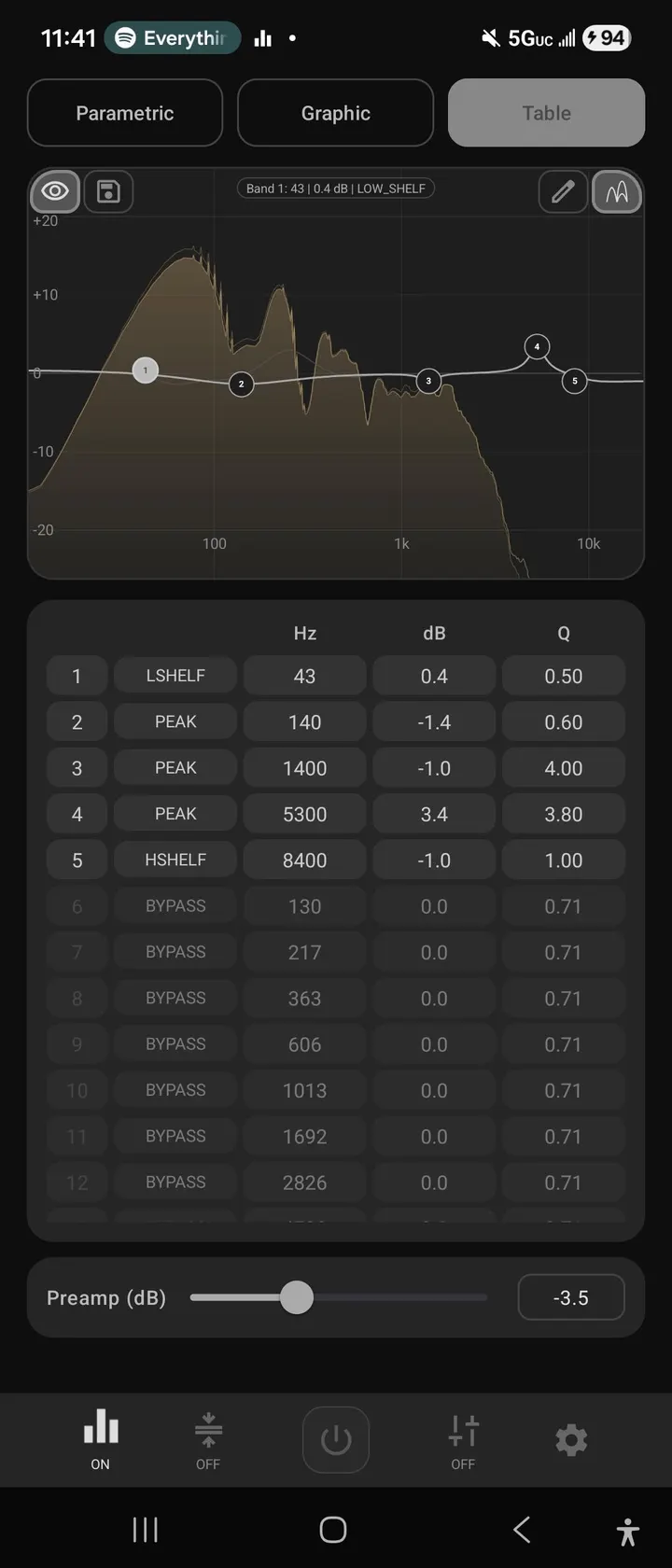
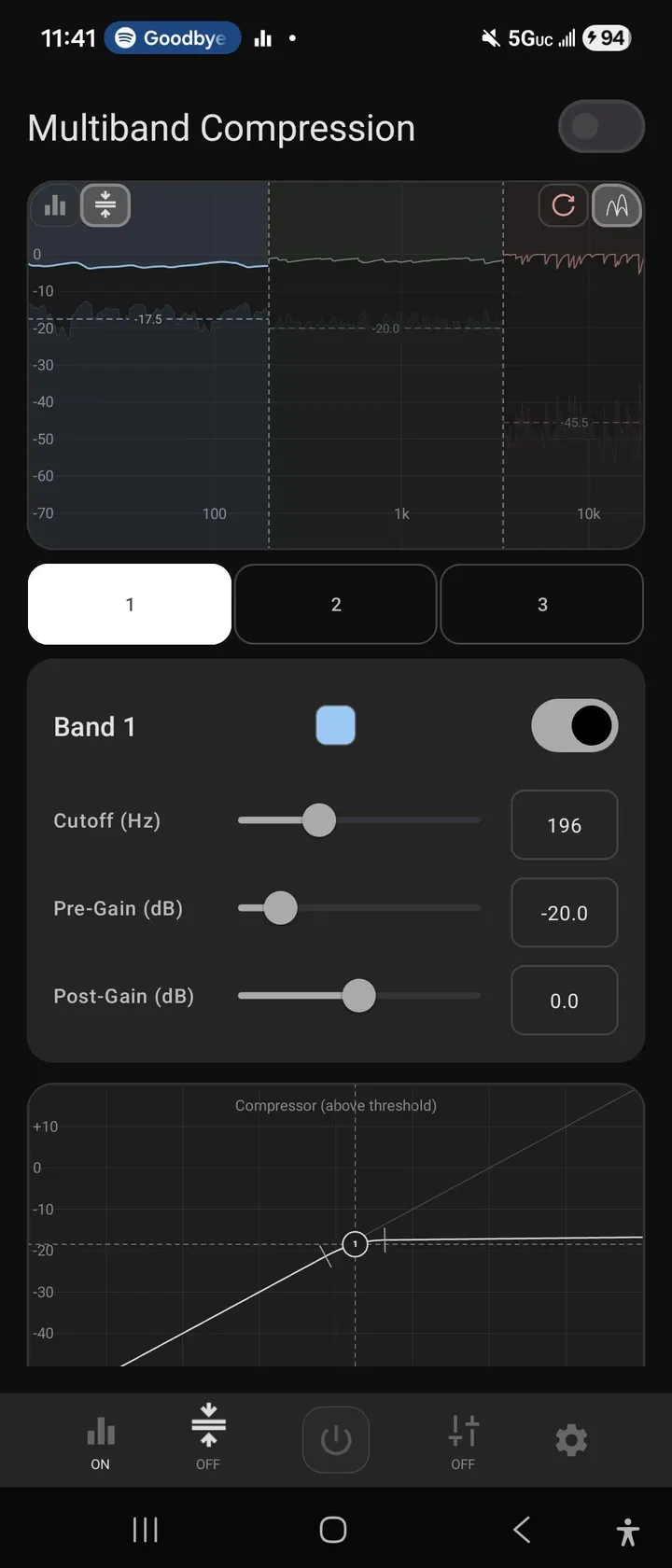
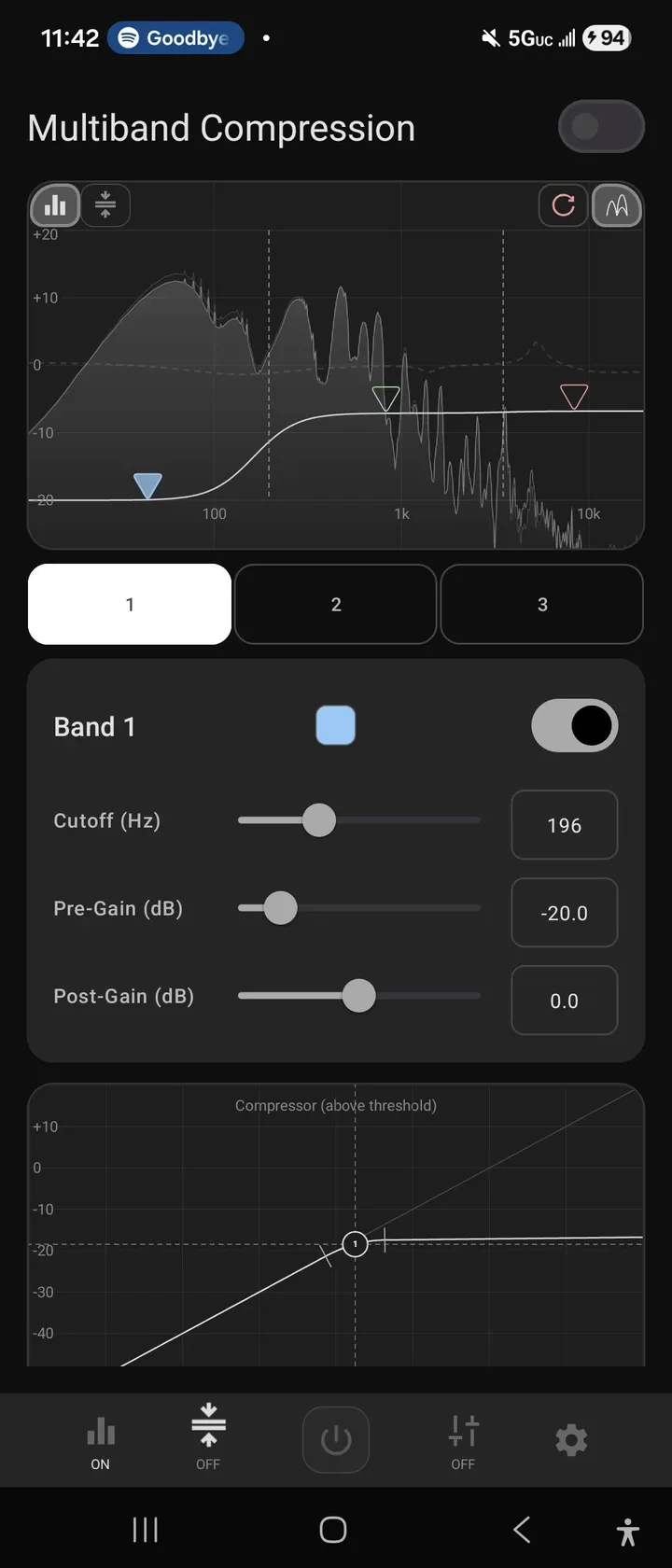
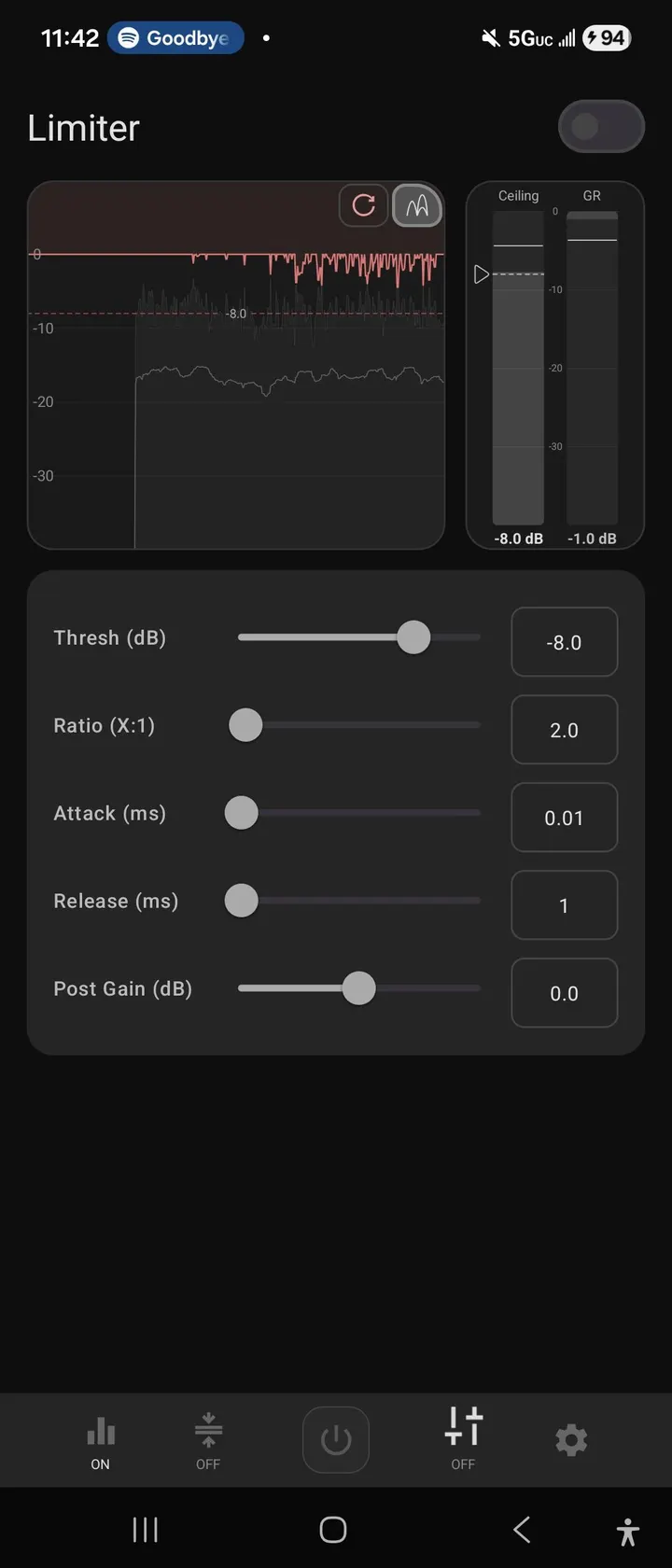
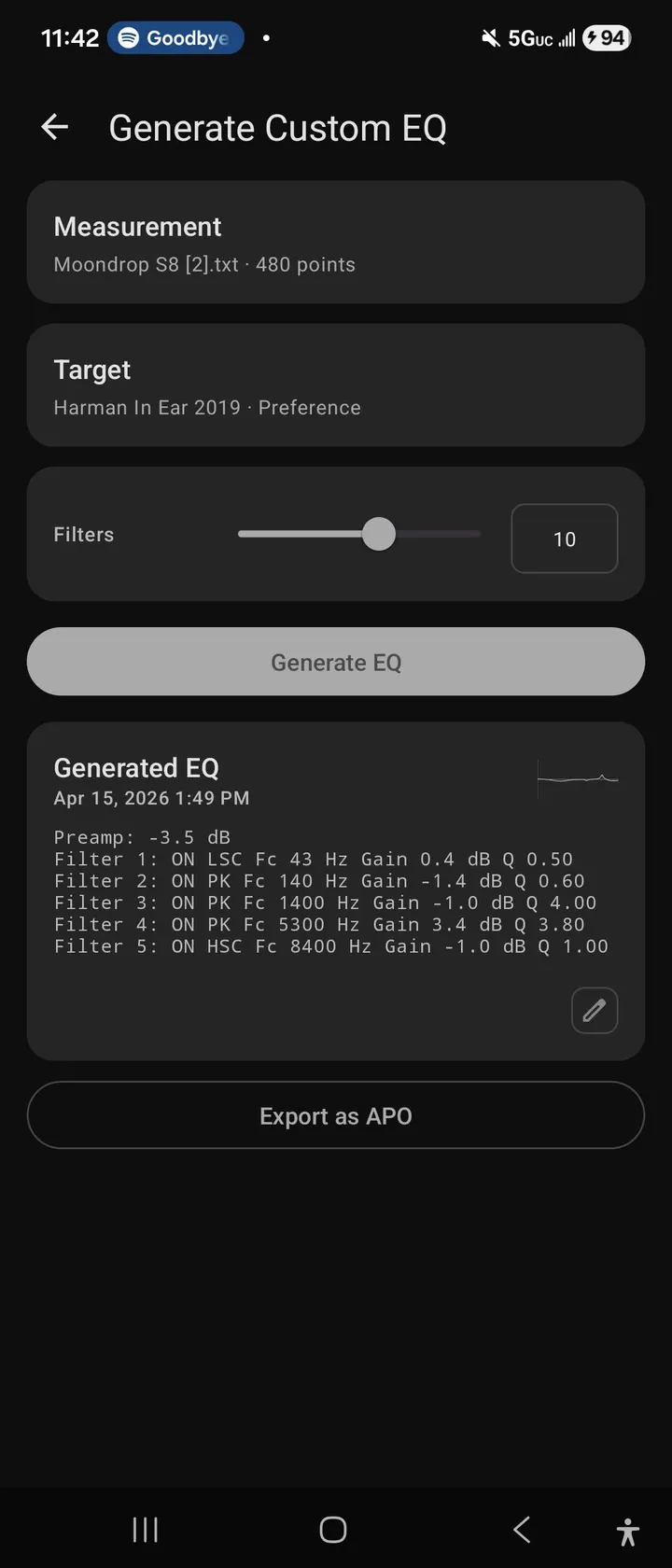
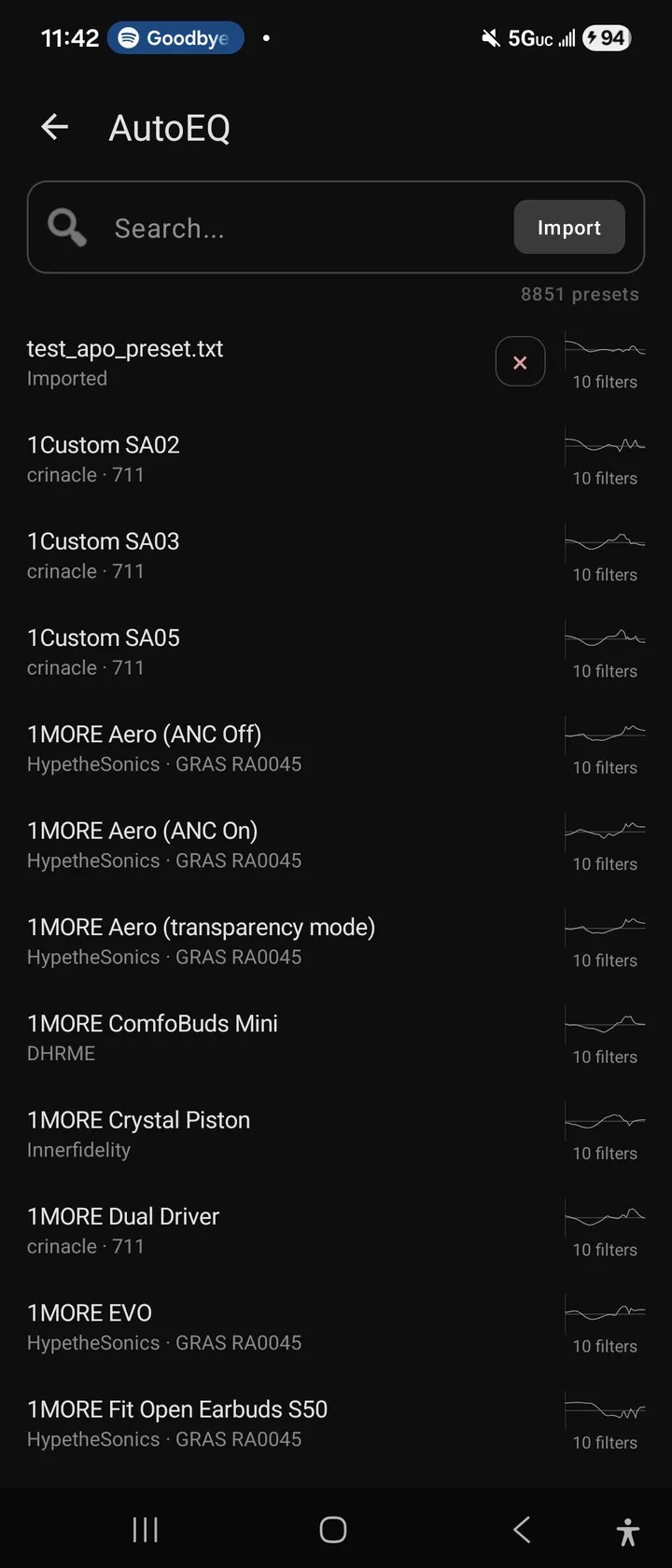
Equalizer314 is a system-wide equalizer by bearinmind, built on the DynamicsProcessing and Visualizer APIs so it can run with minimal permissions. It adds multiband compression, a limiter and audio-visual feedback while you adjust the curve. It is free, ad-free and open source under GPL-3.0-only. The current build is 0.0.22-beta, and it needs Android 7.0 or newer.
Free, no ads, and licensed under GPL-3.0
Equalizer314 is free and shows no ads. It has no paid tier or in-app purchases, so every feature described here is available without paying.
The app is open source under the GPL-3.0-only license, and its source code is published on GitHub. The developer contrasts it with Wavelet and Poweramp EQ, saying those apps lock the limiter and multiband compression behind a premium tier. Equalizer314 keeps those tools open.
Multiband compression and a limiter with visual feedback
Equalizer314 is a system-wide EQ with multiband compression, a limiter, and audio-visual feedback. The equalizer is parametric, so you adjust individual bands rather than just moving a few preset sliders.
The developer built it on two Android audio interfaces, DynamicsProcessing and Visualizer. DynamicsProcessing handles the processing, and Visualizer supplies the live display that lets you check what a change does to the signal. The developer says this pairing needs only minimal permissions, and explains that the display matters most for the limiter and compression, where plain knobs give little indication of their effect.
The developer also says the app draws on a background in audio production and in-ear monitors.
A beta that was updated in October 2026
The first release was on April 20, 2026, and the latest update is dated October 15, 2026. The version number, 0.0.22-beta, marks it as an early build, so rough edges are plausible. The developer mentions shortcomings in both audio interfaces.
The package is 9.4 MB and the package ID is com.bearinmind.equalizer314. Similar apps include Volume Booster and Music Volume EQ.
Equalizer314 pros and cons
Pros
- Free, with no ads
- Open source under GPL-3.0-only, with the code on GitHub
- Multiband compression and a limiter are included without a premium tier
- Live audio-visual feedback while adjusting bands
- Small 9.4 MB package that runs on Android 7.0 and later
Cons
- Version 0.0.22-beta marks it as unfinished software
- The developer notes shortcomings in the audio interfaces it relies on
- Update notes are not included with the latest release
Is Equalizer314 safe?
The APK for Equalizer314 is stored here unmodified. Compare its SHA-256 checksum, 6529e478d4ddc355e15a4179b0c41b0535e38334161a8161c389fb7e30a7724e, against your downloaded file to confirm it matches. The source code is published under GPL-3.0-only on GitHub, so anyone can read it. The developer says the app needs only minimal permissions, though no permission list is given here. Version 0.0.22-beta is still a beta build.
How to install Equalizer314
- Download the APK with the button on this page and wait for it to finish.
- Compare the file with the SHA-256 checksum shown here if you want to confirm it arrived intact.
- Open the file on your phone and allow installs from this source when Android asks.
- Finish the install, then open Equalizer314 from your app drawer.


