
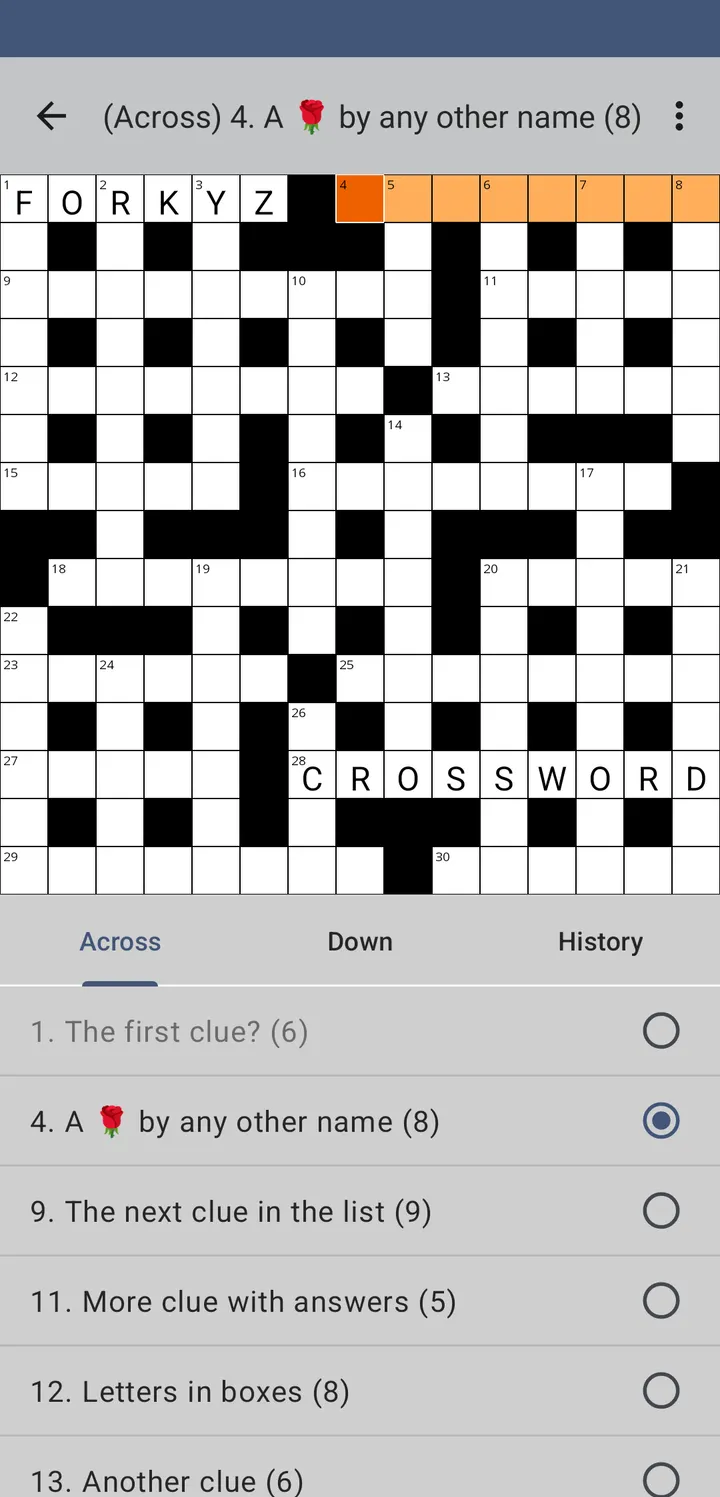
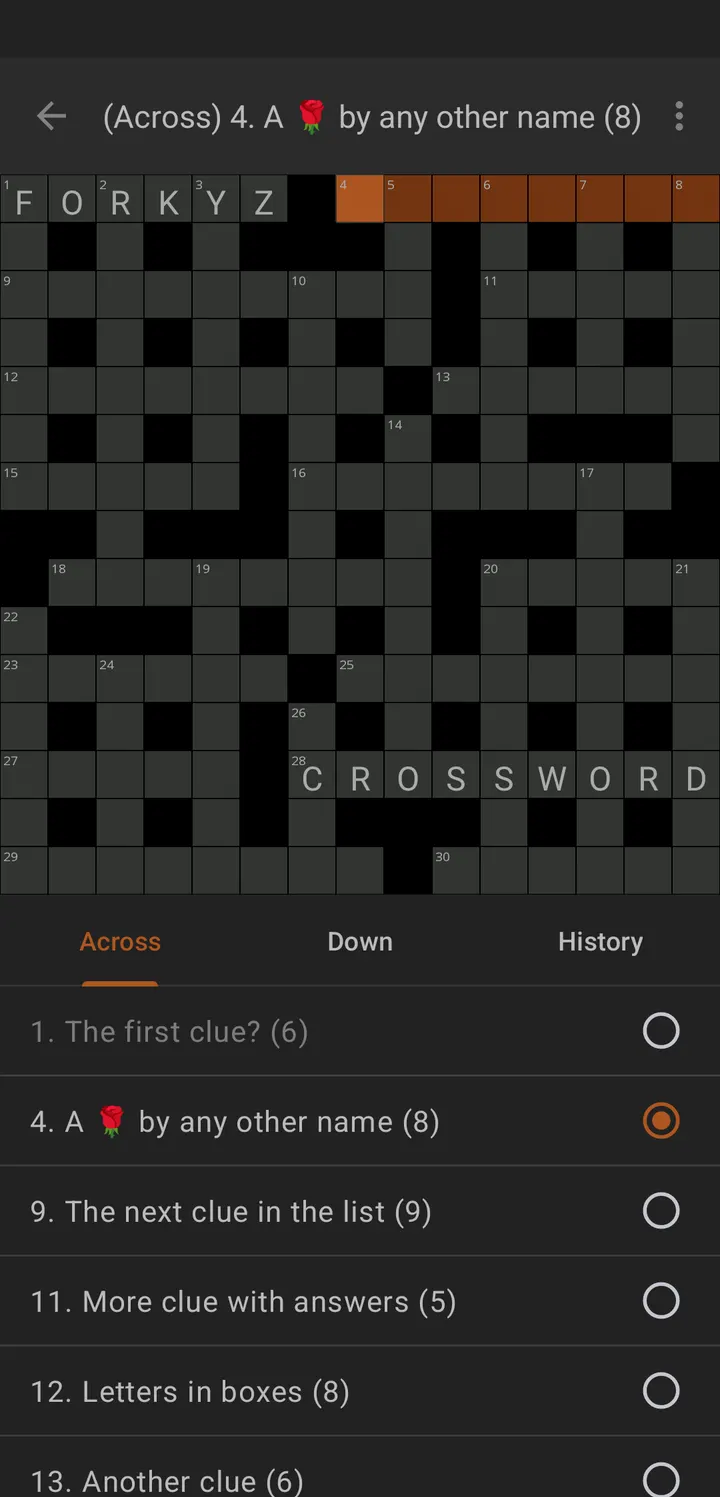
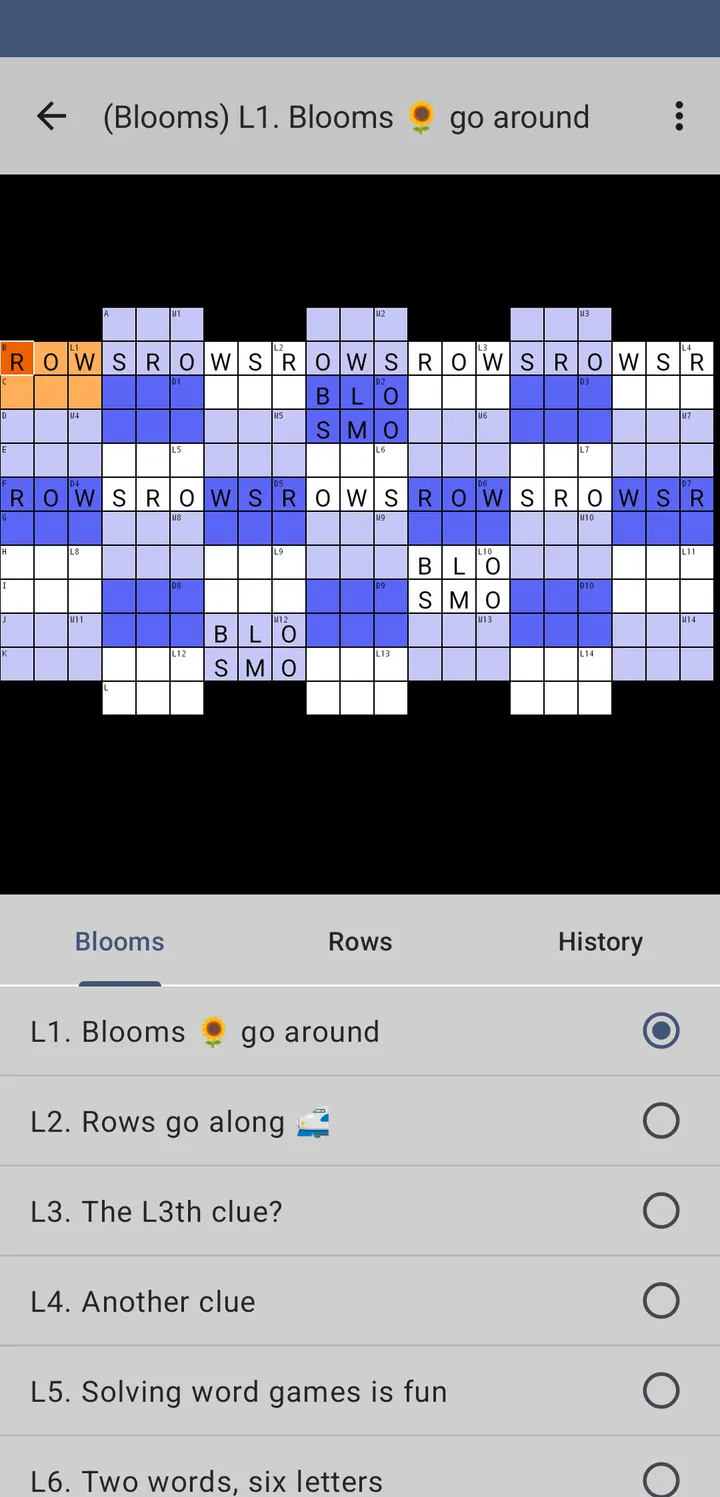
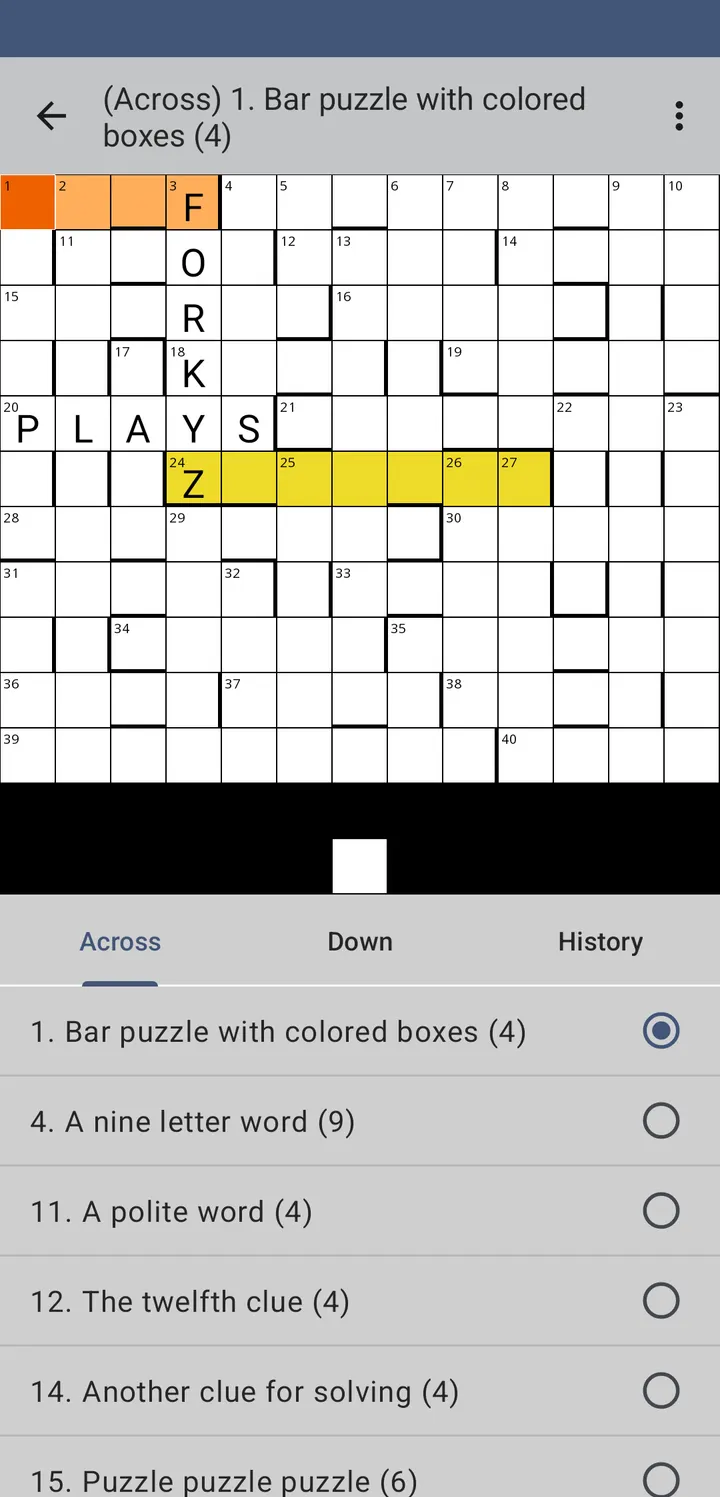
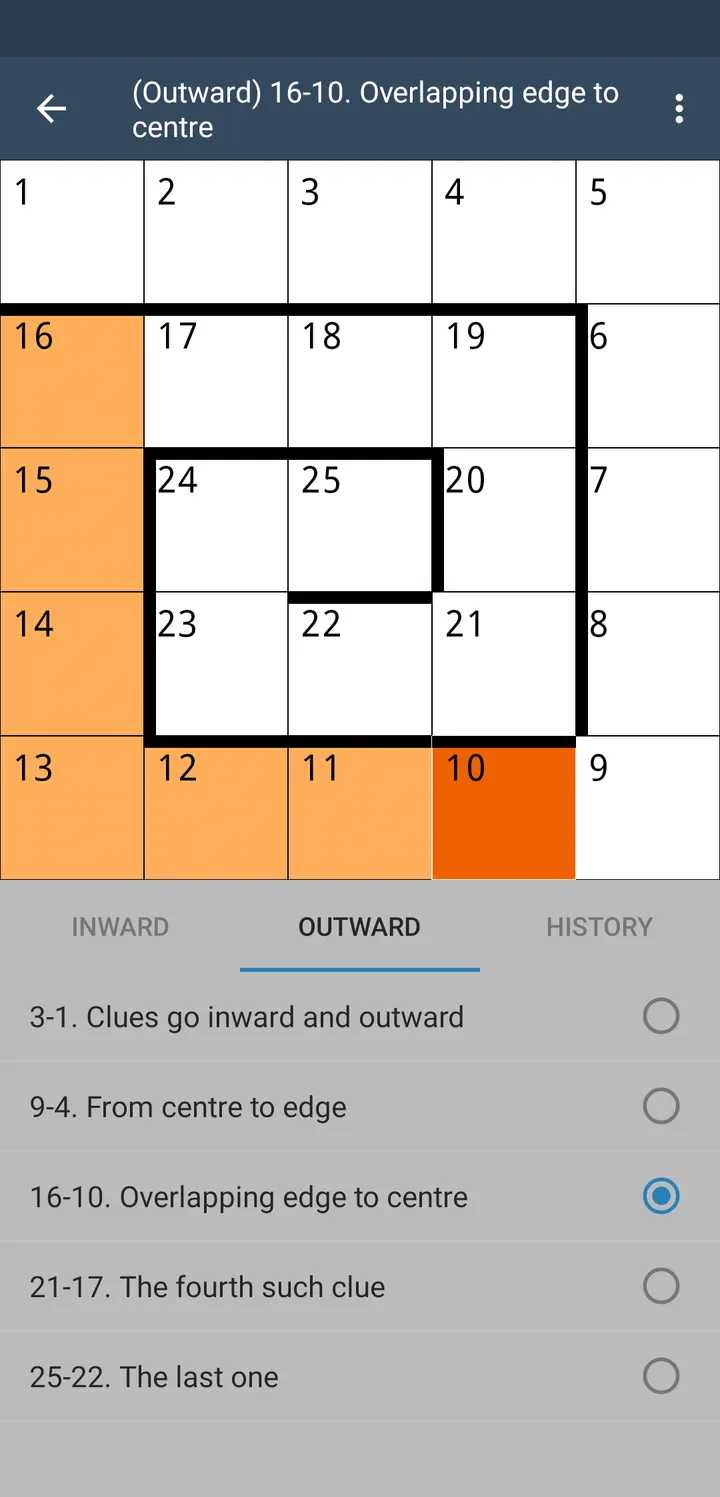
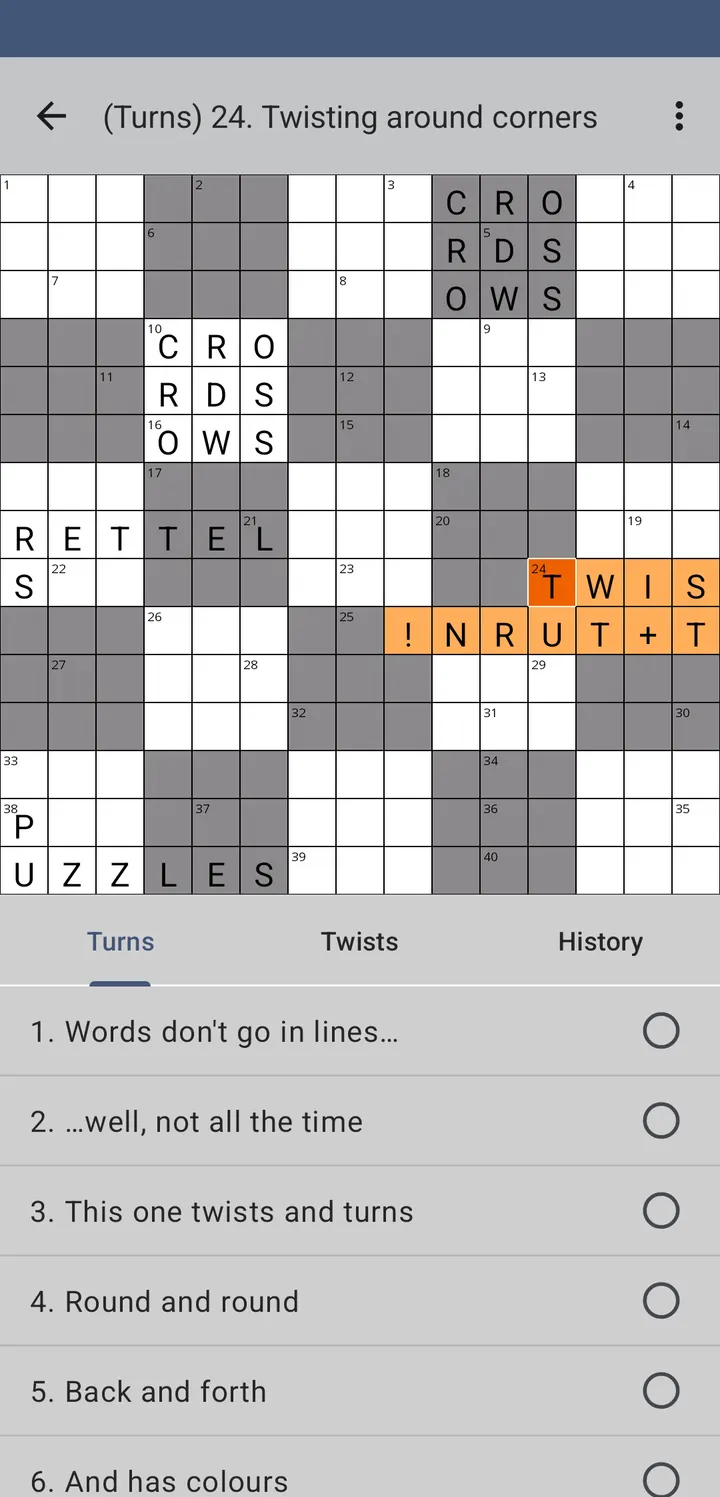
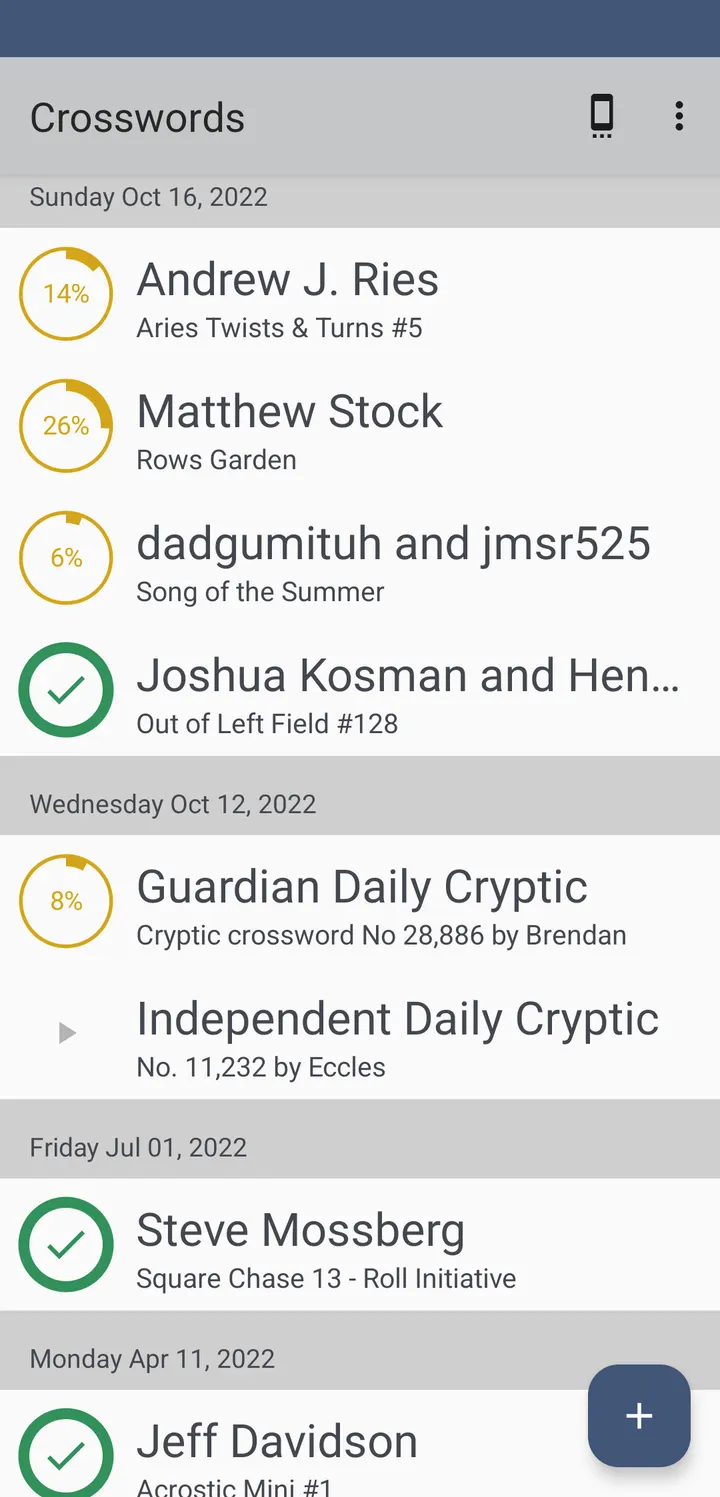
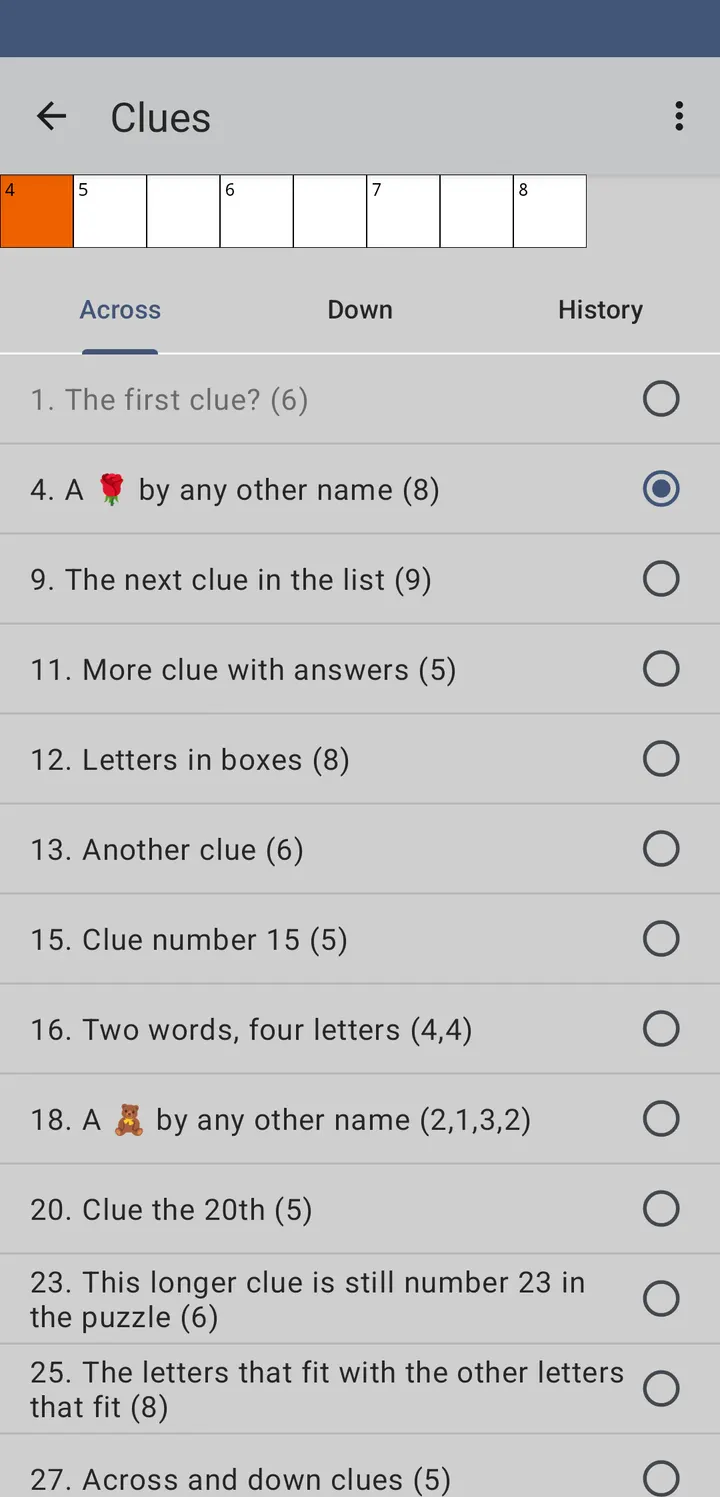
Forkyz is a free crossword app for Android with no ads and no price, released under the GPL-3.0-only licence. TopDown APK hosts the unmodified APK of version 87, 9.9 MB, and it needs Android 6.0 or newer. The developer is listed as unknown, but the source code is public on GitLab.
No ads, no price, and the source is public
Forkyz is free and has no ads. There is no sign of in-app purchases or a paid tier.
The app is open-source, and its code sits at gitlab.com/Hague/forkyz. That means anyone can read how it works, which is uncommon among word games.
Importing .puz, JPZ and IPuz crosswords
Forkyz is an unofficial fork of the Shortyz crossword app. It was updated to run on recent Android versions and adds new features.
Puzzles can be imported from files in several formats, including AcrossLite (.puz), JPZ and IPuz. The app also includes built-in downloaders for fetching puzzles directly, plus a list of links to online puzzle creators. That mix covers both files you already own and puzzles fetched on demand.
Release history since April 2021
Forkyz first appeared on April 9, 2021. The current version is 87, last updated on October 22, 2026, which shows the project is still maintained.
It is filed under word games and offline games.
Forkyz pros and cons
Pros
- Free and without ads
- Open source under GPL-3.0-only, with code on GitLab
- Imports .puz, JPZ and IPuz puzzle files
- Small download at 9.9 MB
- Updated October 22, 2026 to version 87
Cons
- Developer is listed only as unknown
- Open-source code is the only public detail about version 87
- Needs Android 6.0 or newer
Is Forkyz safe?
The Forkyz APK here is the unmodified file, and its SHA-256 checksum is 6abd2d03323ef93f18fa446ed1026372dec568301f85a0d9dcfd5c3b3a45c864. Compare it with the file you download. The source is open under GPL-3.0-only at gitlab.com/Hague/forkyz, so anyone can read how the crossword app imports files such as .puz, JPZ and IPuz and how its built-in downloaders fetch puzzles. It shows no ads. The developer is not named, which is one more reason to check the hash.
How to install Forkyz
- Download the APK with the button on this page and wait for it to finish.
- Compare the file with the SHA-256 checksum shown here if you want to confirm it arrived intact.
- Open the file on your phone and allow installs from this source when Android asks.
- Finish the install, then open Forkyz from your app drawer.