

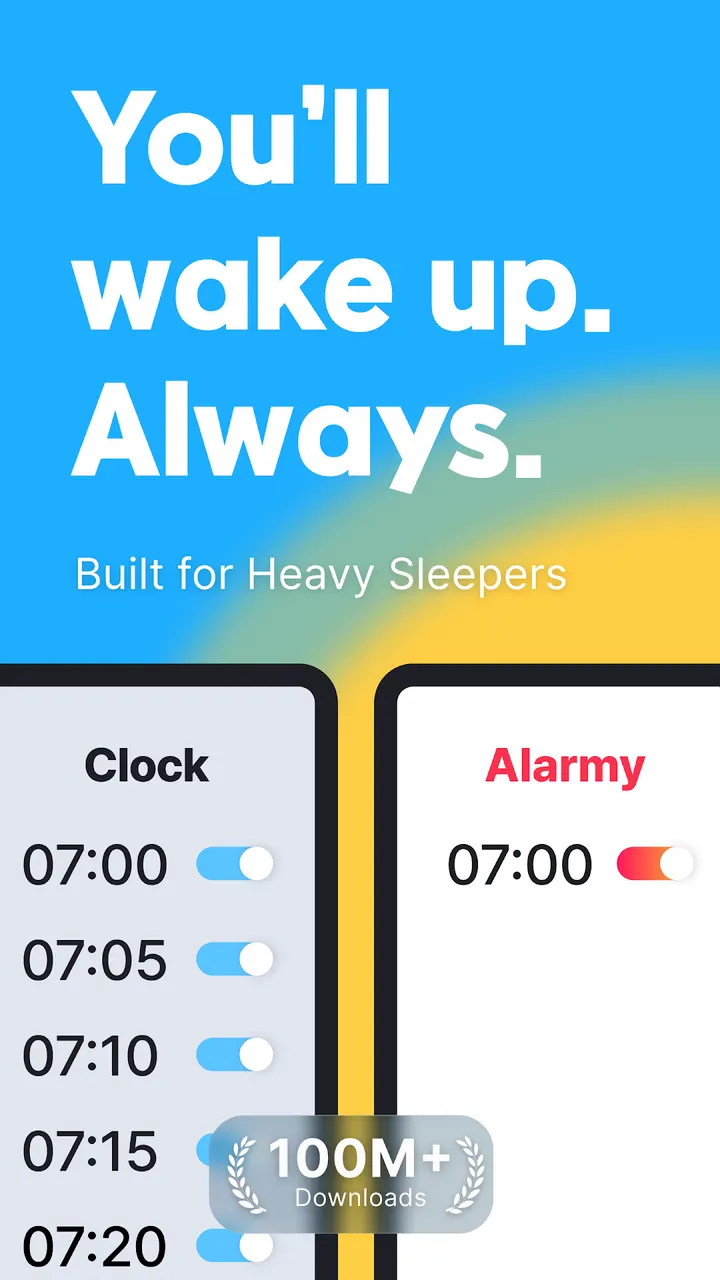
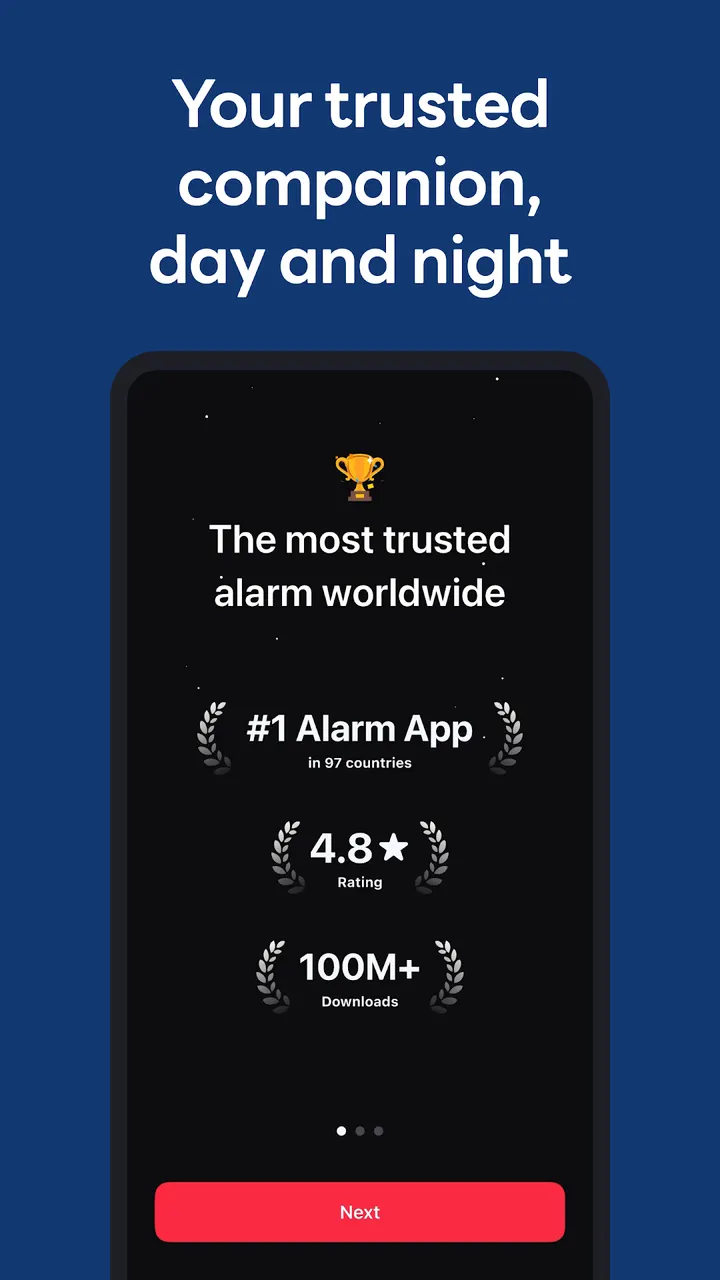
Alarmy makes you complete a task before the alarm stops, such as scanning a barcode, solving math or taking a photo. Google Play shows over 50 million installs and a 4.7 rating from about 2.2 million ratings. This page covers the current version 26.42.0, which needs Android 9 or later and is available through Google Play only.
Barcode, photo and squat missions replace the dismiss button
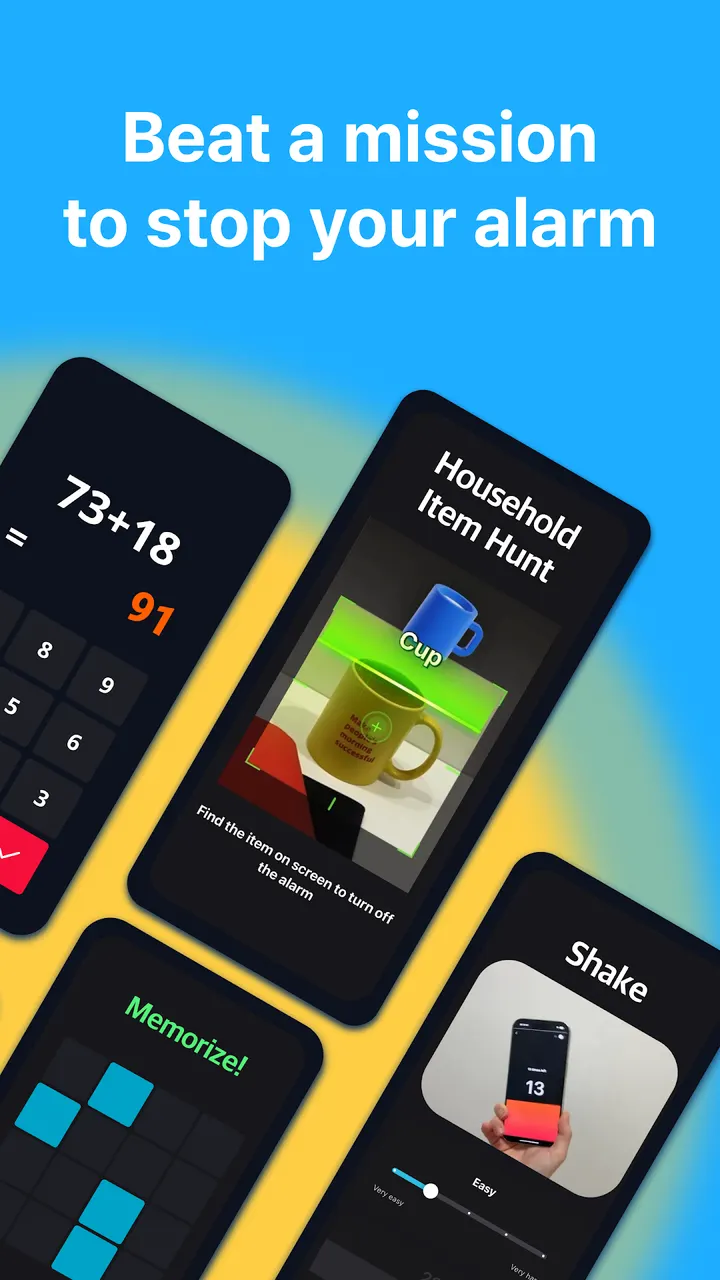
The core idea is that silencing the alarm takes effort. The mission list includes a barcode and photo alarm, a math alarm with memory tasks, typing motivational quotes, and shake or squat missions meant to shake off sleep inertia.
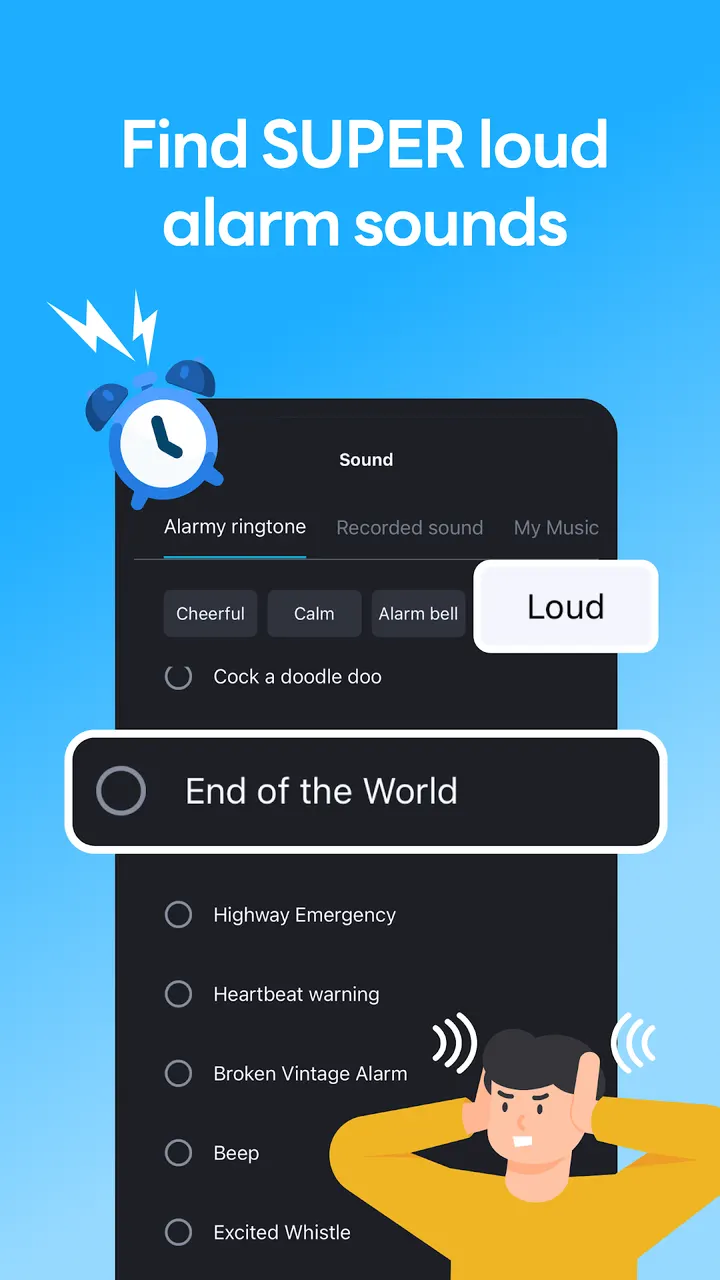
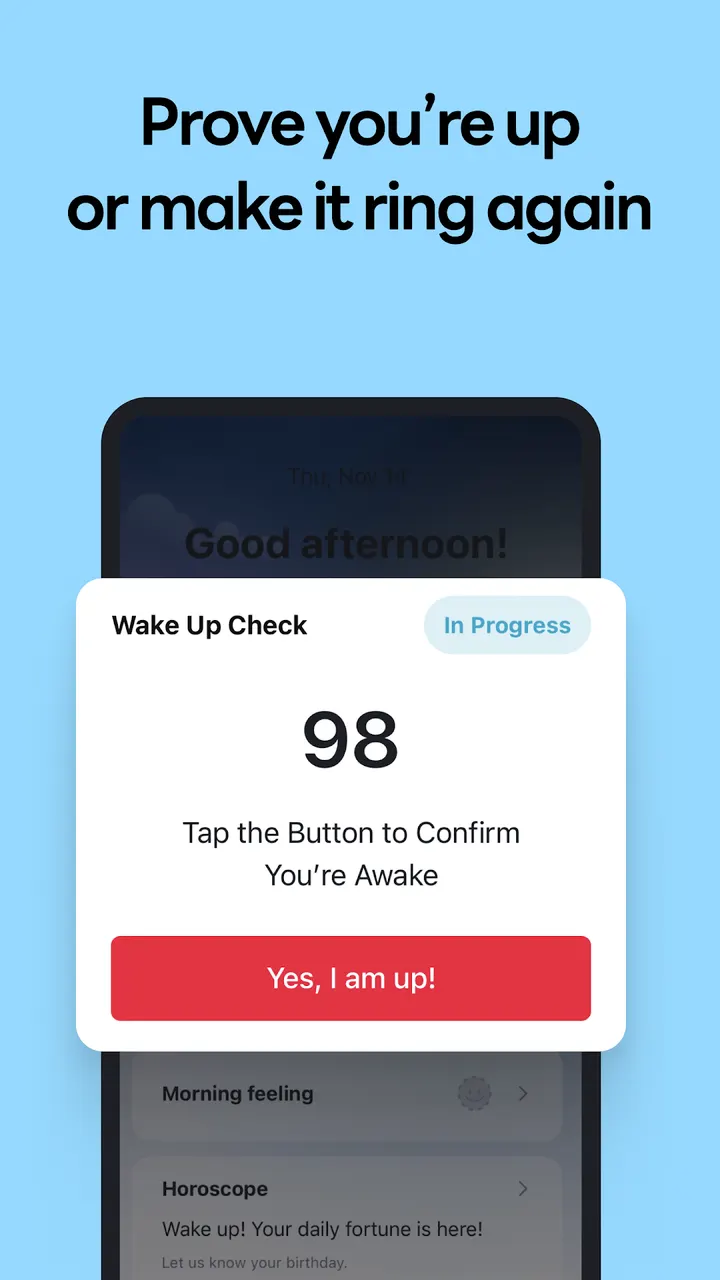
A Wake Up Check mode targets snoozing. If you ignore the alarm, the wake-up missions start over. Sounds range from loud tones such as End of the World and Cock-a-doodle-doo to quieter melodies.
A typical morning with a textbook barcode
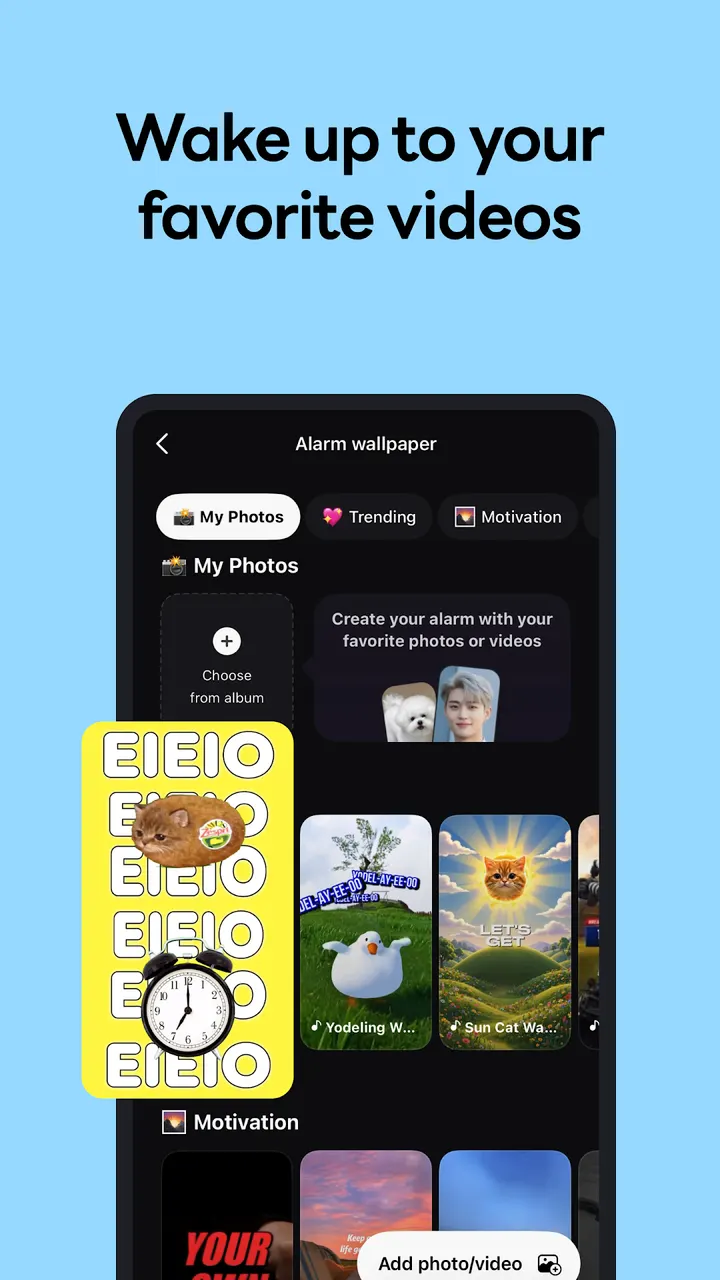
A student can register a textbook cover as a photo mission, so the alarm only stops once the book is in view. An office worker can pair loud sounds with typing missions. You can also set a background of motivational quotes or videos.
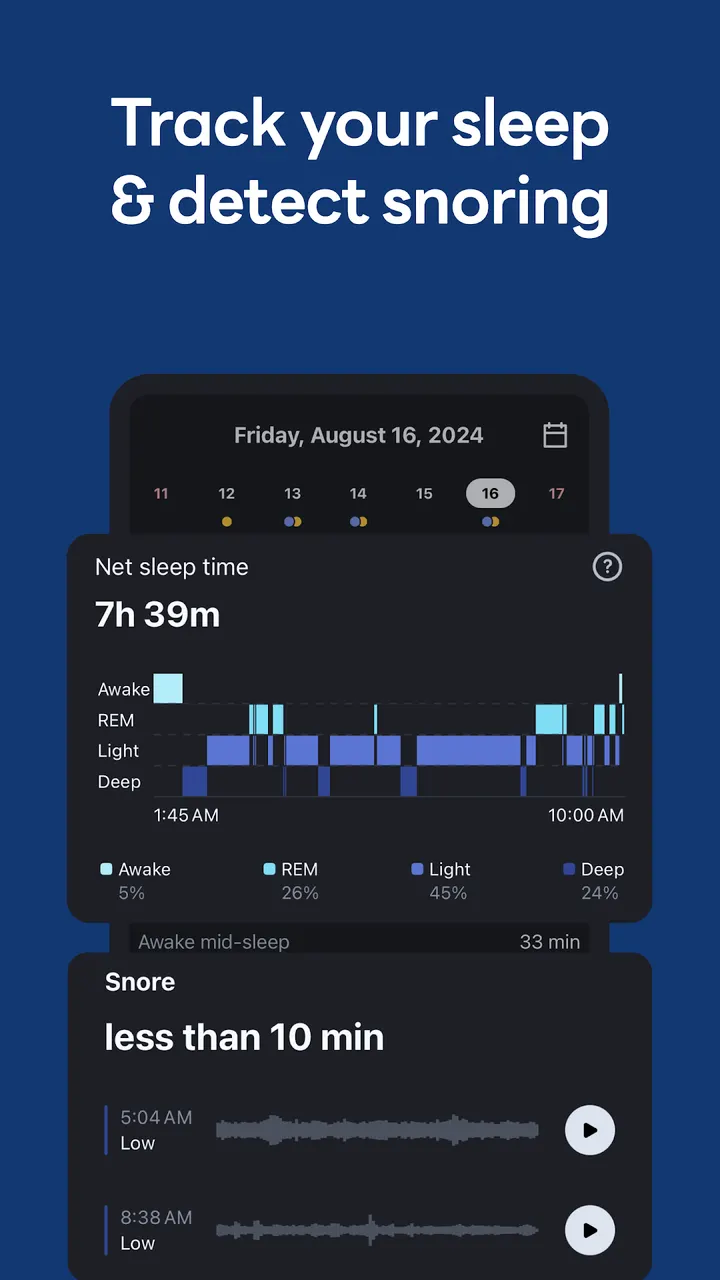
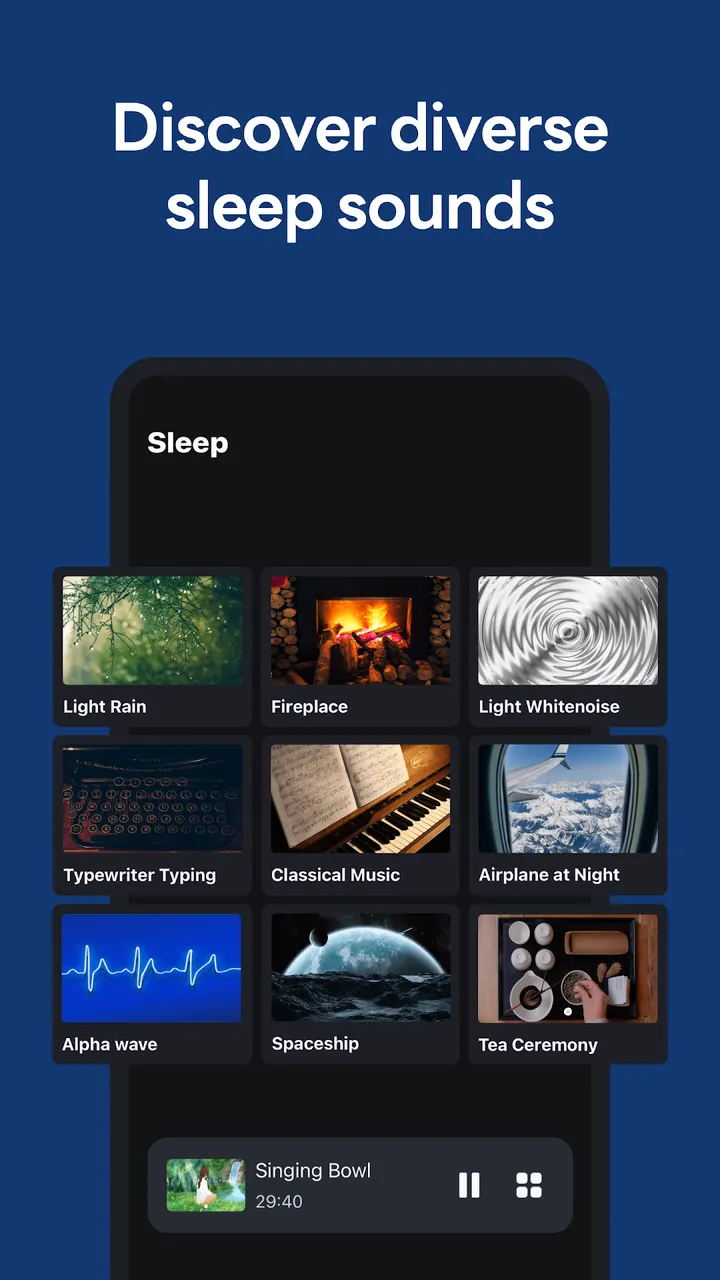
At night, the sleep tracker monitors your sleep cycle and records snoring. It can play sounds like rain or ocean waves. The developer suggests repeating the routine for more than 5 nights.
Some permissions matter here. Camera access is needed for photo missions, and storage access lets the app load external ringtones and save mission photos. A window permission draws the dismissal screen on Android 10 and above. Location is used for weather after the app closes. The developer says the service works without agreeing to the optional ones.
How Alarmy sits next to Fossify Clock Beta, Clock and Suntimes
Fossify Clock Beta, Clock and Suntimes are the alternatives. Alarmy is the one here built around forced wake-up tasks and sleep tracking, and its category is alarm clocks. It has existed since August 21, 2012.
Alarmy pros and cons
Pros
- Missions include barcode, photo, math, typing, shake and squat
- Wake Up Check restarts missions if you ignore the alarm
- Sleep tracker records sleep cycle and snoring
- Free to install, with a 4.7 Google Play rating
- Optional permissions can be declined
Cons
- Contains ads
- Includes in-app purchases
- Photo missions need camera and storage access
- Version 26.42.0 has no published changelog
Is Alarmy safe?
Alarmy comes from the developer Sleep Tracker & Alarm Clock by Delightroom, with the package ID droom.sleepIfUCan. Google Play is the place to install it. The content rating is Everyone, and the app shows ads and offers in-app purchases. Since an alarm app that wakes you with missions may ask for several permissions, look at them on the install screen before you accept.
How to install Alarmy
- Press the Google Play button on this page.
- Check the listing in the Play Store and press Install.
- Open Alarmy when the install finishes. Updates arrive through Google Play.


