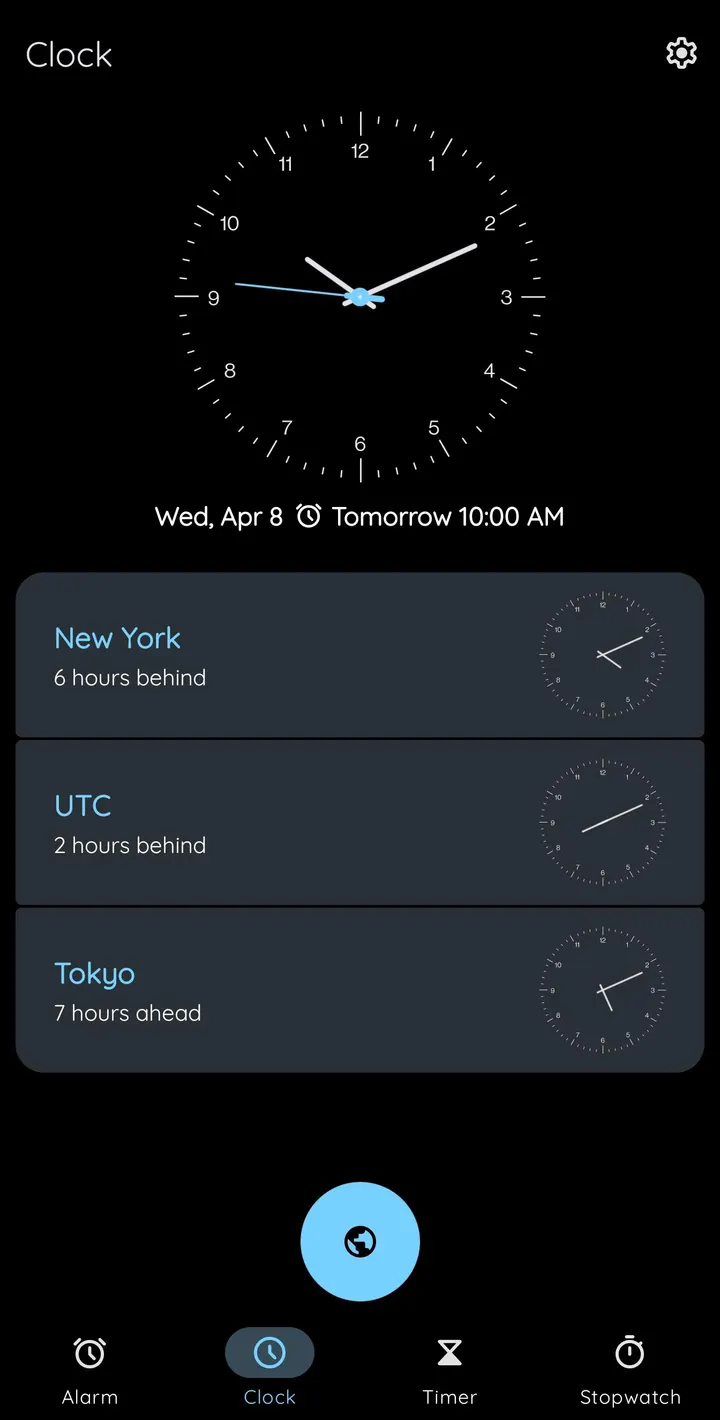
Clock is for people who want an alarm app that stays on the device and carries no ads. It is an open-source clock based on AOSP, released under the Apache-2.0 license, and the developer says it uses no internet permission. Version 2.34 needs Android 6.0 and weighs 6.9 MB.
Who an offline AOSP-based clock fits
The app suits anyone who prefers a plain clock without accounts, trackers or banners. It is free, with no ads, and the source code is public on GitHub under the name BlackyHawky/Clock, which is the main place to check its history.
It is also tagged as open-source. The first release was on February 3, 2022, and the latest update is October 22, 2026.
Alarms that ask for more than a tap
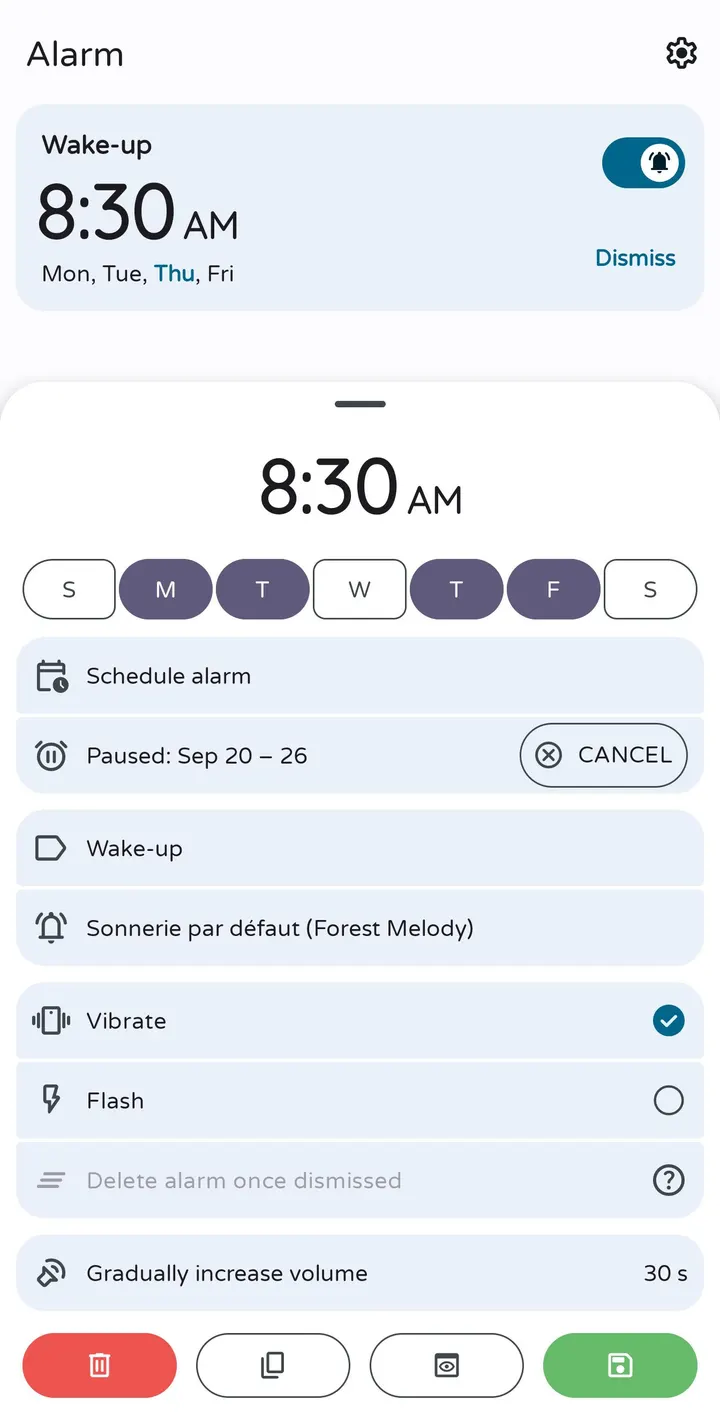
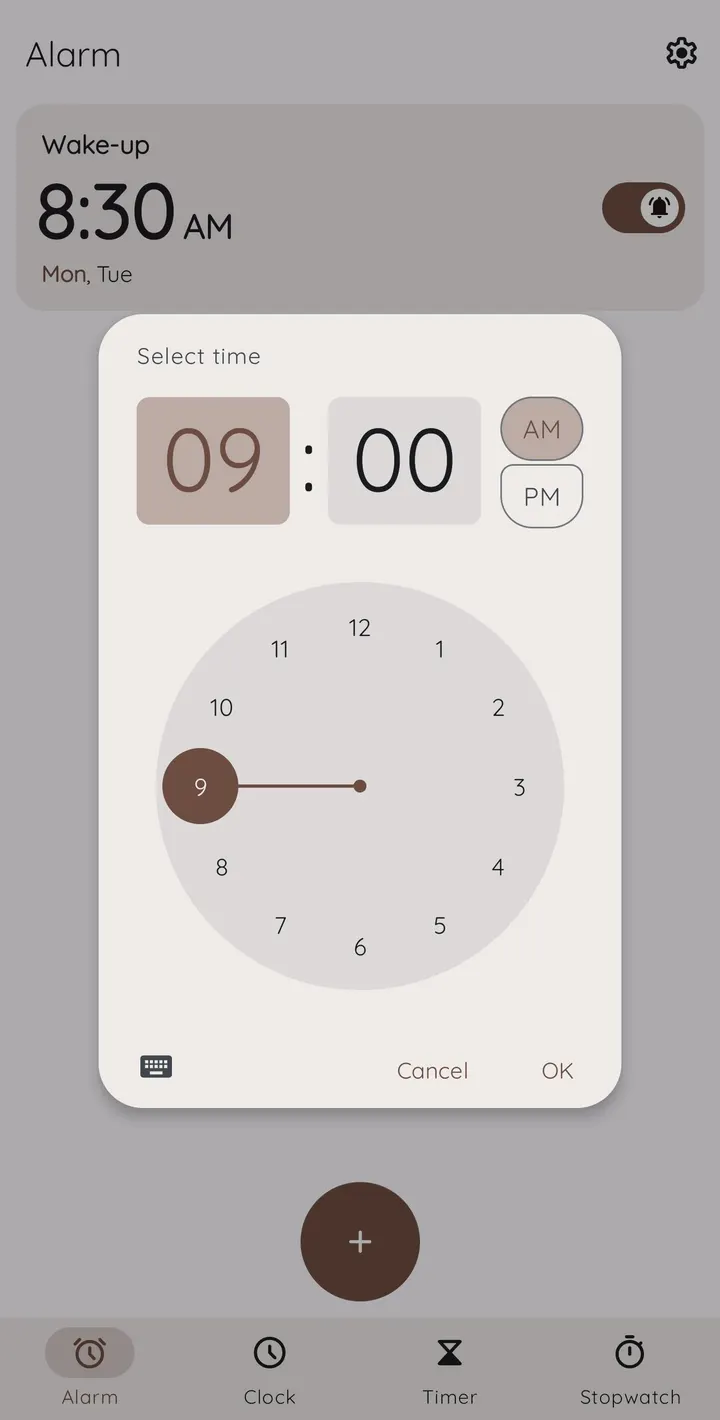
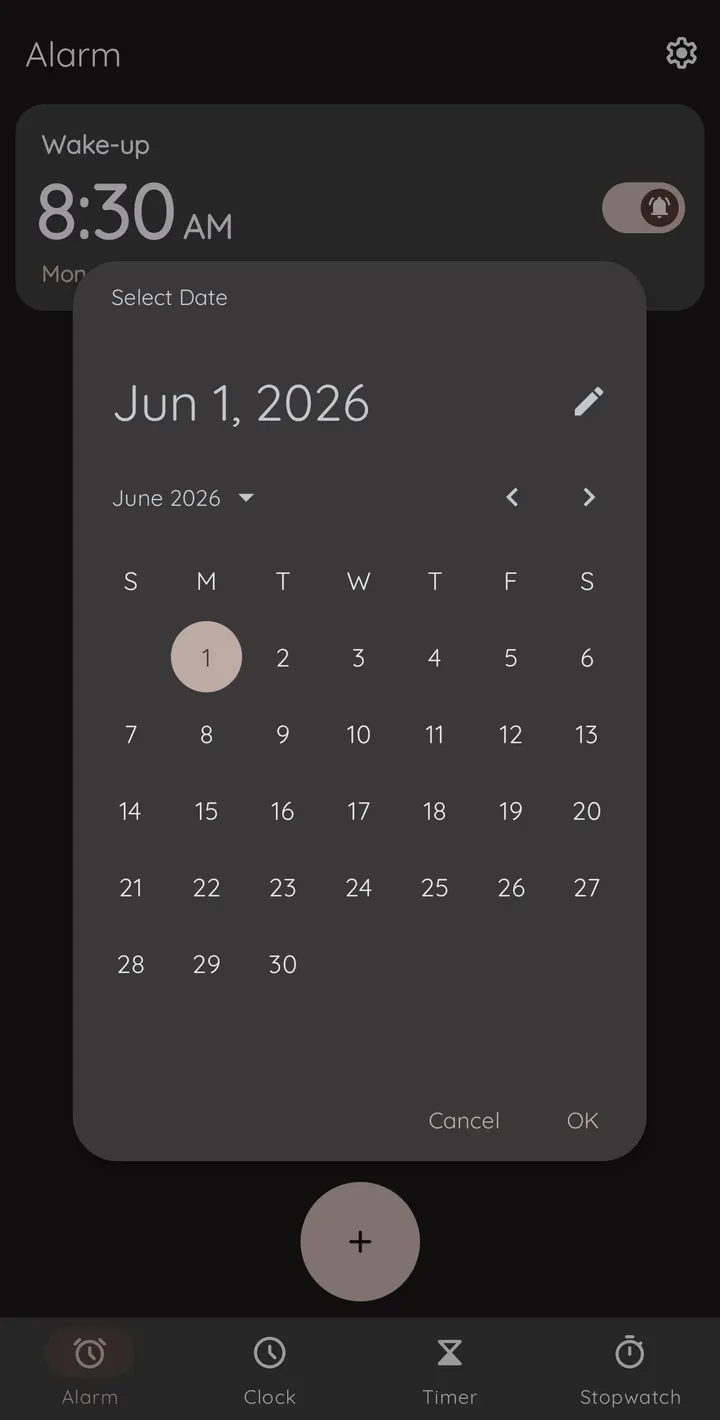
The core is alarm, clock, timer and stopwatch modes. Alarms can be set to a specific date or a specific time zone, which helps with travel or one-off events. You can give each alarm a title and ringtone, duplicate it, swipe to delete it, and sort alarms in an advanced way. Ringtones can also play in random order.
Dismissing and snoozing have several options: flip or shake actions, the power or volume buttons, or solving math problems. The math option is the one aimed at heavy sleepers.
On some Snapdragon devices only, an alarm can fire while the phone is switched off. The description warns that this may fail on some devices even when the system app com.qualcomm.qti.poweroffalarm is present.
Themes, widgets and world clocks
The look is adjustable. You can choose a light, dark or system theme, add an AMOLED mode for the dark theme, and pick a digital or analog clock style. Dynamic colors work on Android 12 and later.
The clock can show home time while you travel and the time in many cities. Widgets are described as modern and customizable, and quick settings tiles are supported on Android 7 and later. Timers and the stopwatch can post live update notifications, and the stopwatch can be shared with contacts. A customizable screensaver is also included.
Backup and restore covers app data, with the exception of custom ringtones.
Limits to check before installing
The minimum is Android 6.0, so older phones are out. The quick settings tiles need Android 7 or later, and dynamic colors need Android 12 or later. The power-off alarm depends on specific Snapdragon hardware and may not work even there.
The backup feature skips custom ringtones, so those must be restored by hand.
Clock pros and cons
Pros
- No ads and free
- Description states no internet permission, so it works fully offline
- Alarms can be set to a date or time zone, with math, shake or flip dismissal
- Apache-2.0 source code is public on GitHub
- Small 6.9 MB package
Cons
- Requires Android 6.0 or later
- Power-off alarm works only on some Snapdragon devices and may fail
- Backup excludes custom ringtones
- Developer is listed as unknown
Is Clock safe?
The APK here is the unmodified file, and its SHA-256 is 631e4bbfd28225da87c768dfb2062a0b3efc717e1e132d60a1e0408da308f7ff, so you can compare it with your download. Clock is licensed under Apache-2.0 and its source is public on GitHub. The developer says it asks for no internet permission and works fully offline. No independent security review is available.
How to install Clock
- Download the APK with the button on this page and wait for it to finish.
- Compare the file with the SHA-256 checksum shown here if you want to confirm it arrived intact.
- Open the file on your phone and allow installs from this source when Android asks.
- Finish the install, then open Clock from your app drawer.


