

Google Photos keeps your media in plain view and syncs it to a shared library, while HideU takes the opposite route and hides files behind a calculator screen. It comes from Smart Utils Dev Team, sits in the tools category, and Google Play shows 100 million installs. Install it from Google Play.
Opening the vault: the calculator PIN and recovery step
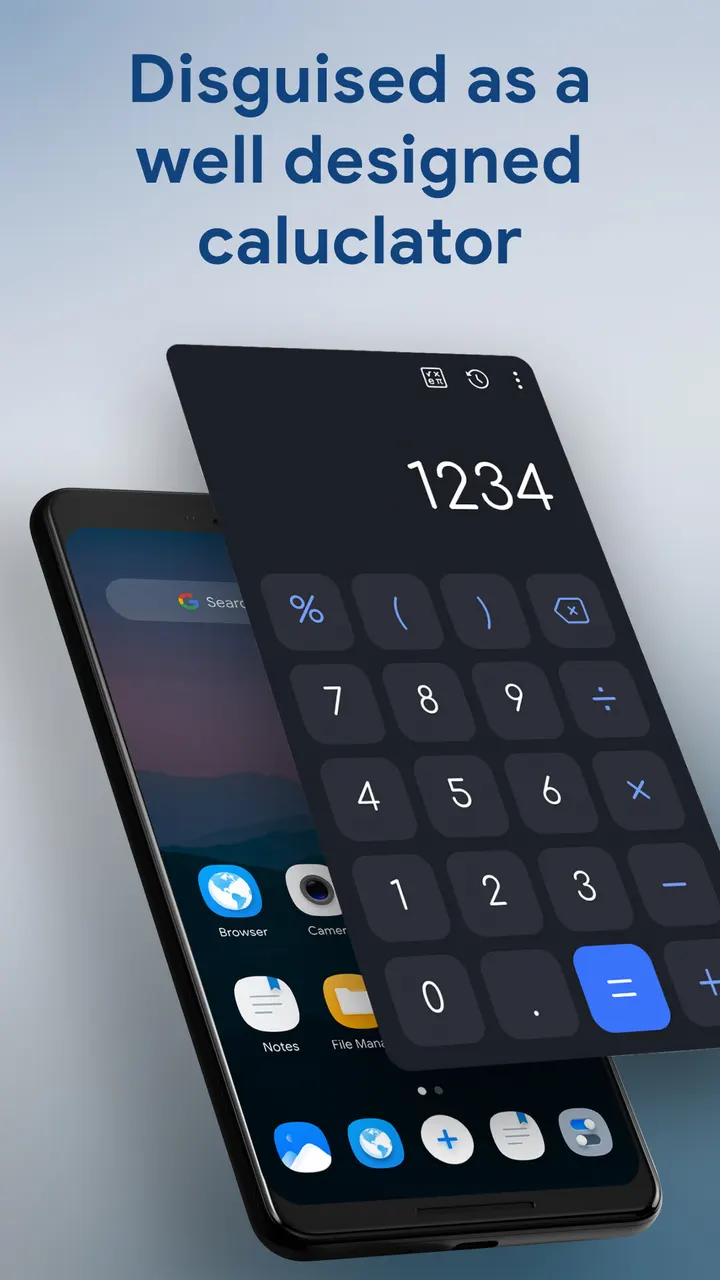
HideU looks like an ordinary system calculator. You type your password on the keypad and press the equals button to open the private space. The calculator also works for real sums, so the icon does not look out of place on a home screen.
If you lose the password, enter 11223344 followed by equals to reach the security question, then reset it. The developer's contact route is a "Trouble in logging" option that sends an email, and the developer says support replies within 24 hours.
Hidden media, built-in player and app lock
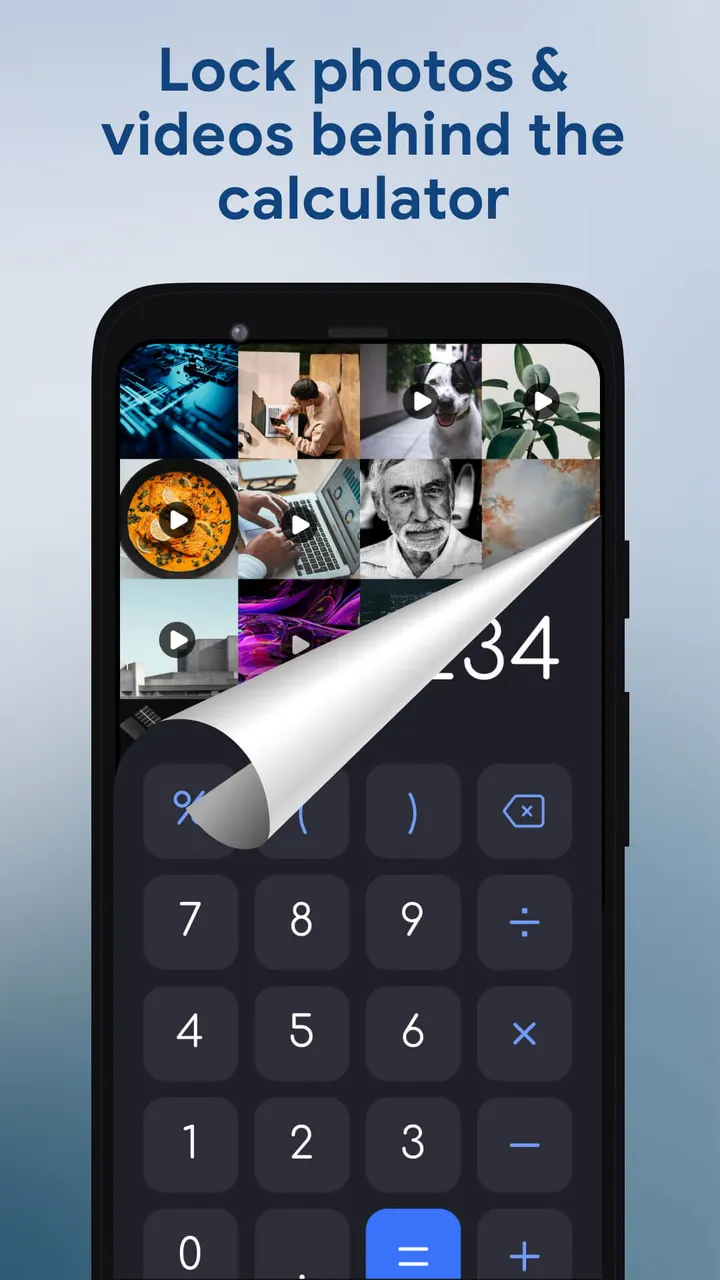
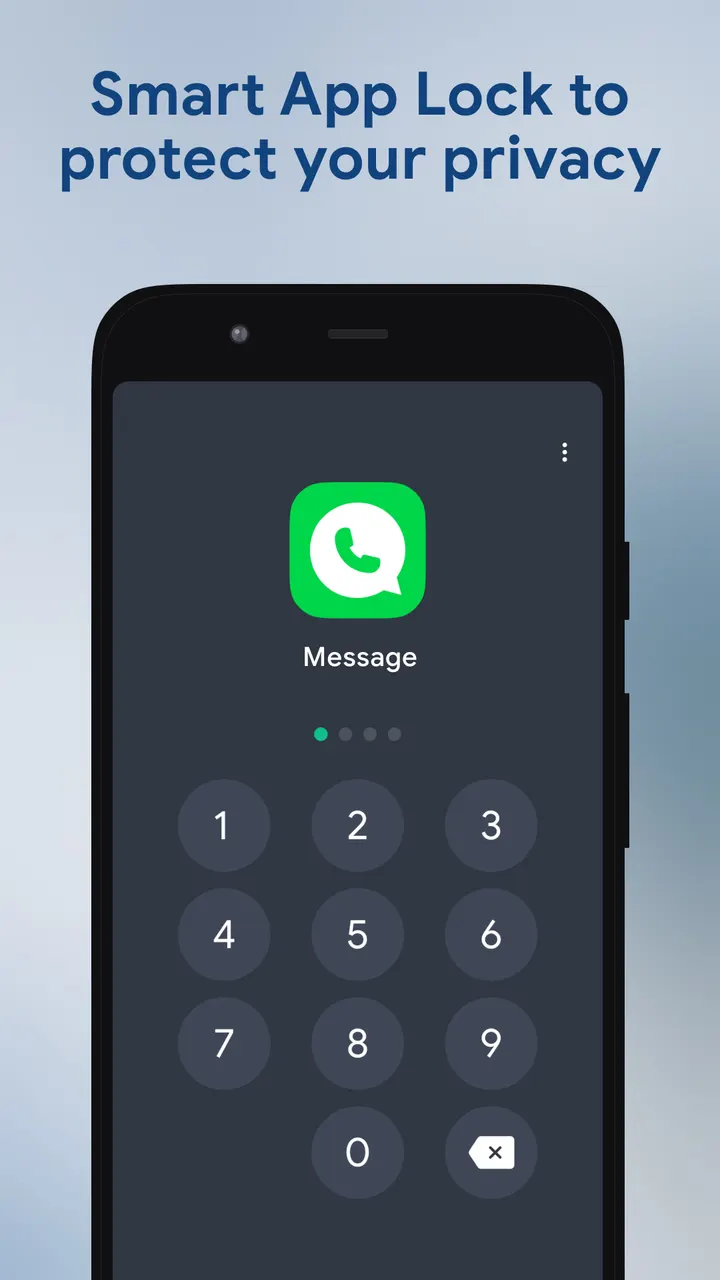
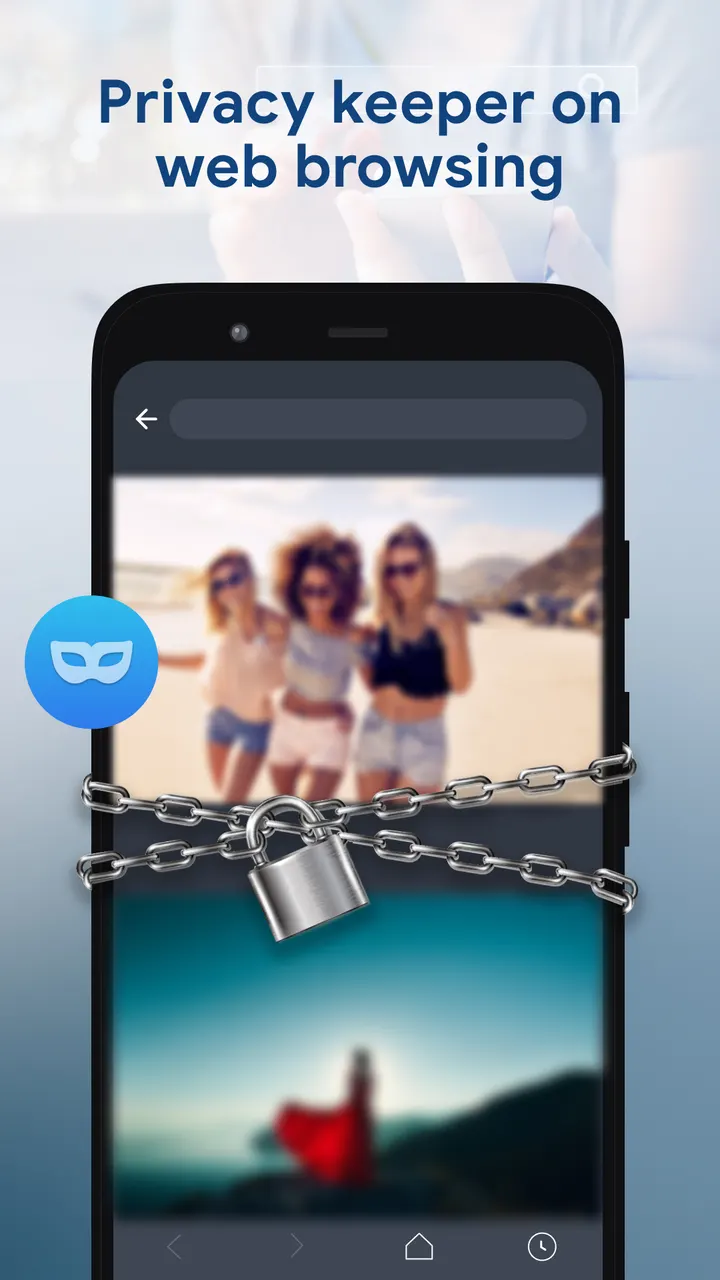
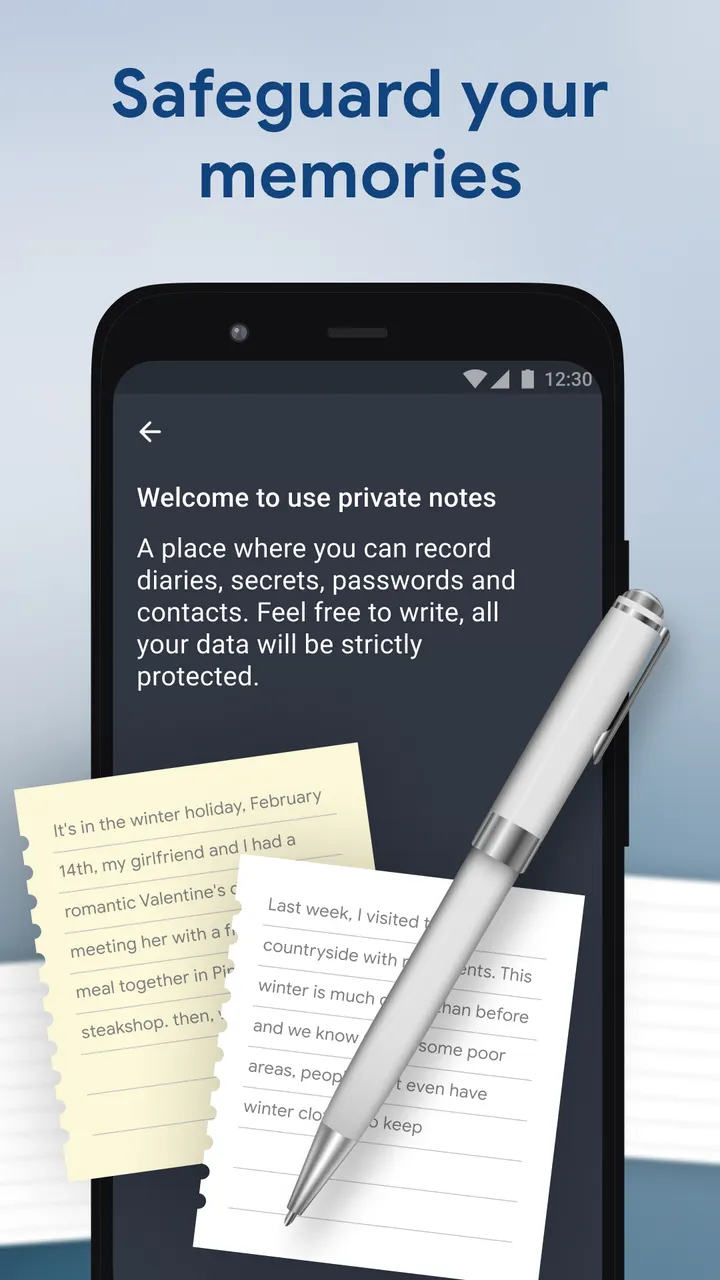
Files placed in HideU do not appear in other galleries or file managers. Inside the vault there is a video player with brightness, volume and one-key mute controls, plus a photo viewer that can add filters, crop and insert text. A private browser, an app lock using a password or unlock pattern, and cloud backup are also included.
The backup matters because uninstalling the app, clearing its data or deleting its folders before backing up means the files are lost for good.
When Aegis Authenticator or Google Photos fits better
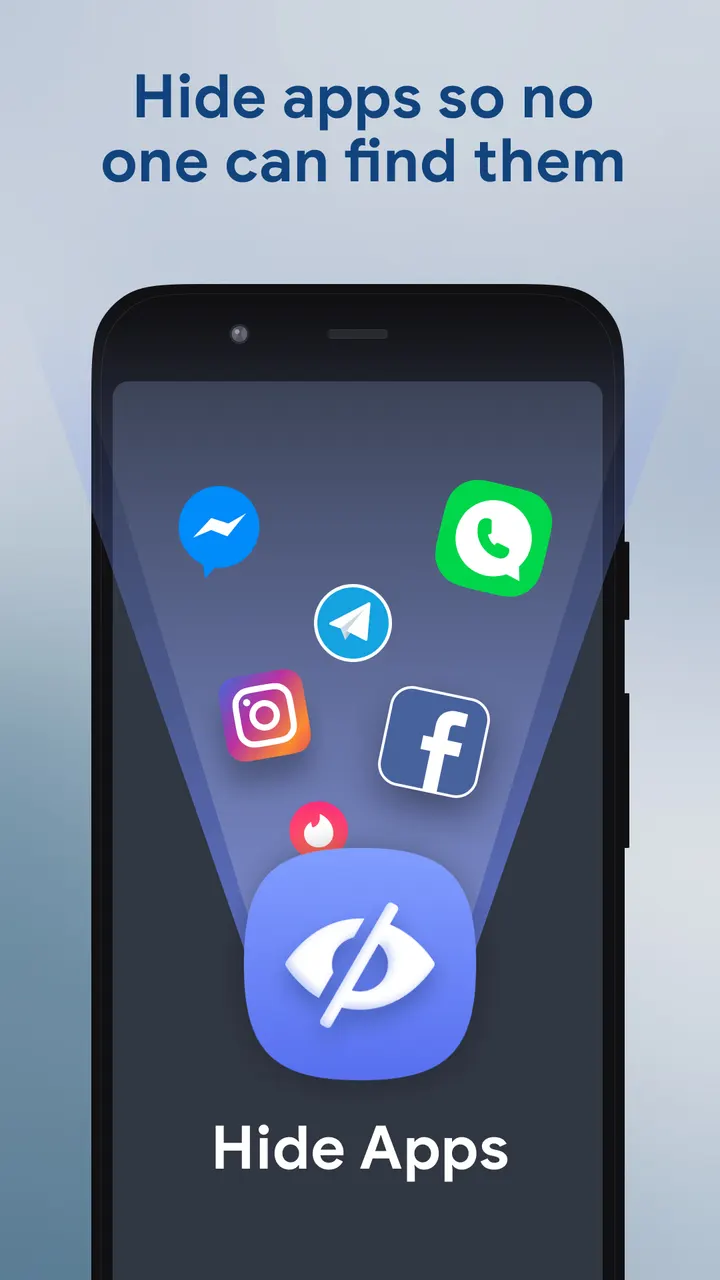
HideU is built for concealment, so it suits people who want files out of sight on a shared phone. If you need two-factor codes, Aegis Authenticator from the alternatives list covers a different job. If you want an everyday photo library with no hiding, Google Photos is closer to that need.
The app needs Android 6.0 or newer and carries an Everyone content rating. Google Play lists ads and in-app purchases, although the app itself is free.
HideU pros and cons
Pros
- Calculator icon that opens a private space after a PIN and the equals key
- Hidden photos and videos stay out of other galleries and file managers
- Built-in video player and photo editor with filters, crop and text
- App lock with password or pattern, plus a private browser
- Free to install with an Everyone content rating
Cons
- Contains ads, according to Google Play
- Offers in-app purchases
- Files are lost if you uninstall or clear data before cloud backup
- Version 2.4.0 has no published changelog
Is HideU safe?
HideU is published by Smart Utils Dev Team and is installed through Google Play. It is free, contains ads and offers in-app purchases, and its content rating is Everyone. Because the app locks files away behind a calculator PIN, back up your photos and videos before removing the app.
How to install HideU
- Press the Google Play button on this page.
- Check the listing in the Play Store and press Install.
- Open HideU when the install finishes. Updates arrive through Google Play.


