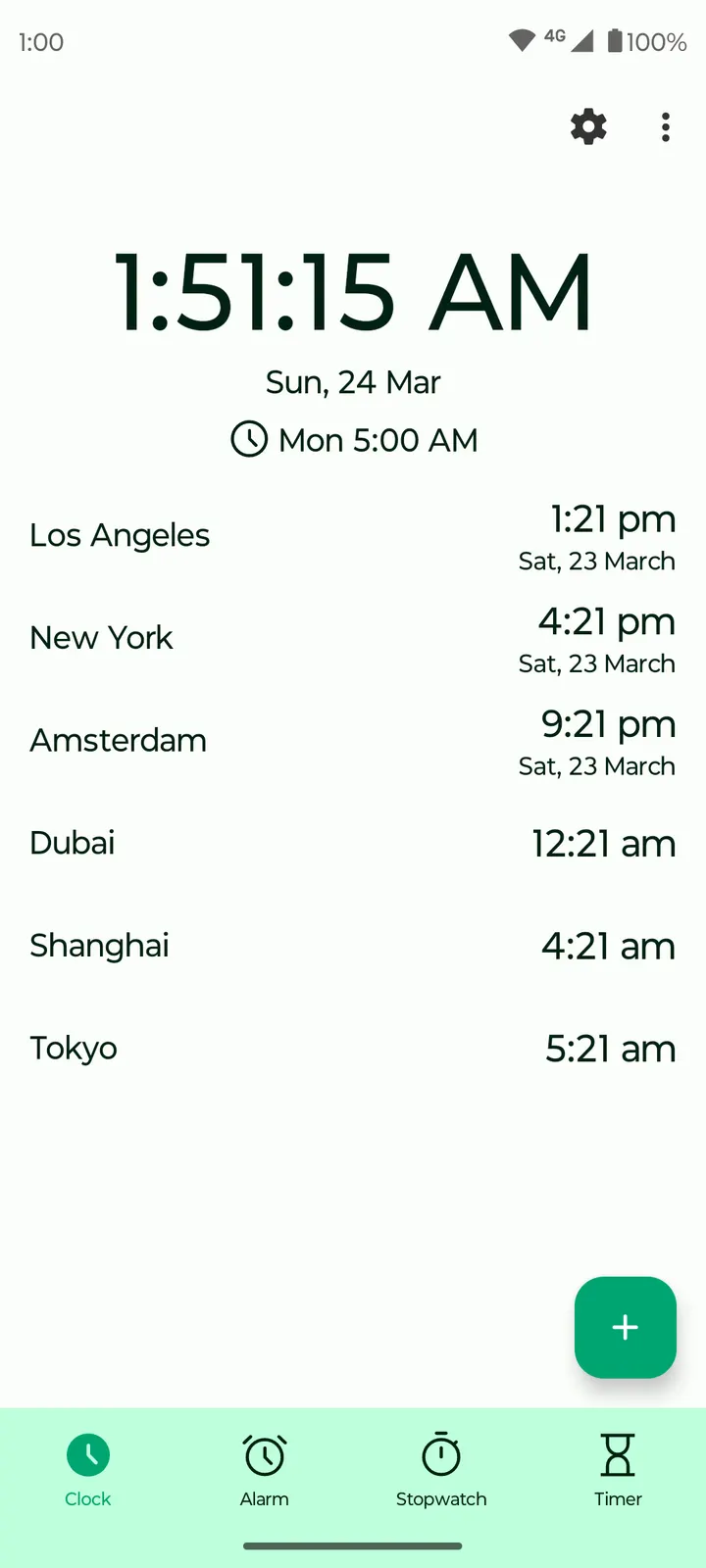
You set a weekday alarm before bed, start a timer for the pasta the next evening, and put a clock widget on the home screen so you stop opening the app just to check the time. Fossify Clock Beta covers those jobs in one small install. It comes from the developer Fossify, runs on Android 8.0 or newer, and weighs 8.7 MB. This page covers what the app does, how it compares with the alternatives listed for it, and what the file shows.
Free, ad-free and published under GPL-3.0-only
Fossify Clock Beta is free, has no ads, and its source code is public on GitHub at FossifyOrg/Clock under the GPL-3.0-only licence. Anyone can read how the alarm and stopwatch work, which is not possible with a closed alarm app.
Check the permission screen during installation. The app is catalogued under alarm clocks and tagged as open-source, clock, stopwatch and no-ads.
The current version is 1.6.0, last updated on February 2, 2026. The first release dates to March 30, 2024. The package ID is org.fossify.clock, and it needs Android 8.0 or newer.
One evening and one morning with the alarm, timer and stopwatch
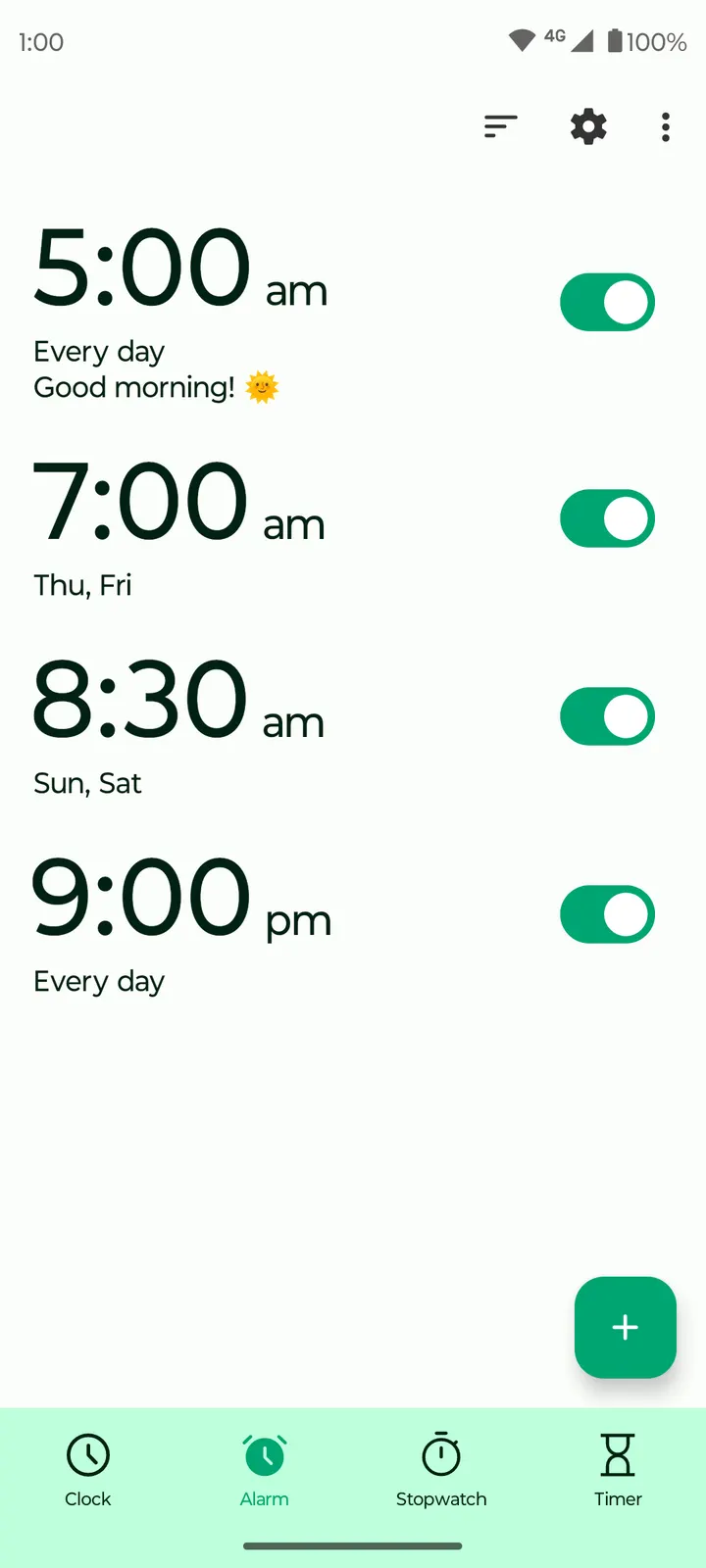
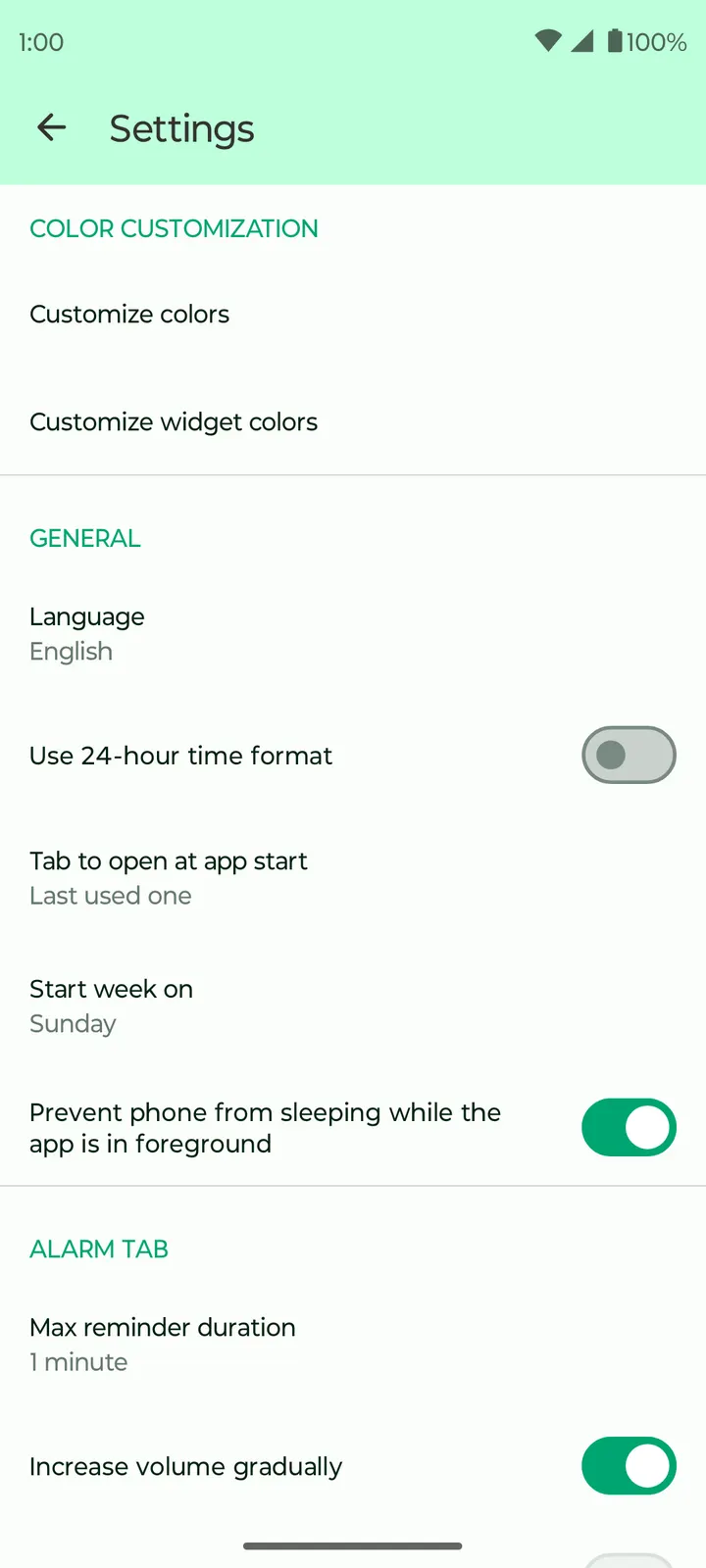
A typical session starts with the alarm tab. According to the store description, you can create several alarms, choose the days each one rings, switch vibration on or off, add a label and pick a ringtone. Volume can rise gradually, and the snooze button is adjustable, so the settings cover most of what a daily sleeper needs.
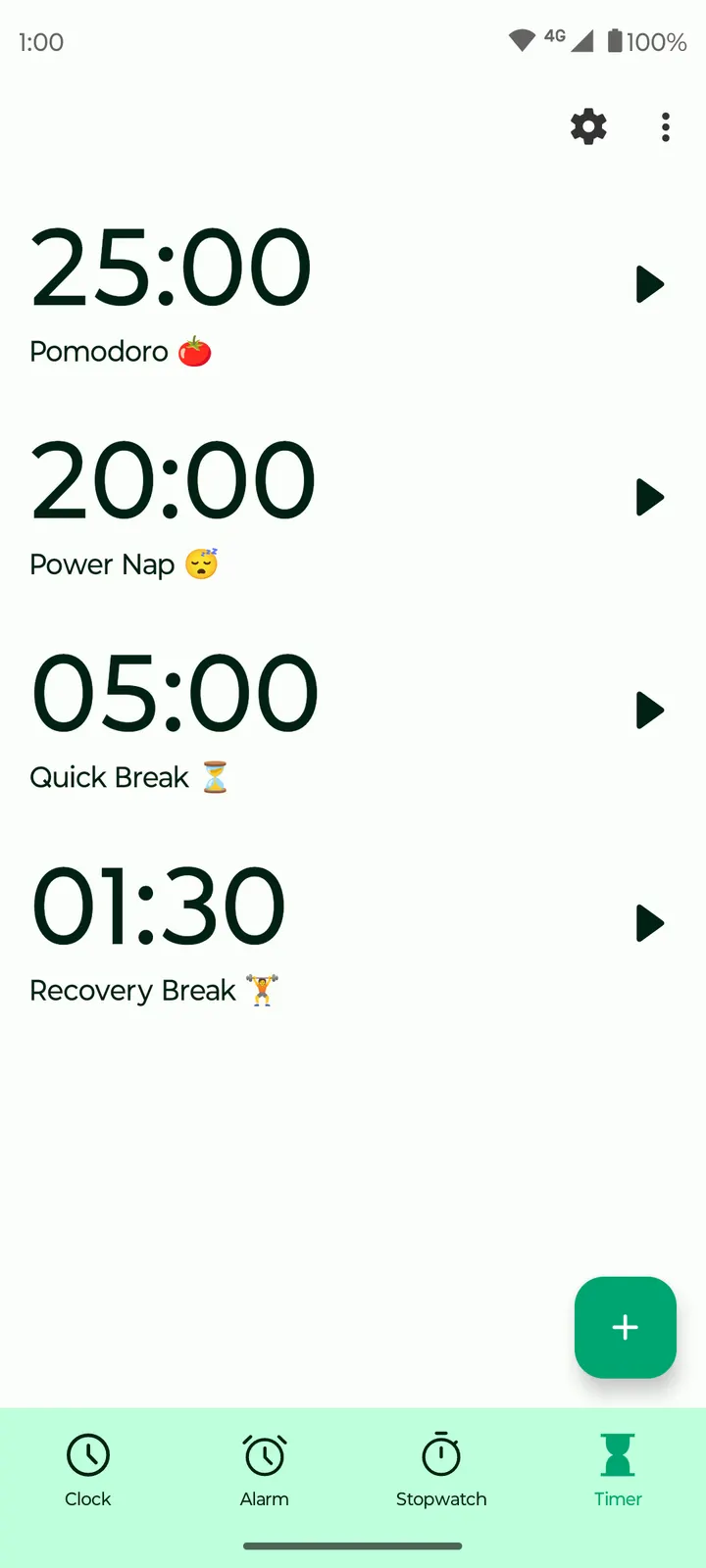
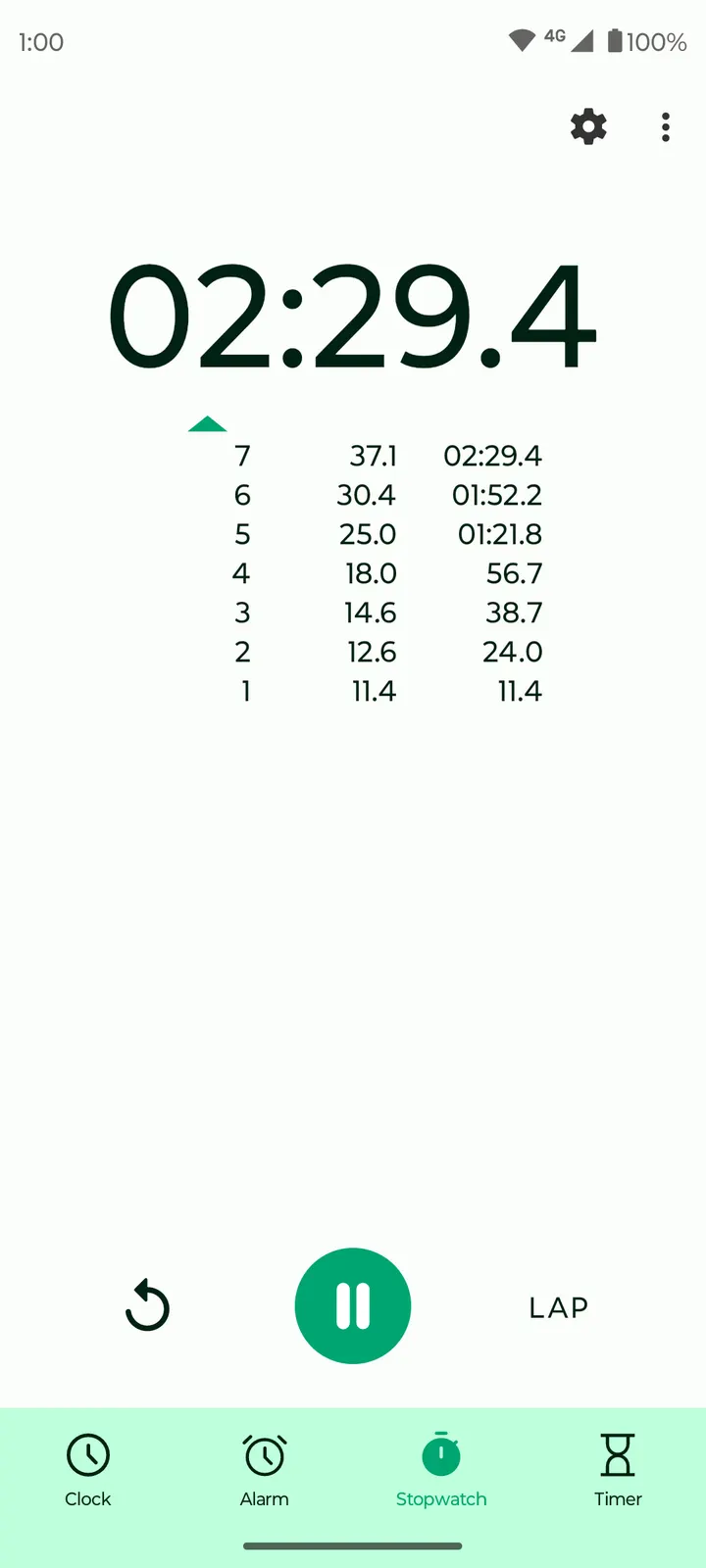
The timer works in a similar way. You choose a ringtone, toggle vibration and can pause a countdown that is already running. That suits short jobs such as cooking intervals or study blocks. The stopwatch handles long stretches as well as individual laps, and laps can be sorted in ascending or descending order.
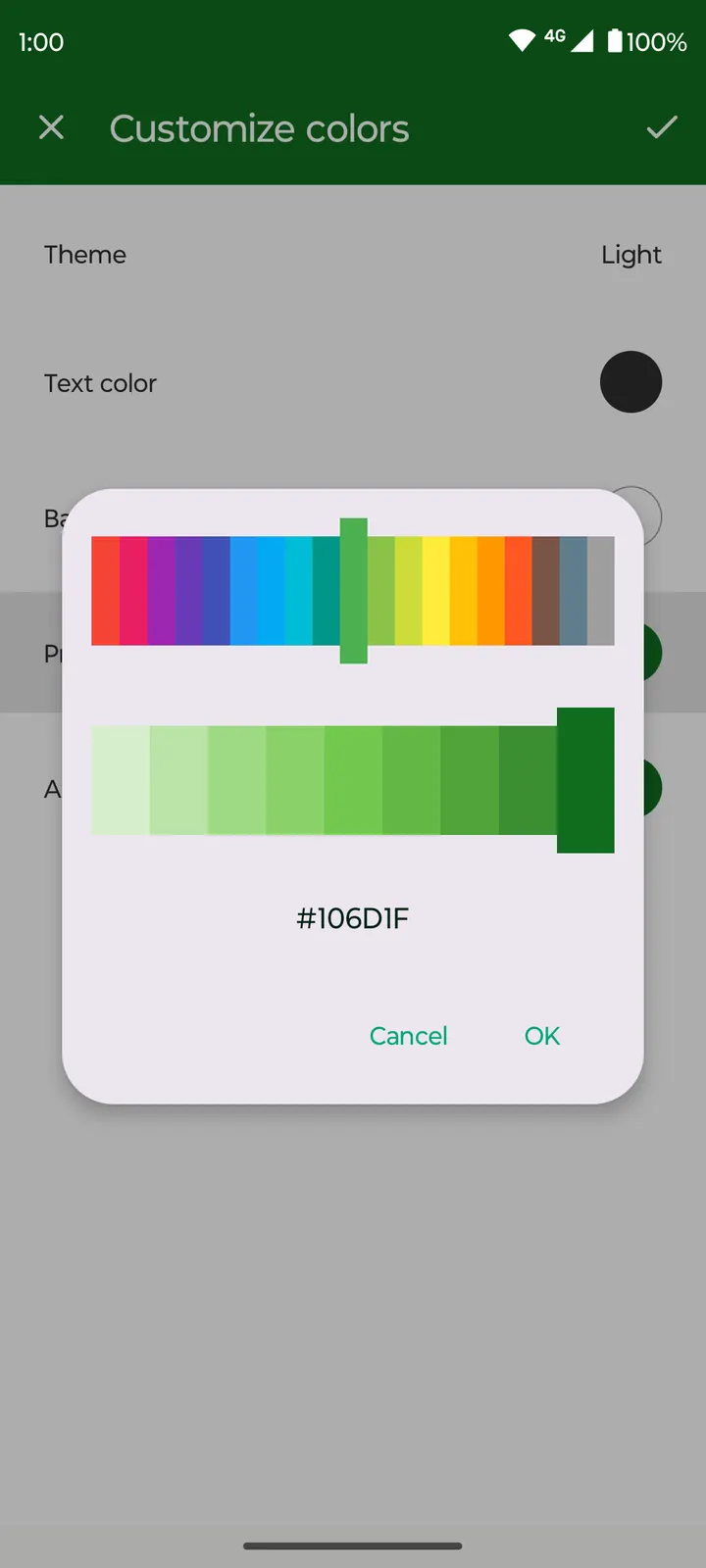
The home screen widget is the part most people will see all day. It can show an analog or digital clock, and you can change the text color, the background color and the transparency. Inside the app, the design follows Material styling with a dark theme and adjustable colors, which the developer presents as easier on the eyes in dim rooms.
How it sits next to Clock, Suntimes and Alarmy
Alternatives to Fossify Clock Beta include Clock, Suntimes and Alarmy. This page focuses on Fossify Clock Beta itself.
If your priorities are a zero price, no ads, public source code and offline operation, this app meets all four. If you want something beyond a plain alarm, timer, stopwatch and widget, check the alternatives on their own pages first, since this app offers no extras outside those four tools.
The size also matters for older or storage-limited phones. At 8.7 MB, it is a modest download.
Fossify Clock Beta pros and cons
Pros
- Free to download, with no ads recorded in the listing
- Source code is public on GitHub under GPL-3.0-only
- Alarms allow day selection, labels, ringtones, vibration toggle, gradual volume and adjustable snooze
- Widget can be analog or digital, with adjustable text color, background color and transparency
- Small package at 8.7 MB, running on Android 8.0 or newer
Cons
- Version 1.6.0 is the current release, but what changed in it is not documented
- The name includes Beta, so this build may be less stable than a final release
- No comparison data exists for Clock, Suntimes or Alarmy, so switching decisions need outside research
Is Fossify Clock Beta safe?
The SHA-256 checksum for this build of Fossify Clock Beta is 43cf9f0ec45f1f1ff2df47286622e5b8f3acedaeb07b7f7641b5243dbedca079, so you can compare it with your downloaded file. Fossify develops the app under the GPL-3.0-only licence, and the source code is public at github.com/FossifyOrg/Clock. It contains no ads. Check the permissions Android lists during setup, since an alarm and stopwatch app should need very few.
How to install Fossify Clock Beta
- Download the APK with the button on this page and wait for it to finish.
- Compare the file with the SHA-256 checksum shown here if you want to confirm it arrived intact.
- Open the file on your phone and allow installs from this source when Android asks.
- Finish the install, then open Fossify Clock Beta from your app drawer.


