
AlfredCamera, from Alfred Systems Inc., turns an old phone into a live security camera, and it has over 50 million installs on Google Play. It is available through Google Play only, and Google Play shows a 4.7 rating from about 1 million ratings. The latest version is 2026.22.2.
Free to install, with ads and in-app purchases
The app is free to install, but it contains ads and in-app purchases. Check the in-app offers before relying on a specific function.
The content rating is Everyone. It needs Android 5.0 or later, which keeps older spare phones in range.
Two phones, one QR code, live video and a walkie-talkie
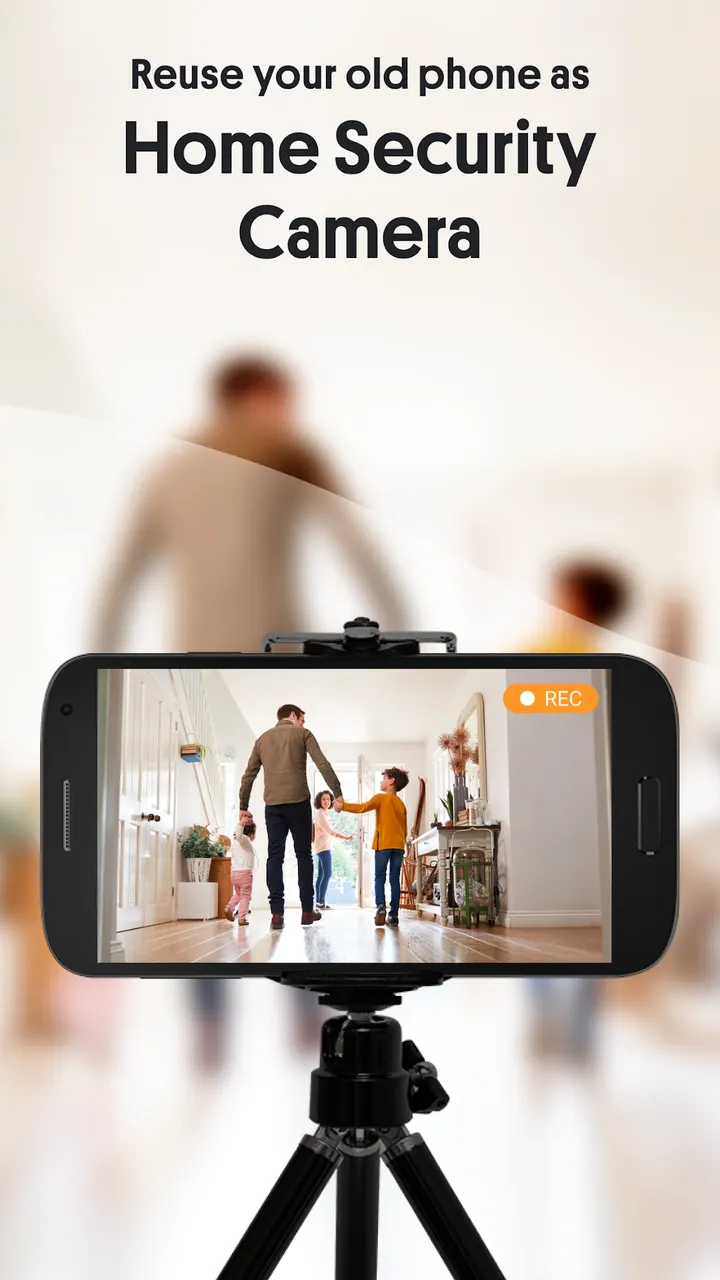
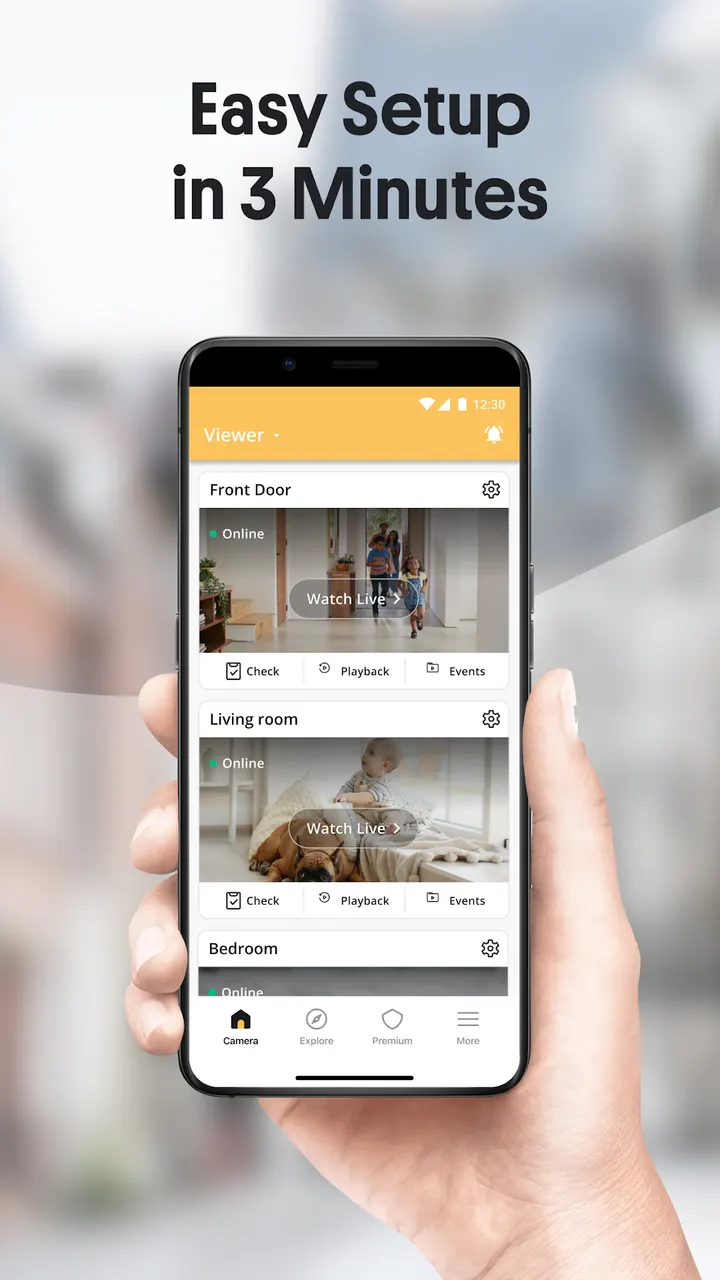
Setup uses two devices. You install the app on both, pair them by scanning a QR code, and the old phone becomes the camera while your current one is the viewer. Android and iOS devices can work together.
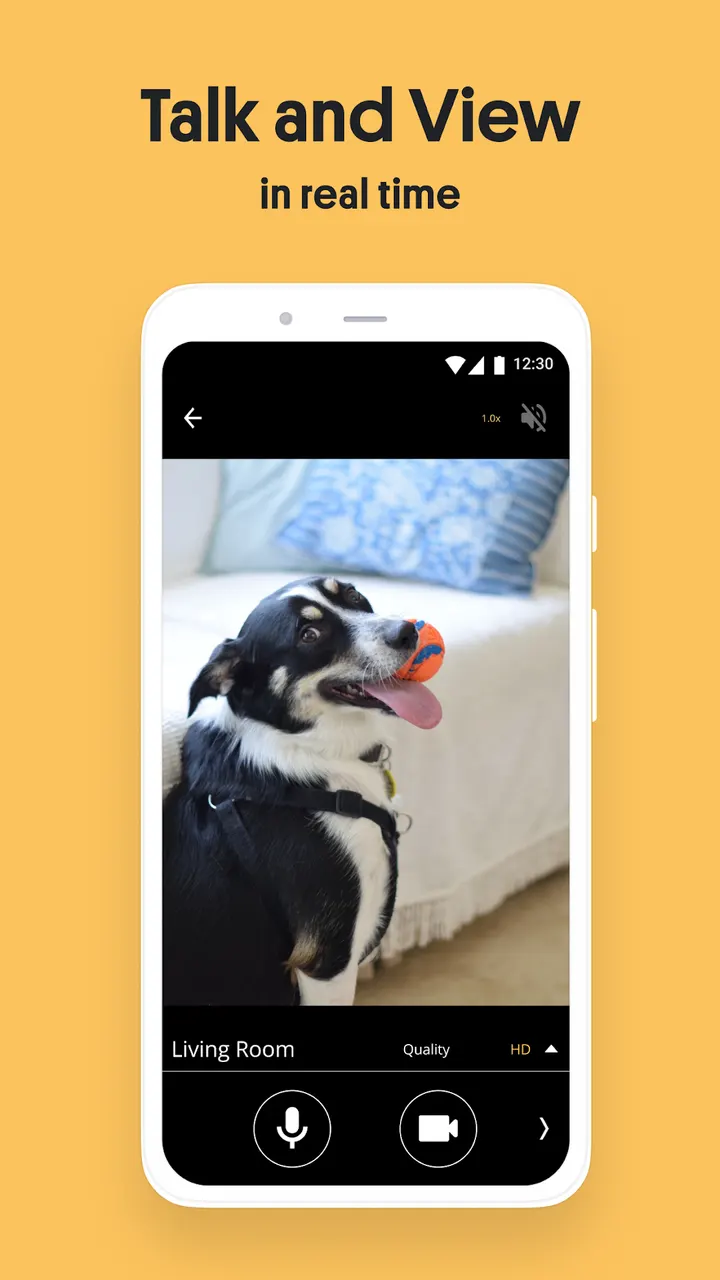
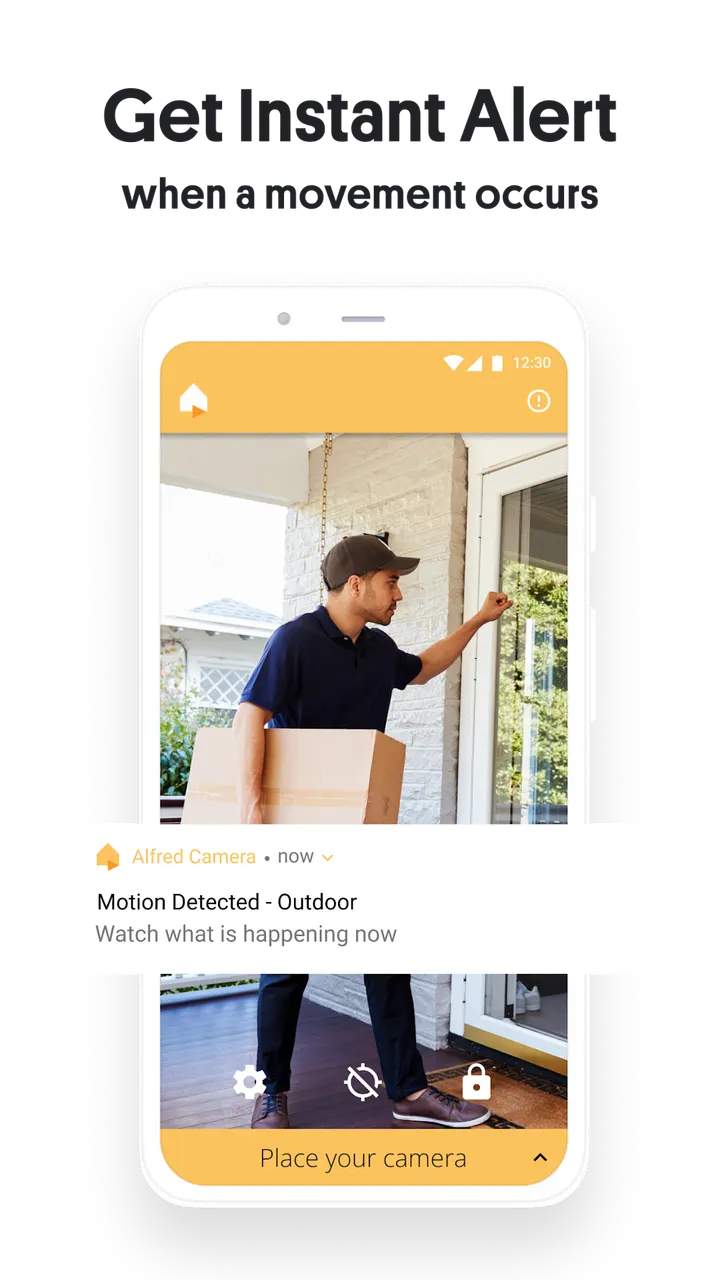
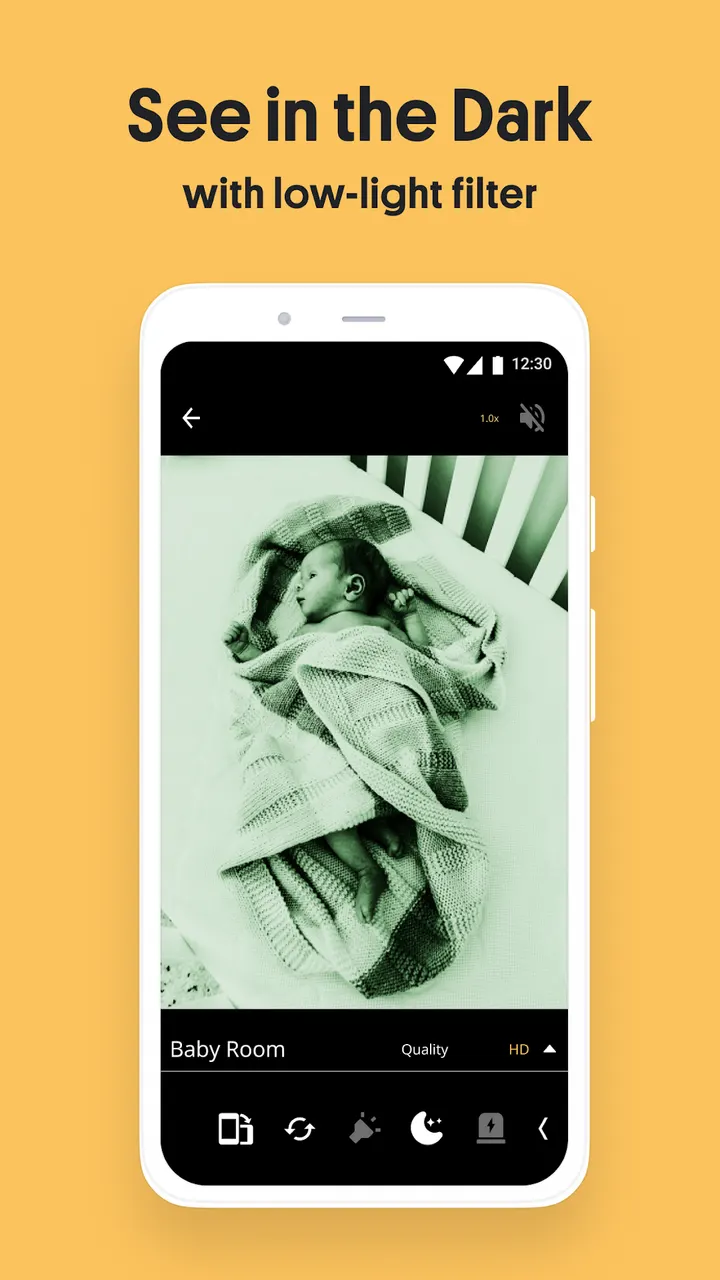
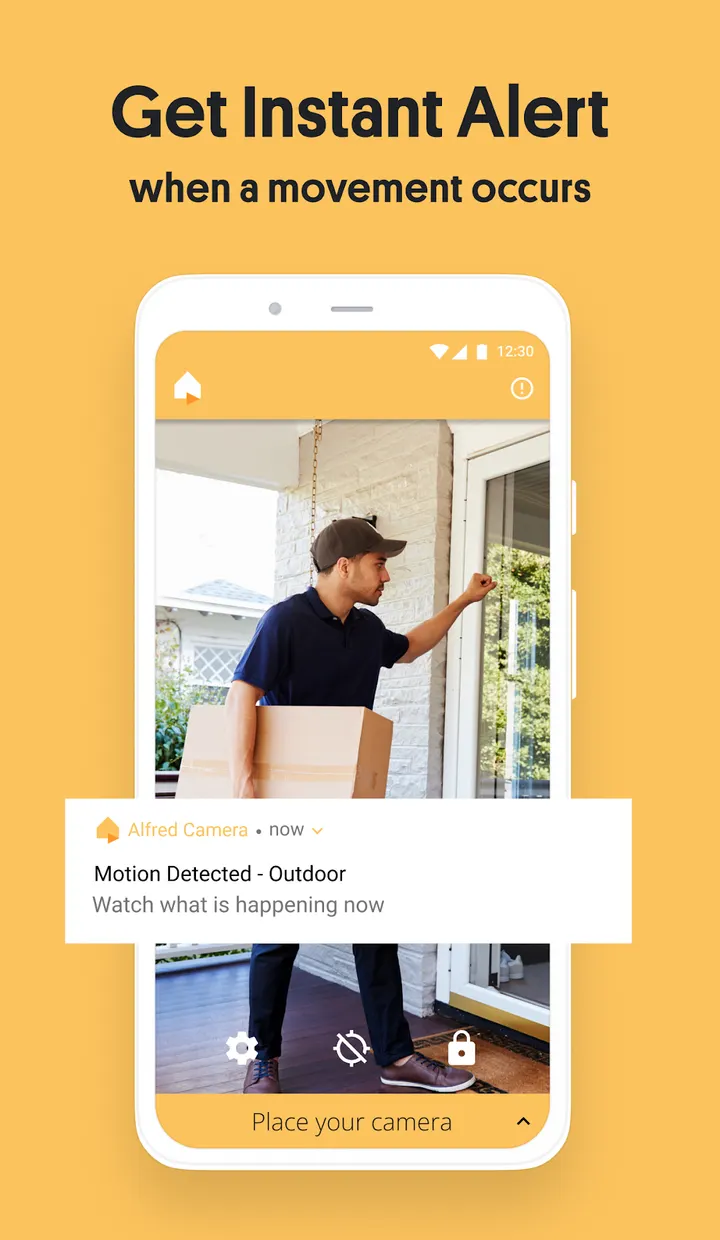
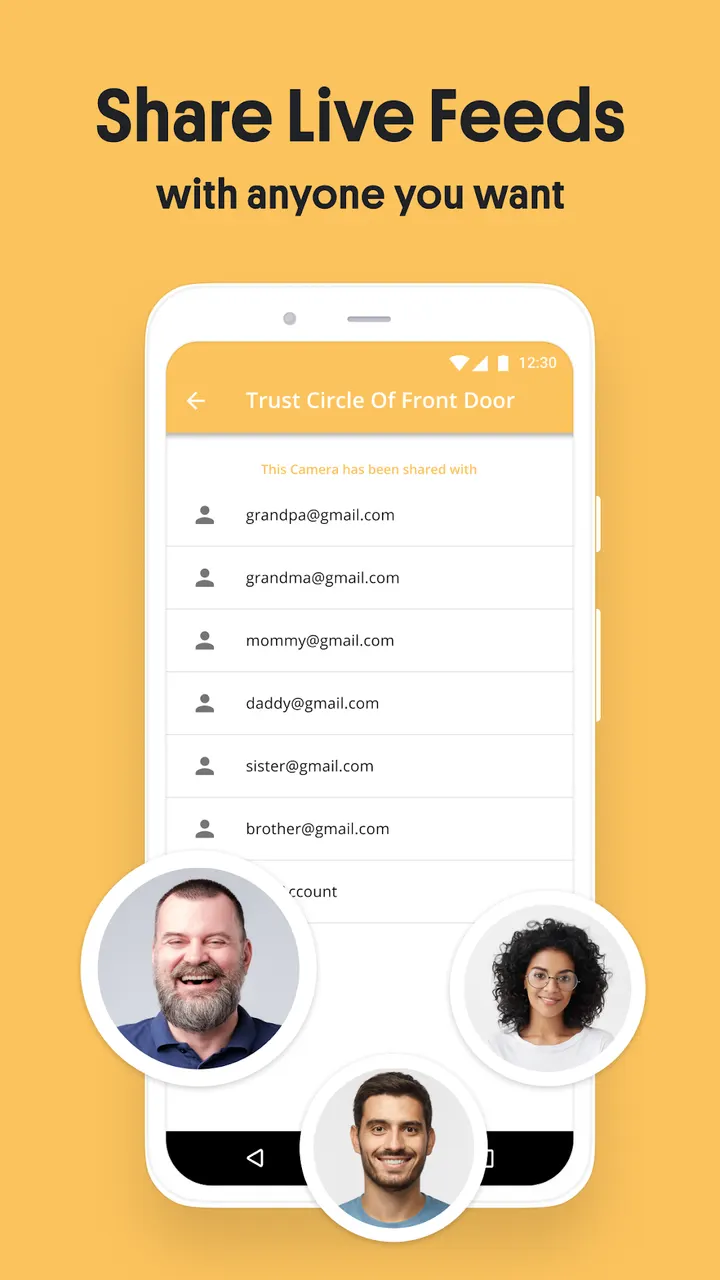
The app offers a live stream, motion alerts, a low-light filter for night use, and a walkie-talkie for talking to visitors, pets or a baby. It also has a 360 camera mode that uses both lenses, plus zoom, schedule, sound detection, reminder, Trust Circle and siren. The connection can run over WiFi, 3G or LTE.
Suggested uses are home security, baby monitoring, pet watching and checking in on elderly relatives.
A 2012 release that still gets updates
The app first appeared on December 16, 2012. The most recent update is dated November 3, 2026, which points to ongoing maintenance. The package ID is com.ivuu.
Alternatives for comparison are SmartLife, Hik-Connect and Xiaomi Home.
AlfredCamera Home Security app pros and cons
Pros
- Reuses an old phone as a camera, with pairing by QR code
- Live stream with a walkie-talkie for two-way talk
- Motion alerts and a low-light filter for night monitoring
- Works over WiFi, 3G and LTE, and across Android and iOS
- Google Play rating of 4.7 from about 1 million ratings
Cons
- Contains ads
- Includes in-app purchases, and it is unclear which features they cover
- Needs two devices to work as a camera and viewer
- Update notes are not included with the latest version
Is AlfredCamera Home Security app safe?
The app is listed on Google Play under the developer Alfred Systems Inc. and is distributed there only. No independent security review is available, so review the permissions and privacy policy on the Google Play page before installing. A camera app handles video of your home, so check who can view the feed.
How to install AlfredCamera Home Security app
- Press the Google Play button on this page.
- Check the listing in the Play Store and press Install.
- Open AlfredCamera Home Security app when the install finishes. Updates arrive through Google Play.


