
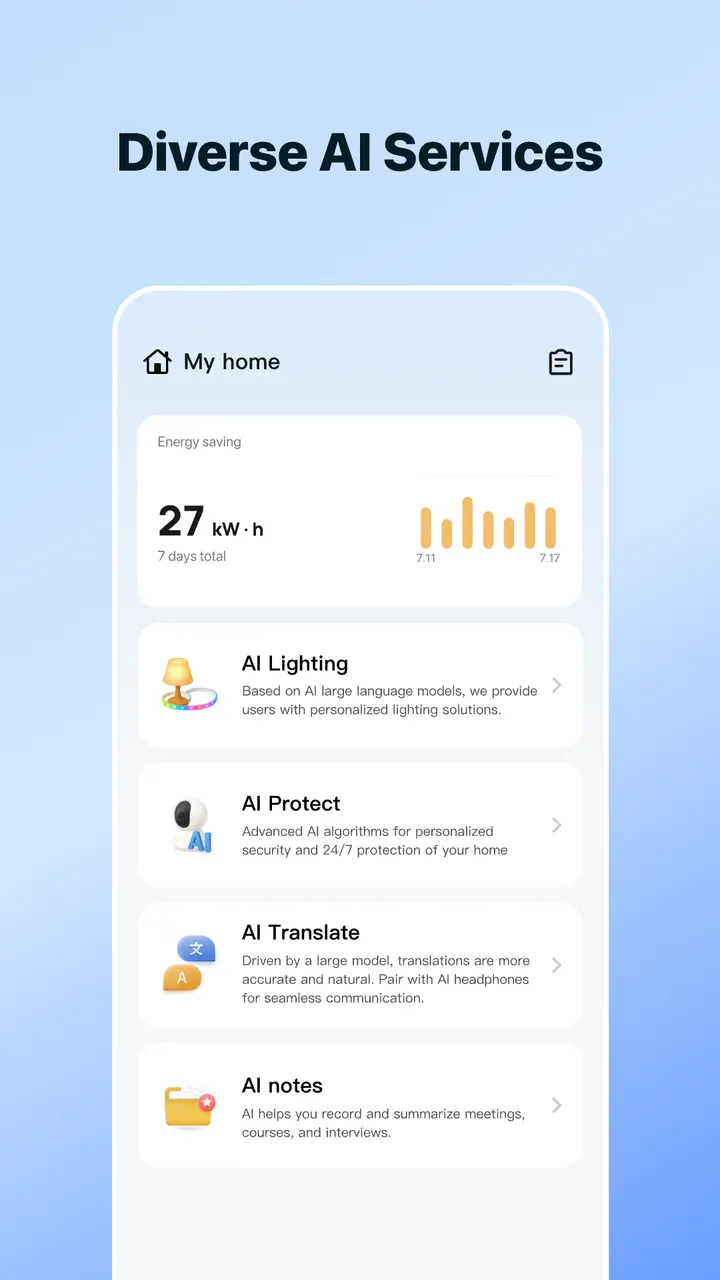
SmartLife aims to handle a whole household of devices in one app, where Hik-Connect is built around a single camera brand. Volcano Technology Limited publishes it as com.tuya.smartlife, and we file it under security camera apps. Besides camera monitoring and alerts, it covers energy insights, shared family to-dos and AI helpers for fitness, translation and pet care.
One app for scattered smart home devices
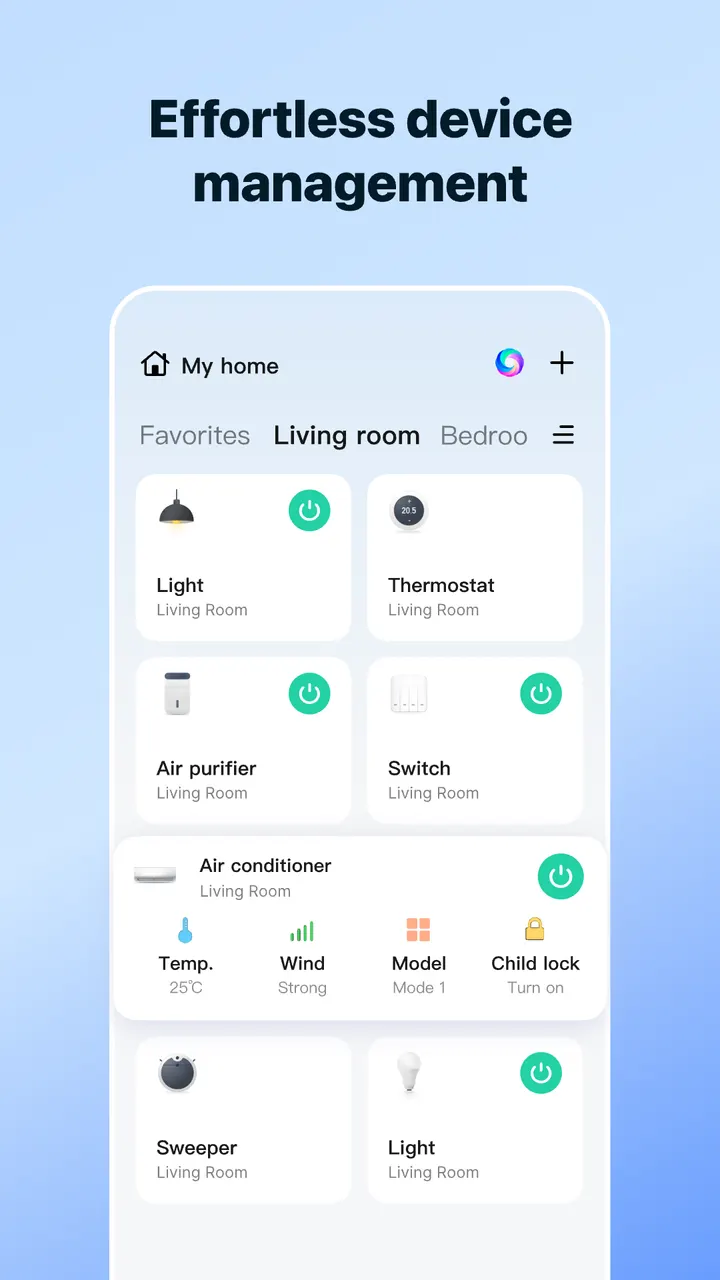
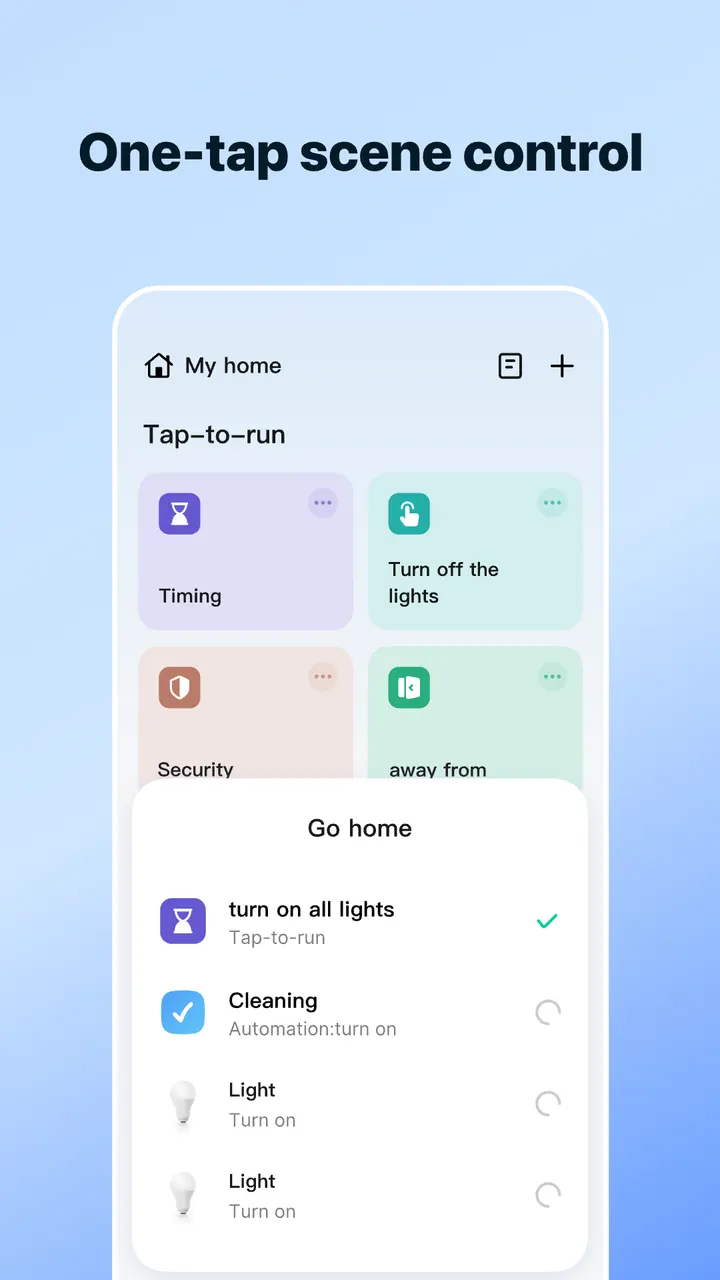
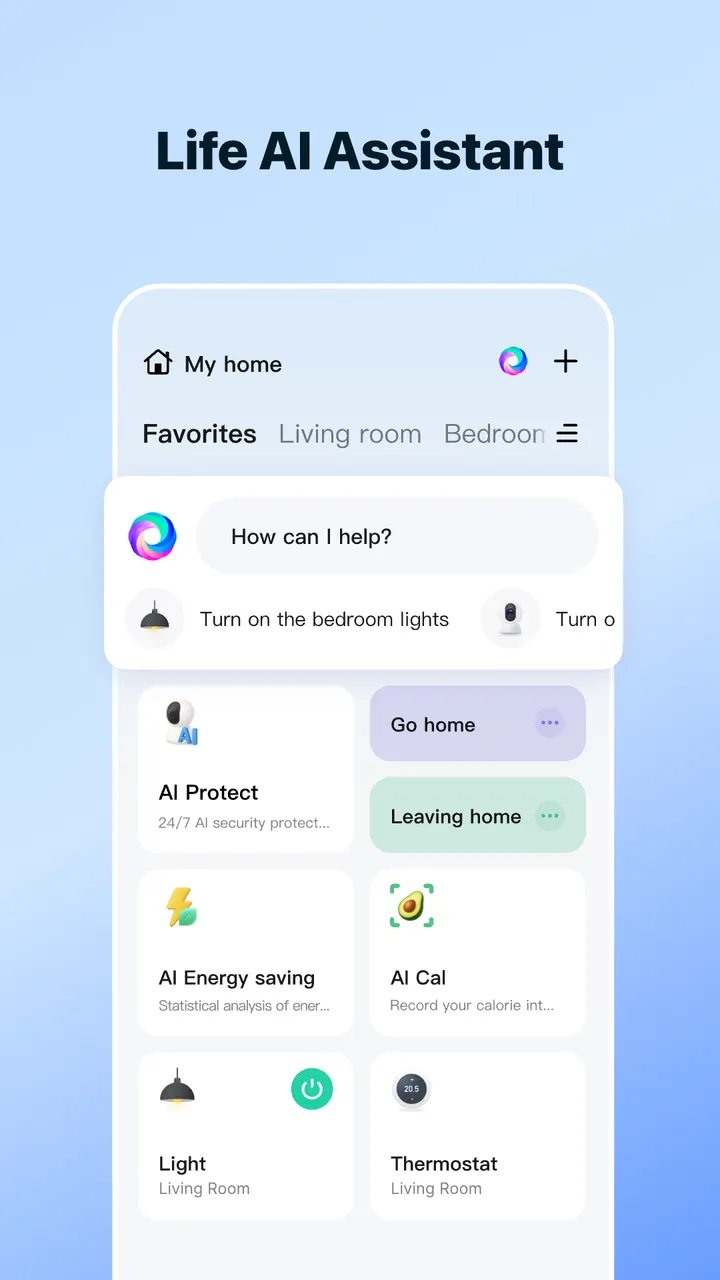
Home gadgets often arrive with their own separate apps. SmartLife addresses that by letting you manage devices from a single screen, by tapping or by asking with a voice-style request.
The app was first released on May 25, 2016, so it has a long track record. It is free, rated Everyone, and shows no ads.
Cameras, energy tracking and family reminders
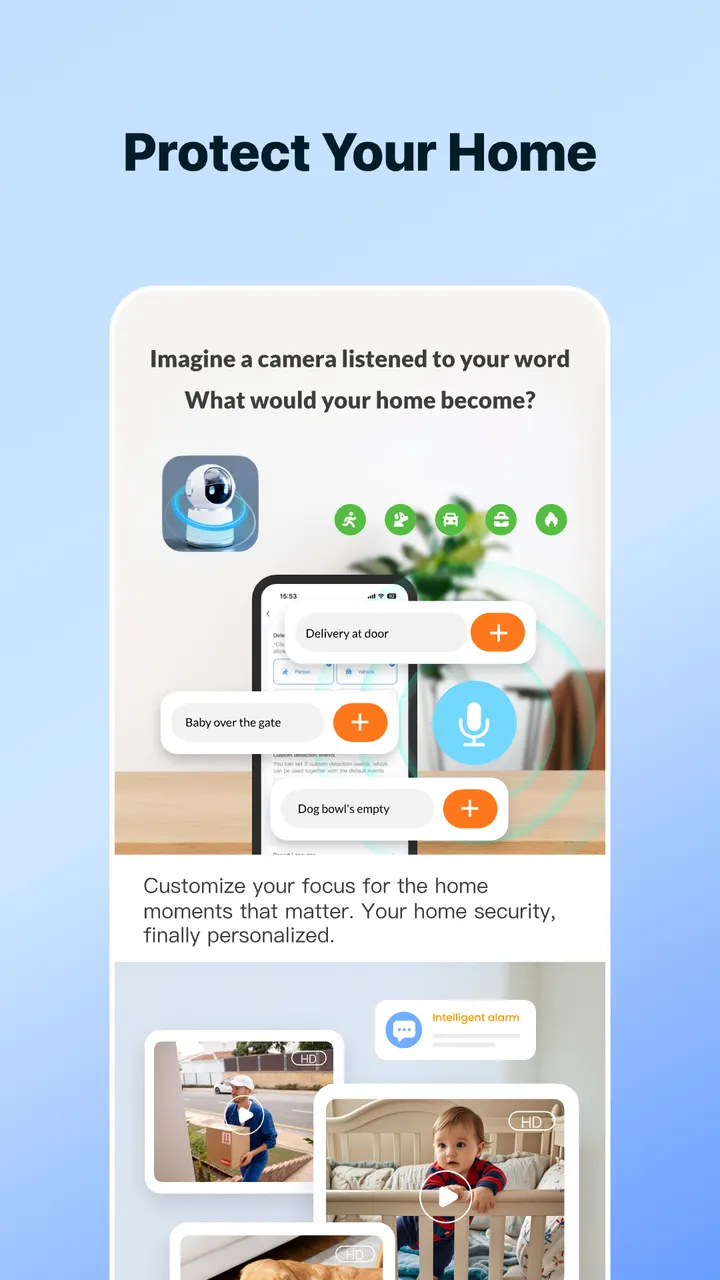
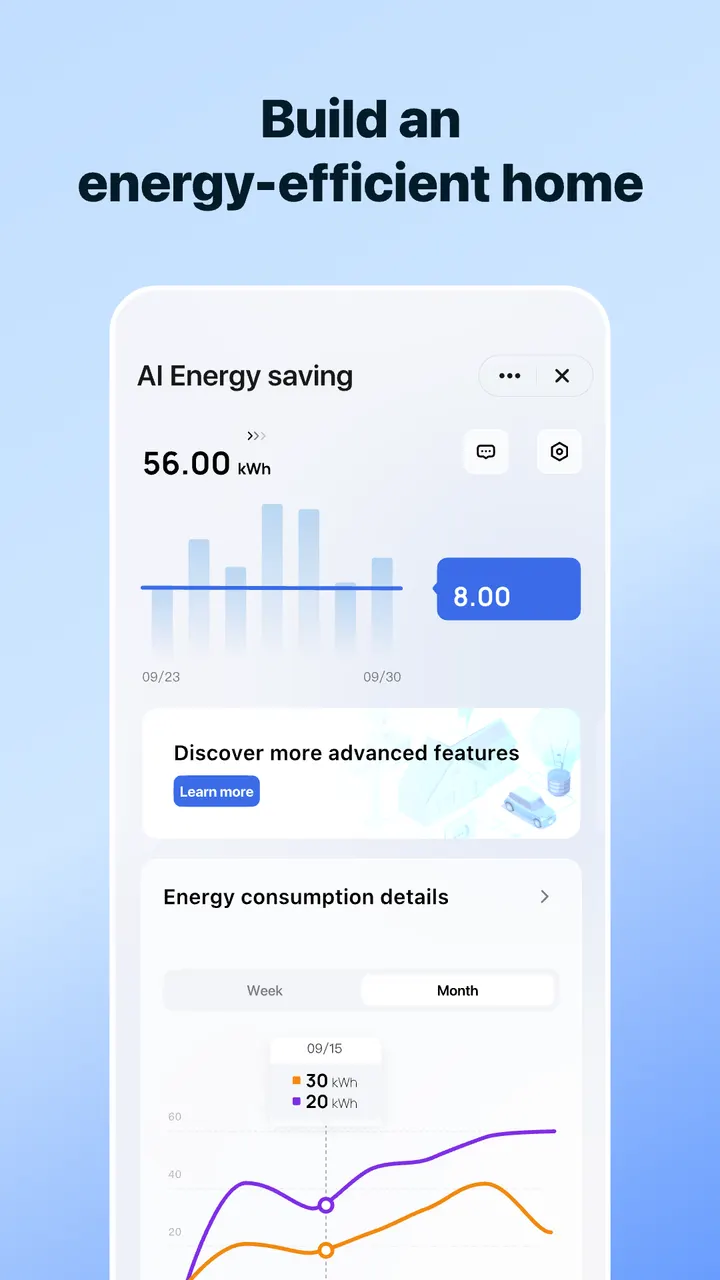
On the security side, the app offers real-time monitoring and smart alerts for the home. It also tracks energy usage, with insights meant to help lower bills.
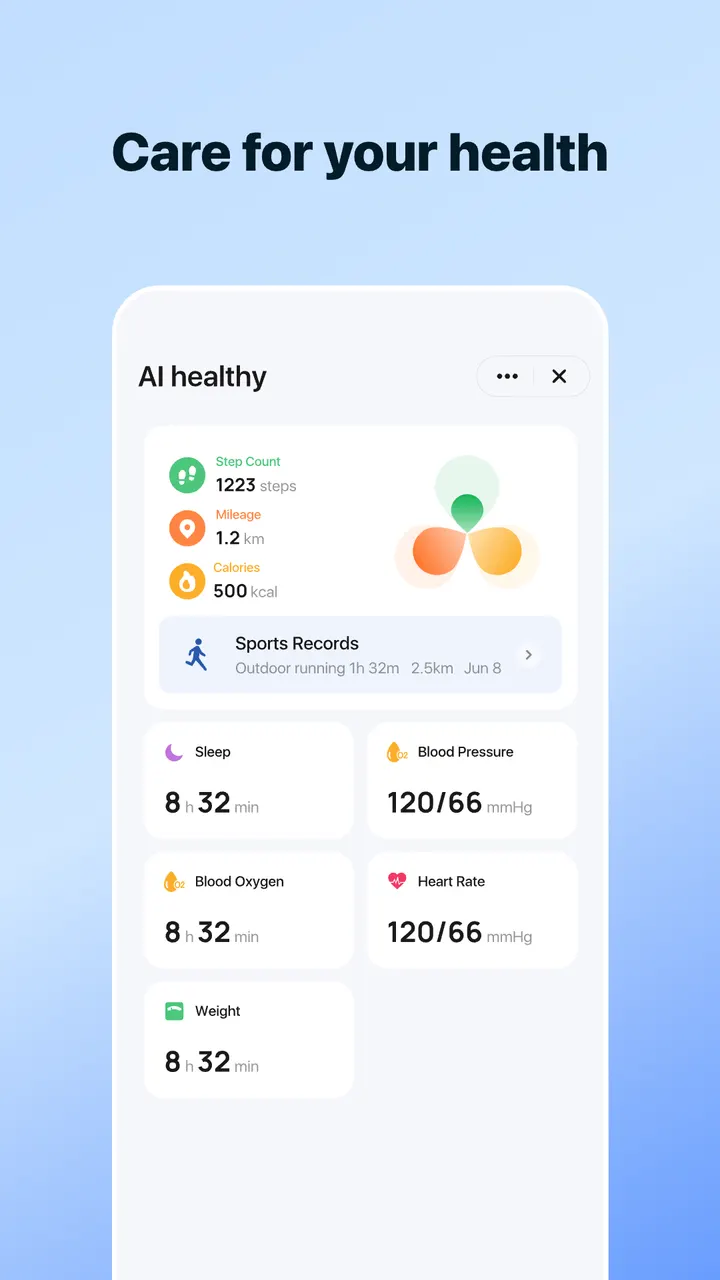
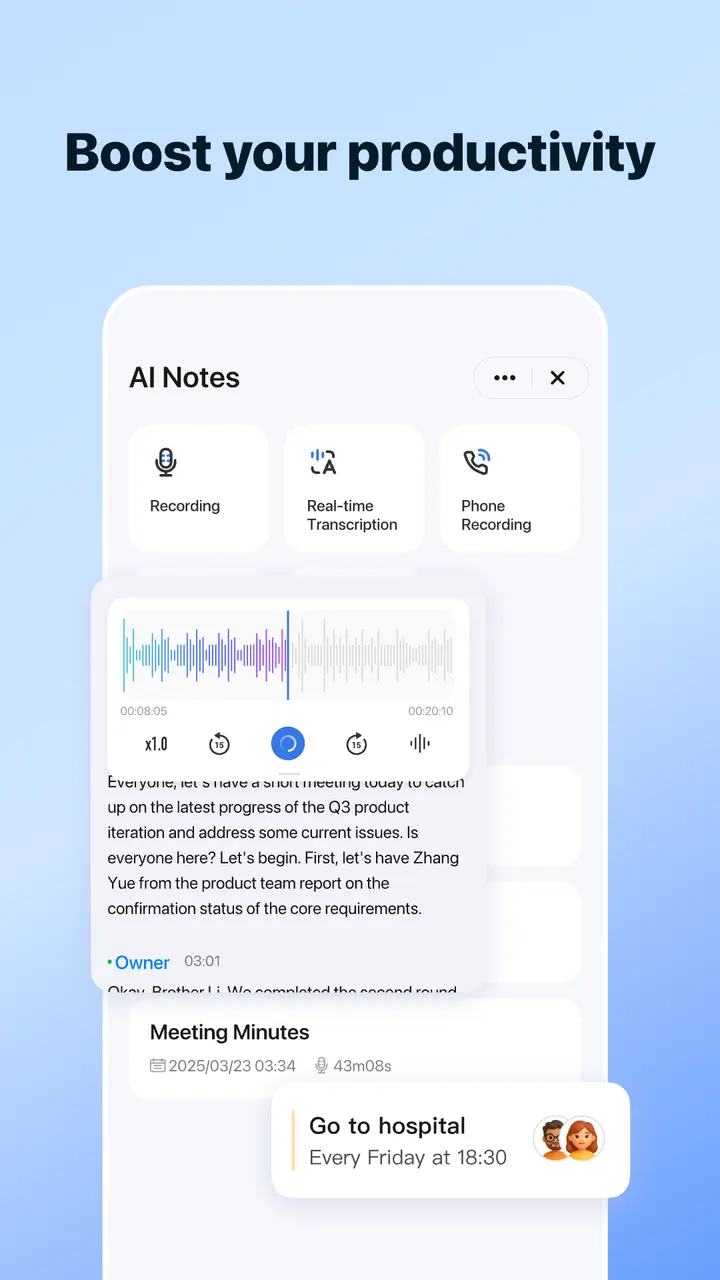
Beyond devices, there are shared to-dos and reminders for family members. A set of AI tools covers fitness, nutrition, meeting summaries, pet care and translation. The app carries one feature tag, Smart Living.
What to check before installing on Android 7.0
The current version, 7.12.3, needs Android 7.0 or newer. Check your phone first, then confirm your cameras or plugs are supported before you commit.
In-app purchases are available. SmartLife is available through Google Play only.
SmartLife pros and cons
Pros
- Free to install with no ads
- Google Play rating of 4.6 across about 1.4 million ratings
- Over 50 million installs on Google Play
- Covers cameras, energy tracking and family reminders in one app
- Requires only Android 7.0 or newer
Cons
- Contains in-app purchases
- Check that your device brands work with it before installing
- Broad AI tools may matter little if you only want a camera viewer
Is SmartLife safe?
SmartLife is rated Everyone, runs without ads, and is published by Volcano Technology Limited (lifeaiot.com). The app is free, with optional in-app purchases. Because it connects to cameras and other home devices, check the permissions it requests before you sign in.
How to install SmartLife
- Press the Google Play button on this page.
- Check the listing in the Play Store and press Install.
- Open SmartLife when the install finishes. Updates arrive through Google Play.


