

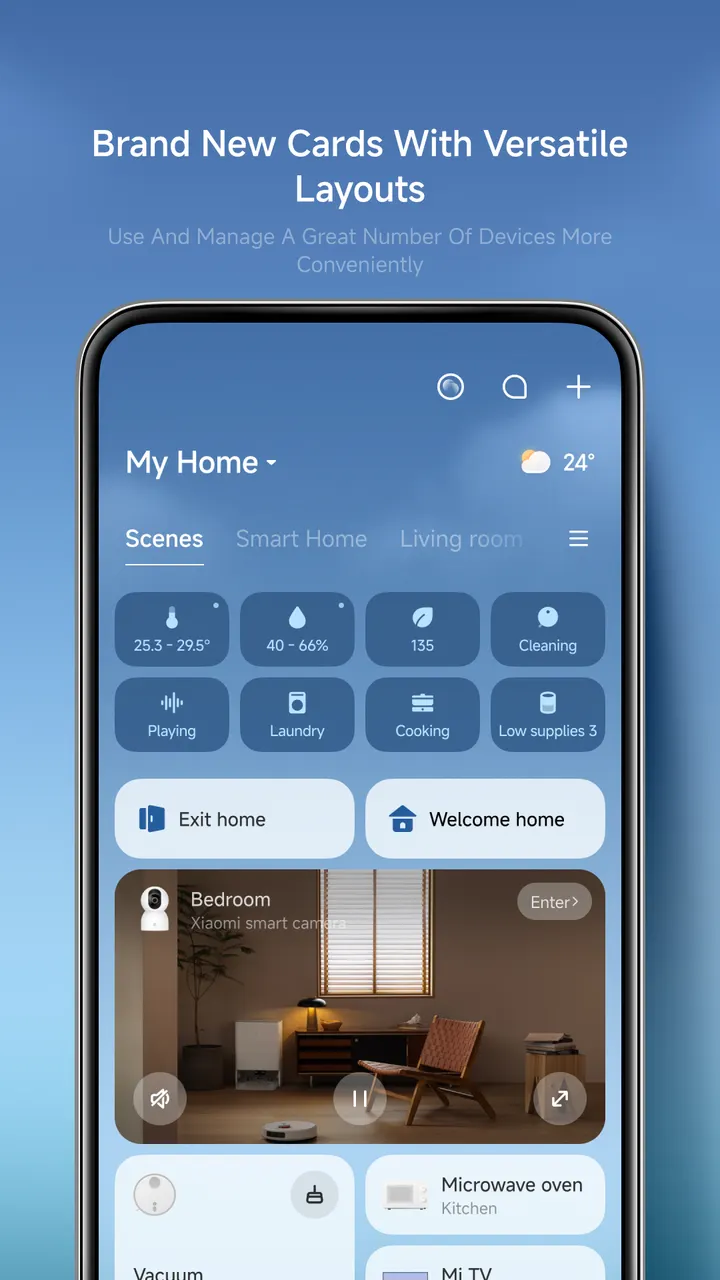
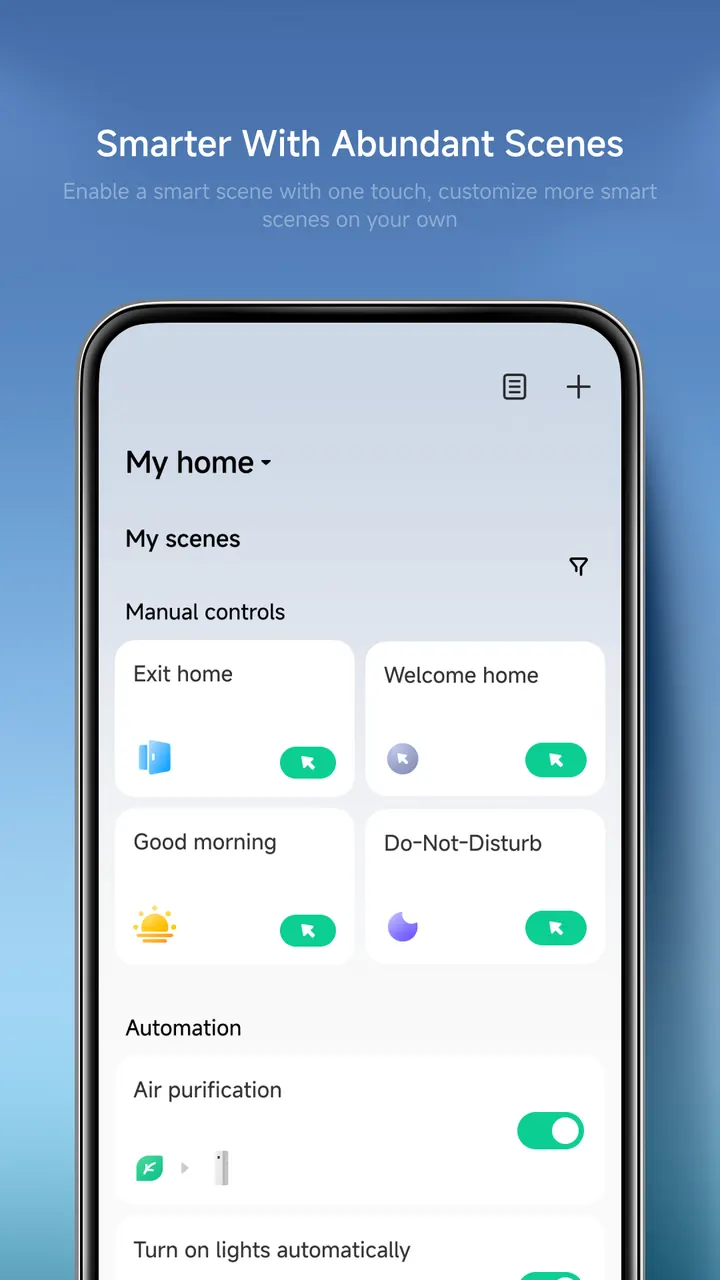
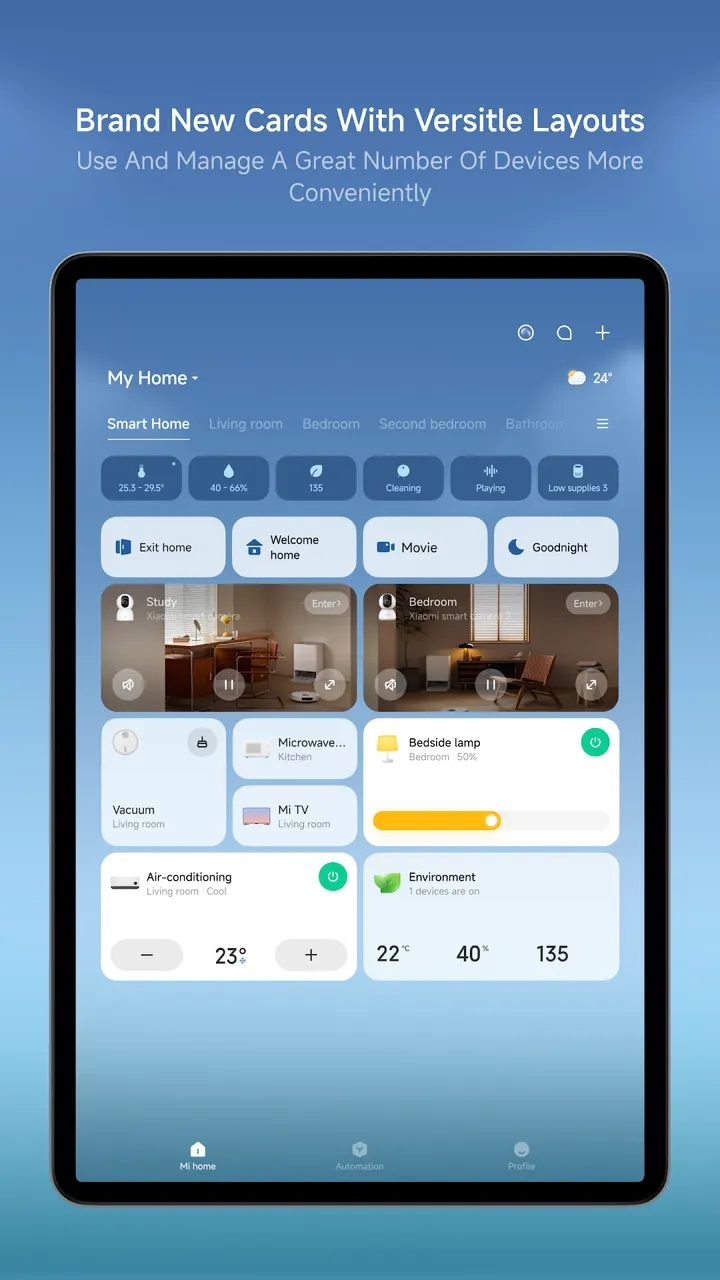
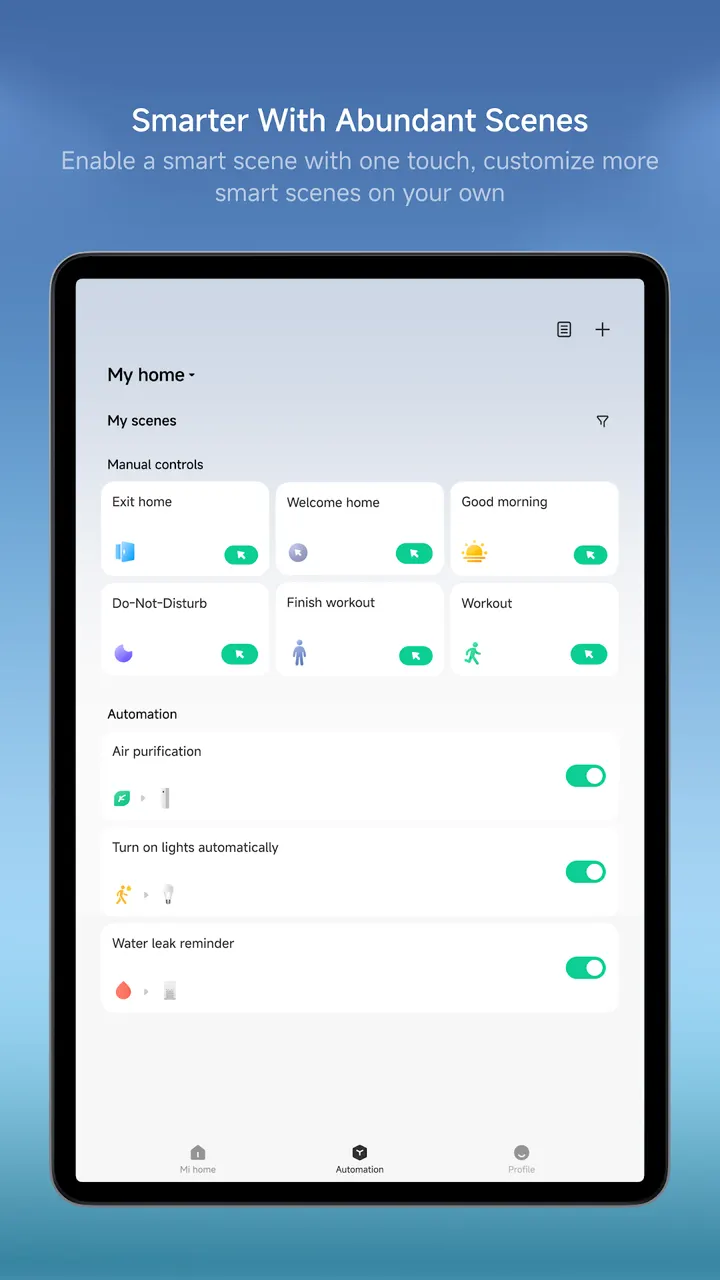
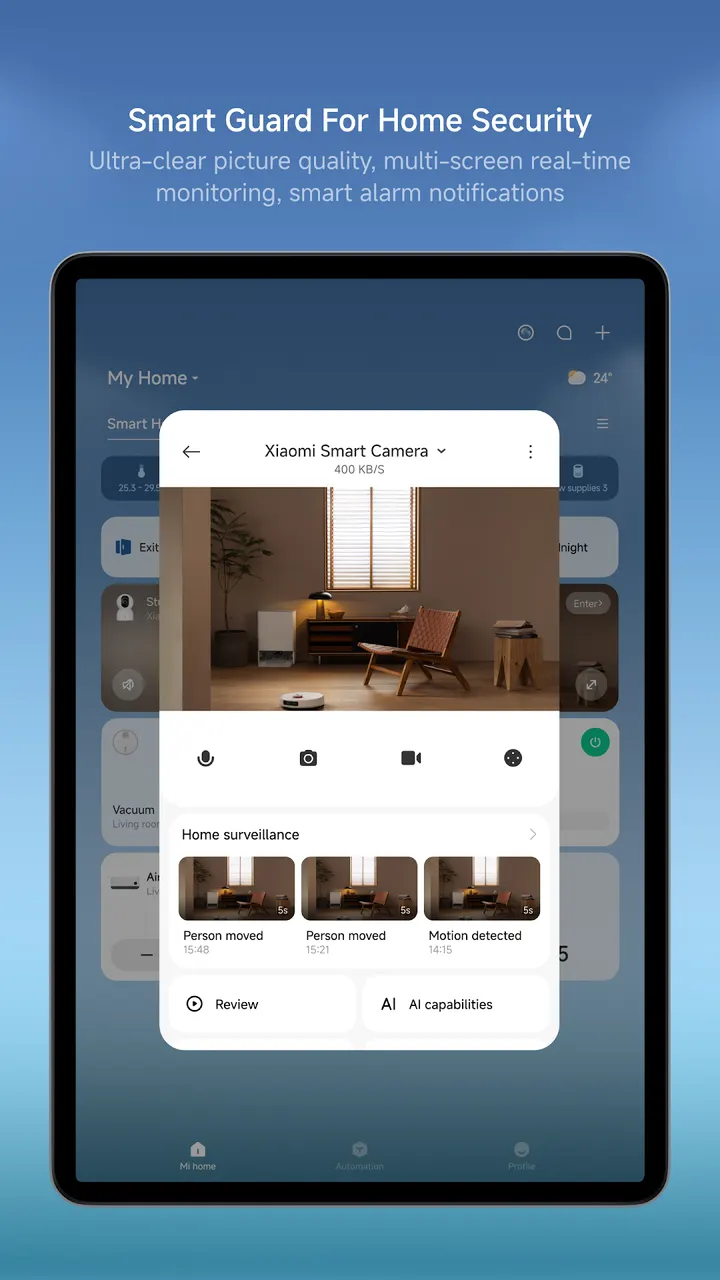
SmartLife and Hik-Connect also handle smart devices and cameras, but Xiaomi Home is the official control app for Xiaomi's own hardware. You can add new devices in a few steps, check their status in real time, share them with family members and set up automated tasks. It is free and shows no ads.
One app for Xiaomi lights, fans, printers and cameras
The defining fact is scope. The app manages many device types from one place, and the listing names cameras, printers, lights, air conditioners, fans and switches. Availability varies by model and region, so not every function will appear for every product.
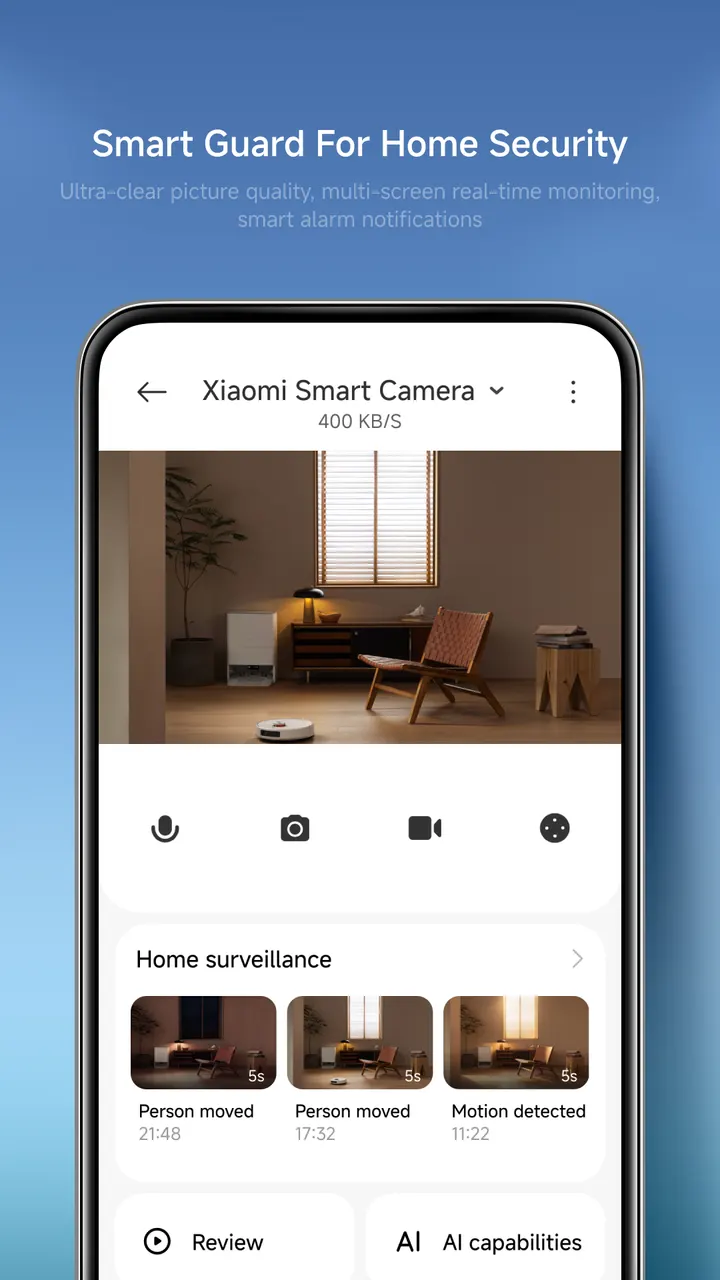
Cameras get live view, quick snapshots and video clips, plus recent events and history playback. The developer is Beijing Xiaomi Mobile Software Co.,Ltd, and the app was first released on February 27, 2016.
What a session looks like, from QR scan to automation
Setup starts with adding a device in a few steps. The camera permission is used to scan QR codes for setup and login, while local network and Bluetooth access handle discovery, pairing and firmware updates.
After that you control devices remotely and see their status in real time. You can share devices with family members and build automated tasks, such as scheduling lights or fans. The app requires no permissions, and all the ones it asks for are optional and tied to specific features.
Where it sits next to SmartLife, Hik-Connect and AlfredCamera
Any comparison rests on scope. Hik-Connect and AlfredCamera Home Security app are alternatives in the camera category, where Xiaomi Home treats cameras as one device type among several.
SmartLife is the closer match as a multi-device controller. Xiaomi Home does offer HomeKit synchronization, pairing and control within the app.
Xiaomi Home pros and cons
Pros
- No ads
- Free to install, with a Google Play rating of 4.4 from 1.6 million ratings
- Covers cameras, lights, fans, air conditioners, printers and switches
- Optional permissions only, each tied to a named feature
- Supports device sharing and automated tasks
Cons
- Has in-app purchases
- Feature availability varies by device model and region
- Requires Android 7.0 or later
Is Xiaomi Home safe?
The publisher is Beijing Xiaomi Mobile Software Co.,Ltd, and the content rating is Everyone. The permission guide lists no required permissions, and every access it names is optional, depending on the connected device model and the features you use, so you can decline them and still open the app. It contains in-app purchases.
How to install Xiaomi Home
- Press the Google Play button on this page.
- Check the listing in the Play Store and press Install.
- Open Xiaomi Home when the install finishes. Updates arrive through Google Play.


