
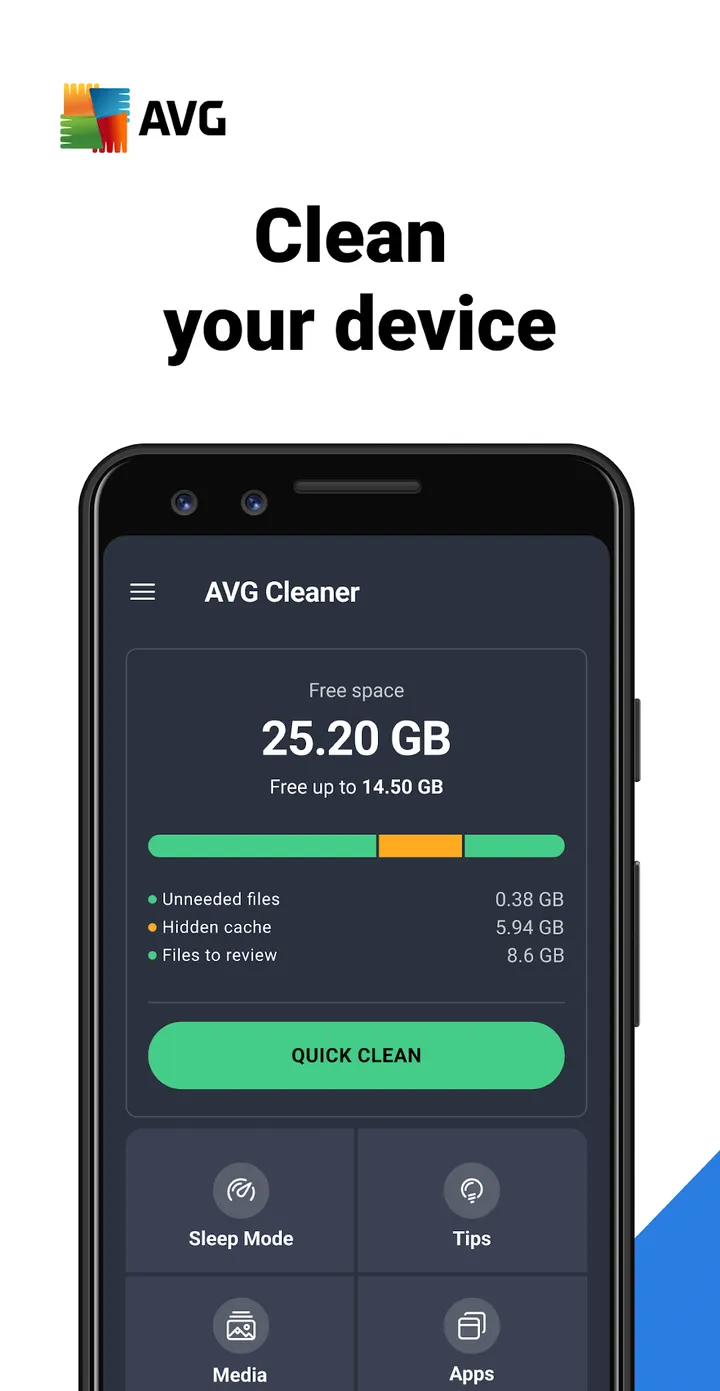
A phone that warns about full storage right before you want to record a video is the case AVG Cleaner is built for. The app from AVG Mobile scans for junk files, weak photos and heavy apps, then lets you clear them from one place. It can also swap preinstalled apps you never use for their factory versions to free up more space.
Who a storage cleaner like this suits
AVG Cleaner fits people whose phone fills up with photos, videos and apps they no longer open. It runs on Android 10 or newer and carries an Everyone content rating. The app has been on the store since April 29, 2013, and version 26.16.1 was updated on September 3, 2026.
Photo analysis, app removal and one-tap scans
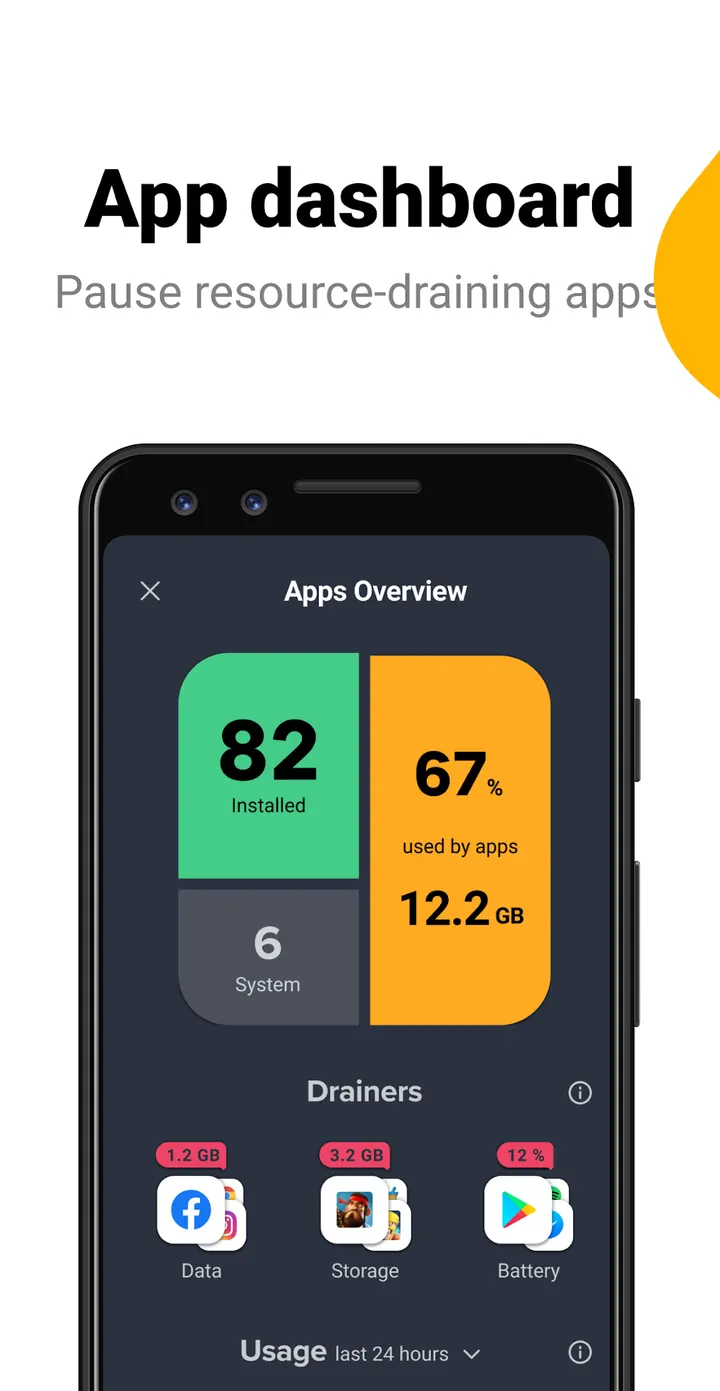
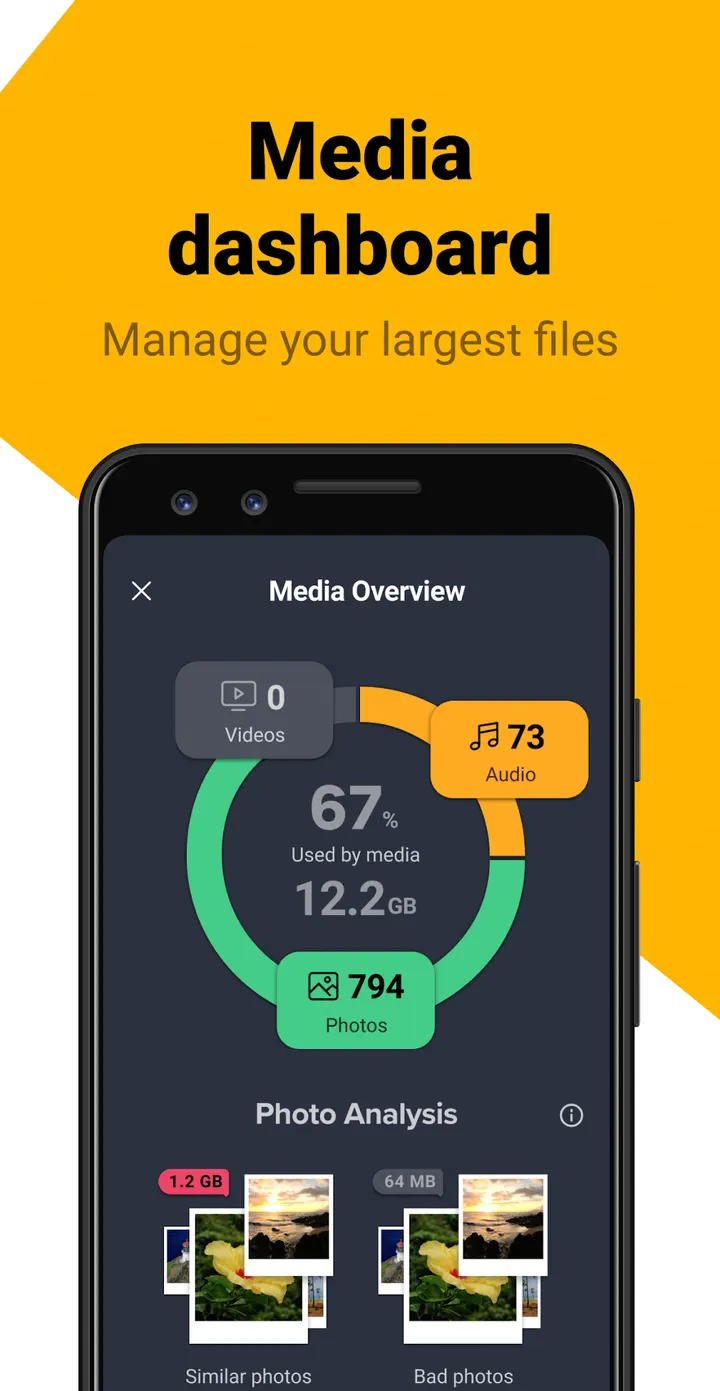
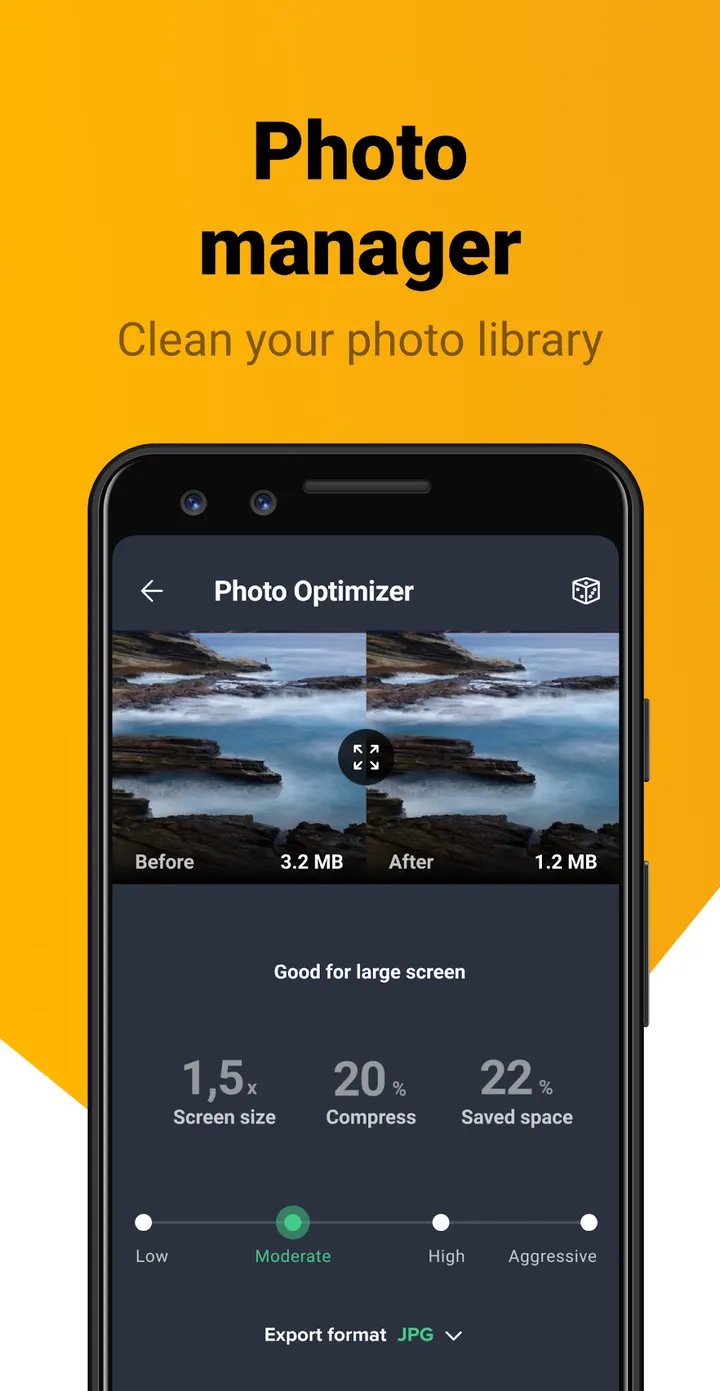
The photo analyzer looks for bad quality and duplicate pictures, so you can trim a library without scrolling through it by hand. Media overview sorts files by source folder and gathers large videos in one view. The app analyzer ranks apps by storage, RAM, battery, data use or how often you open them.
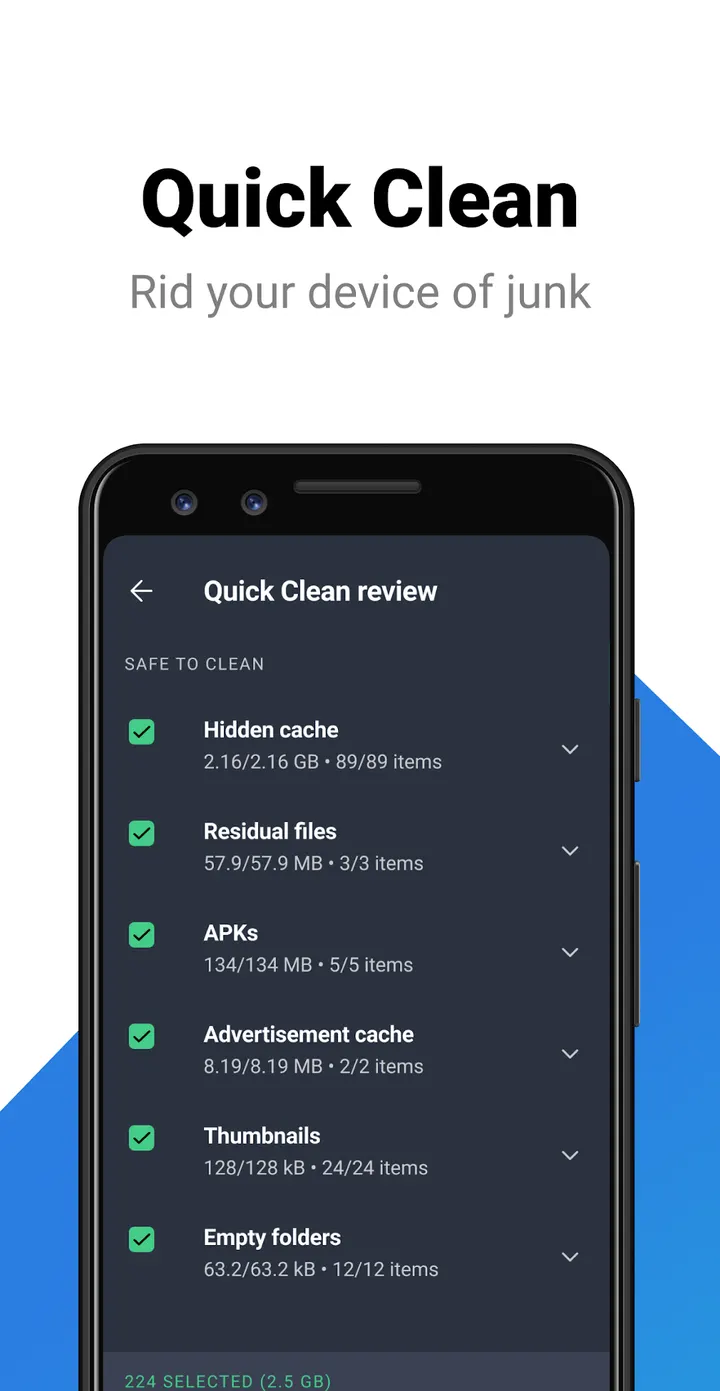
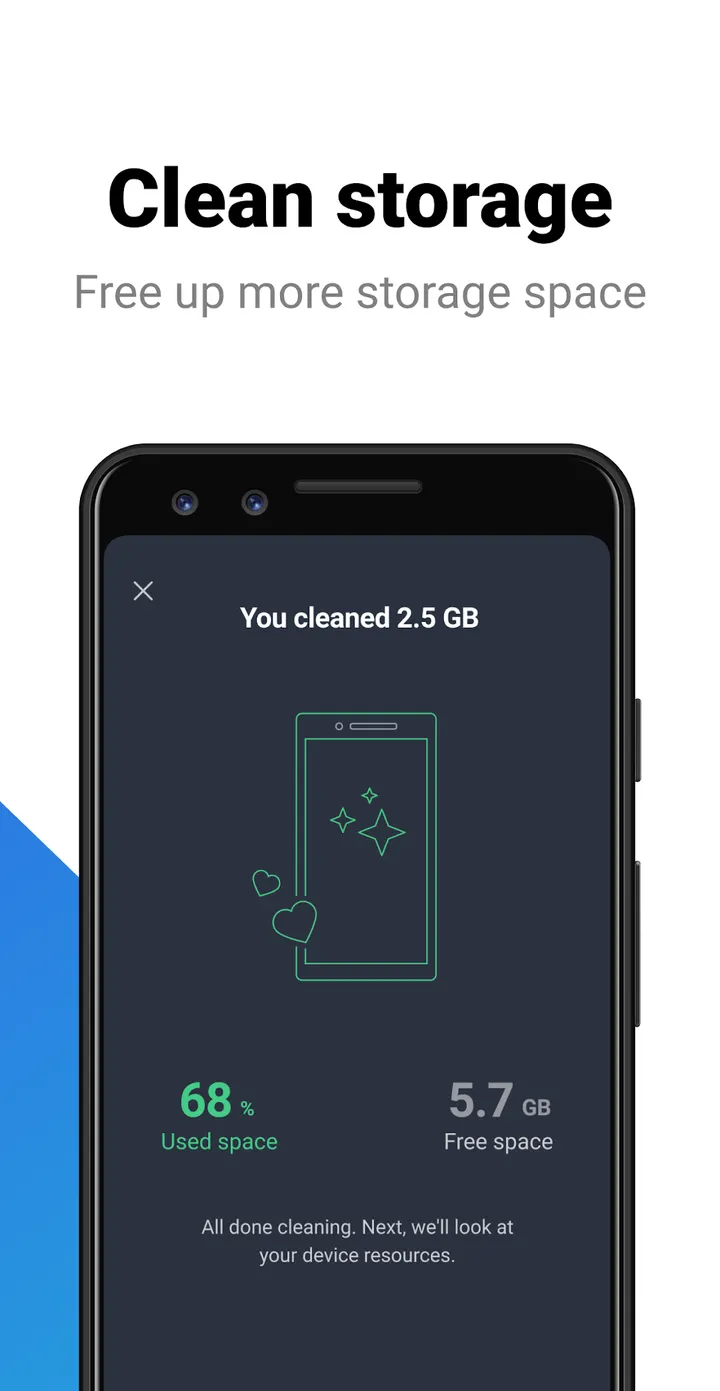
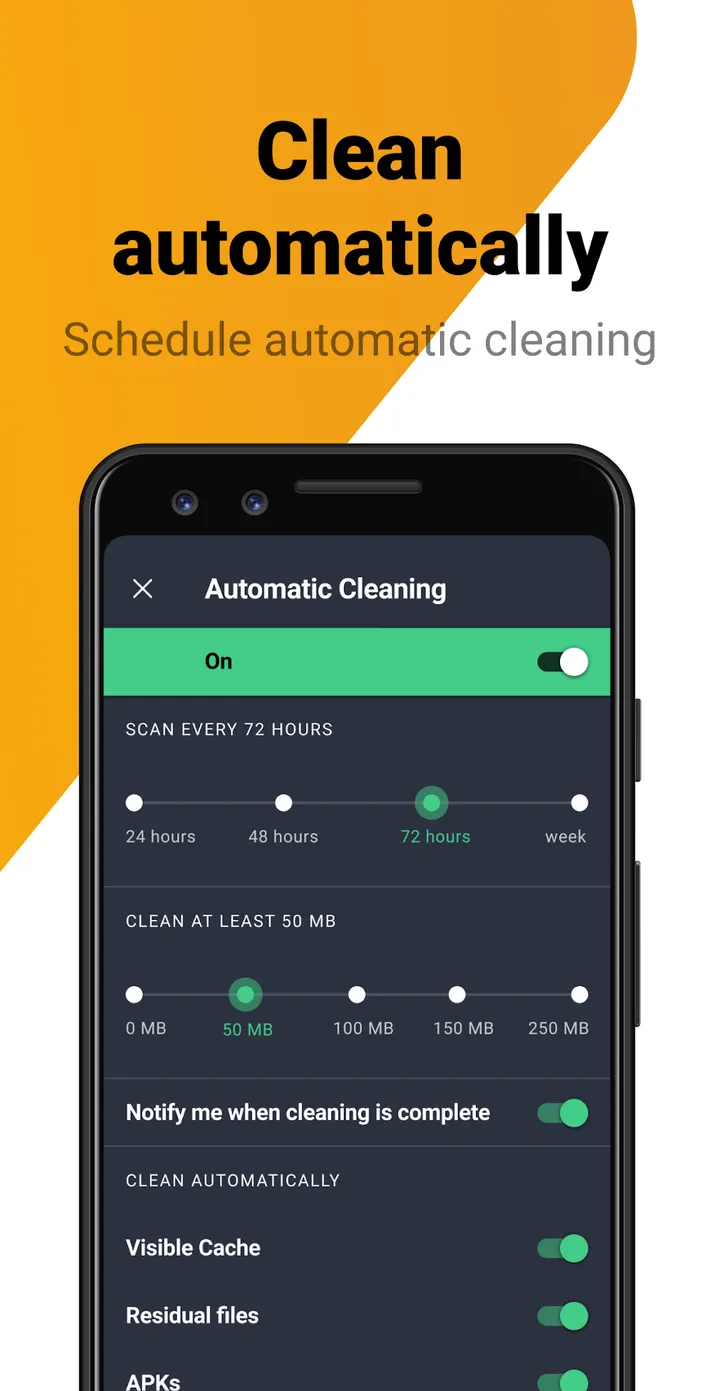
A one-tap analysis runs the device scan in a single press. The junk cleaner clears leftovers such as app data. A separate option removes updates from preinstalled apps, returning them to factory versions to save space. A system info screen and a file manager that checks pictures, files and apps round out the tool.
Ads, in-app purchases and the Accessibility permission
The app is free to install, but it shows ads and offers in-app purchases. It also asks for Accessibility permission, which it uses to stop background apps with one tap.
AVG Cleaner pros and cons
Pros
- Flags bad quality and duplicate photos for removal
- Analyzes apps by storage, RAM, battery, data use or usage
- Can revert preinstalled app updates to factory versions to save space
- Free to install, with a 4.6 rating on Google Play
- Sorts media by source folder and shows large videos together
Cons
- Contains ads
- Offers in-app purchases
- Needs Accessibility permission for the background app stop feature
- Requires Android 10 or newer
Is AVG Cleaner safe?
AVG Cleaner comes from AVG Mobile under the package ID com.avg.cleaner and carries an Everyone content rating. It contains ads and in-app purchases, which is common for free cleaning tools. Because a storage cleaner needs broad access to files and apps, review each permission it asks for, including any Accessibility request, before you grant it.
How to install AVG Cleaner
- Press the Google Play button on this page.
- Check the listing in the Play Store and press Install.
- Open AVG Cleaner when the install finishes. Updates arrive through Google Play.