

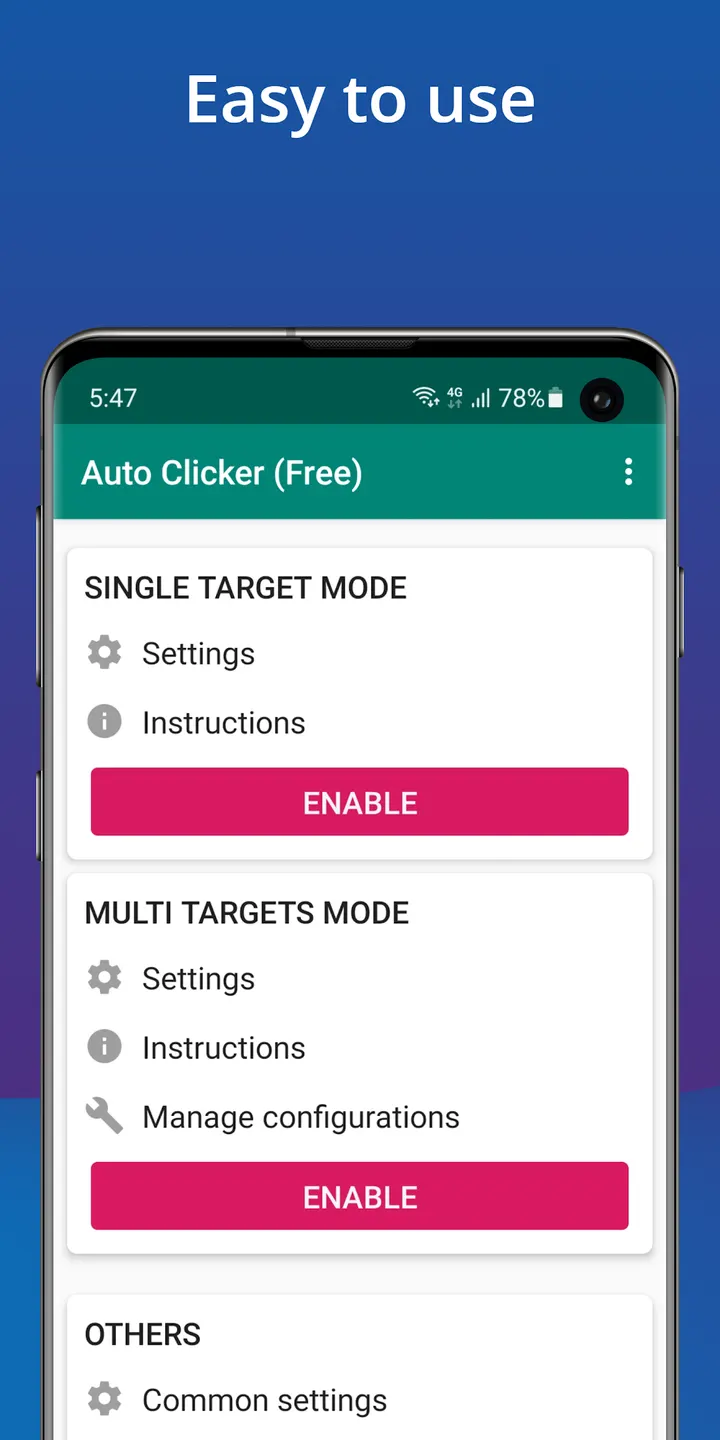
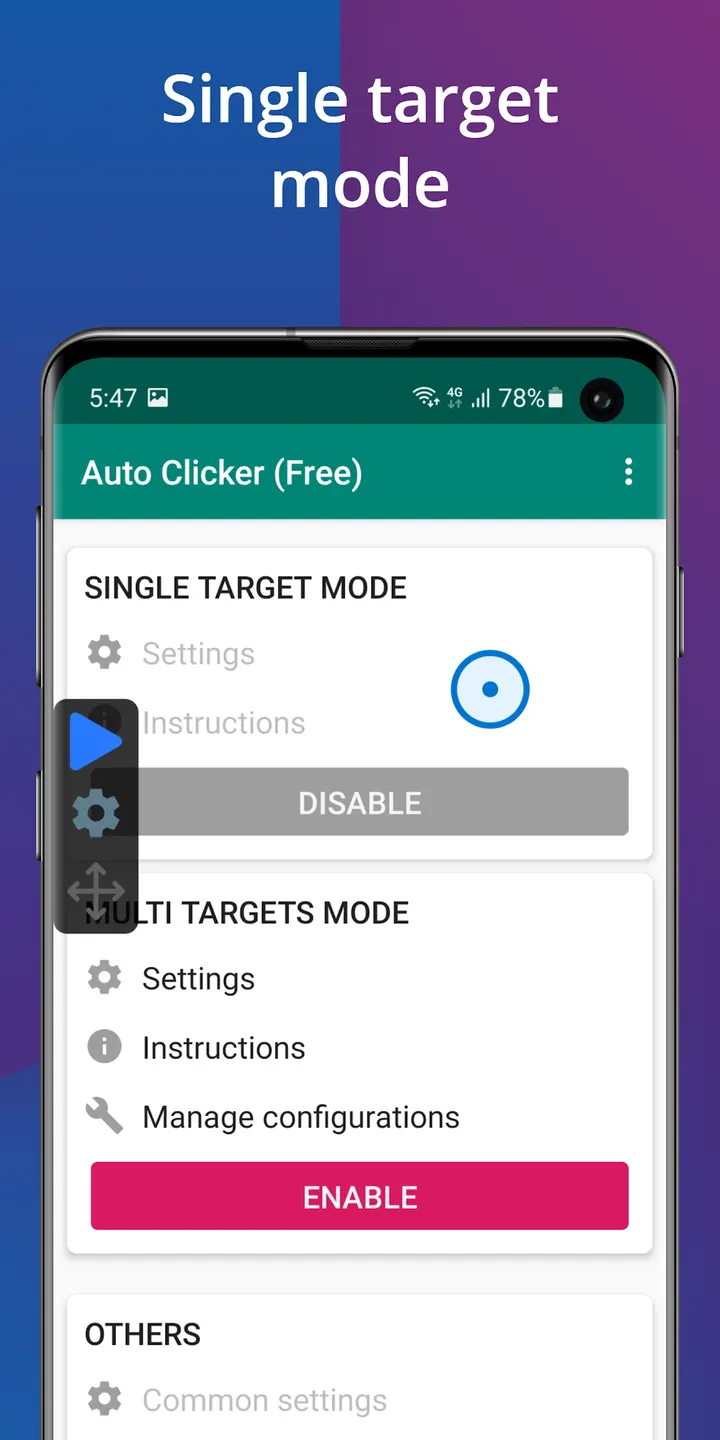
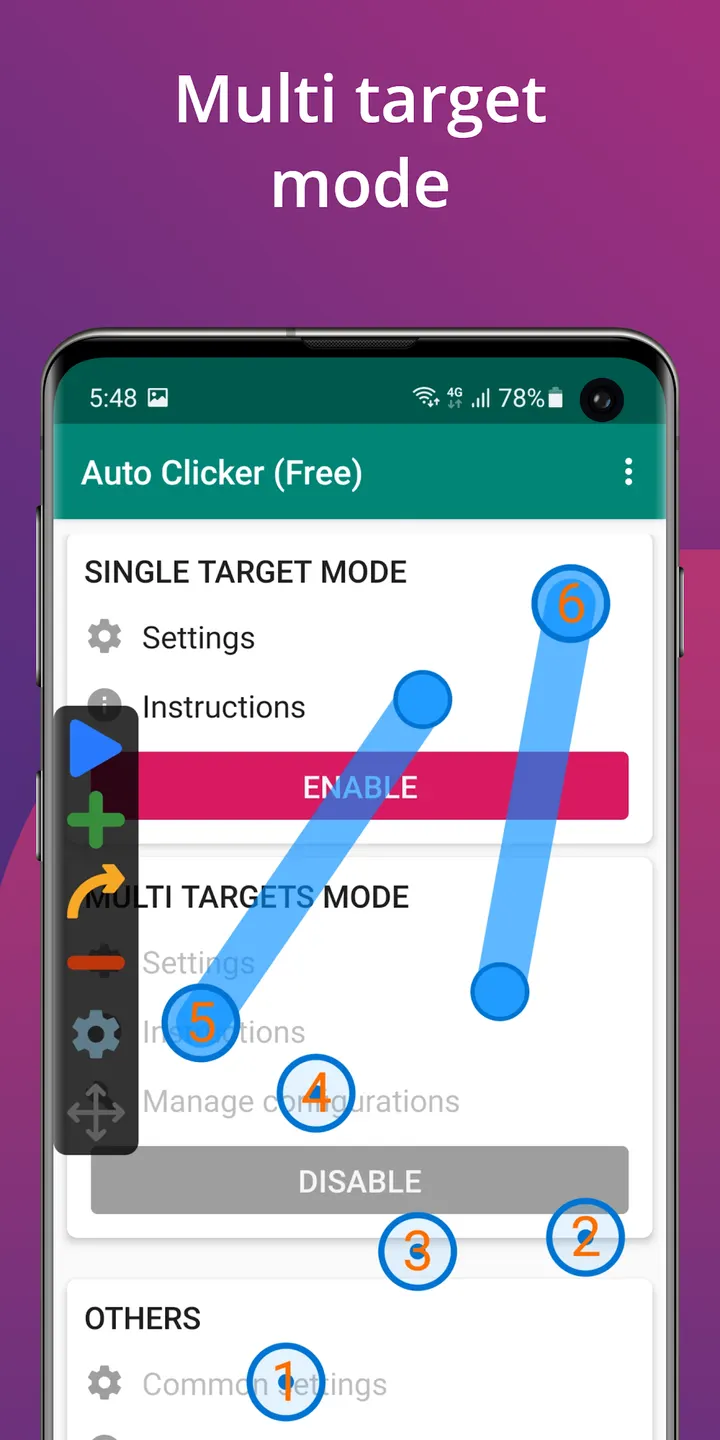
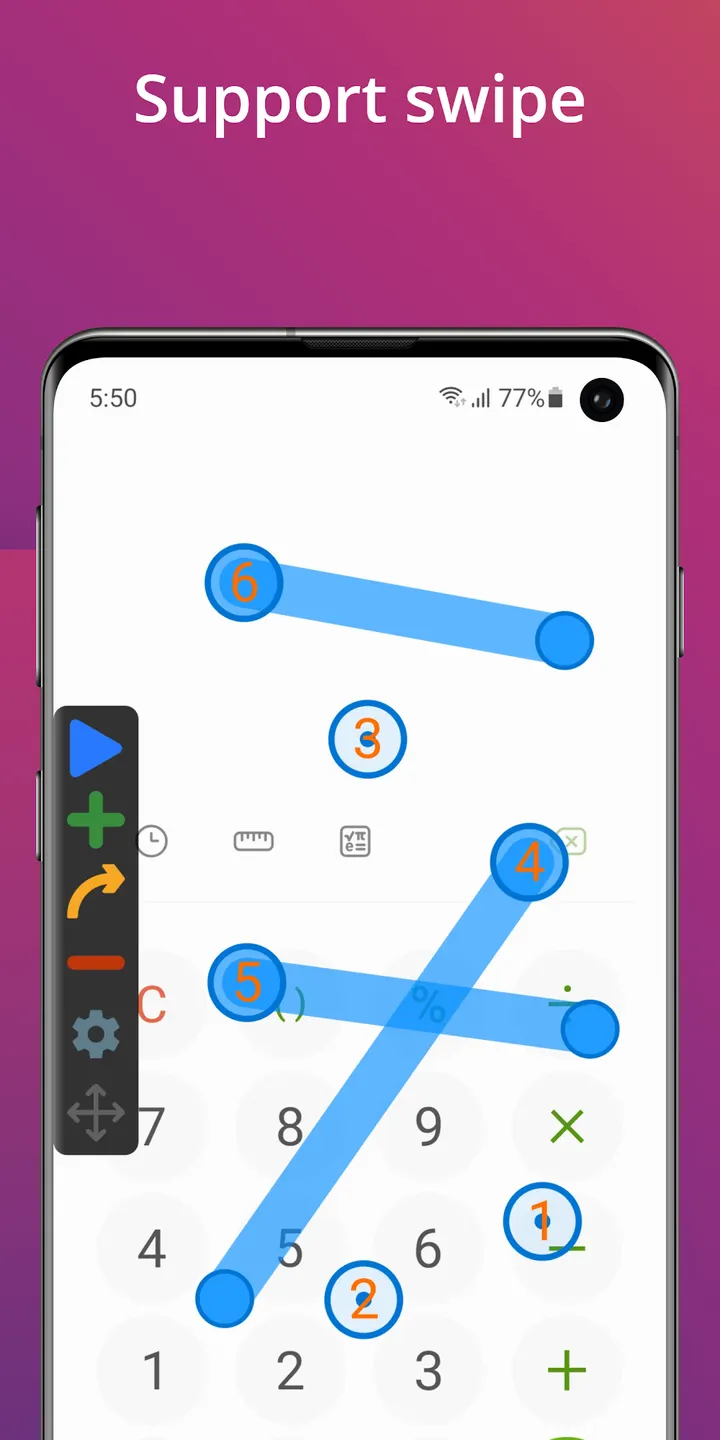
Auto Clicker is available through Google Play only, and Google Play lists over 100 million installs for it. The app from True Developers Studio automates repeated taps and swipes on Android, and it carries a 4.5 rating from about 846 thousand ratings on Google Play.
A 2019 release from True Developers Studio
True Developers Studio published Auto Clicker on February 19, 2019, and the developer maintains a site at truedevstudio.com. The package ID is com.truedevelopersstudio.automatictap.autoclicker. The most recent update came on September 27, 2025, and brought the app to version 2.3.0.
It sits in the auto-clickers category with a content rating of Everyone. The app is free, with ads and in-app purchases.
Multiple click points, swipes and a global timer
The app repeats taps at any screen location with an interval you set. It supports several click points and several swipes, so a sequence can be more than one repeated tap. A floating control panel starts and stops the run without leaving the app you are using.
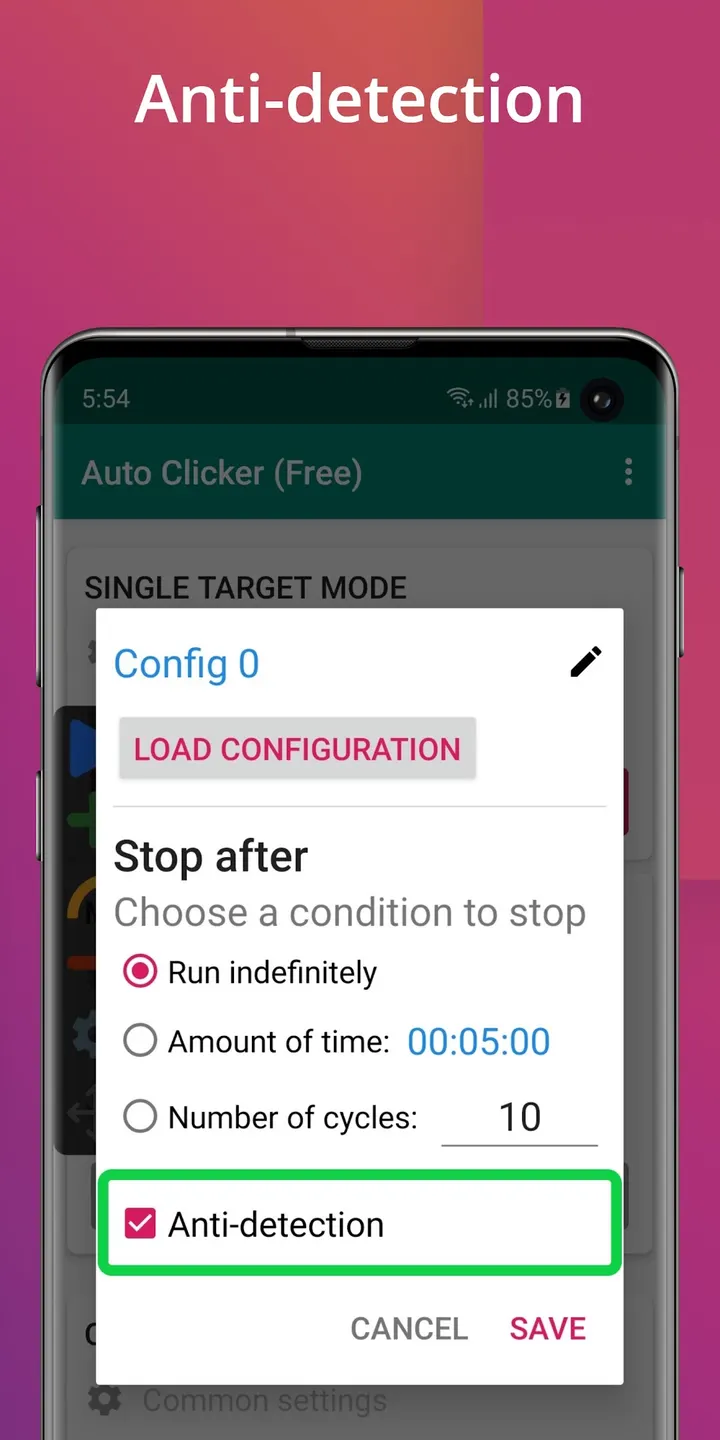
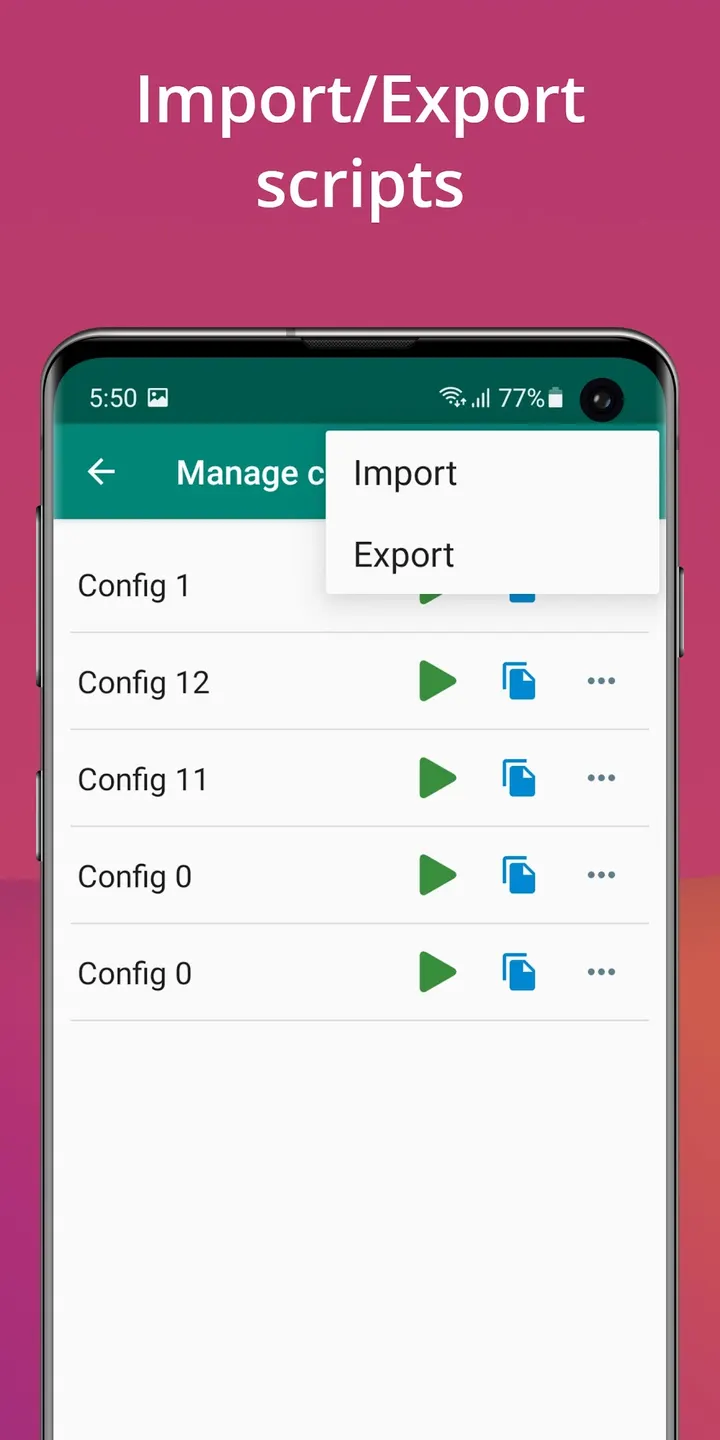
A global timer limits a session to a set length of time. Scripts can be imported and exported, which helps if you want to keep or move a setup. The developer says it works without root access and describes it as suited to click games.
Android 7.0 and the Accessibility service
Auto Clicker needs Android 7.0 or newer. It also requires the Accessibility service, because the app uses the AccessibilityService API to simulate clicks and swipes on screen.
The developer says it does not collect private data through this permission. That is the publisher's own statement, and no independent security review is available to confirm it.
Auto Clicker pros and cons
Pros
- Supports multiple click points and multiple swipes
- Global timer ends a run after a chosen time
- Scripts can be imported and exported
- Works without root access, per the developer
- Free to install, with over 100 million Google Play installs
Cons
- Contains ads
- Includes in-app purchases
- Requires the Accessibility service to function
- Needs Android 7.0 or newer
Is Auto Clicker safe?
Install Auto Clicker from Google Play. The publisher is True Developers Studio, and the app carries an Everyone content rating. To work, it asks for the Accessibility permission. According to the developer, that permission drives simulated taps and swipes, and no private data is collected through it. The app is free but shows ads and offers in-app purchases.
How to install Auto Clicker
- Press the Google Play button on this page.
- Check the listing in the Play Store and press Install.
- Open Auto Clicker when the install finishes. Updates arrive through Google Play.


