
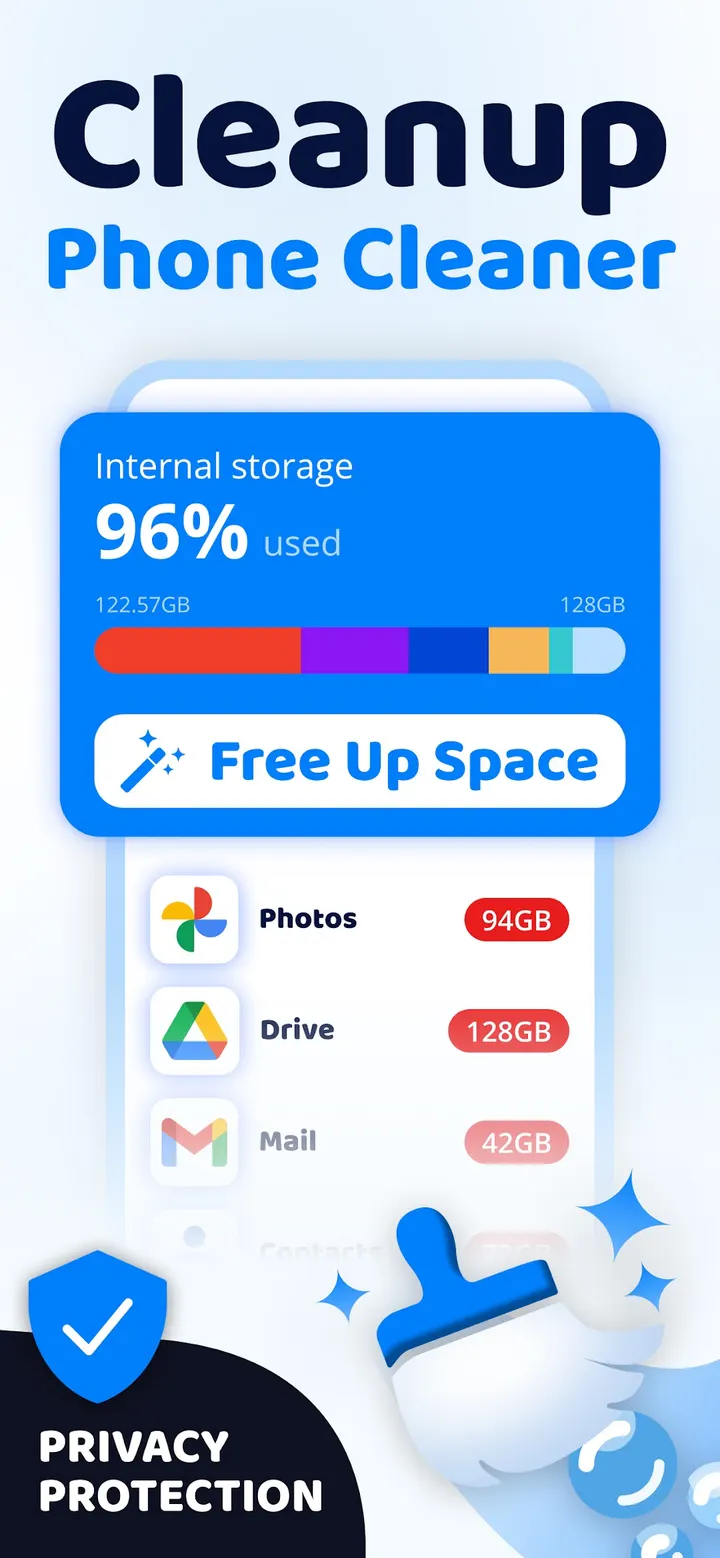
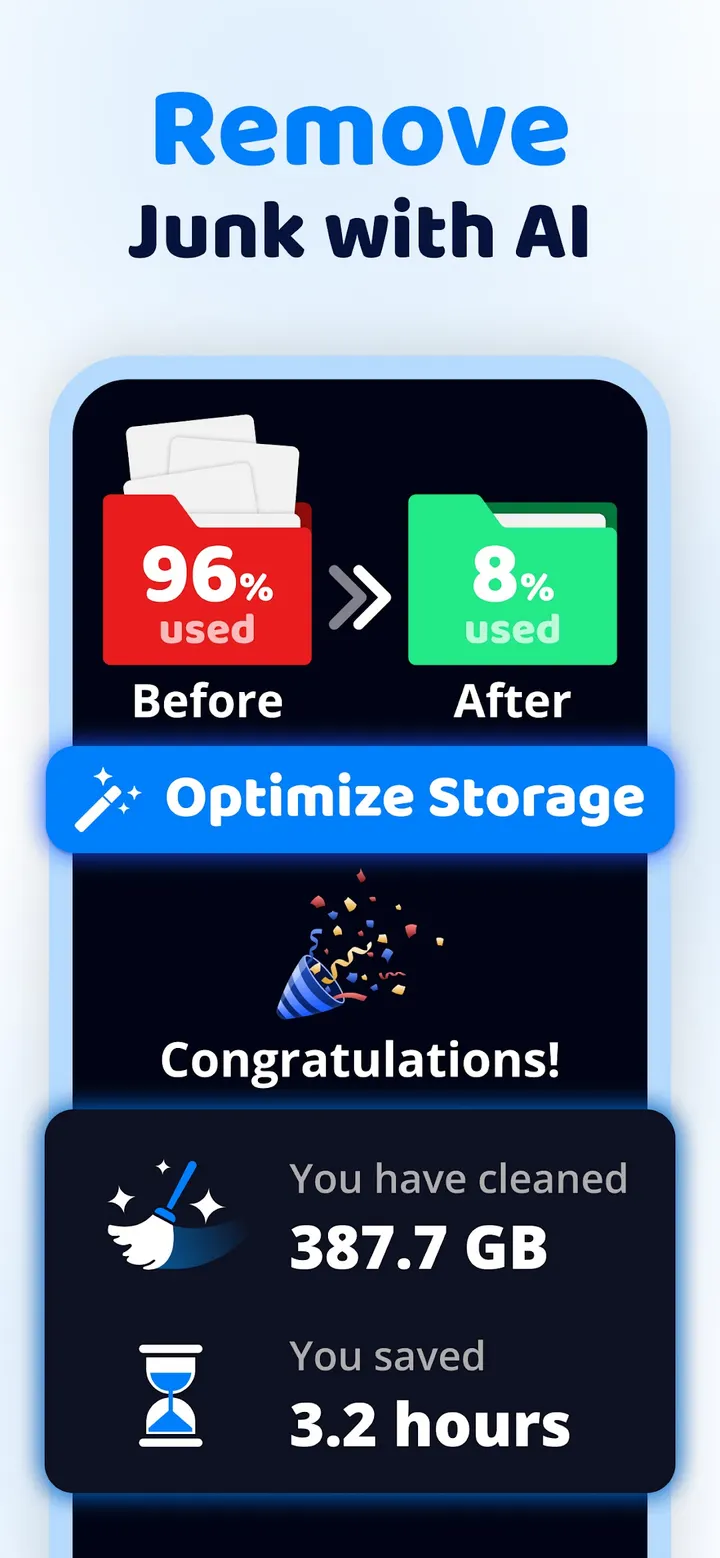
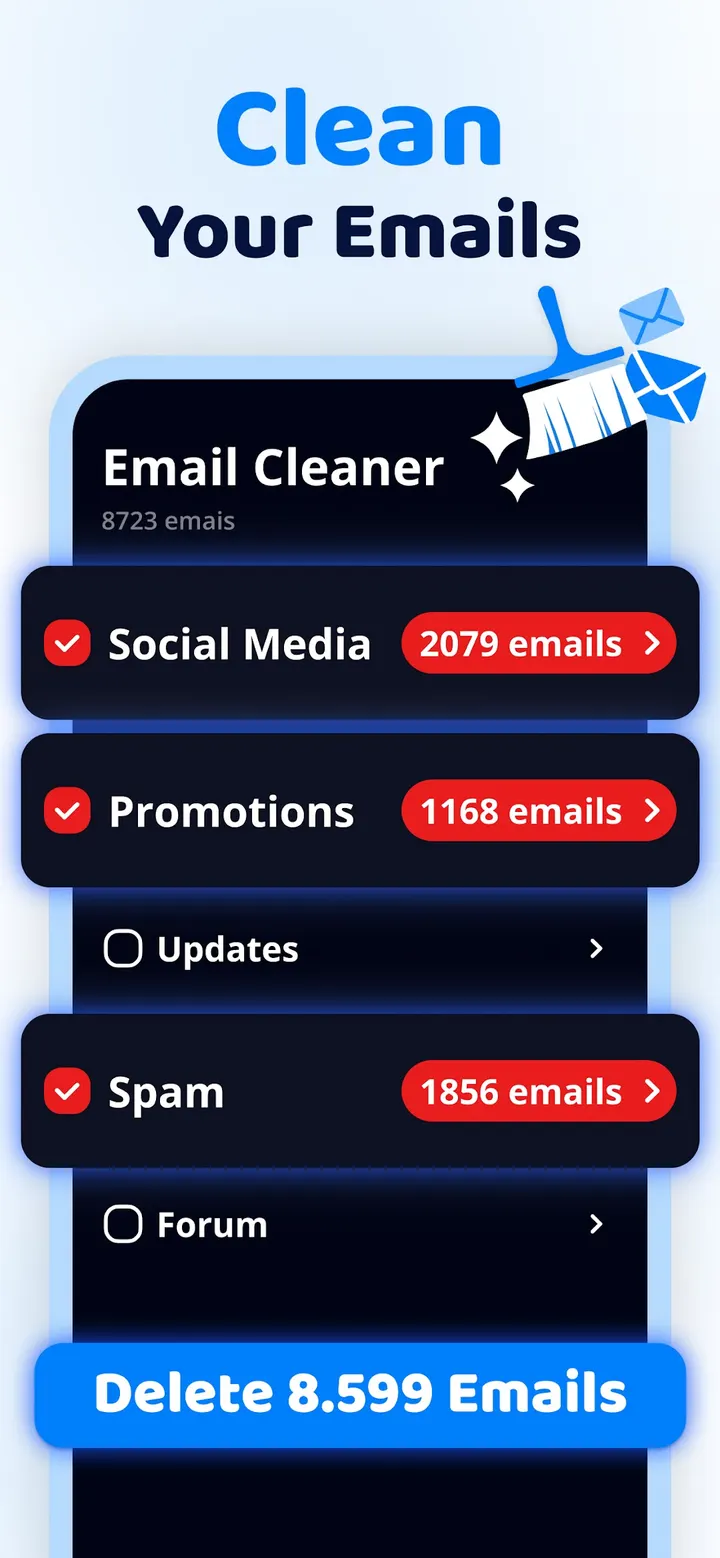

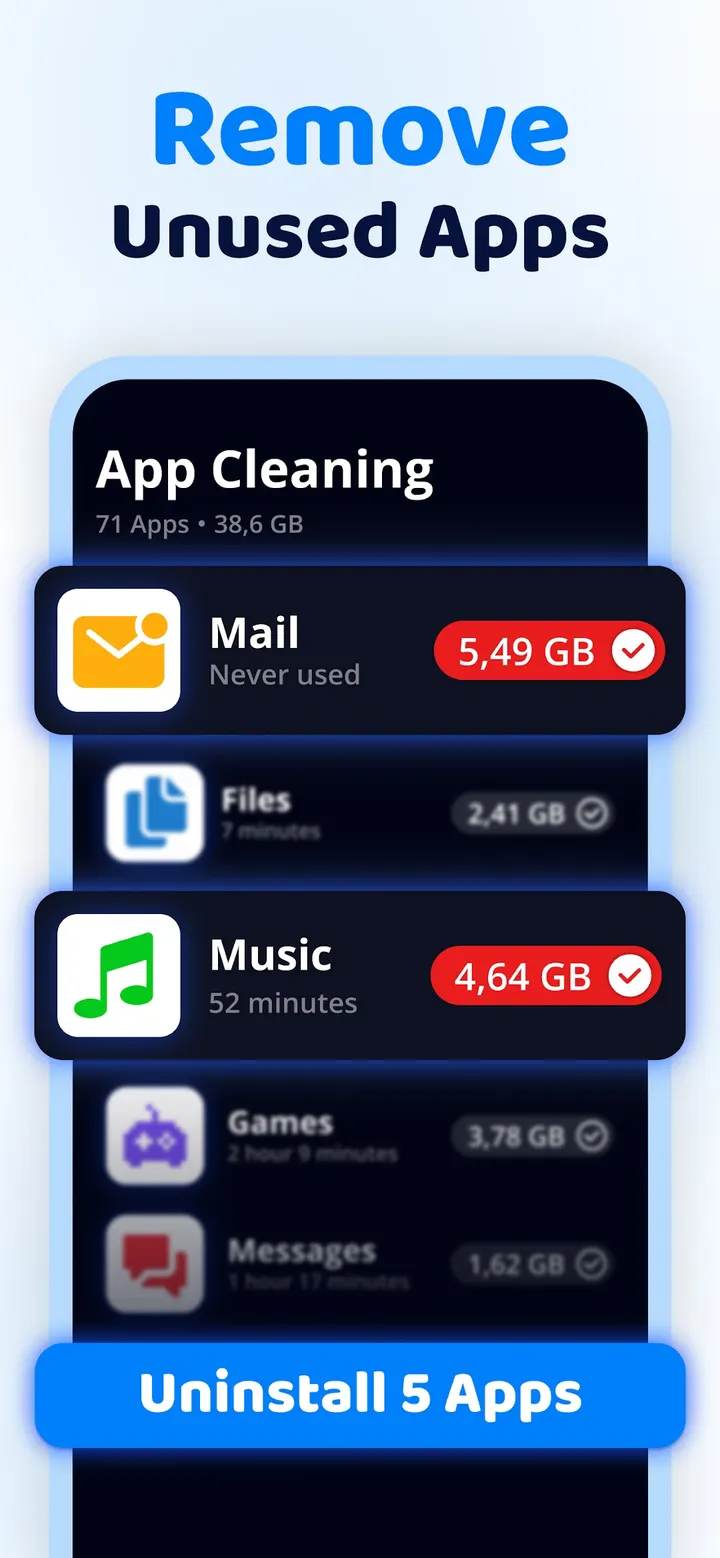
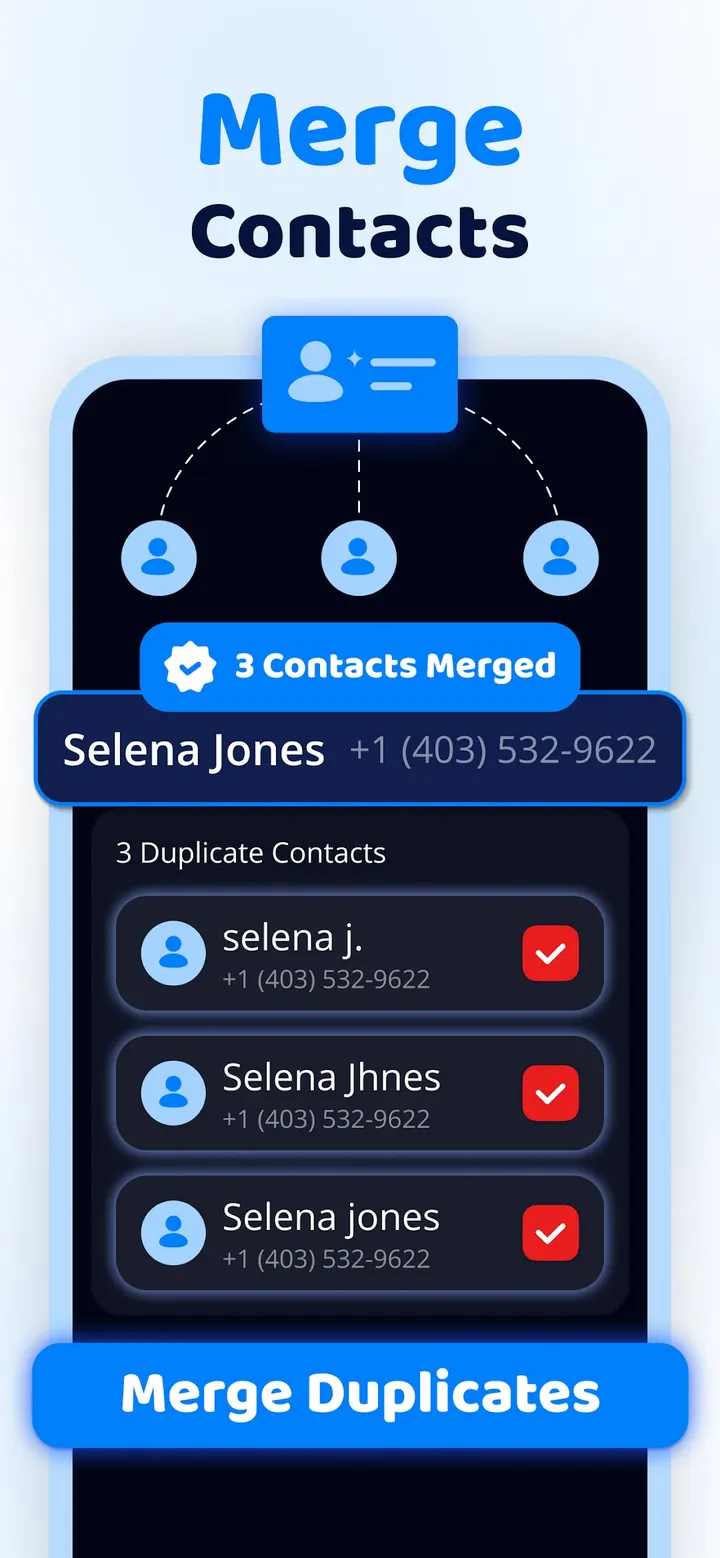
A phone that refuses to record one more video because storage is full is the situation Cleanup is built for. The app from Codeway Technologies scans your device for duplicate photos, similar screenshots and bulky videos. It is free to install from Google Play, with ads and in-app purchases, and has over 10 million installs on Google Play.
First steps after installing Cleanup on Android 11 or later
The app needs Android 11 or newer, so older phones are out. After install, let it analyze your storage. The scan looks for junk, duplicate photos, similar screenshots and lookalike videos.
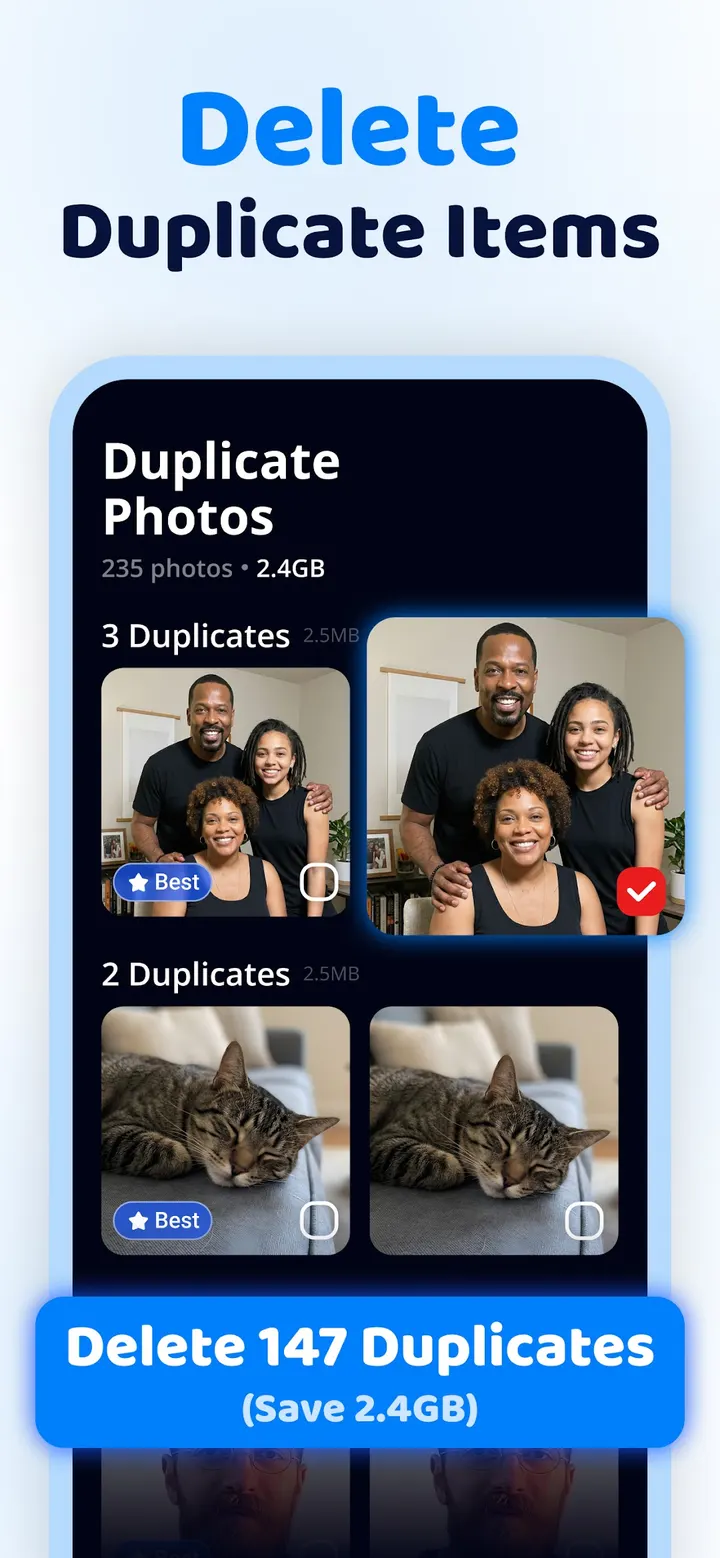
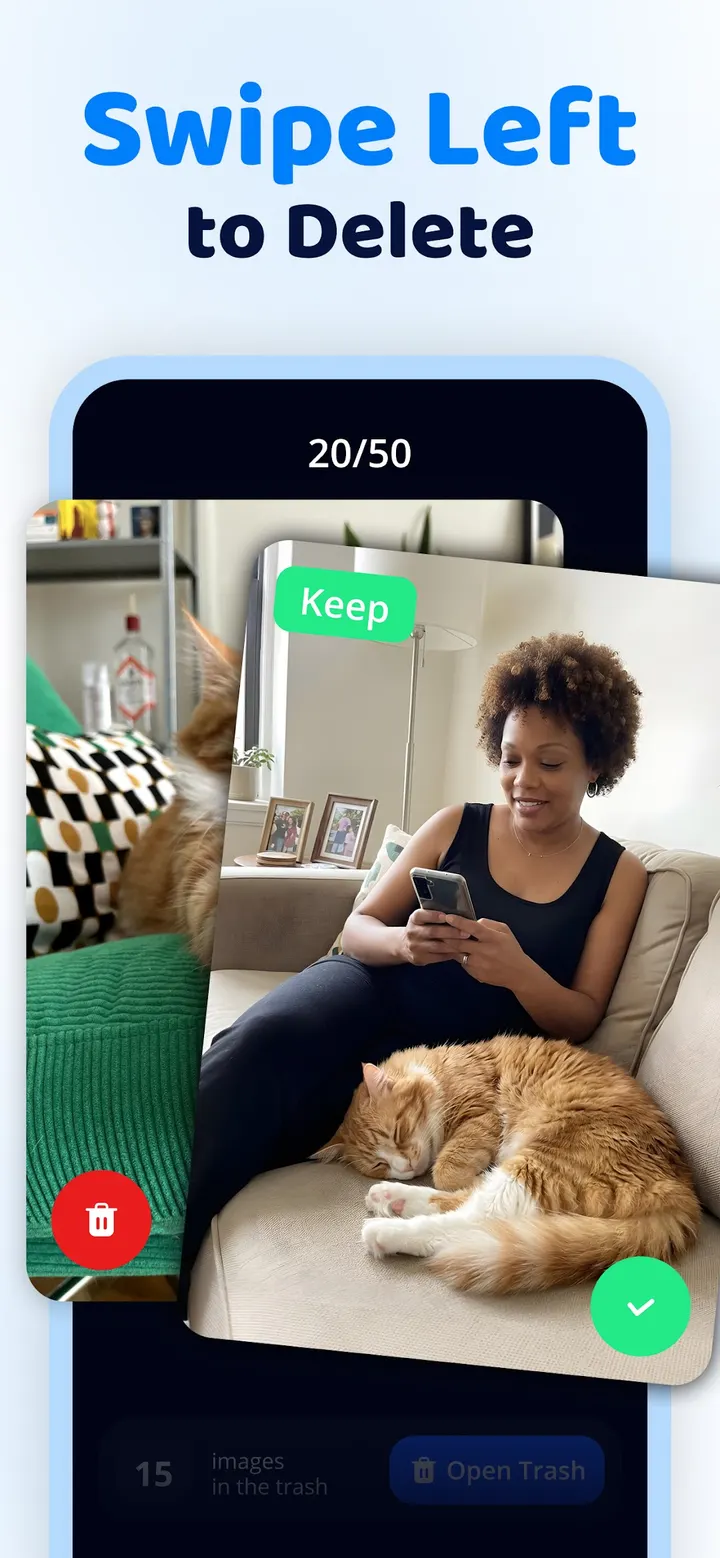
You can swipe to keep or delete items in your photos, videos and files. Start with the duplicate photo results, since that is the feature the developer puts first, and review the suggested best shots before deleting anything.
Duplicate photos and video compression are the core
Cleanup detects duplicate and similar photos and uses AI to pick the best shot from each group. Similar screenshots and lookalike videos are flagged the same way. The developer says the aim is to clear a gallery while keeping only photos you want.
The second tool is a video compressor. The developer says it shrinks large files while keeping quality high, which targets the usual cause of a full phone. Results will depend on your library.
Google Play shows a 4.4 rating from 387.4 thousand ratings, and the content rating is Everyone.
When an alternative such as CCleaner makes more sense
Cleanup is centered on photos and videos. If you want a different cleaner interface or approach, alternatives include Phone Cleaner, AVG Cleaner, CCleaner and Avast Cleanup. Check each one yourself to see how it compares.
Also consider another option if ads or paid upgrades bother you, or if your phone runs Android 10 or older.
Cleanup pros and cons
Pros
- Finds duplicate photos and picks the best shot with AI
- Flags similar screenshots and lookalike videos
- Video compressor aims to free gigabytes while keeping quality
- Swipe to keep or delete items
- Rated 4.4 on Google Play from 387.4 thousand ratings
Cons
- Contains ads
- Offers in-app purchases
- Requires Android 11 or newer
- No data on typical space savings
Is Cleanup safe?
Cleanup is made by Codeway Technologies and carries an Everyone content rating. The developer calls its junk removal safe, but that is the publisher's own claim. Ads and in-app purchases are part of the experience, so read each prompt before tapping. Because the app suggests deleting duplicate and similar photos, look over every suggestion before you confirm it.
How to install Cleanup
- Press the Google Play button on this page.
- Check the listing in the Play Store and press Install.
- Open Cleanup when the install finishes. Updates arrive through Google Play.