

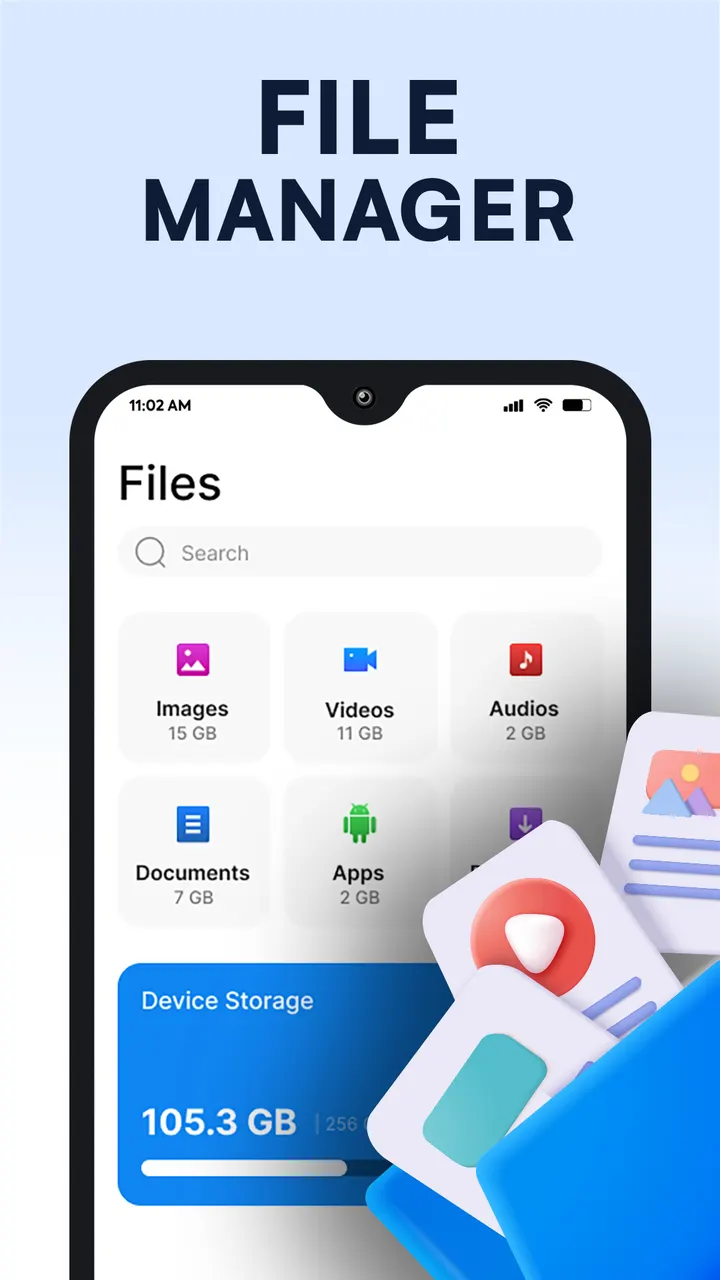
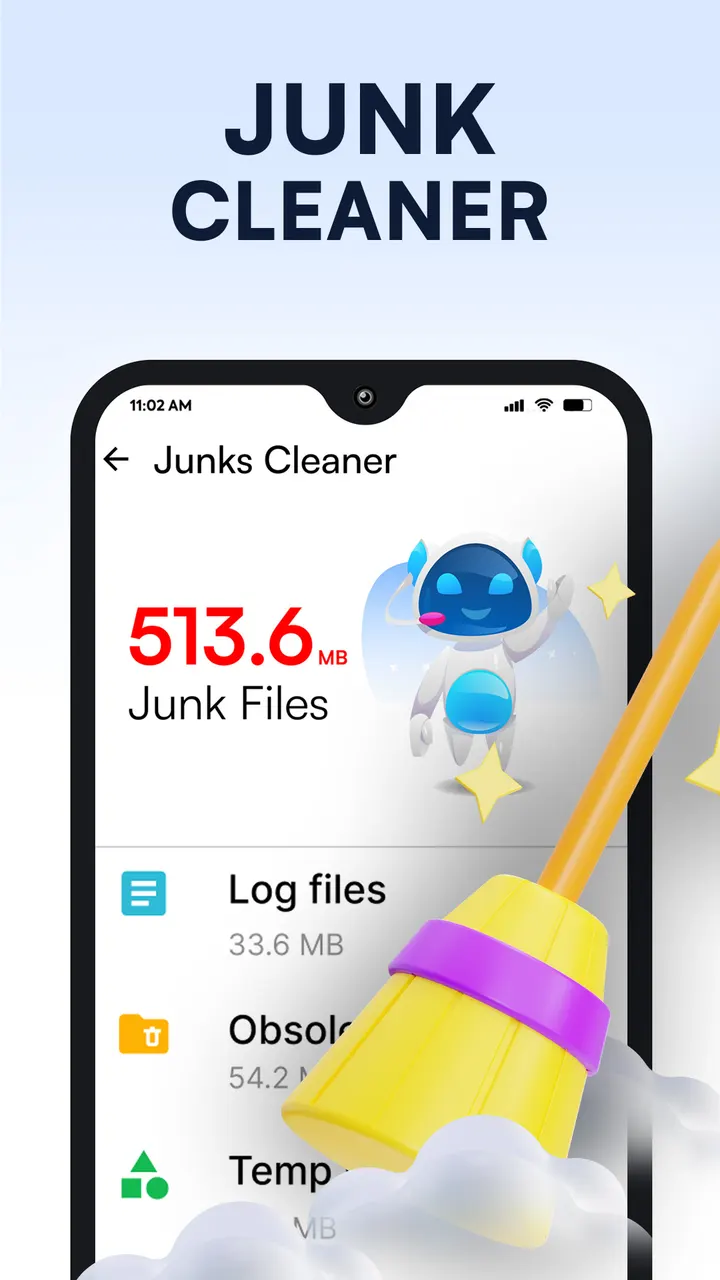
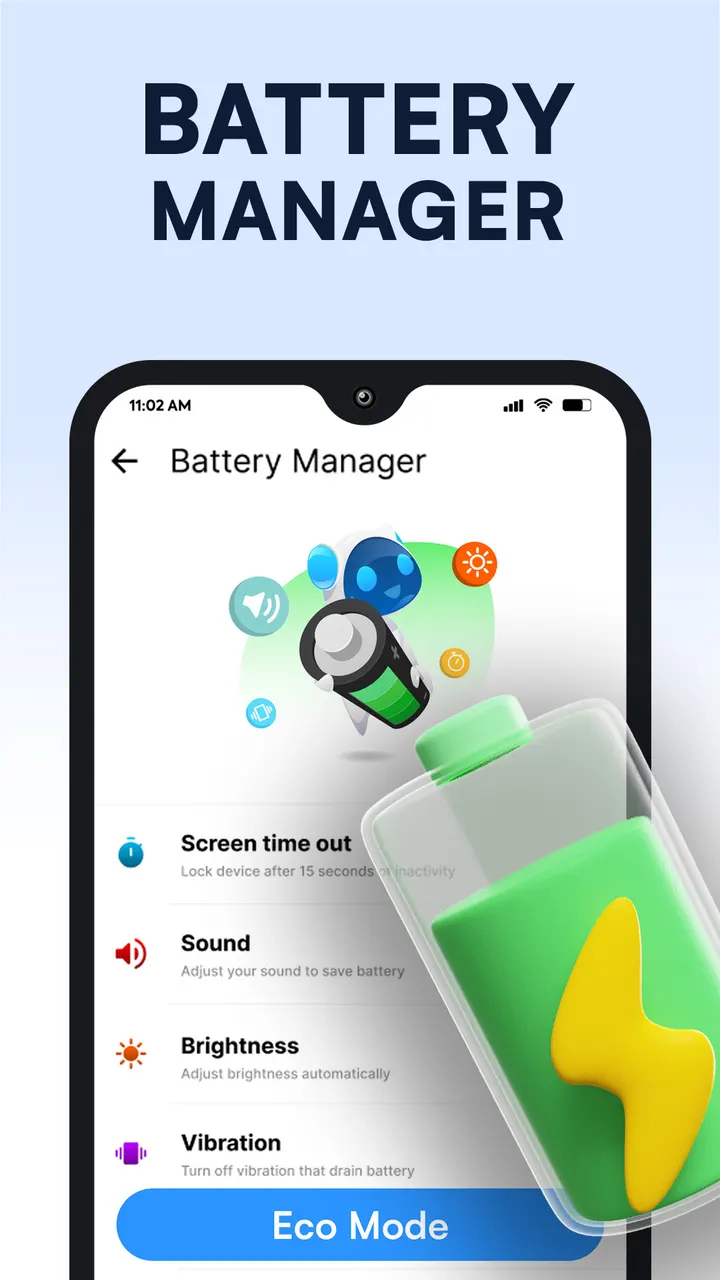
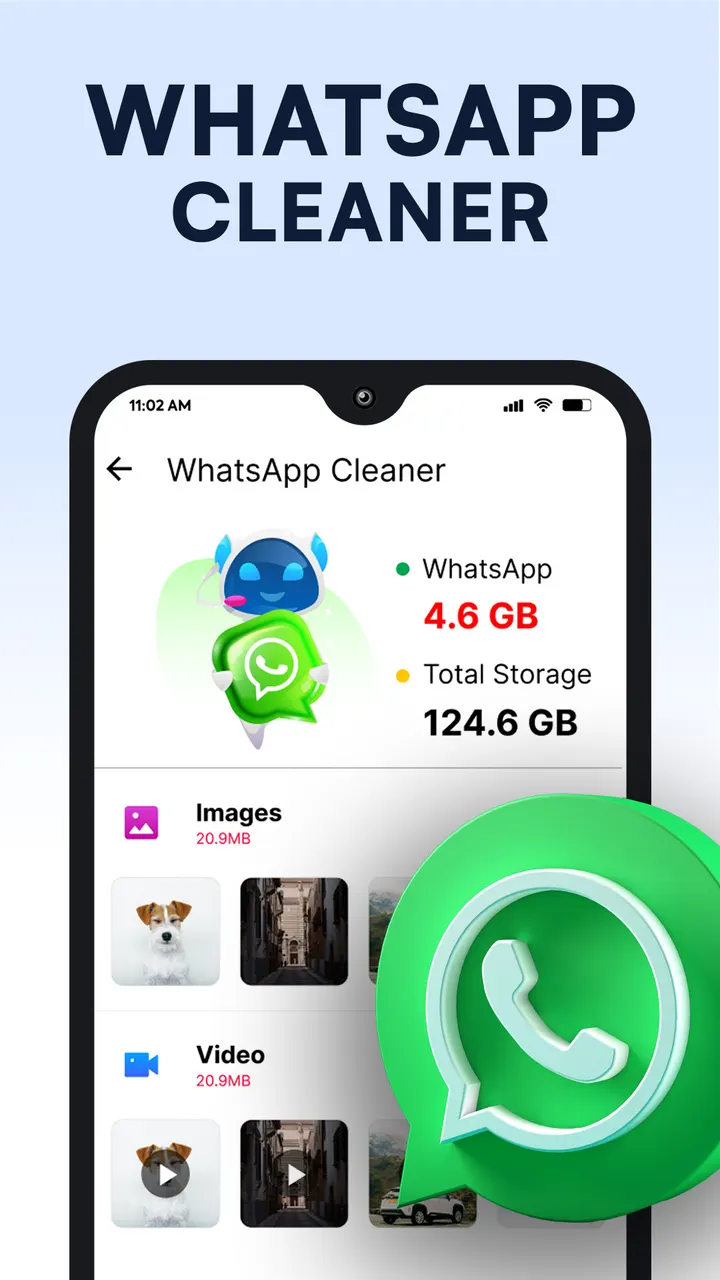
Phone Cleaner is an Android storage tool from Brain Trust that combines a junk scanner, an AI cleaner for large files and folders, an app manager and a file manager. It is free to use and rated Everyone.
First steps after installing Phone Cleaner
Phone Cleaner runs on Android 7.0 or newer. The current version is 1.0.106, updated on October 29, 2026, and the app first appeared on June 26, 2023.
The junk scan is the natural starting point, since storage cleanup is the core job here. It looks for junk, residual files, obsolete APKs and temporary files that pile up on the device.
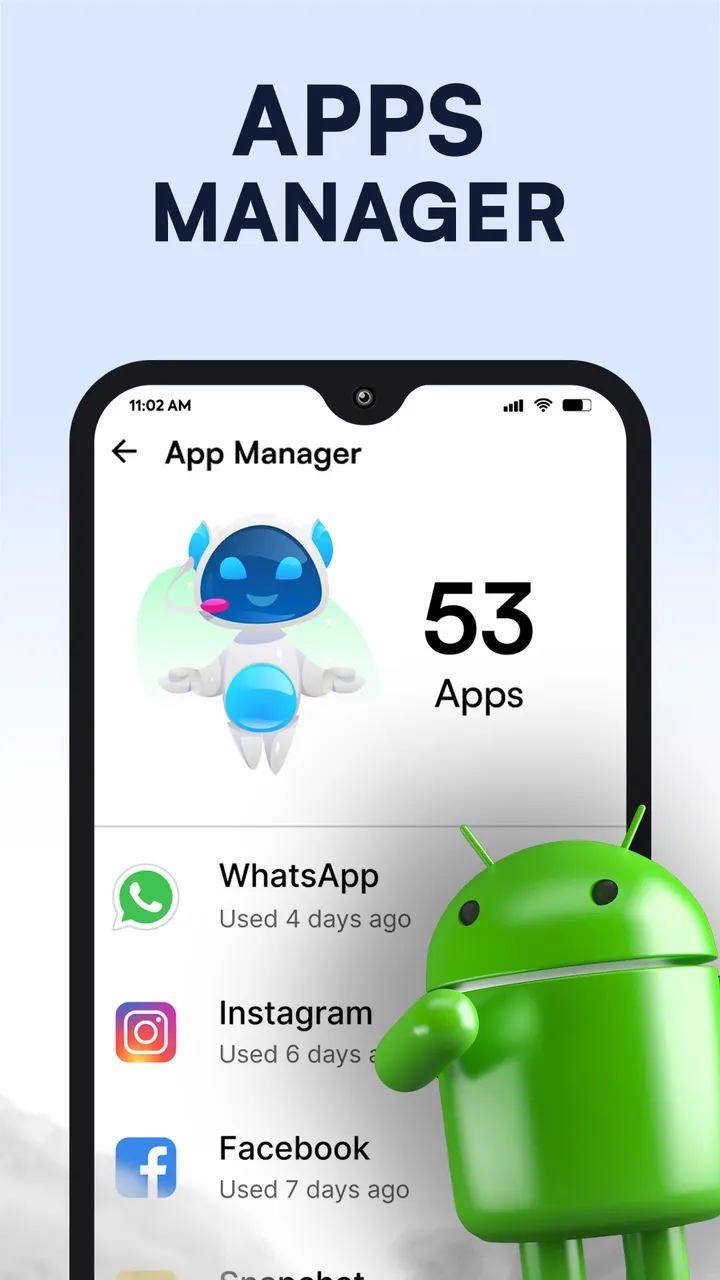
After that, the app manager lists large installed apps so you can see what takes the most space, and the AI cleaner goes after large files and folders. A separate file manager covers browsing all files and folders. The developer states that no personal data, username or email address is stored or processed. The app shows ads and offers in-app purchases.
Junk scan, AI cleaner and app manager in one tool
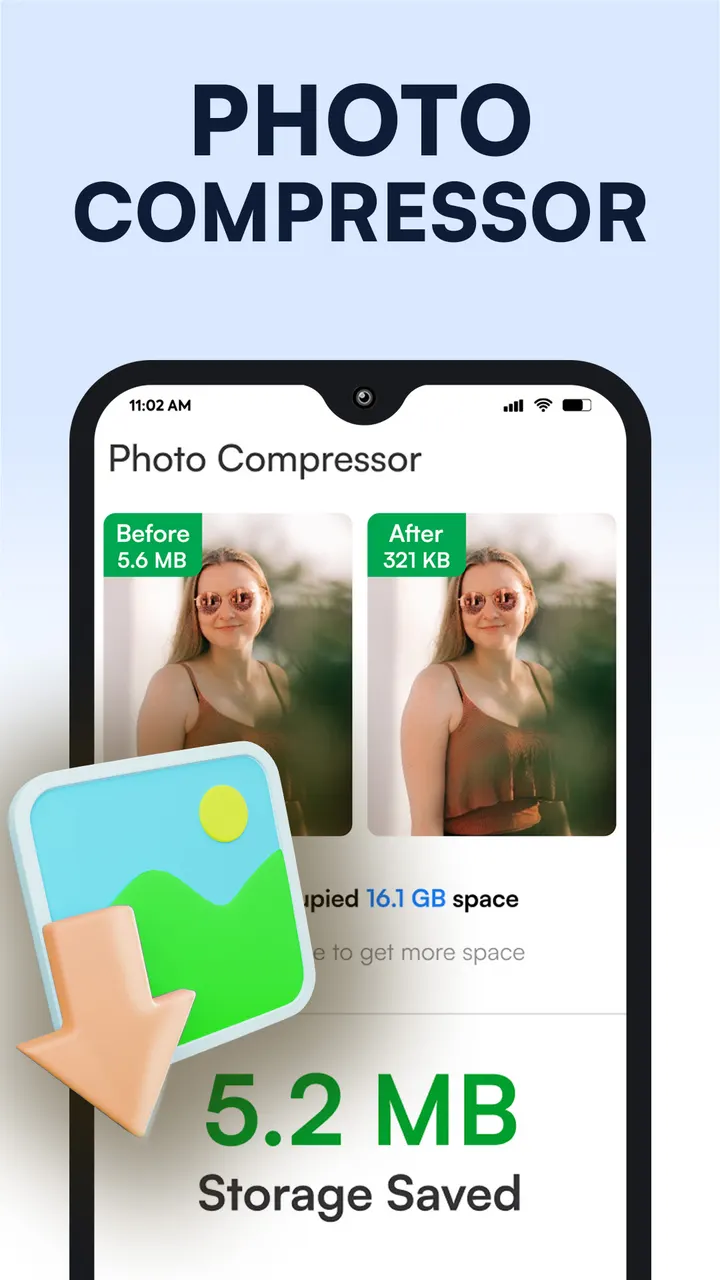
The feature list covers four tools: a junk cleaner, an AI cleaner for large files and folders, an app manager for large installed apps, and a file manager for all files and folders. Together they replace what would otherwise be two or three separate utilities.
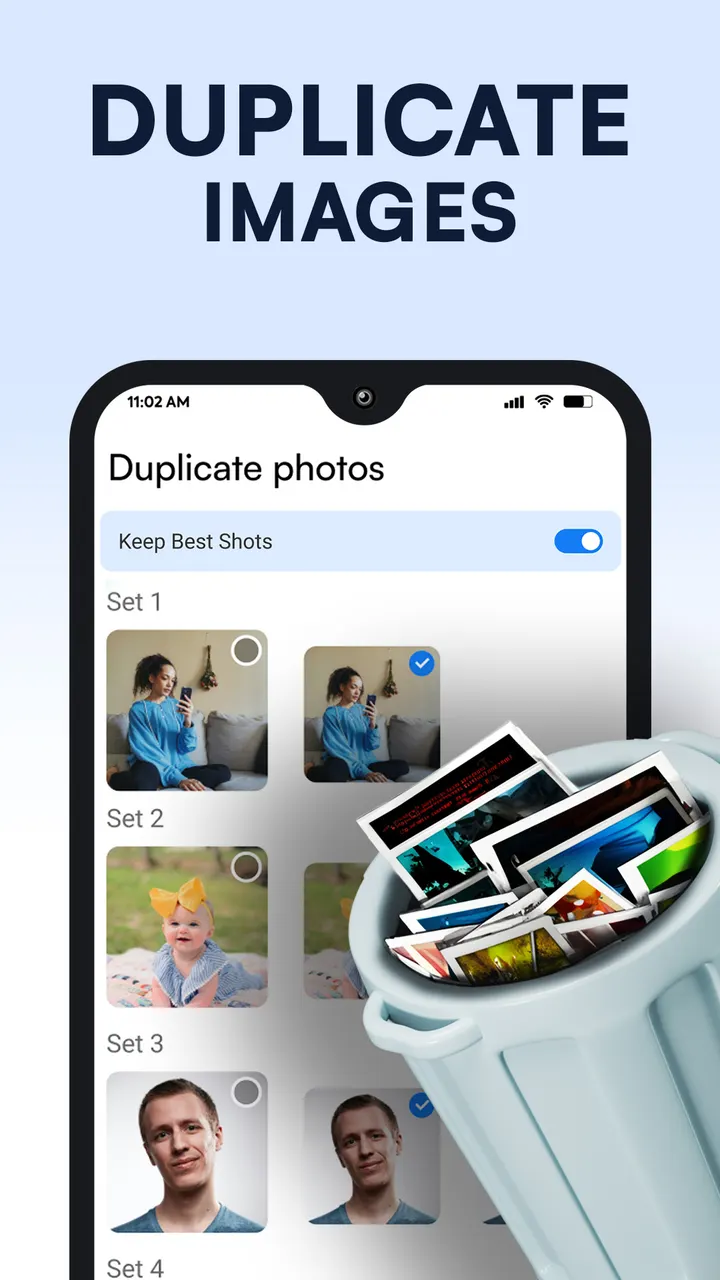
The AI cleaner is the main selling point. It scans for duplicate photos, old screenshots and large files, then lists them so you can pick items to delete. It also covers outdated photos left over from chat apps.
The developer states that no personal data, username or email address is stored or processed. Treat that as the developer's own claim, since no independent security review is available.
When AVG Cleaner or CCleaner may suit you better
Alternatives include AVG Cleaner, CCleaner, Avast Cleanup and Cleanup. Any switch should rest on your own needs rather than on a ranking here.
Consider an alternative if ads bother you, because Phone Cleaner contains them. The same goes for in-app purchases, which are also present, even though the app itself is free.
If you only want a file browser or only a junk scan, a narrower tool may feel simpler. Phone Cleaner bundles several functions, which is useful mainly when you want them together.
Phone Cleaner pros and cons
Pros
- Over 100 million installs and a 4.8 rating on Google Play, from about 761.7 thousand ratings
- Junk cleaner, AI cleaner, app manager and file manager in a single app
- Free to install, with an Everyone content rating
- Lists duplicate photos, old screenshots and large files for manual selection
- Runs on Android 7.0 and newer
Cons
- Contains ads
- Includes in-app purchases
- Recent changes are not documented
- Privacy claims come from the developer, and no independent security review is available
Is Phone Cleaner safe?
We have no independent verdict on this app, only the publisher's own statements. Brain Trust says it does not store or process your personal data, username or email address, and that information is covered by its privacy and cookies policy. Install it from Google Play, and check which permissions it asks for before you grant access to your files.
How to install Phone Cleaner
- Press the Google Play button on this page.
- Check the listing in the Play Store and press Install.
- Open Phone Cleaner when the install finishes. Updates arrive through Google Play.