
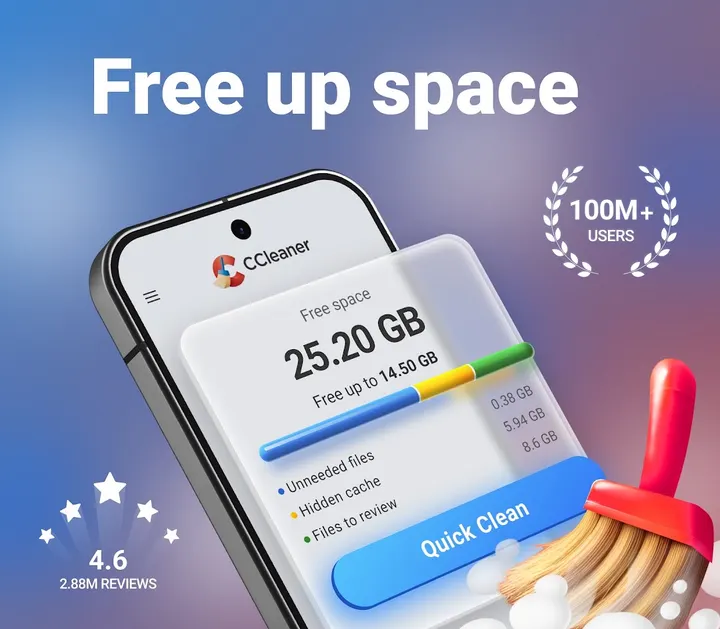
CCleaner suits people whose Android phone is running low on storage and who want one tool to find junk, unused apps and bulky photos. It comes from Piriform, the developer behind the PC cleaner of the same name. The app is available through Google Play only, and it needs Android 10 or later.
First steps after installing CCleaner 26.16.1
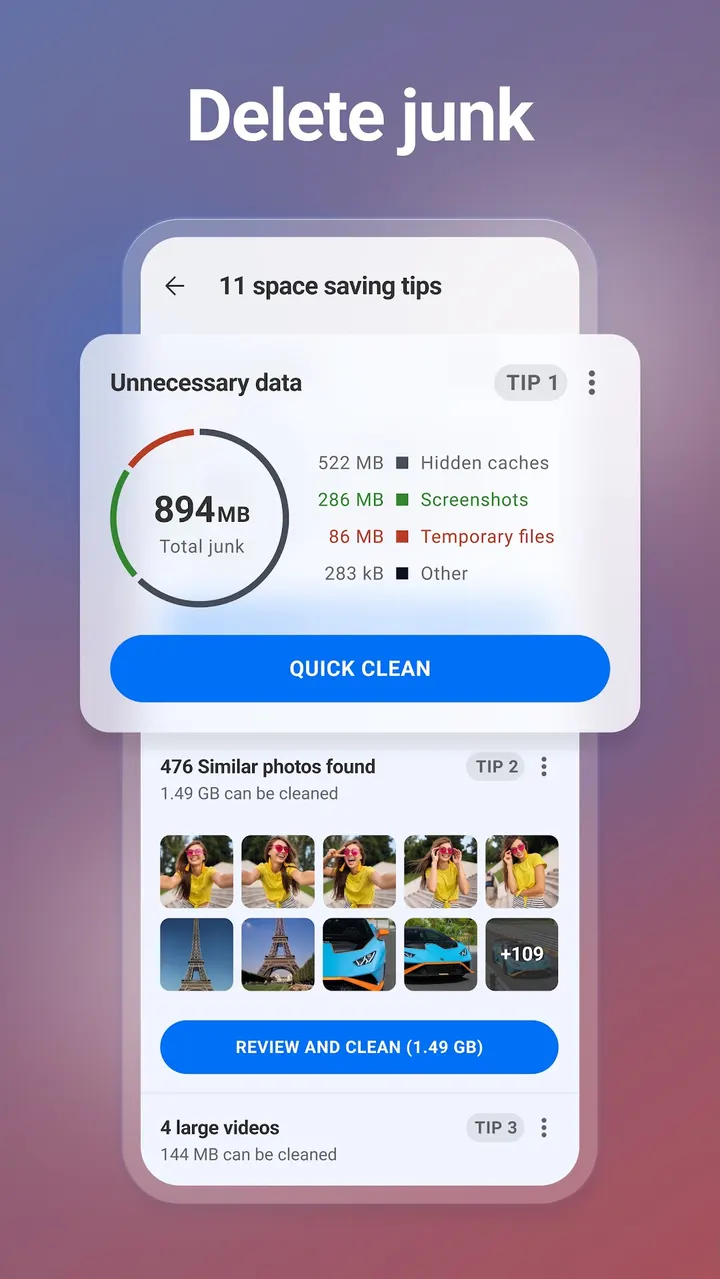
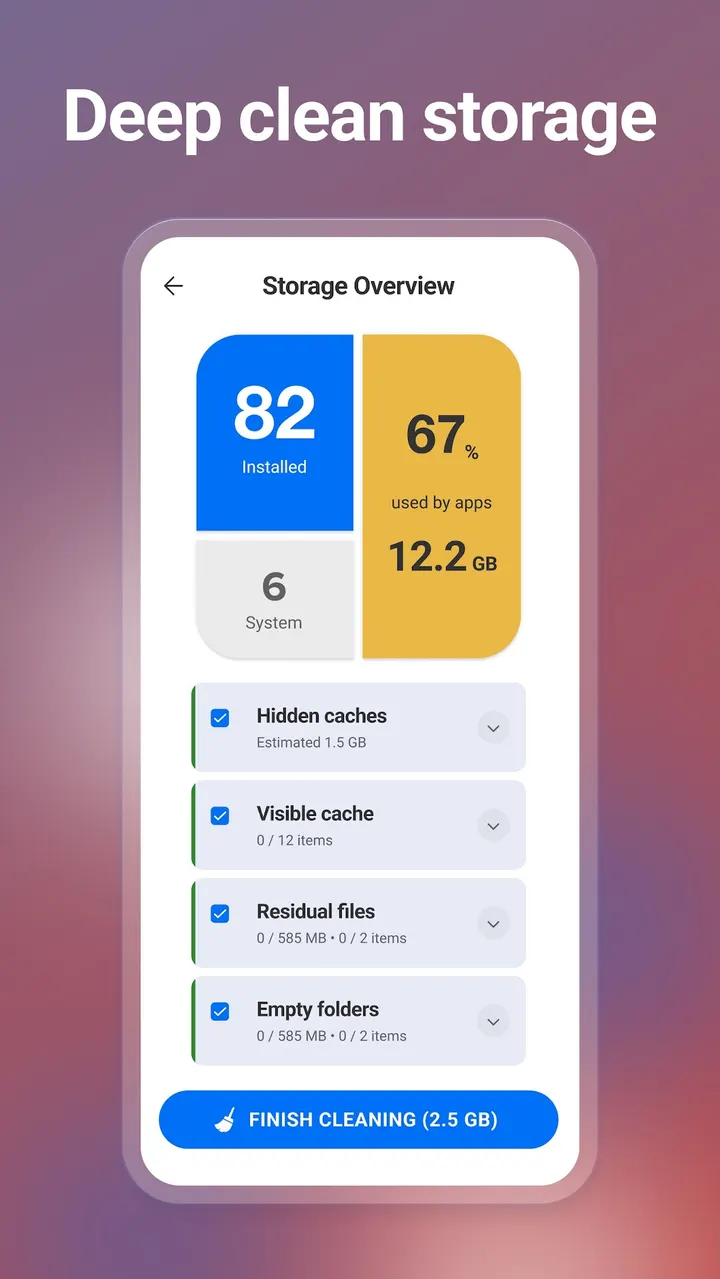
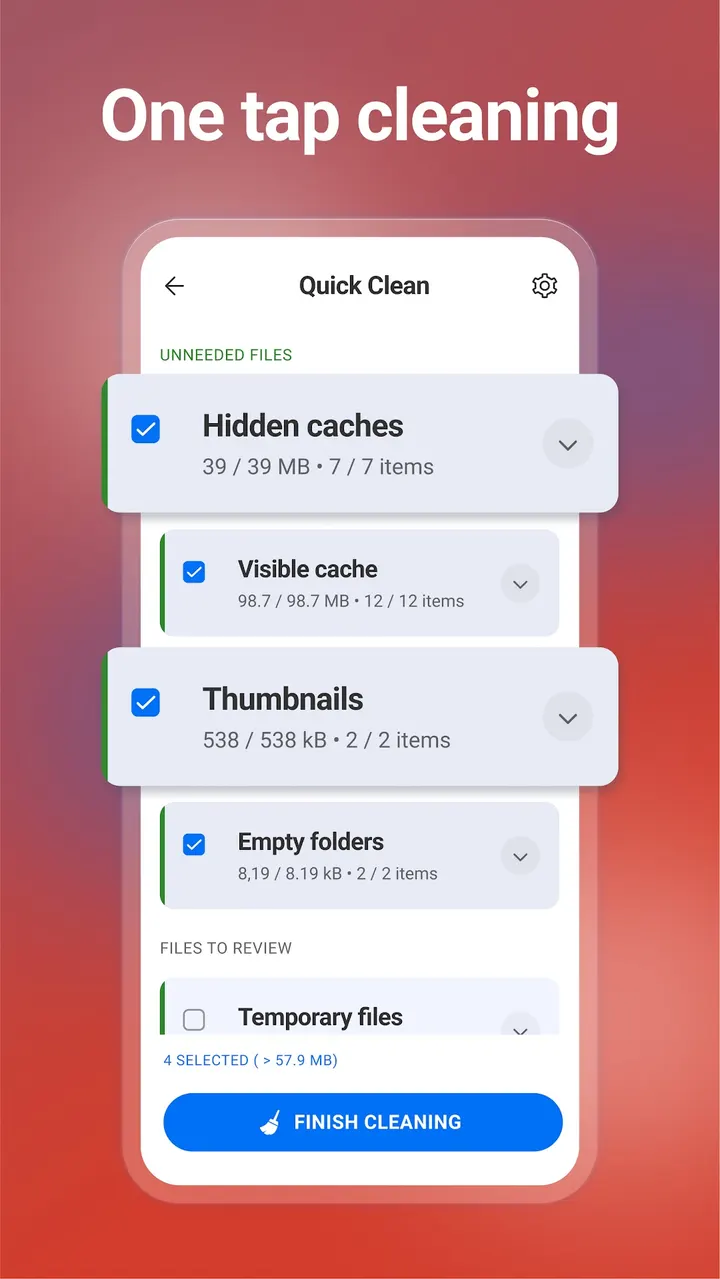
Start with the junk cleaner. It targets obsolete and residual files, download folders, browser history, clipboard content and leftover data, and it lets you review storage use before you clear anything.
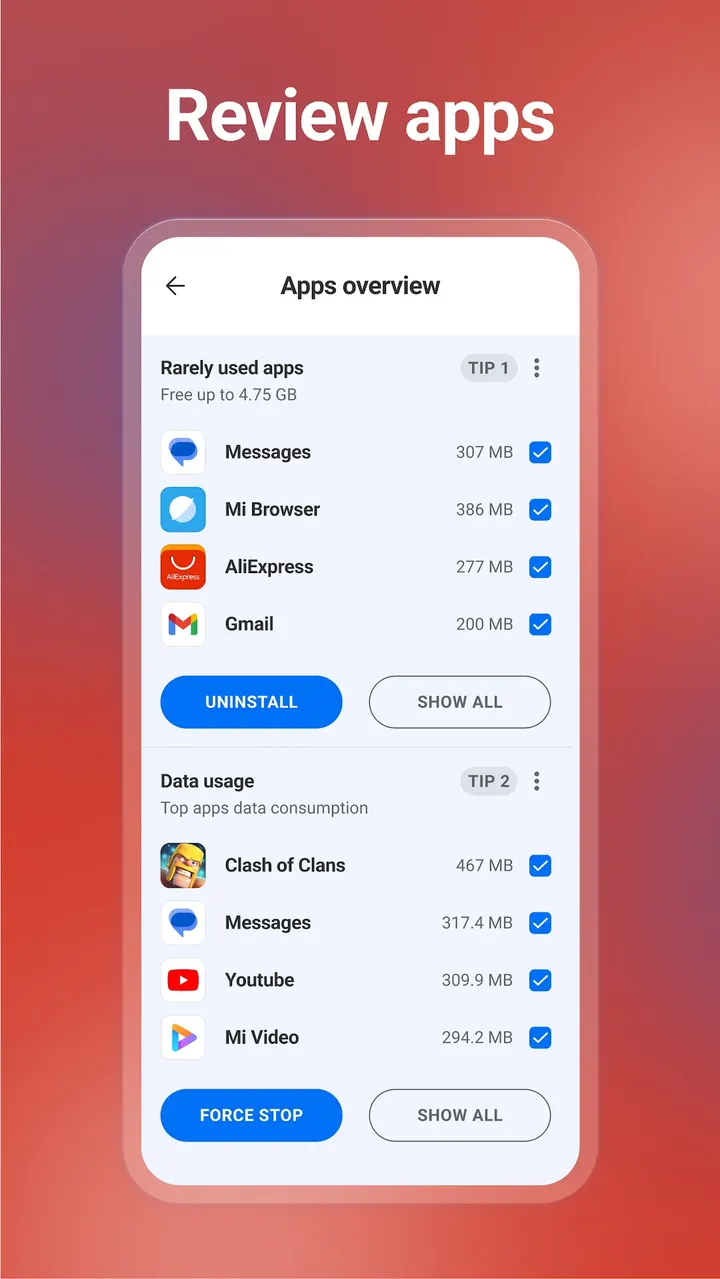
Next, open the app analysis. It shows how much impact each app has on the device, which apps use your data, and which are draining the battery. App Manager points out unused apps, and you can uninstall several at once.
The app also asks for Accessibility permission. The developer says this is used to stop all background apps with one tap, so grant it only if you want that feature.
Photo cleanup and system monitoring
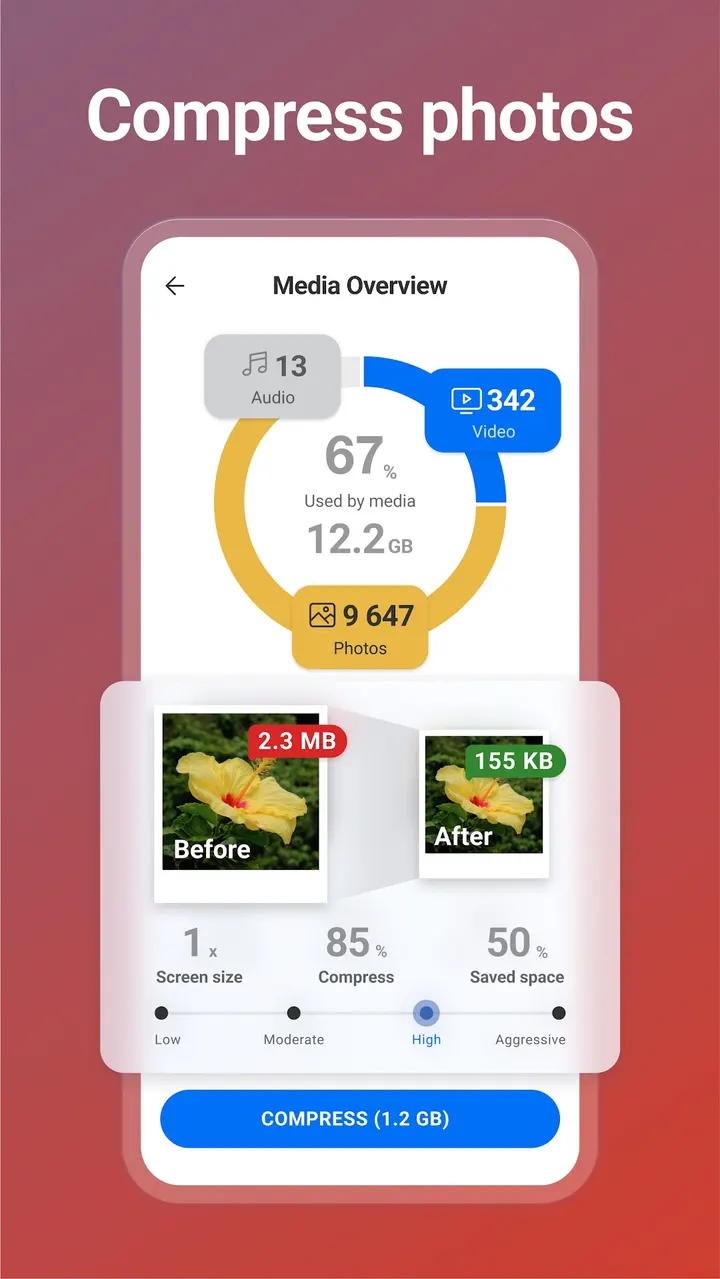
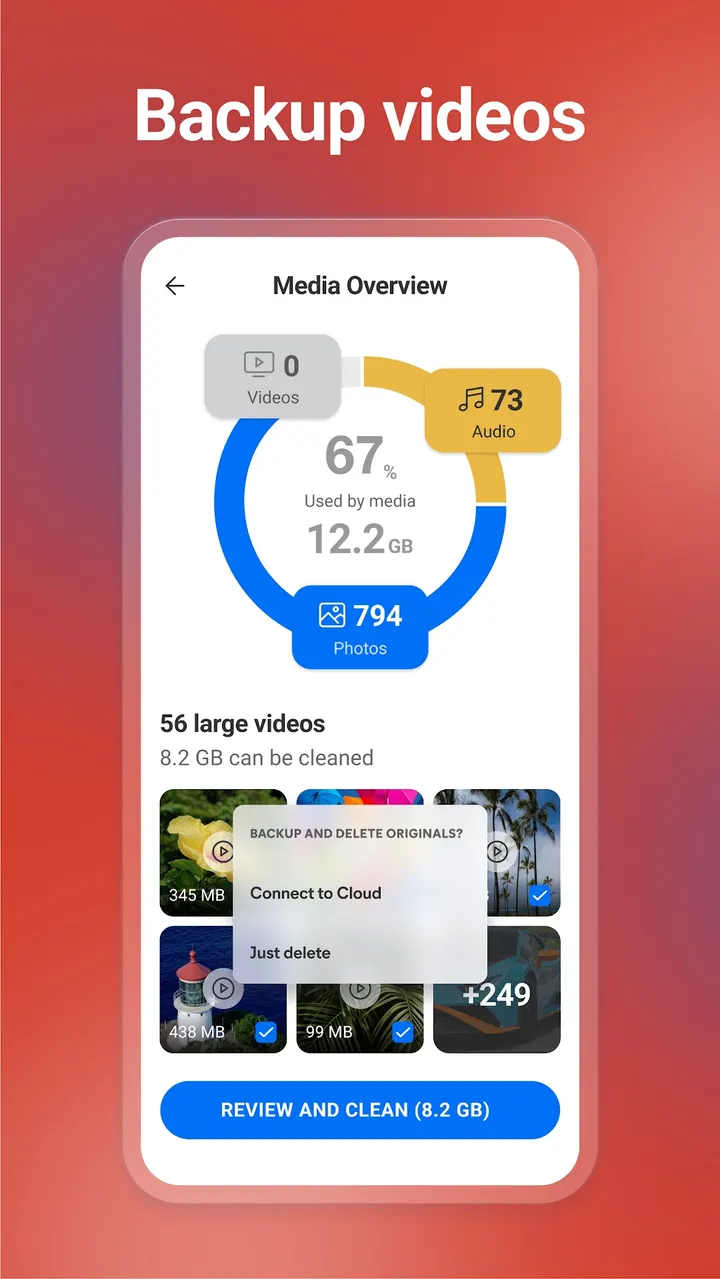
The photo tools are the most specific part of the app. They look for similar, old and poor quality shots, such as ones that are too bright, too dark or out of focus. Compression comes in four levels: Low, Moderate, High and Aggressive. Originals can be moved to cloud storage, and photos from private chats can be deleted.
A monitoring section covers CPU usage, RAM, internal storage, battery level and battery temperature. You can also pick a color theme.
When another cleaner makes more sense
CCleaner costs nothing to install, though it carries ads and offers in-app purchases. If that combination puts you off, Phone Cleaner, AVG Cleaner, Avast Cleanup and Cleanup are alternatives worth comparing.
Which cleaning features require payment is not spelled out here, so look inside the app before counting on a particular one. It needs Android 10 or newer, so phones on Android 9 or older cannot run it.
CCleaner pros and cons
Pros
- Junk cleaner covers download folders, browser history, clipboard content and leftover data
- Photo tools find similar and poorly exposed shots and offer four compression levels
- App analysis shows data use, battery drain and unused apps
- System monitor shows CPU, RAM, storage, battery level and temperature
- Rated 4.5 on Google Play from about 3.1 million ratings
Cons
- Contains ads
- Has in-app purchases
- Needs Android 10 or later
- Background app stopping relies on Accessibility permission
Is CCleaner safe?
CCleaner comes from Piriform, the maker of the PC and Mac cleaner of the same name, and uses the package ID com.piriform.ccleaner. Its content rating is Everyone. It contains ads and in-app purchases. A cleaner needs broad access to storage and app data, so read each permission request carefully, especially Accessibility, and grant only what the cleaning features you use actually need.
How to install CCleaner
- Press the Google Play button on this page.
- Check the listing in the Play Store and press Install.
- Open CCleaner when the install finishes. Updates arrive through Google Play.