

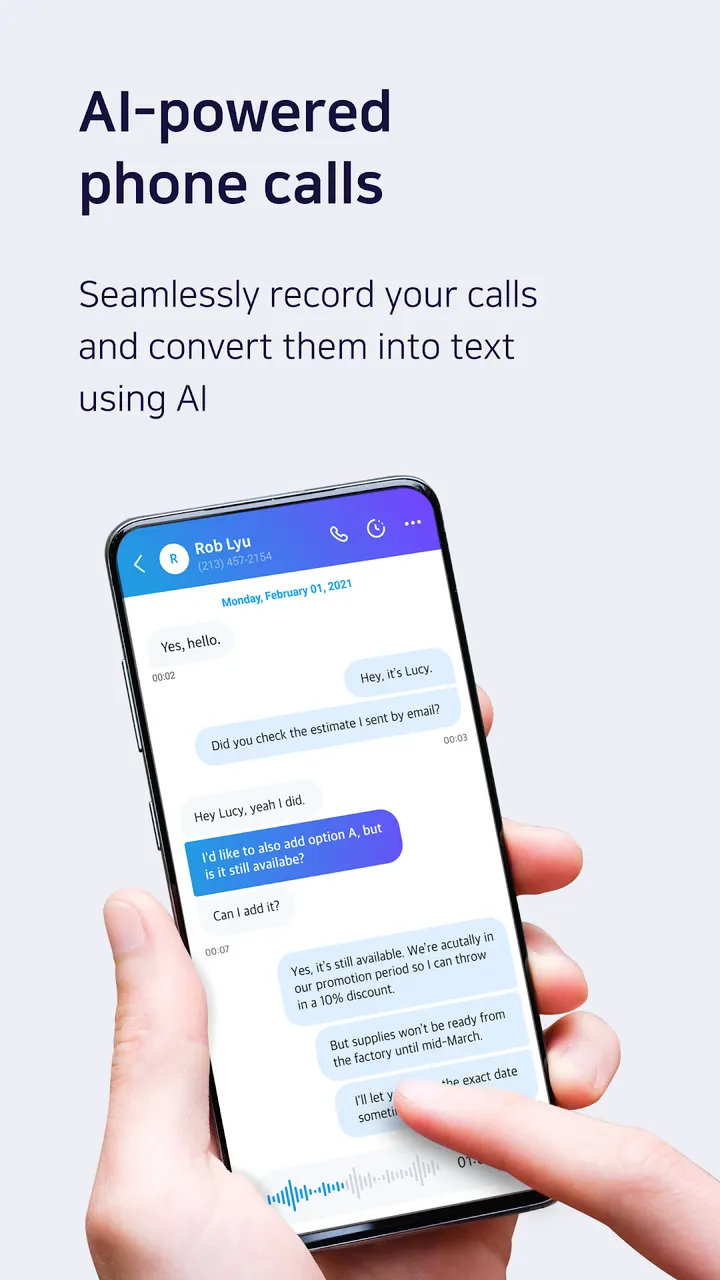
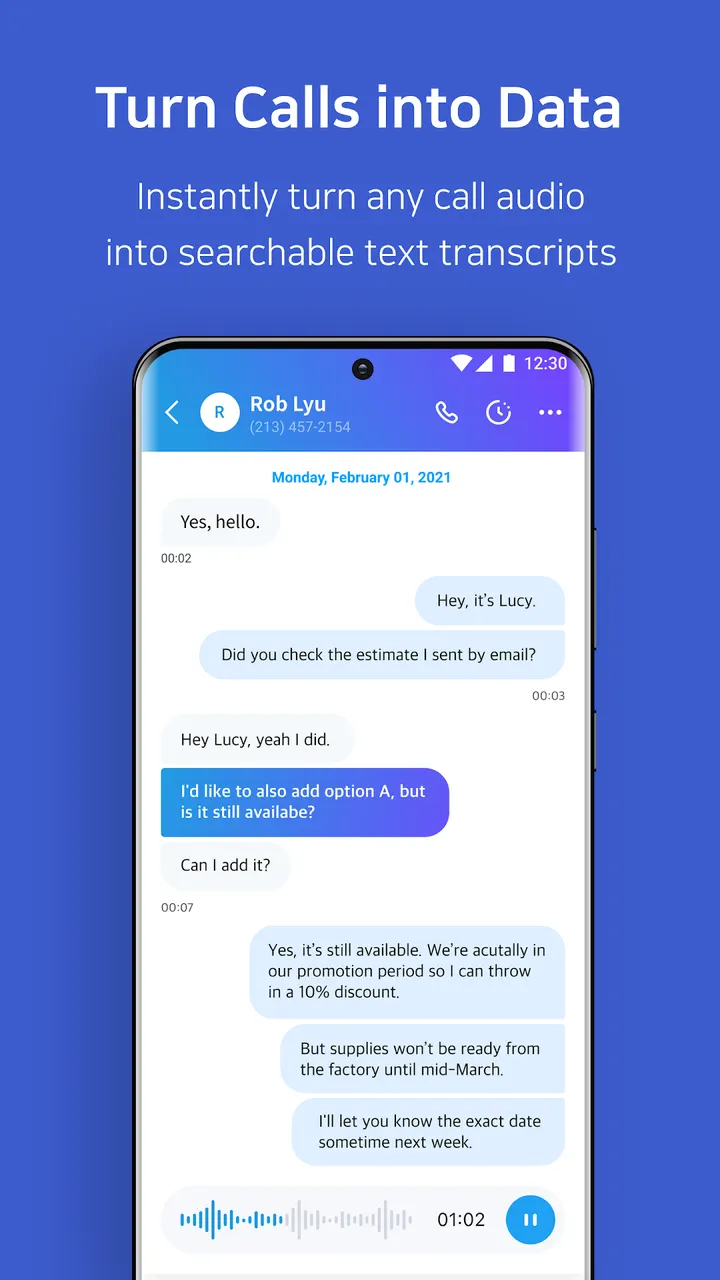
Switch-Readable call recording is a free Android app from Atlas Guide, Inc. It uses AI to turn recorded calls into chat-style transcripts, so you can read a conversation and tap a speech bubble to replay only the part you need. Transcripts appear in real time and are ready as soon as the call ends. Version 1.6.5 runs on Android 6.0 or later.
Who a transcript-first recorder suits
The app fits people who record calls and then waste time replaying them. It turns calls into transcripts that read like a chat, so you scan text instead of sitting through a full recording. It also suits teams, since notes, highlights and tags can be added and shared.
If you only want a plain audio file saved to your phone, this is a heavier tool than you need. Alternatives such as Call Recorder, Call Recorder Automatic and Call Recorder Pro sit in the same category.
Chat-style transcripts, speech bubbles and link sharing
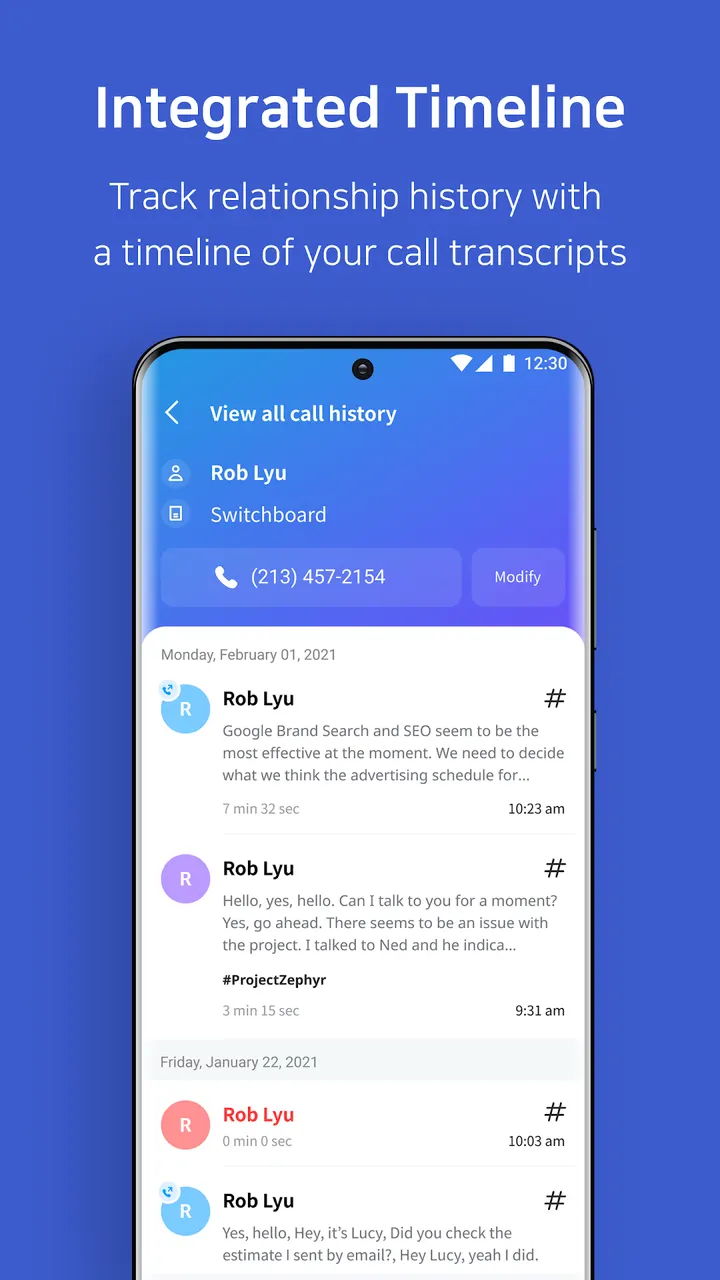
Switch uses AI to write out each call. Transcripts are produced in real time and are ready as soon as the call ends. Tapping a speech bubble starts playback at that point, so you hear only the part you need.
Sharing works through a link, which means no file has to be downloaded or sent. A web app called Switch Connect opens on a PC or laptop, where you can search and manage calls recorded on your phone in more detail.
Permissions, price and privacy
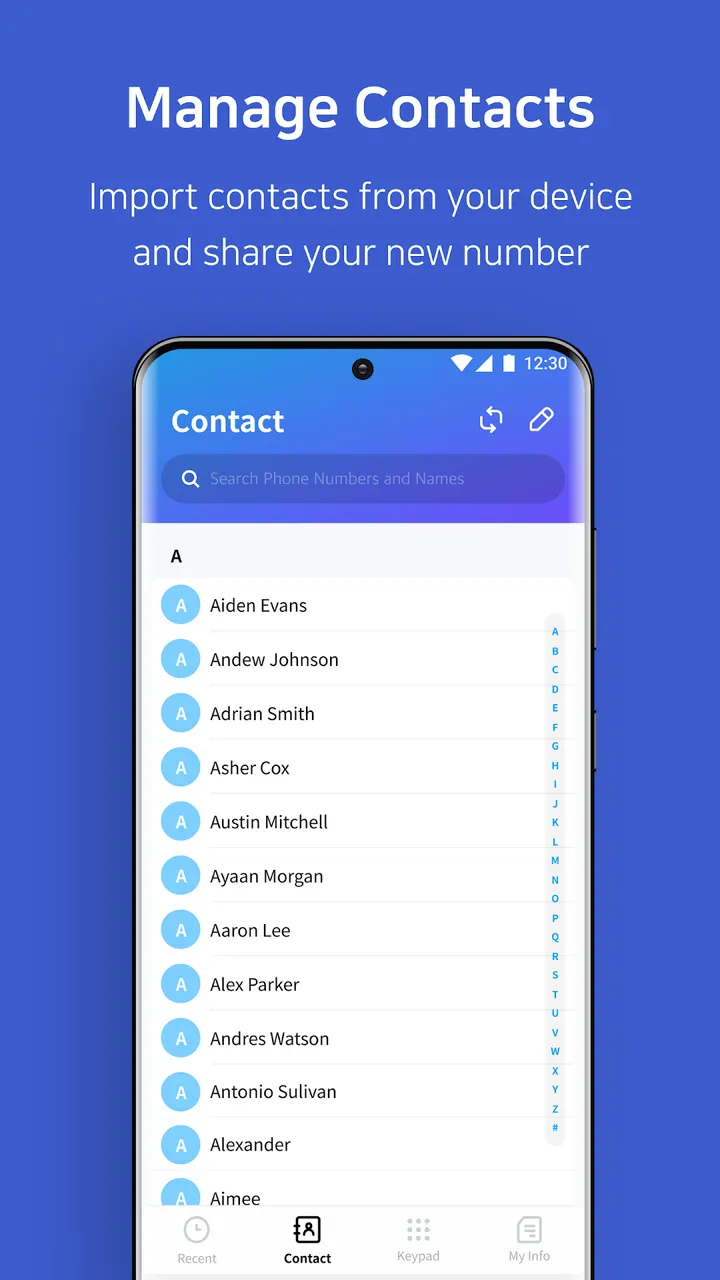
The app costs nothing, shows no ads and has no in-app purchases. It asks for microphone, push notification and contacts access. Contacts are used to sync names and label the call log. Camera access is optional and only serves to upload images for customer service.
The information we have says nothing about transcript accuracy, supported languages or call storage limits, so try it on a few calls before trusting it with important ones. Support is reachable at team@getswitch.app.
Switch-Readable call recording pros and cons
Pros
- Free, with no ads and no in-app purchases
- Transcripts appear in real time and are ready when the call ends
- Speech bubbles start playback at the exact part you need
- Calls can be shared as a link without downloading files
- Web app Switch Connect adds notes, highlights and tags on a PC
Cons
- Requires microphone, notification and contacts permissions
- Transcript accuracy and language support are not documented
- Needs Android 6.0 or later
Is Switch-Readable call recording safe?
Install it from Google Play, where the developer is shown as Atlas Guide, Inc. The content rating is Everyone and the rating is 4 from 1.5 thousand ratings. There are no ads or in-app purchases. Because it asks for microphone and contacts access, look over those permissions before you install. We have no independent security review to point to.
How to install Switch-Readable call recording
- Press the Google Play button on this page.
- Check the listing in the Play Store and press Install.
- Open Switch-Readable call recording when the install finishes. Updates arrive through Google Play.


