

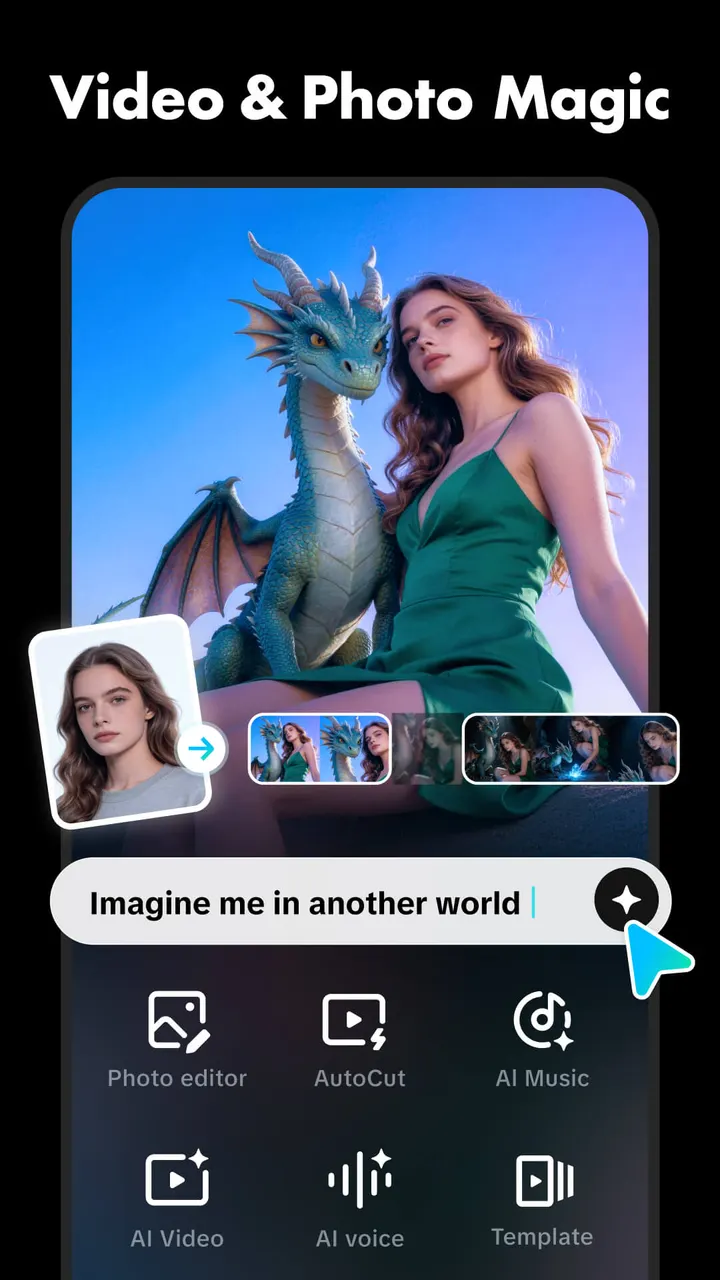
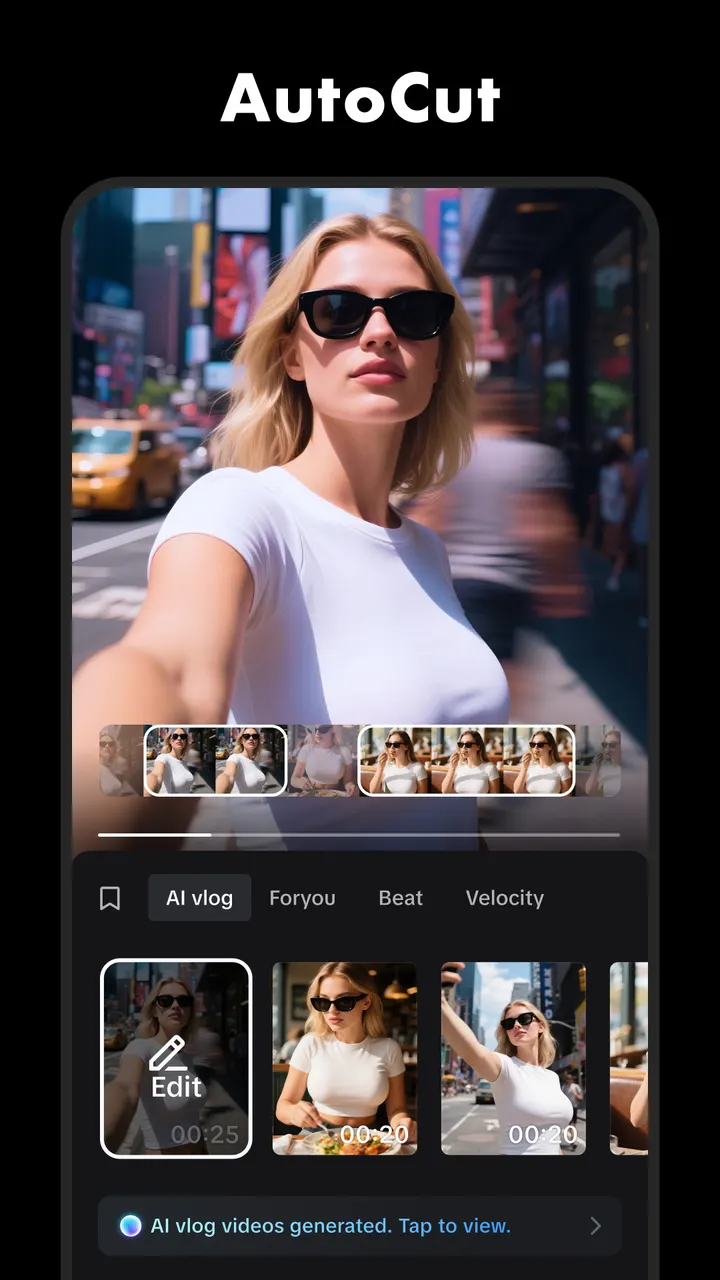
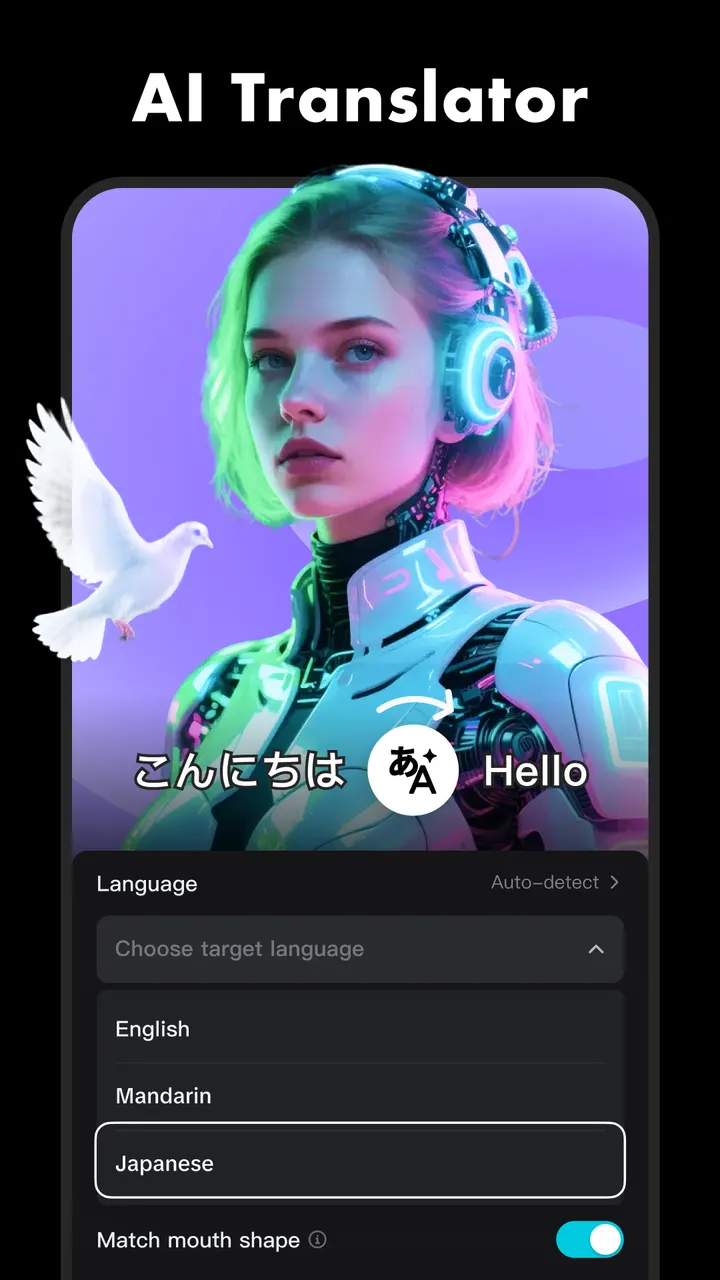
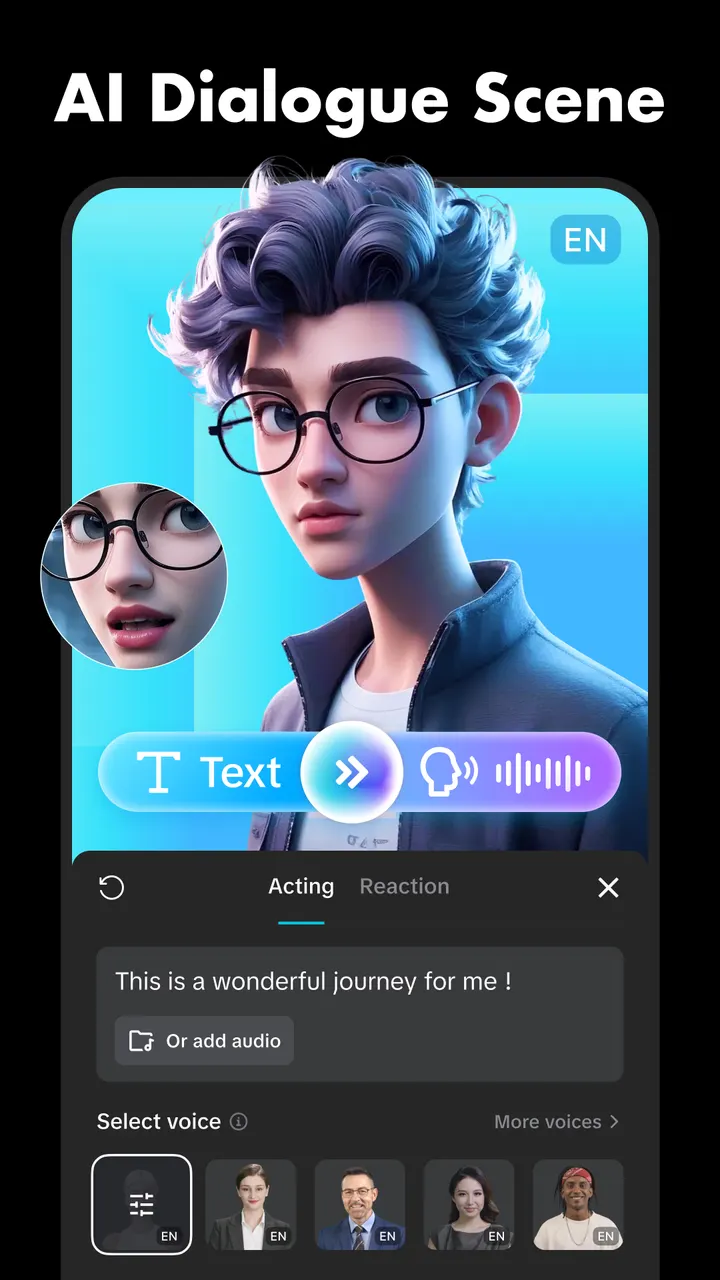
CapCut suits people who cut short videos for TikTok, YouTube, Instagram, WhatsApp or Facebook and want the work done on a phone. It is a free video editor from Bytedance Pte. Ltd., listed in Google Play under the package com.lemon.lvoverseas. Over 1 billion installs are recorded there.
Editing long clips on a phone screen
Phone footage usually needs trimming, reordering and polish before it can be posted. CapCut handles that with a multi-track timeline where clips can be arranged and previewed. You can split or merge videos and shorten clips without leaving the app.
The app was released on April 9, 2020, and the current version is 20.0.0, updated on November 4, 2026. It needs Android 6.0 or newer.
Speed curves, keyframes and chroma key
Speed control runs from 0.1x to 100x, and speed curves can be applied to clips. Pair that with the optical flow feature and you can build smooth slow motion. A freeze feature holds on a chosen moment.
Keyframe animation is available for all settings. Chroma key removes specific colors, and a stabilizing tool keeps shaky footage steadier. Zoom in and out effects and transitions between clips round out the basic toolset.
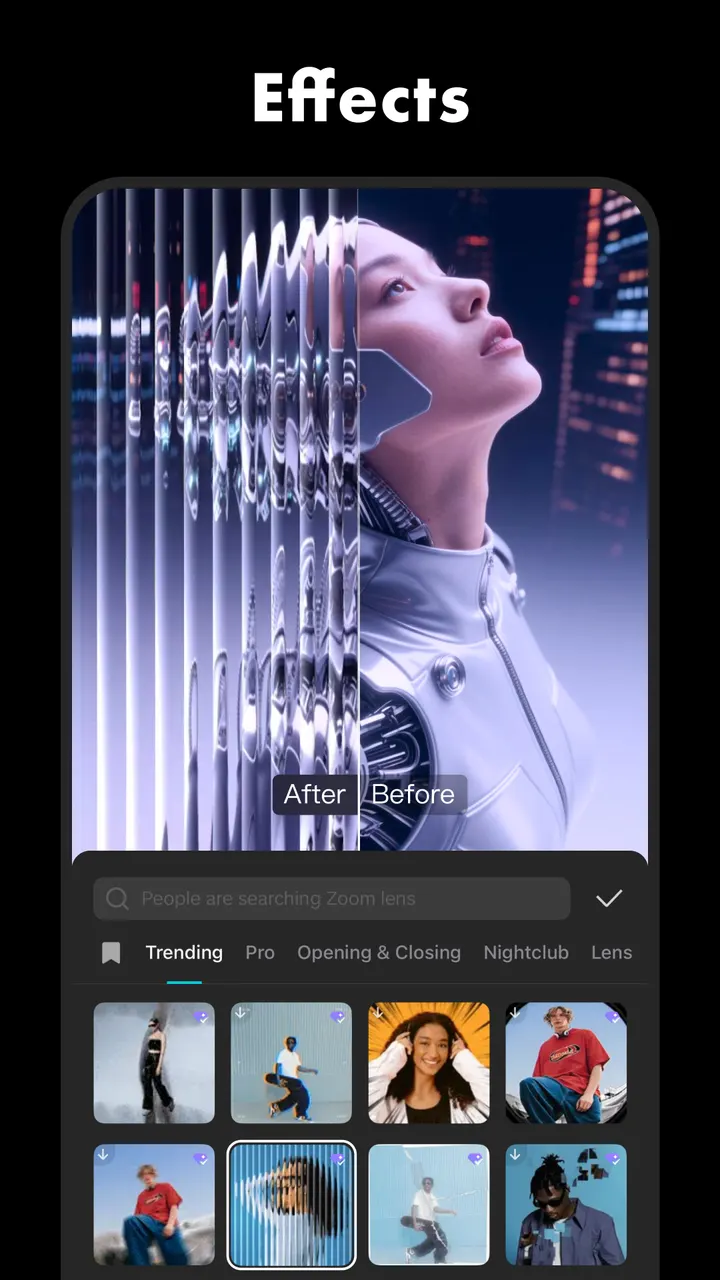
Filters are described as updated weekly, and effects include Glitch, Blur and 3D. Brightness and contrast can be adjusted by hand.
Auto captions, text-to-speech and 4K 60fps export
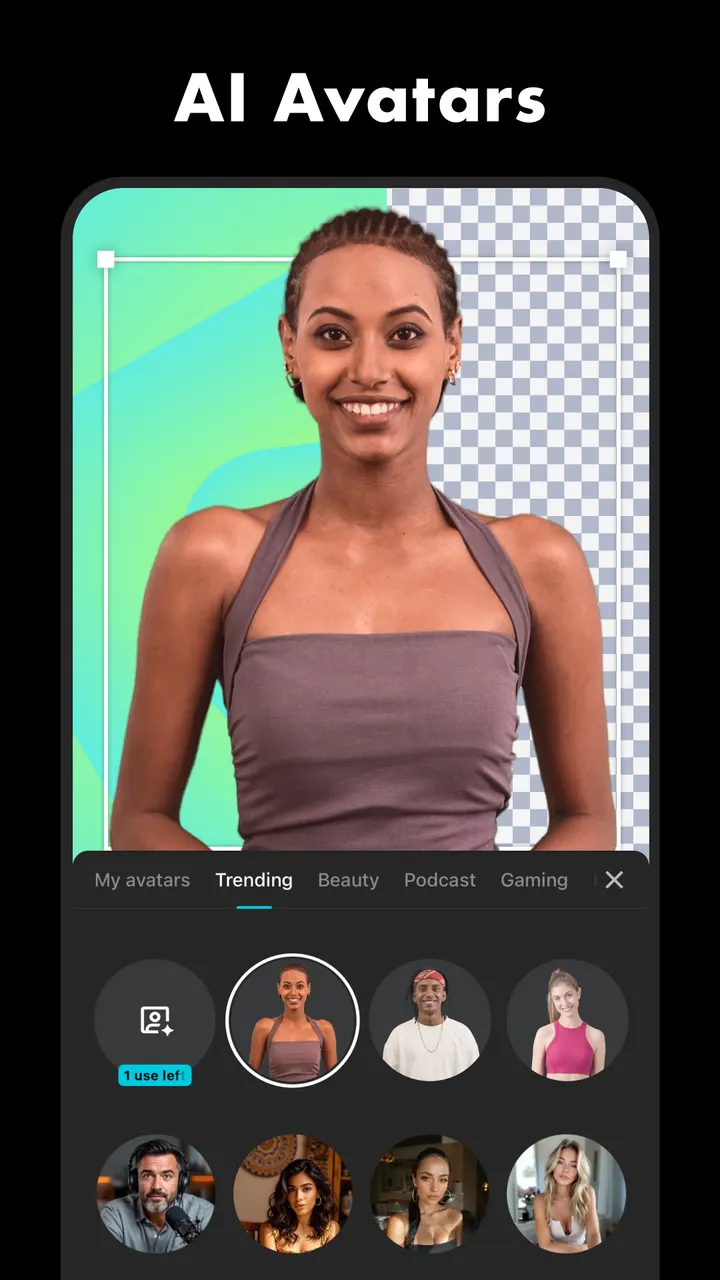
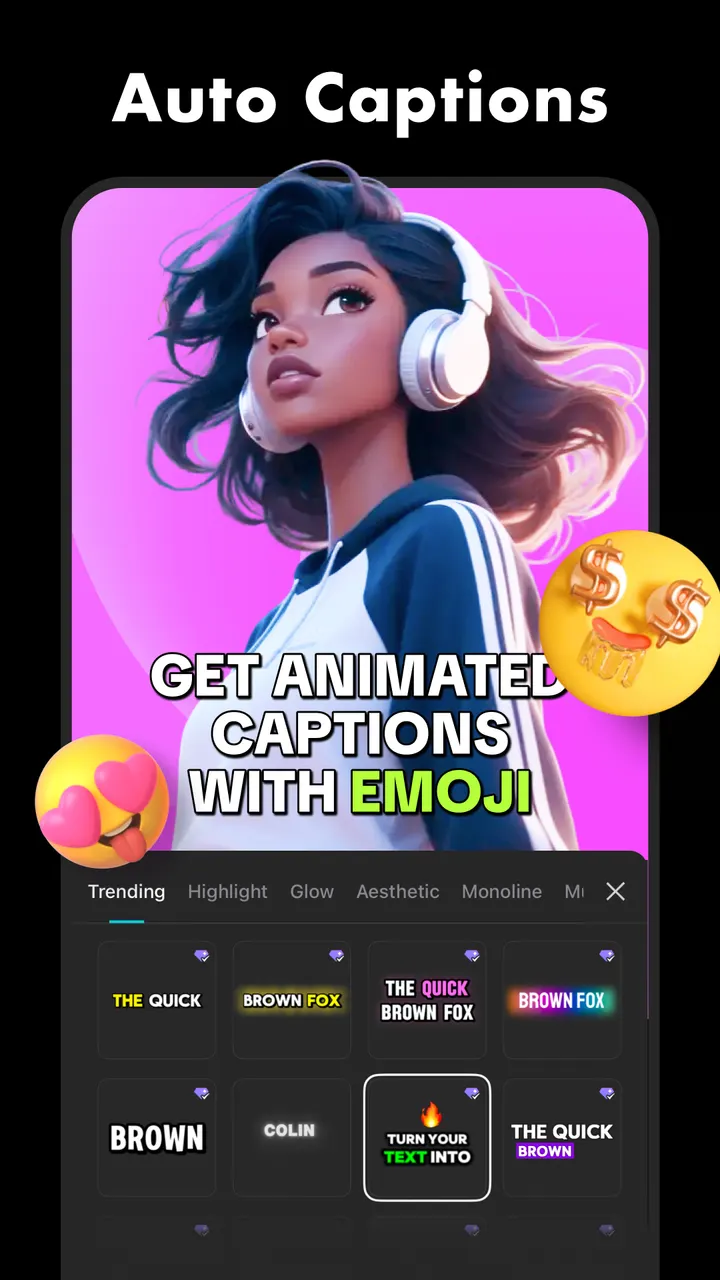
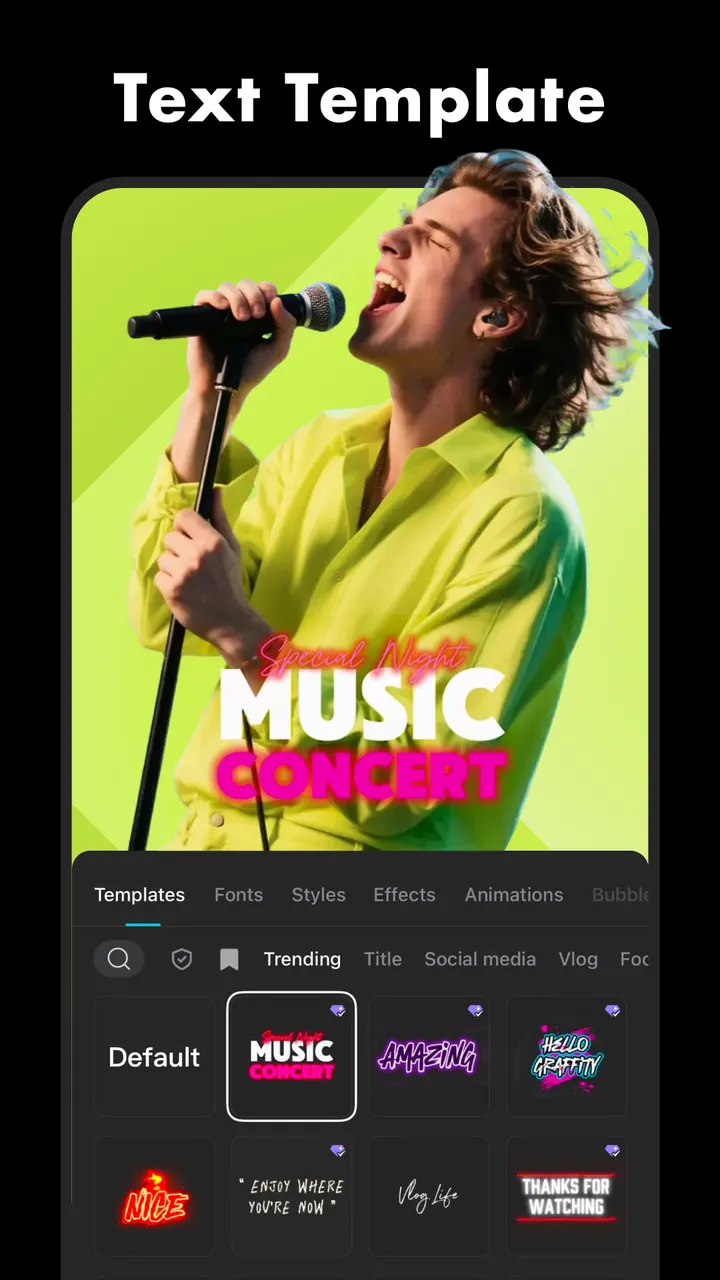
Automated tools cover speech recognition for subtitles, text-to-speech in multiple languages and voices, and automatic background removal. Subtitles sit on the timeline of the video tracks and can be moved and adjusted in one step. Fonts can be imported locally.
For sound, the app lists millions of music clips and sound effects, plus audio extraction from videos. Export resolution is adjustable, with support for 4K at 60fps and smart HDR.
What to check before installing CapCut
The Google Play rating is 3.5 from about 13.1 million ratings, lower than many editors that people expect to rate higher. The content rating is Teen. The app shows no ads, but it does include in-app purchases, so check what is locked before relying on a feature.
Alternatives include YouCut, KineMaster and Video Editor & Maker. A Windows version also exists.
CapCut pros and cons
Pros
- No ads shown in the Google Play listing
- Speed range of 0.1x to 100x with speed curves
- Keyframe animation for all settings
- Auto captions and text-to-speech in multiple languages
- Exports up to 4K at 60fps with smart HDR
Cons
- In-app purchases are present
- Google Play rating is 3.5 from about 13.1 million ratings
- In-app purchases may lock some features
- Requires Android 6.0 or newer
Is CapCut safe?
CapCut comes from Bytedance Pte. Ltd. and carries a Teen content rating. It runs without ads, though it does include in-app purchases for extra content. Since editing often involves personal footage and sign-in with a social account, read the developer's privacy policy before you link anything.
How to install CapCut
- Press the Google Play button on this page.
- Check the listing in the Play Store and press Install.
- Open CapCut when the install finishes. Updates arrive through Google Play.