

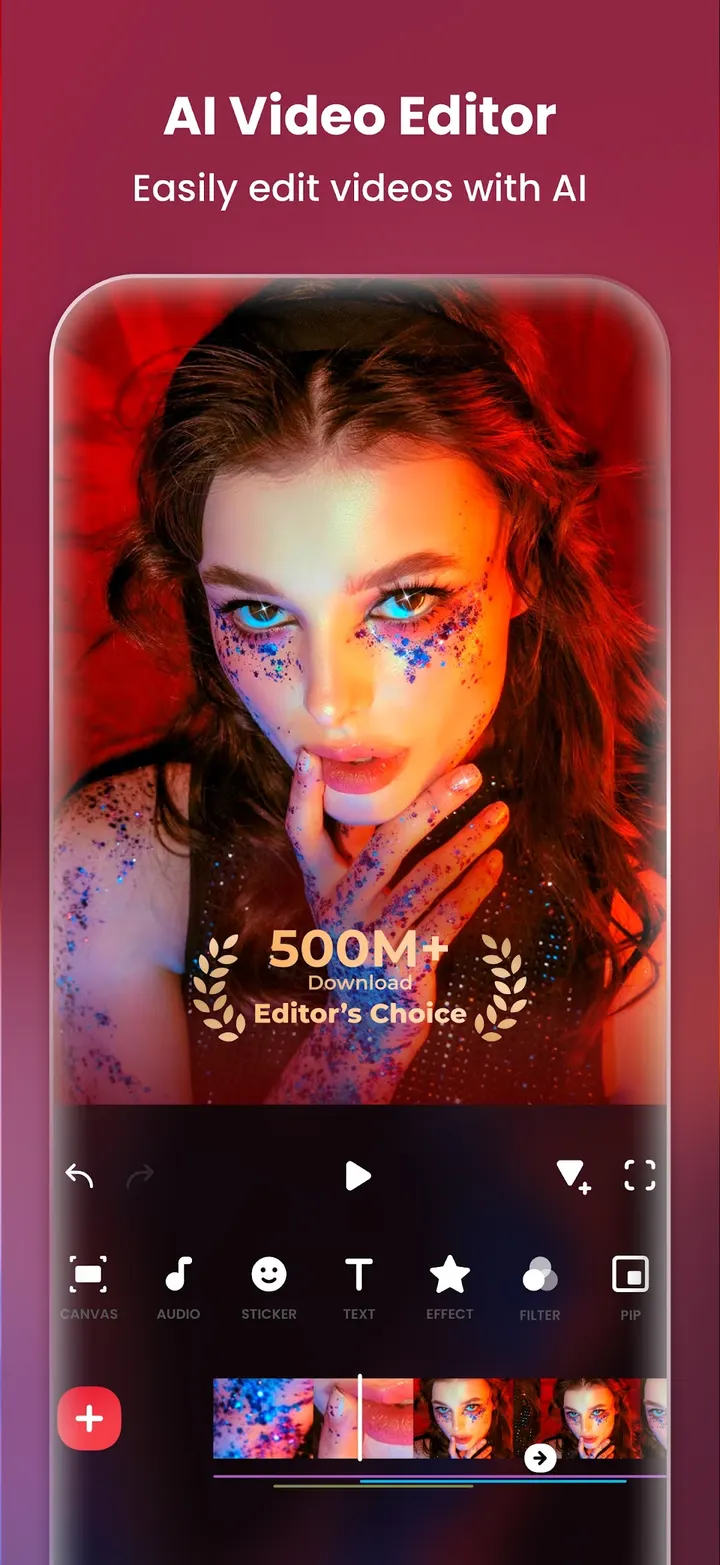
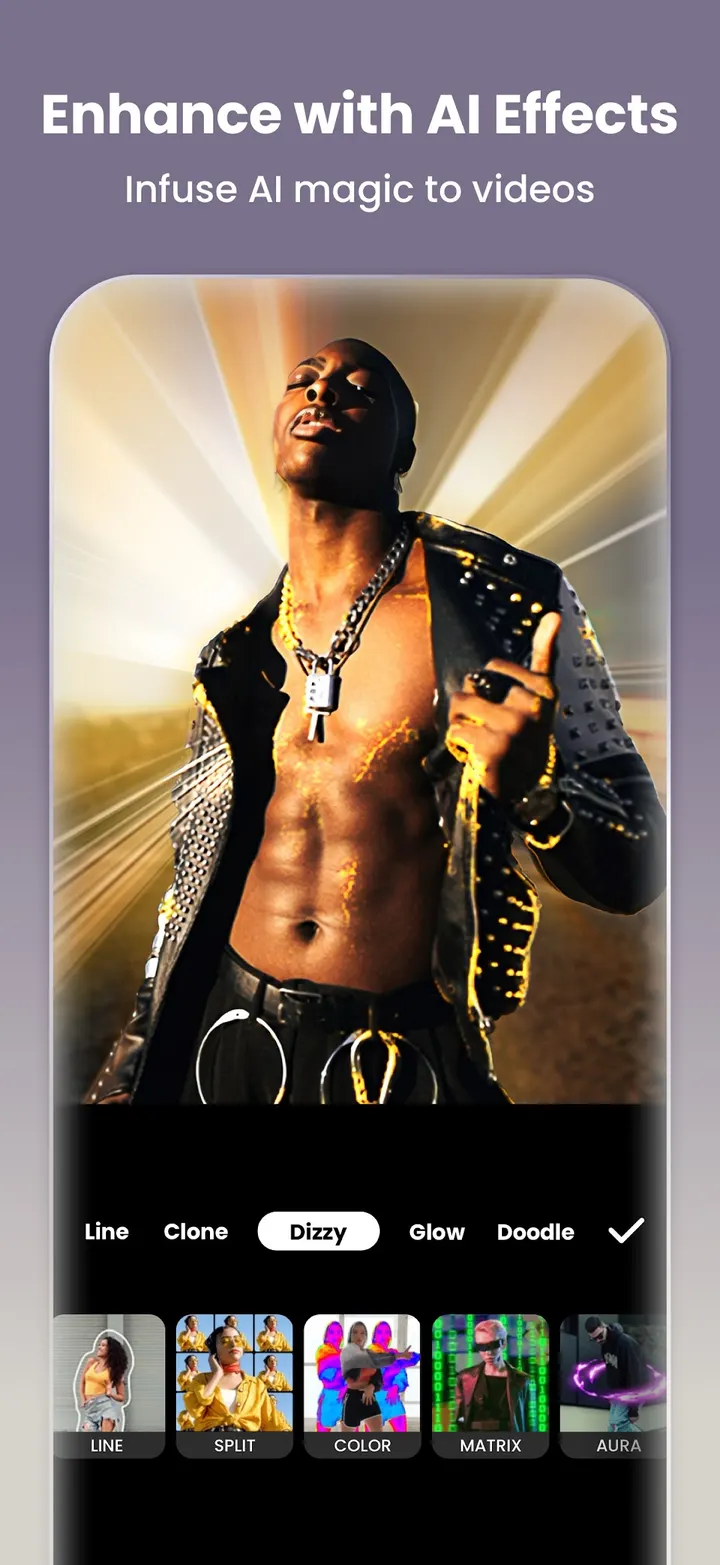
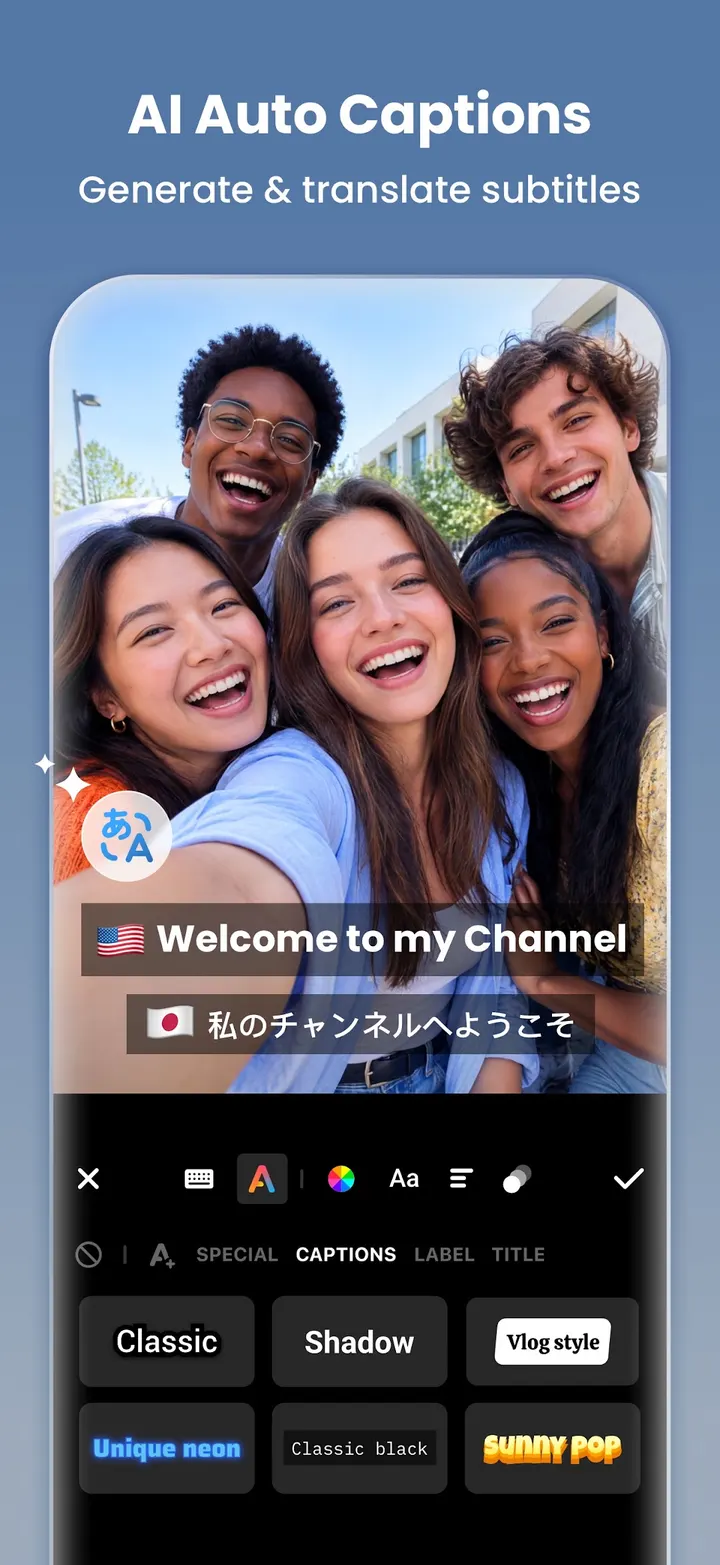
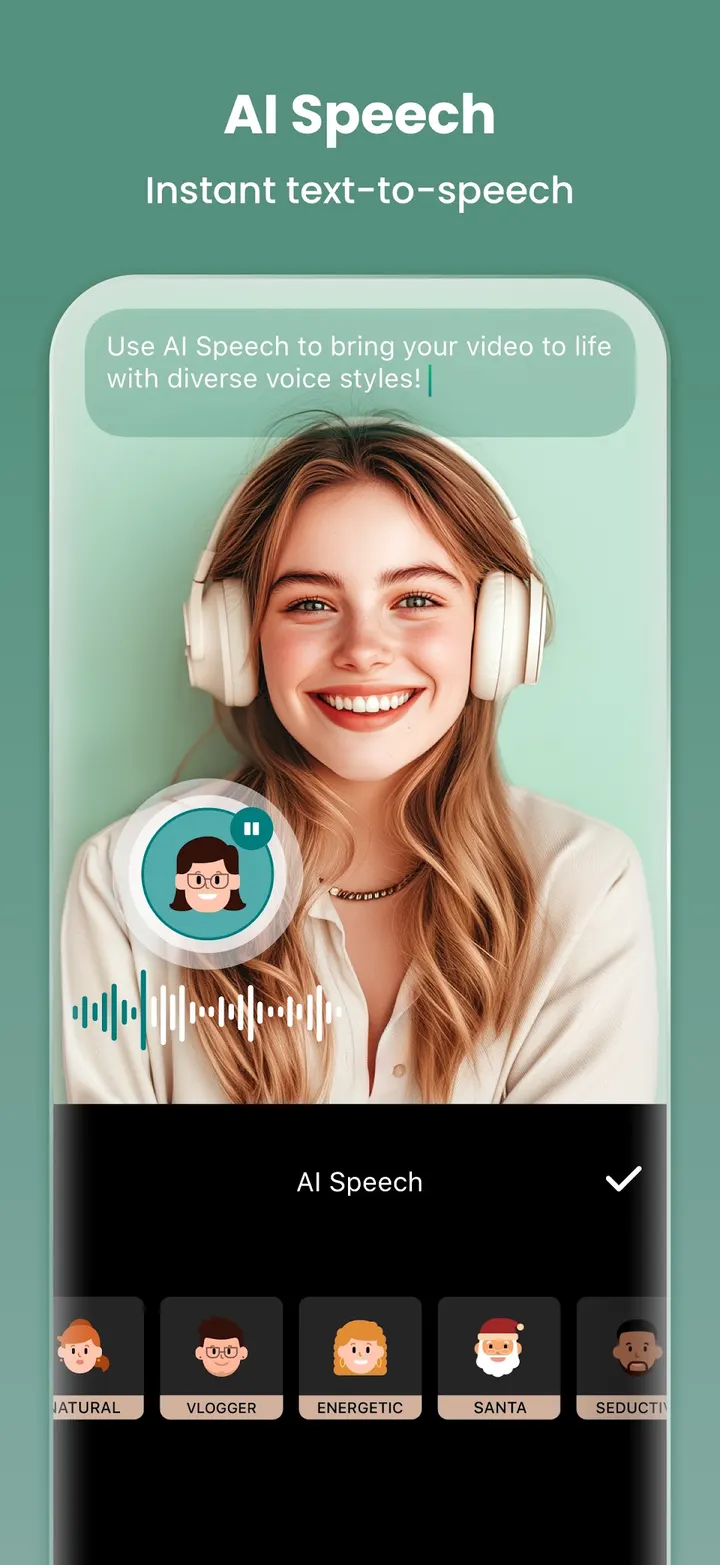
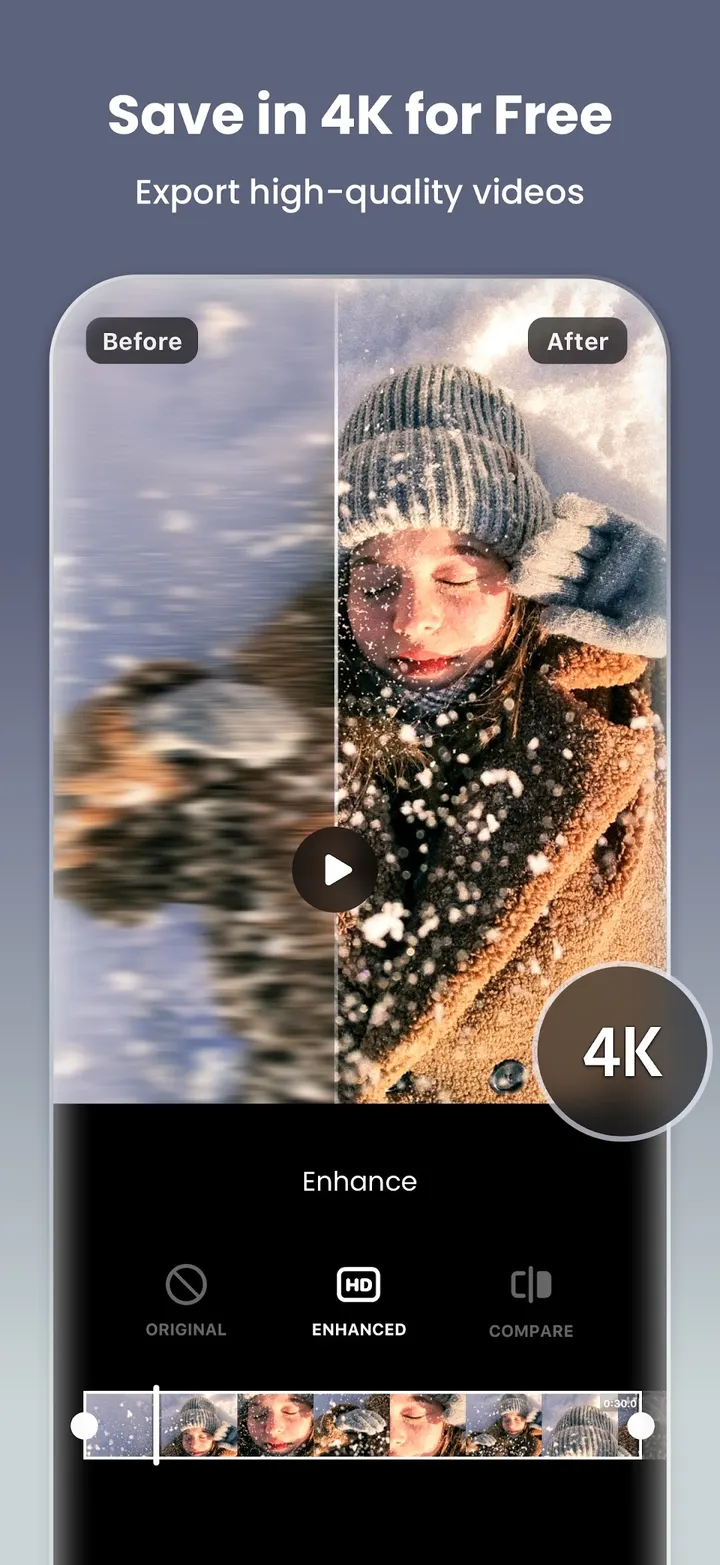
Video Editor & Maker suits people who cut short clips on a phone for social platforms and want one app for video and photos. It comes from InShot Video Editor and has been around since March 4, 2014. Beyond trimming and merging, it adds auto captions, text-to-speech and one-tap background removal. The latest version is 2.243.1555, updated October 22, 2026.
Editing vertical clips without a desktop
The app targets a common job: trimming, joining and polishing clips on a phone before posting to Instagram Reels, TikTok, WhatsApp Status or YouTube Shorts. You can change the aspect ratio so a video fits the target platform, and pick a background pattern or your own picture to fill the empty space.
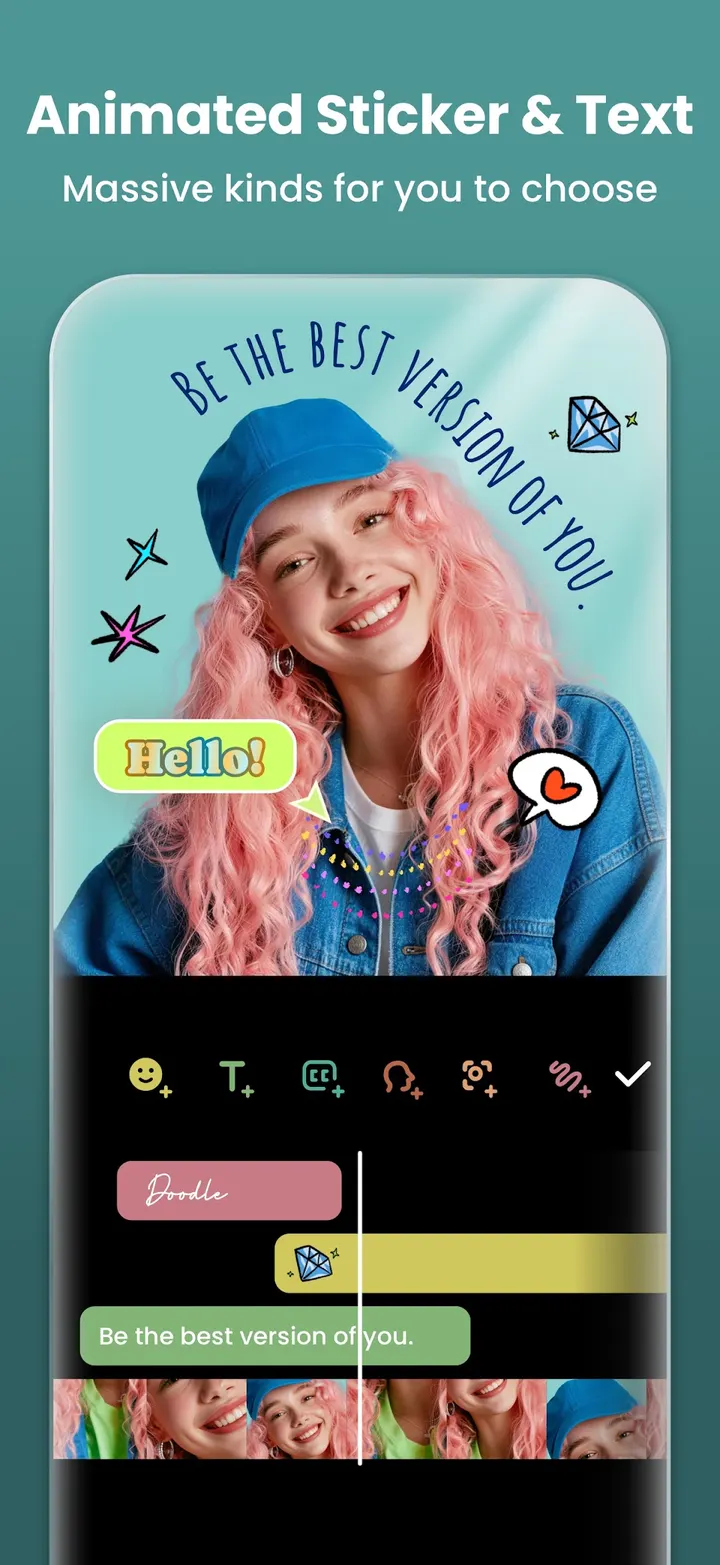
It covers photos too. The store text describes a collage maker that takes up to 20 photos and offers more than 100 editable layouts, plus background blur and over 1000 stickers, memes, texts and backgrounds.
The app is free to download and is rated Everyone.
AI captions, tracking and background removal
The newer tools sit under an AI heading. Auto Captions turns speech into subtitles, and AI Speech reads typed text aloud in several accents. Auto Remove Background works on videos and photos with a single tap.
Smart Tracking makes a sticker or text follow a moving object in the frame. Smooth Slow-mo and AI Body Effects handle motion and quick presets. AI effects such as clone, stroke and auto-blur are listed as well.
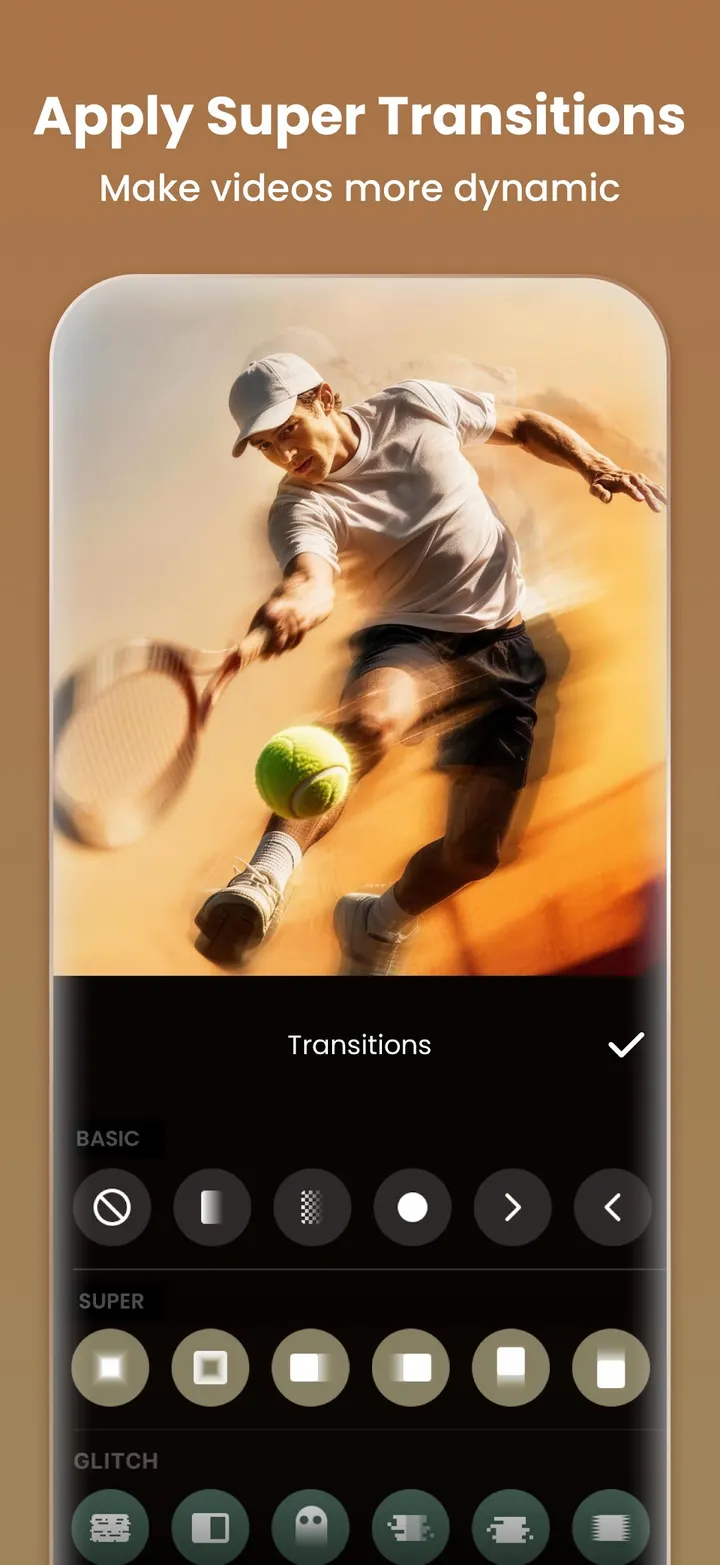
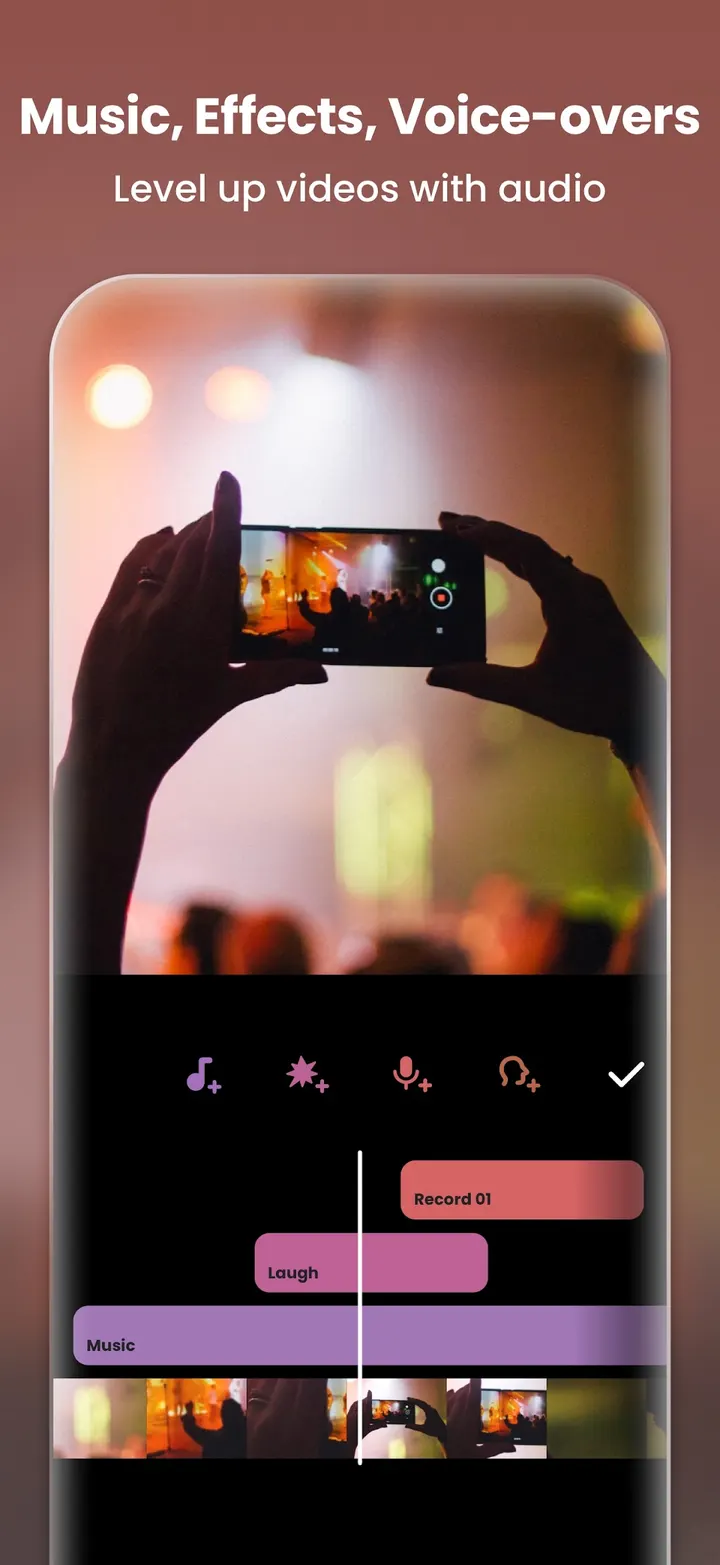
The classic editing side is broad. It includes trim and merge, reverse, speed control with speed ramping, keyframe animation, chromakey for green screen, Picture-in-Picture layers, blend modes and a color picker. Music, sound effects, voice-overs and voice effects can be added to the timeline.
Export quality, ads and Android 8.0
Export resolution is adjustable, and the app offers 4K at 60fps. How smoothly your phone renders that will vary, so try a short clip first.
Ads appear in the app, and some effects and tools sit behind in-app purchases. Look over the purchase prompts before you plan a project around a particular effect.
It runs on Android 8.0 or later.
Video Editor & Maker pros and cons
Pros
- Free to download, with a Google Play rating of 4.8 across 24.8 million ratings
- AI tools include Auto Captions, AI Speech and one-tap background removal
- Keyframes, chromakey, Picture-in-Picture and speed ramping cover more than basic trimming
- Export supports 4K at 60fps according to the store text
- Photo collage maker with up to 20 photos and over 100 layouts
Cons
- Contains ads
- In-app purchases are present, so some tools may cost extra
- Requires Android 8.0 or later
- Available through Google Play only
Is Video Editor & Maker safe?
Google Play is where you install this app. The publisher is InShot Video Editor, with a website at inshot.com, and the package ID is com.camerasideas.instashot. Look over the permissions it asks for when you install. We have no permissions list or independent security review to point to.
How to install Video Editor & Maker
- Press the Google Play button on this page.
- Check the listing in the Play Store and press Install.
- Open Video Editor & Maker when the install finishes. Updates arrive through Google Play.