


Lightroom suits people who want to edit phone photos beyond a basic filter, from portraits and travel shots to food pictures, and who also cut the occasional video clip. It is free to install, carries no ads and is rated for Everyone. This page covers the publisher, the editing tools such as Quick Actions, Background Blur and Generative Remove, and the device requirements.
Adobe's mobile Lightroom and its 2015 start
The app comes from Adobe, and the developer site points to the Photoshop Lightroom product page. The first release was on January 13, 2015, so it has been on Android for more than a decade. The latest version is 11.6.12, updated on November 4, 2026.
The package ID is com.adobe.lrmobile. The category is video editors, though the tags lean toward photography. That mix matches the app itself: photo editing comes first, and video support was added alongside it.
Generative Remove, Quick Actions and film filter presets
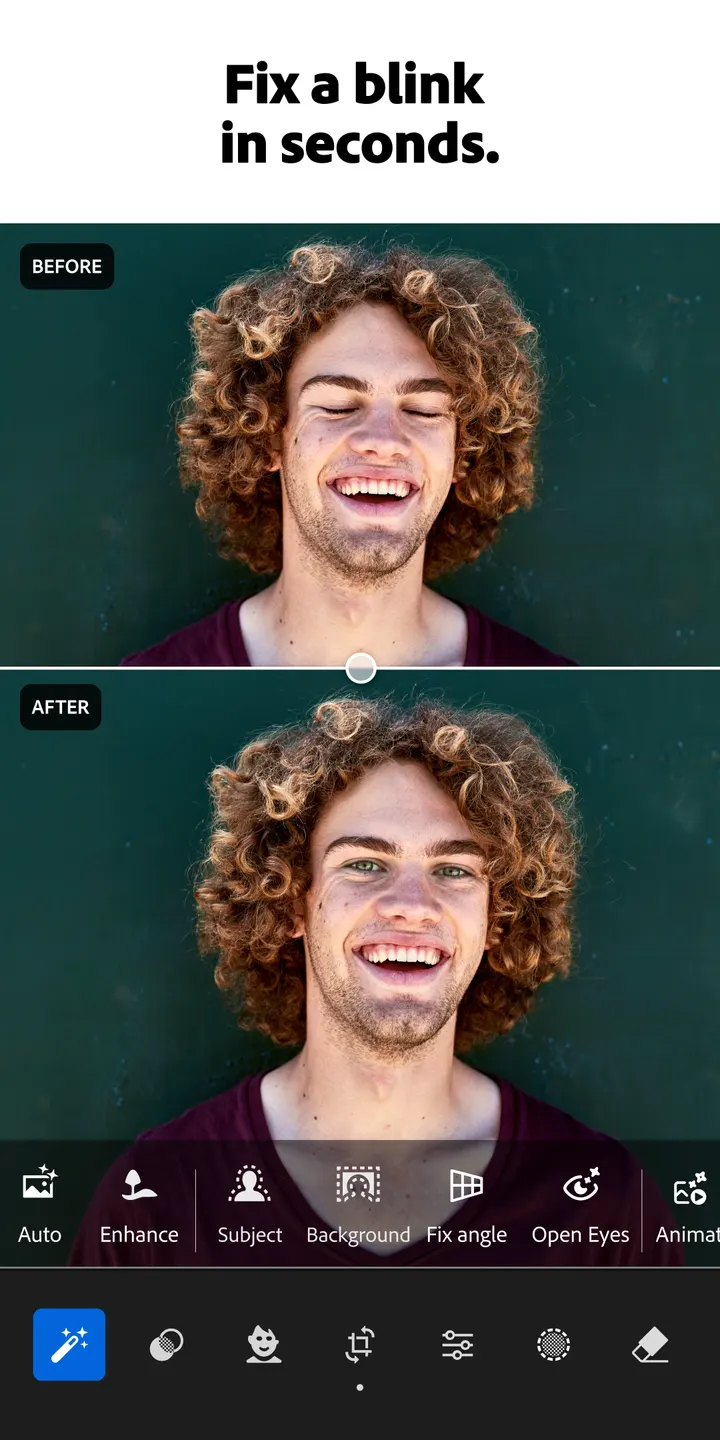
Quick Actions suggest fixes based on the picture you open, which helps when you do not know where to start. Presets cover filters you can save as your own look, and the newest additions are film filter presets aimed at a cinematic style. The store text also mentions presets shared by creators around the world, which you can browse and save.
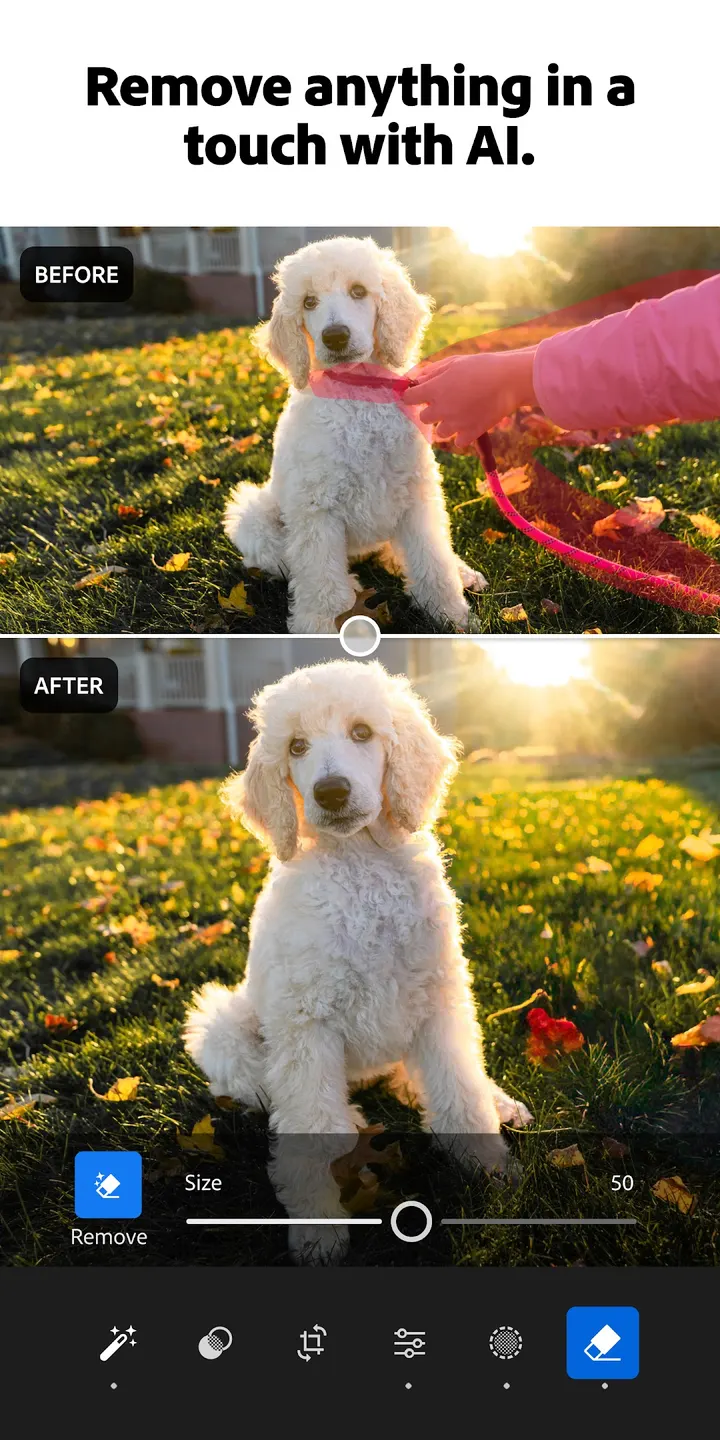
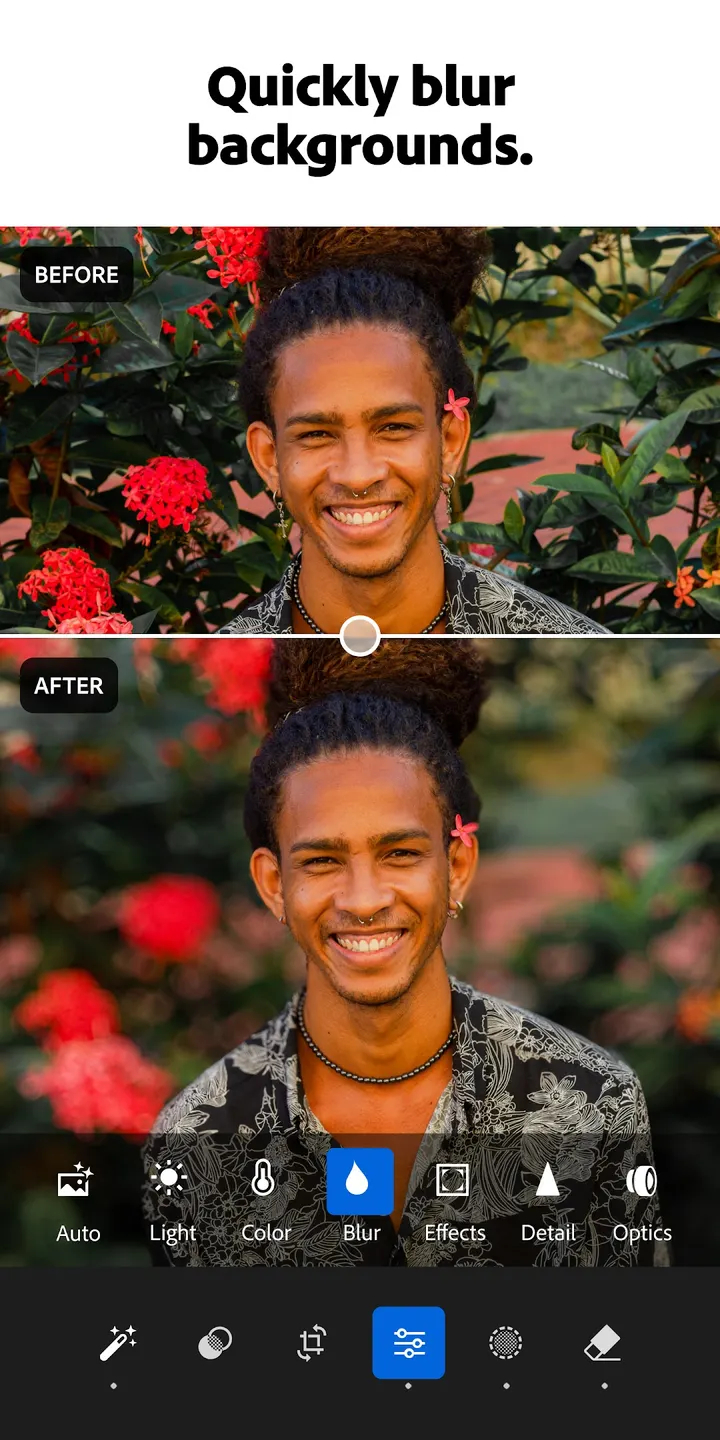
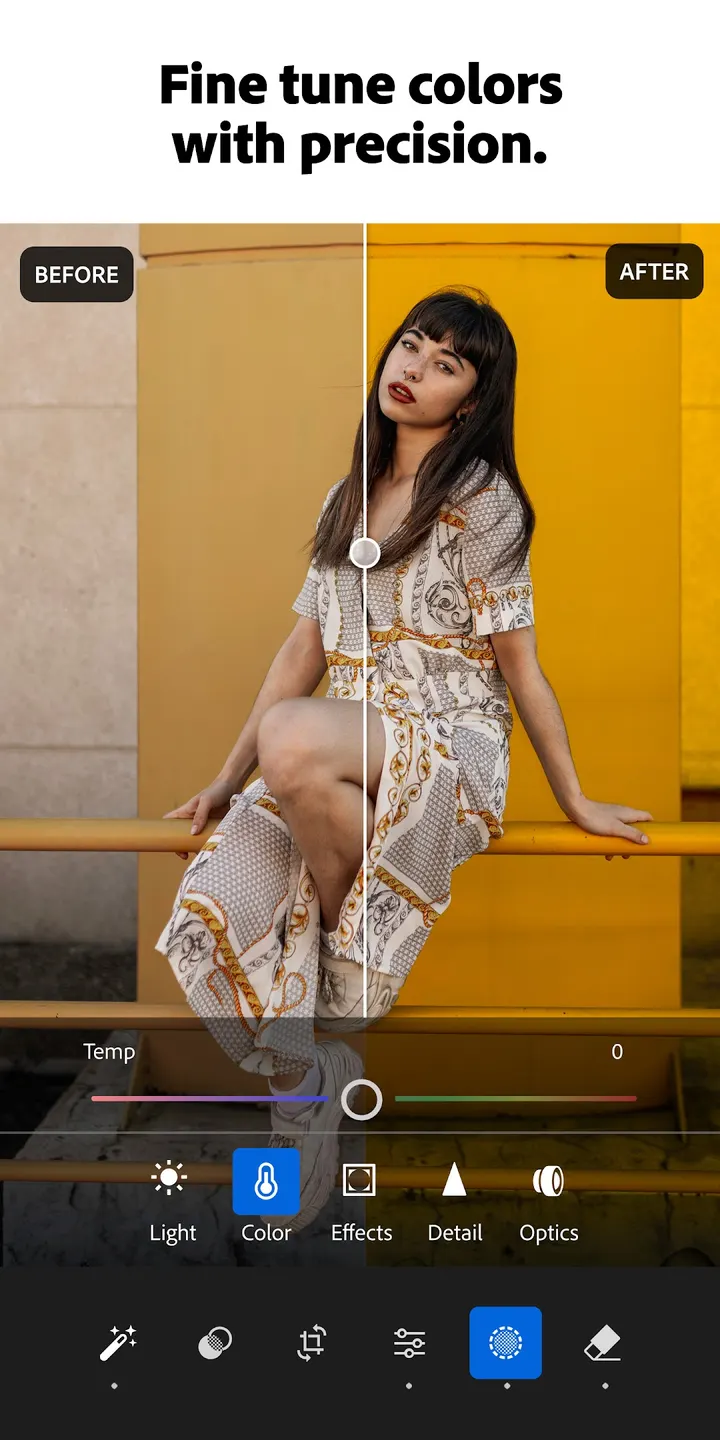
Generative Remove is the AI eraser for taking unwanted objects out of a frame. Background Blur adds depth by softening what sits behind the subject. Manual controls cover exposure, highlights, shadows, color grading, hue and saturation, plus a bokeh-style blur.
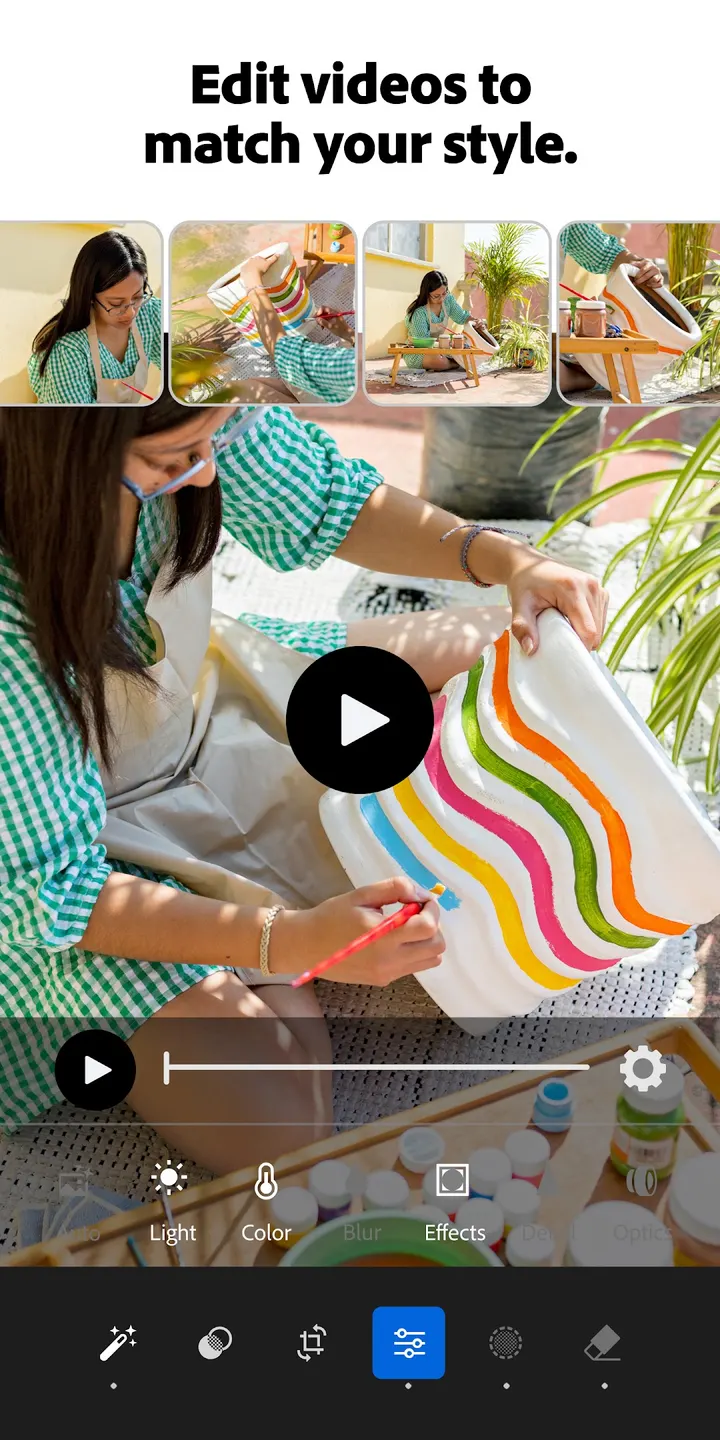
Batch editing is aimed at shoots with many frames, such as a concert or a family gathering. You fix photos in groups so the edits stay consistent across the set. Video editing brings tools for light, color and presets to your clips.
Android 8.0 requirement and what to check
Lightroom needs Android 8.0 or newer. The current version is 11.6.12. Check the store page for your phone before installing.
The app is free and includes in-app purchases.
Lightroom Photo Editor & Video pros and cons
Pros
- No ads
- Generative Remove erases unwanted objects from photos
- Batch editing keeps edits consistent across a whole shoot
- Video tools for light, color and presets in the same app
- Rated 4.5 on Google Play from about 3.7 million ratings
Cons
- Contains in-app purchases
- Requires Android 8.0 or newer
- Requires Android 8.0 or newer
Is Lightroom Photo Editor & Video safe?
Adobe publishes the app, and you install it from Google Play, where it carries a content rating of Everyone. No ads are shown. In-app purchases are included, so check what a purchase unlocks before paying. No independent security review is available. For details on how data is handled, read the data safety section on the Google Play page.
How to install Lightroom Photo Editor & Video
- Press the Google Play button on this page.
- Check the listing in the Play Store and press Install.
- Open Lightroom Photo Editor & Video when the install finishes. Updates arrive through Google Play.