
KineMaster is a video editor for Android that leans on AI: auto captions, text-to-speech, music matching, background removal and noise removal are all built in. It is free to download, needs Android 8.0 or later, and carries an Everyone content rating.
Free to install, with ads and in-app purchases
KineMaster is free to start with, but it carries ads and in-app purchases. If you are planning a project around one feature, such as AI Auto Captions or AI Vocal Separator, check the in-app screens first, since some tools or export options may sit behind a purchase.
It comes from KineMaster, Video Editor Experts Group, and first appeared in December 2013, which makes it one of the longer-running mobile video editors.
AI captions, voices and background removal
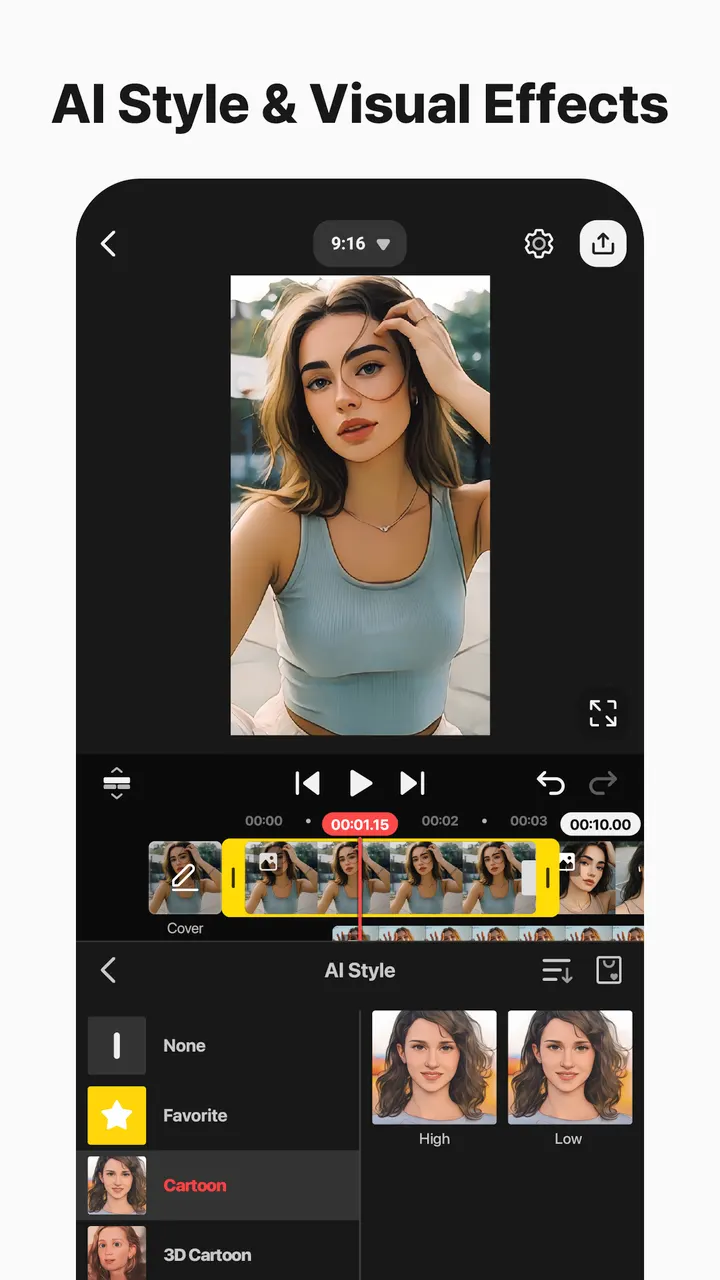
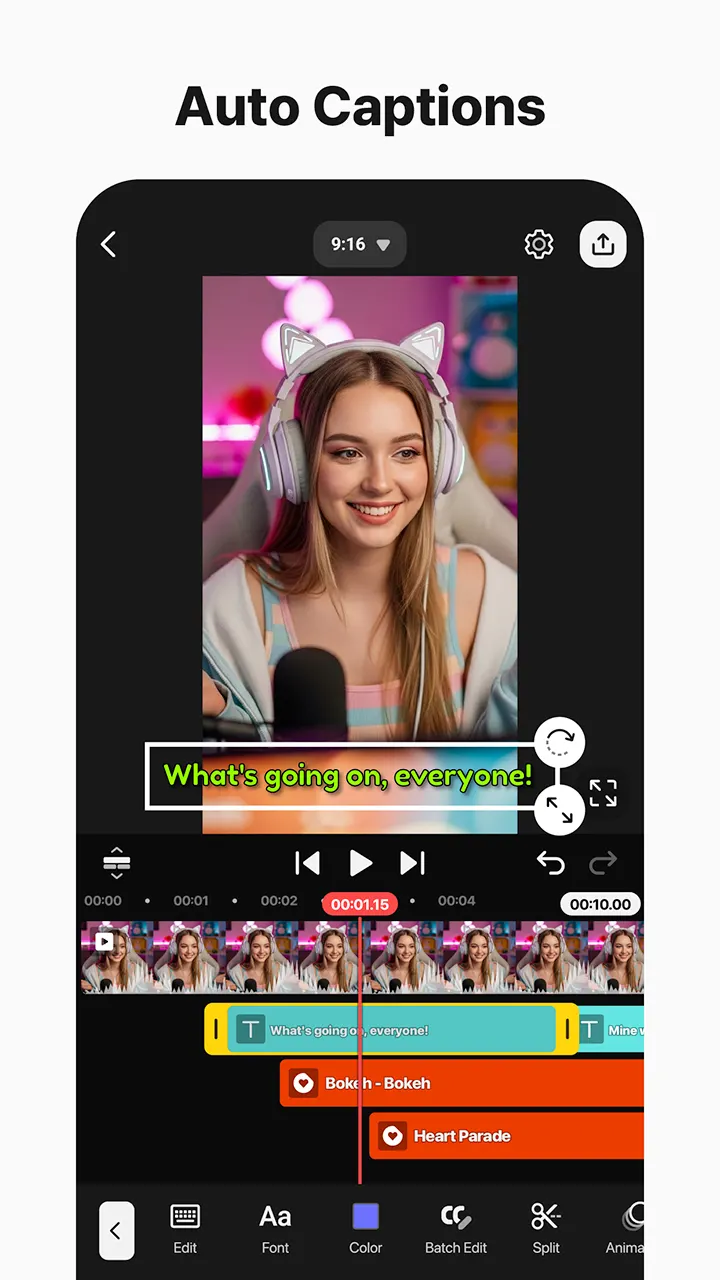
The newer additions center on AI. Auto Captions adds subtitles from video or audio, and Text-to-Speech turns typed text into spoken audio. AI Voice changes how your audio sounds, and AI Music Match recommends songs.
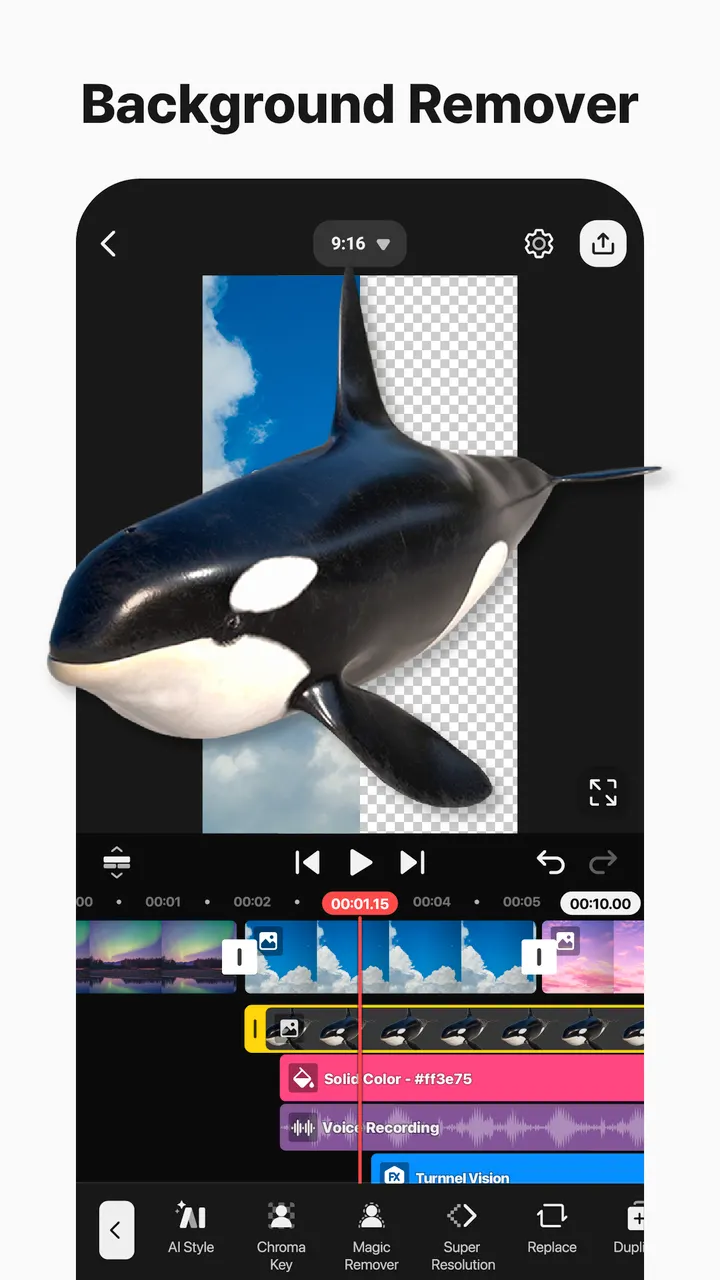
On the cleanup side, Magic Removal cuts out the background around people and faces. Noise Removal reduces distracting sounds in video or audio, and Vocal Separator splits a song into vocals and music. The description also mentions tracking for text and stickers, upscaling of low-resolution media, style effects and template recommendations.
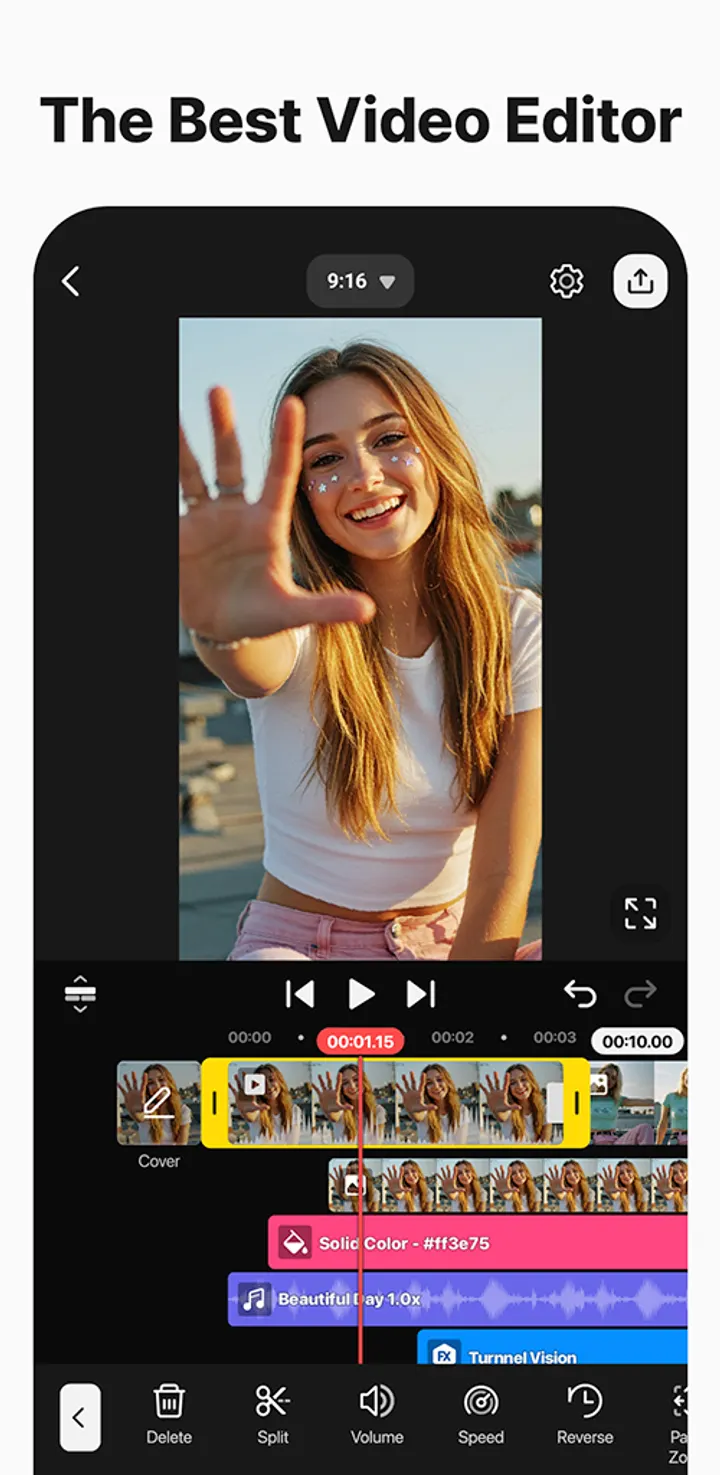
Classic editing tools are listed too: keyframe animation for size, position and rotation of each layer, chroma key for green screen work, and speed control that can reverse or slow a clip.
Templates, asset store and 4K 60 FPS export
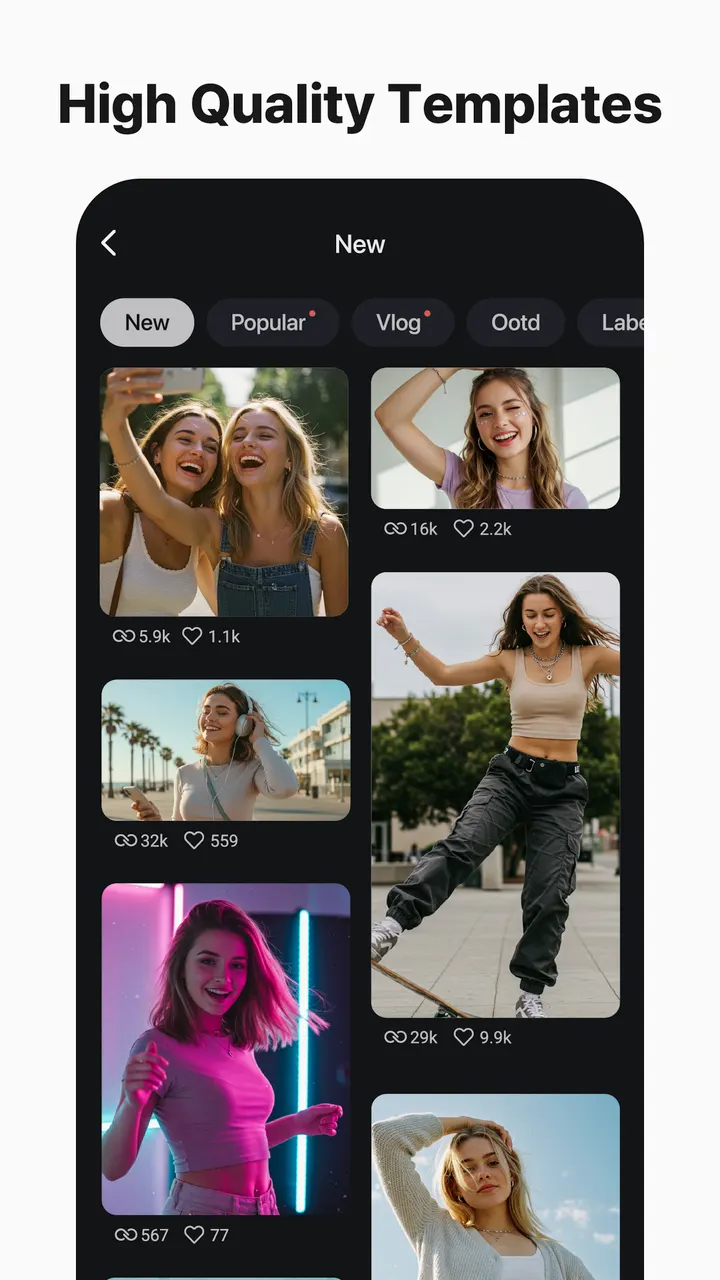
KineMaster works from templates as well as from a blank timeline. You swap in your own photos and videos, and the Mix feature lets you save a project as a template to share. KineCloud backs up projects so you can continue on another device.
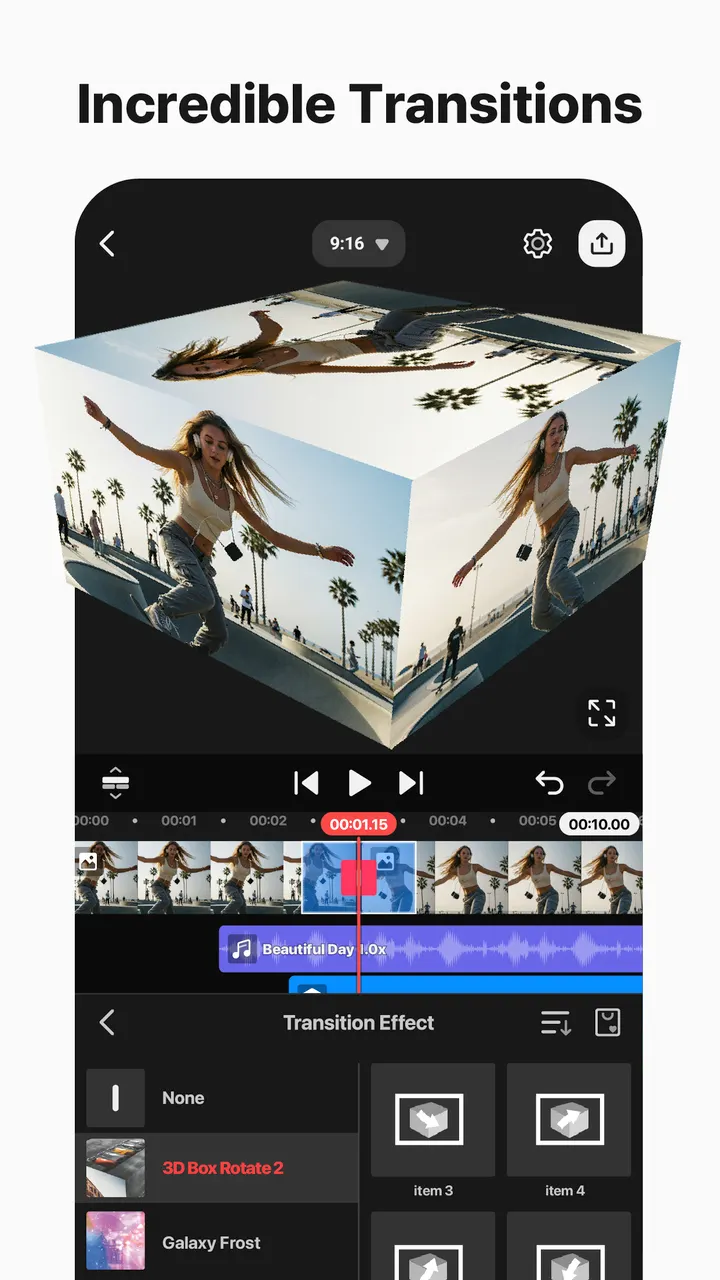
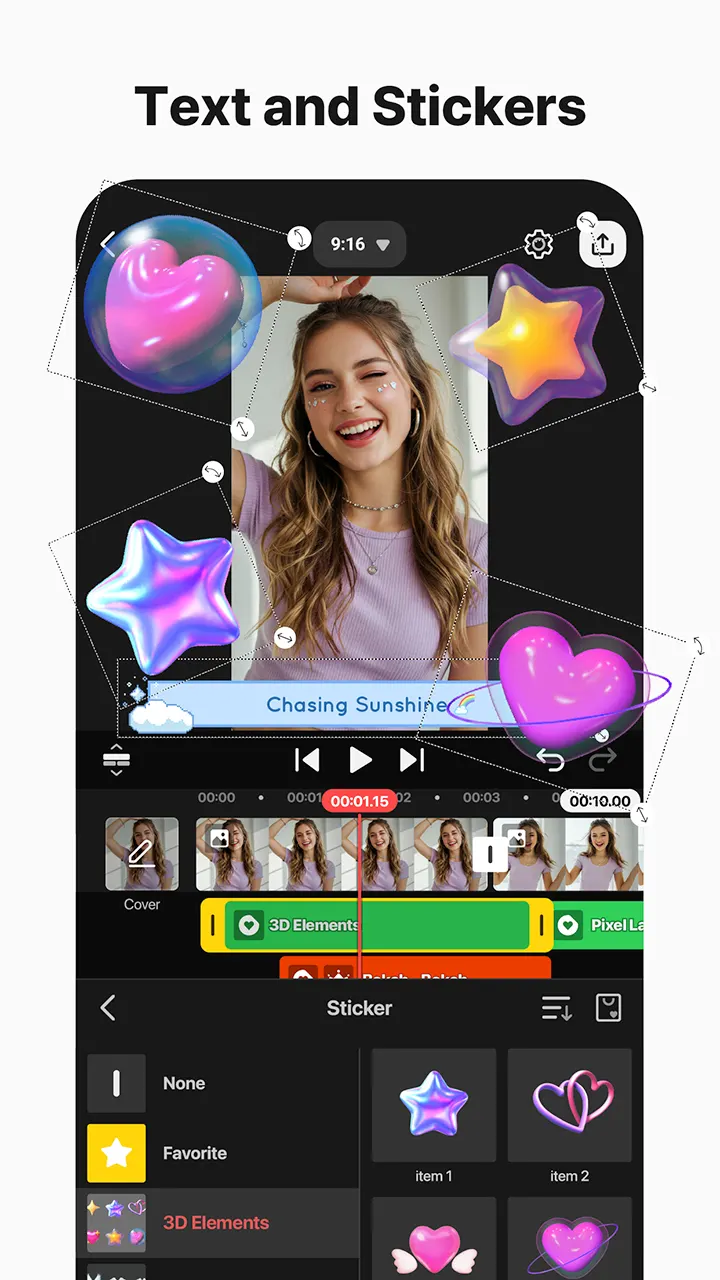
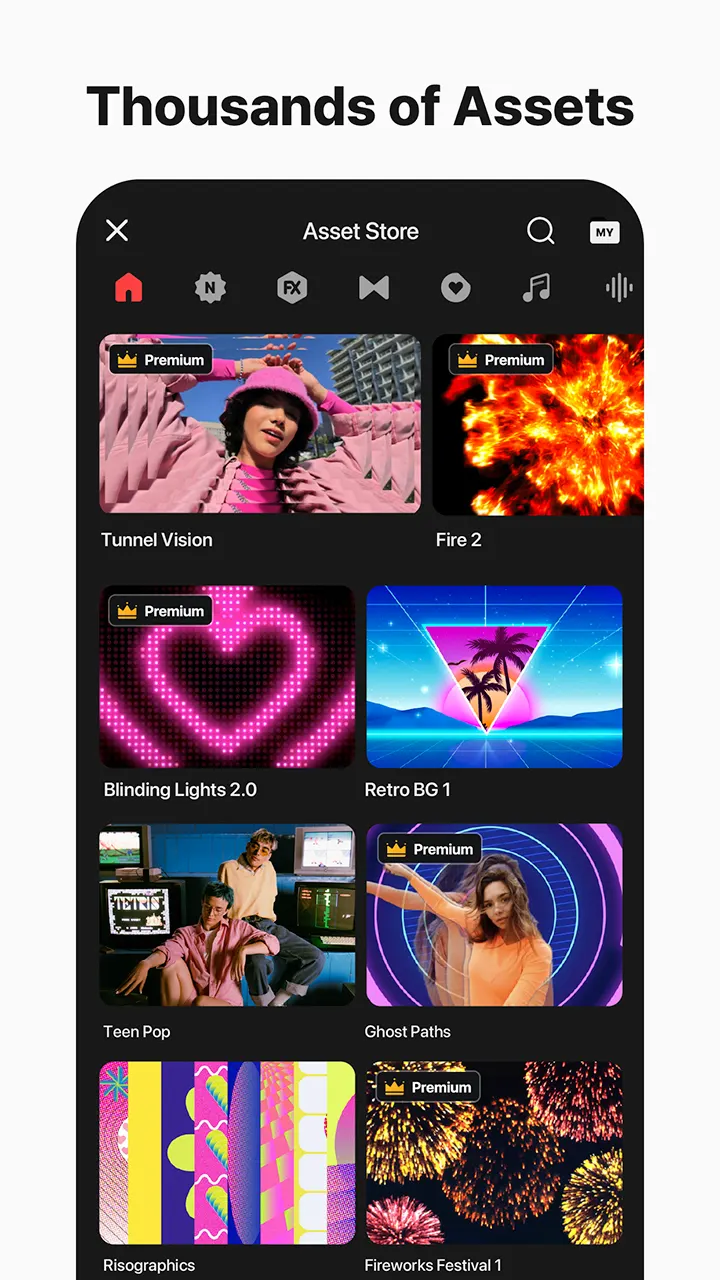
The Asset Store holds effects, stickers, music, fonts, transitions and VFX. Output can reach 4K at 60 frames per second, or you can lower quality so files load faster on social platforms. Transparent background support is listed for compositing, and the editor handles both portrait and landscape projects.
Version 8.2.16 and the 2013 release
The current version is 8.2.16.37462.GP, last updated on November 3, 2026. The app first appeared on December 25, 2013, so it has been around for over a decade.
KineMaster pros and cons
Pros
- Free to install
- AI tools for captions, text-to-speech, noise removal and vocal separation
- Exports up to 4K at 60 frames per second
- Keyframes, chroma key and speed control for finer edits
- KineCloud backup lets projects move between devices
Cons
- Contains ads
- In-app purchases are present
- Ads appear in the app
Is KineMaster safe?
The publisher is KineMaster, Video Editor Experts Group, whose website is kinemaster.com. The app carries an Everyone content rating and is installed through Google Play. No security audit or licence details are provided, so nothing beyond that can be confirmed.
How to install KineMaster
- Press the Google Play button on this page.
- Check the listing in the Play Store and press Install.
- Open KineMaster when the install finishes. Updates arrive through Google Play.