
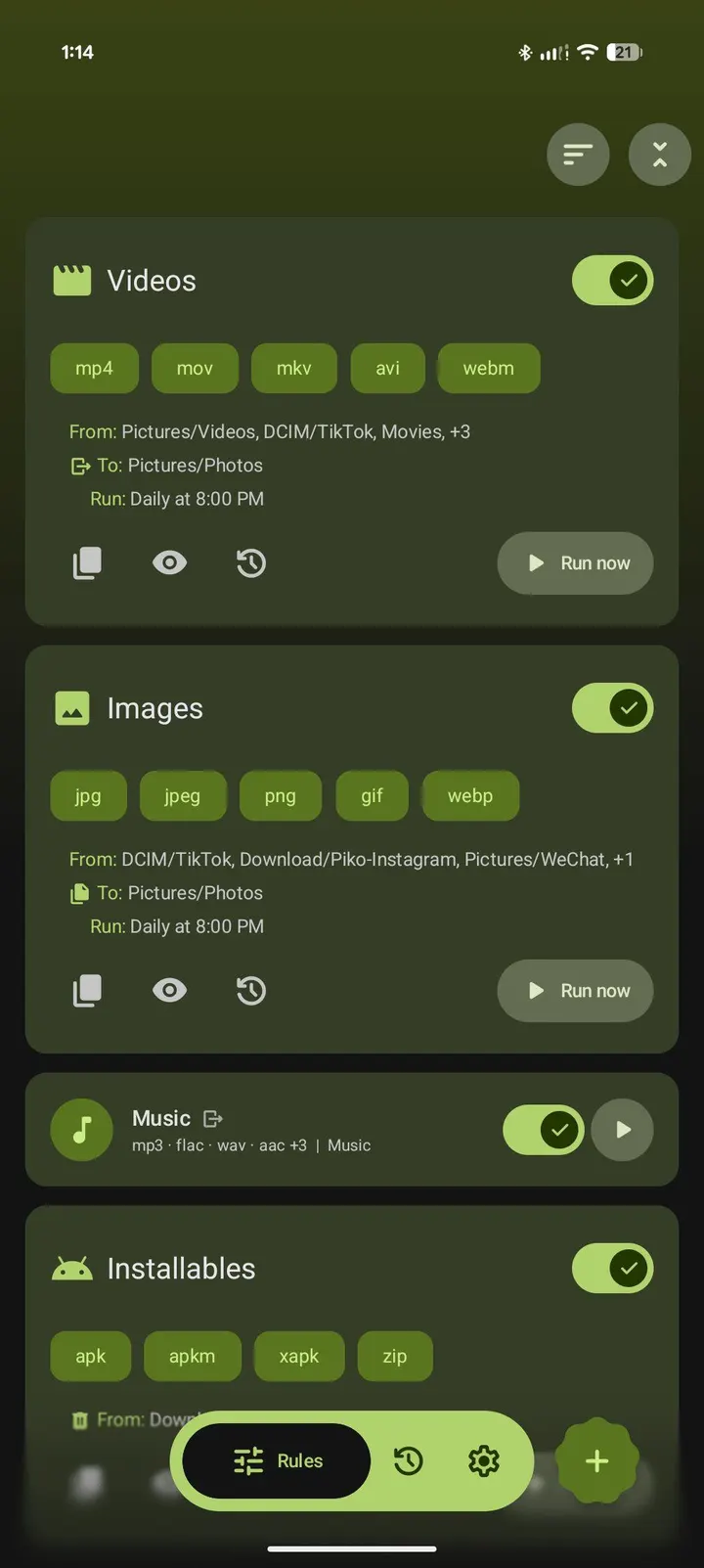
FilePipe suits people whose Download folder fills up with videos, documents and images that never get sorted. It is a free, open-source Android app by Bikram Agarwal that moves or copies files according to rules you set once. Version 3.11.3 needs Android 12 and takes up 5.4 MB. It has no ads and costs nothing.
Setting up your first FilePipe rule
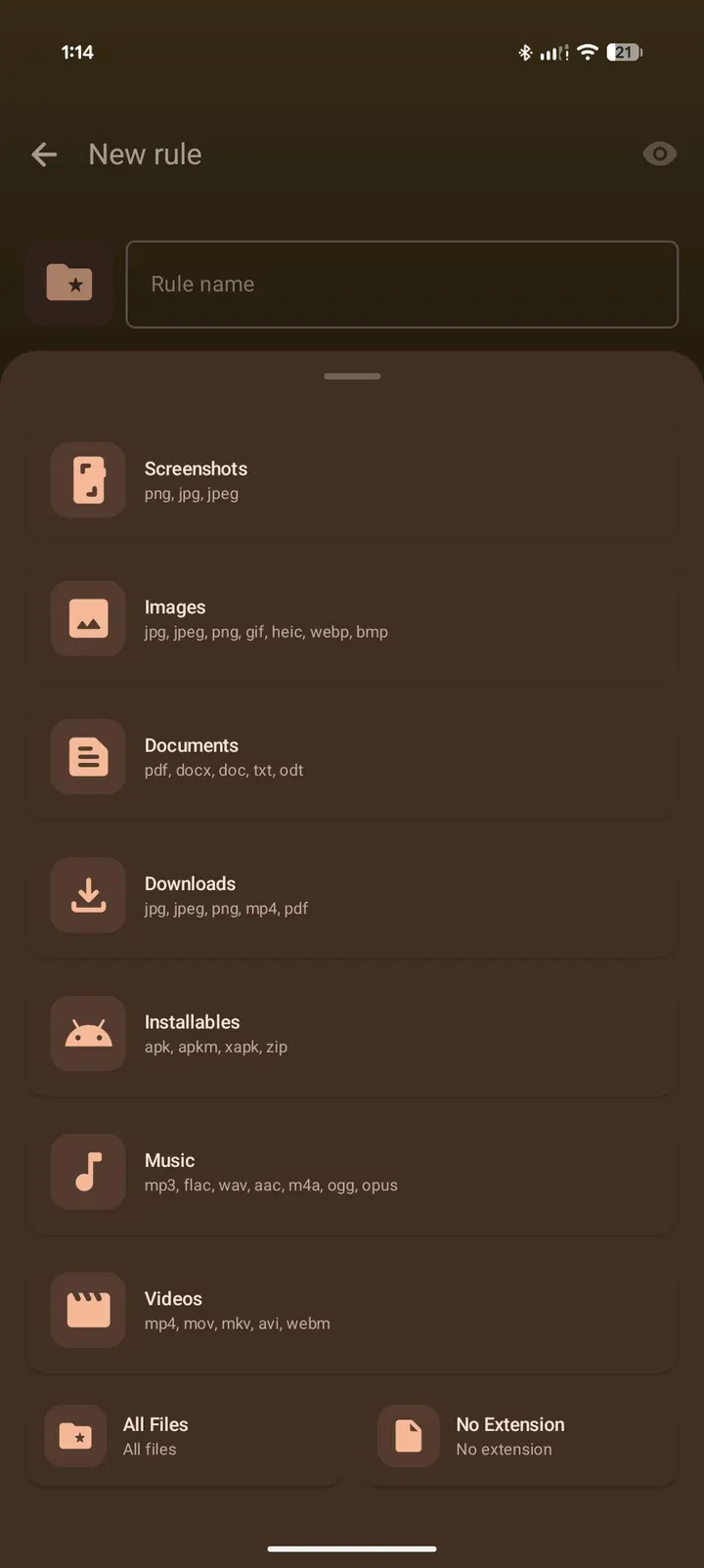
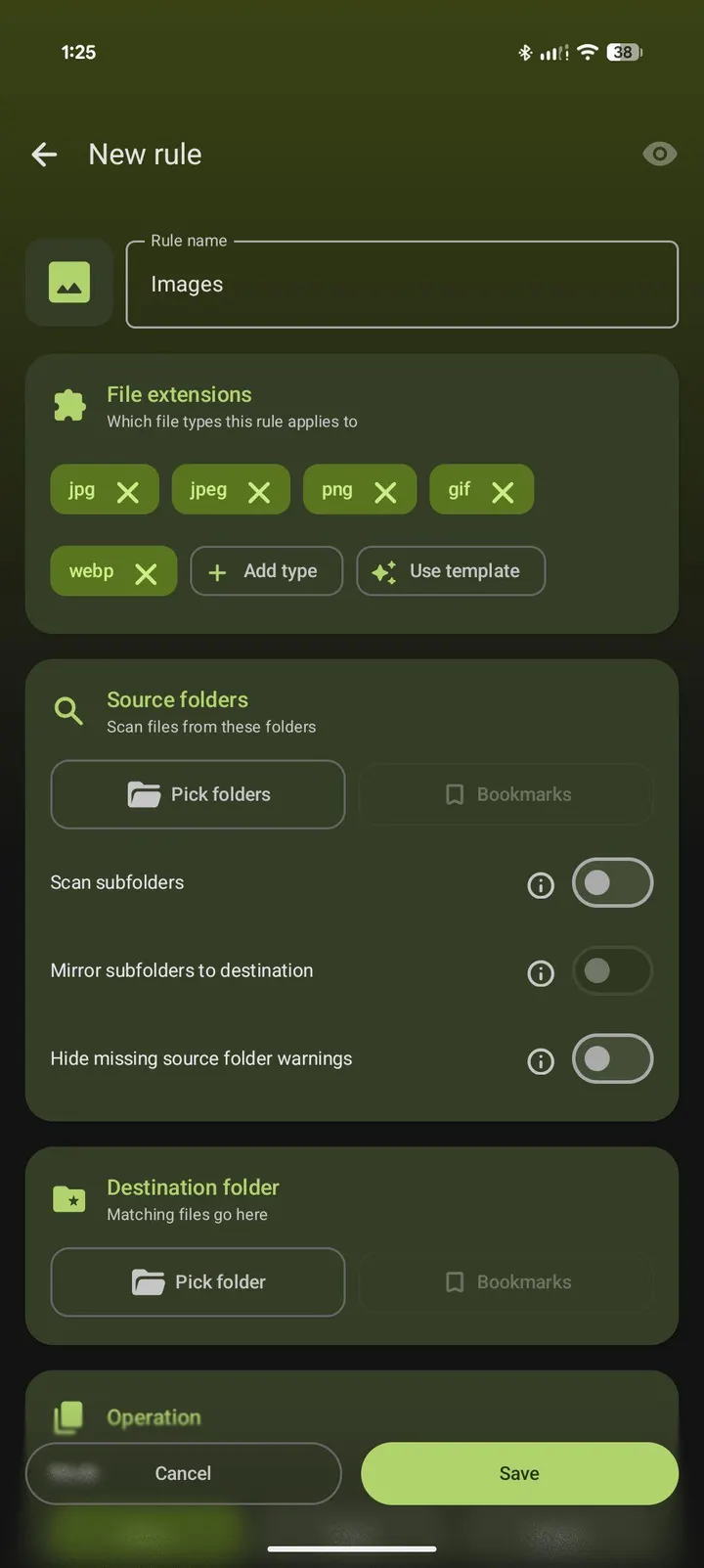
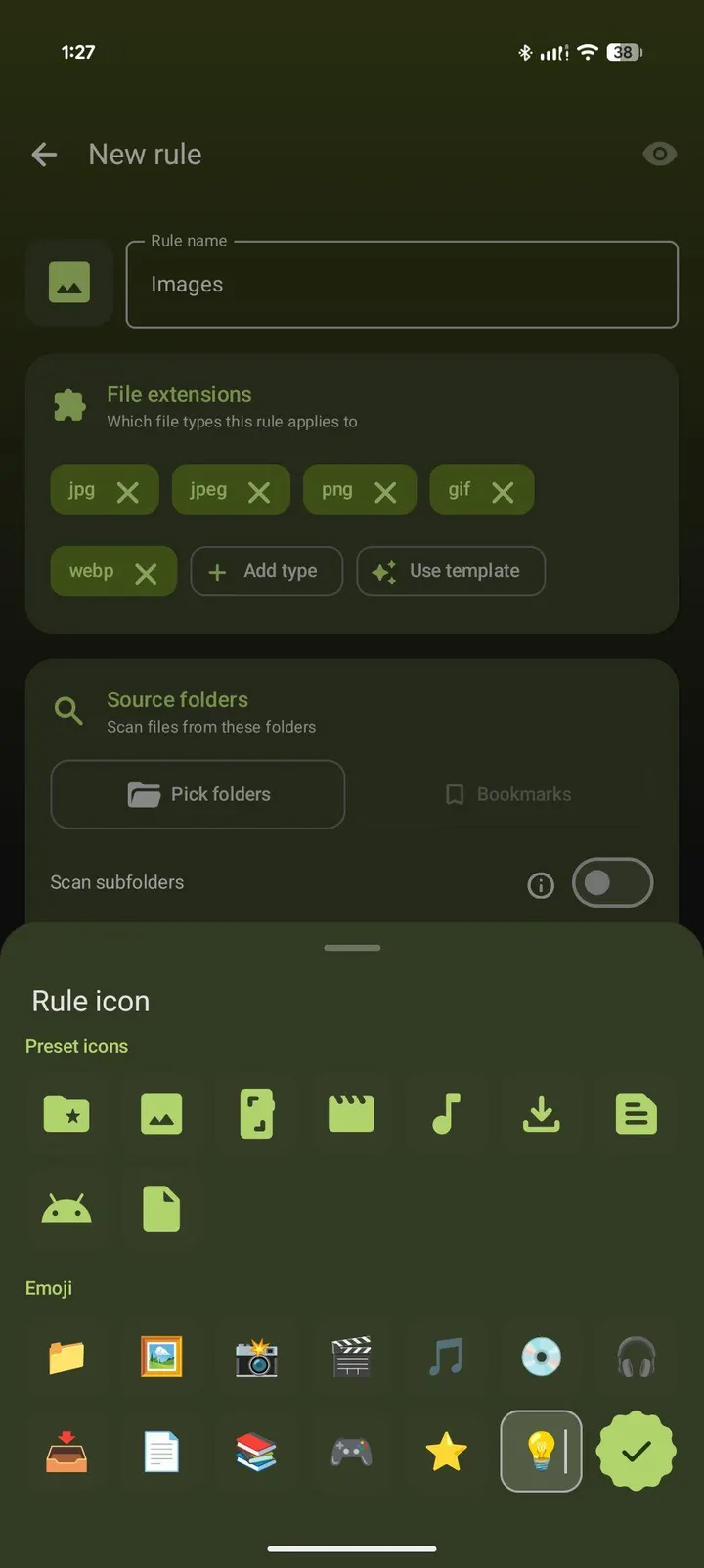
After install, start with a rule. You can begin from a template or build your own by picking source folders, file extensions and a destination. Each rule can move, copy or delete files, and you decide what happens on a filename collision: skip, overwrite or rename.
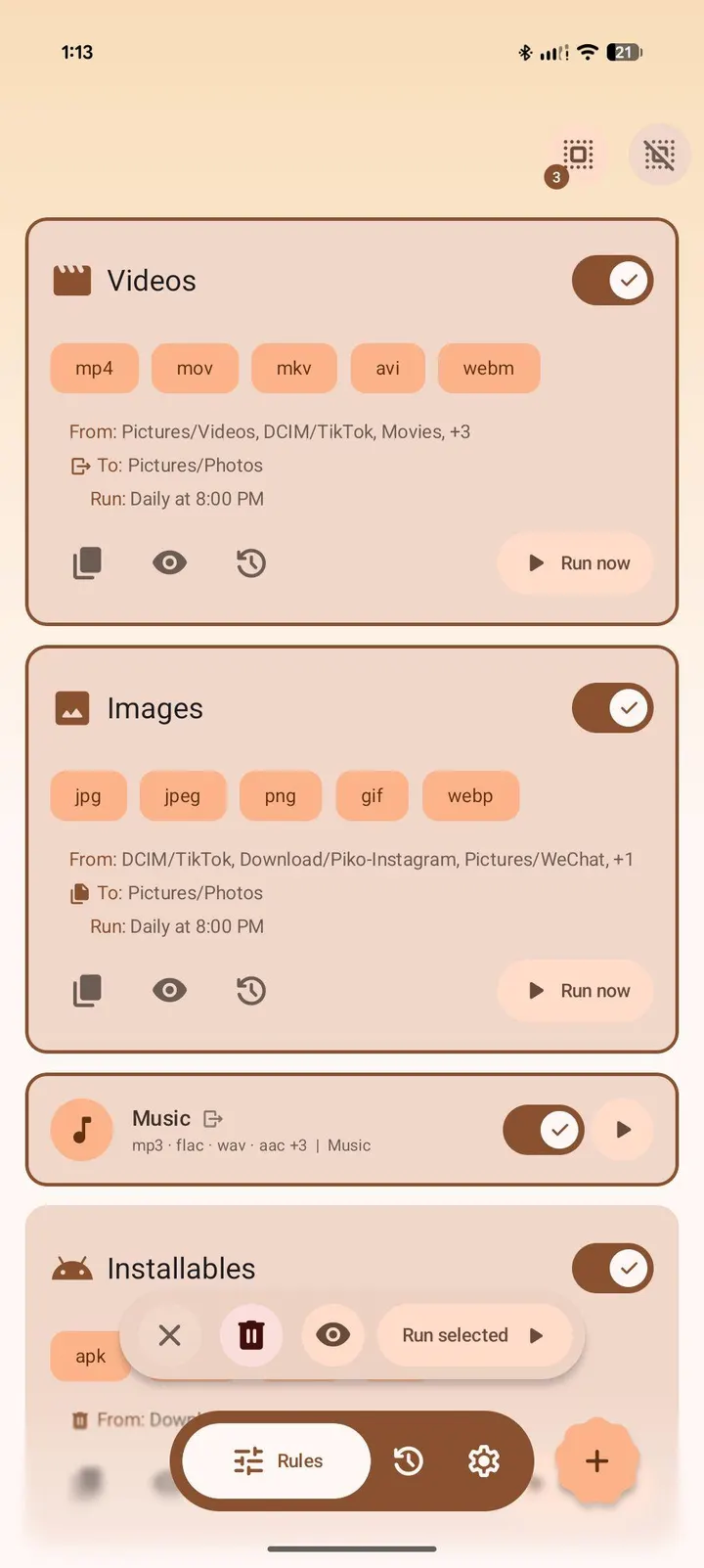
Before you let a rule run, use the preview. It lists which files would be moved without touching anything on disk, so a wrong pattern costs nothing. Copies keep their original date and time only with All files access, so expect to grant that permission if you want it.
Then choose a schedule. Rules can run on demand, every few hours, daily at a set time, or weekly on a chosen day and time. Each rule keeps its own schedule and can scan subfolders.
Filters, history and undo in FilePipe
The filter set is where the app gets specific. You can match filename patterns with wildcards or RegEx, set minimum and maximum file size, set minimum and maximum file age, and add exclude patterns. There is also a media orientation filter for portrait or landscape files. All of these are optional and collapsed by default, so a simple rule stays short.
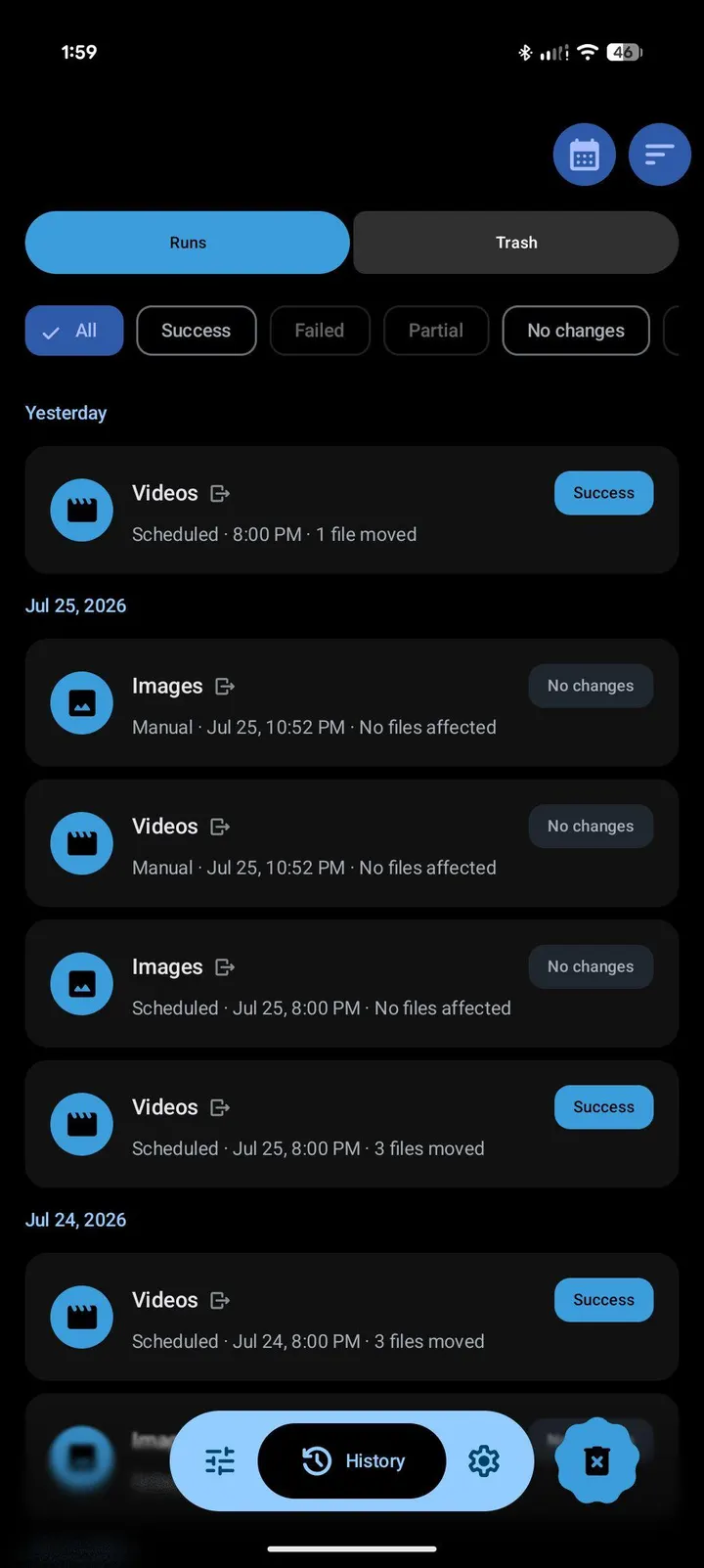
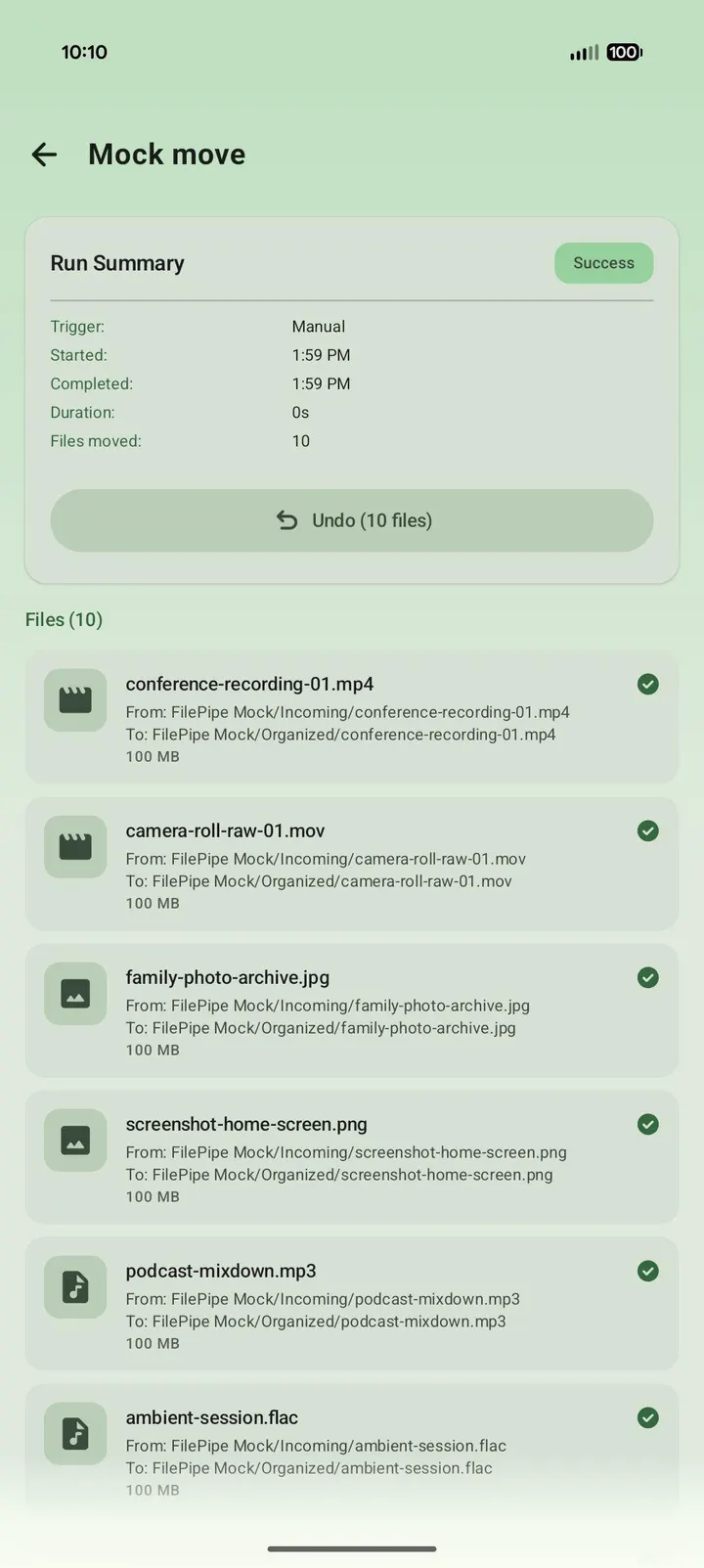
Every run is logged with a per-file breakdown of moved, skipped or failed items. You can filter the history by outcome, including runs that matched nothing, and switch between date, rule and status views. Tapping a moved file opens it. An undo option restores files when possible, and scheduled runs post a notification with an Undo button.
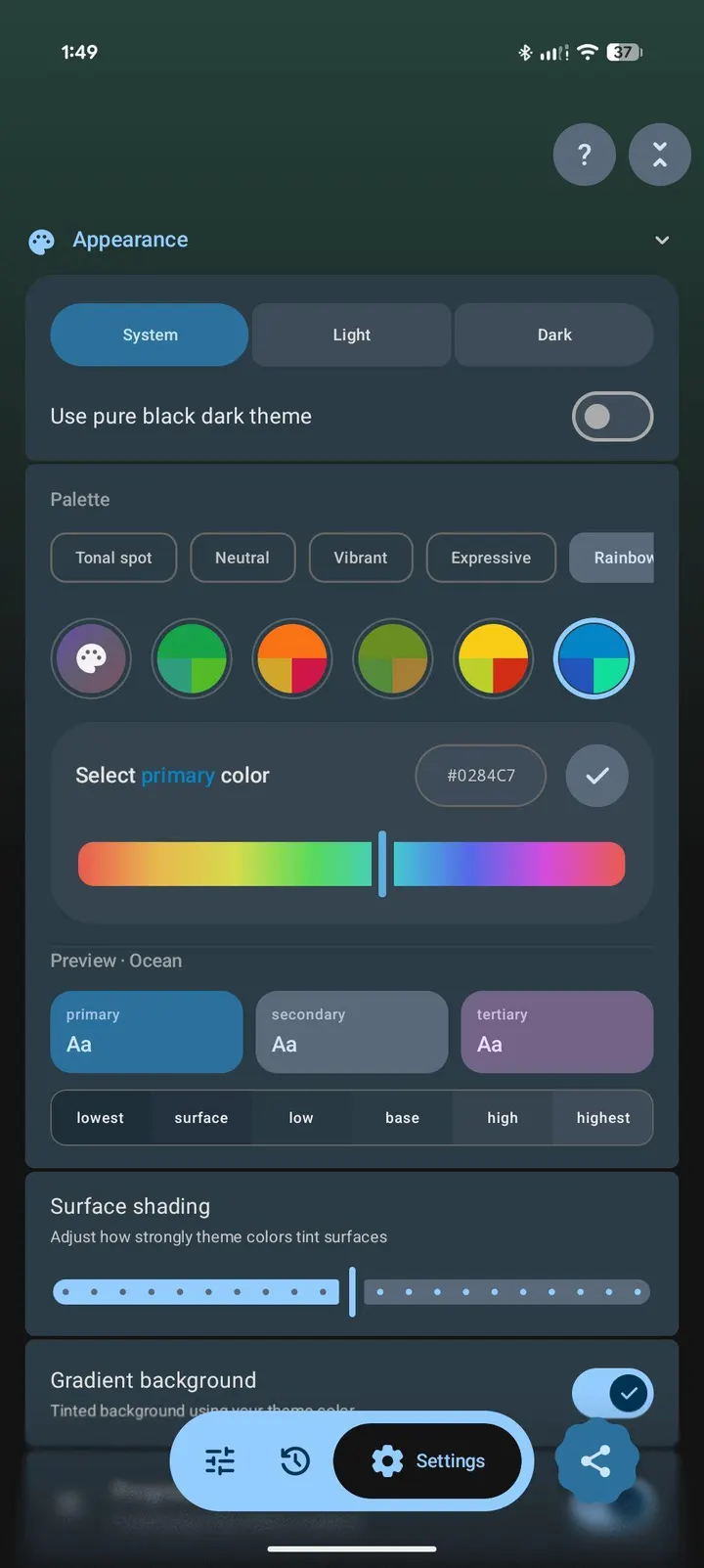
Long-pressing the app icon gives shortcuts to run your top four enabled rules. Rules, history and settings can be exported to a JSON file, with auto-export available in Settings.
When Amaze or Fossify fits better than FilePipe
FilePipe automates sorting. It is not a general browser for everyday file handling, so a manual manager such as Amaze File Manager or Fossify File Manager may suit you better if you mostly browse, copy and rename by hand.
If your files live in the cloud, Google Drive or Microsoft OneDrive cover that, and FilePipe does not offer cloud sync. Files by Google is another alternative for general cleanup. Anyone on Android 11 or older cannot install this build at all, since it needs Android 12.
What's new in 3.11.3
Version 3.11.3 was updated on September 28, 2026.
FilePipe pros and cons
Pros
- Rules can move, copy or delete files on schedules from every few hours to weekly
- Preview shows which files a rule would touch before anything changes
- Run history with per-file results and an undo option
- No ads, free, and licensed GPL-3.0-only with public source code
- Small 5.4 MB download
Cons
- Requires Android 12 or newer
- Copies keep their original date and time only with All files access
- Needs Android 12, so older devices cannot install it
- Works as an automation tool, so it is less suited to casual manual browsing
Is FilePipe safe?
TopDown APK hosts the unmodified APK for FilePipe, and the file has a SHA-256 checksum of f84a2018608b28a0764a8b3b0599898a1974d289aad9be6766c7b195f5f61812 you can compare against your download. The app is published by Bikram Agarwal under GPL-3.0-only, and its source is on GitHub. It shows no ads. Because rules can delete or overwrite files, test each one with the preview first.
How to install FilePipe
- Download the APK with the button on this page and wait for it to finish.
- Compare the file with the SHA-256 checksum shown here if you want to confirm it arrived intact.
- Open the file on your phone and allow installs from this source when Android asks.
- Finish the install, then open FilePipe from your app drawer.


