
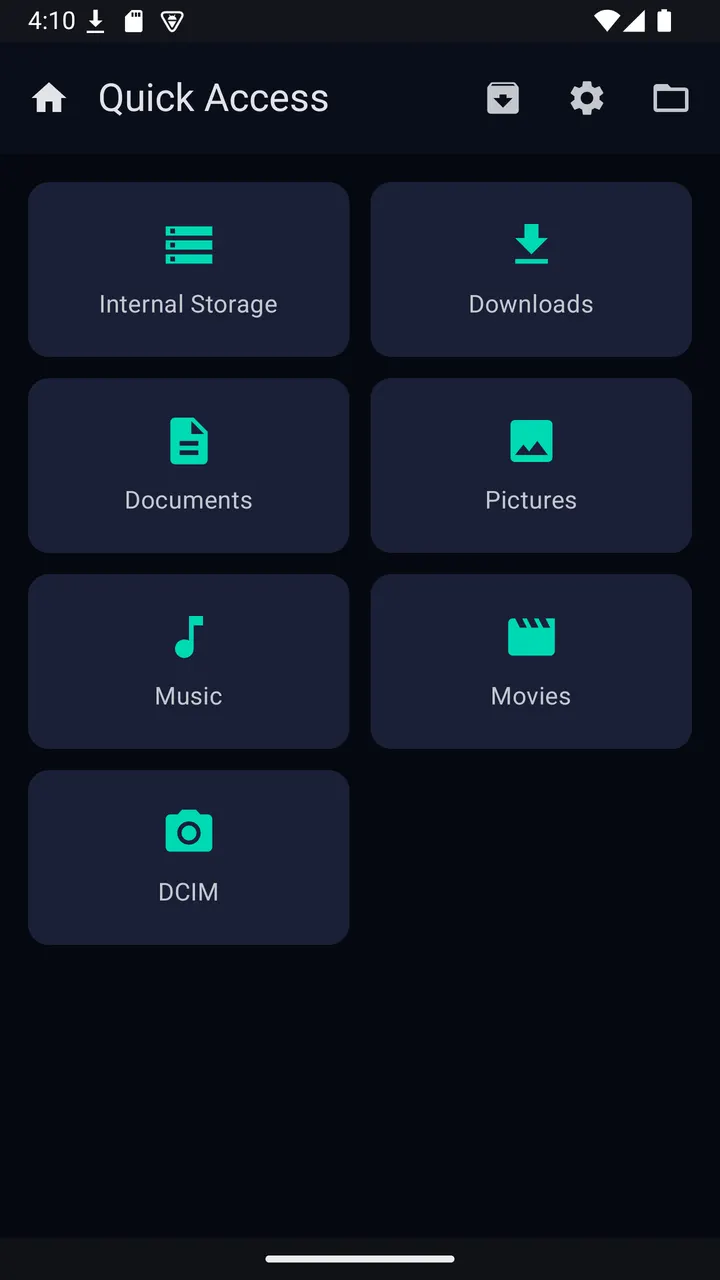
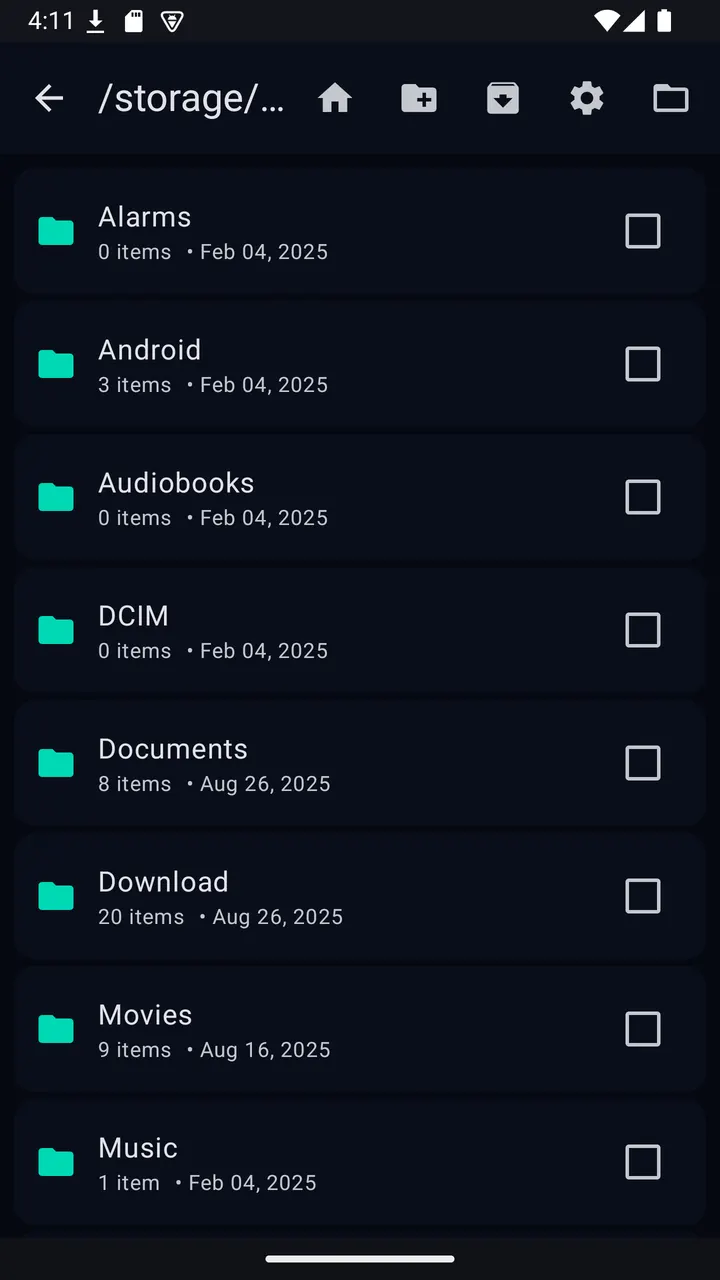
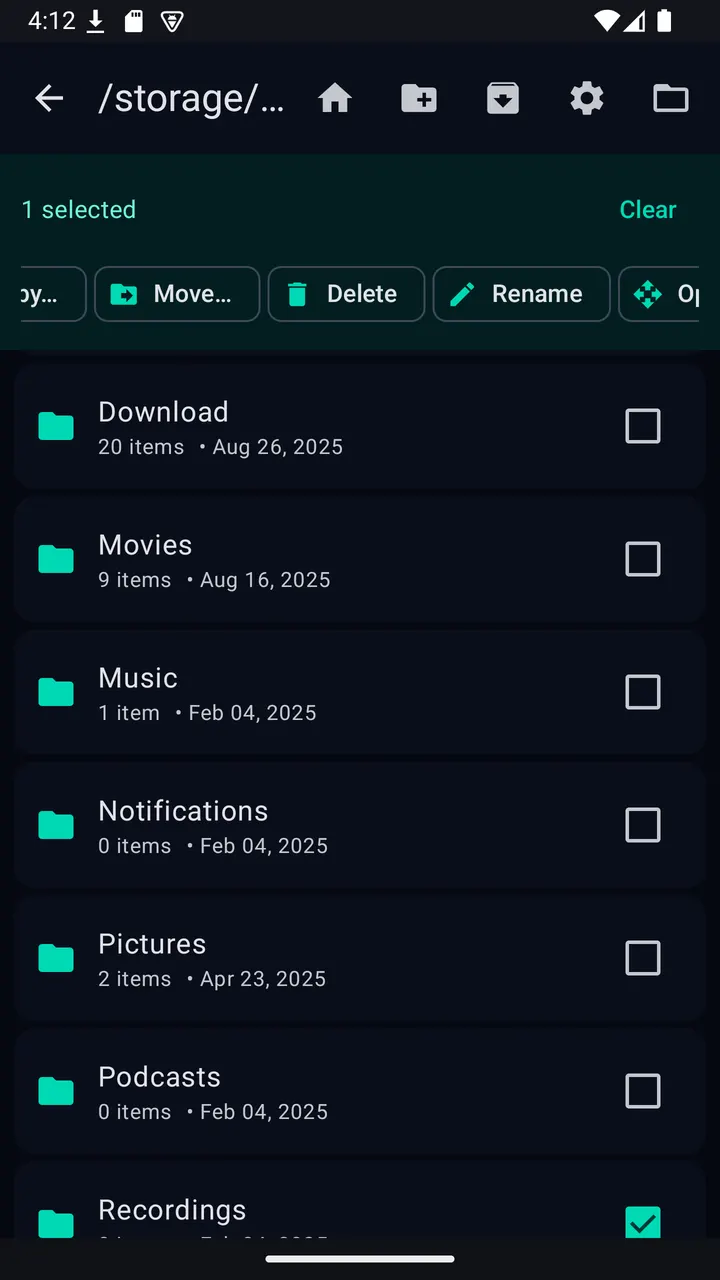
Fluffy is a free, open-source file manager for Android from MLM Games, now at version 4.6.0 and last updated on October 22, 2026. It runs on phones, tablets and Android TV, weighs 7.4 MB and needs Android 7.0 or newer. It shows no ads and has no trackers.
Who the TV-friendly layout is for
Fluffy suits people who want a small file manager that also works with a TV remote. The interface supports DPAD focus and uses large targets, so moving through folders does not depend on a touchscreen.
It also fits anyone who handles archives often and wants that built into the file browser. The app works without a network connection, which matters on a TV box that may never be signed in to anything.
Archives, SAF folders and the Task Center
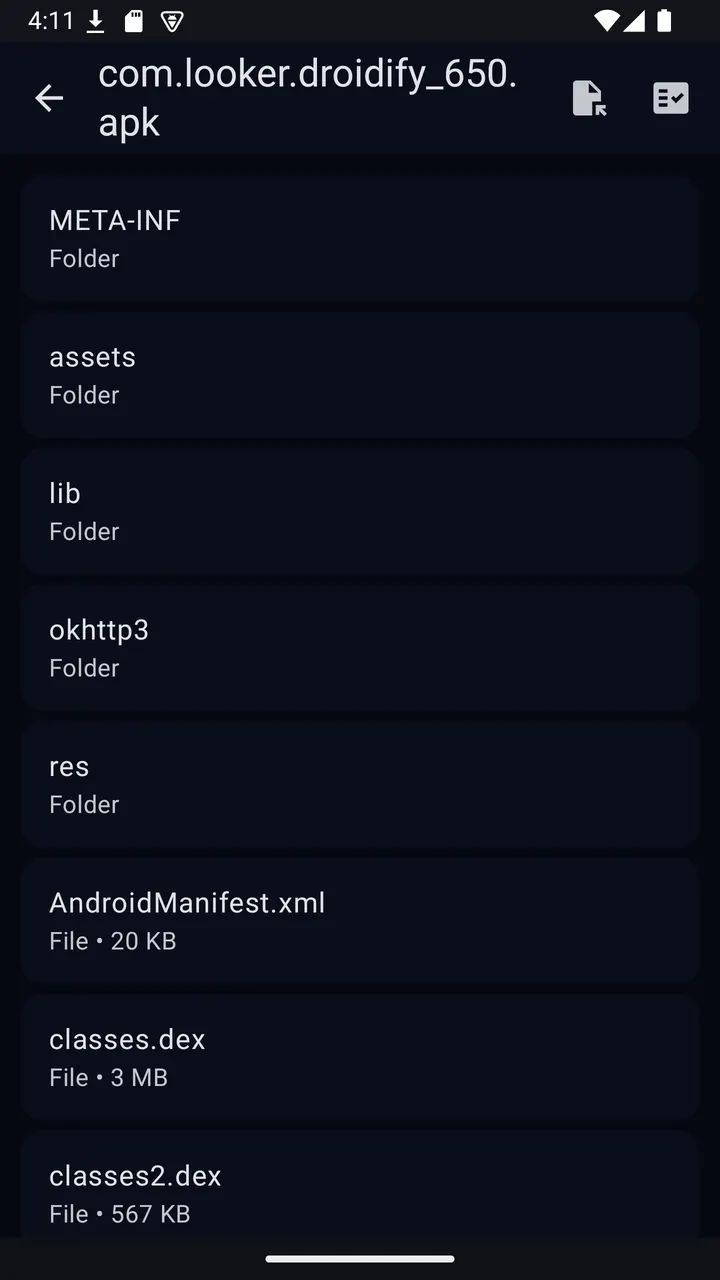
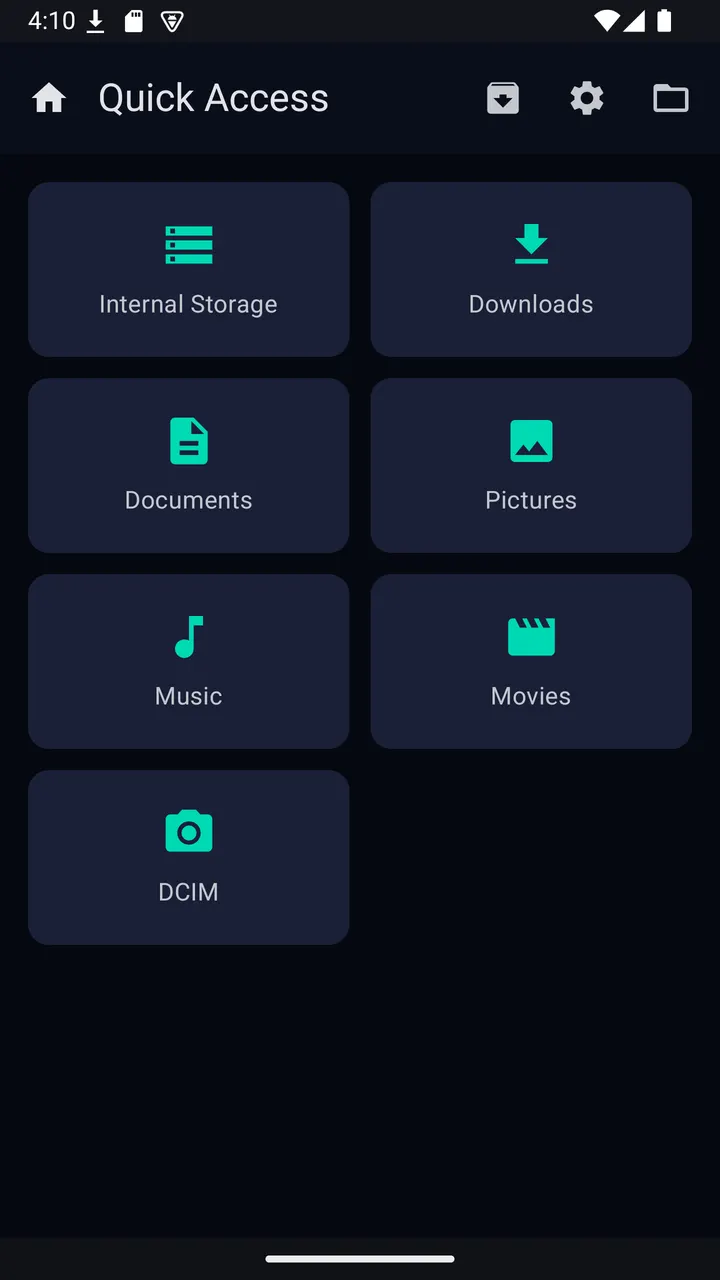
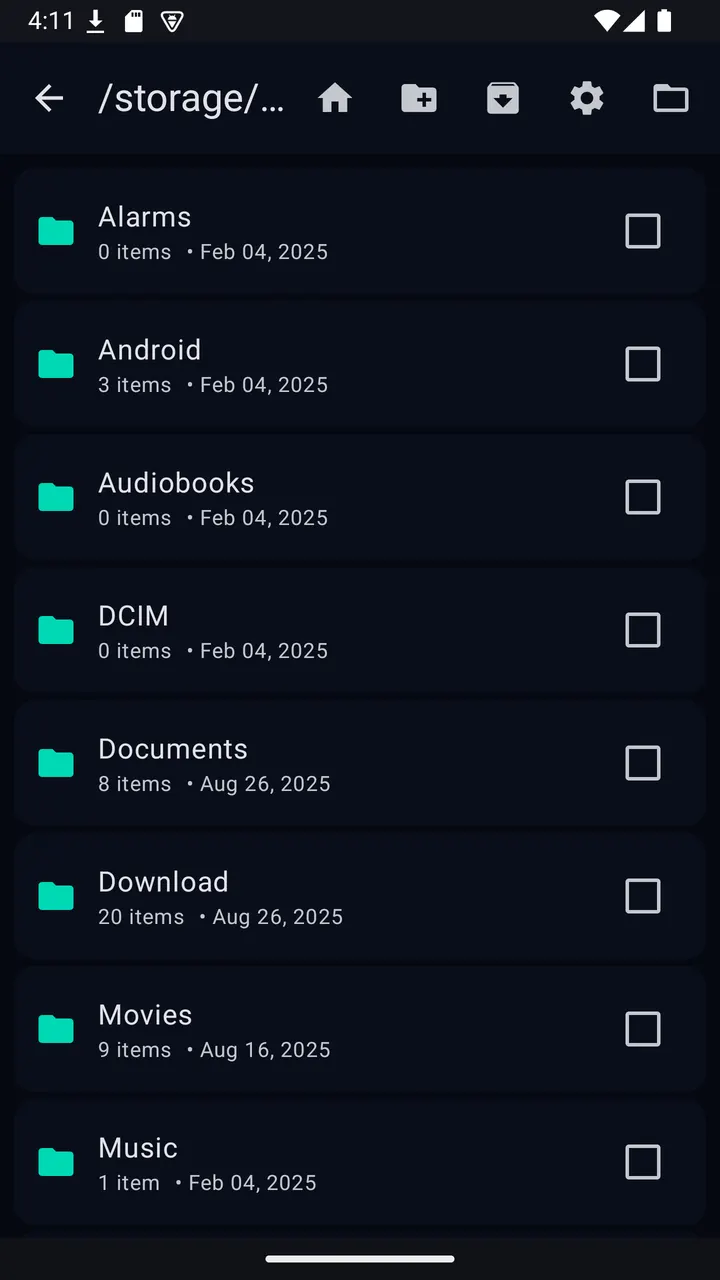
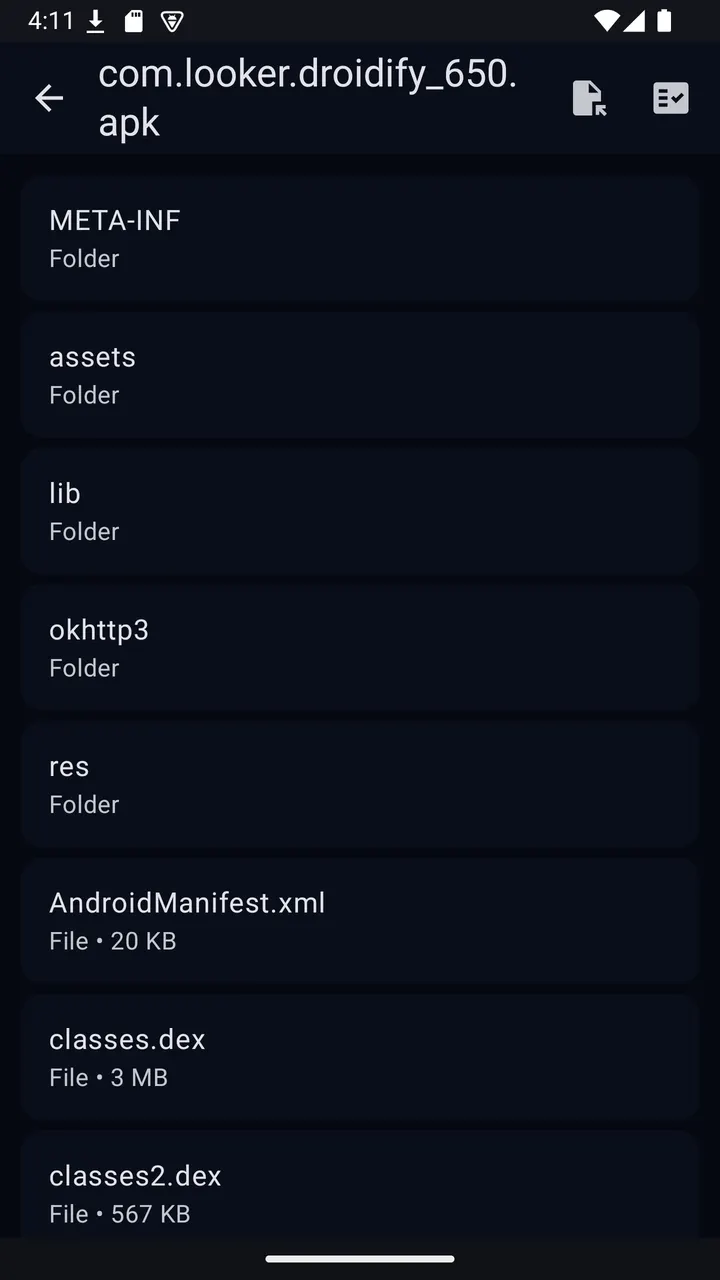
You can browse internal storage or pick any folder through the Storage Access Framework. Archives can be opened like folders, or you can extract only the items you select.
For creating and extracting, Fluffy lists ZIP, 7z, TAR, TGZ, TBZ2, TXZ and APK/JAR. Encrypted archives are covered for ZIP with AES and for 7z.
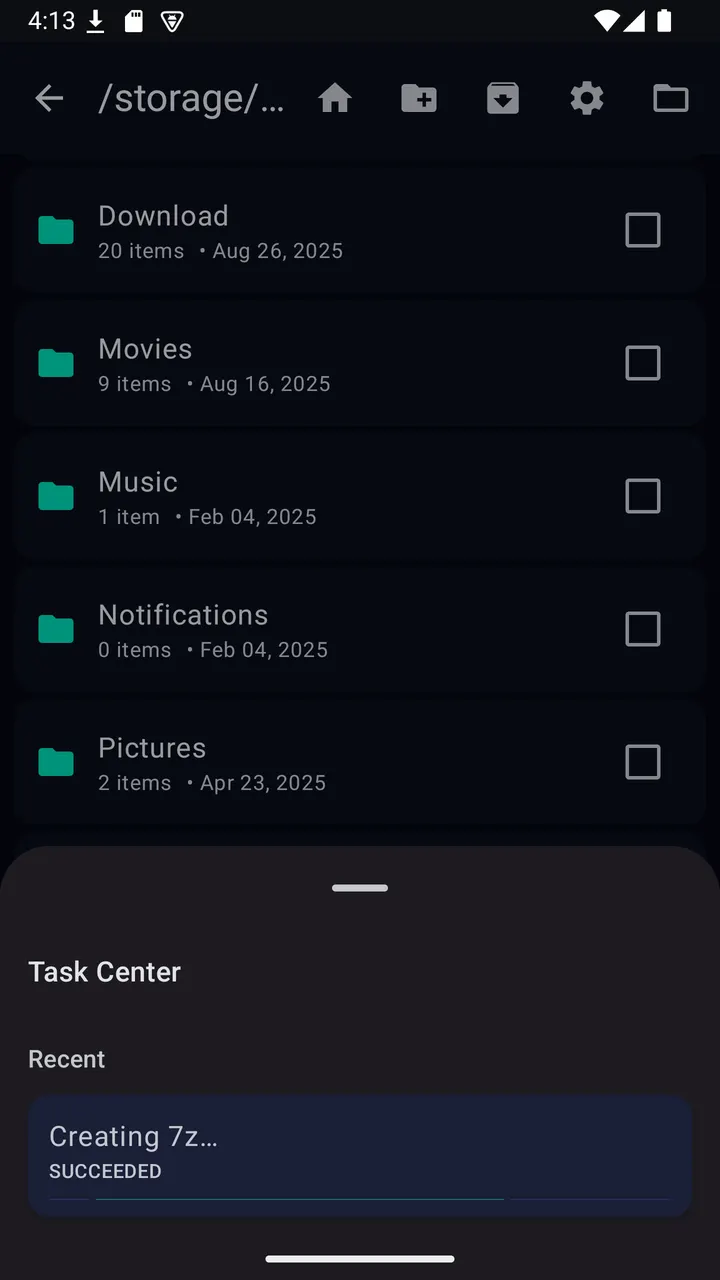
Long jobs run in the background with progress shown, and a Task Center collects them in one place.
Limits of a GPL-3.0 utility
The app is free, and the licence is GPL-3.0-or-later, with source code on the developer's GitHub page. It has no cloud sync, so it is not a replacement for Google Drive or Microsoft OneDrive.
Fluffy pros and cons
Pros
- Free, with no ads and no trackers listed
- Small download at 7.4 MB
- Handles ZIP, 7z, TAR, TGZ, TBZ2, TXZ and APK/JAR archives
- Supports encrypted ZIP (AES) and 7z archives
- DPAD focus and large targets for Android TV
Cons
- Version 4.6.0 has no published changelog
- No cloud storage features
- Requires Android 7.0 or newer
Is Fluffy safe?
The APK we keep for Fluffy 4.6.0 is the unmodified file, and you can compare it with the SHA-256 checksum 7f5caa2ee9f598d1a7ce256dfd62d775d9a02dcc4161b470251f92eff75fc195. MLM Games publishes the app under GPL-3.0-or-later, and the source code is public on GitHub. It carries no ads and no trackers, and it works without a network connection.
How to install Fluffy
- Download the APK with the button on this page and wait for it to finish.
- Compare the file with the SHA-256 checksum shown here if you want to confirm it arrived intact.
- Open the file on your phone and allow installs from this source when Android asks.
- Finish the install, then open Fluffy from your app drawer.


