

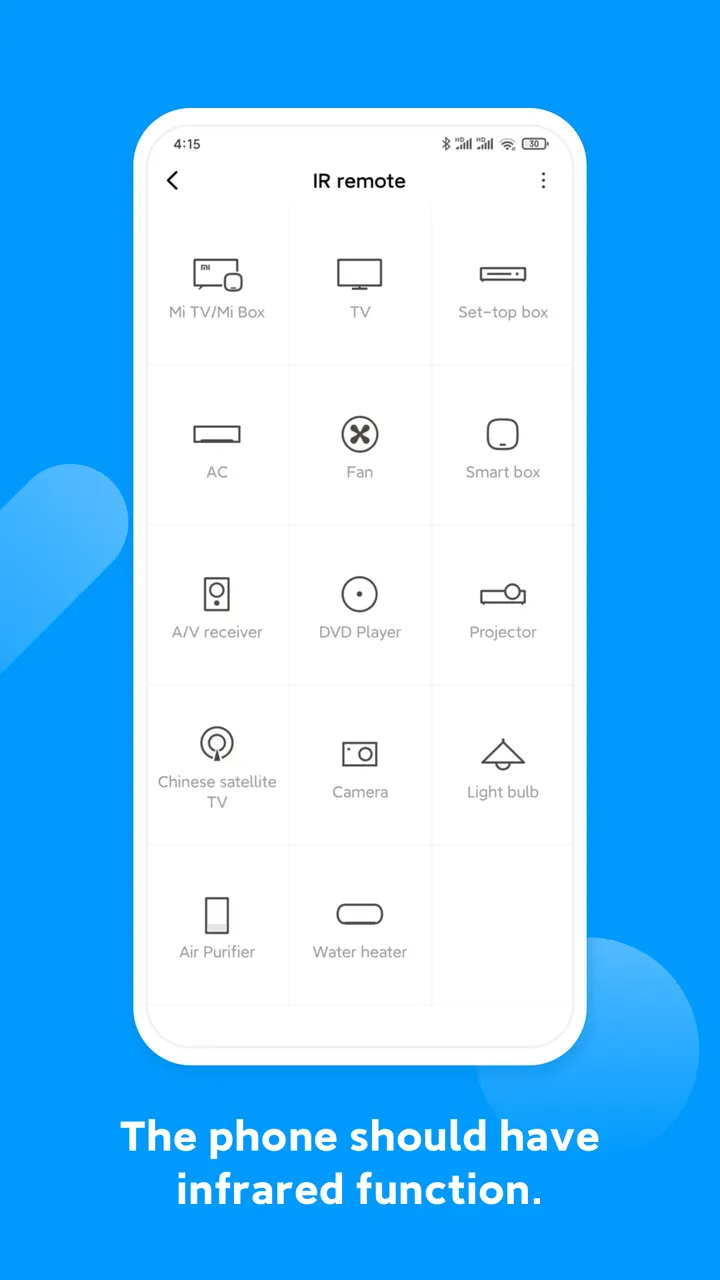
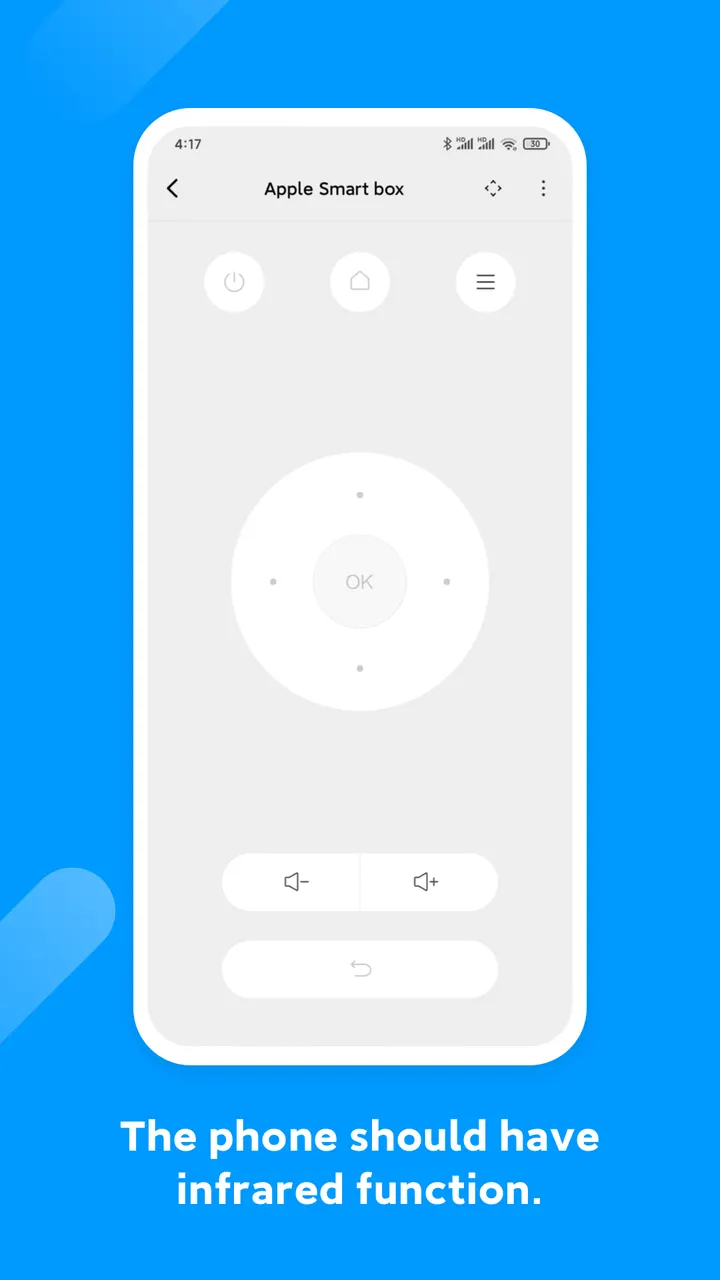
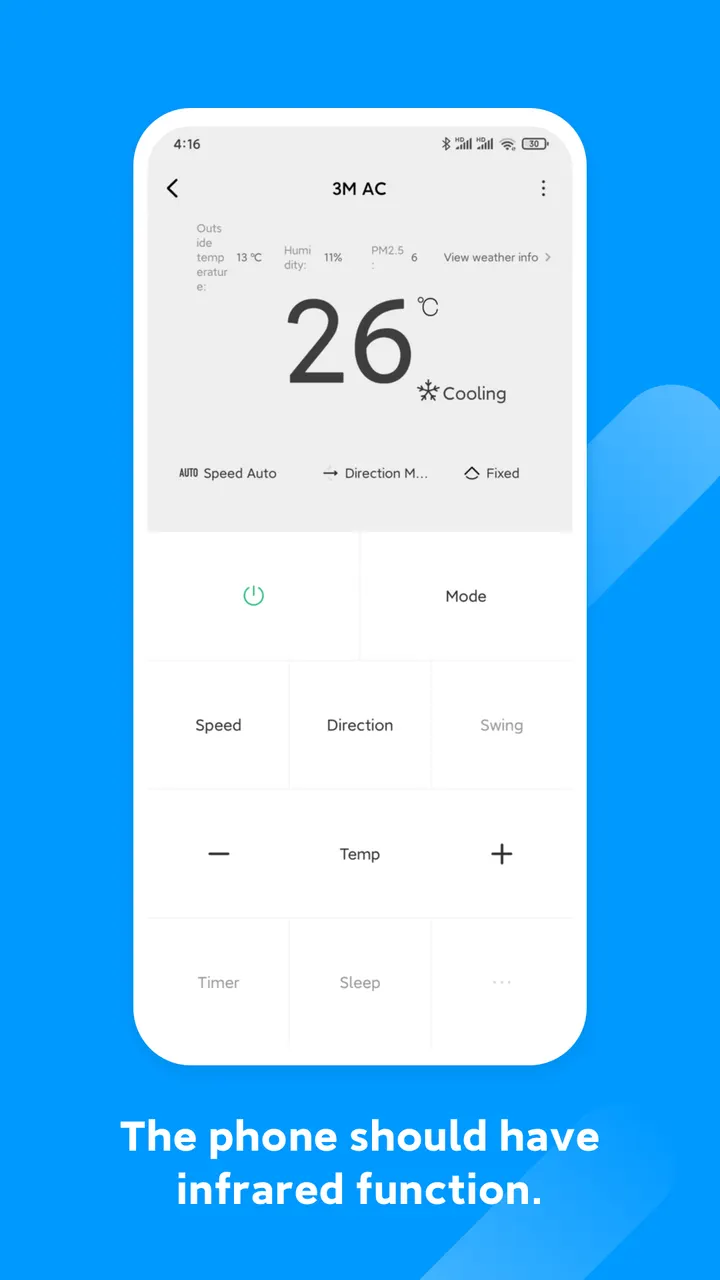
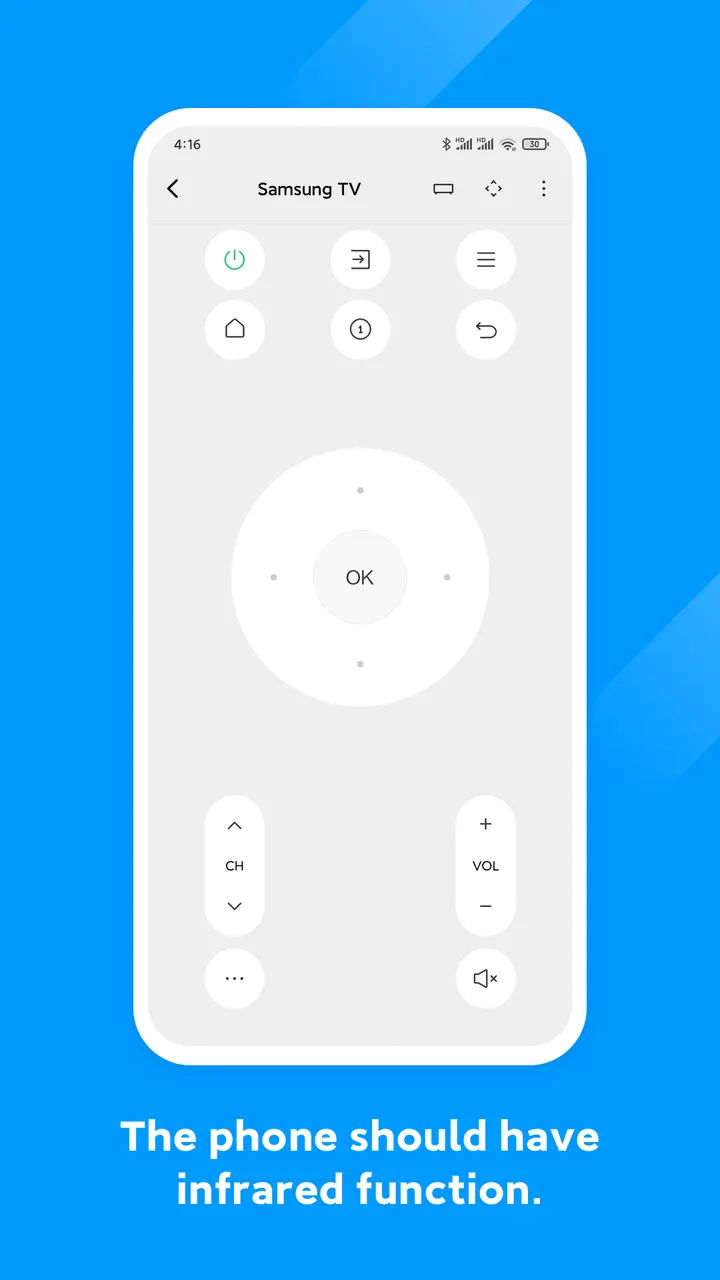
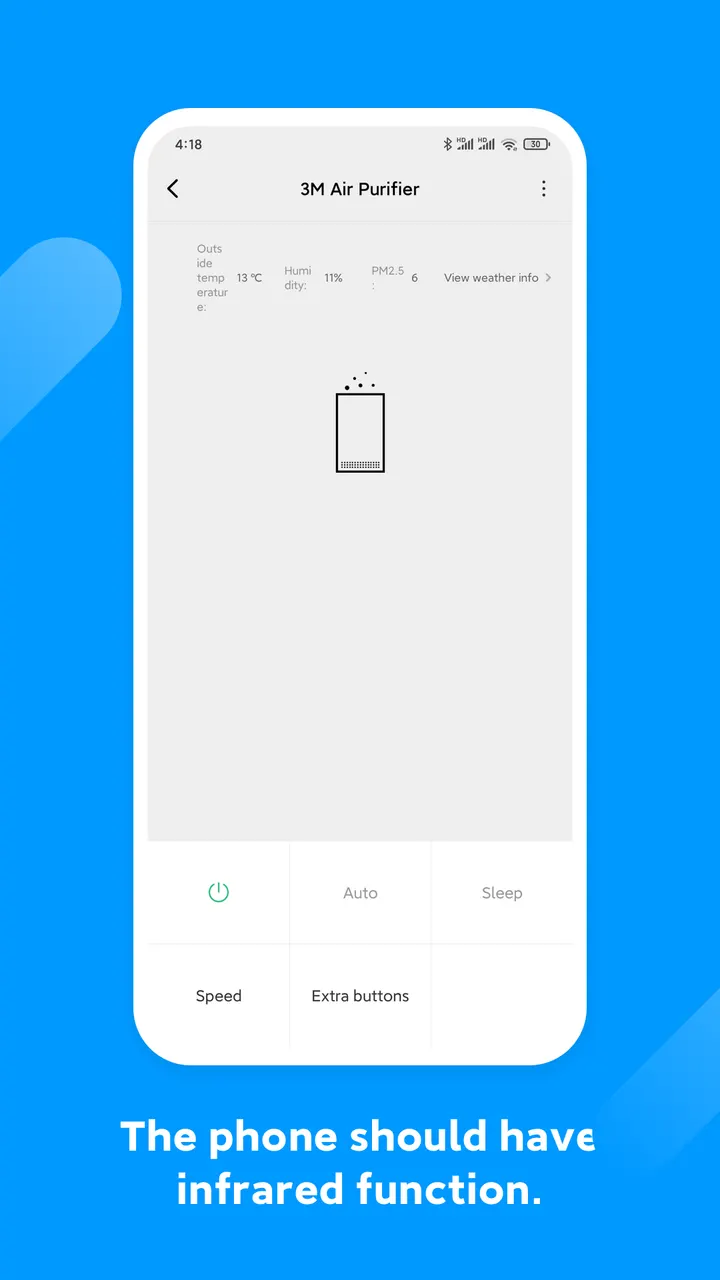
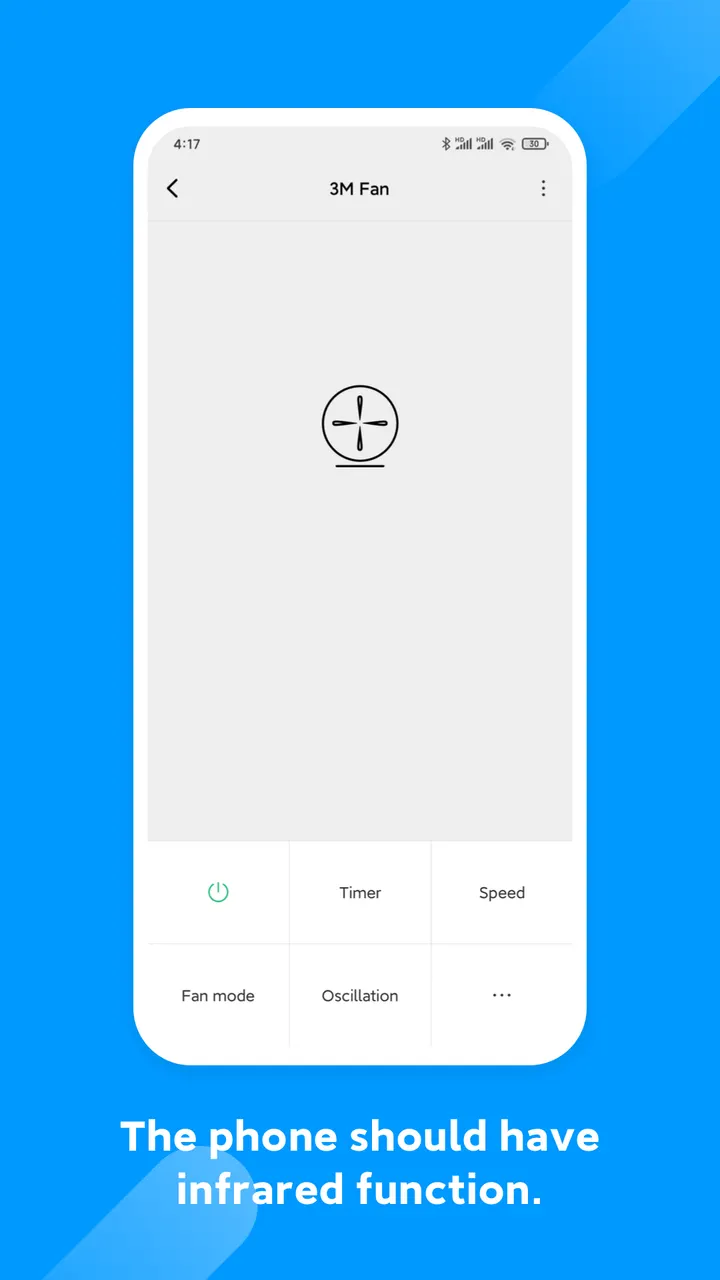
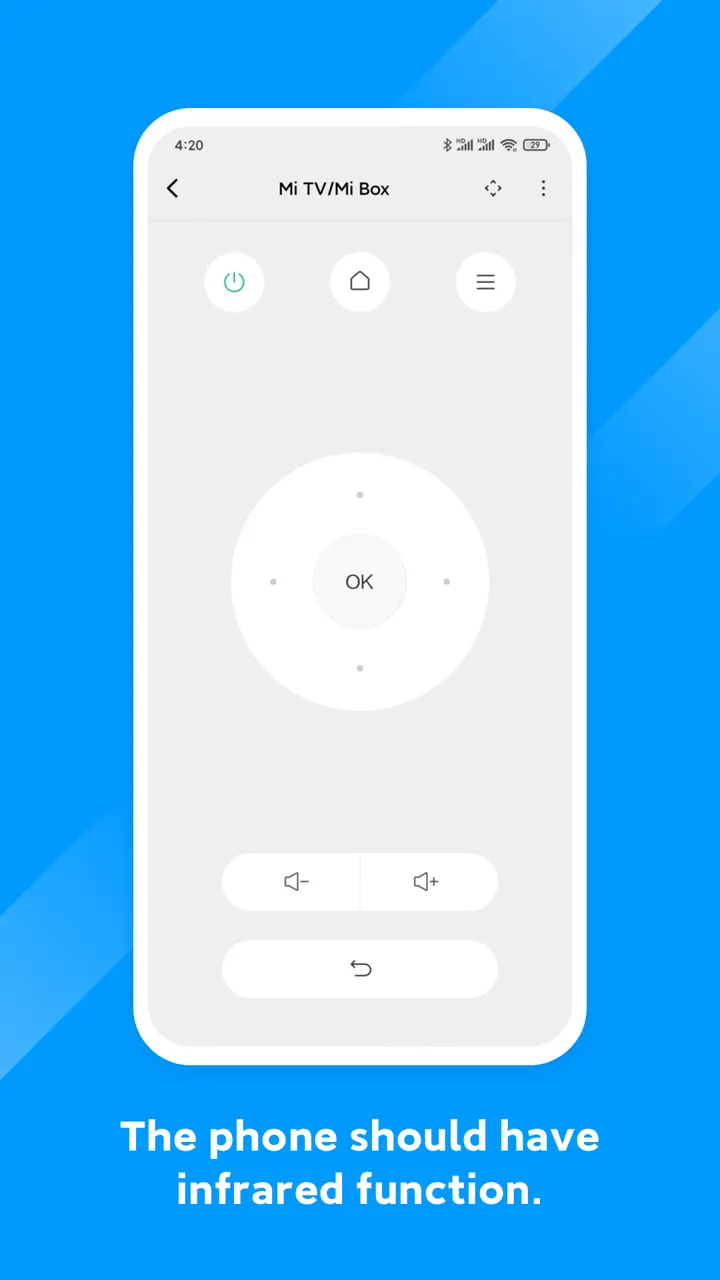
Mi Remote controller turns a phone into a remote for a TV, air-conditioner, set top box, DVD player, projector and more. Phones with an IR blaster work with the full feature set, while any mobile device can control Mi TV, Mi Box and other smart TVs over Wi-Fi. Beijing Xiaomi Mobile Software Co.,Ltd publishes it, and it is free to use.
Free, no ads and no in-app purchases
Mi Remote is free, carries no ads and has no in-app purchases, so the controls for TV, air-conditioner, set top box and the other supported appliances are open from the first launch. Nothing is held back behind a paywall. The content rating is Everyone.
IR blasters, Wi-Fi control and TV scheduling
The app works as a remote for a TV, air conditioner, set top box, DVD player, projector, A/V receiver and camera. Supported brands include Samsung, LG, Sony, Panasonic, Sharp and Haier.
The method depends on the phone. Most phones with an IR blaster support the full feature set. Any mobile device can control Mi TV, Mi Box and other smart TVs that use standard protocols over Wi-Fi, so a phone without an IR blaster still has a use for it.
TV scheduling integration works on all mobile devices. An enhanced TV guide sits alongside the remote functions.
Version 7.1.3G and a release dating to 2016
The current version is 7.1.3G, last updated on March 26, 2025. The app first appeared on February 16, 2016, so it has been maintained for years. It needs Android 5.1 or later.
The phones named as supported skew toward older models, such as the Samsung S4 to S6 and Redmi Note 2 to Note 5A.
Mi Remote controller pros and cons
Pros
- Free with price 0, no ads and no in-app purchases
- Controls TVs, air conditioners, set top boxes, projectors and other appliances
- Works over Wi-Fi with Mi TV, Mi Box and smart TVs using standard protocols
- Updated March 26, 2025, with Android 5.1 as the minimum
- Over 100 million installs on Google Play
Cons
- Google Play rating is 3.6, modest for an app of this size
- IR control needs a phone with an IR blaster
- Supported phone list names mostly older models
- Update history is not published alongside the app
Is Mi Remote controller safe?
Mi Remote controller is made by Beijing Xiaomi Mobile Software Co.,Ltd and carries an Everyone content rating. It shows no ads and offers no in-app purchases. Permission details are not listed here, so check the permissions on its store page before installing, especially since a remote app may ask for access to device features like the IR blaster.
How to install Mi Remote controller
- Press the Google Play button on this page.
- Check the listing in the Play Store and press Install.
- Open Mi Remote controller when the install finishes. Updates arrive through Google Play.


