
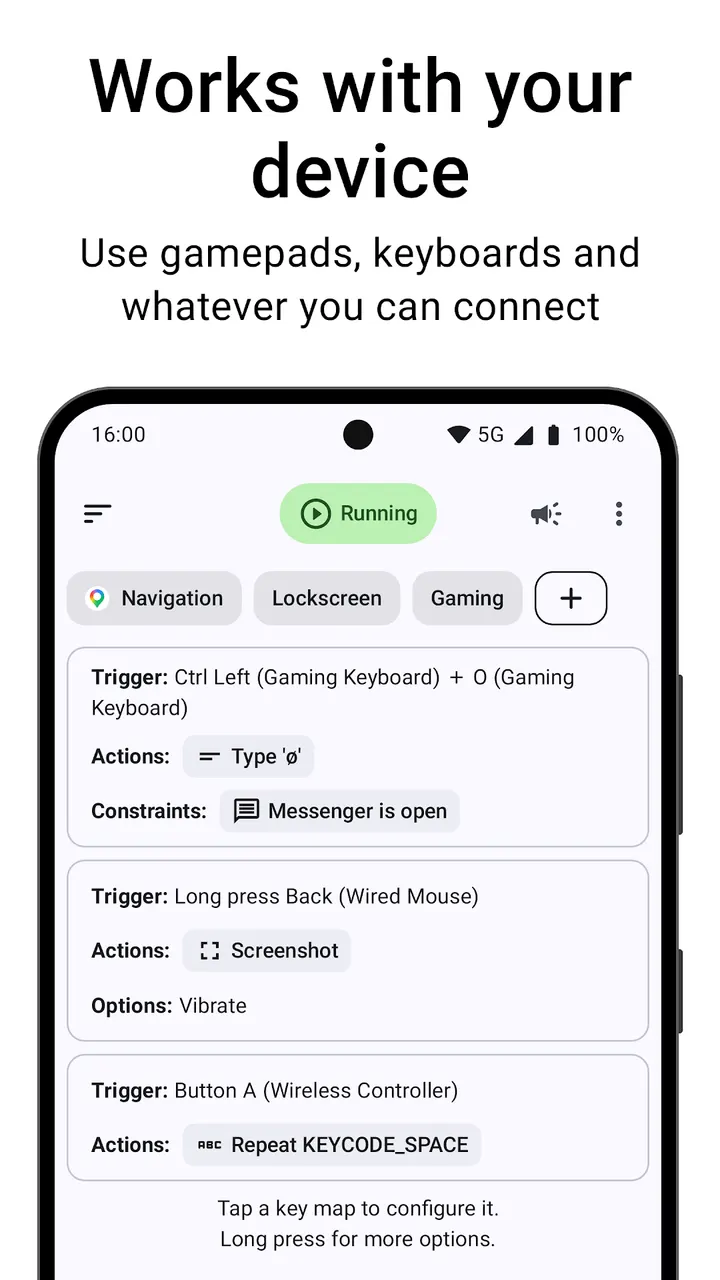
Say you want a long press on volume down to open the camera, but only while the lockscreen is showing. Key Mapper, by developer sds100, is built for that kind of rule. It turns physical buttons, headset keys and on-screen buttons into triggers for macros. Around 10 million installs have been recorded, and the app is free with no ads.
Free, no ads, and one in-app purchase flag
Key Mapper contains no ads, but it does offer in-app purchases. The code is released under GPL-3.0-only and the source is at github.com/keymapperorg/KeyMapper.
This page covers version 4.6.2-foss, the free open-source build of the remapper.
Triggers, actions and constraints for volume keys and gamepads
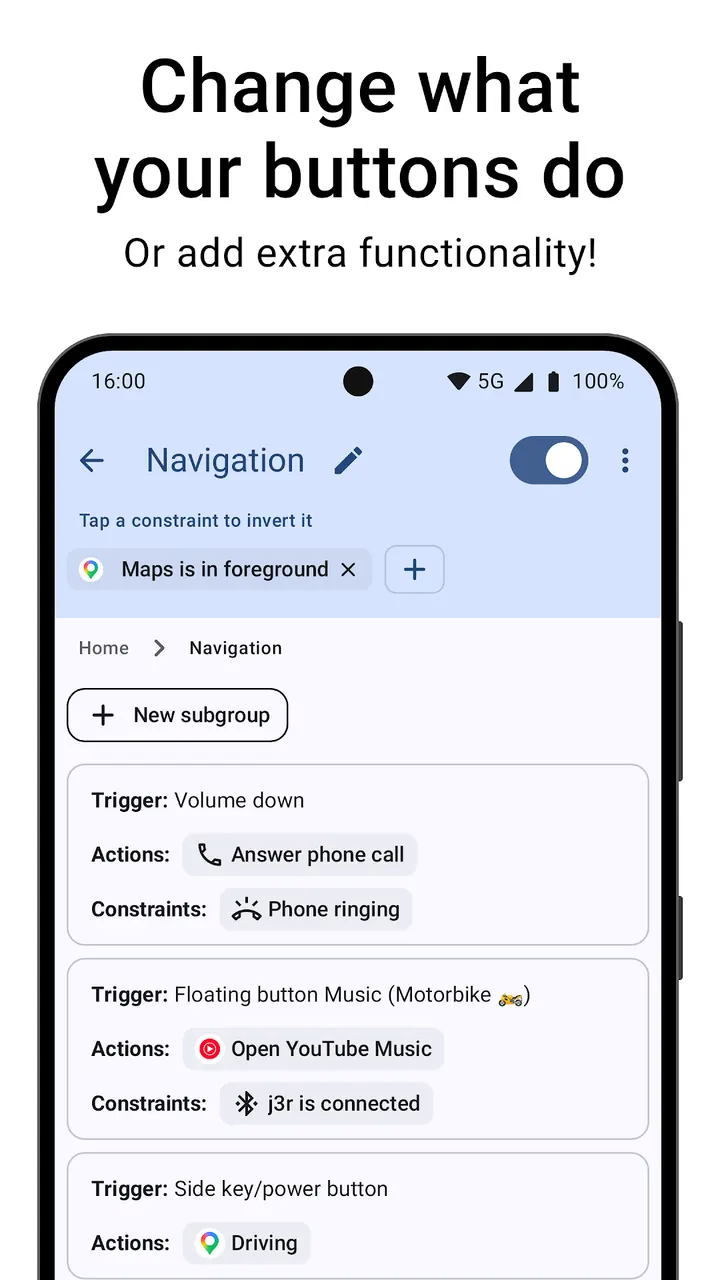
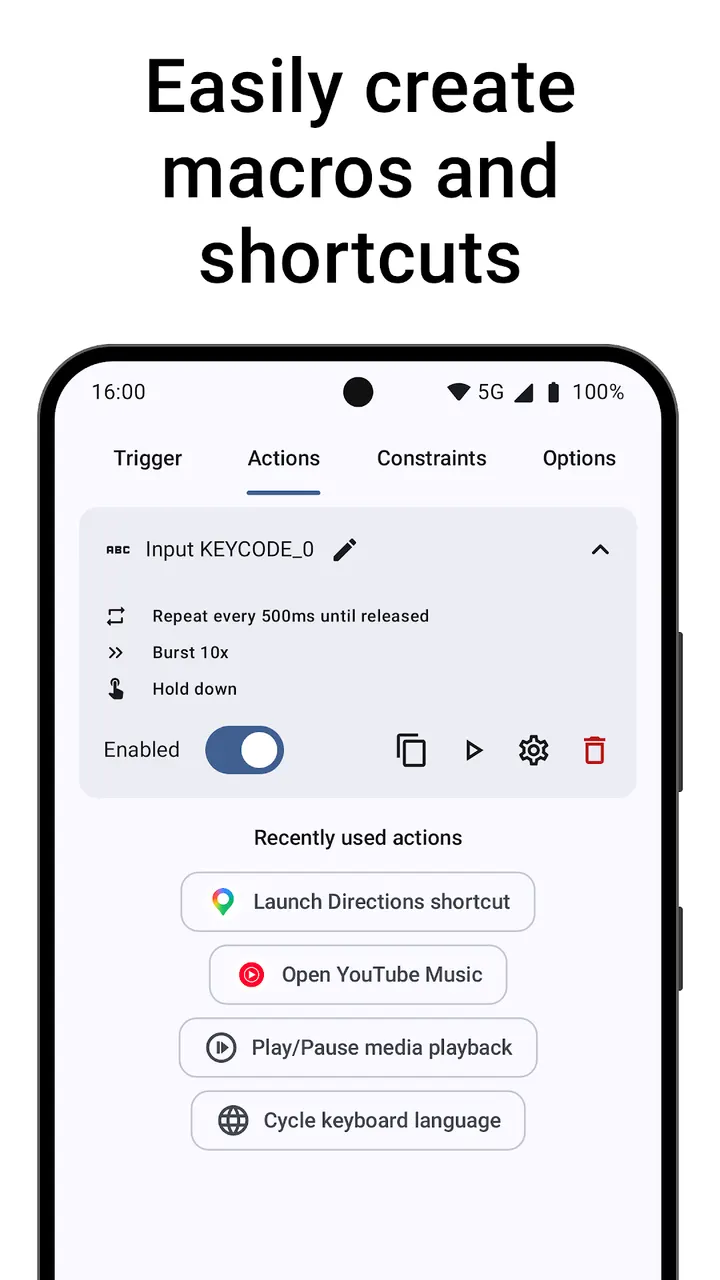
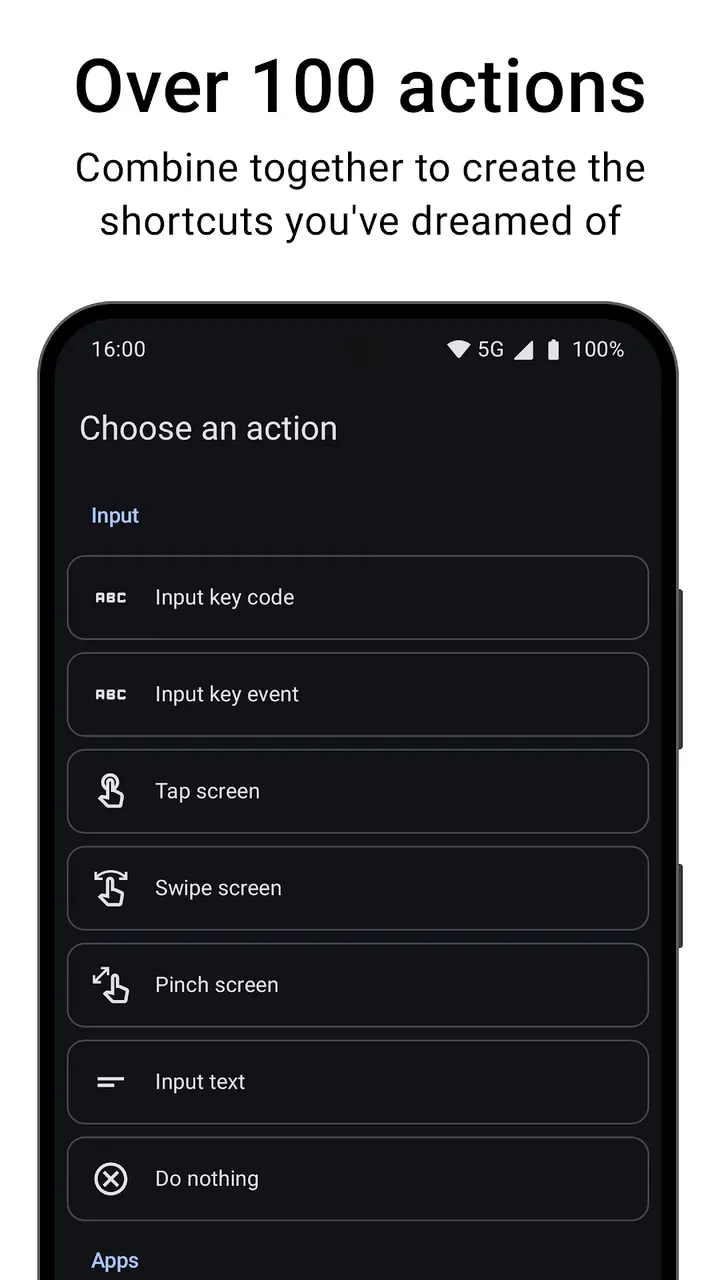
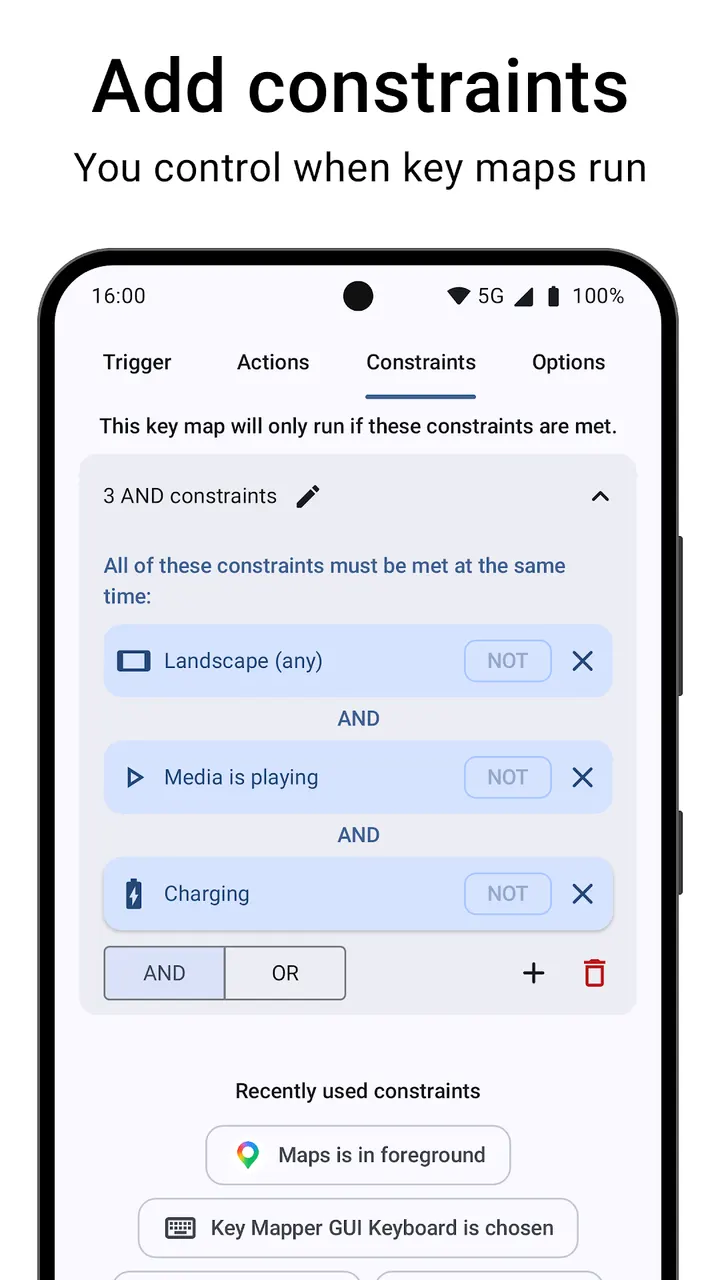
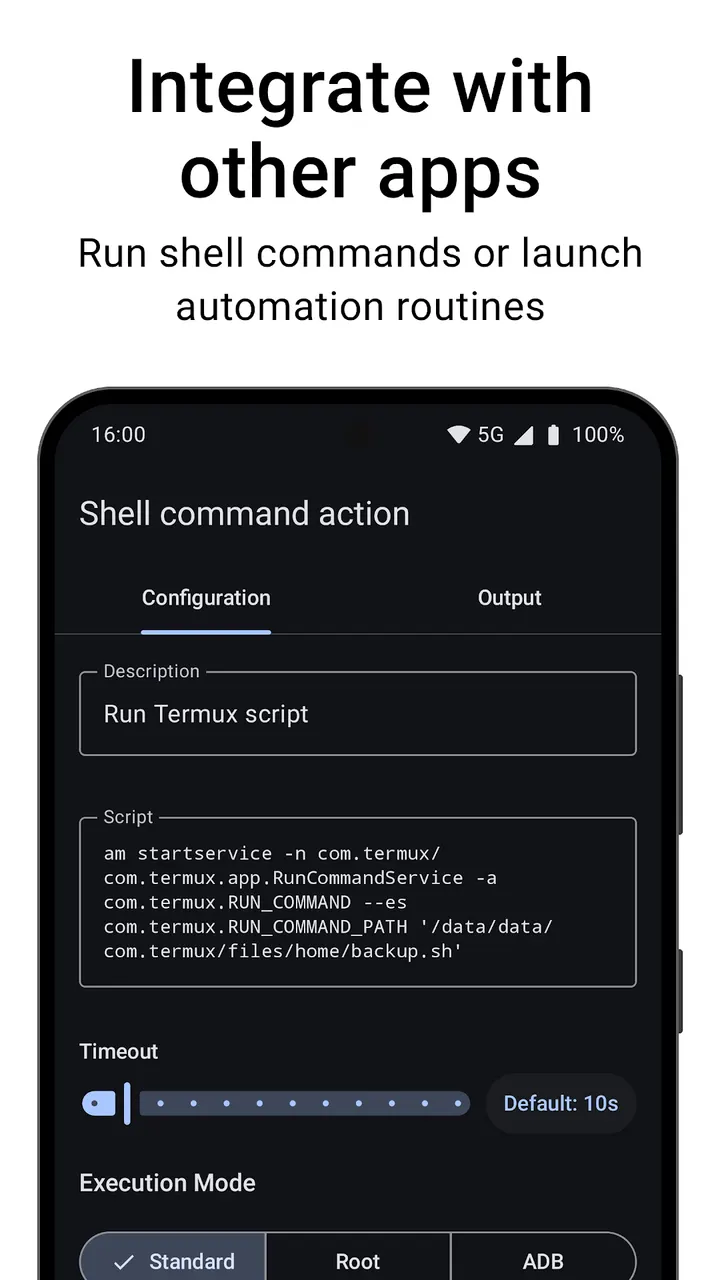
A key map has three parts. Triggers can be long presses, double presses or repeated presses, and they can combine keys from different devices. Actions can be chained from over 100 options, such as screen taps, gestures, keyboard input, opening apps, media control and intents sent to other apps, with a delay set between steps. Constraints limit a map to one app, to playback, or to the lockscreen.
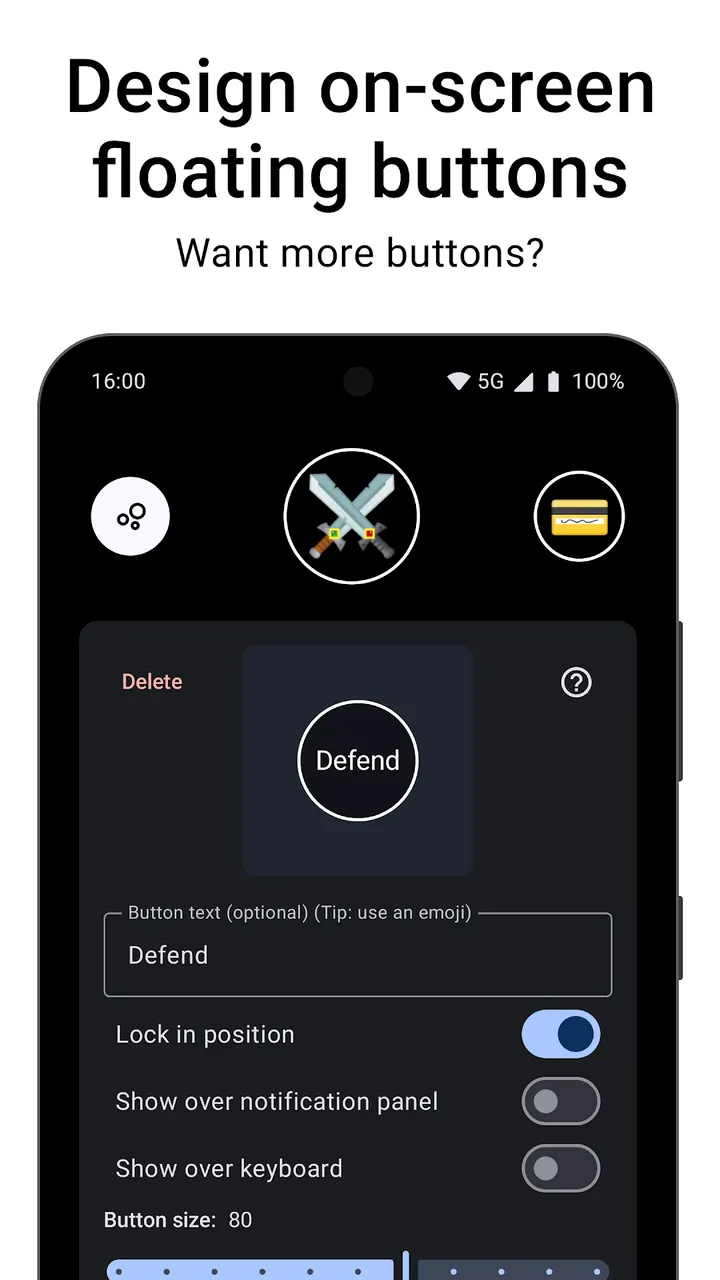
Supported inputs include phone buttons, game controller D-pads and ABXY keys, keyboards, headsets and the fingerprint sensor. You can also design on-screen floating buttons and remap them like real keys. Mouse buttons and gamepad joysticks and triggers are not currently supported.
Version 4.6.2-foss, updated October 27, 2026
The last update was on October 27, 2026, and the first release was on November 9, 2019. That is several years of maintenance. The file is 14.4 MB and needs Android 8.0 or later.
Google Play gives it 3.5 from about 28.3 thousand ratings. The developer also runs documentation at docs.keymapper.app and a Discord community.
Key Mapper pros and cons
Pros
- Free and no ads
- Open source under GPL-3.0-only with public code
- Over 100 actions plus delays and repeating
- Constraints can limit a map to one app or the lockscreen
- Small 14.4 MB download
Cons
- Google Play rating is a modest 3.5 from 28.3 thousand ratings
- Includes in-app purchases
- No support for mouse buttons or gamepad joysticks
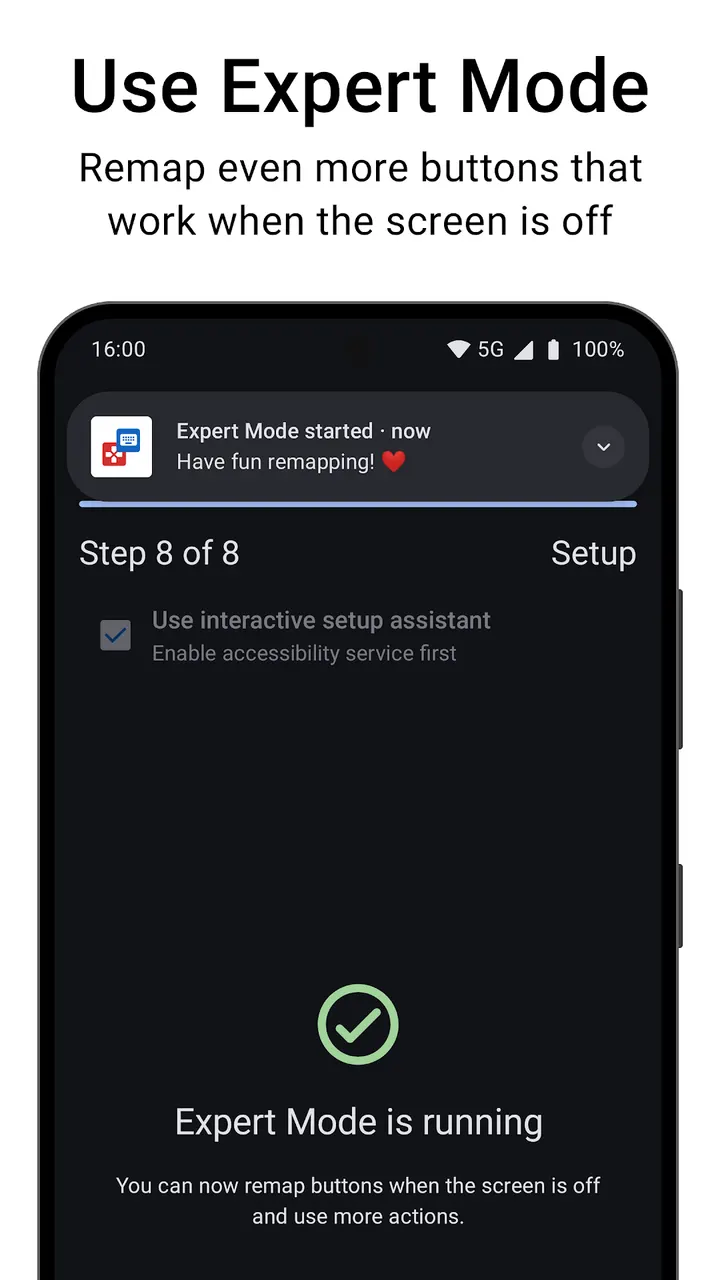
- Needs an accessibility service to work
Is Key Mapper safe?
The APK is stored unmodified with SHA-256 e79d508d701a7dbf5f67057c7bc17991f2b8e6fd9035975a3d457989cf1b9eb7, so you can compare it against your own download. Because the code is open under GPL-3.0-only, with the source at keymapperorg/KeyMapper on GitHub, anyone can read how button presses are handled.
How to install Key Mapper
- Download the APK with the button on this page and wait for it to finish.
- Compare the file with the SHA-256 checksum shown here if you want to confirm it arrived intact.
- Open the file on your phone and allow installs from this source when Android asks.
- Finish the install, then open Key Mapper from your app drawer.


