

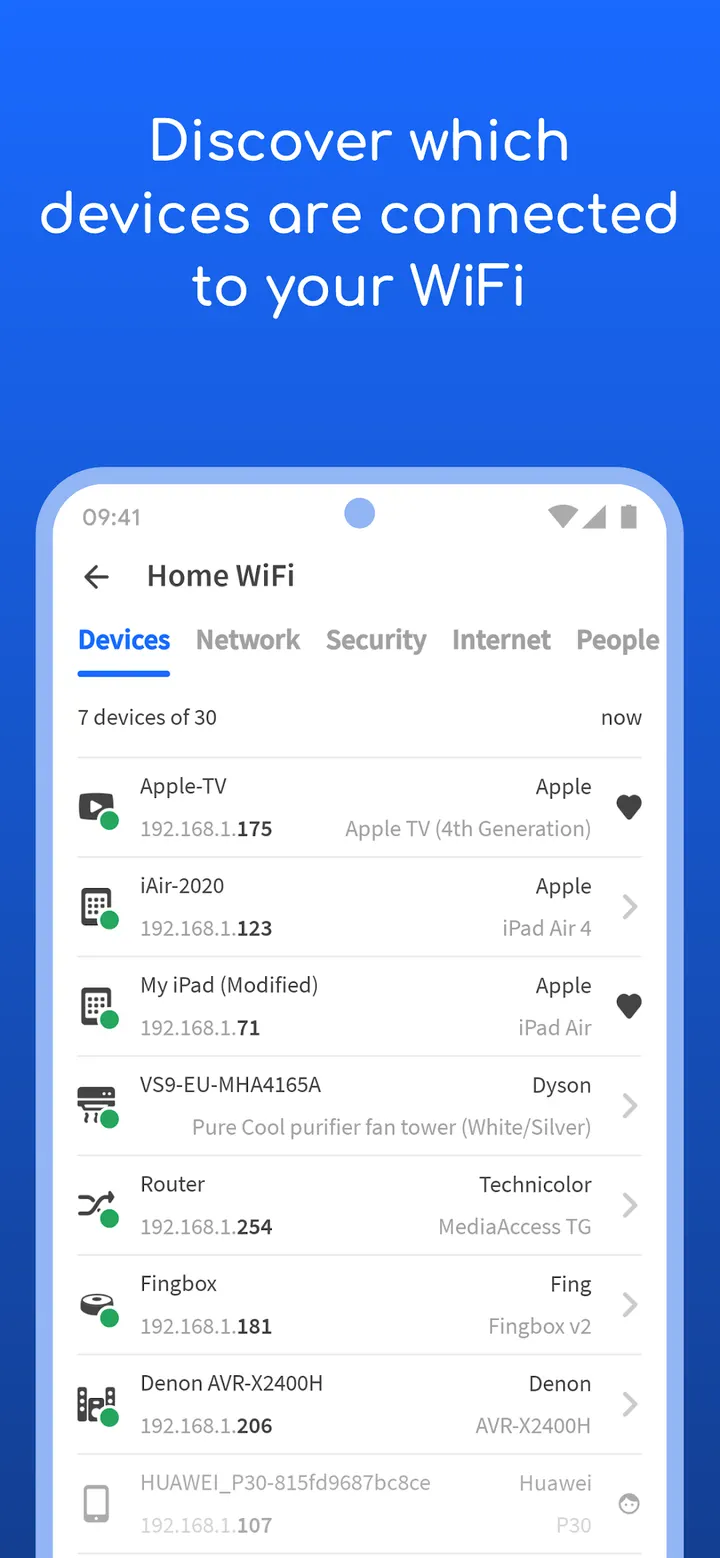
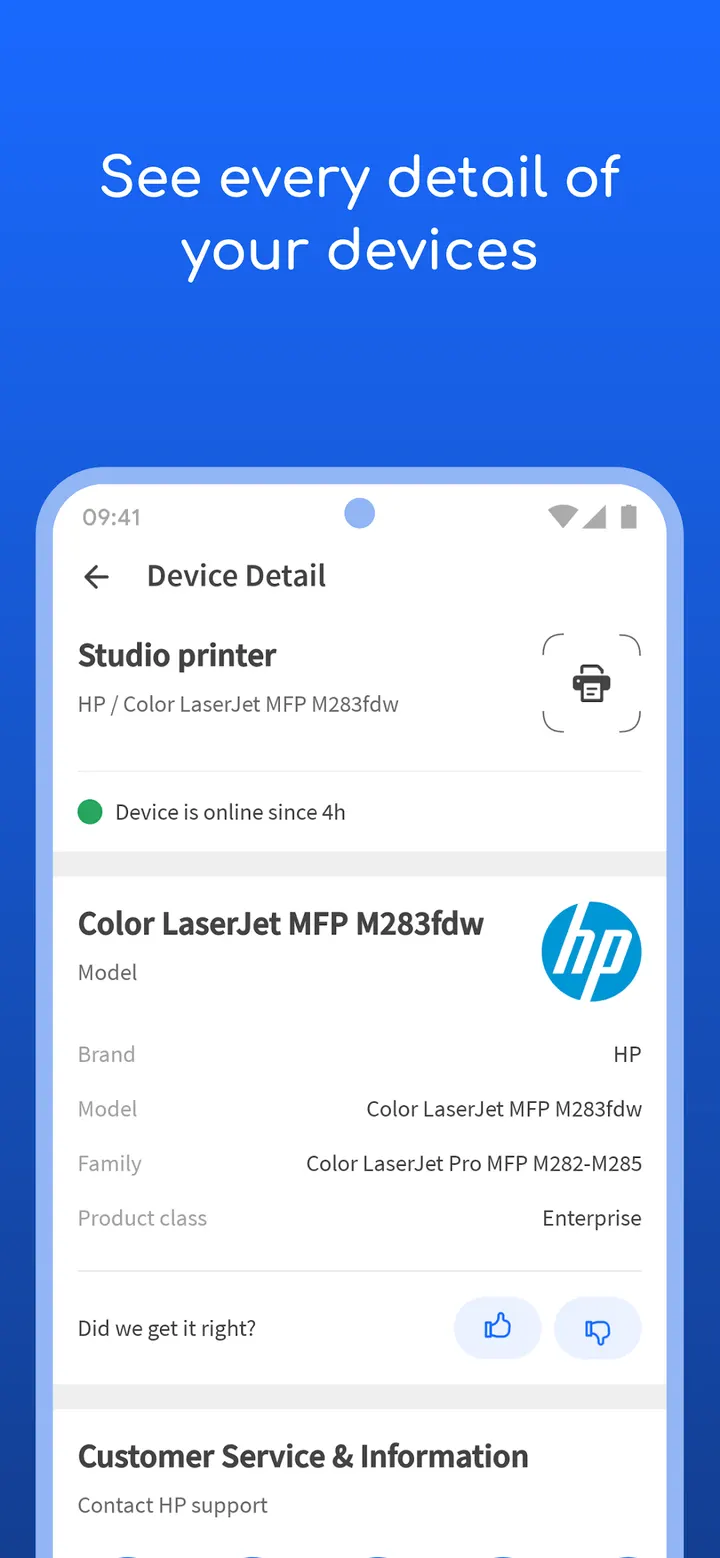
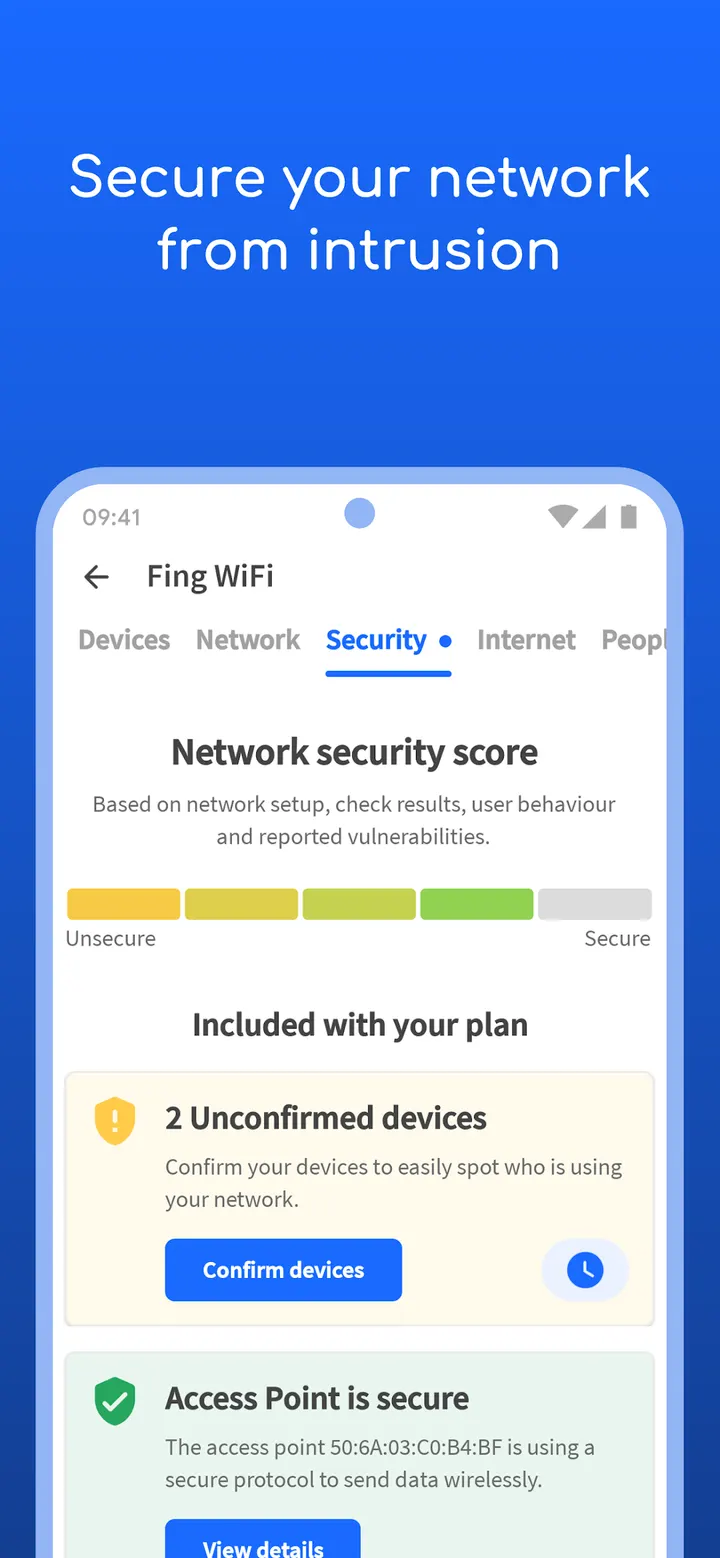
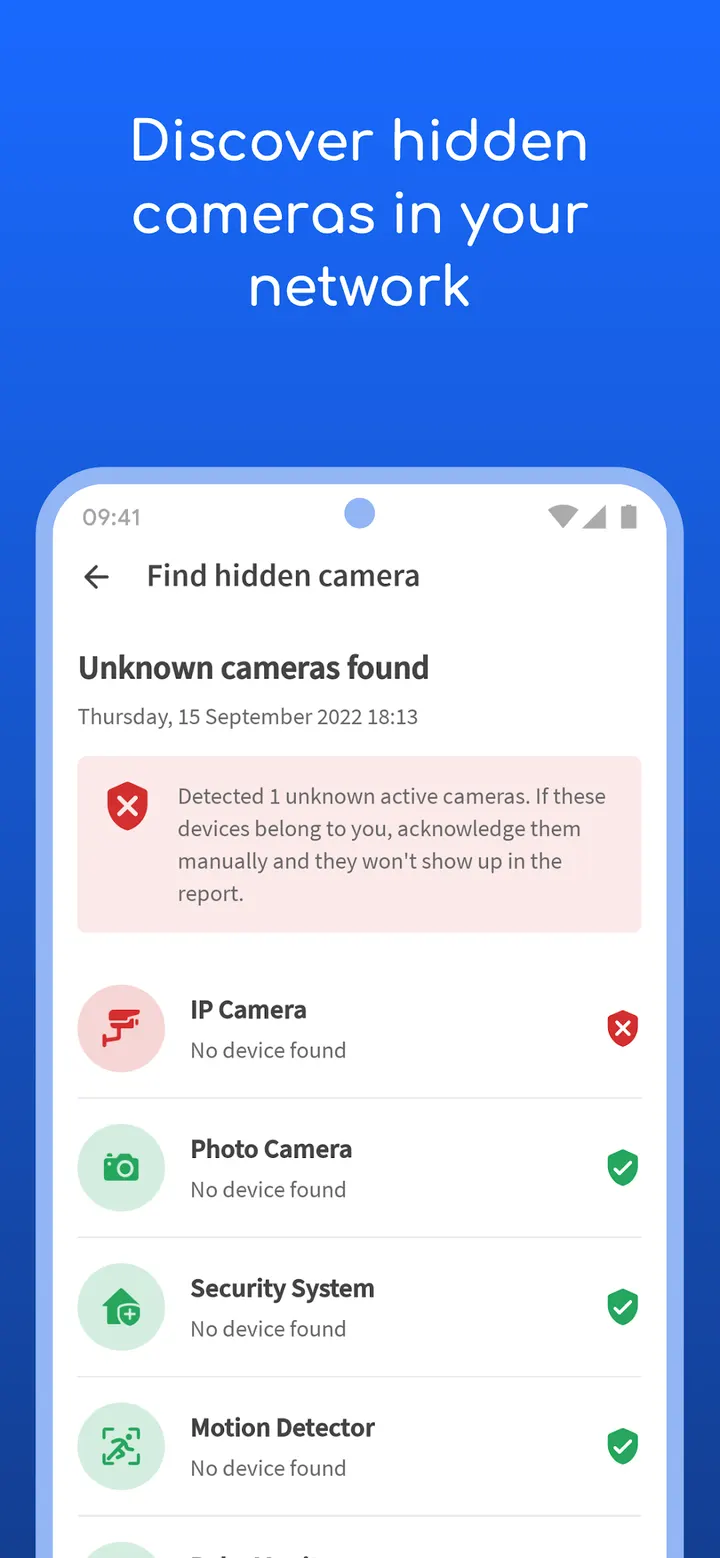
Fing, from Fing Limited, is a network scanner that lists every device connected to a Wi-Fi network and helps you spot intruders, hidden cameras and vulnerabilities. It also runs Wi-Fi and cellular speed tests covering download, upload and latency. This page covers version 12.13.5, which needs Android 8.0 or later. The app is free, carries no ads and offers in-app purchases.
First steps: scan your Wi-Fi and run a speed test
After installing, the obvious first move is a network scan. Fing lists the devices on the Wi-Fi you are connected to and tries to identify each by IP address, MAC address, name, model and vendor. That answers the basic question of who is on your network.
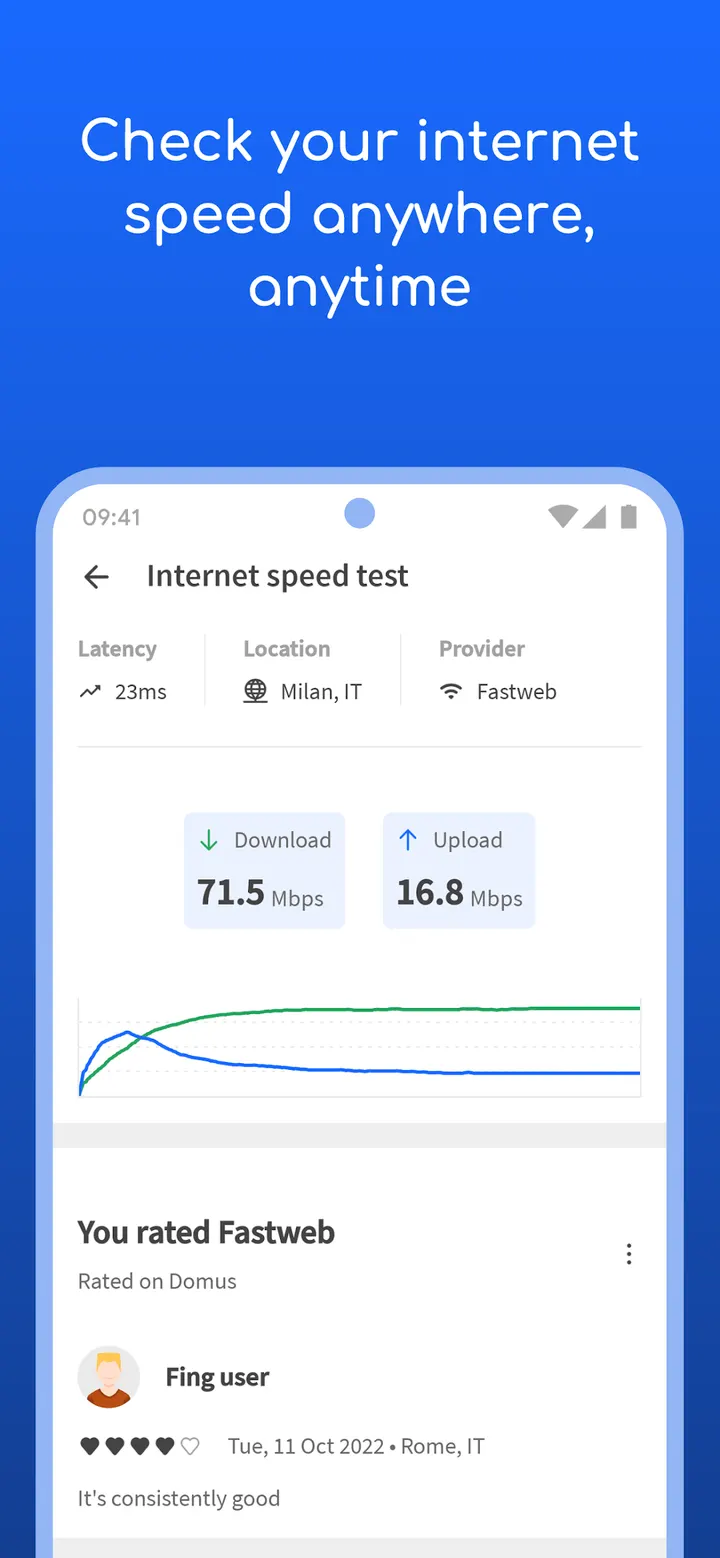
The second step is a speed test. The app runs tests over Wi-Fi and cellular, and reports download speed, upload speed and latency. Comparing the result with your plan is how you check whether your provider delivers the speed you pay for.
Scanning depth beyond a simple device list
Fing reads NetBIOS, UPnP, SNMP and Bonjour names and properties to work out device types. It also includes port scanning, device ping, traceroute and DNS lookup, which are handy when a connection misbehaves, such as Netflix starting to buffer.
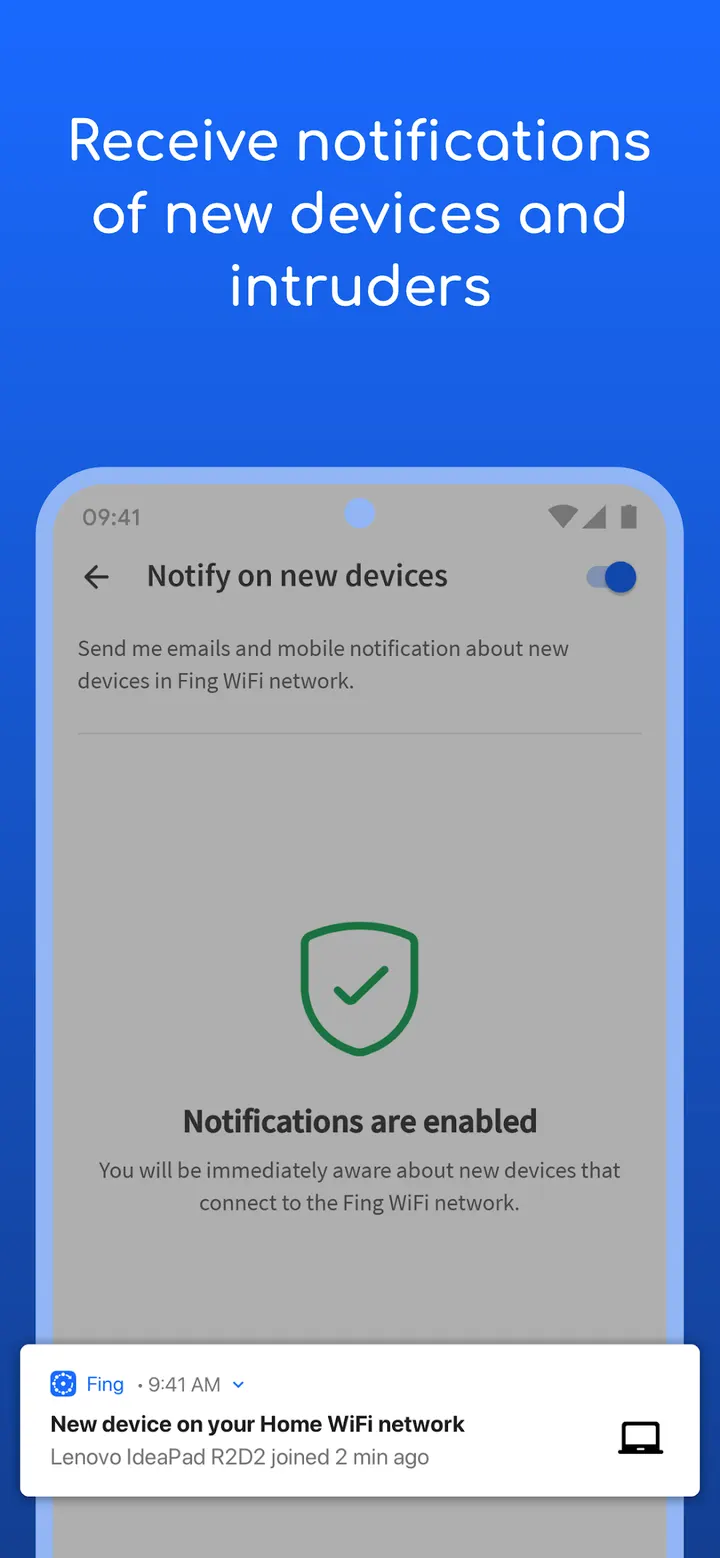
Alerts about network security and new devices can reach your phone and email. The app is free to install, has no ads, and carries an Everyone content rating.
When Fingbox or another tool fits better
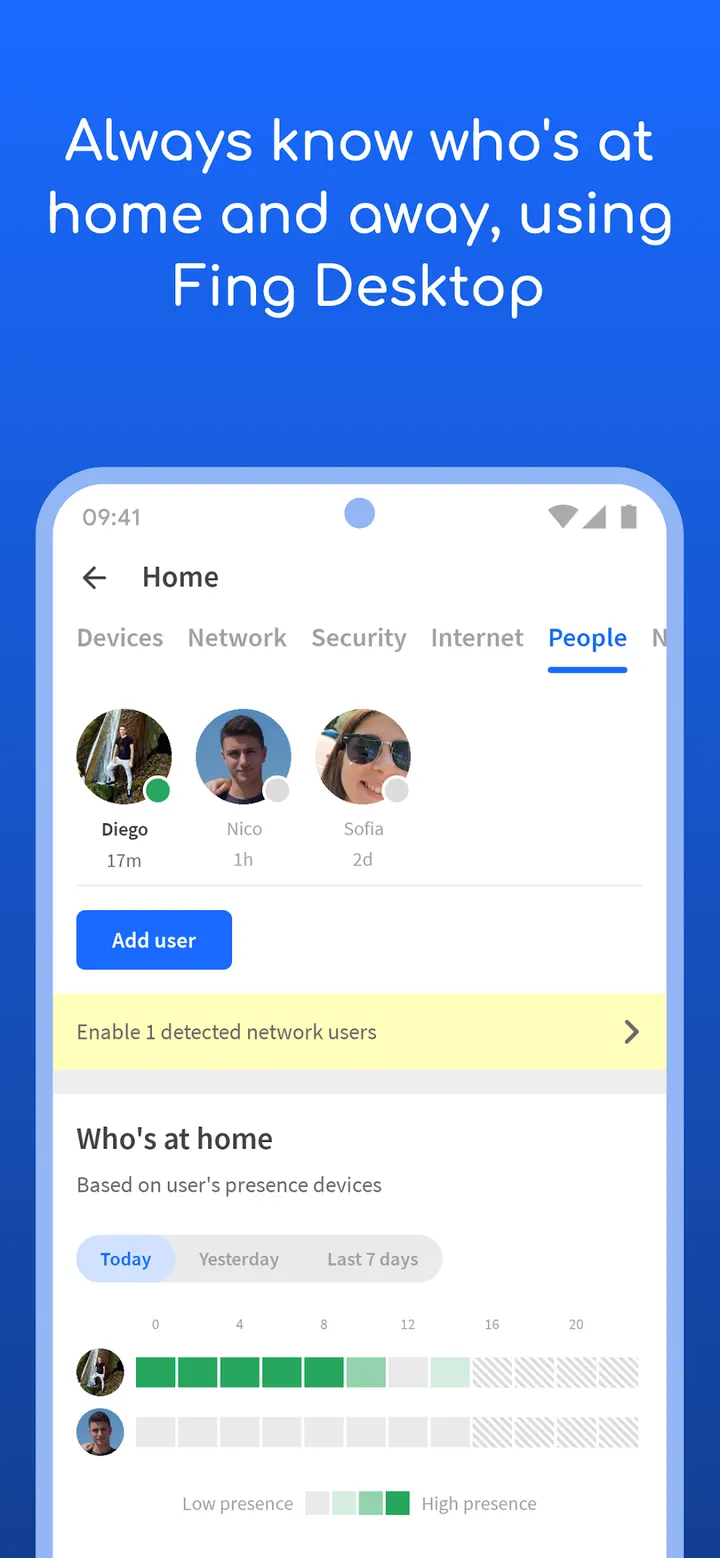
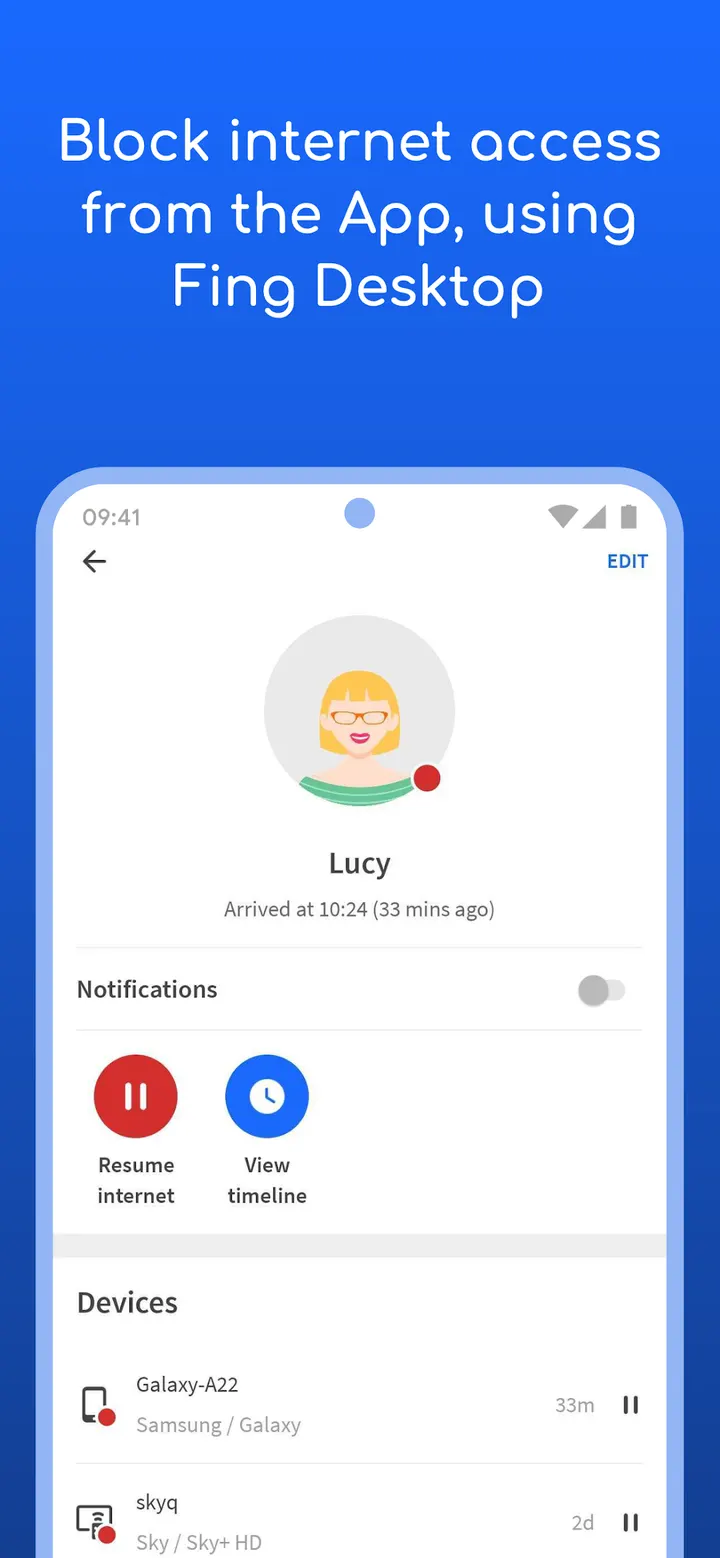
Several features depend on Fingbox, a separate product. These include Digital Presence, Digital Fence, automatic blocking of unknown devices, parental controls, bandwidth analysis by device and open port detection. If you want those, the app alone will not cover them.
If you only need a narrow job, the alternatives are DNS Resolver, Network Scanner, Network Survey, PCAPdroid, Rethink and RKNHardering. Check each one against your task.
Fing pros and cons
Pros
- No ads, and the app is free to install
- Identifies devices by IP, MAC address, name, model and vendor
- Wi-Fi and cellular speed tests with latency
- Includes port scan, ping, traceroute and DNS lookup
- Security and device alerts by phone and email
Cons
- Contains in-app purchases
- Advanced protection and parental controls require Fingbox
- Requires Android 8.0 or later
- Version changes are not described in a changelog
Is Fing safe?
The publisher is Fing Limited, with a website at fing.com. The app shows no ads, but it does offer in-app purchases. Content is rated Everyone. To get it, open Google Play and install it from there.
How to install Fing
- Press the Google Play button on this page.
- Check the listing in the Play Store and press Install.
- Open Fing when the install finishes. Updates arrive through Google Play.


