NightDream is a free, open-source desk clock and screensaver by Stefan Fruhner. It adjusts brightness automatically, offers a pure black night mode on AMOLED screens, and can wake you with an internet radio station. Version 2.11.42 needs Android 7.0 or newer, takes up 4.9 MB and has no ads. The APK is the unmodified file, and its SHA-256 checksum is listed so you can verify your download.
A phone that lights the bedroom all night
A phone left on a nightstand usually shows either a blinding screen or a black one. NightDream tackles this with a digital clock that adjusts its brightness automatically. Night mode darkens the display, and on AMOLED screens it goes pure black.
The screen can also switch off overnight and wake again based on light or sound. Battery level, the date and an estimate of the time left until a full charge stay on view while the phone charges.
Alarms, internet radio and a five-day forecast
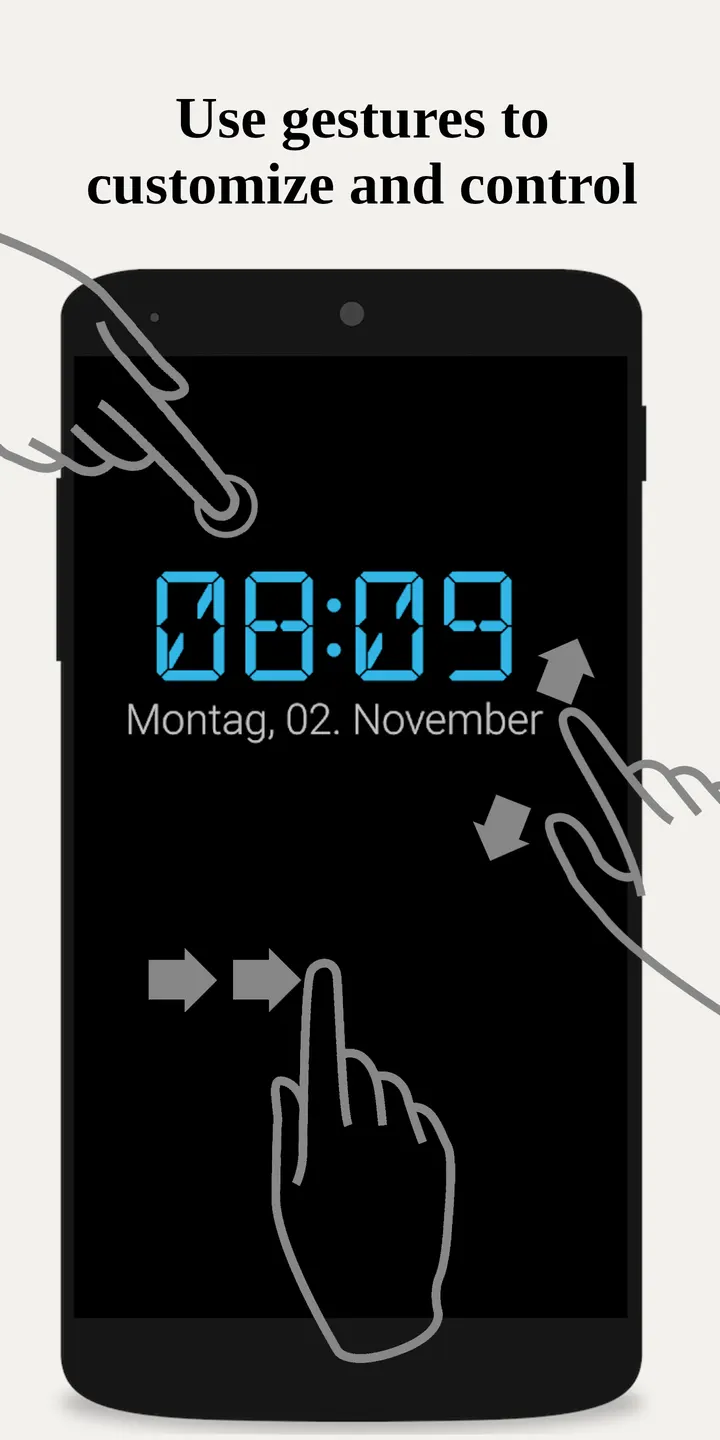
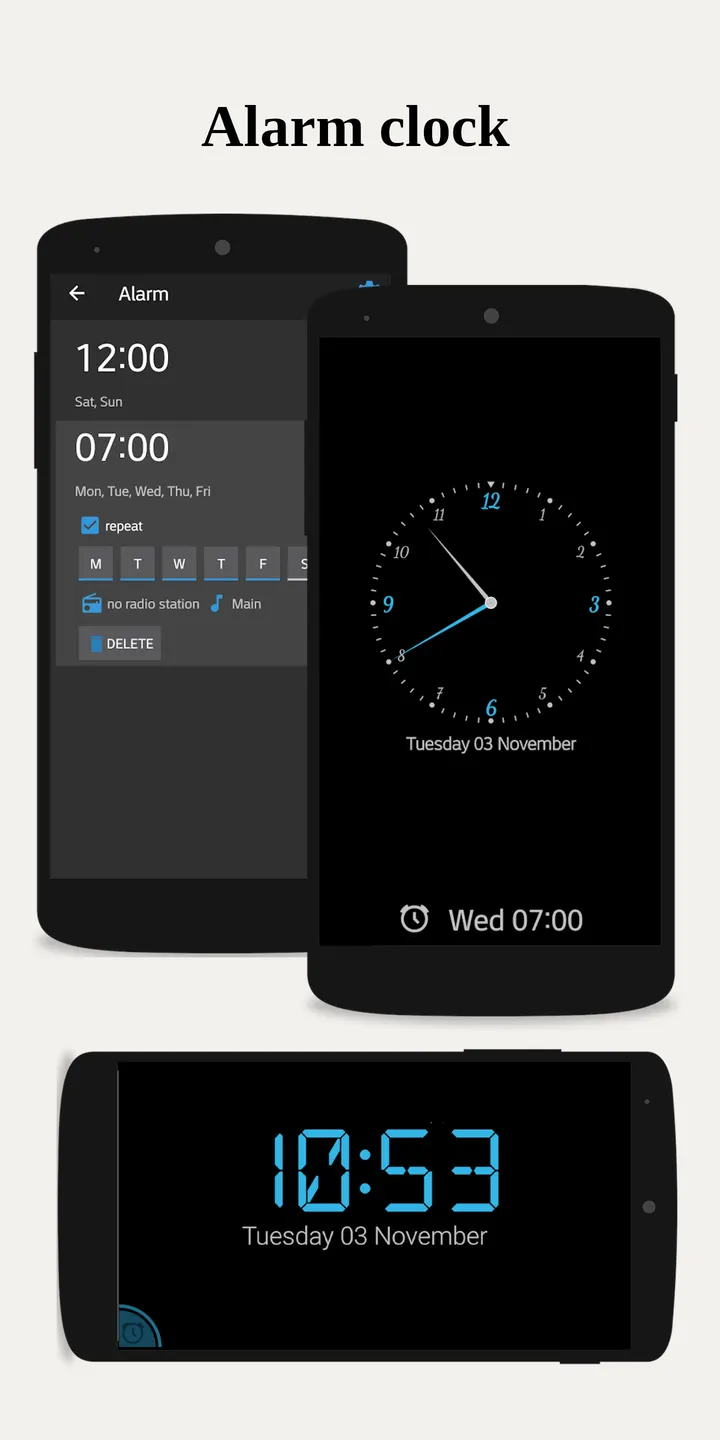
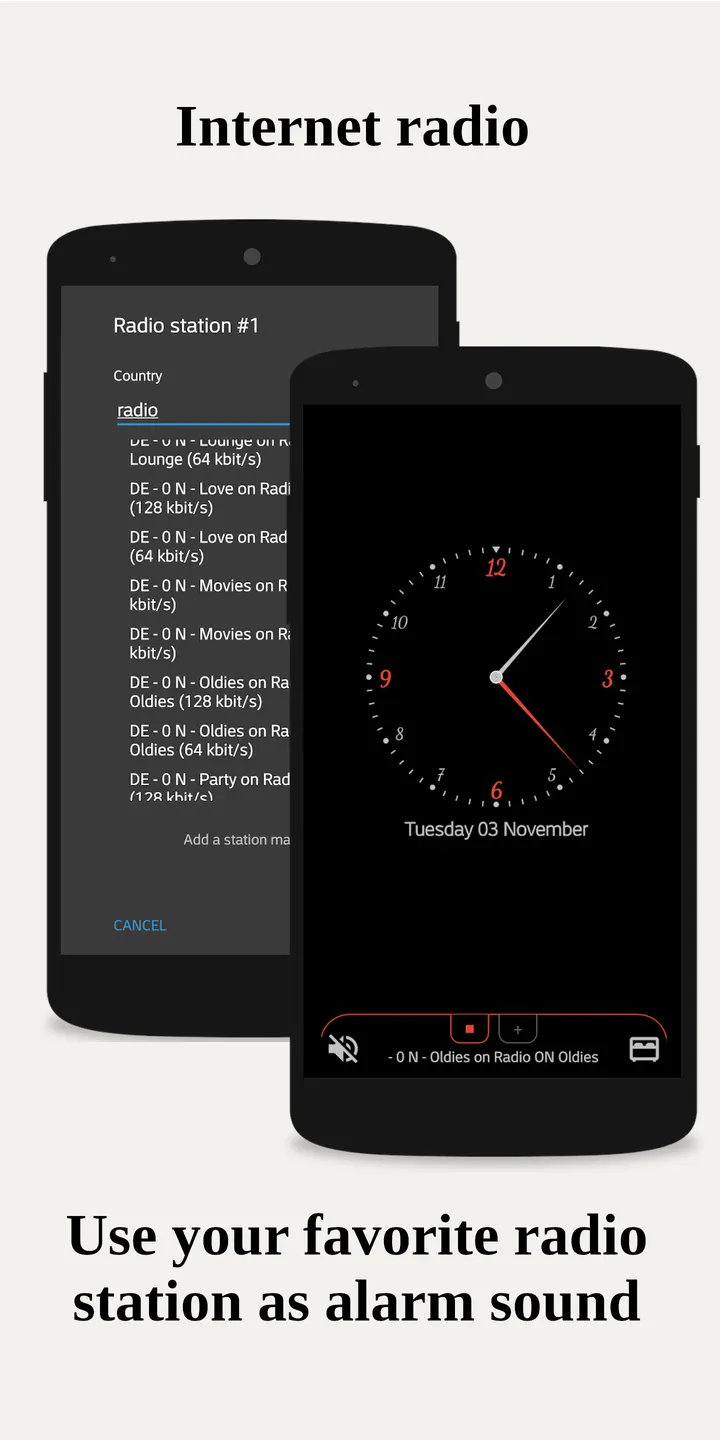
Quick alarms are set with a swipe. You can pick internet radio stations as the alarm sound, and the app can manage Wi-Fi so the stream does not drop. Custom alarm sounds need the audio-read permission.
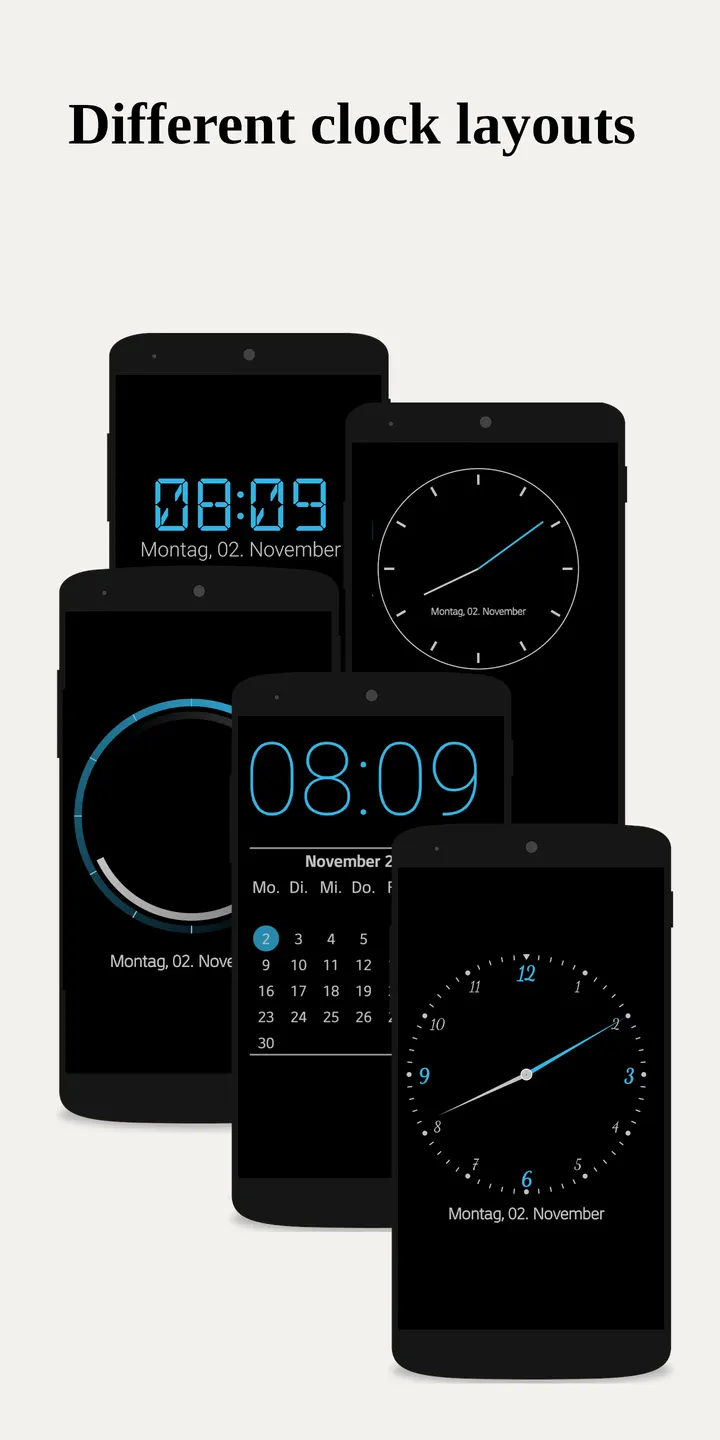
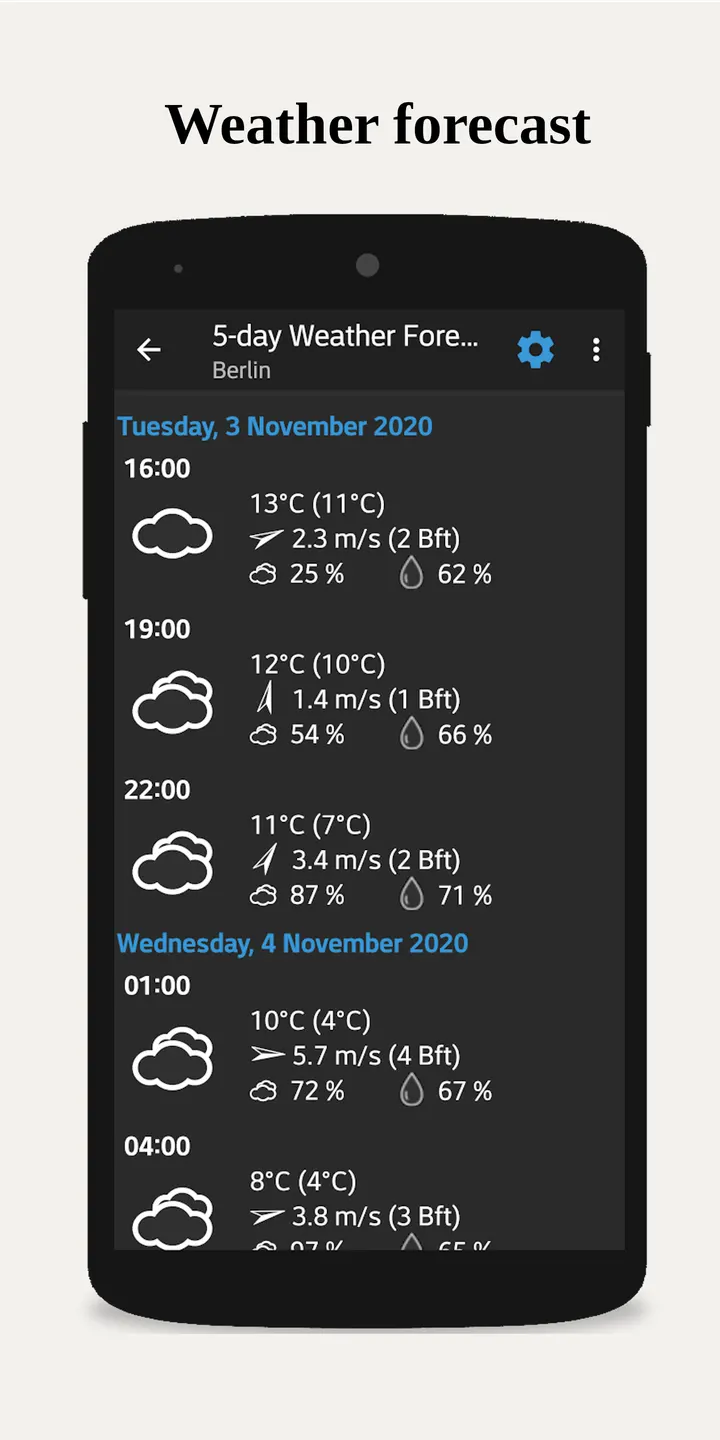
Weather data comes from providers such as OpenWeatherMap, Bright Sky and Met.no, and covers current conditions plus a 5-day forecast. Colors, fonts and analog watch faces can be changed, and a two-finger zoom resizes the clock. A home screen widget, a built-in flashlight and a link to AVM smart home setups round out the list. It also runs as a Daydream screensaver.
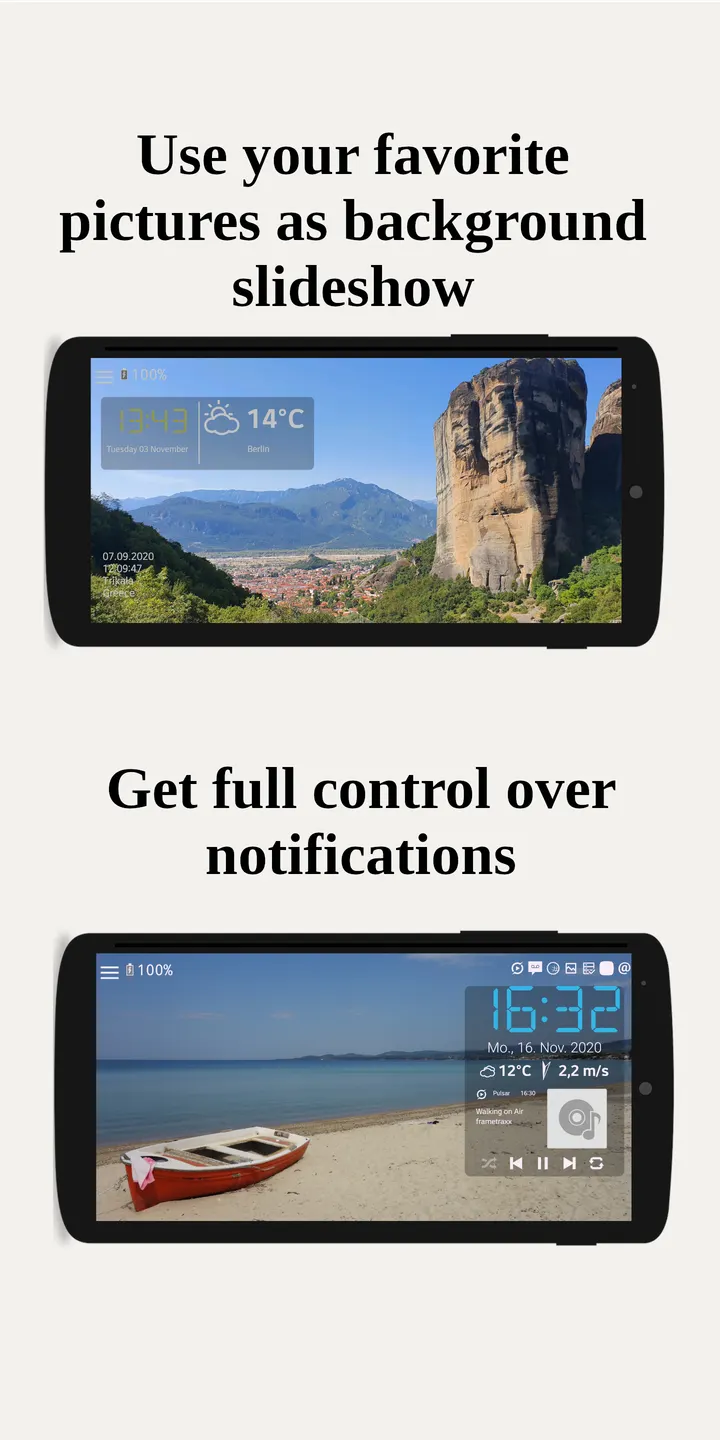
Notifications from other apps can appear on the clock face, but this requires Notification Access.
Permissions to review before installing
The permission list is long, and the developer explains each entry. Location is coarse and used for weather. Internet access covers weather, radio and crash reports. System alert window lets the clock draw over other apps, and the notification policy permission controls Do Not Disturb.
Exact alarm permissions and the boot-completed permission exist so alarms survive a reboot. The package ID ends in noGms, so this build is named for devices without Google Mobile Services.
What's new in 2.11.42
Version 2.11.42 was updated on November 4, 2026. The first release was on March 28, 2026.
NightDream pros and cons
Pros
- No ads and free to install
- Open source under GPL-3.0-or-later, with the code on GitHub
- Small 4.9 MB download
- Auto-brightness and pure black night mode on AMOLED
- Internet radio alarms plus a 5-day weather forecast
Cons
- Long permission list, including location and overlay access
- Notification display requires Notification Access
- Update notes are not provided with releases
- Needs Android 7.0 or newer
Is NightDream safe?
The APK is unchanged from the original. To check it, compare your download against this SHA-256: aa40832096c951799a7292464be21a69ec04db817234077074c78facc77e6489. The app is licensed GPL-3.0-or-later and its source code is public on GitHub, so anyone can review how the clock, alarm and radio features work. Look over the permissions it requests before you install, and grant only what you need.
How to install NightDream
- Download the APK with the button on this page and wait for it to finish.
- Compare the file with the SHA-256 checksum shown here if you want to confirm it arrived intact.
- Open the file on your phone and allow installs from this source when Android asks.
- Finish the install, then open NightDream from your app drawer.


