
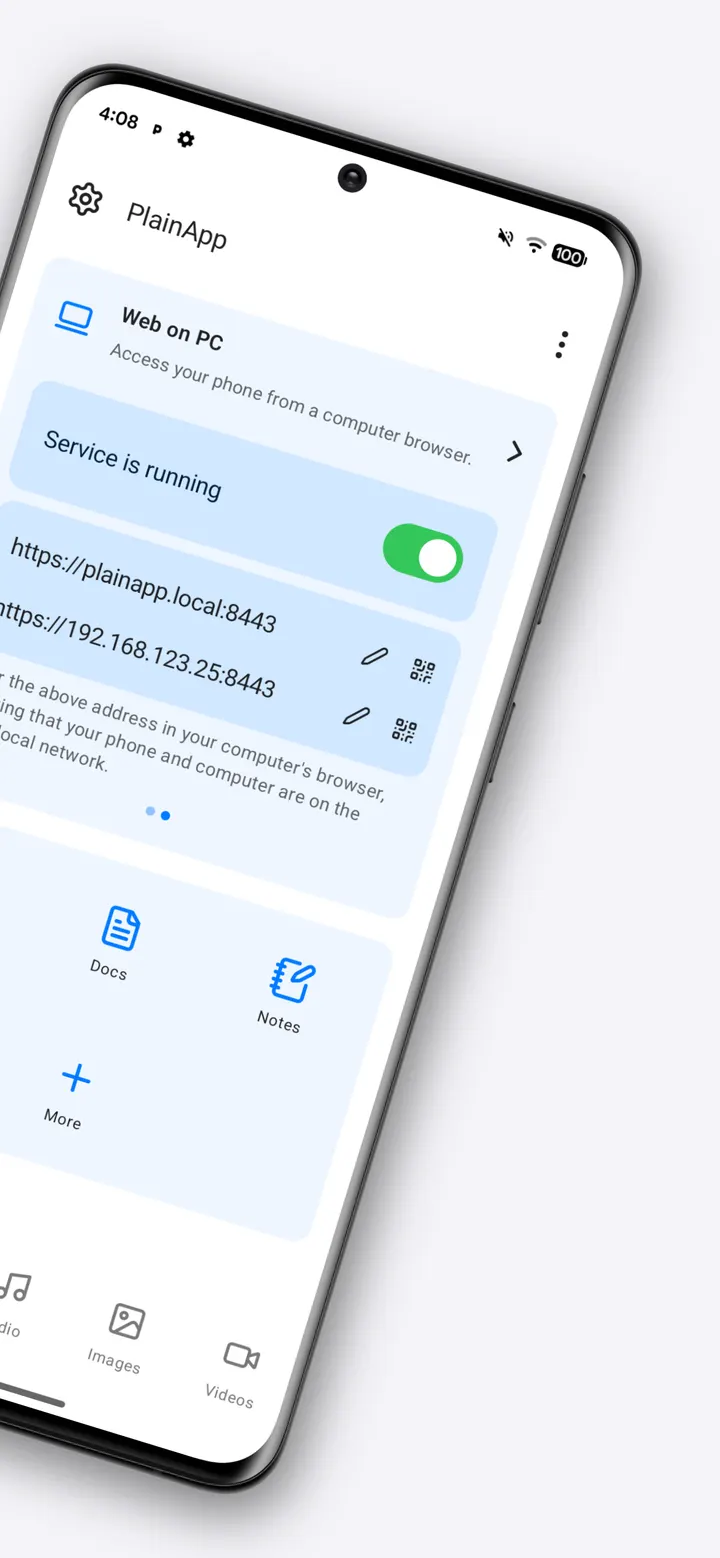
PlainApp is for people who want to handle their Android phone from a computer without sending data through a cloud service. The app runs a local web interface, so any browser on the same network can reach the phone. It is free, has no ads and is released under the AGPL-3.0-only licence. TopDown APK hosts the unmodified APK, version 3.3.25, with a checksum you can verify.
SmartCoding and an open-source codebase on GitHub
PlainApp is developed by SmartCoding, which lists its site at plainapp.app. The package ID is com.ismartcoding.plain, and the first release dates to April 20, 2023. The latest build in our catalog was updated on September 14, 2026.
The source code sits on GitHub under the AGPL-3.0-only licence. The developer's description says you can audit the code, build your own binary or contribute. The app is free, carries no ads and lists no purchases.
Files, SMS, screen mirroring and the built-in tools
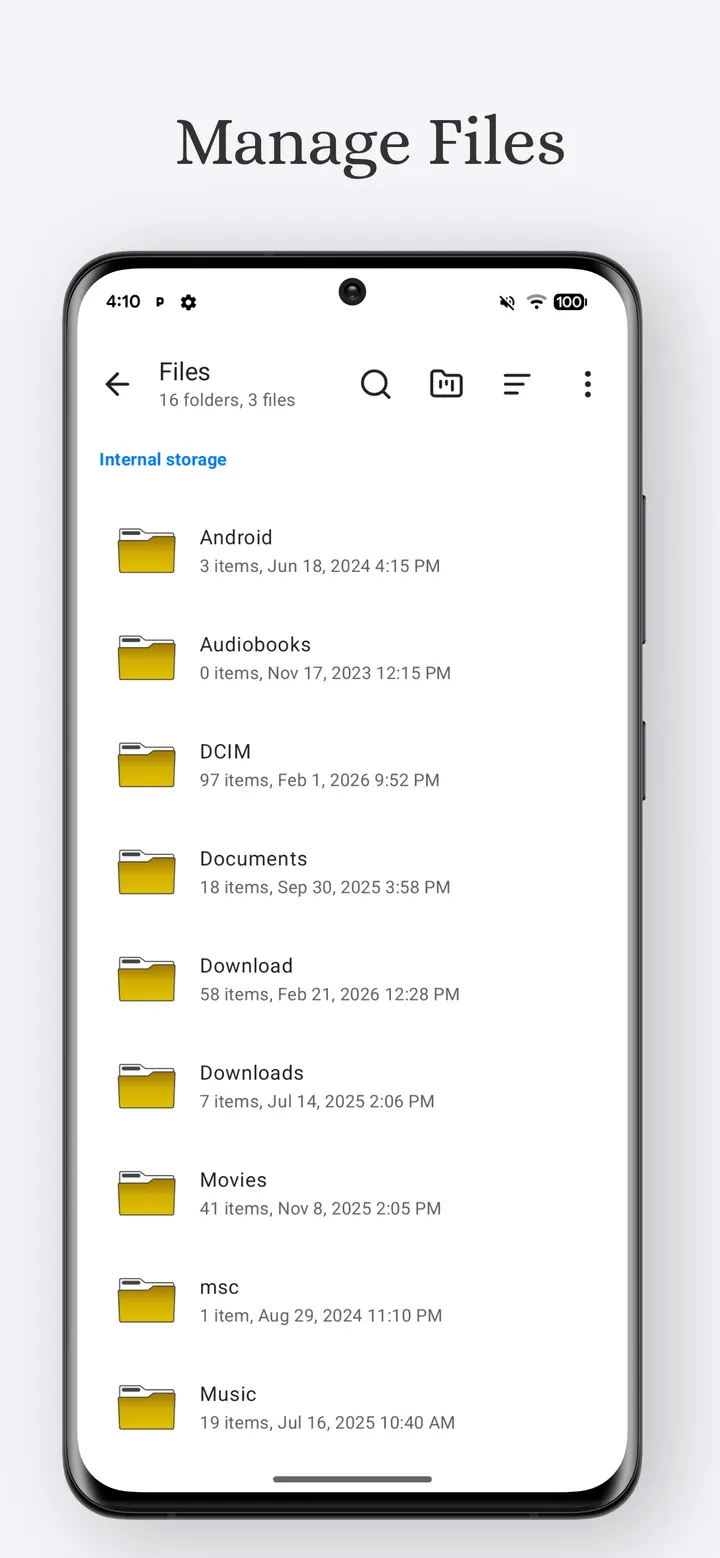
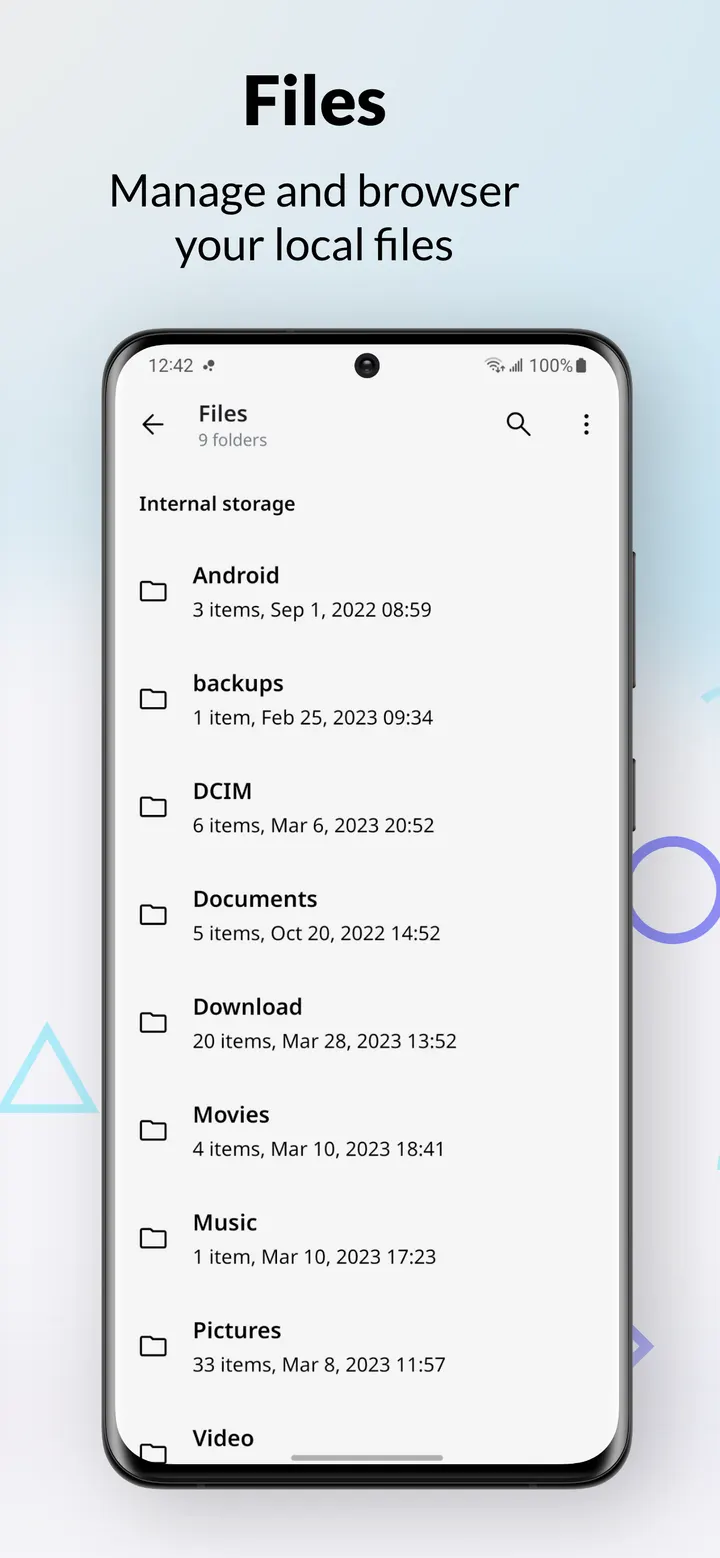
The main idea is web-based phone management. You open a browser on a device on the same Wi-Fi network, and no app installation is needed on the computer side. From there you can browse internal storage, the SD card and USB drives, and upload, download, rename or delete files. Photos, videos and audio can be viewed and streamed in the browser.
The web panel also covers contacts, messages and call logs, and you can send SMS from a desktop. It lists installed apps and exports their APKs, mirrors notifications in real time and shows battery, storage and network details. Screen mirroring streams the phone display to the browser with audio and remote control.
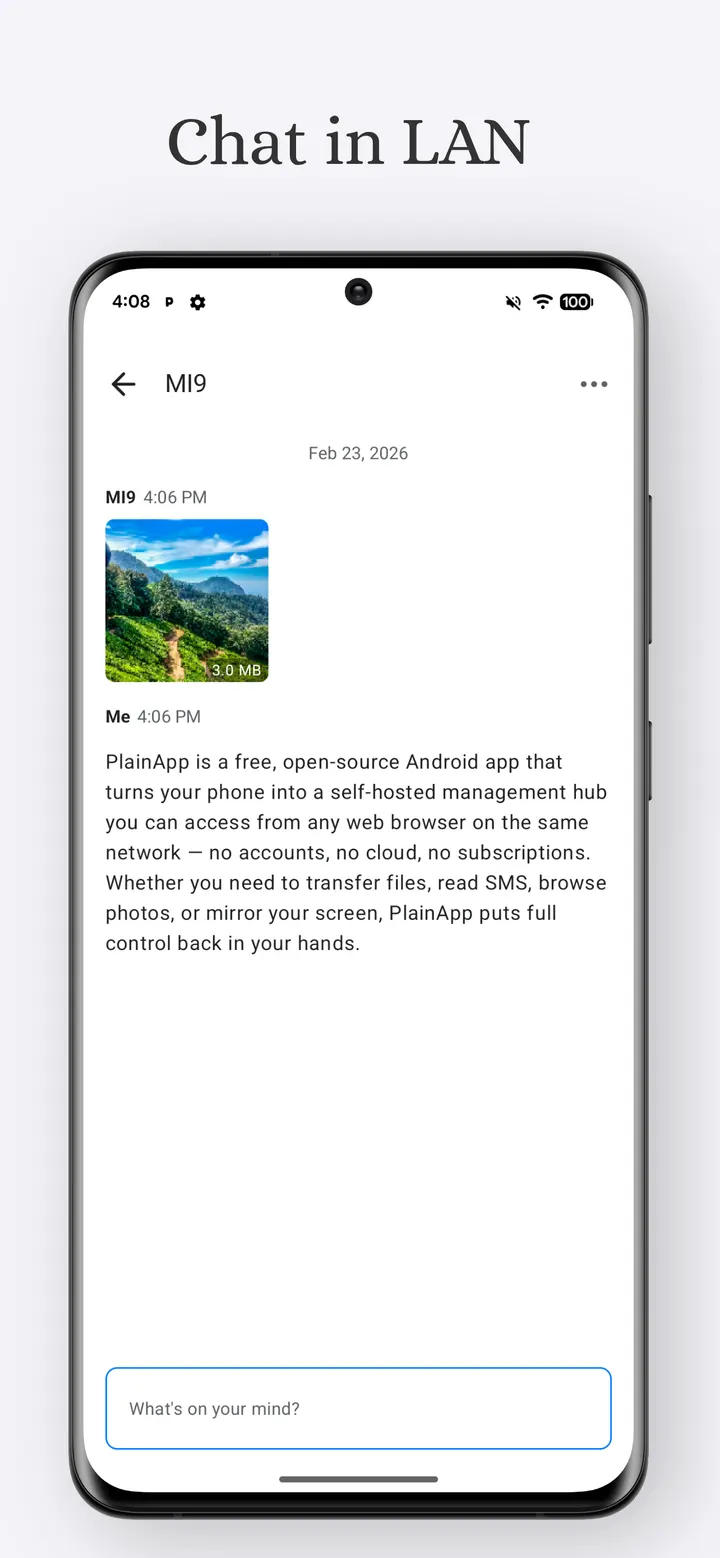
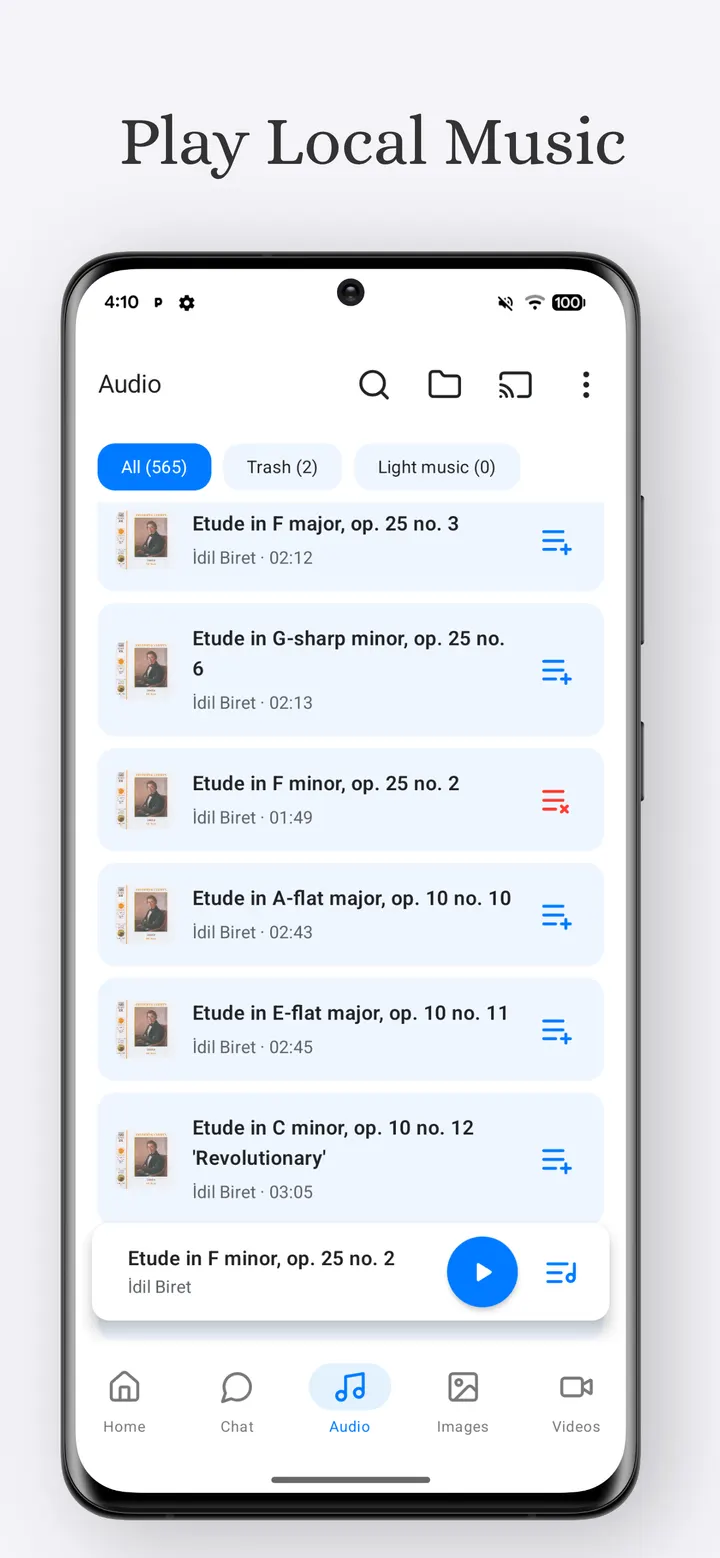
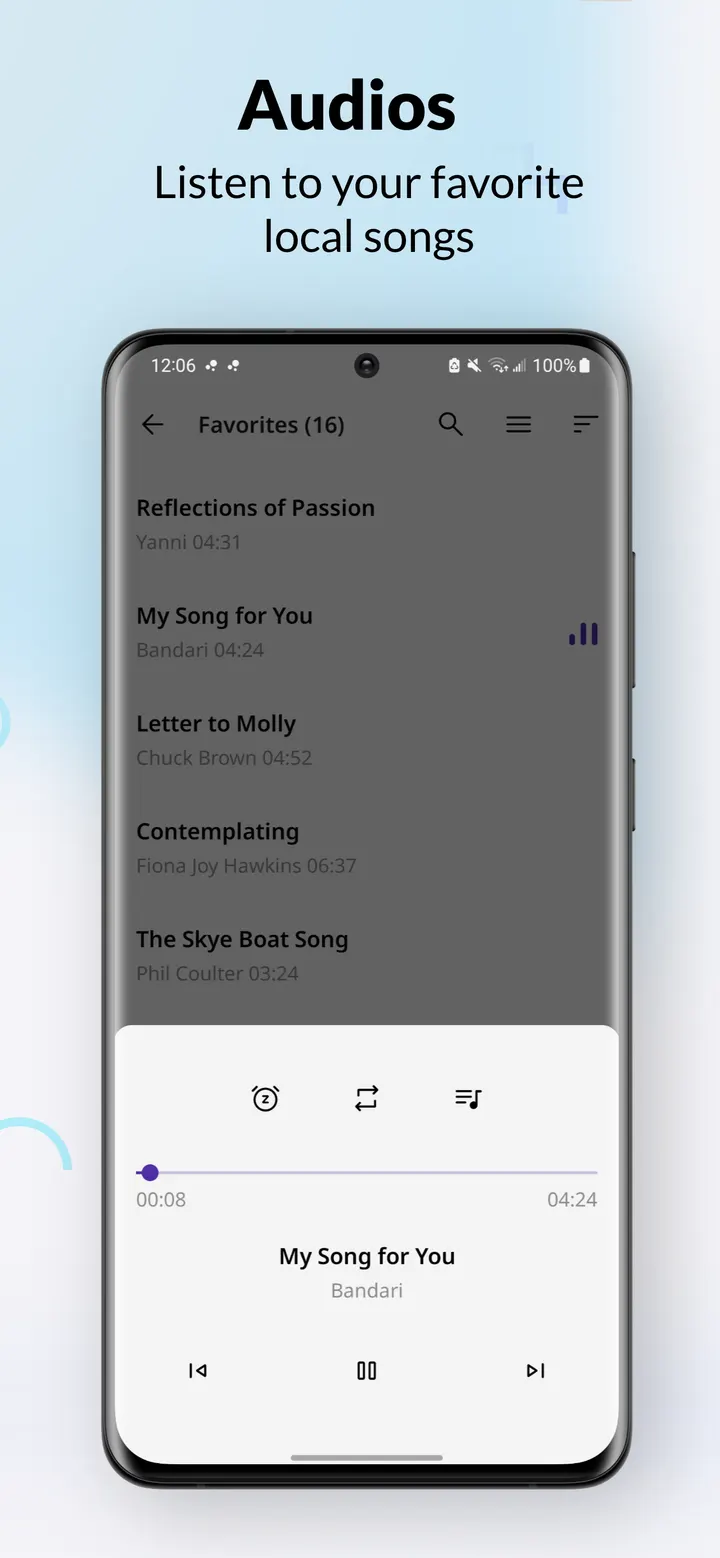
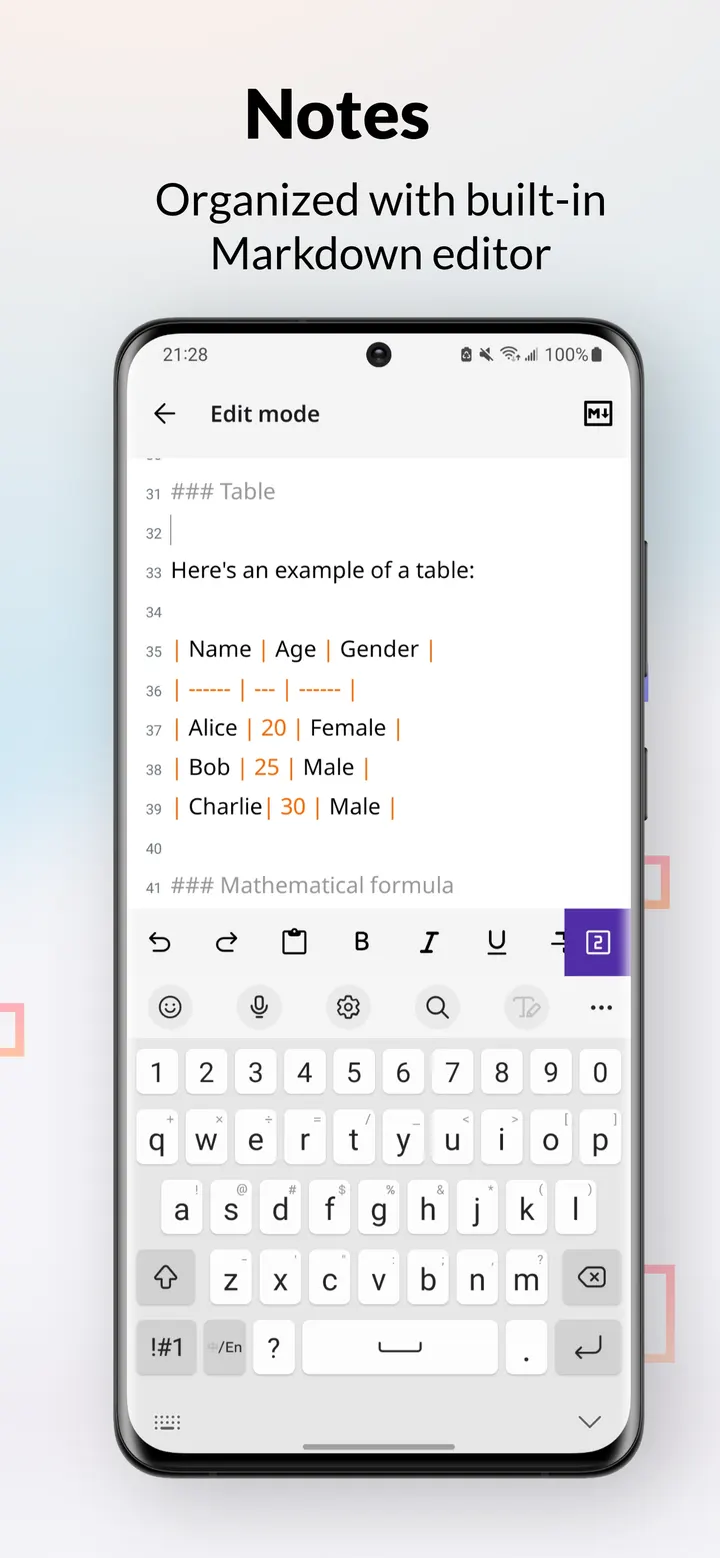
PlainApp also works as a standalone app. It includes a Markdown notes editor, an RSS reader, a video and audio player with playlists, and TV casting to DLNA or Chromecast devices. Peer-to-peer chat and file sharing work without a server. A Pomodoro timer and a sound meter round out the set.
On privacy, the developer states that data stays on your network and that connections use TLS with XChaCha20-Poly1305 encryption. Crash reporting is optional and opt-in, and no account is required.
Android 9 minimum and a 36.9 MB download
The app needs Android 9 or later. The package is 36.9 MB, which is modest for an app with this many built-in tools.
Because the web interface depends on a shared network, both the phone and the computer must be connected to the same Wi-Fi.
PlainApp pros and cons
Pros
- Free with no ads, no purchases and no account
- Source code is public under AGPL-3.0-only
- Files, contacts, SMS and call logs are reachable from a desktop browser
- Includes extras such as Markdown notes, an RSS reader and TV casting
- Small 36.9 MB package that runs on Android 9 and later
Cons
- Web access works only when the phone and computer share the same network
- Requires Android 9, so older devices are excluded
- No Google Play rating or install count is available to judge popularity
Is PlainApp safe?
The APK here is stored unmodified, and you can check it against the SHA-256 checksum b785dd4bea33dff0a6b08c1f12aa2425ceec12eaf02db3d862bffbf5fa5625cb before installing. PlainApp is released under AGPL-3.0-only, so anyone can read its code. The developer says your data stays on your own network and connections use TLS with XChaCha20-Poly1305 encryption. Because the app can reach files, contacts and media on the phone, grant only the permissions for the features you actually plan to use.
How to install PlainApp
- Download the APK with the button on this page and wait for it to finish.
- Compare the file with the SHA-256 checksum shown here if you want to confirm it arrived intact.
- Open the file on your phone and allow installs from this source when Android asks.
- Finish the install, then open PlainApp from your app drawer.


