
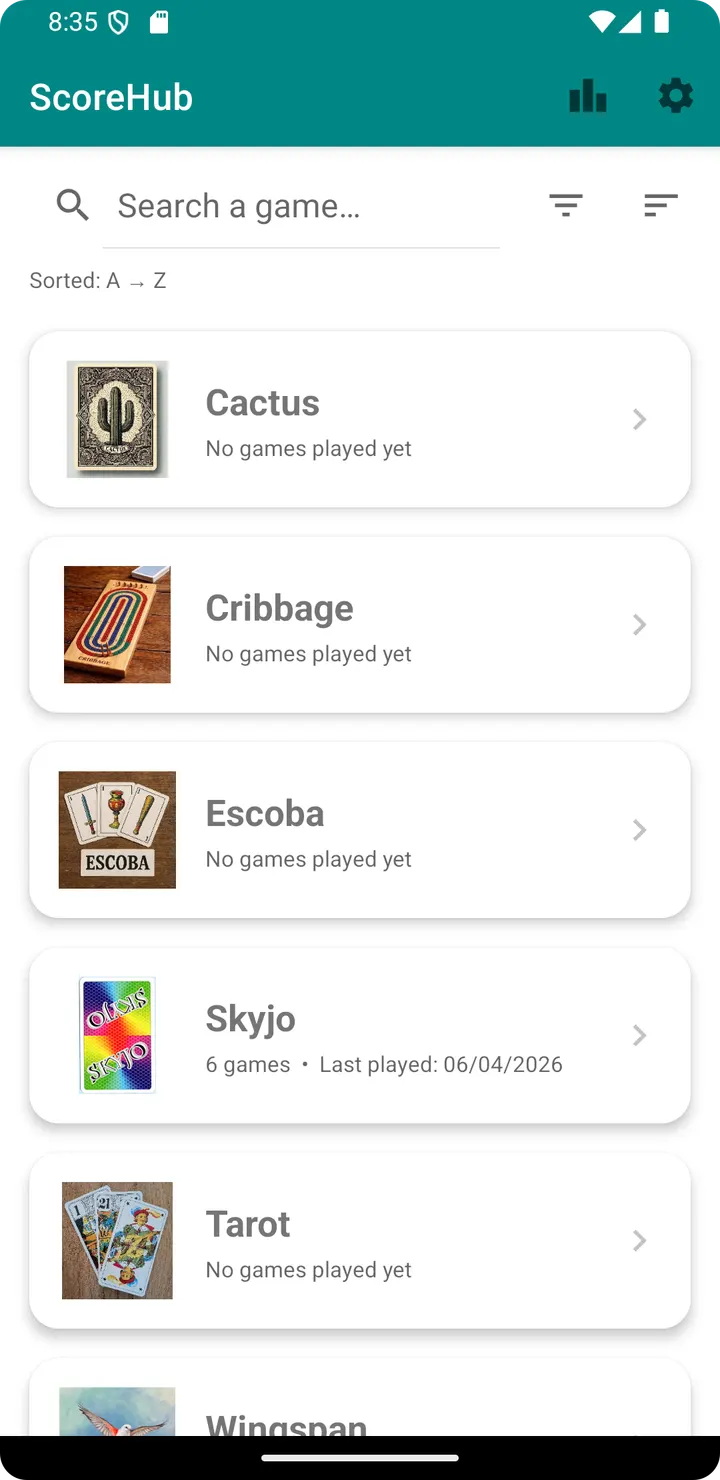
A group chat in WhatsApp can hold game scores as loose messages, but ScoreHub is built around the job itself. The app from developer Trivialloop records results for several players across many board and card games. It is free, shows no ads and works without a network connection.
First steps after installing version 1.18.0
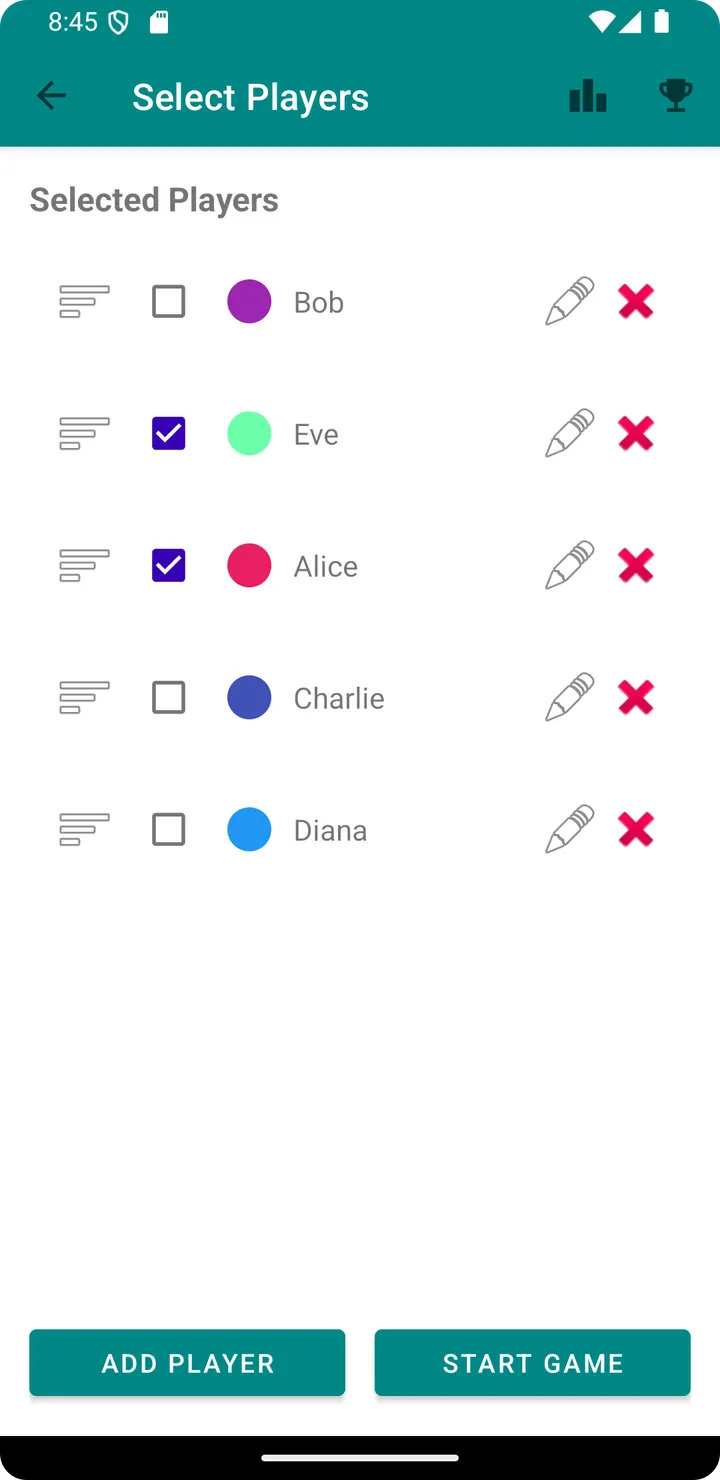
The APK is 7.3 MB and needs Android 7.0 or newer, so it fits on most older phones. After installing, start by adding your regular players. Each player can be given a custom color, which makes names easier to tell apart in lists and rankings.
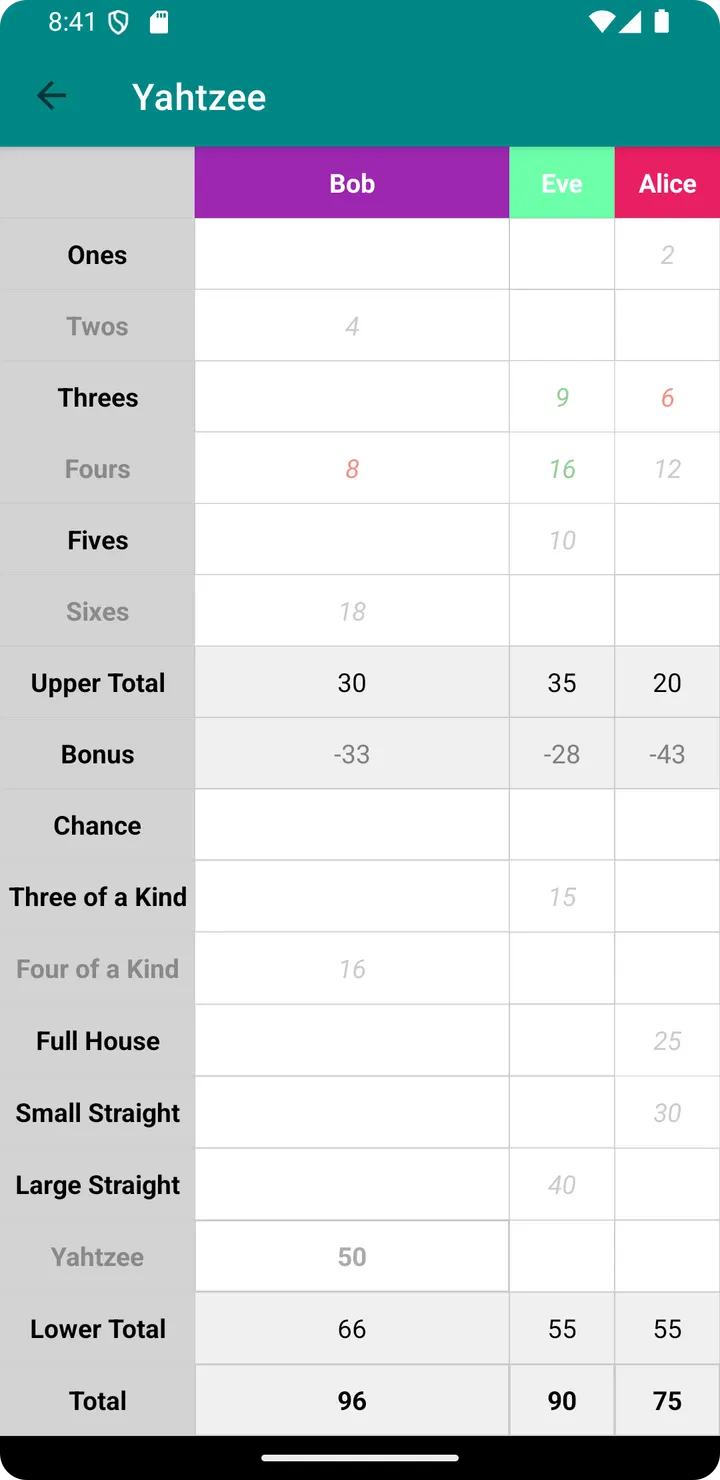
Next, choose a game from the built-in list. It includes Akropolis, Belote, Cribbage, Skyjo, Tarot, Ticket to ride, Wingspan and Yahtzee, among others. The app has multi-language support, and the screens do not depend on an internet connection.
Statistics, rankings and the top 20 board
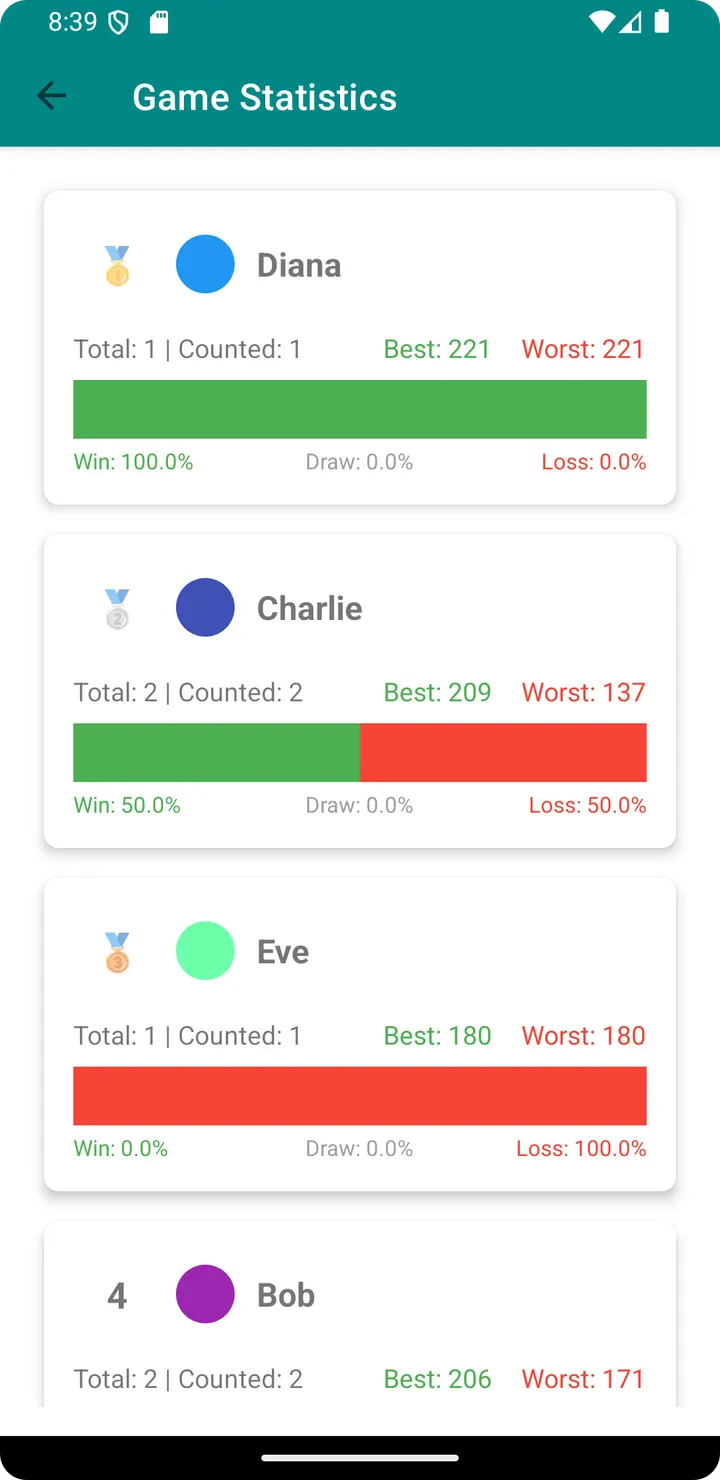
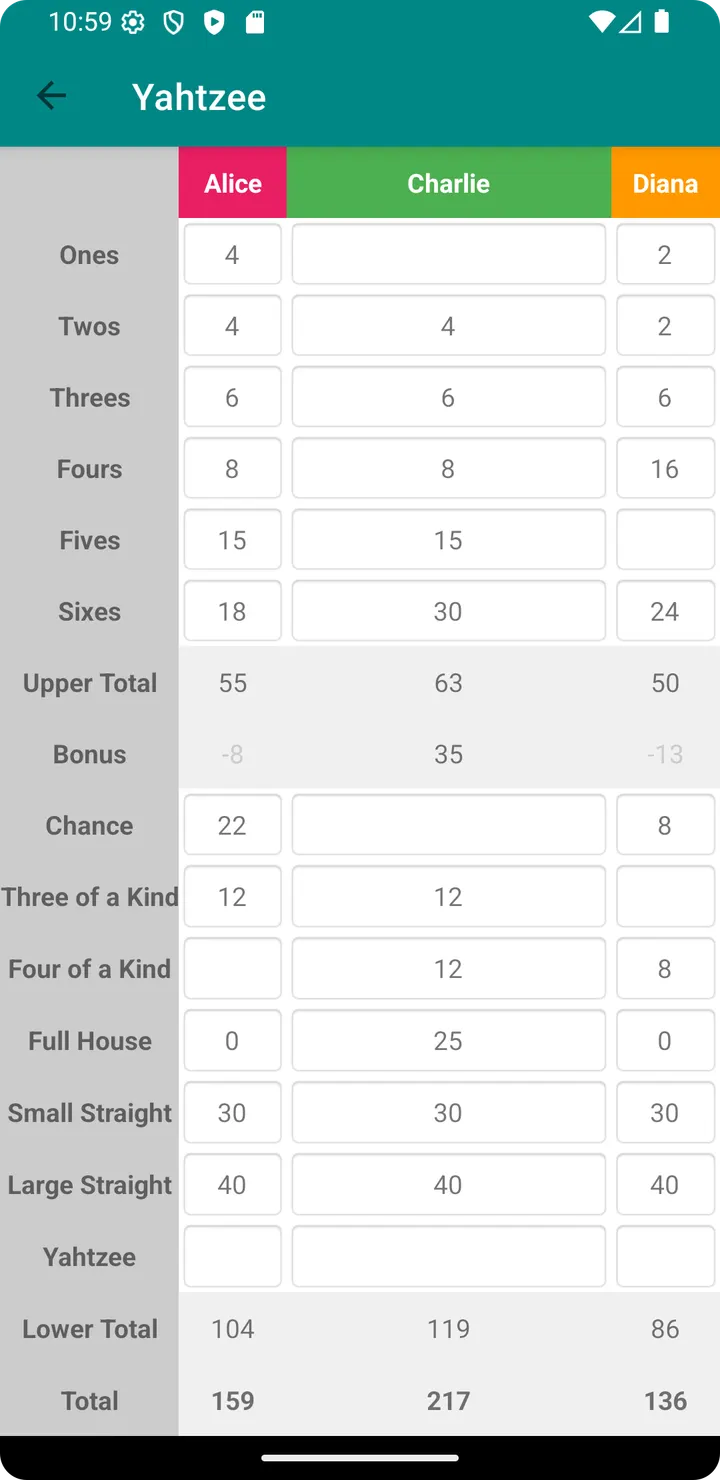
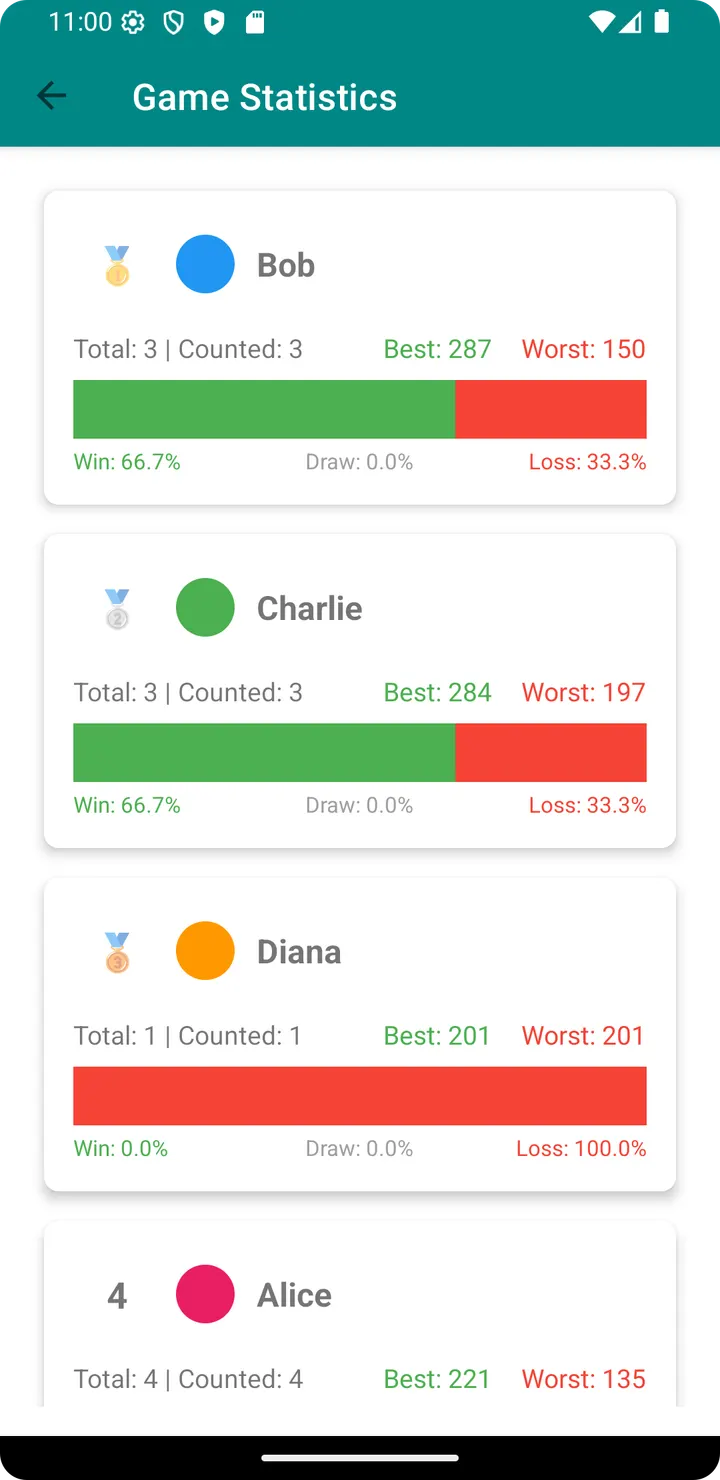
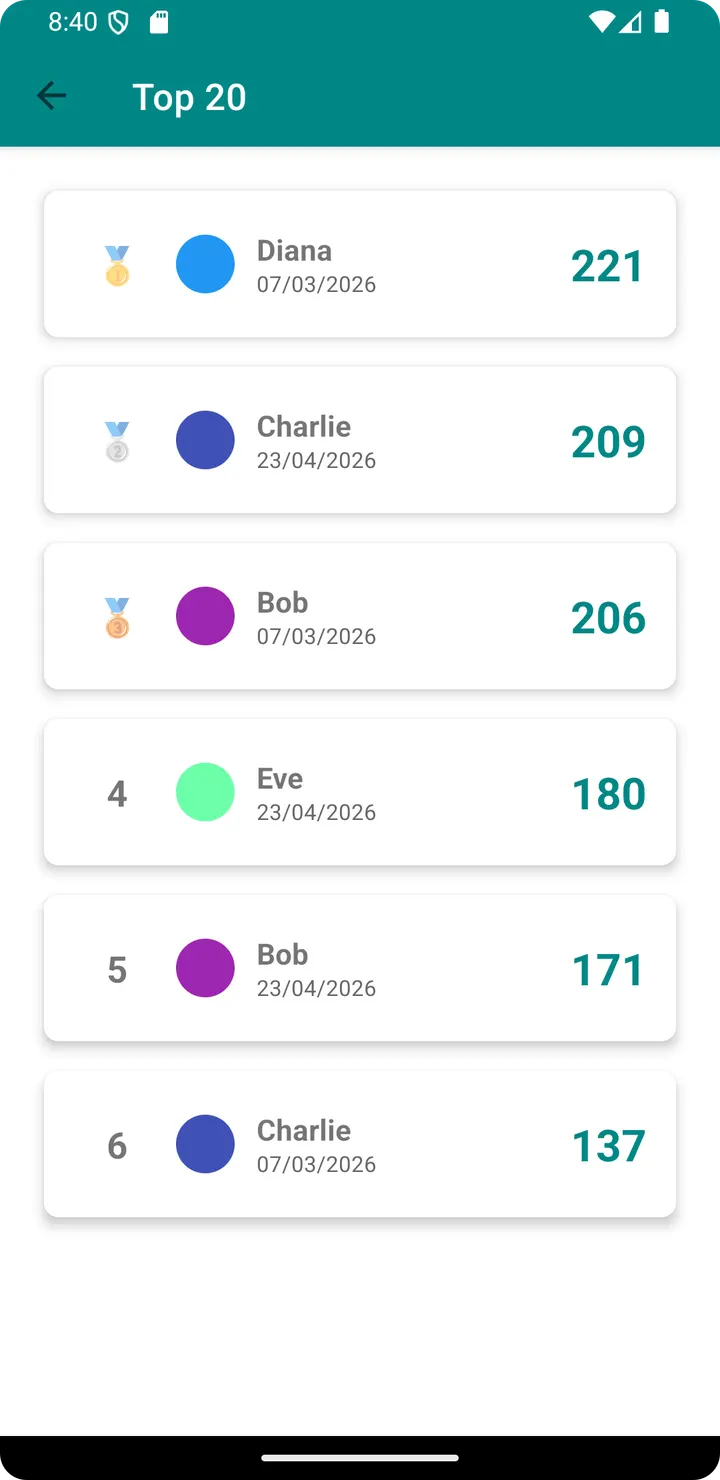
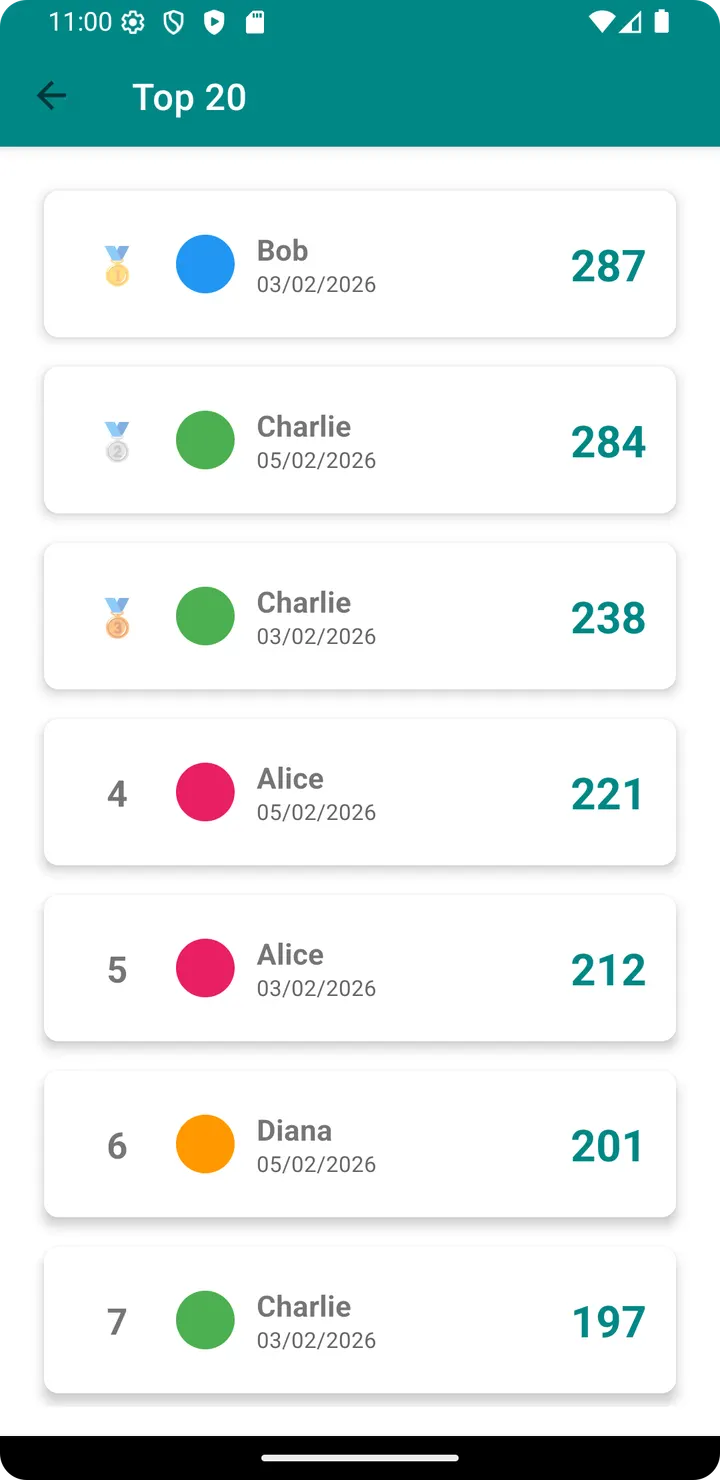
ScoreHub keeps more than a single evening's tally. It tracks wins, losses and draws per player, and builds rankings and statistics from the saved sessions. A leaderboard lists the 20 best scores, which suits games like Yahtzee or Farkle where people chase personal records.
Everything is stored for offline use, so a game night in a cabin or on a train works the same as at home.
When another app makes more sense
The suggested alternatives are WhatsApp, Facebook, Messenger, Google Photos, X and Aegis Authenticator, and none of them keeps score. They cover messaging, social networking, photo storage and two-factor codes, so they help with sharing results with friends, not with recording them.
ScoreHub covers sixteen named games, from Akropolis and Belote to Wingspan and Yahtzee. If yours is missing from that list, it may not fit. Nothing here says whether you can add your own game, or whether results can be exported or synced.
ScoreHub pros and cons
Pros
- Free, with no ads
- Works fully offline
- Custom colors for each player
- Tracks wins, losses and draws, with a top 20 score board
- Open-source under GPL-3.0-only, with a public source repository
Cons
- Only the games on the supported list are covered
- No cloud backup, sync or export
- Version 1.18.0 is the current release
Is ScoreHub safe?
The SHA-256 checksum of the unmodified APK is 95b903fadd4d646d90c6f5e0d6b70de069696e0407c19b1a4291af2269527427, so you can compare it with your download. ScoreHub is open source under GPL-3.0-only, and its code is public at github.com/trivialloop/scorehub. The developer is Trivialloop and the package ID is com.github.trivialloop.scorehub. It shows no ads and works fully offline, so your scores stay on your device.
How to install ScoreHub
- Download the APK with the button on this page and wait for it to finish.
- Compare the file with the SHA-256 checksum shown here if you want to confirm it arrived intact.
- Open the file on your phone and allow installs from this source when Android asks.
- Finish the install, then open ScoreHub from your app drawer.


