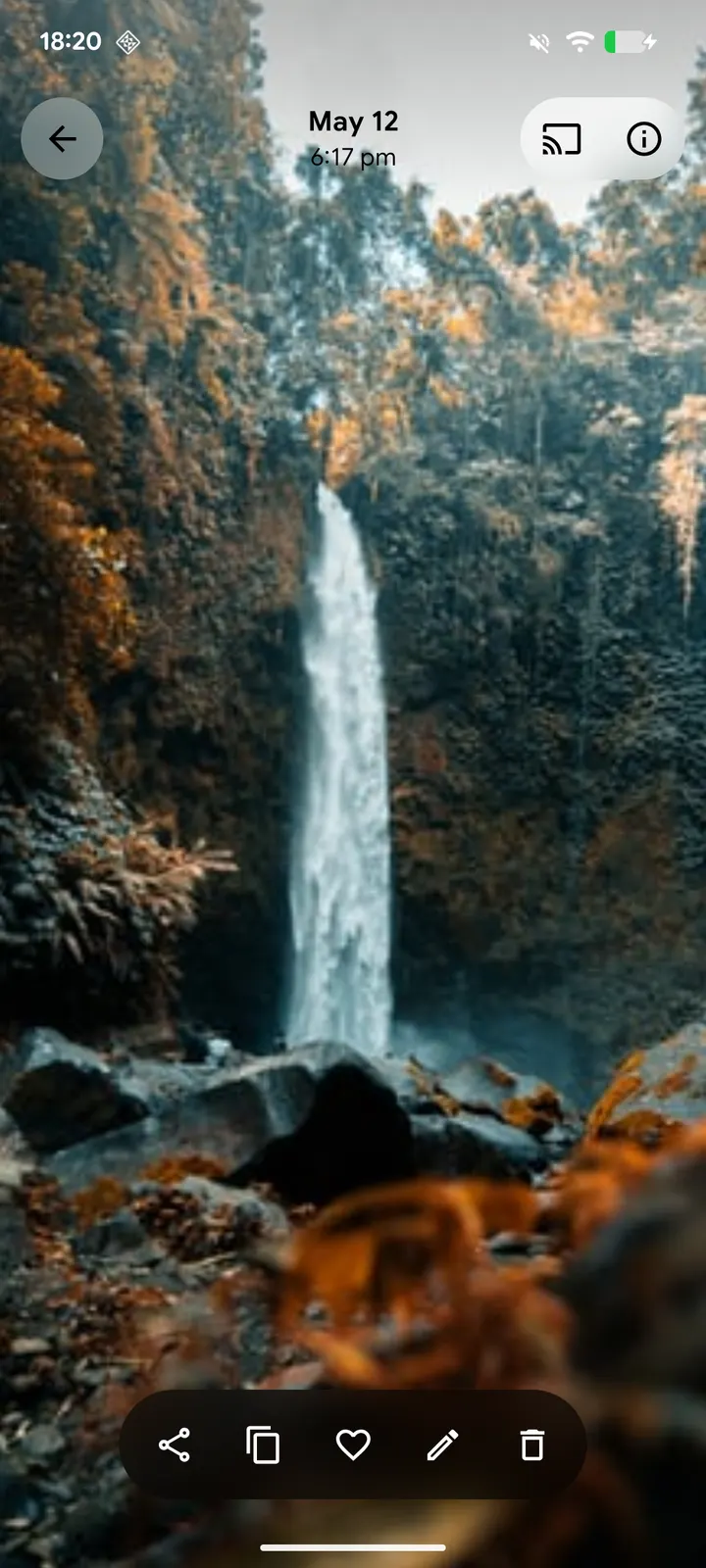
ReFra is a free, open-source media gallery for Android, released under the Apache-2.0 licence and carrying no ads. The current version is 5.1.3, it needs Android 10 or newer, and the APK is 110.8 MB. IacobIonut publishes it under the package ID com.dot.gallery, and TopDown APK hosts the unmodified file.
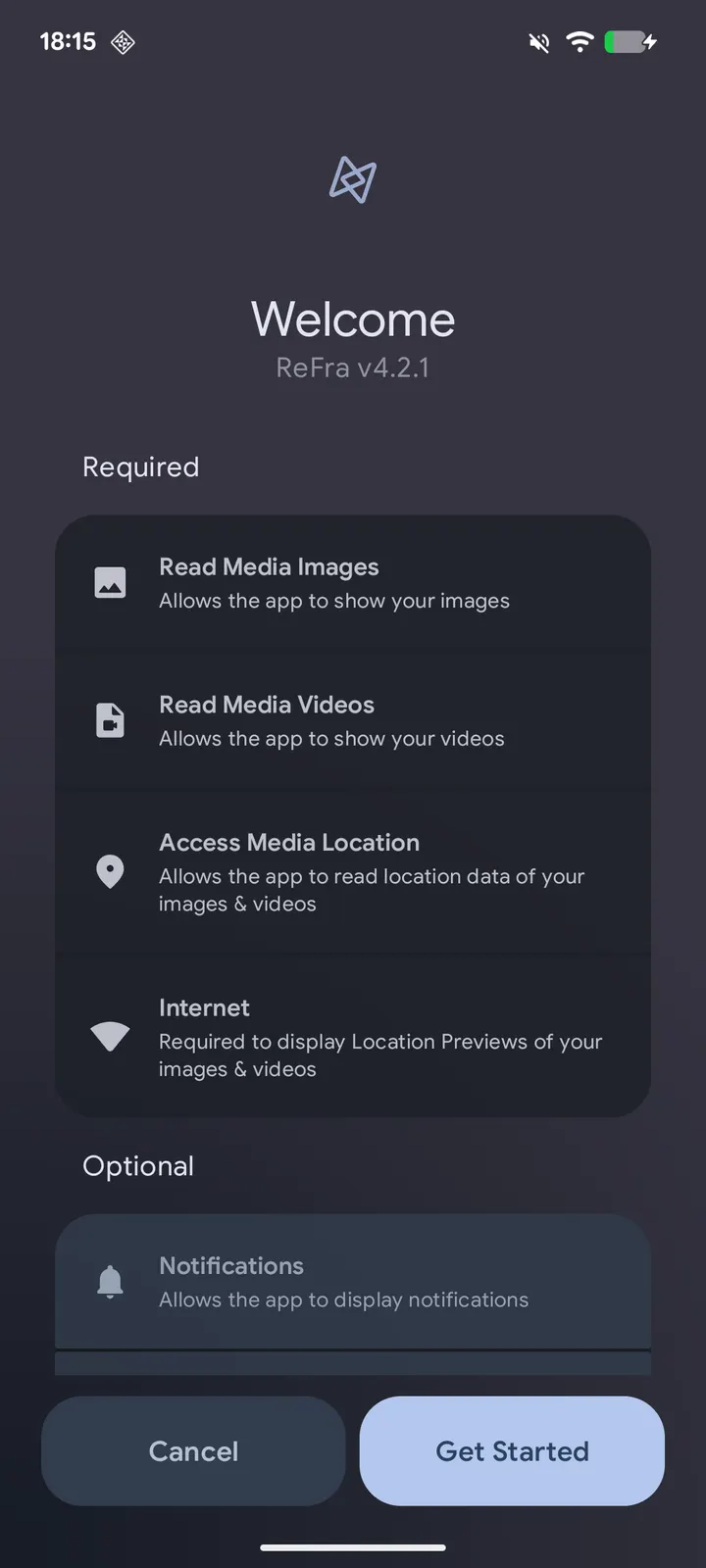
Setting up ReFra after install
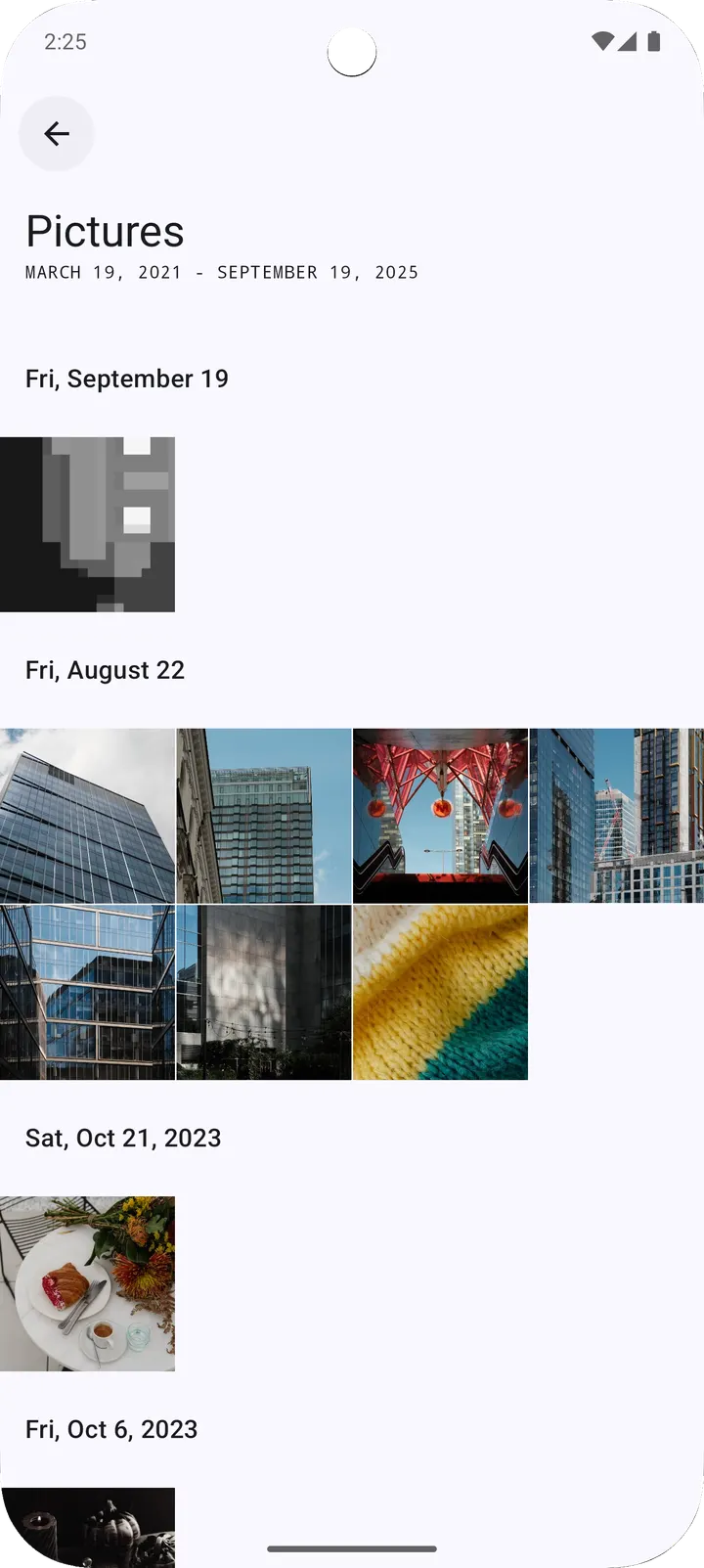
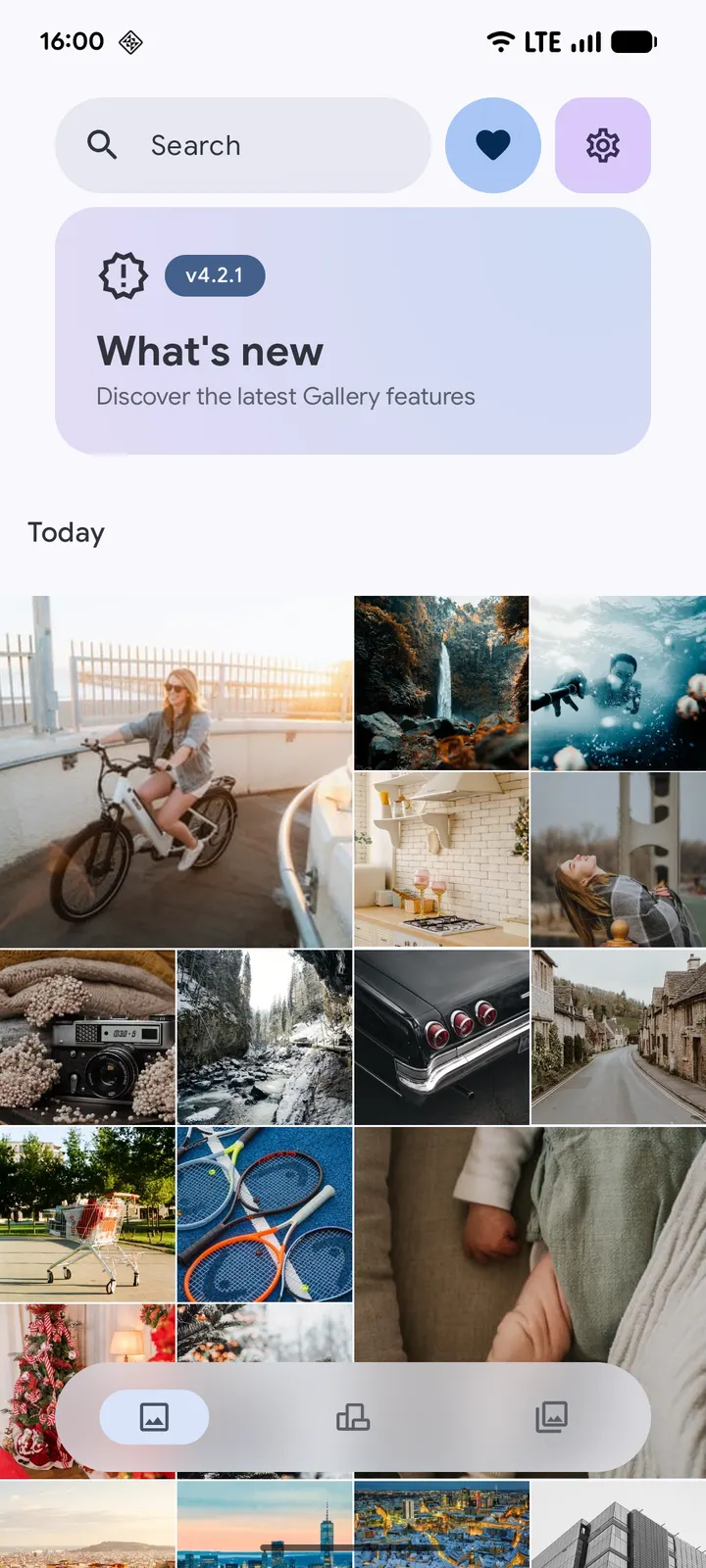
Once the app is installed, the first screen to expect is the media timeline, which groups photos and videos by date. You can switch between a grid and a mosaic layout. The gallery also groups RAW+JPG pairs, burst shots and edited copies, so duplicates should not crowd the timeline.
The AI search models are not bundled with the app. They are optional downloads that install on demand, which helps explain the file size staying at 110.8 MB. If you want natural language search, you have to fetch the model first.
Two other settings are worth a look early. The colour palette can come from your wallpaper or from presets, with a live preview. The encrypted vault supports custom passwords and biometric unlock, so you can set it up before moving private media into it.
Panoramas, motion photos and casting in one gallery
The panorama and photosphere viewer uses OpenGL for spherical and cylindrical projections. You can navigate by touch or by gyroscope, and a compass overlay is available. Motion photo playback detects Google Motion Photos, Samsung Live Photos and Micro Videos, with a filmstrip scrubber that gives haptic feedback.
FCast support lets you send videos and images to devices on your local network. Devices are found through mDNS, and remote playback controls are included. The video player runs on Media3 ExoPlayer and supports frame-accurate seeking.
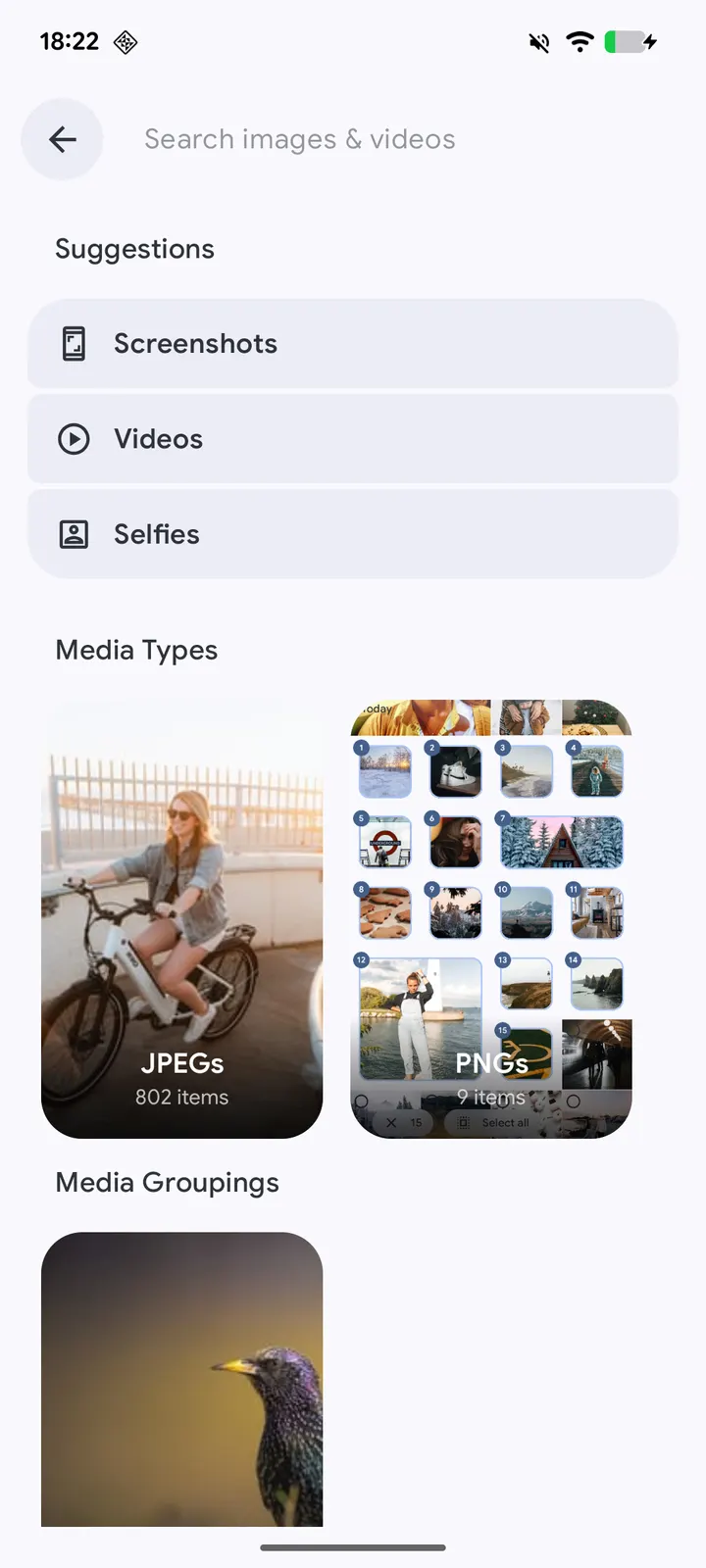
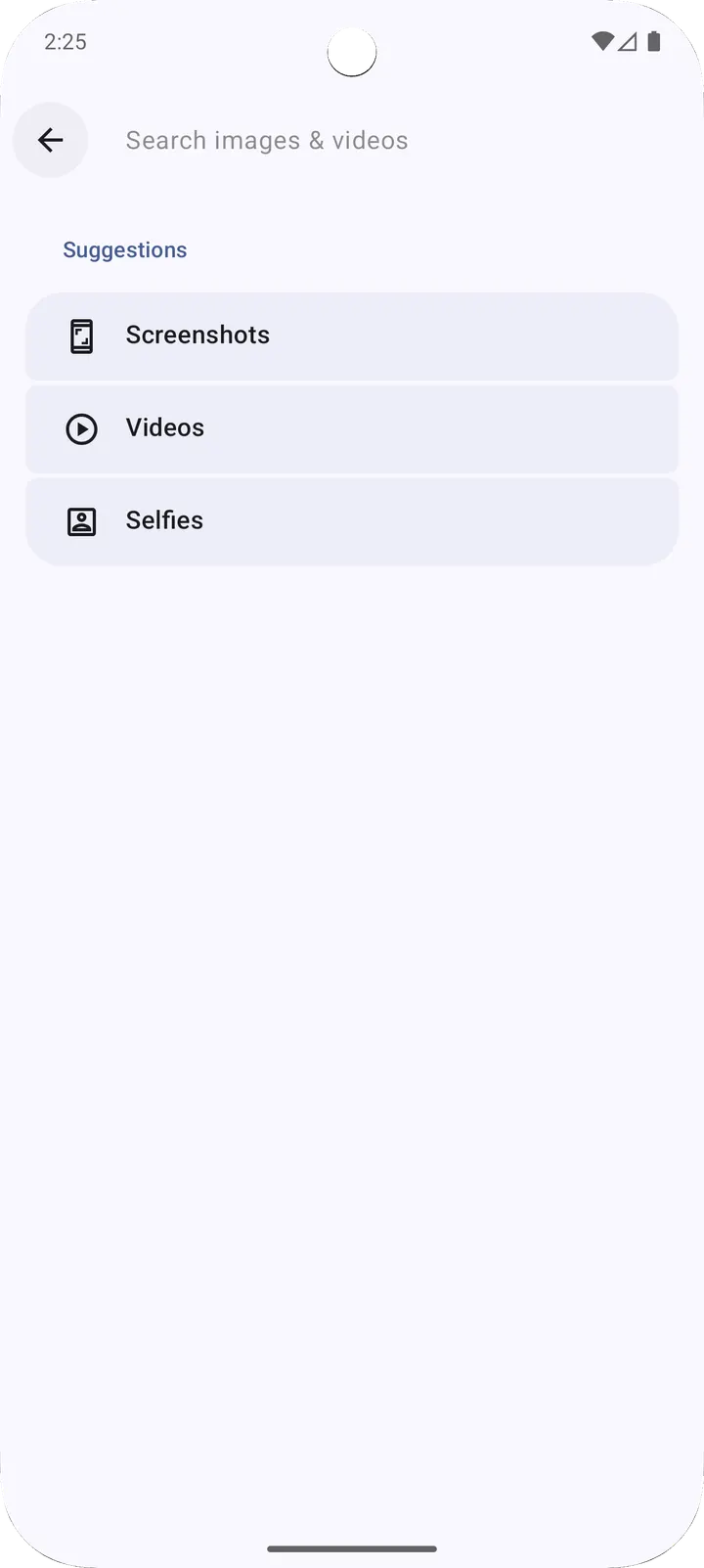
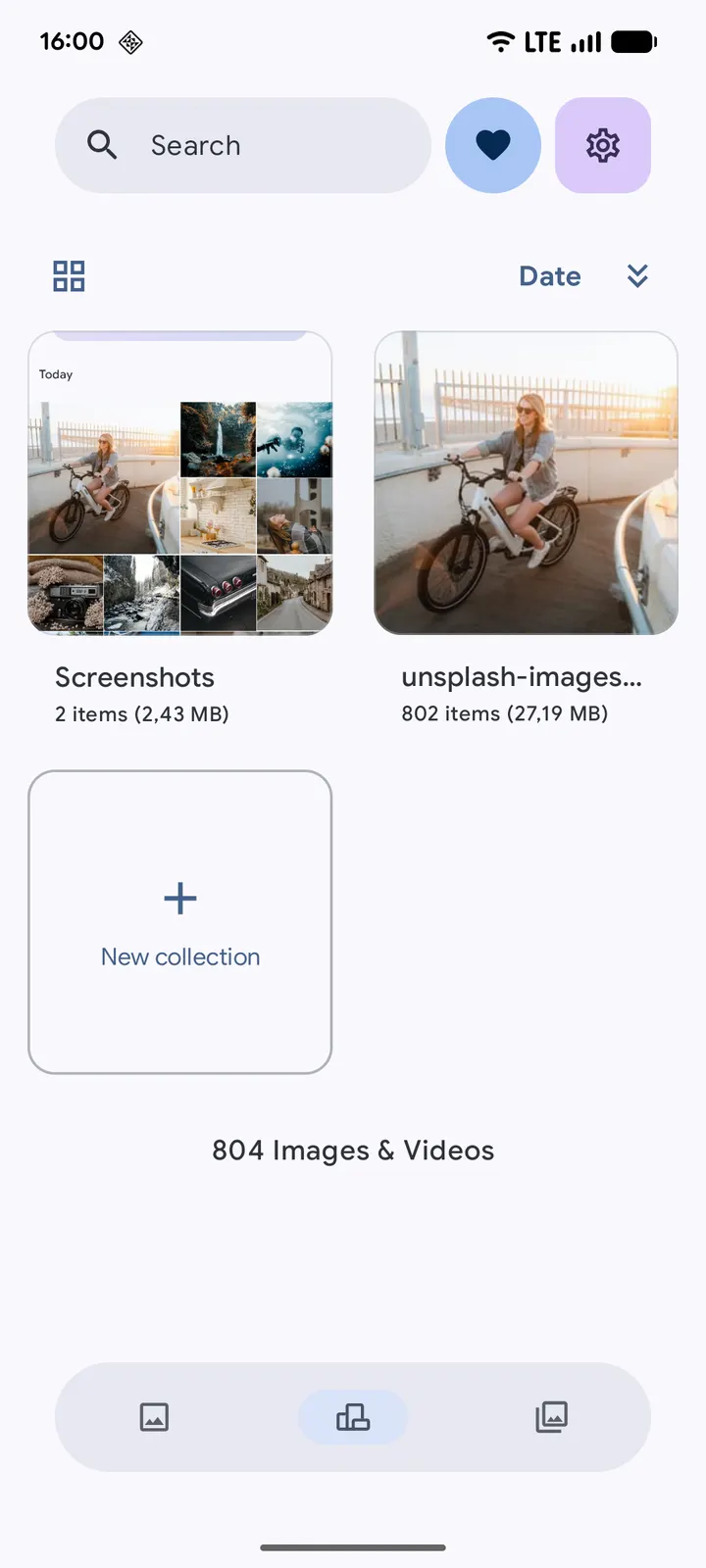
Organisation tools cover albums with groups, collections and merge by name, plus sortable and pinnable albums. A map viewer built on MapLibre clusters photo markers for geotagged media. Search adds carousels for categories, locations, media types and camera models, along with filters for night shots, long exposures and panoramas.
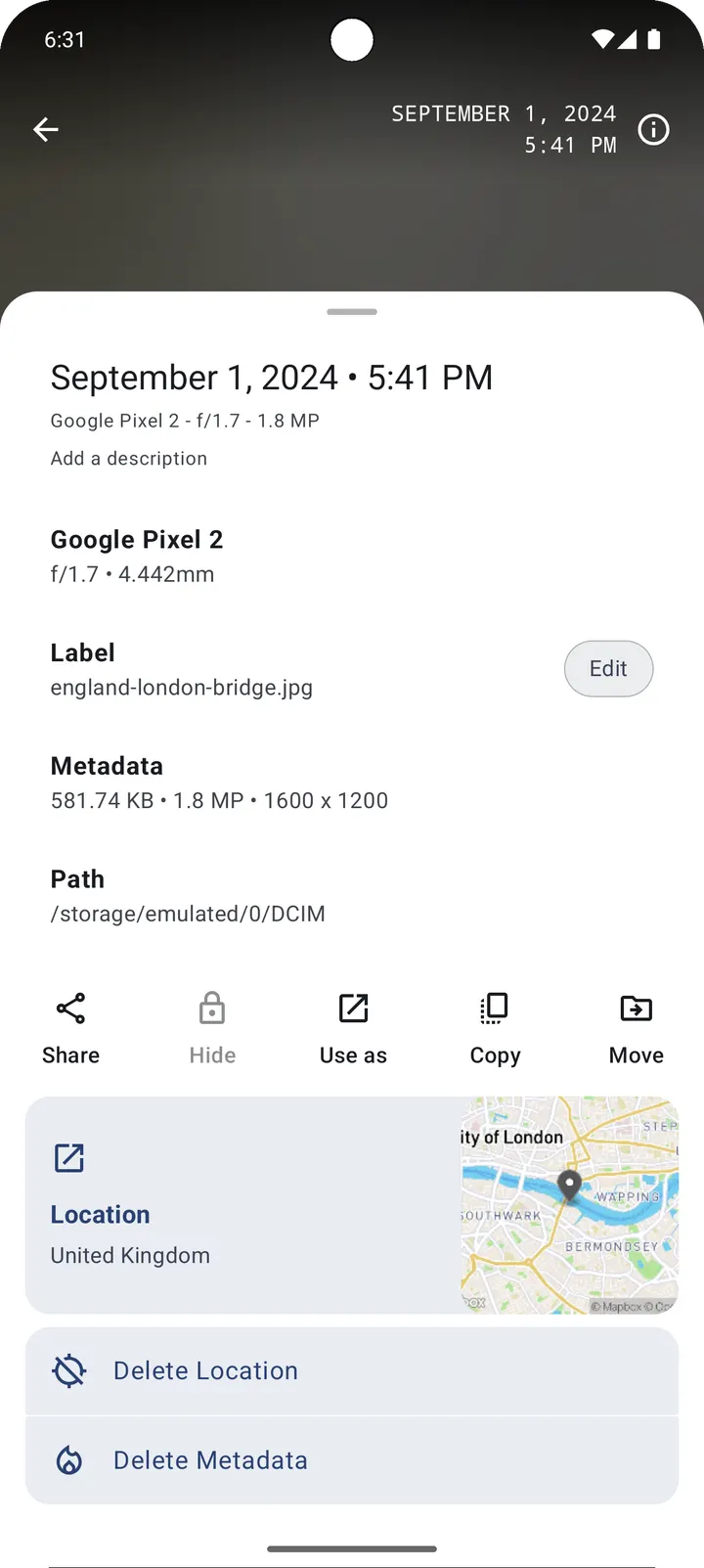
Editing is built in, with markup, crop, filters and edit backups. A full EXIF and metadata viewer is included, and an auto-contrast viewer enhancement is marked Beta.
When another app fits better than ReFra
ReFra is a local gallery, so it does not replace a cloud service. Google Photos is listed among its alternatives, and ReFra offers no cloud backup or sync. If online storage and sharing matter most, Google Photos is the closer match.
The other listed alternatives, WhatsApp, Facebook, Messenger, X and Aegis Authenticator, are messaging, social or authentication apps. They cover different jobs and are not gallery replacements.
The app also requires Android 10 or later. Phones on older versions cannot use it.
ReFra pros and cons
Pros
- Free, with no ads and Apache-2.0 licensed source code
- Panorama viewer with gyroscope navigation and compass overlay
- FCast casting to local network devices
- Encrypted vault with password and biometric unlock
- AI models download only on demand rather than being bundled
Cons
- Requires Android 10 or newer
- The 110.8 MB APK is fairly large for a gallery
- Auto-contrast enhancement is still marked Beta
- No cloud backup or sync
Is ReFra safe?
The APK for ReFra is stored here unmodified, and you can check your download against its SHA-256 checksum: edb0bf6ac05afccc9b7b67cd573a9dd4ec5736c84dd77c3a4e128236ba1ed0fb. The gallery is open source under Apache-2.0, with the code on GitHub at https://github.com/IacobIonut01/Gallery, and it shows no ads.
How to install ReFra
- Download the APK with the button on this page and wait for it to finish.
- Compare the file with the SHA-256 checksum shown here if you want to confirm it arrived intact.
- Open the file on your phone and allow installs from this source when Android asks.
- Finish the install, then open ReFra from your app drawer.


